language CHRYSLER TOWN AND COUNTRY 2015 5.G Owners Manual
[x] Cancel search | Manufacturer: CHRYSLER, Model Year: 2015, Model line: TOWN AND COUNTRY, Model: CHRYSLER TOWN AND COUNTRY 2015 5.GPages: 726, PDF Size: 20.14 MB
Page 158 of 726
NOTE:The Uconnect® Phone requires a mobile phone
equipped with the Bluetooth® “Hands-Free Profile,”
Version 0.96 or higher. See the Uconnect® website for
supported phones.
For Uconnect® customer support:
•U.S. residents - visitUconnectPhone.com or call
1-877-855-8400.
•Canadian Residents - visitUconnectPhone.com or
call, 1-800-465-2001 (English) or 1-800-387-9983
(French).
Uconnect® Phone allows you to transfer calls between
the system and your mobile phone as you enter or exit
your vehicle and enables you to mute the system’s
microphone for private conversation.
The Uconnect® Phone is driven through your
Bluetooth® “Hands-Free Profile” mobile phone.
Uconnect® features Bluetooth® technology - the global
standard that enables different electronic devices to con-
nect to each other without wires or a docking station.
Uconnect® Phone operates no matter where you stow
your mobile phone (be it your purse, pocket, or brief-
case), as long as your phone is turned on and has been
paired to the vehicle’s Uconnect® Phone. The Uconnect®
Phone allows up to seven mobile phones to be linked to
the system. Only one linked (or paired) mobile phone can
be used with the system at a time. The system is available
in English, Spanish, or French languages.
WARNING!
Any voice commanded system should be used only
in safe driving conditions following all applicable
laws, including laws regarding phone use. Your at-
tention should be focused on safely operating the
vehicle. Failure to do so may result in a collision
causing serious injury or death.
156 UNDERSTANDING THE FEATURES OF YOUR VEHICLE
Page 164 of 726
Add Names To Your Uconnect® Phonebook
NOTE:Adding names to the Uconnect® Phonebook is
recommended when the vehicle is not in motion.
To add names to the Uconnect® phonebook using Voice
Commands:
1. Push the Phonebutton to begin.
2. After the “Ready” prompt and the following beep, say
“Phonebook New Entry.”
3. When prompted, say the name of the new entry. Use
of long names helps the Voice Command and it is
recommended. For example, say “Robert Smith” or
“Robert” instead of “Bob.”
4. When prompted, enter the number designation (e.g.,
“Home,” “Work,” “Mobile,” or “Other”). This will
allow you to store multiple numbers for each phone-
book entry, if desired.
5. When prompted, recite the phone number for the
phonebook entry that you are adding.
After you are finished adding an entry into the phone-
book, you will be given the opportunity to add more
phone numbers to the current entry or to return to the
main menu.
The Uconnect® Phone will allow you to enter up to 32
names in the phonebook with each name having up to
four associated phone numbers and designations. Each
language has a separate 32-name phonebook accessible
only in that language. In addition, if equipped and
supported by your phone, Uconnect® Phone automati-
cally downloads your mobile phone’s phonebook.
Edit Uconnect® Phonebook Entries
NOTE:Editing phonebook entries is recommended
when the vehicle is not in motion. Automatic down-
loaded phonebook entries cannot be deleted or edited.
162 UNDERSTANDING THE FEATURES OF YOUR VEHICLE
Page 166 of 726
from which you choose. To select one of the entries
from the list, push the Voice Commandbutton
while the Uconnect® Phone is playing the desired
entry and say “Delete.”
4. After you enter the name, the Uconnect® Phone will
ask you which designation you wish to delete: home,
work, mobile, other, or all. Say the designation you
wish to delete.
•Note that only the phonebook entry in the current
language is deleted.
NOTE:Automatic downloaded phonebook entries can-
not be deleted or edited.
Delete/Erase “All” Uconnect® Phonebook Entries
To delete, or erase ALL Uconnect® phonebook entries
using Voice Command:
1. Push the Phonebutton to begin.
2. After the “Ready” prompt and the following beep, say
“Phonebook Erase All.”
•The Uconnect® Phone will ask you to verify that you
wish to delete all the entries from the phonebook.
3. After confirmation, the phonebook entries will be
deleted.
NOTE:
•Only the phonebook in the current language is deleted.
•Automatic downloaded phonebook entries cannot be
deleted or edited.
List All Names In The Uconnect® Phonebook
To hear a list of ALL names in the Uconnect® phonebook
using Voice Commands:
1. Push the Phonebutton to begin.
164 UNDERSTANDING THE FEATURES OF YOUR VEHICLE
Page 170 of 726
1. After the ignition is switched to OFF, a call can
continue on the Uconnect® Phone either until the call
ends, or until the vehicle battery condition dictates
cessation of the call on the Uconnect® Phone and
transfer of the call to the mobile phone.
2. After the ignition is cycled to OFF, a call can continue
on the Uconnect® Phone for a certain duration, after
which the call is automatically transferred from the
Uconnect® Phone to the mobile phone.
3. An active call is automatically transferred to the
mobile phone after the ignition is cycled to OFF.
Uconnect® Phone Features
Language Selection
To change the language that the Uconnect® Phone is
using:
1. Push the Phonebutton to begin.
2. After the “Ready” prompt and the following beep, say
the name of the language you wish to switch to
English, Espanol, or Francais.
3. Continue to follow the system prompts to complete
the language selection.
After selecting one of the languages, all prompts and
voice commands will be in that language.
NOTE:After every Uconnect® Phone language change
operation, only the language-specific 32-name phone-
book is usable. The paired phone name is not language-
specific and is usable across all languages.
Emergency Assistance
If you are in an emergency and the mobile phone is
reachable:
•Pick up the phone and manually dial the emergency
number for your area.
168 UNDERSTANDING THE FEATURES OF YOUR VEHICLE
Page 178 of 726
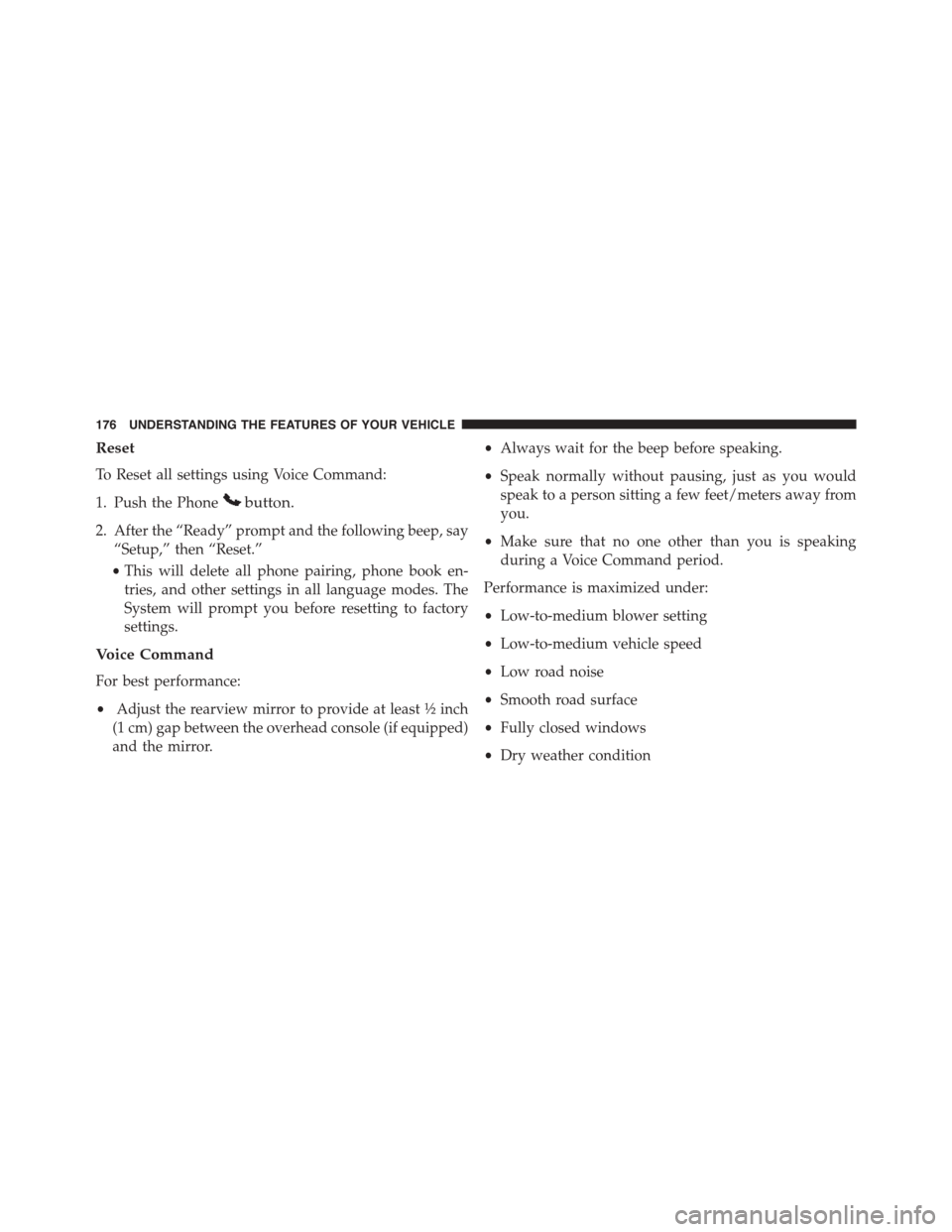
Reset
To Reset all settings using Voice Command:
1. Push the Phonebutton.
2. After the “Ready” prompt and the following beep, say
“Setup,” then “Reset.”
•This will delete all phone pairing, phone book en-
tries, and other settings in all language modes. The
System will prompt you before resetting to factory
settings.
Voice Command
For best performance:
•Adjust the rearview mirror to provide at least½inch
(1 cm) gap between the overhead console (if equipped)
and the mirror.
•Always wait for the beep before speaking.
•Speak normally without pausing, just as you would
speak to a person sitting a few feet/meters away from
you.
•Make sure that no one other than you is speaking
during a Voice Command period.
Performance is maximized under:
•Low-to-medium blower setting
•Low-to-medium vehicle speed
•Low road noise
•Smooth road surface
•Fully closed windows
•Dry weather condition
176 UNDERSTANDING THE FEATURES OF YOUR VEHICLE
Page 182 of 726
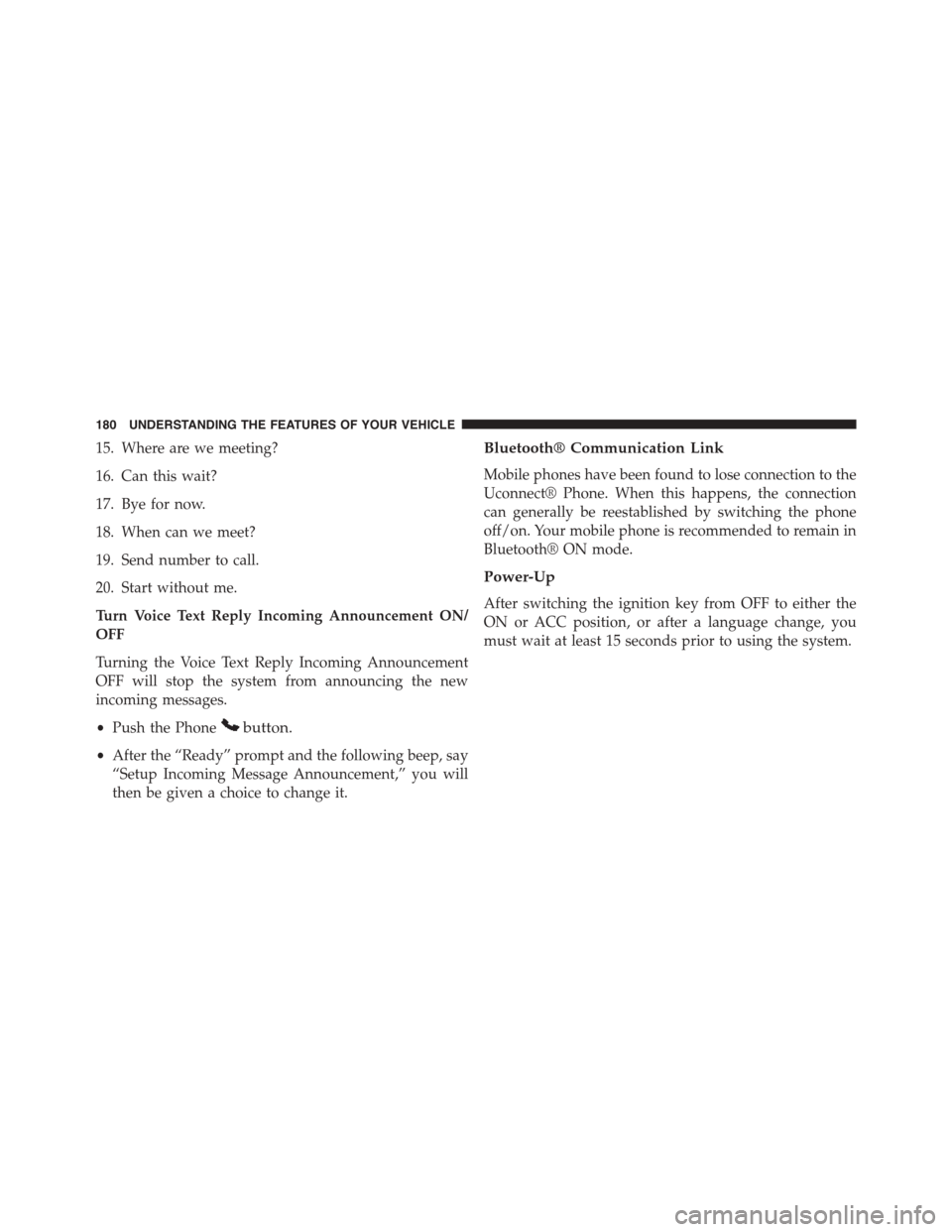
15. Where are we meeting?
16. Can this wait?
17. Bye for now.
18. When can we meet?
19. Send number to call.
20. Start without me.
Turn Voice Text Reply Incoming Announcement ON/
OFF
Turning the Voice Text Reply Incoming Announcement
OFF will stop the system from announcing the new
incoming messages.
•Push the Phonebutton.
•After the “Ready” prompt and the following beep, say
“Setup Incoming Message Announcement,” you will
then be given a choice to change it.
Bluetooth® Communication Link
Mobile phones have been found to lose connection to the
Uconnect® Phone. When this happens, the connection
can generally be reestablished by switching the phone
off/on. Your mobile phone is recommended to remain in
Bluetooth® ON mode.
Power-Up
After switching the ignition key from OFF to either the
ON or ACC position, or after a language change, you
must wait at least 15 seconds prior to using the system.
180 UNDERSTANDING THE FEATURES OF YOUR VEHICLE
Page 187 of 726
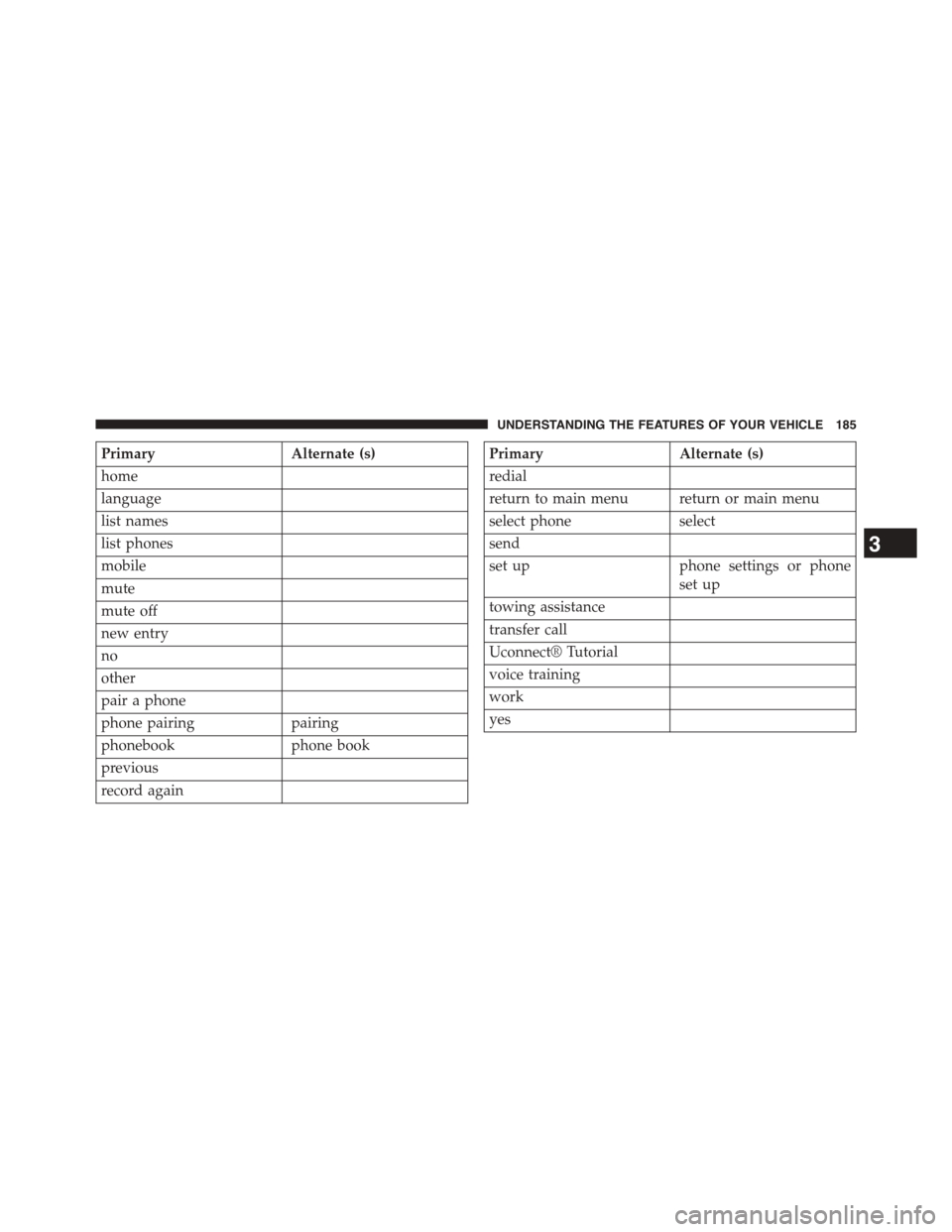
PrimaryAlternate (s)
home
language
list names
list phones
mobile
mute
mute off
new entry
no
other
pair a phone
phone pairingpairing
phonebookphone book
previous
record again
PrimaryAlternate (s)
redial
return to main menu return or main menu
select phoneselect
send
set upphone settings or phone
set up
towing assistance
transfer call
Uconnect® Tutorial
voice training
work
yes
3
UNDERSTANDING THE FEATURES OF YOUR VEHICLE 185
Page 193 of 726
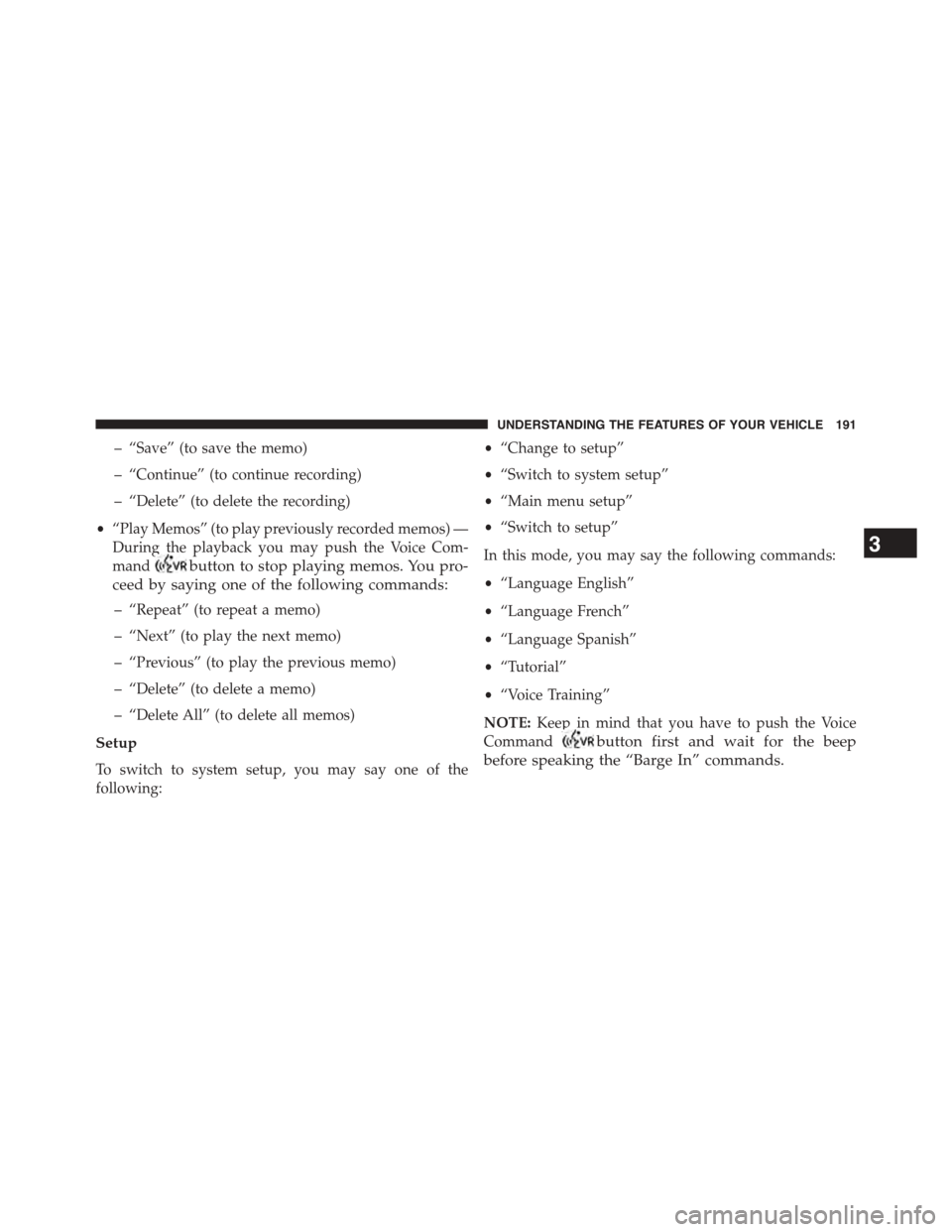
– “Save” (to save the memo)
– “Continue” (to continue recording)
– “Delete” (to delete the recording)
•“Play Memos” (to play previously recorded memos) —
During the playback you may push the Voice Com-
mandbutton to stop playing memos. You pro-
ceed by saying one of the following commands:
– “Repeat” (to repeat a memo)
– “Next” (to play the next memo)
– “Previous” (to play the previous memo)
– “Delete” (to delete a memo)
– “Delete All” (to delete all memos)
Setup
To switch to system setup, you may say one of the
following:
•“Change to setup”
•“Switch to system setup”
•“Main menu setup”
•“Switch to setup”
In this mode, you may say the following commands:
•“Language English”
•“Language French”
•“Language Spanish”
•“Tutorial”
•“Voice Training”
NOTE:Keep in mind that you have to push the Voice
Commandbutton first and wait for the beep
before speaking the “Barge In” commands.
3
UNDERSTANDING THE FEATURES OF YOUR VEHICLE 191
Page 357 of 726
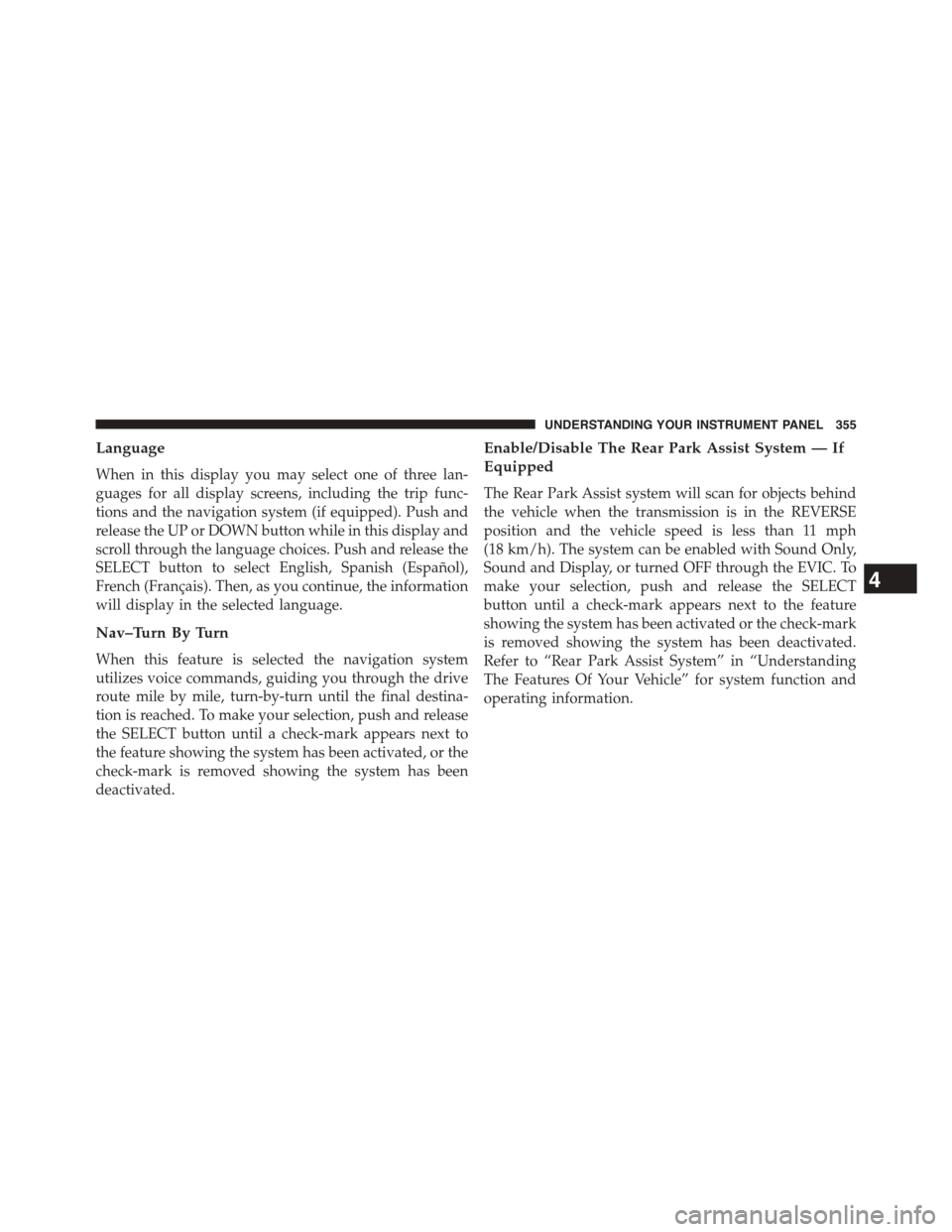
Language
When in this display you may select one of three lan-
guages for all display screens, including the trip func-
tions and the navigation system (if equipped). Push and
release the UP or DOWN button while in this display and
scroll through the language choices. Push and release the
SELECT button to select English, Spanish (Español),
French (Français). Then, as you continue, the information
will display in the selected language.
Nav–Turn By Turn
When this feature is selected the navigation system
utilizes voice commands, guiding you through the drive
route mile by mile, turn-by-turn until the final destina-
tion is reached. To make your selection, push and release
the SELECT button until a check-mark appears next to
the feature showing the system has been activated, or the
check-mark is removed showing the system has been
deactivated.
Enable/Disable The Rear Park Assist System — If
Equipped
The Rear Park Assist system will scan for objects behind
the vehicle when the transmission is in the REVERSE
position and the vehicle speed is less than 11 mph
(18 km/h). The system can be enabled with Sound Only,
Sound and Display, or turned OFF through the EVIC. To
make your selection, push and release the SELECT
button until a check-mark appears next to the feature
showing the system has been activated or the check-mark
is removed showing the system has been deactivated.
Refer to “Rear Park Assist System” in “Understanding
The Features Of Your Vehicle” for system function and
operating information.
4
UNDERSTANDING YOUR INSTRUMENT PANEL 355
Page 378 of 726
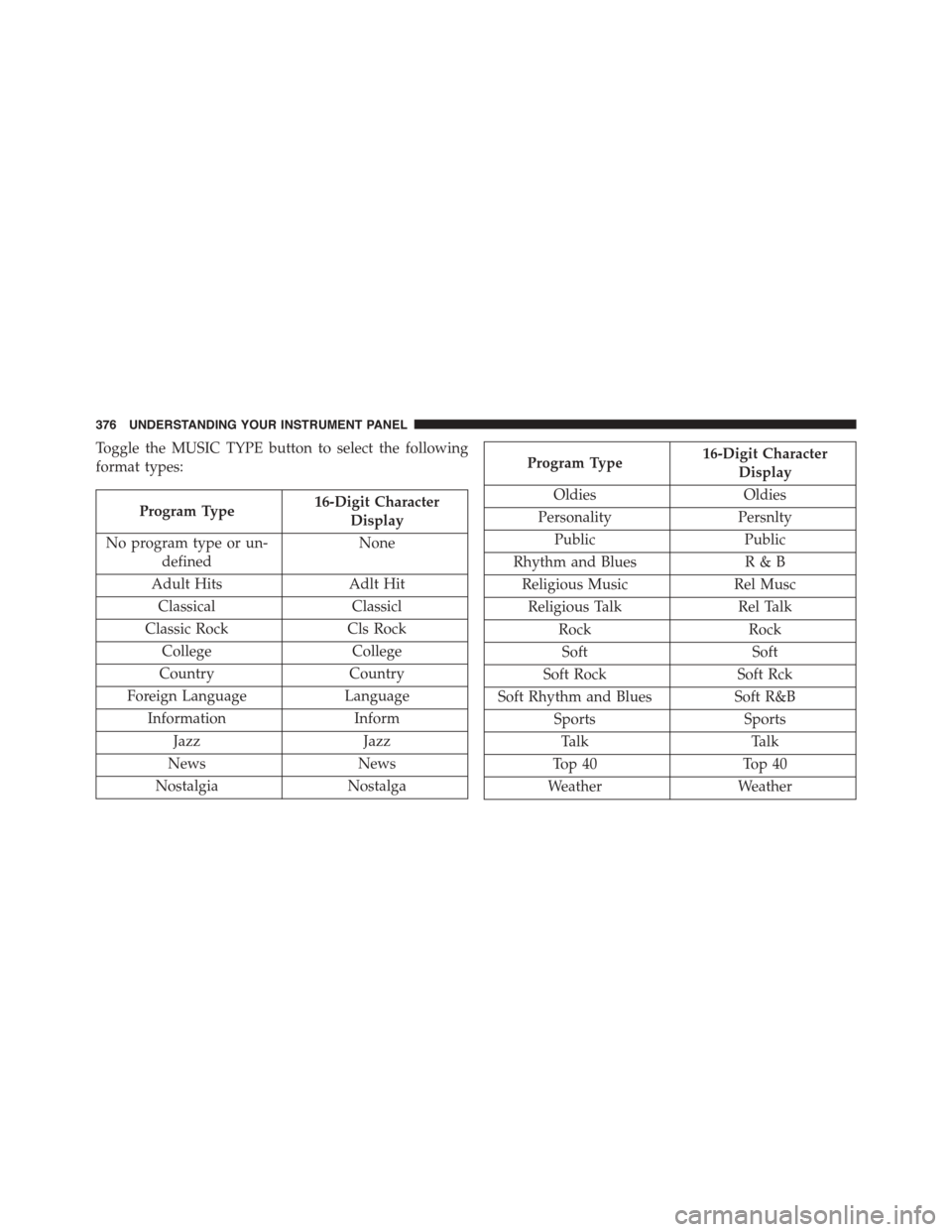
Toggle the MUSIC TYPE button to select the following
format types:
Program Type16-Digit Character
Display
No program type or un-
defined
None
Adult HitsAdlt Hit
ClassicalClassicl
Classic RockCls Rock
CollegeCollege
CountryCountry
Foreign LanguageLanguage
InformationInform
JazzJazz
NewsNews
NostalgiaNostalga
Program Type16-Digit Character
Display
OldiesOldies
PersonalityPersnlty
PublicPublic
Rhythm and BluesR&B
Religious MusicRel Musc
Religious TalkRel Talk
RockRock
SoftSoft
Soft RockSoft Rck
Soft Rhythm and BluesSoft R&B
SportsSports
TalkTalk
Top 40Top 40
WeatherWeather
376 UNDERSTANDING YOUR INSTRUMENT PANEL