phone CITROEN C2 2006 User Guide
[x] Cancel search | Manufacturer: CITROEN, Model Year: 2006, Model line: C2, Model: CITROEN C2 2006Pages: 178, PDF Size: 5.55 MB
Page 162 of 178
REP 1REP 2
34D I R E C T O R Y
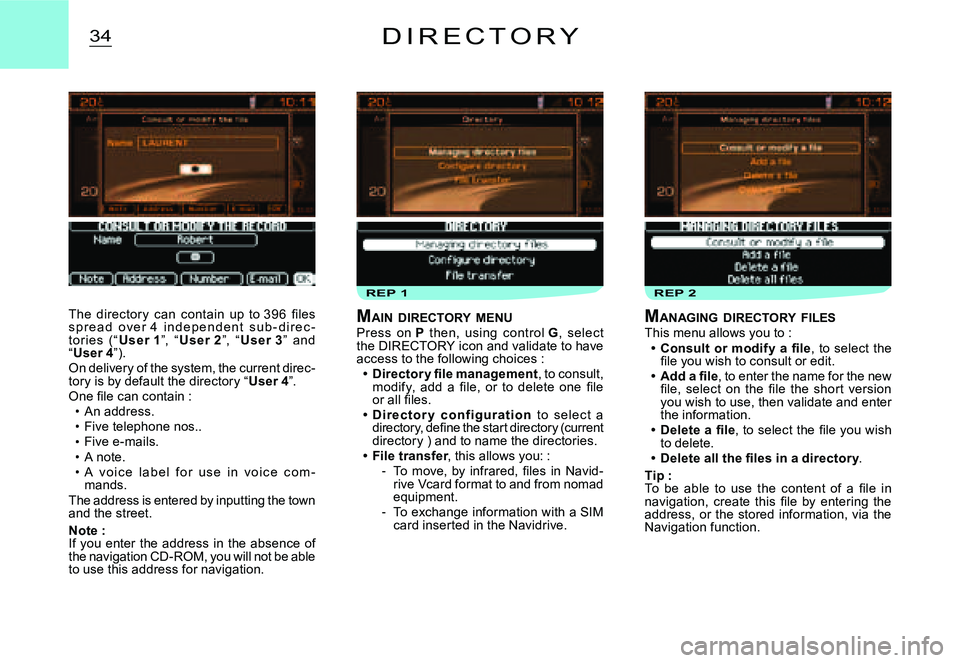
The director y can contain up to 396 fi les s p r e a d o v e r 4 i n d e p e n d e n t s u b - d i r e c -tor ies (“User 1”, “User 2”, “User 3” and “User 4”).On delivery of the system, the current direc-tory is by default the directory “User 4”.One fi le can contain :An address.Five telephone nos..Five e-mails.A note.A v o i c e l a b e l f o r u s e i n v o i c e c o m -mands.The address is entered by inputting the town and the street.
Note :If you enter the address in the absence of the navigation CD-ROM, you will not be able to use this address for navigation.
Page 163 of 178
REP 3. bREP 3. a
a
a
35D I R E C T O R Y
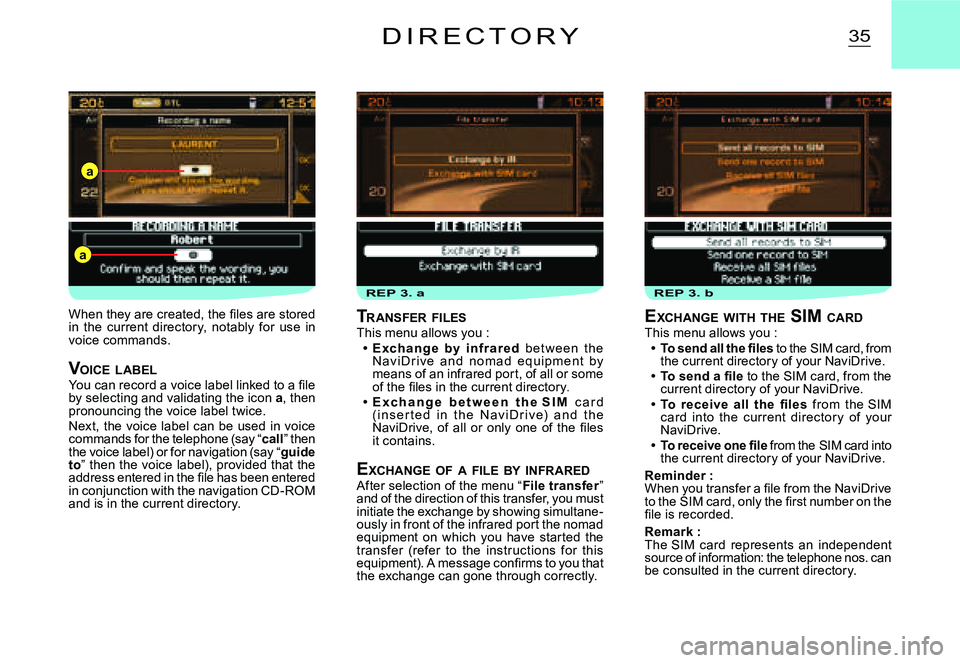
EXCHANGE WITH THE SIM CARDThis menu allows you :To send all the fi les to the SIM card, from the current directory of your NaviDrive.To send a fi le to the SIM card, from the current directory of your NaviDrive.To receive all the fi les from the SIM card into the current director y of your NaviDrive.To receive one fi le from the SIM card into the current directory of your NaviDrive.
Reminder :When you transfer a fi le from the NaviDrive to the SIM card, only the fi rst number on the fi le is recorded.
Remark :The SIM card represents an independent source of information: the telephone nos. can be consulted in the current directory.
Page 164 of 178
36
If you have a twin card it is necessary, on fi rst installation or when updating your director y, to inser t the SIM c ard from your mobile telephone, then to transfer the information on it into the NaviDrive director y. See the Main Menu for the Directory.
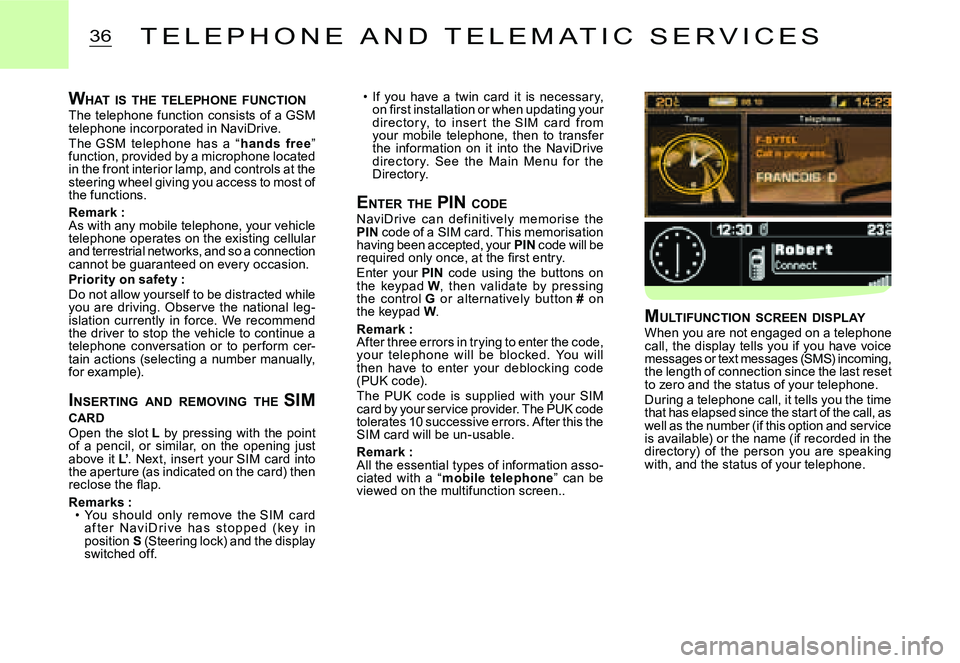
ENTER THE PIN CODENaviDrive c an def initively memorise the PIN code of a SIM card. This memorisation having been accepted, your PIN code will be required only once, at the fi rst entry.Enter your PIN code using the buttons on the keypad W, then validate by pressing the control G or alternatively button # on the keypad W.
Remark :After three errors in trying to enter the code, your telephone will be blocked. You will then have to enter your deblocking code (PUK code).The PUK code is supplied with your SIM card by your service provider. The PUK code tolerates 10 successive errors. After this the SIM card will be un-usable.
Remark :All the essential types of information asso-ciated with a “mobile telephone” can be viewed on the multifunction screen..
Page 166 of 178
TEL 1
38T E L E P H O N E A N D T E L E M A T I C S E R V I C E S
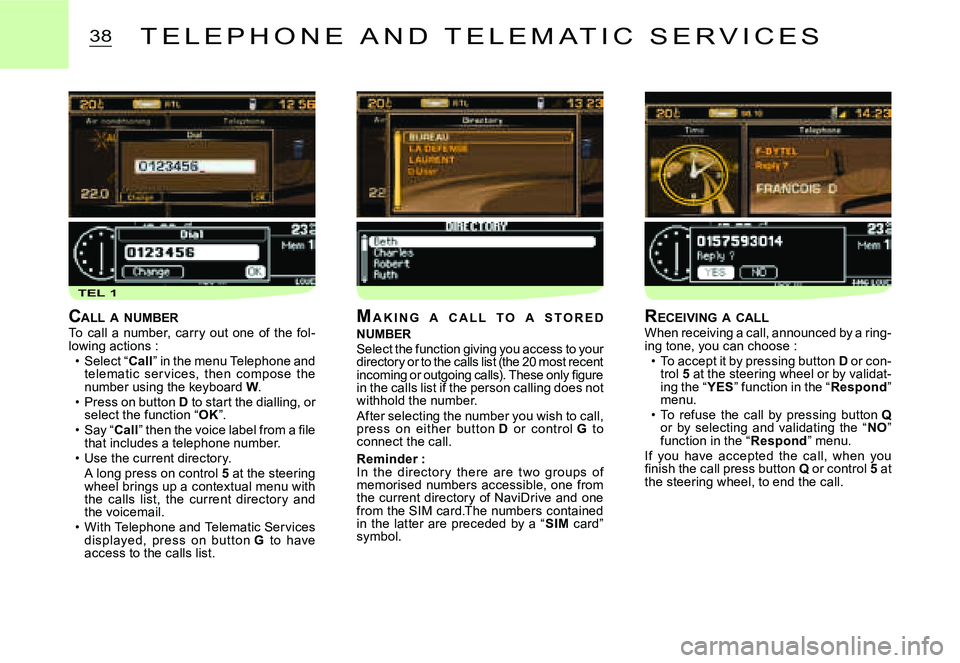
CALL A NUMBERTo call a number, carry out one of the fol-lowing actions :Select “Call” in the menu Telephone and telematic ser vices, then compose the number using the keyboard W.Press on button D to start the dialling, or select the function “OK”.Say “Call” then the voice label from a fi le that includes a telephone number.Use the current directory.A long press on control 5 at the steering wheel brings up a contextual menu with the calls list, the current director y and the voicemail.With Telephone and Telematic Services displayed, press on but ton G to have access to the calls list.
Page 167 of 178
TEL 2
39
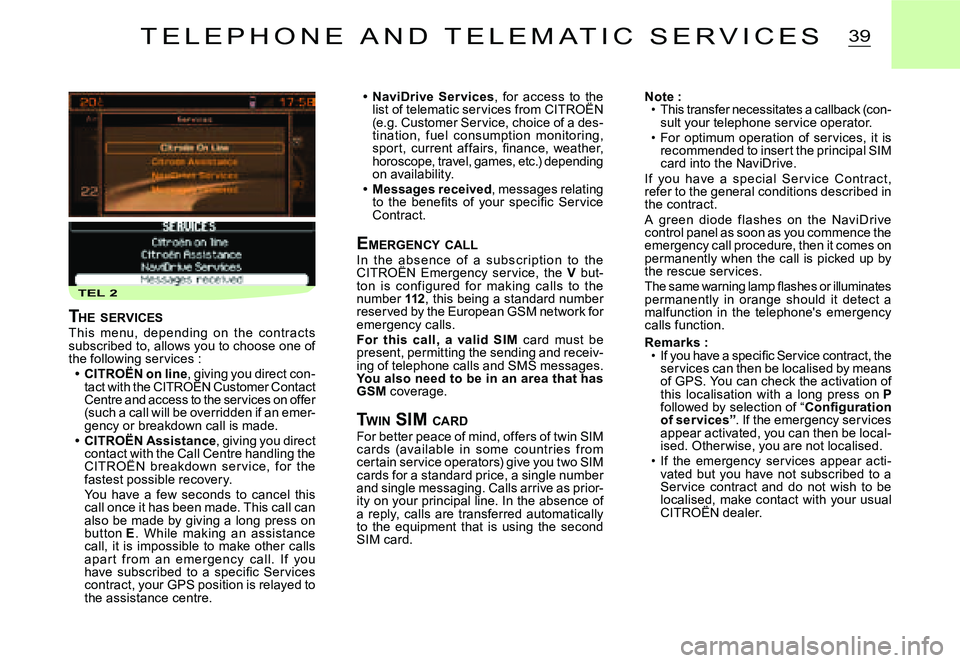
NaviDrive Ser vices, for access to the list of telematic services from CITROËN , for access to the to the
(e.g. Customer Service, choice of a des-tination, fuel consumption monitoring, spor t, current affairs, fi nance, weather, horoscope, travel, games, etc.) depending on availability.Messages received, messages relating to the benefi ts of your specifi c Ser vice Contract.
EMERGENCY CALLIn the absenc e of a subsc r iption to the CITROËN Emergency ser vice, the In the absenc e of a subsc r iption the abV but-ton is conf igured for making calls to the number 112, this being a standard number reserved by the European GSM network for emergency calls.For this call, a valid SIM card must be present, permitting the sending and receiv-ing of telephone calls and SMS messages. You also need to be in an area that has GSM coverage.
T WIN SIM CARDFor better peace of mind, offers of twin SIM c ards (available in some c ountr ies from certain service operators) give you two SIM cards for a standard price, a single number and single messaging. Calls arrive as prior-ity on your principal line. In the absence of a reply, calls are transferred automatically to the equipment that is using the second SIM card.
Page 168 of 178
TEL 3TEL 4TEL 4. b
40T E L E P H O N E A N D T E L E M A T I C S E R V I C E S
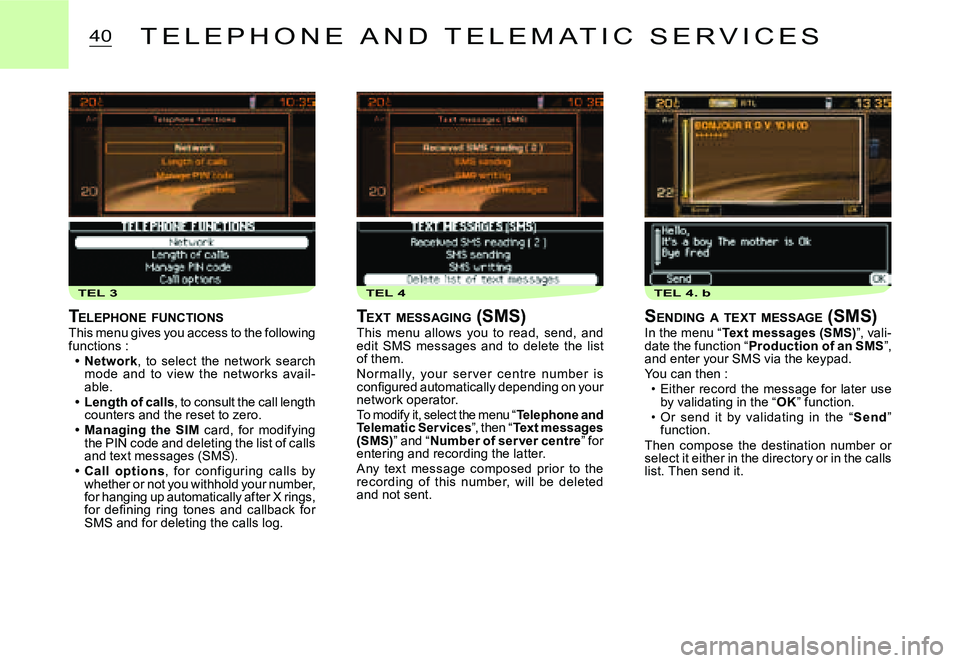
TELEPHONE FUNCTIONSThis menu gives you access to the following functions :Network, to select the network search mode and to view the net works avail-able.Length of calls, to consult the call length counters and the reset to zero.Managing the SIM card, for modifying the PIN code and deleting the list of calls and text messages (SMS).Call options, for c onf iguring c alls by whether or not you withhold your number, for hanging up automatically after X rings, for defi ning ring tones and callback for SMS and for deleting the calls log.
Page 169 of 178
41T E L E P H O N E A N D T E L E M A T I C S E R V I C E S
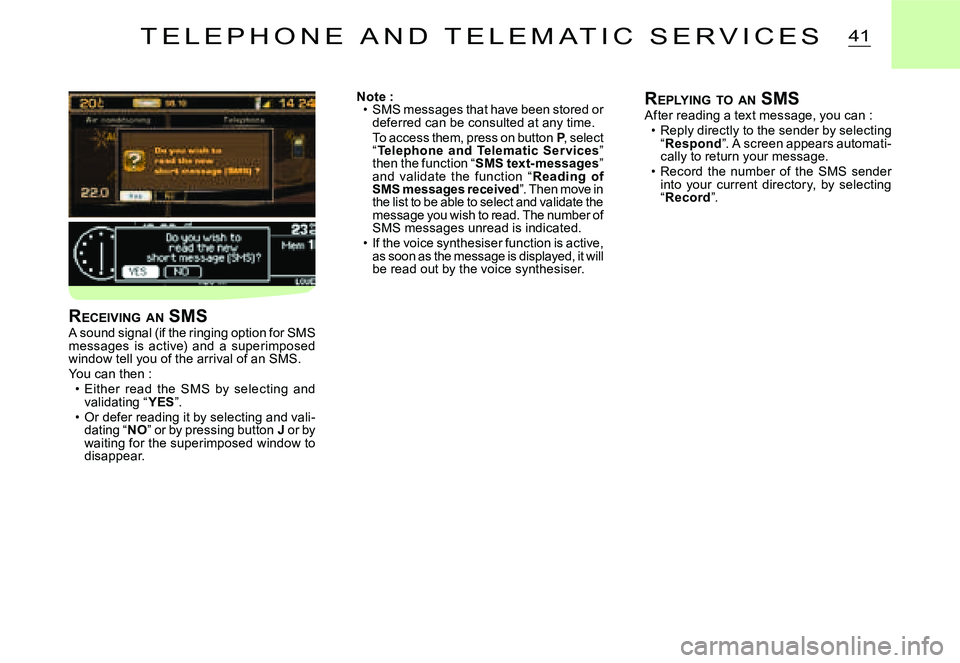
Note :SMS messages that have been stored or deferred can be consulted at any time.To access them, press on button P, select “Telephone and Telematic Ser vices” then the function “SMS text-messages” and validate the function “Reading of SMS messages received”. Then move in the list to be able to select and validate the message you wish to read. The number of SMS messages unread is indicated.If the voice synthesiser function is active, as soon as the message is displayed, it will be read out by the voice synthesiser.
Page 177 of 178
4
11
66
22
77
44
99
55
1010
33
88
Saisir code authentiication01OKDel23456789_
BLUETOOTH FUNCTIONS
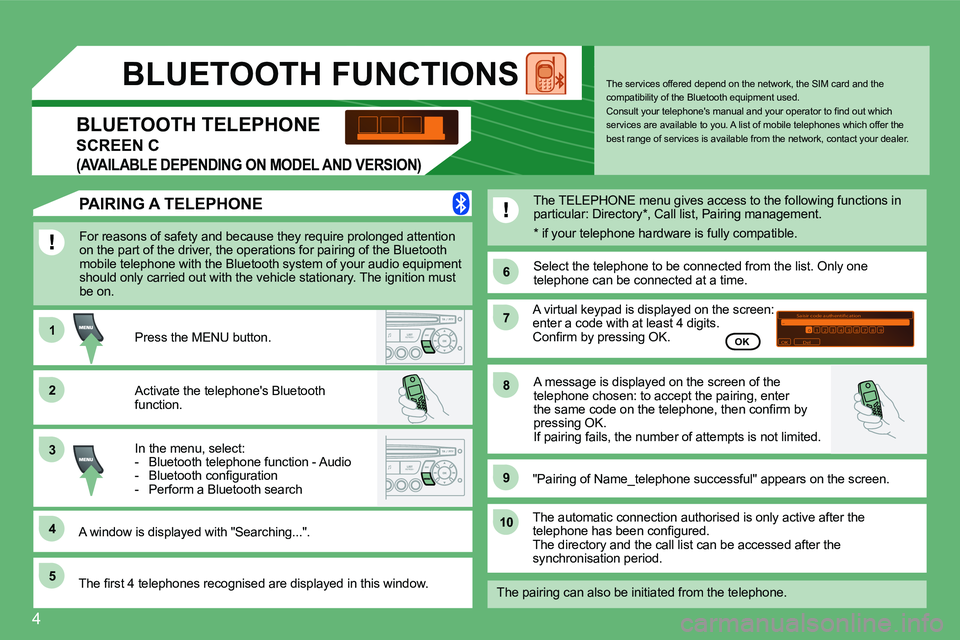
For reasons of safety and because they require prolonged attention on the part of the driver, the operations for pairing of the Bluetooth mobile telephone with the Bluetooth system of your audio equipment should only carried out with the vehicle stationary. The ignition must be on.
Activate the telephone's Bluetooth function.
A window is displayed with "Searching...".
Press the MENU button.
In the menu, select: - Bluetooth telephone function - Audio - Bluetooth confi guration - Perform a Bluetooth search
The services offered depend on the network, the SIM card and the compatibility of the Bluetooth equipment used. Consult your telephone's manual and your operator to fi nd out which services are available to you. A list of mobile telephones which offer the best range of services is available from the networ k, contact your dealer. BLUETOOTH TELEPHONE
SCREEN C
(AVAILABLE DEPENDING ON MODEL AND VERSION)
The TELEPHONE menu gives access to the following f unctions in particular: Directory * , Call list, Pairing management.
The fi rst 4 telephones recognised are displayed in this window.
"Pairing of Name_telephone successful" appears on the screen.
The automatic connection authorised is only active after the telephone has been confi gured. The directory and the call list can be accessed after the synchronisation period.
OK
PAIRING A TELEPHONE
The pairing can also be initiated from the telepho ne.
A virtual keypad is displayed on the screen: enter a code with at least 4 digits. Confi rm by pressing OK.
Select the telephone to be connected from the list . Only one telephone can be connected at a time.
A message is displayed on the screen of the telephone chosen: to accept the pairing, enter the same code on the telephone, then confi rm by pressing OK. If pairing fails, the number of attempts is not limited.
* if your telephone hardware is fully compatibl e.
Page 178 of 178
5
11
22
11
22
11
22
33
YES
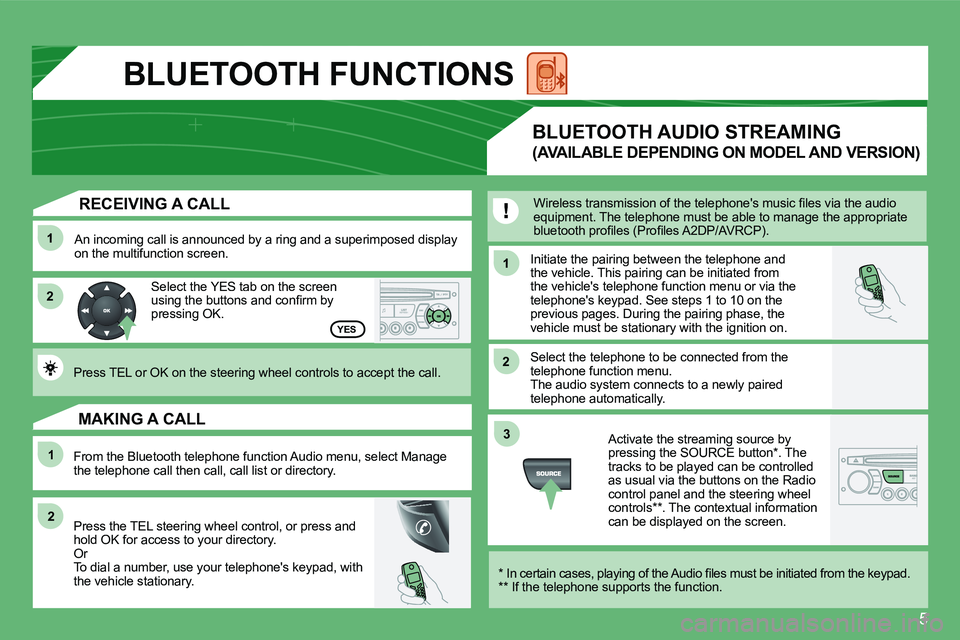
RECEIVING A CALL
An incoming call is announced by a ring and a superimposed display on the multifunction screen.
Select the YES tab on the screen using the buttons and confi rm by pressing OK.
Press TEL or OK on the steering wheel controls to accept the call.
From the Bluetooth telephone function Audio menu, select Manage the telephone call then call, call list or directory.
Press the TEL steering wheel control, or press and hold OK for access to your directory. Or To dial a number, use your telephone's keypad, with the vehicle stationary.
MAKING A CALL
Initiate the pairing between the telephone and the vehicle. This pairing can be initiated from the vehicle's telephone function menu or via the telephone's keypad. See steps 1 to 10 on the previous pages. During the pairing phase, the vehicle must be stationary with the ignition on.
Select the telephone to be connected from the telephone function menu. The audio system connects to a newly paired telephone automatically.
BLUETOOTH AUDIO STREAMING
(AVAILABLE DEPENDING ON MODEL AND VERSION)
Wireless transmission of the telephone's music fi les via the audio equipment. The telephone must be able to manage the appropriate bluetooth profi les (Profi les A2DP/AVRCP).
* In certain cases, playing of the Audio fi les must be initiated from the keypad. ** If the telephone supports the function.
Activate the streaming source by pressing the SOURCE button * . The tracks to be played can be controlled as usual via the buttons on the Radio control panel and the steering wheel controls ** . The contextual information can be displayed on the screen.
BLUETOOTH FUNCTIONS