Wipe Citroen C3 2008 1.G User Guide
[x] Cancel search | Manufacturer: CITROEN, Model Year: 2008, Model line: C3, Model: Citroen C3 2008 1.GPages: 184, PDF Size: 6.14 MB
Page 145 of 184
CAR 2
CAR 1
CAR 5
CAR 3
CAR 4
CARCARCARCARCARCAR
CFG 1
CFG 2
CFGCFGCFGCFGCFGCFG
11
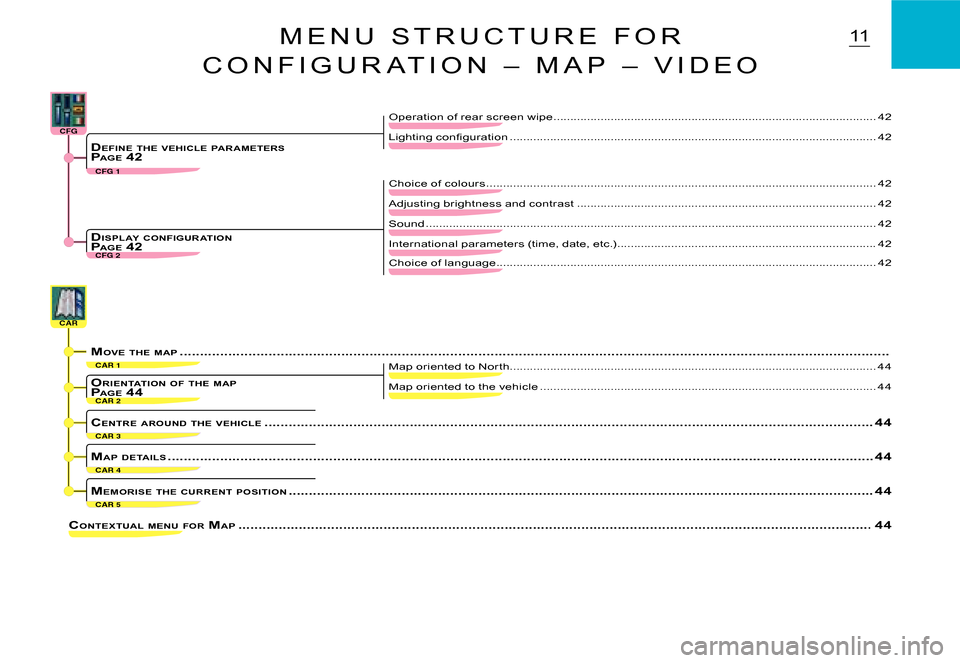
CONTEXTUAL MENU FOR MAP .................................................. ................................................... ........................................................44
Map oriented to the vehicle ....................................................................................................44
Map oriented to Nor th ..................................................................................................... ........44
ORIENTATION OF THE MAPP AGE 44
MEMORISE THE CURRENT POSITION .................................................. ................................................... ............................................44
CENTRE AROUND THE VEHICLE .................................................. ................................................... ..................................................44
MAP DETAILS .................................................. ................................................... ..........................................................................44
Lighting confi guration ..................................................................................................... ........42DEFINE THE VEHICLE PAR AMETERSP AGE 42
Sound .................................................. ................................................... .................................42
International parameters (time, date, etc.) .............................................................................42DISPL AY CONFIGUR ATIONP AGE 42
Choice of colours .................................................. ................................................... ...............42
Adjusting brightness and contrast .........................................................................................42
Choice of language ..................................................................................................... ............42
M E N U S T R U C T U R E F O R
C O N F I G U R A T I O N – M A P – V I D E O
Operation of rear screen wipe ................................................................................................42
MOVE THE MAP .................................................. ................................................... ...........................................................................
Page 164 of 184
30C D S O U R C E
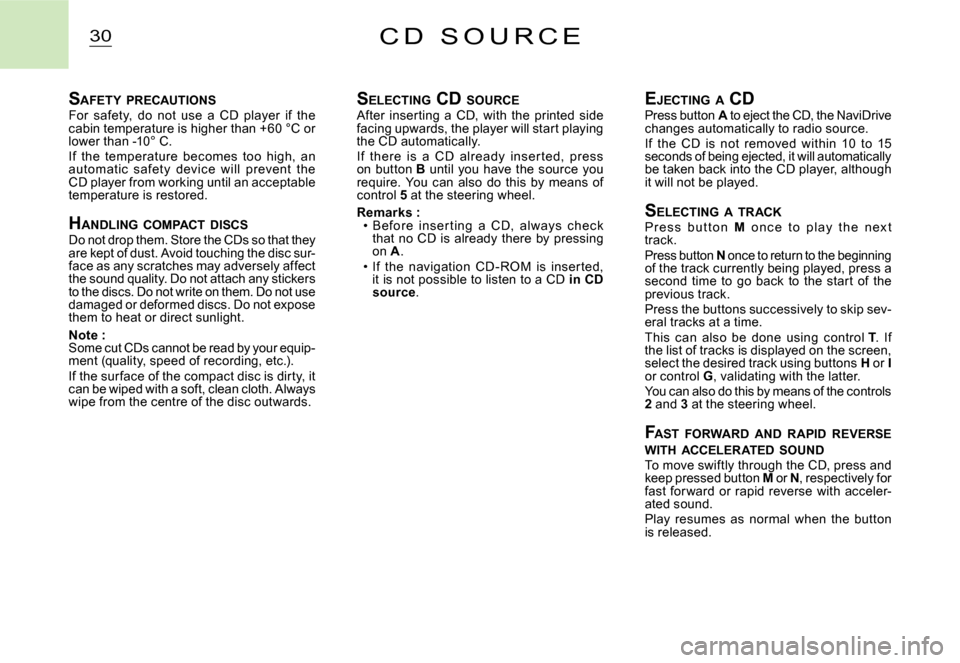
SAFETY PRECAUTIONSFor safety, do not use a CD player if the cabin temperature is higher than +60 °C or lower than -10° C.If the temperature becomes too high, an automatic safet y devic e will prevent the CD player from working until an acceptable temperature is restored.
H ANDLING COMPACT DISCSDo not drop them. Store the CDs so that they are kept of dust. Avoid touching the disc sur-face as any scratches may adversely affect the sound quality. Do not attach any stickers to the discs. Do not write on them. Do not use damaged or deformed discs. Do not expose them to heat or direct sunlight.
Note :Some cut CDs cannot be read by your equip-ment (quality, speed of recording, etc.).If the sur face of the compact disc is dirty, it can be wiped with a soft, clean cloth. Always wipe from the centre of the disc outwards.
S ELECTING CD SOURCEAfter inserting a CD, with the printed side facing upwards, the player will start playing the CD automatically.If there is a CD already inser ted, press on button B until you have the source you require. You can also do this by means of control 5 at the steering wheel.
Remarks :Before inser ting a CD, always c hec k that no CD is already there by pressing on A.If the navigation CD - ROM is inser ted, it is not possible to listen to a CD in CD source.