CD player Citroen C3 2014 2.G User Guide
[x] Cancel search | Manufacturer: CITROEN, Model Year: 2014, Model line: C3, Model: Citroen C3 2014 2.GPages: 284, PDF Size: 9.01 MB
Page 236 of 284
08
234
C3_en_Chap13b_RT6-2-8_ed01-2014
Audio streaming
Streaming allows audio files on your telephone to be played via the
vehicle's speakers.
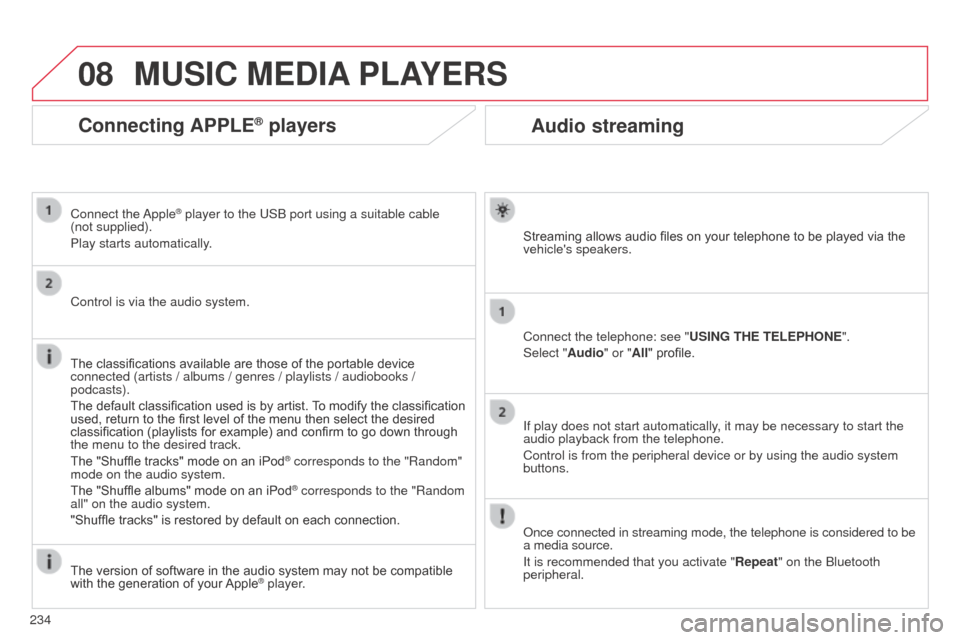
Connect the telephone: see "USING THE TELEPHONE".
Select "Audio" or "All" profile.
If play does not start automatically, it may be necessary to start the
audio playback from the telephone.
Control is from the peripheral device or by using the audio system
buttons.
o
nce connected in streaming mode, the telephone is considered to be
a media source.
It is recommended that you activate "Repeat" on the
b luetooth
peripheral.
MUSIC MEDIA PLAYERS
Connecting APPLE® players
Connect the apple® player to the USb port using a suitable cable
(not
supplied).
Play starts automatically.
Control is via the audio system.
The classifications available are those of the portable device
connected (artists / albums / genres / playlists / audiobooks /
podcasts).
The default classification used is by artist. To modify the classification
used, return to the first level of the menu then select the desired
classification (playlists for example) and confirm to go down through
the menu to the desired track.
The "Shuffle tracks" mode on an iPod
® corresponds to the "Random"
mode on the audio system.
The "Shuffle albums" mode on an iPod
® corresponds to the "Random
all" on the audio system.
"Shuffle tracks" is restored by default on each connection.
The version of software in the audio system may not be compatible
with the generation of your Apple
® player.
Page 237 of 284
08
235
C3_en_Chap13b_RT6-2-8_ed01-2014
MUSIC MEDIA PLAYERS
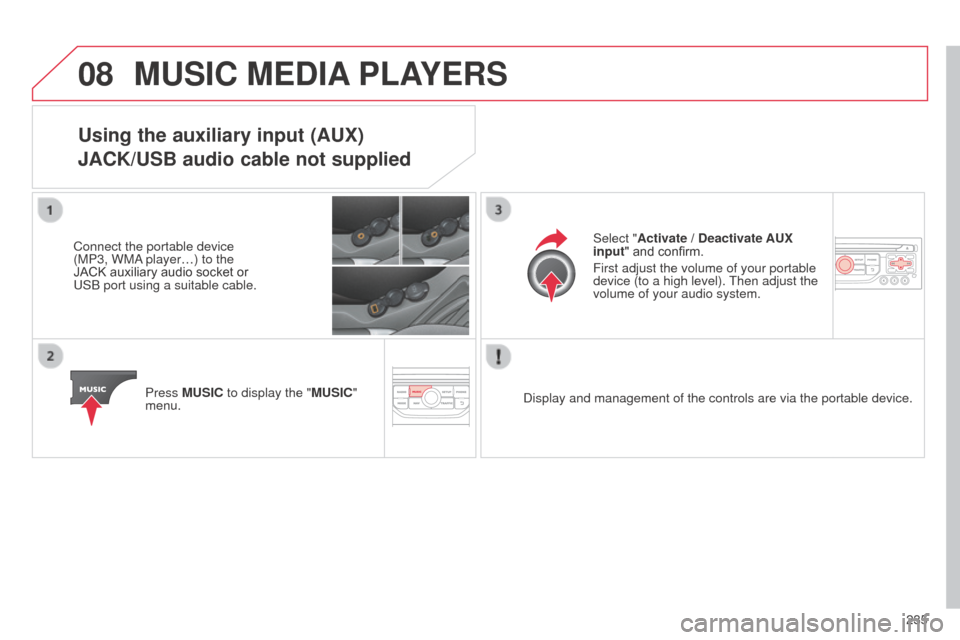
Using the auxiliary input (AUX)
JACK/USB audio cable not supplied
Connect the portable device
(MP3, WM
a player…) to the
JACK auxiliary audio socket or
US
b port using a suitable cable.
Press MUSIC to display the "MUSIC"
menu. Select "Activate / Deactivate AUX
input
" and confirm.
First adjust the volume of your portable
device (to a high level). Then adjust the
volume of your audio system.
d
isplay and management of the controls are via the portable device.
Page 238 of 284
09
236
C3_en_Chap13b_RT6-2-8_ed01-2014
AUDIO SETTINGS
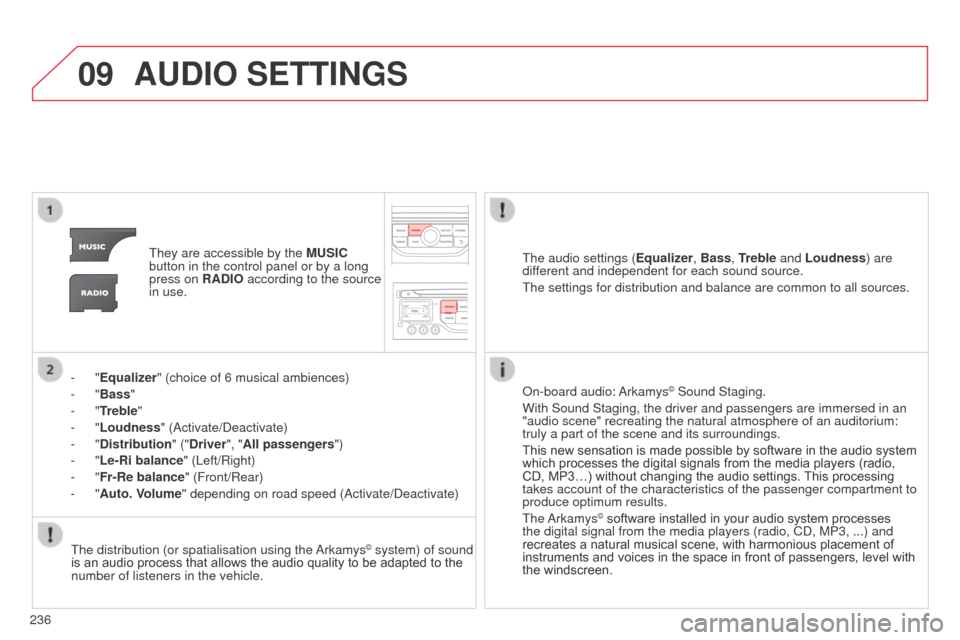
They are accessible by the MUSIC
button in the control panel or by a long
press on RADIO according to the source
in use.
-
"Equalizer" (choice of 6 musical ambiences)
-
"Bass "
-
"Treble"
-
"Loudness" ( a ctivate/ d eactivate)
-
"Distribution " ("Driver", "All passengers")
-
"Le-Ri balance" (Left/Right)
-
"Fr-Re balance" (Front/Rear)
-
"Auto. Volume" depending on road speed ( a ctivate/ d eactivate)The audio settings (
Equalizer, Bass, Treble and Loudness) are
different and independent for each sound source.
The settings for distribution and balance are common to all sources.
The distribution (or spatialisation using the
a
rkamys
© system) of sound
is an audio process that allows the audio quality to be adapted to the
number of listeners in the vehicle.
o
n-board audio: a rkamys
© Sound Staging.
With Sound Staging, the driver and passengers are immersed in an
"audio scene" recreating the natural atmosphere of an auditorium:
truly a part of the scene and its surroundings.
This new sensation is made possible by software in the audio system
which processes the digital signals from the media players (radio,
CD, MP3…) without changing the audio settings. This processing
takes account of the characteristics of the passenger compartment to
produce optimum results.
The
a
rkamys
© software installed in your audio system processes
the digital signal from the media players (radio, C d , MP3, ...) and
recreates a natural musical scene, with harmonious placement of
instruments and voices in the space in front of passengers, level with
the windscreen.
Page 246 of 284
244
C3_en_Chap13b_RT6-2-8_ed01-2014
FREQUENTLY ASKED QUESTIONS
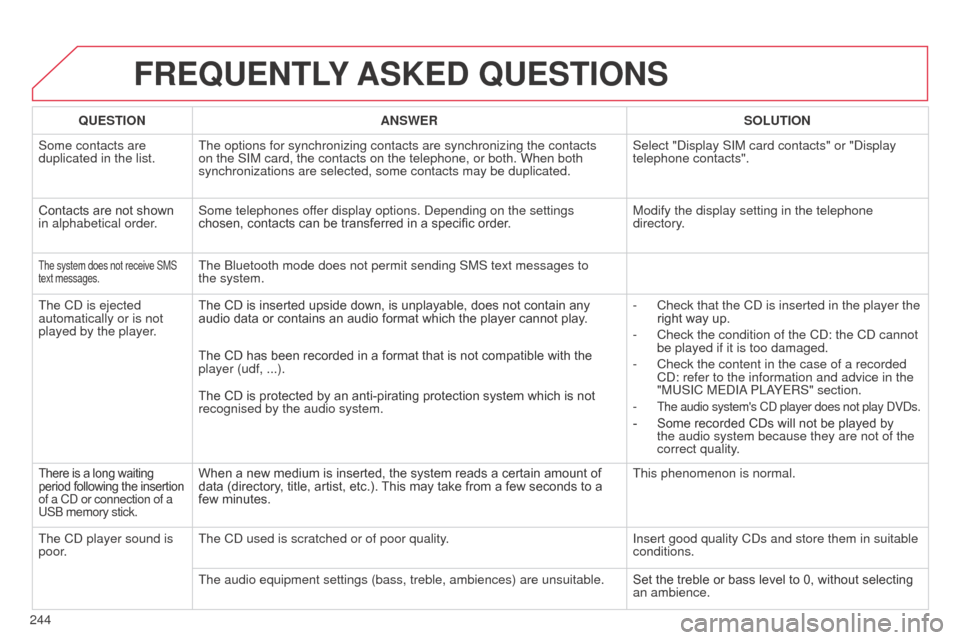
QUESTION ANSWER SOLUTION
Some contacts are
duplicated in the list. The options for synchronizing contacts are synchronizing the contacts
on the SIM card, the contacts on the telephone, or both. When both
synchronizations are selected, some contacts may be duplicated. Select "
d isplay SIM card contacts" or " d isplay
telephone contacts".
Contacts are not shown
in alphabetical order. Some telephones offer display options.
d epending on the settings
chosen, contacts can be transferred in a specific order. Modify the display setting in the telephone
directory.
The system does not receive SMS
text messages.The bluetooth mode does not permit sending SMS text messages to
the system.
The C
d
is ejected
automatically or is not
played by the player. The CD is inserted upside down, is unplayable, does not contain any
audio data or contains an audio format which the player cannot play
.-
Check that the C
d is inserted in the player the
right way up.
-
Check the condition of the C
d : the C d cannot
be played if it is too damaged.
-
Check the content in the case of a recorded
C
d : refer to the information and advice in the
"MUSIC ME
d I a
PL
a
YERS" section.
-
The audio system's Cd player does not play dVds.
- Some recorded CDs will not be played by
the audio system because they are not of the
correct quality.
The CD has been recorded in a format that is not compatible with the
player (udf, ...).
The CD is protected by an anti-pirating protection system which is not
recognised by the audio system.
There is a long waiting
period following the insertion
of a C
d or connection of a
US
b memory stick.When a new medium is inserted, the system reads a certain amount of
data (directory, title, artist, etc.). This may take from a few seconds to a
few minutes. This phenomenon is normal.
The C
d
player sound is
poor. The C
d used is scratched or of poor quality. Insert good quality C
d s and store them in suitable
conditions.
The audio equipment settings (bass, treble, ambiences) are unsuitable.\
Set the treble or bass level to 0, without selecting
an ambience.
Page 249 of 284
247
C3_en_Chap13b_RT6-2-8_ed01-2014
FREQUENTLY ASKED QUESTIONS
QUESTION ANSWER SOLUTION
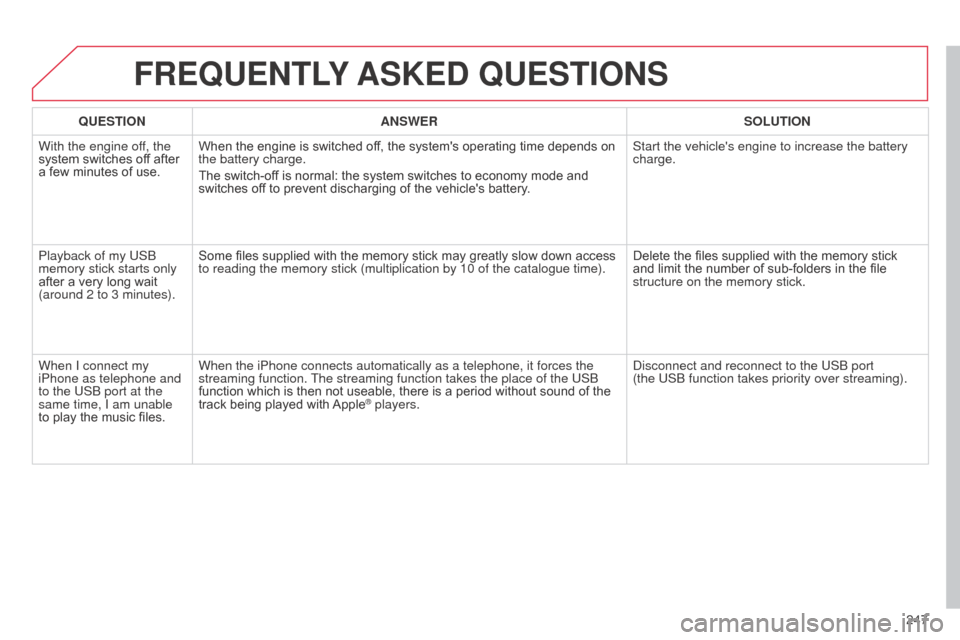
With the engine off, the
system switches off after
a few minutes of use. When the engine is switched off, the system's operating time depends on
the battery charge.
The switch-off is normal: the system switches to economy mode and
switches off to prevent discharging of the vehicle's battery. Start the vehicle's engine to increase the battery
charge.
Playback of my US
b
memory stick starts only
after a very long wait
(around 2 to 3 minutes). Some files supplied with the memory stick may greatly slow down access
to reading the memory stick (multiplication by 10 of the catalogue time\
).
Delete the files supplied with the memory stick
and limit the number of sub-folders in the file
structure on the memory stick.
When I connect my
iPhone as telephone and
to the US
b port at the
same time, I am unable
to play the music files. When the iPhone connects automatically as a telephone, it forces the
streaming function. The streaming function takes the place of the US
b
function which is then not useable, there is a period without sound of the
track being played with Apple
® players.
d
isconnect and reconnect to the US b port
(the US b function takes priority over streaming).
Page 256 of 284
04
254
C3_en_Chap13c_Rd45_ed01_2014
AUDIO
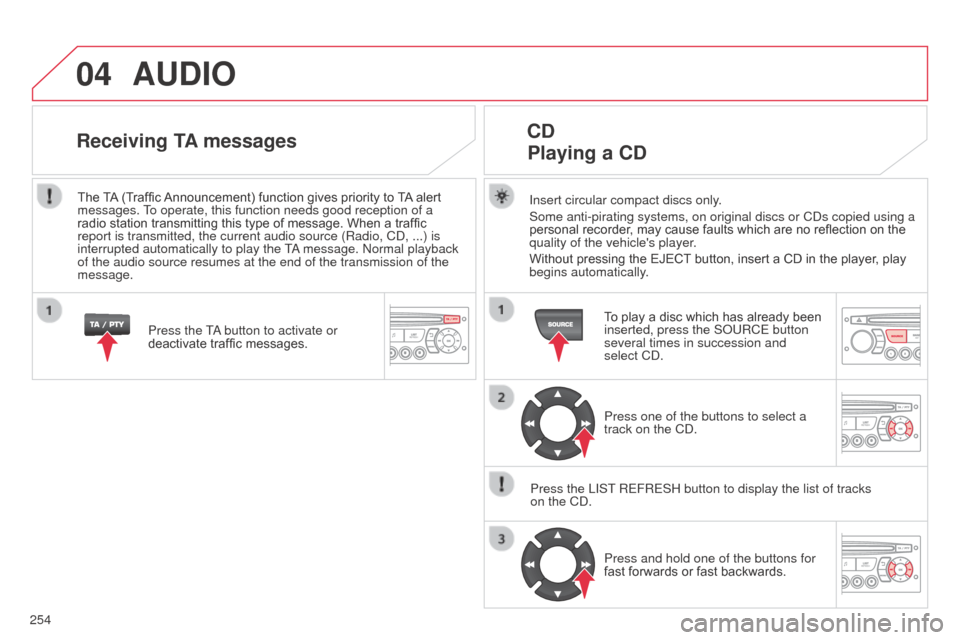
Insert circular compact discs only.
Some anti-pirating systems, on original discs or Cd s copied using a
personal recorder, may cause faults which are no reflection on the
quality of the vehicle's player.
Without pressing the EJECT button, insert a CD in the player, play
begins automatically.
CD
Playing a CD
To play a disc which has already been
inserted, press the S o URCE button
several times in succession and
select C
d .
Press one of the buttons to select a
track on the C
d .
Press the LIST REFRESH button to display the list of tracks
on the C
d
. Press and hold one of the buttons for
fast forwards or fast backwards.
Receiving TA messages
Press the Ta button to activate or
deactivate traffic messages.
The
TA (Traffic Announcement) function gives priority to TA alert
messages. To operate, this function needs good reception of a
radio station transmitting this type of message. When a traffic
report is transmitted, the current audio source (Radio, C d , ...) is
interrupted automatically to play the T
a message.
n ormal playback
of the audio source resumes at the end of the transmission of the
message.
Page 257 of 284
04
255
C3_en_Chap13c_Rd45_ed01_2014
The MP3 format, an abbreviation of MPEG 1.2 & 2.5 audio Layer 3,
is an audio compression standard which permits the recording of
several tens of music files on a single disc.
In order to be able to play a recorded CDR or CDRW, when
recording, the ISO 9660 level 1.2 or Joliet file format is
recommended.
If the disc is recorded in another format, it may not be played
correctly.
It is recommended that the same recording format is always used
for an individual disc, with as low a speed as possible
(4x maximum) for optimum sound quality.
In the particular case of a multi-session CD, the Joliet format is
recommended.
The audio system will only play files with the extension ".mp3" with
a sampling rate of 22.05 KHz or 44.1 KHz. No other type of file
(.wma, .mp4, .m3u...) can be played.
It is advisable to restrict file names to 20 characters without using
special characters (e.g. " ? ; ù) to avoid any playing or displaying
problems.
MP3 CD
Information and advice
AUDIO
Empty Cds are not recognised and may damage the system.
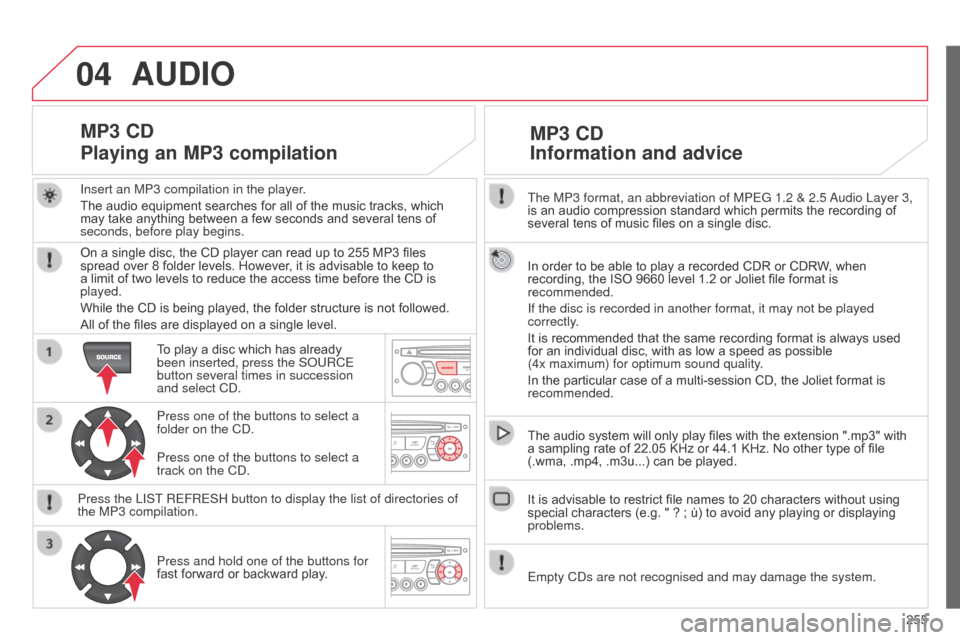
Insert an MP3 compilation in the player
.
The audio equipment searches for all of the music tracks, which
may take anything between a few seconds and several tens of
seconds, before play begins.
MP3 CD
Playing an MP3 compilation
On a single disc, the CD player can read up to 255 MP3 files
spread over 8 folder levels. However, it is advisable to keep to
a limit of two levels to reduce the access time before the CD is
played.
While the CD is being played, the folder structure is not followed.
All of the files are displayed on a single level.
To play a disc which has already
been inserted, press the S
o URCE
button several times in succession
and select C
d .
Press one of the buttons to select a
folder on the C
d .
Press the LIST REFRESH button to display the list of directories of
the MP3 compilation. Press and hold one of the buttons for
fast forward or backward play. Press one of the buttons to select a
track on the C
d .
Page 258 of 284
05
256
C3_en_Chap13c_Rd45_ed01_2014
USB PLAYER
The system puts together playlists (temporary memory) created
over a period which depends on the capacity of the USB device.
The other sources are available during this time.
The playlists are updated each time the ignition is switched off or
each time a USb memory stick is connected.
When connecting for the first time, the classification suggested
is by folder. When you reconnect, the classification selected
previously is retained. Connect the memory stick to the port, directly or
using a lead. If the audio equipment is switched
on, the US
b source is detected as soon as it
is connected. Play begins automatically after a
delay which depends on the capacity of the USB
memory stick.
The file formats supported are .mp3 (mpeg1
layer 3 only) and .wma (standard 9 only,
128 kbits/sec compression).
Certain playlist formats are supported (.m3u, ...)
o
n reconnection of the previous memory stick
used, play is resumed automatically with the last
track played.
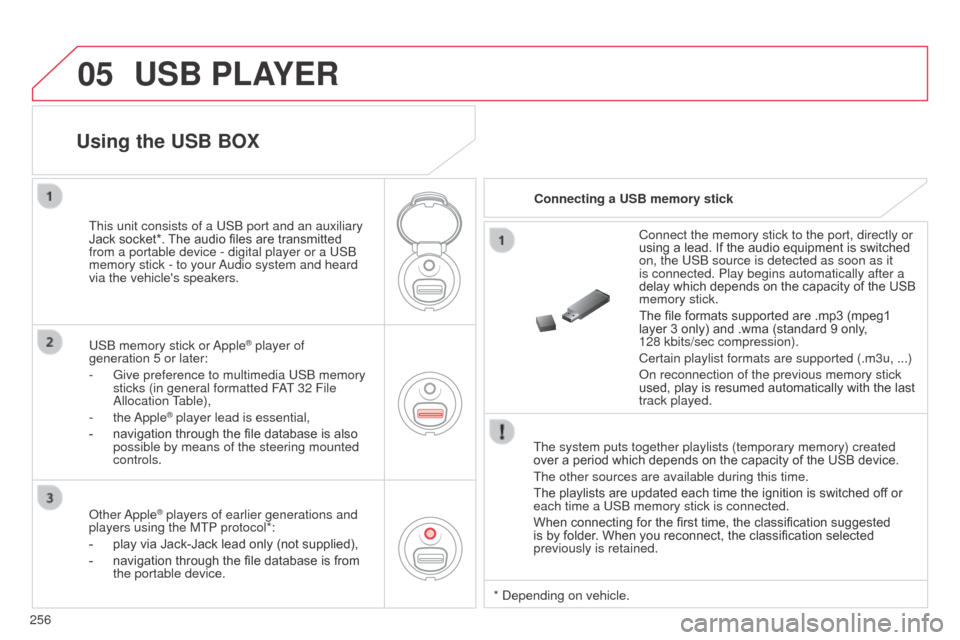
This unit consists of a US
b
port and an auxiliary
Jack socket*. The audio files are transmitted
from a portable device - digital player or a US
b
memory stick - to your
a
udio system and heard
via the vehicle's speakers.
US
b
memory stick or
a
pple
® player of
generation 5 or later:
-
Give preference to multimedia US
b memory
sticks (in general formatted F
aT
32 File
a
llocation Table),
-
the
a
pple
® player lead is essential,
-
navigation through the file database is also
possible by means of the steering mounted
controls.
Using the USB BOX
Connecting a USB memory stick
o
ther
a
pple
® players of earlier generations and
players using the MTP protocol*:
-
play via Jack-Jack lead only (not supplied),
-
navigation through the file database is from
the portable device. *
d epending on vehicle.
Page 259 of 284
05
257
C3_en_Chap13c_Rd45_ed01_2014
Using the USB PORT
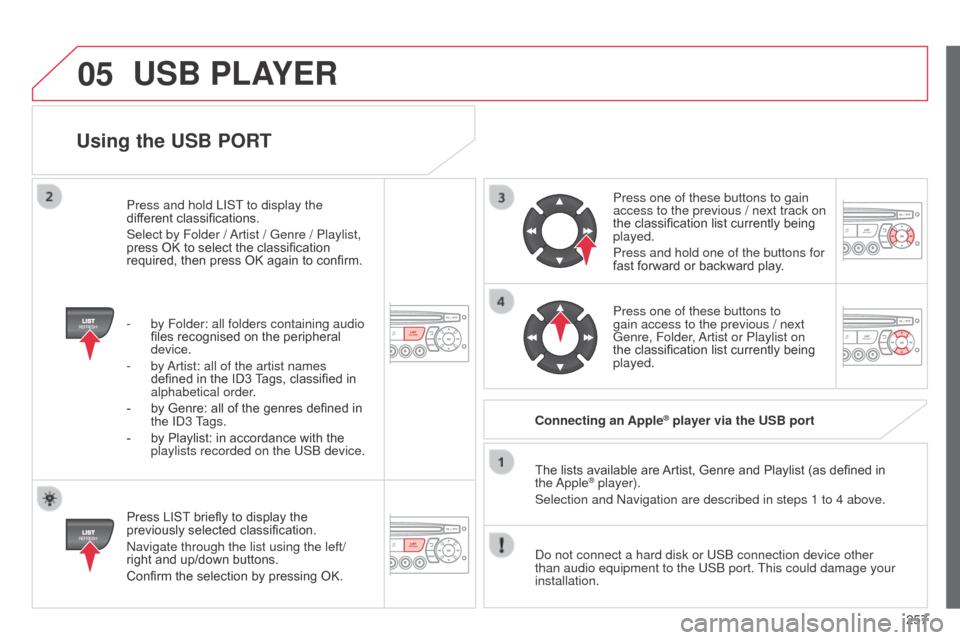
Press LIST briefly to display the
previously selected classification.
n
avigate through the list using the left/
right and up/down buttons.
Confirm the selection by pressing OK. The lists available are Artist, Genre and Playlist (as defined in
the
a pple
® player).
Selection and n avigation are described in steps 1 to 4 above.
d
o not connect a hard disk or US b connection device other
than audio equipment to the US
b port. This could damage your
installation. Connecting an Apple
® player via the USB port
Press one of these buttons to gain
access to the previous / next track on
the classification list currently being
played.
Press and hold one of the buttons for
fast forward or backward play.
Press one of these buttons to
gain access to the previous / next
Genre, Folder,
a
rtist or Playlist on
the classification list currently being
played.
Press and hold LIST to display the
different classifications.
Select by Folder /
a
rtist / Genre / Playlist,
press OK to select the classification
required, then press OK again to confirm.
-
by Folder: all folders containing audio
files recognised on the peripheral
device.
-
by a
rtist: all of the artist names
defined in the ID3 Tags, classified in
alphabetical order.
-
by Genre: all of the genres defined in
the
I
d
3 Tags.
-
by Playlist: in accordance with the
playlists recorded on the US
b
device.
USB PLAYER
Page 260 of 284
05
258
C3_en_Chap13c_Rd45_ed01_2014
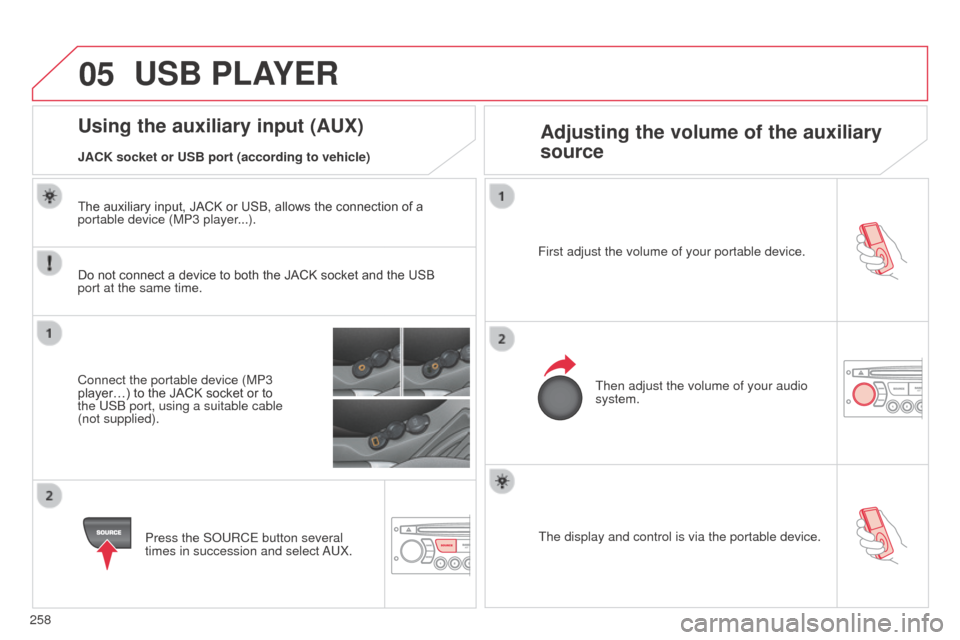
The display and control is via the portable device.
First adjust the volume of your portable device.
Then adjust the volume of your audio
system.
Using the auxiliary input (AUX) Adjusting the volume of the auxiliary
source
JACK socket or USB port (according to vehicle)
USB PLAYER
Do not connect a device to both the JACK socket and the USB
port at the same time.
Connect the portable device (MP3
player…) to the JACK socket or to
the US
b port, using a suitable cable
(not supplied).
Press the S
o URCE button several
times in succession and select
a
UX.
The auxiliary input, JACK or USB, allows the connection of a
portable device (MP3 player...).