bluetooth Citroen C3 2014 2.G User Guide
[x] Cancel search | Manufacturer: CITROEN, Model Year: 2014, Model line: C3, Model: Citroen C3 2014 2.GPages: 284, PDF Size: 9.01 MB
Page 251 of 284
249
C3_en_Chap13c_Rd45_ed01_2014
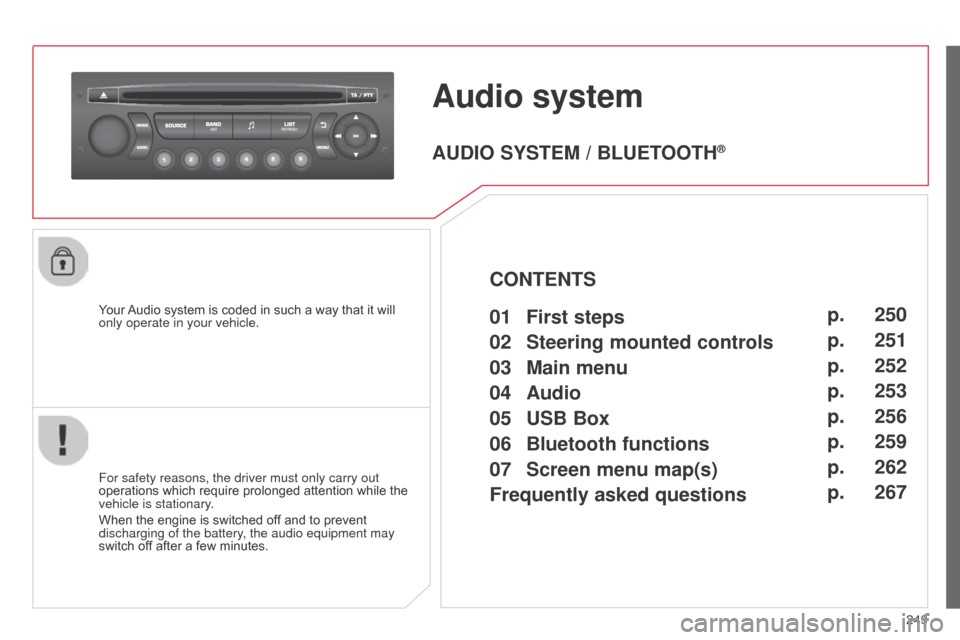
Audio system
Your Audio system is coded in such a way that it will
only operate in your vehicle.
For safety reasons, the driver must only carry out
operations which require prolonged attention while the
vehicle is stationary.
When the engine is switched off and to prevent
discharging of the battery, the audio equipment may
switch off after a few minutes.
AUDIO SYSTEM / BLUETOOTH®
01 First steps
02
Steering mounted
controls
03
Main
menu
04
Audio
05
USB Box
06
Bluetooth
functions
07
Screen menu map(s)
Frequently
asked questions p.
p.
p.
p.
p.
p.
p.
p.
250
251
252
253
256
259
262
267
CONTENTS
Page 261 of 284
06
259
C3_en_Chap13c_Rd45_ed01_2014
BLUETOOTH FUNCTIONS
For safety reasons and because they require prolonged attention
on the part of the driver, the operations for pairing of the b luetooth
mobile telephone with the Bluetooth hands-free system of your
audio equipment must be carried out with the vehicle stationary
and the ignition on.
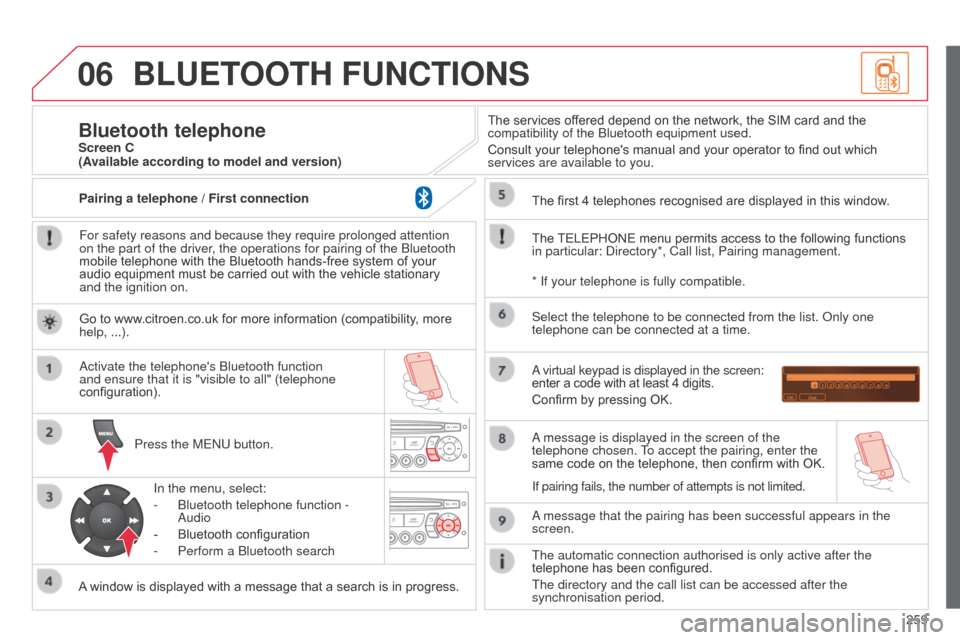
Press the ME
n U button.
A window is displayed with a message that a search is in progress.
a
ctivate the telephone's b luetooth function
and ensure that it is "visible to all" (telephone
configuration).
In the menu, select:
-
b luetooth telephone function -
a
udio
-
Bluetooth configuration
-
Perform a
b luetooth search The services offered depend on the network, the SIM card and the
compatibility of the
b luetooth equipment used.
Consult your telephone's manual and your operator to find out which
services are available to you.
Bluetooth telephoneScreen C
The TELEPHONE menu permits access to the following functions
in particular:
d irectory*, Call list, Pairing management.
The first 4 telephones recognised are displayed in this window.
a virtual keypad is displayed in the screen:
enter a code with at least 4 digits.
Confirm by pressing OK.
a message that the pairing has been successful appears in the
screen. Select the telephone to be connected from the list.
o nly one
telephone can be connected at a time.
a message is displayed in the screen of the
telephone chosen.
To accept the pairing, enter the
same code on the telephone, then confirm with OK.
The automatic connection authorised is only active after the
telephone has been configured.
The directory and the call list can be accessed after the
synchronisation period.
(Available according to model and version)
* If your telephone is fully compatible.
If pairing fails, the number of attempts is not limited.
Go to www.citroen.co.uk for more information (compatibility, more
help, ...).
Pairing a telephone / First connection
Page 262 of 284
06
260
C3_en_Chap13c_Rd45_ed01_2014
Receiving a call
a
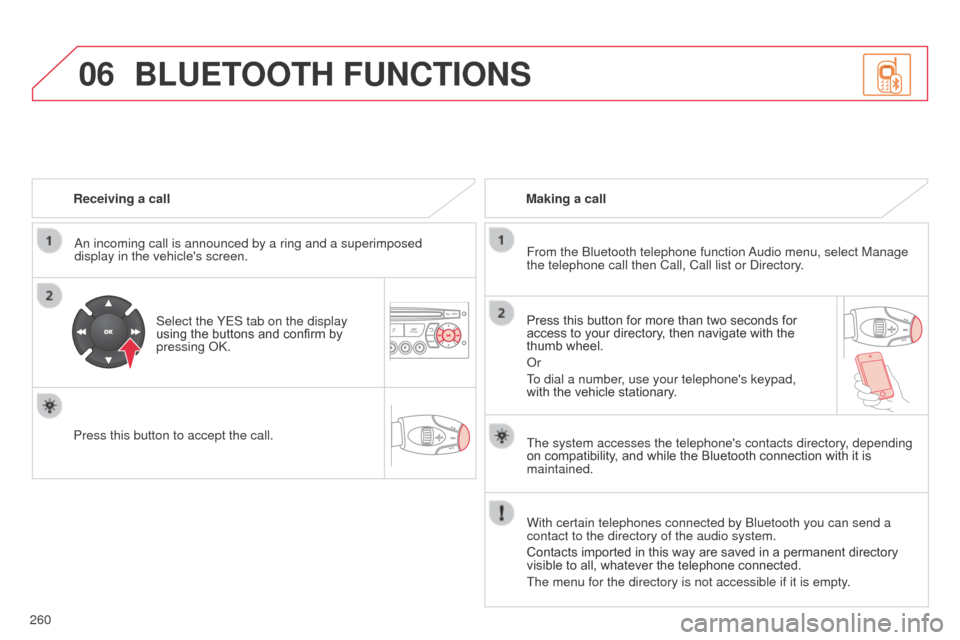
n incoming call is announced by a ring and a superimposed
display in the vehicle's screen.
Select the YES tab on the display
using the buttons and confirm by
pressing
ok .
Press this button to accept the call. Making a call
From the b luetooth telephone function
a
udio menu, select Manage
the telephone call then Call, Call list or
d irectory.
Press this button for more than two seconds for
access to your directory, then navigate with the
thumb wheel.
o
r
To dial a number, use your telephone's keypad,
with the vehicle stationary.
BLUETOOTH FUNCTIONS
The system accesses the telephone's contacts directory, depending
on compatibility, and while the Bluetooth connection with it is
maintained.
With certain telephones connected by
b luetooth you can send a
contact to the directory of the audio system.
Contacts imported in this way are saved in a permanent directory
visible to all, whatever the telephone connected.
The menu for the directory is not accessible if it is empty.
Page 263 of 284
06
261
C3_en_Chap13c_Rd45_ed01_2014
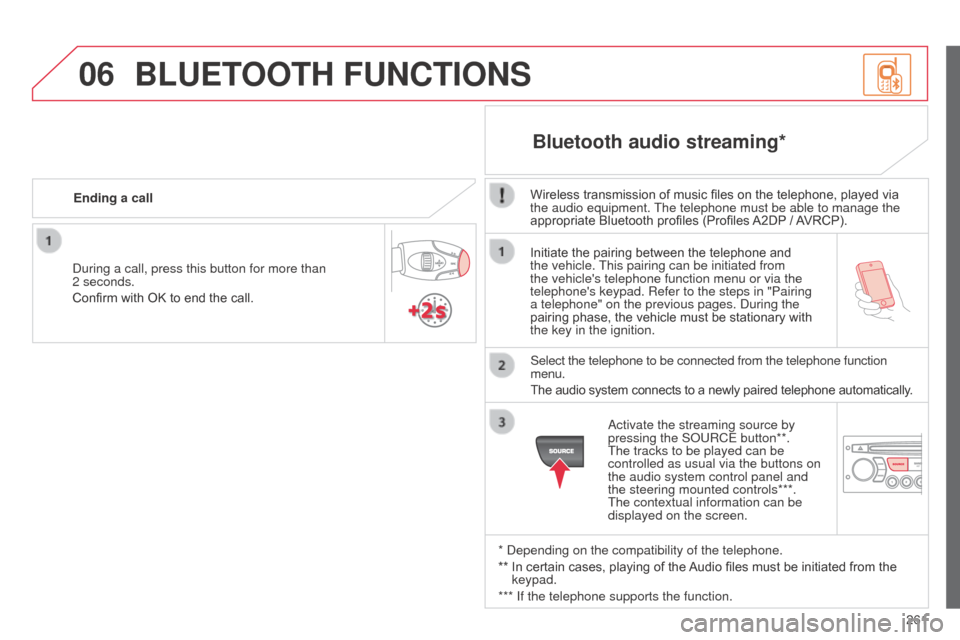
Initiate the pairing between the telephone and
the vehicle. This pairing can be initiated from
the vehicle's telephone function menu or via the
telephone's keypad. Refer to the steps in "Pairing
a telephone" on the previous pages. d uring the
pairing phase, the vehicle must be stationary with
the key in the ignition.
Select the telephone to be connected from the telephone function
menu.
The audio system connects to a newly paired telephone automatically.
Bluetooth audio streaming*
Wireless transmission of music files on the telephone, played via
the audio equipment. The telephone must be able to manage the
appropriate Bluetooth profiles (Profiles A2DP / AVRCP).
*
d
epending on the compatibility of the telephone.
**
In certain cases, playing of the
Audio files must be initiated from the
keypad.
*** If the telephone supports the function.
a
ctivate the streaming source by
pressing the S
o URCE button**.
The tracks to be played can be
controlled as usual via the buttons on
the audio system control panel and
the steering mounted controls***.
The contextual information can be
displayed on the screen.
d
uring a call, press this button for more than
2 seconds.
Confirm with OK to end the call. Ending a call
BLUETOOTH FUNCTIONS
Page 268 of 284
07
266
C3_en_Chap13c_Rd45_ed01_2014
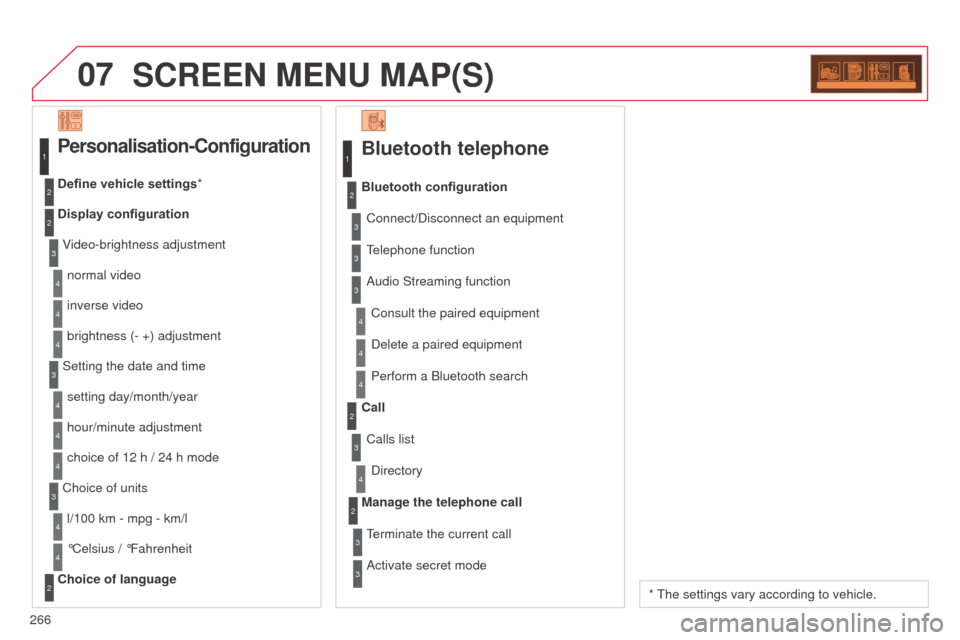
SCREEN MENU MAP(S)
Bluetooth telephone
Connect/disconnect an equipment
Consult the paired equipment
Bluetooth configuration
T elephone function
a
udio Streaming function
d
elete a paired equipment
Perform a
b luetooth search
Calls list
Call
d
irectory
Terminate the current call
Manage the telephone call
a
ctivate secret mode
1
2
3
3
3
4
4
4
2
3
4
2
3
3
Video-brightness adjustment
Display configuration Define vehicle settings*
Personalisation-Configuration
normal video
inverse video
brightness (- +) adjustment
Setting the date and time setting day/month/year
hour/minute adjustment
choice of 12 h / 24 h mode
Choice of units l/100 km - mpg - km/l
°Celsius / °Fahrenheit
Choice of language
1
2
4
3
2
4
4
3
4
4
2
3
4
4
4
* The settings vary according to vehicle.