touch screen Citroen C3 2015 2.G Owner's Guide
[x] Cancel search | Manufacturer: CITROEN, Model Year: 2015, Model line: C3, Model: Citroen C3 2015 2.GPages: 401, PDF Size: 13.04 MB
Page 339 of 401
11
C3-additif_en_Chap13b_SMEGplus_ed01-2015
Volume adjustment (each source is independent,
including traffic announcements (TA) and
navigation instructions).
Mute the sound by pressing simultaneously on
the volume increase and reduce buttons.
Unmute the sound by pressing one of the two
volume buttons. Press Menu
to display the menu
carousel.
Increase volume.
Reduce volume.
Selecting the audio source (depending on
version):
-
"
FM" / "DAB"* / "AM"* stations.
-
"
USB" memory stick.
-
S
martphone via MirrorLink
TM or CarPlay®.
- T
elephone connected by Bluetooth®* and
Bluetooth® audio streaming*.
-
M
edia player connected to the auxiliary
socket (jack, cable not supplied).
* Depending on equipment.
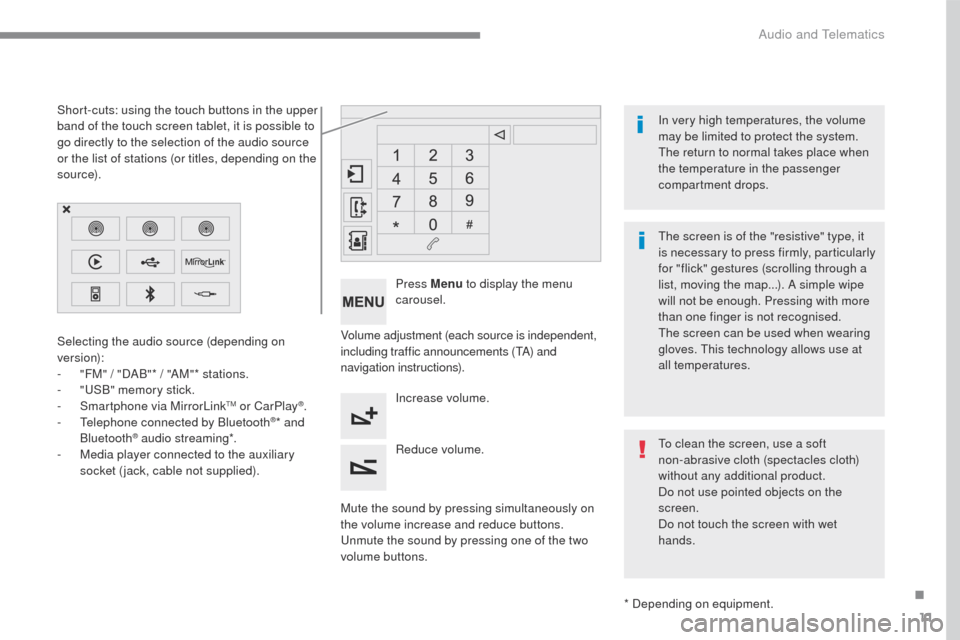
Short-cuts: using the touch buttons in the upper
band of the touch screen tablet, it is possible to
go directly to the selection of the audio source
or the list of stations (or titles, depending on the
s o u r c e).
The screen is of the "resistive" type, it
is necessary to press firmly, particularly
for "flick" gestures (scrolling through a
list, moving the map...). A simple wipe
will not be enough. Pressing with more
than one finger is not recognised.
The screen can be used when wearing
gloves. This technology allows use at
all temperatures. In very high temperatures, the volume
may be limited to protect the system.
The return to normal takes place when
the temperature in the passenger
compartment drops.
To clean the screen, use a soft
non-abrasive cloth (spectacles cloth)
without any additional product.
Do not use pointed objects on the
screen.
Do not touch the screen with wet
hands.
.
Audio and Telematics
Page 374 of 401
46
C3-additif_en_Chap13b_SMEGplus_ed01-2015
Audio settings
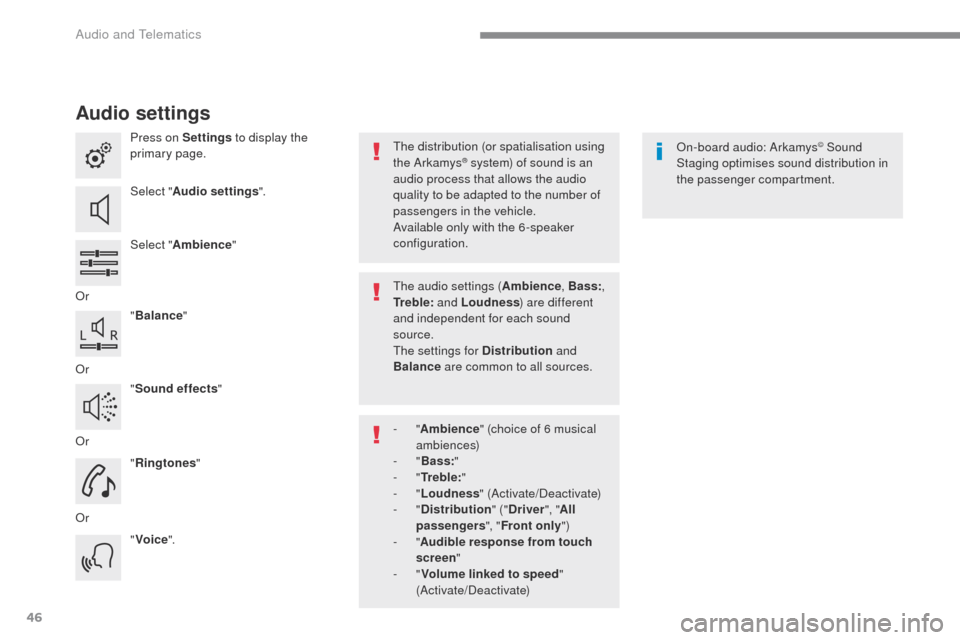
Press on Settings to display the
primary page.
Select " Audio settings ".
Select " Ambience "
Or "Balance "
Or "Sound effects "
Or "Ringtones "
Or "Voice ". On-board audio: Arkamys© Sound
Staging optimises sound distribution in
the passenger compartment.
The distribution (or spatialisation using
the Arkamys® system) of sound is an
audio process that allows the audio
quality to be adapted to the number of
passengers in the vehicle.
Available only with the 6 -speaker
configuration.
The audio settings ( Ambience, Bass:,
Tr e b l e: and Loudness ) are different
and independent for each sound
source.
The settings for Distribution and
Balance are common to all sources.
-
" Ambience " (choice of 6 musical
ambiences)
-
" Bass: "
-
" Tr e b l e: "
-
" Loudness " (Activate/Deactivate)
-
" Distribution " ("Driver ", "All
passengers ", "Front only ")
-
" Audible response from touch
screen "
-
" Volume linked to speed "
(Activate/Deactivate)
Audio and Telematics
Page 377 of 401
49
C3-additif_en_Chap13b_SMEGplus_ed01-2015
As a safety measure and because it
requires sustained attention by the
driver, using a smartphone when
driving is prohibited.
All operations must be done with the
vehicle stationary.
The synchronisation of a
smartphone allows applications on a
smartphone that are adapted to the
MirrorLink
TM technology to be displayed
i
n the vehicle's screen.
The principles and standards
are constantly evolving. For the
communication process between the
smartphone and the system to work
correctly, the smartphone must be
unlocked; update the operating system
of your smartphone as well as the date
and time in the smartphone and the
system.
For the list of eligible smartphones,
connect to the brand's internet website
in your country. As a safety measure, applications
can only be viewed with the vehicle
stationary; display is interrupted once
the vehicle is moving.When connecting a smartphone to
the system, it is recommended that
Bluetooth
® be started on the smartphone.
Start the application on the
smartphone (optional, depending
on the smartphone and operating
syste m).
Access to the different audio sources remains
accessible in the margin of the MirrorLink
TM
display, using touch buttons in the upper bar.
Access to the menus for the system is possible
at any time using the dedicated buttons During the procedure, several screen
pages relating to certain functions
are displayed.
Accept to start and end the
connection.
Connect a USB cable. The
smartphone charges when
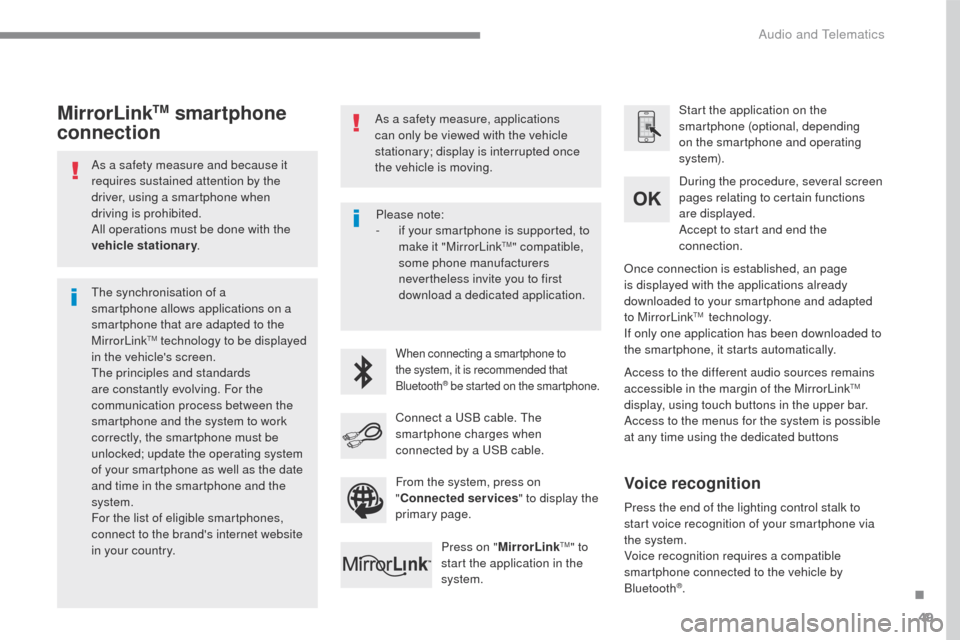
connected by a USB cable. Press on " MirrorLink
TM" to
start the application in the
system. Once connection is established, an page
is displayed with the applications already
downloaded to your smartphone and adapted
to MirrorLink
TM technology.
If only one application has been downloaded to
the smartphone, it starts automatically.
MirrorLinkTM smartphone
connection
Press the end of the lighting control stalk to
start voice recognition of your smartphone via
the system.
Voice recognition requires a compatible
smartphone connected to the vehicle by
Bluetooth
®.
Voice recognition
Please note:
-
i f your smartphone is supported, to
make it "MirrorLink
TM" compatible,
some phone manufacturers
nevertheless invite you to first
download a dedicated application.
From the system, press on
" Connected services " to display the
primary page.
.
Audio and Telematics
Page 394 of 401

66
C3-additif_en_Chap13b_SMEGplus_ed01-2015
QUESTIONANSWER SOLUTION
In changing the setting
of treble and bass the
equalizer setting is
deselected. The selection of an equalizer setting imposes the balance settings.
Modifying one without the other is not possible.
Modify the balance or equalizer settings to obtain
the desired musical ambience.
In changing the equalizer
setting, treble and bass
return to zero.
When changing the
balance settings, the
distribution setting is
deselected. The selection of a distribution setting imposes the balance settings.
Modifying one without the other is not possible.
Modify the balance or distribution settings to
obtain the desired musical ambience.
When changing a sound
distribution setting,
the balance setting is
deselected.
When I select the "All
passengers" mode, the
distribution is not as I
would like. The choice of an "All passengers" distribution can be programmed. Modify the distribution setting using the slider on
the touch screen.
Settings
Audio and Telematics
Page 400 of 401
8
Safety107
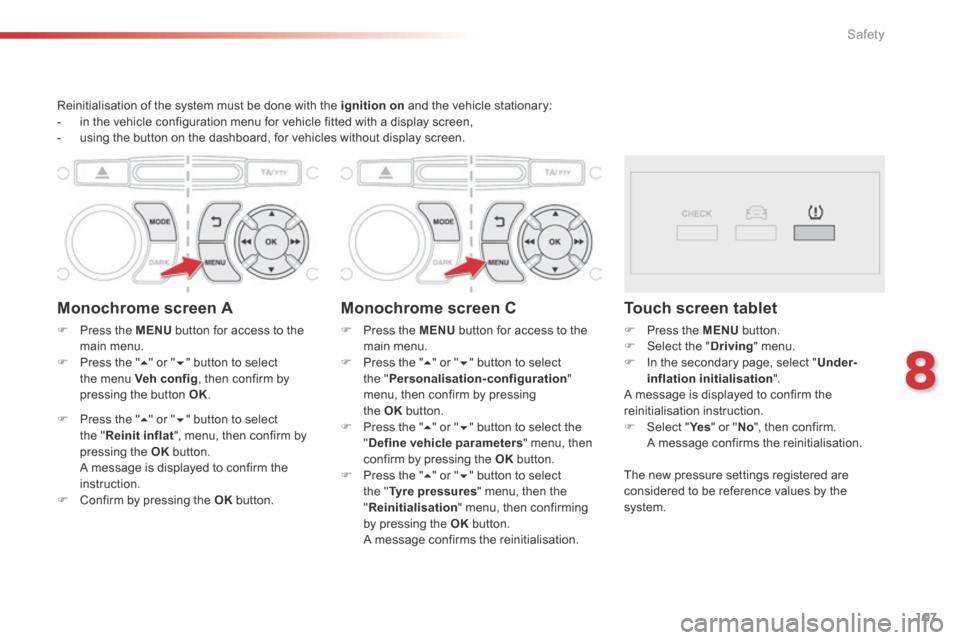
Reinitialisation of the system must be done with the ignition on and the vehicle stationary: - in the vehicle configuration menu for vehicle fitted with a display screen, - using the button on the dashboard, for vehicles without display screen.
Monochrome screen A
Press the MENU button for access to the main menu. Press the " " or " " button to select the menu Veh conf ig , then confirm by pressing the button OK .
Press the " " or " " button to select the " Reinit inflat ", menu, then confirm by pressing the OK b u t t o n . A message is displayed to confirm the instruction. Confirm by pressing the OK b u t t o n .
Monochrome screen C
Press the MENU button for access to the main menu. Press the " " or " " button to select the " Personalisation-configuration " menu, then confirm by pressing
the OK button. Press the " " or " " button to select the " Define vehicle parameters " menu, then confirm by pressing the OK button. Press the " " or " " button to select the " Tyre pressures " menu, then the " Reinitialisation " menu, then confirming by pressing the OK b u t t o n . A message confirms the reinitialisation.
Touch screen tablet
Press the MENU button. Select the " Driving " menu. In the secondary page, select " Under-inflation initialisation " . A message is displayed to confirm the
reinitialisation instruction. Select " Ye s Select " Ye s Select " " or " No ", then confirm. A message confirms the reinitialisation.
The new pressure settings registered are considered to be reference values by the s y s t e m .