parking Citroen C3 RHD 2017 2.G Owner's Manual
[x] Cancel search | Manufacturer: CITROEN, Model Year: 2017, Model line: C3 RHD, Model: Citroen C3 RHD 2017 2.GPages: 442, PDF Size: 9.75 MB
Page 5 of 442
.
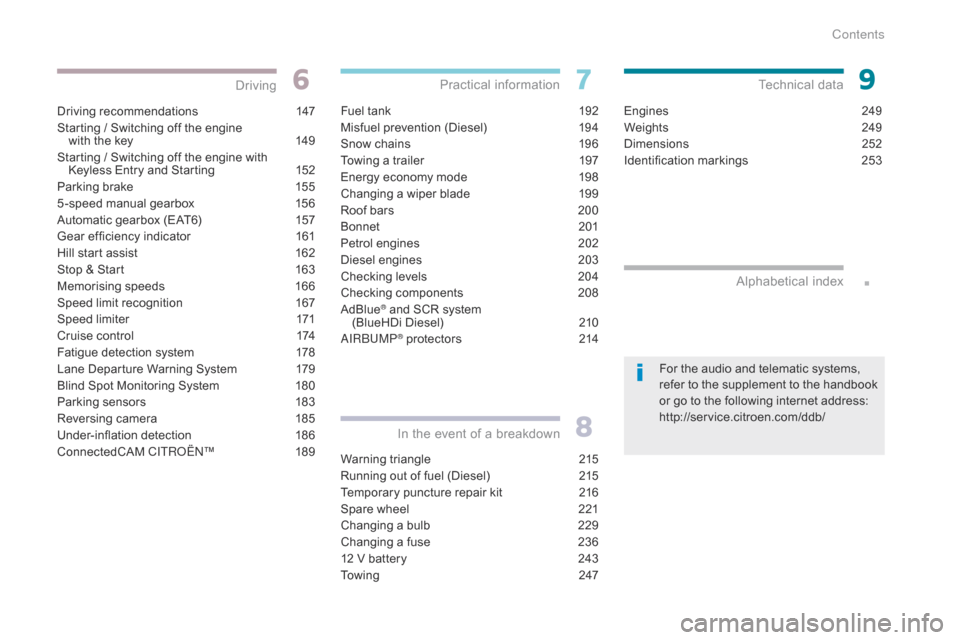
Driving recommendations 147
Starting / Switching off the engine with the key
1
49
Starting / Switching off the engine with Keyless Entry and Starting
1
52
Parking brake
1
55
5 -speed manual gearbox
1
56
Automatic gearbox (EAT6)
1
57
Gear ef ficiency indicator
1
61
Hill start assist
1
62
Stop & Start
1
63
Memorising speeds
1
66
Speed limit recognition
1
67
Speed limiter
1
71
Cruise control
1
74
Fatigue detection system
1
78
Lane Departure Warning System
1
79
Blind Spot Monitoring System
1
80
Parking sensors
1
83
Reversing camera
1
85
Under-inflation detection
1
86
ConnectedCAM C
ITROËN
™ 18
9
Driving
Fuel tank 192
Misfuel prevention (Diesel)
1
94
Snow chains
1
96
Towing a trailer
1
97
Energy economy mode
1
98
Changing a wiper blade
1
99
Roof bars
2
00
Bonnet
20
1
Petrol engines
2
02
Diesel engines
2
03
Checking levels
2
04
Checking components
20
8
AdBlue
® and SCR system
(BlueHDi Diesel) 2 10
AIRBUMP
® protectors 2 14
Practical information
Warning triangle 2 15
Running out of fuel (Diesel)
2
15
Temporary puncture repair kit
2
16
Spare wheel
2
21
Changing a bulb
2
29
Changing a fuse
2
36
12 V battery
2
43
To w i n g
2
47
In the event of a breakdown
Engines 249
Weights
2
49
Dimensions
2
52
Identification markings
2
53
Technical data
Alphabetical index
For the audio and telematic systems,
refer to the supplement to the handbook
or go to the following internet address:
http://service.citroen.com/ddb/
Contents
Page 6 of 442
4
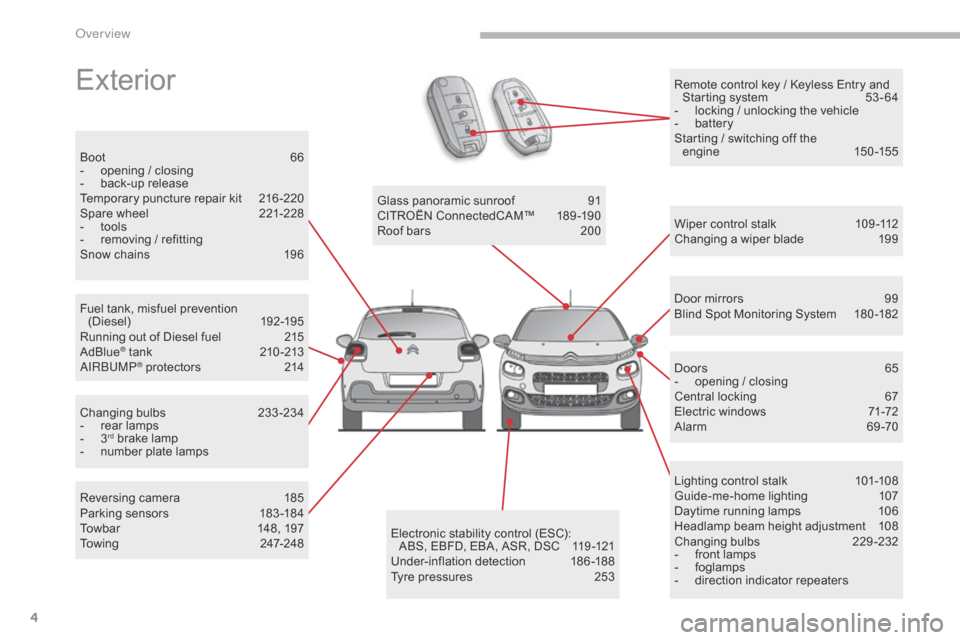
Remote control key / Keyless Entry and Starting system 5 3 - 64
-
l
ocking / unlocking the vehicle
-
b
attery
Starting / switching off the engine
15
0 -155Exterior
Fuel tank, misfuel prevention (Diesel) 19 2-195
Running out of Diesel fuel
2
15
AdBlue
® tank 21 0 -213
AIRBUMP® protectors 2 14
Boot
6
6
-
o
pening / closing
-
b
ack-up release
Temporary puncture repair kit
2
16 -220
Spare wheel
2
21-228
-
t
ools
-
r
emoving / refitting
Snow chains
1
96
Changing bulbs
2
33-234
-
r
ear lamps
-
3rd brake lamp
-
n
umber plate lamps Glass panoramic sunroof
9
1
CITROËN ConnectedCAM™
1
89-190
Roof bars
2
00
Wiper control stalk
1
09 -112
Changing a wiper blade
1
99
Door mirrors
9
9
Blind Spot Monitoring System
1
80 -182
Doors
65
-
o
pening / closing
Central locking
6
7
Electric windows
7
1-72
Alarm 6 9-70
Lighting control stalk
1
01-108
Guide-me-home lighting
1
07
Daytime running lamps
1
06
Headlamp beam height adjustment
1
08
Changing bulbs
2
29-232
-
f
ront lamps
-
fo
glamps
-
d
irection indicator repeaters
Electronic stability control (ESC):
ABS, EBFD, EBA, ASR, DSC
1
19 -121
Under-inflation detection
1
86-188
Tyre pressures
2
53
Reversing camera
1
85
Parking sensors
1
83 -184
Towbar
1
48, 197
Towing
24
7-248
Over view
Page 8 of 442
6
Instruments and controls
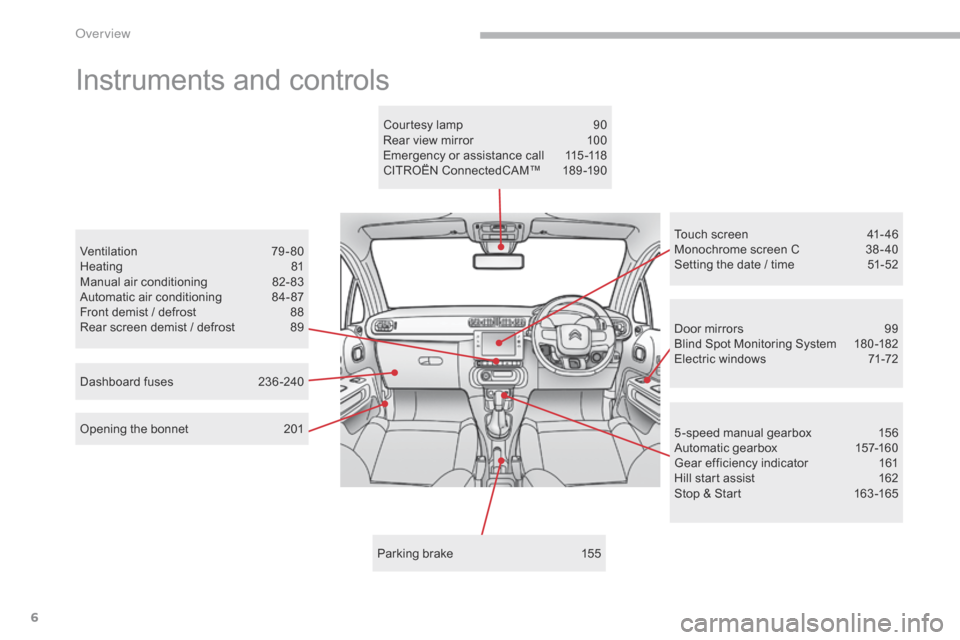
Door mirrors 99
Blind Spot Monitoring System 1 80 -182
Electric windows
7
1-72
Opening the bonnet
2
01
Ventilation
7
9-80
Heating
8
1
Manual air conditioning
8
2-83
Automatic air conditioning
8
4- 87
Front demist / defrost
8
8
Rear screen demist / defrost
8
9
5 -speed manual gearbox
1
56
Automatic gearbox
1
57-160
Gear efficiency indicator
1
61
Hill start assist
1
62
Stop & Start
1
63 -165
Touch screen
4
1- 46
Monochrome screen C
3
8 - 40
Setting the date / time
5
1-52
Parking brake
1
55
Courtesy lamp
9
0
Rear view mirror
1
00
Emergency or assistance call
1
15 -118
CITROËN ConnectedCAM™
1
89-190
Dashboard fuses
2
36 -240
O
Page 17 of 442
15
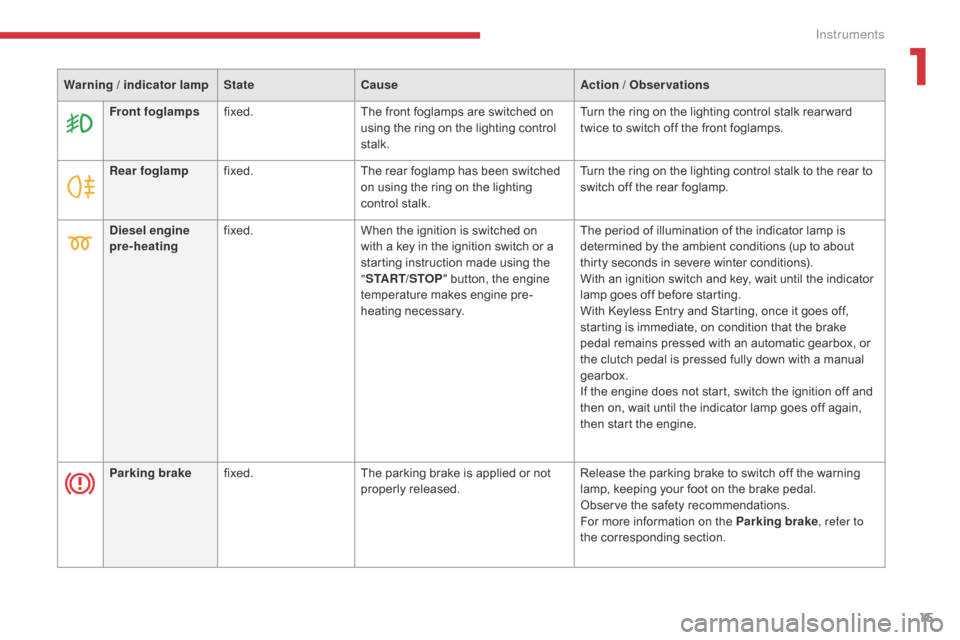
Rear foglampfixed. The rear foglamp has been switched
on using the ring on the lighting
control stalk. Turn the ring on the lighting control stalk to the rear to
switch off the rear foglamp.
Diesel engine
pre-heating fixed.
When the ignition is switched on
with a key in the ignition switch or a
starting instruction made using the
"START/STOP " button, the engine
temperature makes engine pre-
heating necessary. The period of illumination of the indicator lamp is
determined by the ambient conditions (up to about
thirty seconds in severe winter conditions).
With an ignition switch and key, wait until the indicator
lamp goes off before starting.
With Keyless Entry and Starting, once it goes off,
starting is immediate, on condition that the brake
pedal remains pressed with an automatic gearbox, or
the clutch pedal is pressed fully down with a manual
gearbox.
If the engine does not start, switch the ignition off and
then on, wait until the indicator lamp goes off again,
then start the engine.
Parking brake fixed. The parking brake is applied or not
properly released. Release the parking brake to switch off the warning
lamp, keeping your foot on the brake pedal.
Observe the safety recommendations.
For more information on the Parking brake
, refer to
the corresponding section.
Warning / indicator lamp
StateCause Action / Observations
Front foglamps fixed. The front foglamps are switched on
using the ring on the lighting control
stalk. Turn the ring on the lighting control stalk rear ward
twice to switch off the front foglamps.
1
Instruments
Page 29 of 442
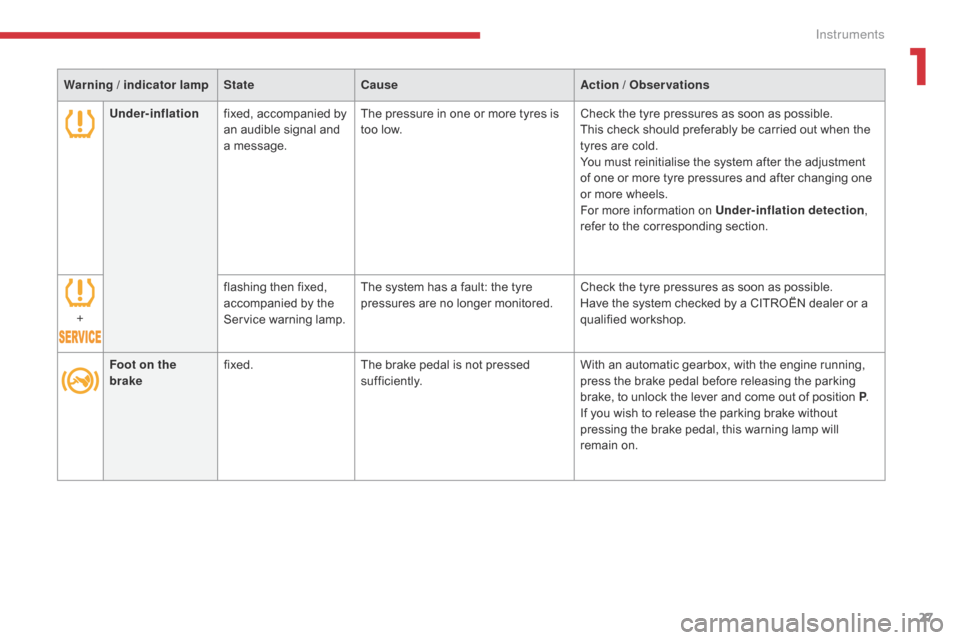
27
Under-inflationfixed, accompanied by
an audible signal and
a message. The pressure in one or more tyres is
too low.
Check the tyre pressures as soon as possible.
This check should preferably be carried out when the
tyres are cold.
You must reinitialise the system after the adjustment
of one or more tyre pressures and after changing one
or more wheels.
For more information on Under-inflation detection
,
refer to the corresponding section.
+ flashing then fixed,
accompanied by the
Service warning lamp.The system has a fault: the tyre
pressures are no longer monitored.
Check the tyre pressures as soon as possible.
Have the system checked by a CITROËN dealer or a
qualified workshop.
Foot on the
brake fixed.
The brake pedal is not pressed
sufficiently. With an automatic gearbox, with the engine running,
press the brake pedal before releasing the parking
brake, to unlock the lever and come out of position P
.
If you wish to release the parking brake without
pressing the brake pedal, this warning lamp will
remain on.
Warning / indicator lamp
StateCause Action / Observations
1
Instruments
Page 39 of 442
37
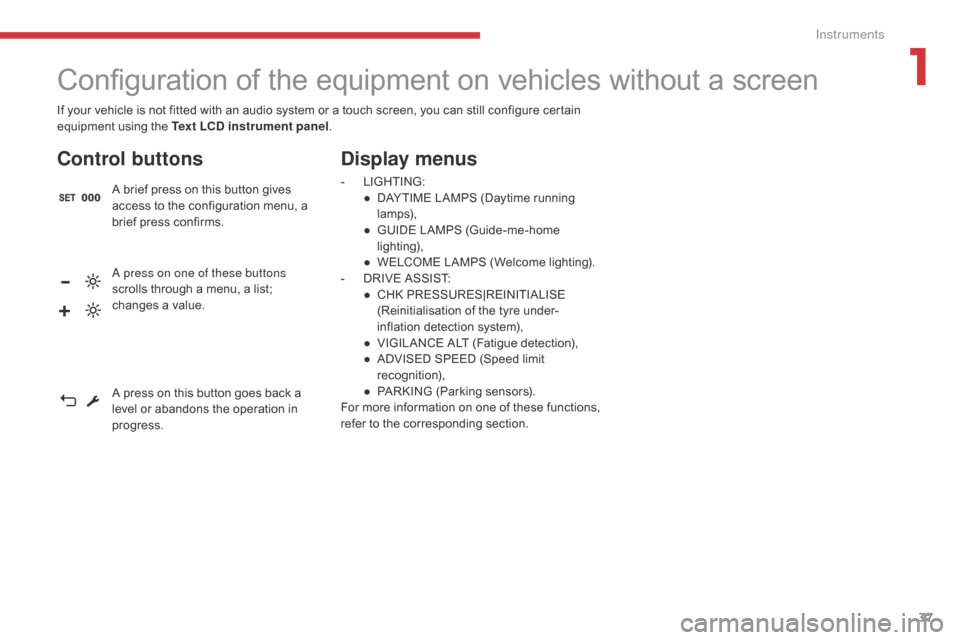
If your vehicle is not fitted with an audio system or a touch screen, you can still configure certain
equipment using the Text LCD instrument panel.
Configuration of the equipment on vehicles without a screen
Control buttons
A brief press on this button gives
access to the configuration menu, a
brief press confirms.
Display menus
- LIGHTING:
● D AYTIME LAMPS (Daytime running
lamps),
●
G
UIDE LAMPS (Guide-me-home
lighting),
●
W
ELCOME LAMPS (Welcome lighting).
-
D
RIVE ASSIST:
●
C
HK PRESSURES|REINITIALISE
(Reinitialisation of the tyre under-
inflation detection system),
●
V
IGILANCE ALT (Fatigue detection),
●
A
DVISED SPEED (Speed limit
recognition),
●
P
ARKING (Parking sensors).
For more information on one of these functions,
refer to the corresponding section.
A press on one of these buttons
scrolls through a menu, a list;
changes a value.
A press on this button goes back a
level or abandons the operation in
progress.
1
Instruments
Page 40 of 442
38
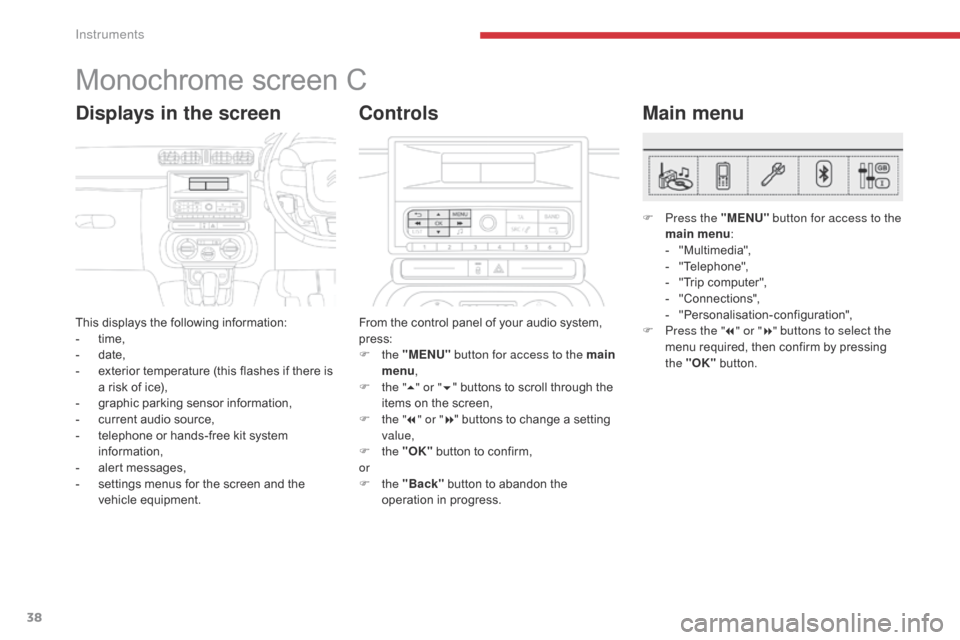
Monochrome screen C
This displays the following information:
- t ime,
-
d
ate,
-
e
xterior temperature (this flashes if there is
a risk of ice),
-
g
raphic parking sensor information,
-
c
urrent audio source,
-
t
elephone or hands-free kit system
information,
-
a
lert messages,
-
s
ettings menus for the screen and the
vehicle equipment.
Displays in the screen
From the control panel of your audio system,
press:
F
the "MENU" button for access to the main
menu ,
F
t
he "5" or " 6" buttons to scroll through the
items on the screen,
F
t
he "7" or " 8" buttons to change a setting
value,
F
the "OK" button to confirm,
or
F
the "Back" button to abandon the
operation in progress.
Controls
F Press the "MENU" button for access to the
main menu :
-
"
Multimedia",
-
"
Telephone",
-
"
Trip computer",
-
"
Connections",
-
"
Personalisation-configuration",
F
P
ress the " 7" or " 8" buttons to select the
menu required, then confirm by pressing
the "OK" button.
Main menu
Instruments
Page 43 of 442
41
Touch screen
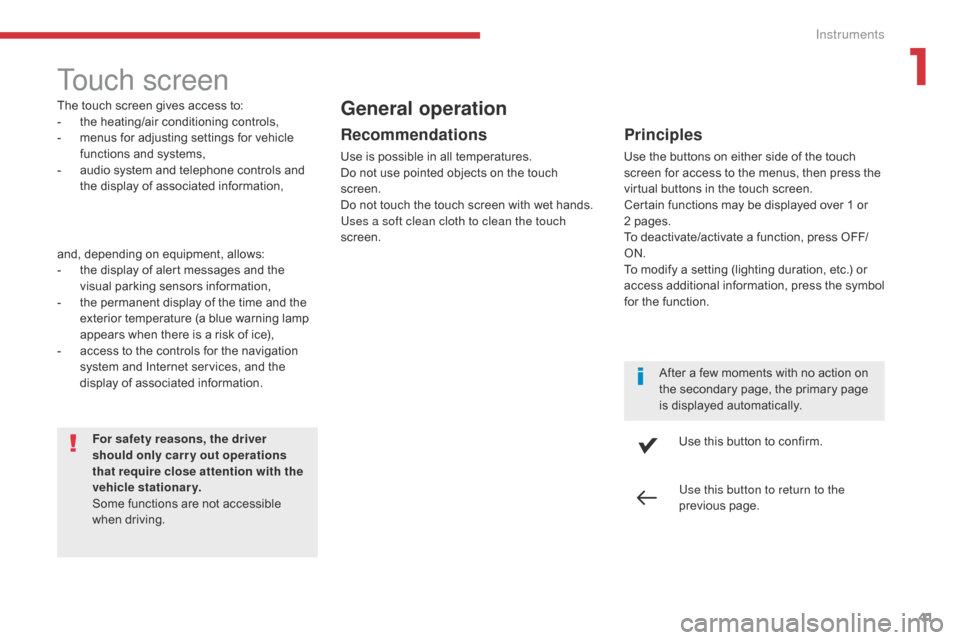
The touch screen gives access to:
- t he heating/air conditioning controls,
-
m
enus for adjusting settings for vehicle
functions and systems,
-
a
udio system and telephone controls and
the display of associated information,
For safety reasons, the driver
should only carr y out operations
that require close attention with the
vehicle stationary.
Some functions are not accessible
when driving.General operation
Recommendations
Use is possible in all temperatures.
Do not use pointed objects on the touch
screen.
Do not touch the touch screen with wet hands.
Uses a soft clean cloth to clean the touch
screen.
Use this button to confirm.
Use this button to return to the
previous page.
Principles
Use the buttons on either side of the touch
screen for access to the menus, then press the
virtual buttons in the touch screen.
Certain functions may be displayed over 1 or
2 pages.
To deactivate/activate a function, press OFF/
ON.
To modify a setting (lighting duration, etc.) or
access additional information, press the symbol
for the function.After a few moments with no action on
the secondary page, the primary page
is displayed automatically.
and, depending on equipment, allows:
-
t
he display of alert messages and the
visual parking sensors information,
-
t
he permanent display of the time and the
exterior temperature (a blue warning lamp
appears when there is a risk of ice),
-
a
ccess to the controls for the navigation
system and Internet services, and the
display of associated information.
1
Instruments
Page 46 of 442
44
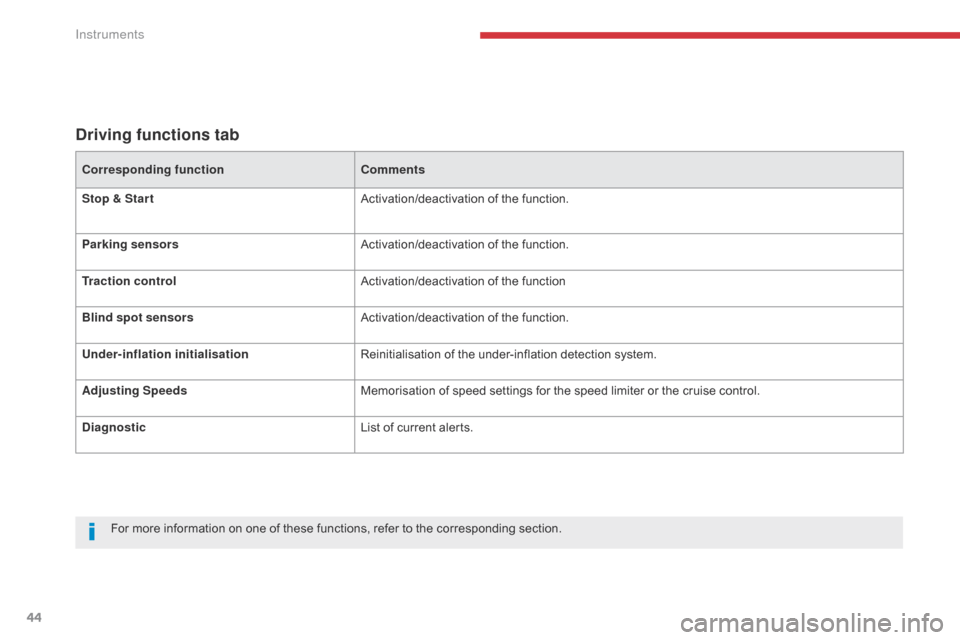
Driving functions tab
Corresponding functionComments
Stop & Star t Activation/deactivation of the function.
Parking sensors Activation/deactivation of the function.
Traction control Activation/deactivation of the function
Blind spot sensors Activation/deactivation of the function.
Under-inflation initialisation Reinitialisation of the under-inflation detection system.
Adjusting Speeds Memorisation of speed settings for the speed limiter or the cruise control.
Diagnostic List of current alerts.
For more information on one of these functions, refer to the corresponding section.
Instruments
Page 101 of 442
99
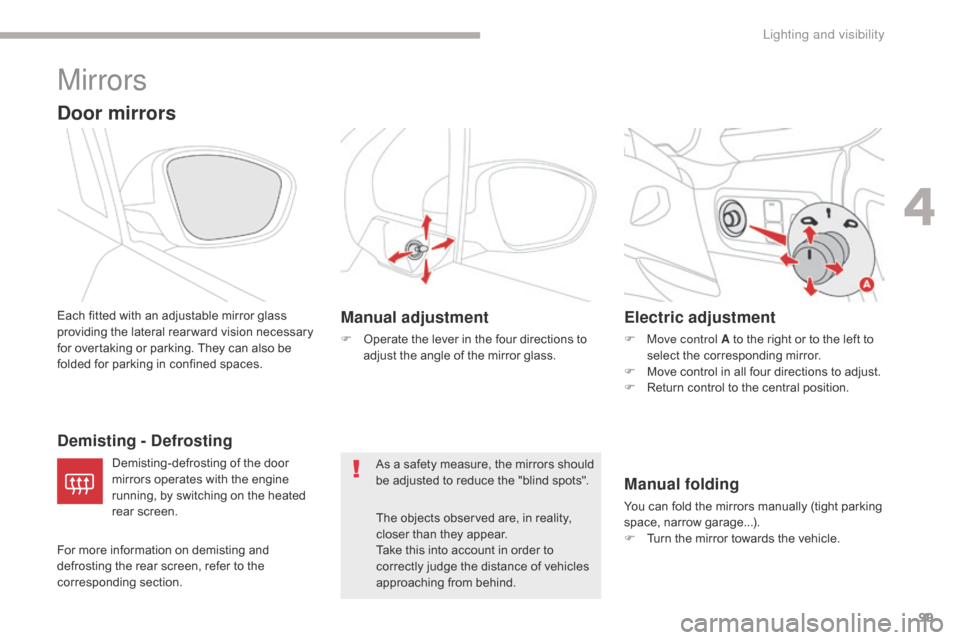
Mirrors
Door mirrors
Each fitted with an adjustable mirror glass
providing the lateral rear ward vision necessary
for overtaking or parking. They can also be
folded for parking in confined spaces.As a safety measure, the mirrors should
be adjusted to reduce the "blind spots".The objects observed are, in reality,
closer than they appear.
Take this into account in order to
correctly judge the distance of vehicles
approaching from behind.
Demisting - Defrosting Electric adjustment
F Move control A to the right or to the left to
select the corresponding mirror.
F
M
ove control in all four directions to adjust.
F
R
eturn control to the central position.
For more information on demisting and
defrosting the rear screen, refer to the
corresponding section. Demisting-defrosting of the door
mirrors operates with the engine
running, by switching on the heated
rear screen.
Manual folding
You can fold the mirrors manually (tight parking
space, narrow garage...).
F
T
urn the mirror towards the vehicle.
Manual adjustment
F Operate the lever in the four directions to adjust the angle of the mirror glass.
4
Lighting and visibility