Sound Citroen C4 2011 2.G Owner's Guide
[x] Cancel search | Manufacturer: CITROEN, Model Year: 2011, Model line: C4, Model: Citroen C4 2011 2.GPages: 324, PDF Size: 10.11 MB
Page 311 of 324
309
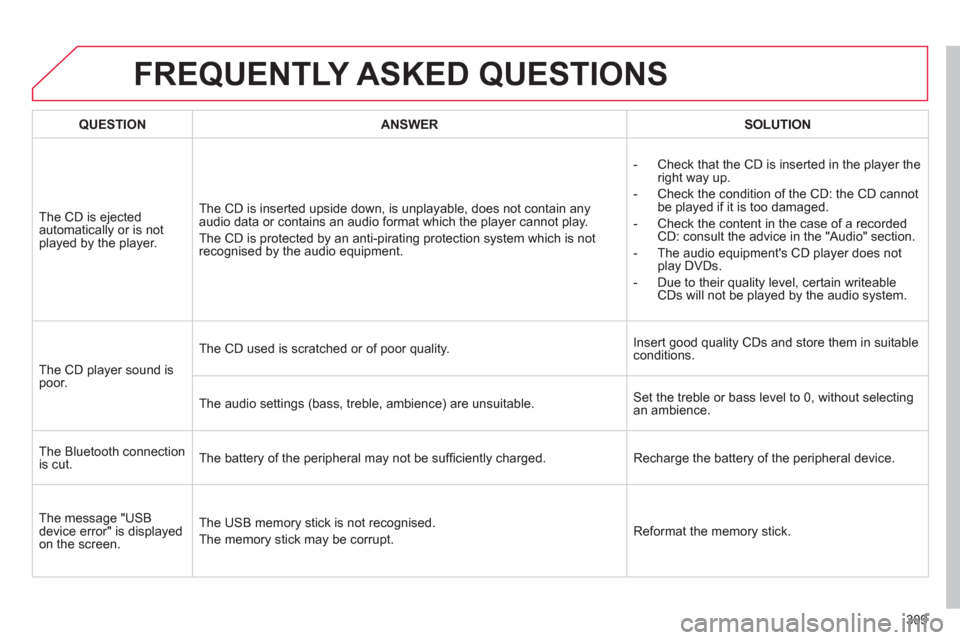
FREQUENTLY ASKED QUESTIONS
QUESTIONANSWERSOLUTION
The CD is ejected
automatically or is notplayed by the player. The
CD is inserted upside down, is unplayable, does not contain any audio data or contains an audio format which the player cannot play.
The CD is protected b
y an anti-pirating protection system which is not
recognised by the audio equipment.-
Check that the CD is inserted in the player the
right way up.
-
Check the condition of the CD: the CD cannot
be played if it is too damaged.
-
Check the content in the case of a recordedCD: consult the advice in the "Audio" section.
- The audio equipment's CD pla
yer does not
play DVDs.
-
Due to their quality level, certain writeableCDs will not be played by the audio system.
The
CD player sound ispoor. The
CD used is scratched or of poor quality.Insert good quality CDs and store them in suitable conditions.
The audio settin
gs (bass, treble, ambience) are unsuitable. Set the treble or bass level to 0, without selectingan ambience.
Th
e Bluetooth connectionis cut. The battery of the peripheral may not be suffi ciently charged. Recharge the battery of the peripheral device.
The messa
ge "USB
device error" is displayedon the screen.The U
SB memory stick is not recognised.
The memor
y stick may be corrupt.Reformat the memory stick.
Page 312 of 324
310
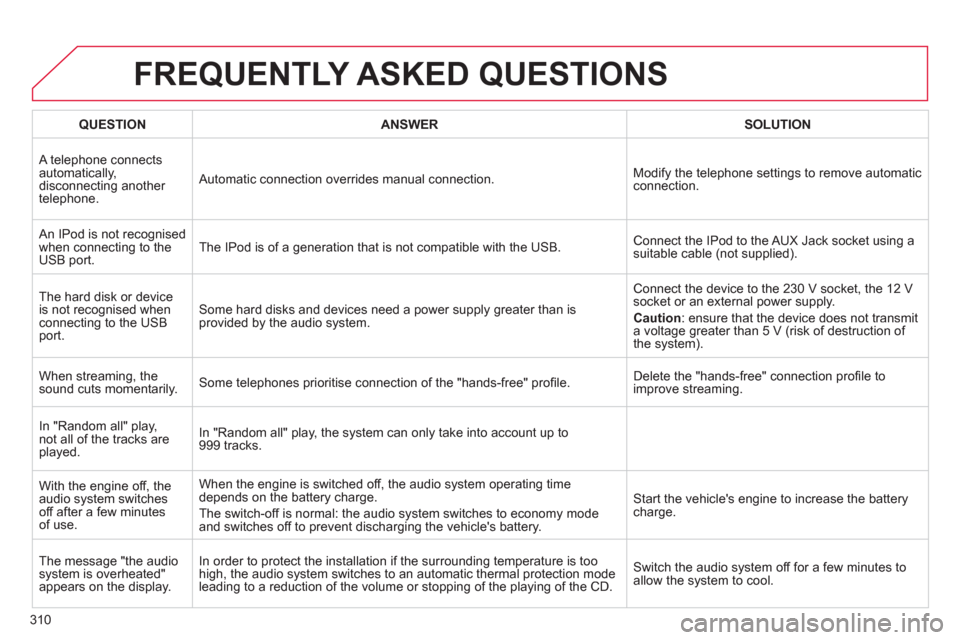
FREQUENTLY ASKED QUESTIONS
QUESTIONANSWERSOLUTION
A telephone connects
automatically,
disconnecting another
telephone. Automatic connection overrides manual connection. Modify the telephone settings to remove automatic connection.
An IPod is not recognised
when connecting to theUSB port.The IPod is of a generation that is not compatible with the USB. Connect the IPod to the AUX Jack socket using a
suitable cable (not supplied).
Th
e hard disk or deviceis not recognised when connecting to the USB port.
Some hard disks and devices need a power supply greater than is
provided by the audio system. Connect the device to the 230 V socket, the 12 V
soc
ket or an external power supply.
Caution
: ensure that the device does not transmit a voltage greater than 5 V (risk of destruction of
the system).
When streamin
g, the
sound cuts momentarily. Some telephones prioritise connection of the "hands-free" profi le. Delete the "hands-free" connection profi le to
improve streaming.
In "Random all" pla
y, not all of the tracks areplayed.In "Random all" pla
y, the system can only take into account up to999 tracks.
With the en
gine off, the
audio system switchesoff after a few minutes of use.When the en
gine is switched off, the audio system operating timedepends on the battery charge.
The switch-o
ff is normal: the audio system switches to economy modeand switches off to prevent discharging the vehicle's battery.
Start the vehicle's engine to increase the batterycharge.
The message "the audio
system is overheated"
appears on the displa
y.In order to protect the installation i
f the surrounding temperature is too
high, the audio system switches to an automatic thermal protection mode
leadin
g to a reduction of the volume or stopping of the playing of the CD.Switch the audio s
ystem off for a few minutes toallow the system to cool.