AUX CITROEN C4 AIRCROSS DAG 2021 Handbook (in English)
[x] Cancel search | Manufacturer: CITROEN, Model Year: 2021, Model line: C4 AIRCROSS DAG, Model: CITROEN C4 AIRCROSS DAG 2021Pages: 244, PDF Size: 6.29 MB
Page 210 of 244
208
CITROËN Connect Nav
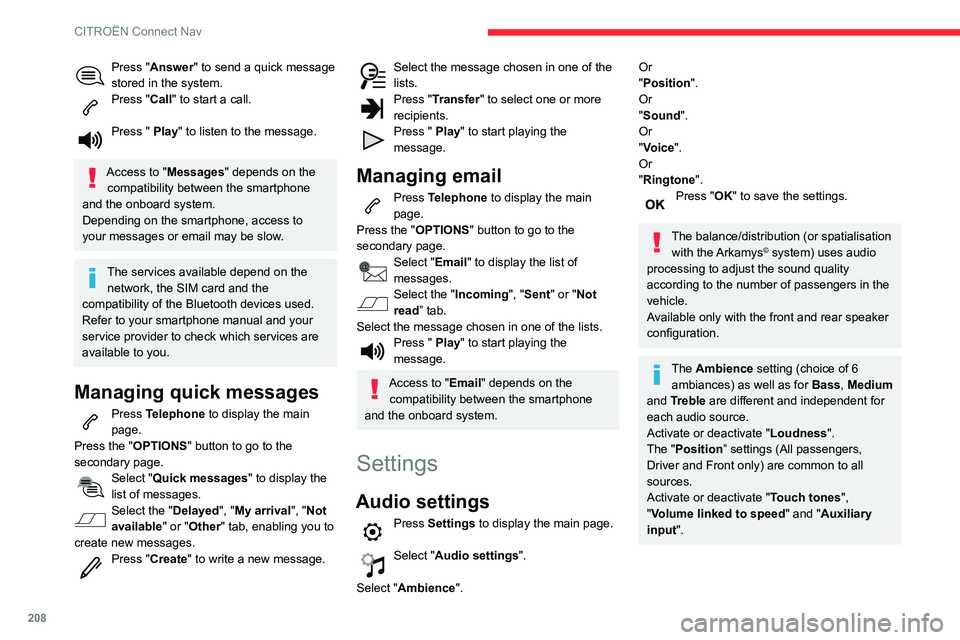
Press "Answer" to send a quick message
stored in the system.
Press "Call" to start a call.
Press " Play" to listen to the message.
Access to "Messages " depends on the
compatibility between the smartphone
and the onboard system.
Depending on the smartphone, access to
your messages or email may be slow.
The services available depend on the network, the SIM card and the
compatibility of the Bluetooth devices used.
Refer to your smartphone manual and your
service provider to check which services are
available to you.
Managing quick messages
Press Telephone to display the main
page.
Press the "OPTIONS " button to go to the
secondary page.
Select "Quick messages " to display the
list of messages.
Select the "Delayed", "My arrival", "Not
available" or "Other" tab, enabling you to
create new messages.
Press "Create " to write a new message.
Select the message chosen in one of the lists.Press "Transfer " to select one or more
recipients.
Press " Play" to start playing the
message.
Managing email
Press Telephone to display the main
page.
Press the "OPTIONS " button to go to the
secondary page.
Select "Email" to display the list of
messages.
Select the "Incoming ", "Sent" or "Not
read” tab.
Select the message chosen in one of the lists.
Press " Play" to start playing the
message.
Access to "Email" depends on the compatibility between the smartphone
and the onboard system.
Settings
Audio settings
Press Settings to display the main page.
Select "Audio settings".
Select "Ambience".
Or
"Position ".
Or
"Sound ".
Or
"Voice".
Or
"Ringtone ".
Press "OK" to save the settings.
The balance/distribution (or spatialisation
with the Arkamys© system) uses audio
processing to adjust the sound quality
according to the number of passengers in the
vehicle.
Available only with the front and rear speaker
configuration.
The Ambience setting (choice of 6 ambiances) as well as for Bass, Medium
and Treble are different and independent for
each audio source.
Activate or deactivate "Loudness".
The "Position ” settings (All passengers,
Driver and Front only) are common to all
sources.
Activate or deactivate "Touch tones ",
"Volume linked to speed " and "Auxiliary
input ".
Onboard audio: Arkamys Sound Staging©
optimises the sound balance/distribution
inside the passenger compartment.
Configuring profiles
As a safety measure and because it requires the sustained attention of the
driver, the operations must only be done with
the vehicle stationary.
Press Settings to display the main page.
Press the "OPTIONS " button to access the
secondary page.
Select "Setting of the profiles ".
Select "Profile 1", "Profile 2", "Profile 3” or
"Common profile ".
Press this button to enter a name for the profile using the virtual keypad.Press "OK" to confirm.
Press this button to add a photograph to the profile.Insert a USB memory stick containing the photograph in the USB socket.Select the photograph.Press "OK" to accept the transfer of the
photograph.
Press "OK" again to save the settings.
Page 220 of 244
218
Alphabetical index
R
Radio 166–167, 179–180, 182, 202–204Radio, digital (Digital Audio Broadcasting - DAB) 167, 181, 203–204Range, AdBlue 14, 133RDS 180, 203Rear screen, demisting 46–47Recharging the battery 154
Recirculation, air 44Recovery 156Reduction of electrical load 128Regeneration of the particle filter 134Reinitialisation of the under-inflation detection system 98Reinitialising the remote control 28Reminder, key in ignition 88Reminder, lighting on 56Remote control 23–26Removing a wheel 143–145Removing the mat 50Replacing bulbs 146–148Replacing fuses 150–152Replacing the air filter 134Replacing the oil filter 134Replacing the passenger compartment filter 134Reservoir, screenwash 133Resetting the trip recorder 16Reversing camera 99, 116–118Roof bars 129Running out of fuel (Diesel) 139
S
Safety, children 74–81, 83Saturation of the particle filter (Diesel) 134Screen, instrument panel 20Screen menu map 183Screen, monochrome 17Screen, multifunction (with audio system) 165Screenwash 61
Screenwash, front 61Screenwash, rear 61SCR (Selective Catalytic Reduction) 15, 135Seat angle 37Seat belts 70–72, 78Seat belts, rear 71Seats, front 36–37Seats, heated 38Seats, rear 38–40, 76Sensors (warnings) 99Serial number, vehicle 162Service indicator 13Servicing 13, 133Settings, equipment 16–19Settings, system 186, 209Sidelamps 55–57, 147–148Snow chains 97, 124–125Socket, 12 V accessory 48Socket, auxiliary 169, 182, 204Socket, Jack 169, 204Sockets, audio 49Speed limiter 101, 103–106Speed limit recognition 101–103
Speedometer 99Stability control (ESC) 67–68Starting a Diesel engine 123Starting the engine 87Starting the vehicle 87–89Starting using another battery 90, 153Station, radio 166, 179–180, 202–203Stay, bonnet 130Steering mounted controls,
audio 165, 177, 191Steering wheel, adjustment 41Stickers, customising ~ Stickers, expressive 138Stopping the vehicle 87–89Stop & Start 21, 43, 46, 95–97,
123, 130, 134, 155
Storage 48, 50Storage box 53Storage wells 53Stowing rings 50Sunroof, panoramic 32–33Sunshine sensor 43Sun visor 47Switching off the engine 87Synchronising the remote control 28
T
Tables of fuses 150–152Tank, fuel 123–124Technical data 159, 161