USB CITROEN C4 CACTUS 2022 Owner's Manual
[x] Cancel search | Manufacturer: CITROEN, Model Year: 2022, Model line: C4 CACTUS, Model: CITROEN C4 CACTUS 2022Pages: 256, PDF Size: 7.62 MB
Page 232 of 256

10
The classifications available are those of
the portable device connected (artists/
albums/genres/playlists/audiobooks/
podcasts), you can also use a
classification structured in the form of a
library.
The default classification used is by
artist. To modify the classification used,
return to the first level of the menu then
select the desired classification (playlists
for example) and confirm to go down
through the menu to the desired track.
The version of software in the audio system
may not be compatible with the generation of
your Apple
® p l aye r.
Information and advice
The system supports USB Mass Storage
devices, BlackBerry® devices or Apple®
players via USB ports. The adapter cable
is not supplied.
Device management is done by the audio
system controls.
Other peripherals, not recognised on
connection, must be connected to the
auxiliary socket using a Jack cable (not
supplied) or via Bluetooth streaming,
depending on compatibility.
To protect the system, do not use a USB
hub.
The audio equipment will only play audio files
with ".wav", ".wma", ".aac", ".ogg" and ".mp3"
file extensions and with a bit rate of between
32 Kbps and 320 Kbps.
It also supports VBR (Variable Bit Rate) mode.
No other file types (".mp4", etc.) can be read.
Files of the ".wma" type should be to the wma
9 standard.
Sampling frequencies supported are 11, 22, 44
and 48 kHz. It is advisable to restrict file names to
20 characters, without using special characters
(e.g. " " ? . ; ù) so as to avoid any reading or
display problems.
Use only USB memory sticks in FAT32 format
(File Allocation Table).
It is recommended that the original USB
cable for the portable device be used.
In order to be able to play a burned CDR or
CDRW, select standards ISO 9660 level 1, 2 or
Joliet if possible when burning the CD.
If the disc is burned in another format, it may
not be played correctly.
It is recommended that the same burning
standard be always used on an individual disc,
with the lowest speed possible (4x maximum)
for the best acoustic quality.
In the particular case of a multi-session CD, the
Joliet standard is recommended.
CITROËN Connect Radio
Page 233 of 256

11
Telephone
MirrorLinkTM smartphone
connection
As a safety measure and because it
requires sustained attention by the driver,
using a smartphone when driving is
prohibited.
All operations must be done with the
vehicle stationary .
The synchronisation of a personal
smartphone allows users to display
applications adapted for the smartphone's
MirrorLink
TM technology on the vehicle
sc
reen.
The processes and standards
are constantly changing. For the
communication process between the
smartphone and the system to operate,
it is essential that the smartphone be
unlocked; update the operating system
of the smar tphone as well as the date
and time of the smar tphone and the
system .
For the list of eligible smartphones, go
to the Brand's internet website in your
c o u nt r y. As a safety measure, applications can
only be viewed with the vehicle stationary;
display is interrupted once the vehicle is
moving.
The "MirrorLink
TM" function requires a
compatible smartphone and applications.
Telephone not connected by
Bluetooth®
Connect a USB cable. The
smartphone charges when
connected by a USB cable.
From the system, press
" Telephone " to display the primary
page.
Press " MirrorLink
TM" to start the
application in the system.
Depending on the smartphone, it may be
necessary to activate the " MirrorLink
TM"
function. During the procedure, several
screen pages relating to certain
functions are displayed.
Accept to start and complete the
connection. When connecting a smartphone
to the system, it is recommended
that Bluetooth
® be started on the
smartphone
Telephone connected by
Bluetooth®
From the system, press
" Telephone " to display the primary
page.
Press the " PHONE" button to display the
secondary page.
Press "MirrorLink
TM" to start the
application in the system.
Once the connection is established, a page
is displayed with the applications already
downloaded to your smartphone and adapted
to MirrorLink
TM technology.
Access to the different audio sources remains
accessible in the margin of the MirrorLink
TM
display, using touch buttons in the upper bar.
Access to the menus for the system is possible
at any time using the dedicated buttons.
There may be a wait for the availability of
applications, depending on the quality of
your network.
.
CITROËN Connect Radio
Page 234 of 256
12
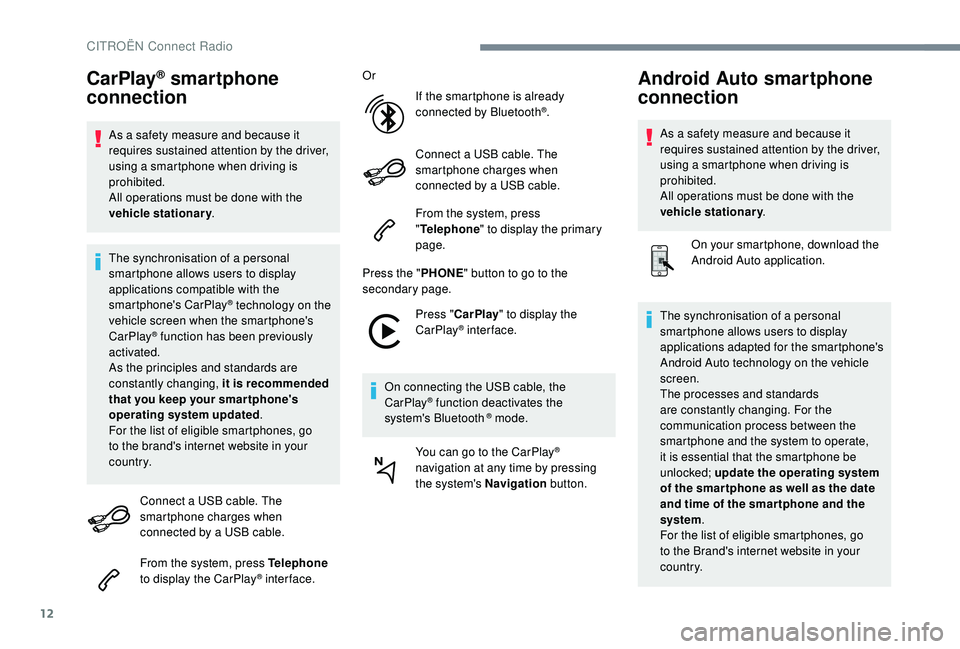
CarPlay® smartphone
connection
As a safety measure and because it
requires sustained attention by the driver,
using a smartphone when driving is
prohibited.
All operations must be done with the
vehicle stationary .
The synchronisation of a personal
smartphone allows users to display
applications compatible with the
smartphone's CarPlay
® technology on the
v
ehicle screen when the smartphone's
CarPlay
® function has been previously
activated.
As the principles and standards are
constantly changing, it is recommended
that you keep your smar tphone's
operating system updated .
For the list of eligible smartphones, go
to the brand's internet website in your
c o u nt r y.
Connect a USB cable. The
smartphone charges when
connected by a USB cable.
From the system, press Telephone
to display the CarPlay
® inter face. Or
If the smartphone is already
connected by Bluetooth
®.
Connect a USB cable. The
smartphone charges when
connected by a USB cable.
From the system, press
" Telephone " to display the primary
page.
Press the " PHONE" button to go to the
secondary page.
Press "CarPlay " to display the
CarPlay
® inter face.
On connecting the USB cable, the
CarPlay
® function deactivates the
system's Bluetooth ® mode.
You can go to the CarPlay
®
navigation at any time by pressing
the system's Navigation button.
Android Auto smartphone
connection
As a safety measure and because it
requires sustained attention by the driver,
using a smartphone when driving is
prohibited.
All operations must be done with the
vehicle stationary.
On your smartphone, download the
Android Auto application.
The synchronisation of a personal
smartphone allows users to display
applications adapted for the smartphone's
Android Auto technology on the vehicle
screen.
The processes and standards
are constantly changing. For the
communication process between the
smartphone and the system to operate,
it is essential that the smartphone be
unlocked; update the operating system
of the smar tphone as well as the date
and time of the smar tphone and the
system .
For the list of eligible smartphones, go
to the Brand's internet website in your
c o u nt r y.
CITROËN Connect Radio
Page 235 of 256
13
As a safety measure, applications can
only be viewed with the vehicle stationary;
display is interrupted once the vehicle is
moving.
The "Android Auto" function requires the
use of a compatible smartphone and
applications.
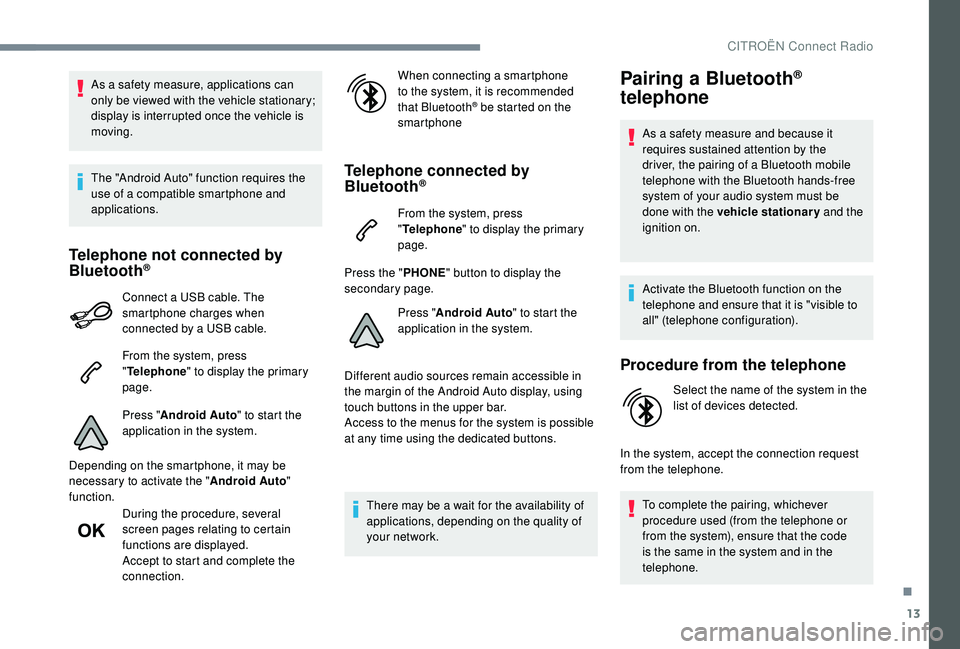
Telephone not connected by
Bluetooth®
Connect a USB cable. The
smartphone charges when
connected by a USB cable.
From the system, press
"Telephone " to display the primary
page.
Press " Android Auto " to start the
application in the system.
Depending on the smartphone, it may be
necessary to activate the " Android Auto"
function.
During the procedure, several
screen pages relating to certain
functions are displayed.
Accept to start and complete the
connection. When connecting a smartphone
to the system, it is recommended
that Bluetooth
® be started on the
smartphone
Telephone connected by
Bluetooth®
From the system, press
" Telephone " to display the primary
page.
Press the " PHONE" button to display the
secondary page.
Press "Android Auto " to start the
application in the system.
Different audio sources remain accessible in
the margin of the Android Auto display, using
touch buttons in the upper bar.
Access to the menus for the system is possible
at any time using the dedicated buttons.
There may be a wait for the availability of
applications, depending on the quality of
your network.
Pairing a Bluetooth®
telephone
As a safety measure and because it
requires sustained attention by the
driver, the pairing of a Bluetooth mobile
telephone with the Bluetooth hands-free
system of your audio system must be
done with the vehicle stationary and the
ignition on.
Activate the Bluetooth function on the
telephone and ensure that it is "visible to
all" (telephone configuration).
Procedure from the telephone
Select the name of the system in the
list of devices detected.
In the system, accept the connection request
from the telephone. To complete the pairing, whichever
procedure used (from the telephone or
from the system), ensure that the code
is the same in the system and in the
telephone.
.
CITROËN Connect Radio
Page 242 of 256

20
Media
QUESTIONRESPONSESOLUTION
Playback of my USB memory stick starts only
after a very long wait (around 2 to 3 minutes). Some files supplied with the memory stick
may greatly slow down access to reading
the memory stick (multiplication by 10 of the
catalogue time).Delete the files supplied with the memory stick
and limit the number of sub-folders in the file
structure on the memory stick.
Some information characters in the currently
playing media are not displayed correctly. The audio system does not display some types
of characters.Use standard characters to name tracks and
folders.
Playback of streaming files does not start. The connected device does not automatically launch playback.Start playback from the device.
Names of tracks and playing time are not
displayed on the audio streaming screen. The Bluetooth profile does not allow the
transfer of this information.
CITROËN Connect Radio
Page 243 of 256

21
Telephone
QUESTIONRESPONSESOLUTION
I am unable to connect my Bluetooth
telephone. The telephone's Bluetooth function may be
switched off or the telephone may not be
visible.Check that your telephone has Bluetooth
switched on.
Check in the telephone settings that it is
"visible to all".
The Bluetooth telephone is not compatible with
the system. You can check the compatibility of your
telephone at the Brand's website (services).
Android Auto and CarPlay do not work. Android Auto and CarPlay may not activate if
the USB cables are of poor quality.Use authentic USB cables to ensure
compatibility.
The volume of the telephone connected in
Bluetooth mode is inaudible. The sound depends on both the system and
the telephone.Increase the volume of the audio system, to
maximum if required, and increase the volume
of the telephone if necessary.
Ambient noise affects the quality of the
telephone call.
Reduce the ambient noise level (close the windows,
reduce the booster fan speed, slow down, etc.).
The contacts are not listed in alphabetical
o r d e r. Some phones provide display options.
Depending on the chosen settings, contacts
can be transferred in a specific order.Modify the telephone directory display settings.
.
CITROËN Connect Radio
Page 248 of 256

184
Safety, children ...................78 -79, 81- 83 , 87- 91
Screen, cold climate ..................................... 13
9
Screen menu map
........................................... 12
Screenwash, front
........................................... 67
Screenwash, rear
............................................ 66
SCR (Selective Catalytic Reduction)
............149
Seat belts
....................................... 10, 76 -77 , 86
SRadio .............................................. 23, 25 , 6 -7 , 9
Radio, digital (Digital Audio Broadcasting – DAB)
................................24, 8
Range, AdBlue
........................................... 21-23
RDS
................
....................................... 23 -24, 7
Rear screen, demisting
...................................54
Recharging the battery
..........................172-173 Seat, rear bench
.......................................
45-46
Seats, front
...............................
.......................
43
Seats, heated
............................................
44-45
Seats, rear
.................................................
45-46
Selector, gear
.........................................
101-103
Serial number, vehicle
..................................
179
Service indicator
.............................................
20
Servicing
..................................................... 6,
20
Settings, equipment
..................................
24-27
Settings, system
........................................
32, 16
Sidelamps
.................... 61,
63-64
, 162, 16 4 -165
Side repeater
................................................
163
Snow chains
...........................................
13 8 -13 9
Socket, 12 V accessory ............................
56-57
Socket, auxiliary
.......................................... 25,
9
Socket, Jack
..............................................
57, 25
Sockets, audio
................................................ 57
Spe
ed limiter
..........................................
11
2 -114
Speed limit recognition
.......................... 11
0 -111
Stability control (ESC)..................................... 72
Starting a Diesel engine
............................... 13
6
Starting the engine
......................................... 96
S
tarting the vehicle
..............
94,
96-98
, 101-10 6
Starting using another battery
................
99, 171
Station, radio
...............................
.......
23 -24 , 6 -7
Stay, bonnet
..................................................
143
Steering mounted controls, audio ................ 3, 3
Steering wheel, adjustment ............................ 46
S
topping the vehicle
............94, 96-98 , 101-10 6
Stop & Start
.............................
18 , 28 , 49, 54 , 107-109 , 13 8, 143, 147, 174
Storage
......................................................56, 58
Sun visor
...............................
..........................56
Switching off the engine
.................................96
Synchronising the remote control
...................38
R
Pads, brake ................................................... 148
Paint colour code .......................................... 179
Panoramic glass sunroof
................................55
Parcel shelf, rear
....................................... 59-60
Park Assist
...............................
.....................127
Parking brake
........................................ 10 0, 148
Parking sensors, audible and visual
.............125
Parking sensors, front
...................................126
Parking sensors, rear .................................... 125
Plates, identification ...................................... 179
Player, Apple
® ............................................. 26, 9
Player, MP3 CD ............................... ................25
Player, USB
................................................. 25, 9
Port, USB
........................................ 56-57, 25, 9
Pre-heater, Diesel
........................................... 16
Pressures, tyres
..................... 15 4, 157 , 179 -18 0
Pre-tensioning seat belts
................................ 77
Priming pump
................................................ 15
3
Priming the fuel system
................................ 15 3
Profiles
...................................................... 31, 16
Protecting children
.............. 78 -79, 81- 83 , 87- 91
Puncture
................................. 15 3 -15 4, 15 6 -157 Recirculation, air
.......................................
50-53
Reduction of electrical load
..........................
140
Regeneration of the particle filter .................
147
Reinitialisation of the under- inflation detection system
...........................
13 3
Reinitialising the remote control
..................... 38
R
eminder, key in ignition
.................................
97
R
eminder, lighting on
......................................
62
R
emote control
...........................................
31- 3 6
Removing a wheel .................................
15 9 -161
Removing the mat ...........................................58
Replacing bulbs ............................. 16
1-162, 16 4
Replacing fuses
.............................166 -167, 169
Replacing the air filter
................................... 14
7
Replacing the oil filter
................................... 14
7
Replacing the passenger compartment filter
......................................147
Reservoir, screenwash
.................................14 6
Resetting the service indicator
.................20 -21
Resetting the trip recorder
........................28-29
Reversing camera
...............................
..........127
Reversing lamp
.............................................16 4
Roof bars
.......................................................142
Running out of fuel (Diesel)
..........................15 3
P
Alphabetical index
Page 249 of 256

185
T
U
Tables of engines ................................... 17 7-178
Tables of fuses ........................166 -167, 16 9 -170
Ta n k , f u e l
................................................ 137-13 8
Technical data
........................................ 17
7-178
Telephone
..............................
........27- 3 0 , 13 -15
Temperature, coolant
........................................ 9
Third brake lamp
........................................... 165
Three flashes (direction indicators)
................ 63
T
ime (setting)
...................................... 29, 33 , 17
TMC (Traffic info)
............................................ 15
T
o o l s
............................................... 157, 157-15 8
Total distance recorder
.............................28-29
Touch screen ...................................... 24-27, 1, 1
To w b a r
...............................
......................95, 140
Towed loads
.................................................. 176
Towing another vehicle
..........................174 -175
Towing eye
...................................................... 59
Traction control (ASR)
.........................15, 7 2 -74
Traffic information (TMC)
................................15
Tr a i l e r
...............
....................................... 95, 140
Triangle, warning ..................................... 59, 15 3
Trip computer
............................................. 27-2 8
Trip distance recorder
............................... 2
8-29
Ty r e s
.......................................................... 6, 18 0
Tyre under-inflation detection
...............................
.16 , 132-13 3 , 157
Under floor storage
......................................... 59
Under-inflation (detection)
............................132
Unlocking
.................................................. 32-33
Unlocking from the inside
...............................35
Unlocking the boot
...............................
...........32
Unlocking the doors
.................................. 3
2, 35
Updating the date
................................ 29,
32, 17
Updating the time
...............................
.29 , 33 , 17
USB
............................................................. 25, 9 Ventilation
.......................................6, 48-49 , 51
Visibility ...............
............................................54
Voice commands
...............................5-8, 10 -12
V
W
Warning and indicator lamps ............................ 8
W arning lamp, airbag ...................................... 16
W
arning lamp, braking system
.........................9
Warning lamp, Diesel engine pre-heater
.......16
Warning lamp, driver's seat belt not fastened
...............................
............76
Warning lamp, low fuel level
...........................17
Warning lamp, parking brake
............................9
Warning lamps
.................................................. 8
Warning lamp, seat belts
................................76
Warning lamp, Service ....................................11
Warnings and indicators
...................................9
Washing (advice) ........................................... 152
Weights
...............
.......................................... 176
Wheel, spare
.......................... 15
4, 157-15 8 , 18 0
Window controls
............................................. 41
Windows, rear doors
...............................42, 152
Windows, rear quarter
..................................152
Wiper blades (changing)
..................67, 141-142
Wiper, rear ....................................................... 66
Wipers
................................................. 19, 65 , 68
Wipers, automatic rain sensitive
...............66, 68
.
Alphabetical index