service CITROEN C4 PICASSO 2017 Owner's Manual
[x] Cancel search | Manufacturer: CITROEN, Model Year: 2017, Model line: C4 PICASSO, Model: CITROEN C4 PICASSO 2017Pages: 316, PDF Size: 10.36 MB
Page 281 of 316
13
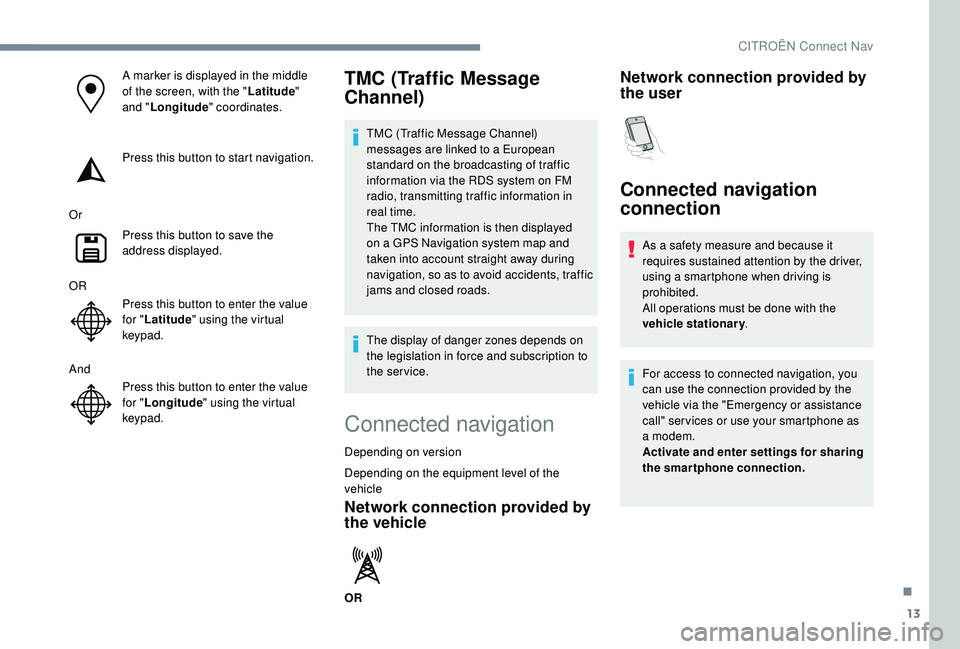
A marker is displayed in the middle
of the screen, with the "Latitude"
and " Longitude " coordinates.
Press this button to start navigation.
Or Press this button to save the
address displayed.
OR Press this button to enter the value
for "Latitude " using the virtual
keypad.
And Press this button to enter the value
for "Longitude " using the virtual
keypad.TMC (Traffic Message
Channel)
TMC (Traffic Message Channel)
messages are linked to a European
standard on the broadcasting of traffic
information via the RDS system on FM
radio, transmitting traffic information in
real time.
The TMC information is then displayed
on a
GPS Navigation system map and
taken into account straight away during
navigation, so as to avoid accidents, traffic
jams and closed roads.
The display of danger zones depends on
the legislation in force and subscription to
the service.
Connected navigation
Depending on version
Depending on the equipment level of the
vehicle
Network connection provided by
the vehicle
OR
Network connection provided by
the user
Connected navigation
connection
As a safety measure and because it
r equires sustained attention by the driver,
using a
smartphone when driving is
prohibited.
All operations must be done with the
vehicle stationary .
For access to connected navigation, you
can use the connection provided by the
vehicle via the "Emergency or assistance
call" ser vices or use your smartphone as
a
modem.
Activate and enter settings for sharing
the smartphone connection.
.
CITROËN Connect Nav
Page 282 of 316
14
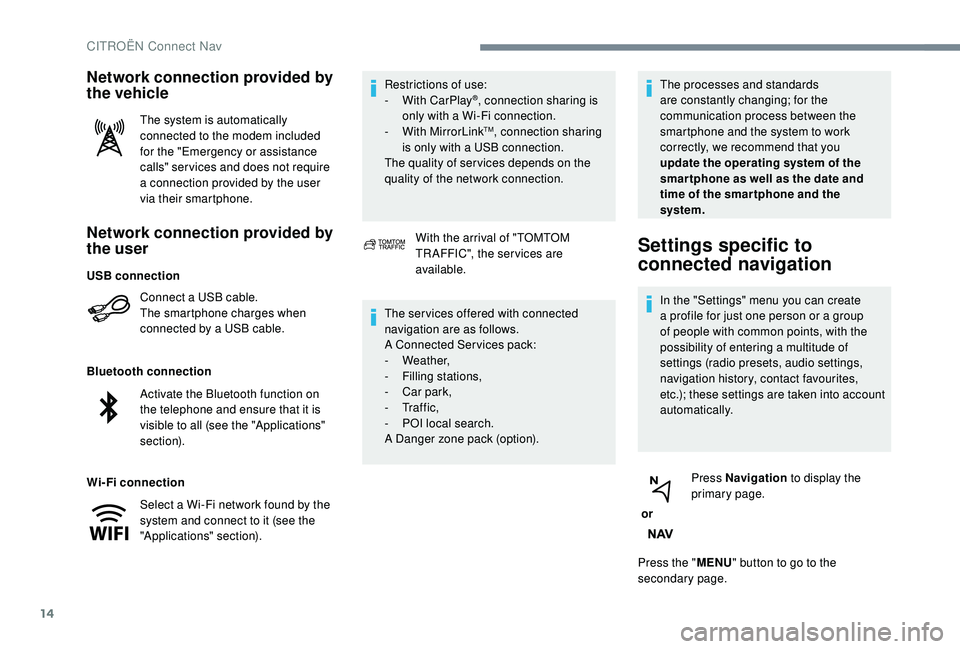
Network connection provided by
the user
Connect a USB cable.
T he smartphone charges when
connected by a
USB cable.
Bluetooth connection
Wi-Fi connection Restrictions of use:
-
W
ith CarPlay
®, connection sharing is
only with a
Wi-Fi connection.
-
W
ith MirrorLink
TM, connection sharing
is only with a
USB connection.
The quality of ser vices depends on the
quality of the network connection.
Network connection provided by
the vehicle
The system is automatically
connected to the modem included
for the "Emergency or assistance
calls" ser vices and does not require
a
connection provided by the user
via their smartphone.
With the arrival of "TOMTOM
TR AFFIC", the ser vices are
available.
The ser vices offered with connected
navigation are as follows.
A Connected Services pack:
-
Weather,
-
F
illing stations,
-
C
ar park,
-
Tr a f f i c ,
-
P
OI local search.
A Danger zone pack (option). The processes and standards
are constantly changing; for the
communication process between the
smartphone and the system to work
correctly, we recommend that you
update the operating system of the
smar tphone as well as the date and
time of the smar tphone and the
system.
Settings specific to
connected navigation
In the "Settings" menu you can create
a
profile for just one person or a group
of people with common points, with the
possibility of entering a
multitude of
settings (radio presets, audio settings,
navigation history, contact favourites,
etc.); these settings are taken into account
automatically.
or Press Navigation
to display the
primary page.
Press the " MENU" button to go to the
secondary page.
USB connection
Activate the Bluetooth function on
the telephone and ensure that it is
visible to all (see the "Applications"
section).
Select a
Wi-Fi network found by the
system and connect to it (see the
"Applications" section).
CITROËN Connect Nav
Page 283 of 316
15
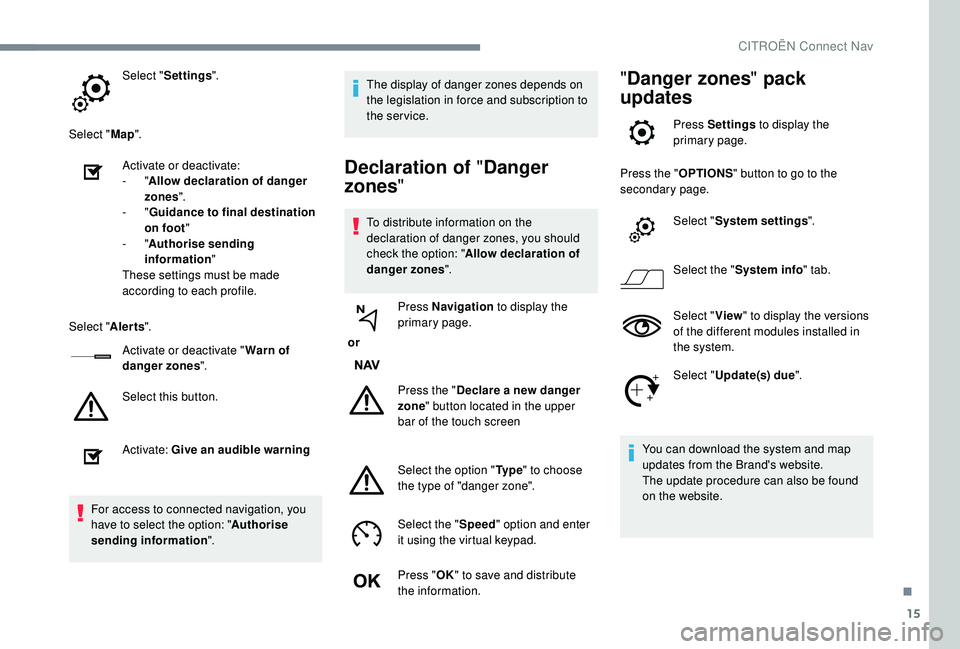
Select "Settings ".
Select " Map".
Activate or deactivate:
-
"Allow declaration of danger
zones ".
-
"Guidance to final destination
on foot "
-
"Authorise sending
information "
These settings must be made
according to each profile.
Select " Alerts".
Activate or deactivate " Warn of
danger zones ".
Select this button.
Activate: Give an audible warning
For access to connected navigation, you
have to select the option: " Authorise
sending information ". The display of danger zones depends on
the legislation in force and subscription to
the service.
Declaration of "
Danger
zones "
To distribute information on the
declaration of danger zones, you should
check the option: " Allow declaration of
danger zones ".
or Press Navigation
to display the
primary page.
Press the " Declare a
new danger
zone " button located in the upper
bar of the touch screen
Select the option " Ty p e" to choose
the type of "danger zone".
Select the " Speed" option and enter
it using the virtual keypad.
Press " OK" to save and distribute
the information.
" Danger zones " pack
updates
Press Settings to display the
primary page.
Press the " OPTIONS" button to go to the
secondary page.
Select "System settings ".
Select the " System info " tab.
Select " View" to display the versions
of the different modules installed in
the system.
Select " Update(s) due ".
You can download the system and map
updates from the Brand's website.
The update procedure can also be found
on the website.
.
CITROËN Connect Nav
Page 284 of 316
16
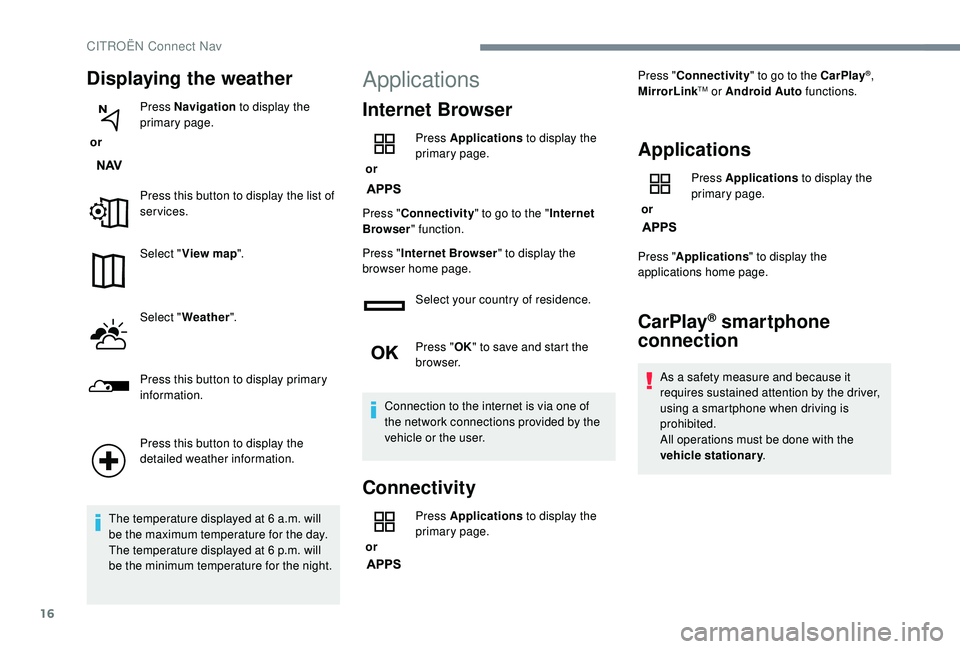
Displaying the weather
or Press Navigation
to display the
primary page.
Press this button to display the list of
services.
Select " View map ".
Select " Weather ".
Press this button to display primary
information.
Press this button to display the
detailed weather information.
The temperature displayed at 6
a.m. will
be the maximum temperature for the day.
The temperature displayed at 6
p.m. will
be the minimum temperature for the night.
Applications
Internet Browser
or Press Applications
to display the
primary page.
Press " Connectivity " to go to the " Internet
Browser " function.
Press " Internet Browser " to display the
browser home page.
Select your country of residence.
Press "OK" to save and start the
browser.
Connection to the internet is via one of
the network connections provided by the
vehicle or the user.
Connectivity
or Press Applications
to display the
primary page. Press "
Connectivity " to go to the CarPlay
®,
MirrorLinkTM or Android Auto functions.
Applications
or Press Applications
to display the
primary page.
Press " Applications " to display the
applications home page.
CarPlay® smartphone
connection
As a safety measure and because it
r equires sustained attention by the driver,
using a
smartphone when driving is
prohibited.
All operations must be done with the
vehicle stationary .
CITROËN Connect Nav
Page 288 of 316
20
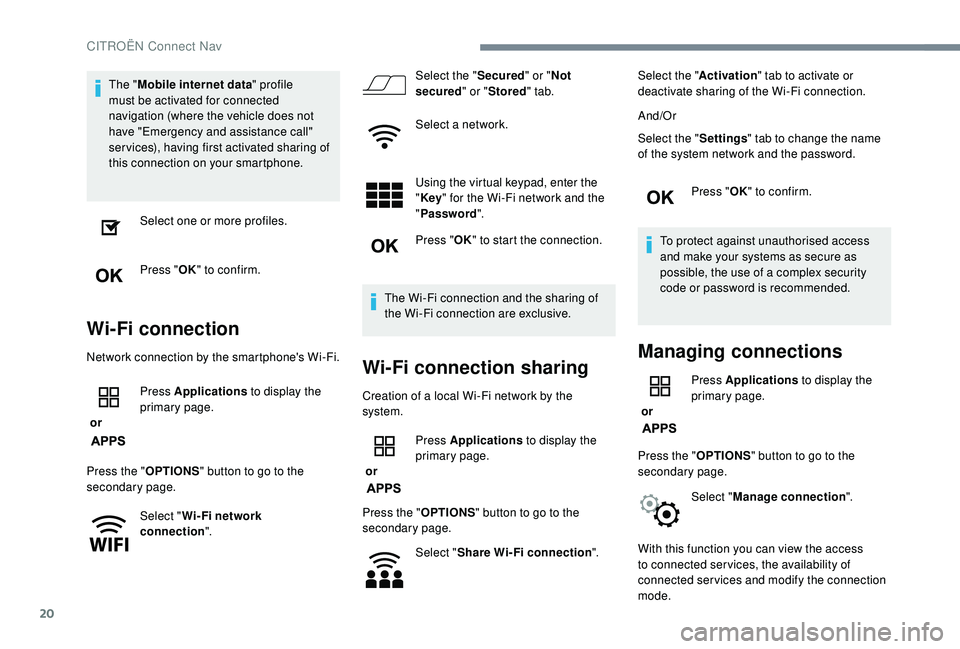
The "Mobile internet data " profile
must be activated for connected
navigation (where the vehicle does not
have "Emergency and assistance call"
services), having first activated sharing of
this connection on your smartphone.
Select one or more profiles.
Press " OK" to confirm.
Wi-Fi connection
Network connection by the smartphone's Wi-Fi.
or Press Applications
to display the
primary page.
Press the " OPTIONS" button to go to the
secondary page.
Select "Wi- Fi network
connection ". Select the "
Secured" or "Not
secured " or "Stored " tab.
Select a
network.
Using the virtual keypad, enter the
" Key " for the Wi-Fi network and the
" Password ".
Press " OK" to start the connection.
The Wi-Fi connection and the sharing of
the Wi-Fi connection are exclusive.Wi-Fi connection sharing
Creation of a local Wi-Fi network by the
s ystem.
or Press Applications
to display the
primary page.
Press the " OPTIONS" button to go to the
secondary page.
Select "Share Wi-Fi connection ".Select the "
Activation" tab to activate or
deactivate sharing of the Wi-Fi connection.
And/Or
Select the " Settings" tab to change the name
of the system network and the password.
Press "OK" to confirm.
To protect against unauthorised access
and make your systems as secure as
possible, the use of a complex security
code or password is recommended.
Managing connections
or Press Applications
to display the
primary page.
Press the " OPTIONS" button to go to the
secondary page.
Select "Manage connection ".
With this function you can view the access
to connected ser vices, the availability of
connected services and modify the connection
mode.
CITROËN Connect Nav
Page 294 of 316
26
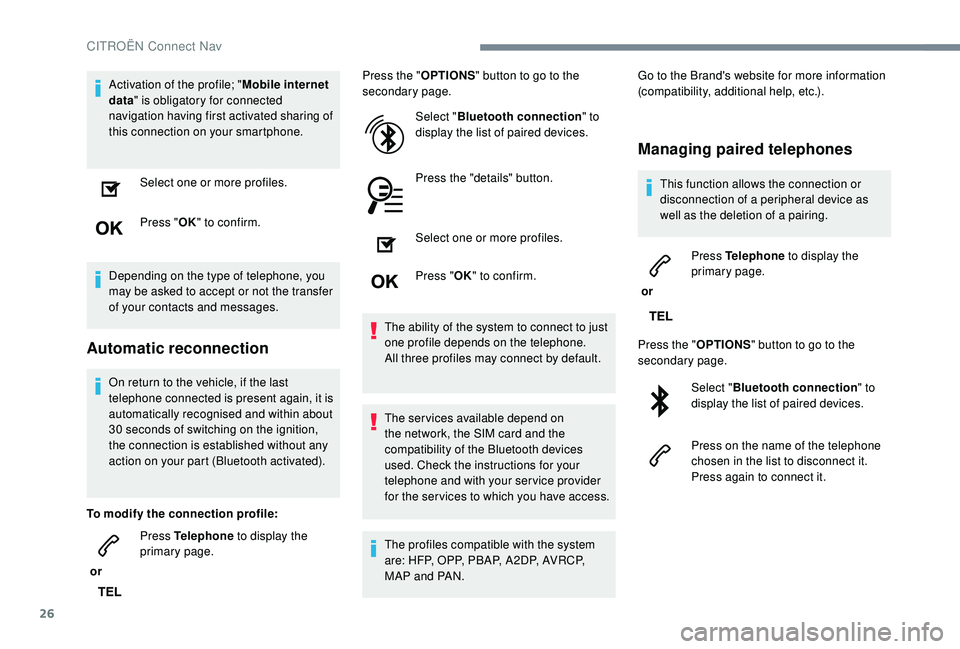
Activation of the profile; "Mobile internet
data " is obligatory for connected
navigation having first activated sharing of
this connection on your smartphone.
Select one or more profiles.
Press " OK" to confirm.
Depending on the type of telephone, you
may be asked to accept or not the transfer
of your contacts and messages.
Automatic reconnection
On return to the vehicle, if the last
telephone connected is present again, it is
automatically recognised and within about
30 seconds of switching on the ignition,
the connection is established without any
action on your part (Bluetooth activated).
To modify the connection profile:
or Press Telephone
to display the
primary page. Press the "
OPTIONS" button to go to the
secondary page.
Select "Bluetooth connection " to
display the list of paired devices.
Press the "details" button.
Select one or more profiles.
Press " OK" to confirm.
The ability of the system to connect to just
one profile depends on the telephone.
All three profiles may connect by default.
The services available depend on
the network, the SIM card and the
compatibility of the Bluetooth devices
used. Check the instructions for your
telephone and with your service provider
for the ser vices to which you have access.
The profiles compatible with the system
are: HFP, OPP, PBAP, A 2DP, AVRCP,
MAP and PAN. Go to the Brand's website for more information
(compatibility, additional help, etc.).
Managing paired telephones
This function allows the connection or
disconnection of a
peripheral device as
well as the deletion of a
pairing.
or Press Telephone
to display the
primary page.
Press the " OPTIONS" button to go to the
secondary page.
Select "Bluetooth connection " to
display the list of paired devices.
Press on the name of the telephone
chosen in the list to disconnect it.
Press again to connect it.
CITROËN Connect Nav
Page 296 of 316
28
It is always possible to make a call directly
f rom the telephone; as a safety measure,
first park the vehicle.
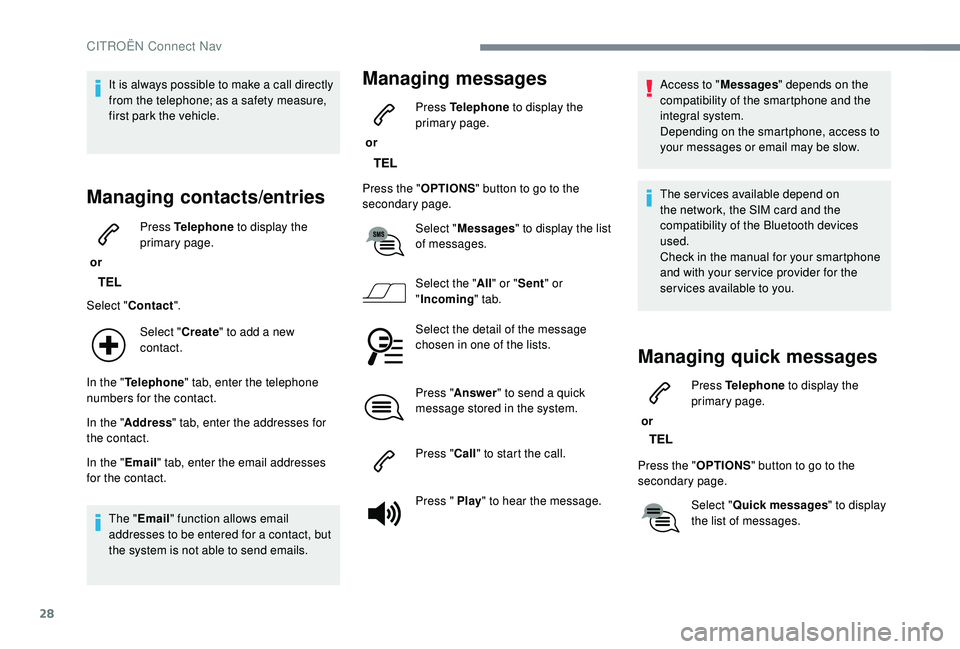
Managing contacts/entries
or Press Telephone
to display the
primary page.
Select " Contact ".
Select " Create" to add a
new
contact.
In the " Telephone " tab, enter the telephone
numbers for the contact.
In the " Address " tab, enter the addresses for
the contact.
In the " Email" tab, enter the email addresses
for the contact.
The " Email " function allows email
addresses to be entered for a
contact, but
the system is not able to send emails.
Managing messages
or Press Telephone
to display the
primary page.
Press the " OPTIONS" button to go to the
secondary page.
Select "Messages " to display the list
of messages.
Select the " All" or " Sent " or
" Incoming " tab.
Select the detail of the message
chosen in one of the lists.
Press " Answer " to send a
quick
message stored in the system.
Press " Call" to start the call.
Press " Play " to hear the message. Access to "
Messages" depends on the
compatibility of the smartphone and the
integral system.
Depending on the smartphone, access to
your messages or email may be slow.
The services available depend on
the network, the SIM card and the
compatibility of the Bluetooth devices
used.
Check in the manual for your smartphone
and with your ser vice provider for the
services available to you.
Managing quick messages
or Press Telephone
to display the
primary page.
Press the " OPTIONS" button to go to the
secondary page.
Select "Quick messages " to display
the list of messages.
CITROËN Connect Nav
Page 305 of 316

37
Telephone
QUESTIONRESPONSESOLUTION
I cannot connect my Bluetooth telephone. The telephone's Bluetooth function may be switched off or the telephone may not be
visible.Check that your telephone has Bluetooth
switched on.
Check in the telephone settings that it is
"visible to all".
The Bluetooth telephone is not compatible with
the system. You can check the compatibility of your
telephone on the Brand's website (services).
The sound of the telephone connected in
Bluetooth mode is inaudible. The sound depends on both the system and
the telephone.Increase the volume of the audio system, to
maximum if required, and increase the volume
of the telephone if necessary.
Ambient noise affects the quality of the
telephone call.
Reduce the ambient noise level (close the windows,
reduce the booster fan speed, slow down, etc.).
Some contacts are duplicated in the list. The options for synchronising contacts are synchronising the contacts on the SIM card,
the contacts on the telephone, or both. When
both synchronisations are selected, some
contacts may be duplicated.Select "Display SIM card contacts" or "Display
telephone contacts".
The contacts are not listed in alphabetical
o r d e r. Some telephones offer display options.
Depending on the settings chosen, contacts
can be transferred in a
specific order.Modify the telephone directory display settings.
The system does not receive SMS. The Bluetooth mode does not permit sending
SMS text messages to the system.
.
CITROËN Connect Nav
Page 310 of 316

308
Scented air freshener ................................7 7-78
Screen, cold climate ..................................... 19
7
Screen menu map
........................................... 12
Screenwash, front
......................................... 10 0
Screenwash, rear
............................................ 99
Seat belts
................................. 15, 10 6 -108, 117
Seats, electric
........................................... 58-59
Seats, front
...............................
.................57- 5 9
Seats, heated
.................................................. 61
Seats, rear
................................................. 62- 66
Selective Catalytic Reduction (SCR)
............204
Selector, gear
......................................... 13 6 -13 9
Serial number, vehicle
..................................244
Service (warning lamp)
...................................17
Service indicator
............................................. 26
Servicing
......................................................... 26
S
ettings, equipment
.......................31-33, 35-36
Settings, system
........................................ 16, 30
Sidelamps
................................. 9
0, 92, 220 -225
Side repeater
................................................ 222
Snow chains
........................................... 191-192
Socket, 12
V accessory ......................79, 81, 85
Socket, 230
V
...............................
...................81
Socket, auxiliary
.......................................... 9
, 23
Socket, Jack
.......................................... 82, 9, 23
Sockets, audio
................................................ 8
2
Speed limiter
.................................. 14
4, 14 6 -148
Speed limit recognition
.......................... 14
4 -145
Spotlamps, door mirror
...................................94
Starting a
Diesel engine
............................... 18
9
Starting the vehicle
............... 1
4 -17, 21, 12 6 -13 0
Starting using another battery
..............13 0, 231
Station, radio
...............................
...........6, 21-22
Stay, bonnet
.................................................. 198
Steering mounted controls, audio
................ 3
, 3
Steering wheel, adjustment
............................ 68
S
TOP (warning lamp)
...................................... 13
Stopping the vehicle
.............14 -17, 21, 12 6 -13 0
Stop & Start
............................. 23 -24, 39, 71, 77,
140 -141, 190, 198, 202, 234RRadio ................................................. 6, 9, 21, 24
Radio, digital (Digital Audio Broadcasting – DAB)
................................8, 22
Range
........................................................ 38-39
Range, AdBlue
.......................................... 28-29
RDS
................
........................................ 7, 2 1 - 2 2
Reading lamps, rear
........................................ 84
Rear screen, demisting
...................................77
Recharging the battery
.........................232-233
Recirculation, air
................................. 72, 75 -76
Reduction of electrical load
..........................195
Regeneration of the particle filter
.................202
Reinitialisation of the under- inflation detection system
...........................143
Reinitialising the remote control
............... 4
6 - 47
Remote control
.......................................... 40-45
Removing a
wheel ................................. 217-219
Removing the mat
..................................... 82- 83
Replacing bulbs
............................ 22
0, 223-225
Replacing fuses
............................ 226-228, 230
Replacing the air filter
................................... 2
02
Replacing the oil filter
................................... 2
02
Replacing the passenger compartment filter
...................................... 202
Resetting the service indicator
.................26-27
Resetting the trip recorder
........................3 0 - 31
Reversing camera
...............................
..........178
Reversing lamp
..................................... 223-225
Roof bars
....................................................... 19 6
Running out of fuel (Diesel)
..........................236
SSafety, children ......................11 0 , 112 -114 , 11 8 ,
120 -121, 123 -124
Saturation of the particle filter (Diesel)
.........202
O
Obstacle detection ........................................ 176
Oil, engine ............................................. 19 9 -20 0
Oil change
............................................. 19
9 -20 0
Oil consumption
.................................... 19 9 -20 0
Opening the bonnet
...................................... 198
Opening the boot
...........................40-41, 47-48
Opening the doors
.................................... 41, 47
Opening the panoramic sunroof blind
............ 89
P
ads, brake
........................................... 203-204
Paint colour code
.......................................... 244
Panoramic glass roof
...................................... 89
Parcel shelf, rear
....................................... 84-85
Park Assist
...............................
......181-182, 185
Parking brake
........................................ 203-204
Parking brake, electric
.......... 1
4 -17, 21, 131-13 4
Parking sensors, audible and visual
.............176
Parking sensors, front
...................................17 7
Parking sensors, rear .................................... 17 7
Plates, identification ...................................... 244
Player, Apple
® ........................................... 10 , 24
Player, MP3
CD ............................... ................23
Player, USB
................................................. 9, 23
Port, USB
.............................................. 82, 9, 23
Pre-heater, Diesel
........................................... 22
Pressures, tyres
.................... 203, 211, 219, 244
Pre-tensioning seat belts
.............................. 108
Priming the fuel system
................................ 236
Profiles
...................................................... 16, 30
Protecting children
................. 11 0 , 112 -114 , 11 8 ,
120 -121, 123 -124
Puncture
................................................ 20 8 -214
P
Alphabetical index
Page 311 of 316
309
Tables of engines .................................. 238, 240
Tables of fuses .............................. 226-228, 230
Tailgate
................
....................................... 47- 5 0
Ta n k , f u e l
................................................ 19 0 -191
Technical data
....................................... 23
8, 240
Telephone
..............................
........13 -16 , 25 -2 9
Temperature, coolant
................................14, 27
Three flashes (direction indicators)
................ 92
T
ime (setting)
...................................... 39, 17, 31
TMC (Traffic info)
............................................ 13
T
o o l s
....................................................... 211-216
Total distance recorder
.............................3 0 - 31
Touch screen .......................... 31-33, 35 -36, 1, 1
Towing device
....................................... 1 2 7, 1 9 2
Towed loads
.................................................. 237
Towing another vehicle
.........................234-235
Traction control (ASR)
.....................21, 103 -105
Traffic information (TMC)
................................13
Tr a i l e r
...............
..................................... 1 2 7, 1 9 2
Triangle, warning ........................................... 208
Trip computer
............................................ 36-39
Trip distance recorder
............................... 3
0 - 31
Ty r e s
................................................. 6, 203, 244
Tyre under-inflation detection
...............................
.2 2, 142-143, 211T
V
W
U
Ventilation .............................................. 6 , 70 -71
Visibility ............... ............................................ 77
Vision 360
.............................................. 179 -181
Voice commands
......................................... 5 -10
Warning and indicator lamps
..................... 11
-12
Warning lamp, airbag
................................ 2
2-23
Warning lamp, braking system
.......................13
Warning lamp, Diesel engine pre-heater
.......22
Warning lamp, low fuel level
...........................23
Warning lamp, parking brake
..........................14
Warning lamp, Service ....................................17
Warning lamp, STOP
...................................... 13
We
ights
...............
.......................................... 237
Wheel, spare
.......................... 2
03, 211-216, 244
Window controls
............................................. 55
Wiper, rear ....................................................... 99
Wiper blades (changing)
...............10 0, 195 -19 6
Under-inflation (detection)
............................
142
Unlocking
..................................................
4 0 - 41
Unlocking, selective
........................................
42
Unlocking from the inside .........................
43-44
Unlocking the boot
...............................
...........
40
Unlocking the doors
.................................. 43
-44
Updating the date
................................ 3
9, 18, 31
Updating the time
...............................
.
39, 17, 31
USB
.......................................................
9, 23 -24
Storage
............................................................
80
Storage boxes
...........................................
83-84
Storing driving positions
................................. 59
S
un visor
...............................
....................
79-80
Sun visor flap
............................................ 79
-80
Synchronising the remote control
.............
46 - 47 Wipers
.................................................
25, 98 -99
Wipers, automatic rain sensitive
...............
98-99
.
Alphabetical index