ignition Citroen C4 RHD 2011 2.G Manual PDF
[x] Cancel search | Manufacturer: CITROEN, Model Year: 2011, Model line: C4 RHD, Model: Citroen C4 RHD 2011 2.GPages: 316, PDF Size: 9.93 MB
Page 243 of 316
241
7
8
06
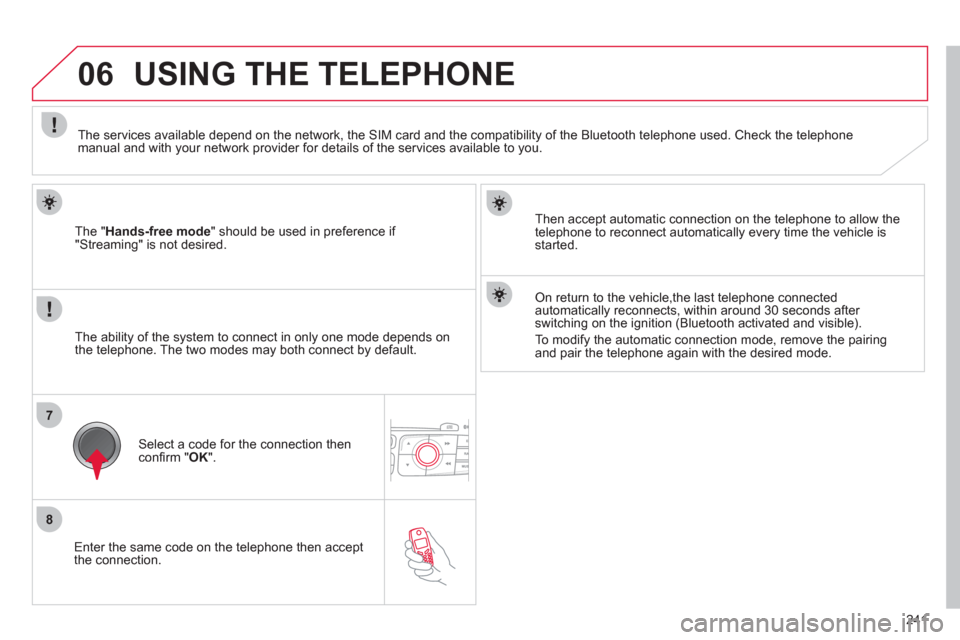
Enter the same code on the telephone then accept
the connection.
The "
Hands-free mode
" should be used in preference if
"Streaming" is not desired.
Then accept automatic connection on the telephone to allow the
telephone to reconnect automatically every time the vehicle is started.
USING THE TELEPHONE
The ability of the system to connect in only one mode depends on
the telephone. The two modes may both connect by default.
The services available depend on the network, the
SIM card and the compatibility of the Bluetooth telephone used. Check the telephone manual and with your network provider for details of the services available to you.
Select a code for the connection thenconfi rm "OK
".
On return to the vehicle,the last telephone connected
automatically reconnects, within around 30 seconds after switching on the ignition (Bluetooth activated and visible).
To modi
fy the automatic connection mode, remove the pairingand pair the telephone again with the desired mode.
Page 256 of 316
254
08
1
2
3
MUSIC MEDIA PLAYERS
CD, MP3 CD, USB PLAYER
Insert the CD in the player, insert the USB memorystick in the USB player or connect the USBperipheral to the USB port using a suitable cable (not supplied).
The s
ystem builds playlists (in temporary memory),
an operation which can take from a few seconds to several minutes.
R
educe the number of non-music fi les and the number of folders to reduce the waiting time.
The playlists are updated every time the ignition isswitched off or connection of a USB memory stick.
Pla
y starts automatically after a period which
depends on the capacity of the USB memory stick.
SELECTION OF SOURCE
Th
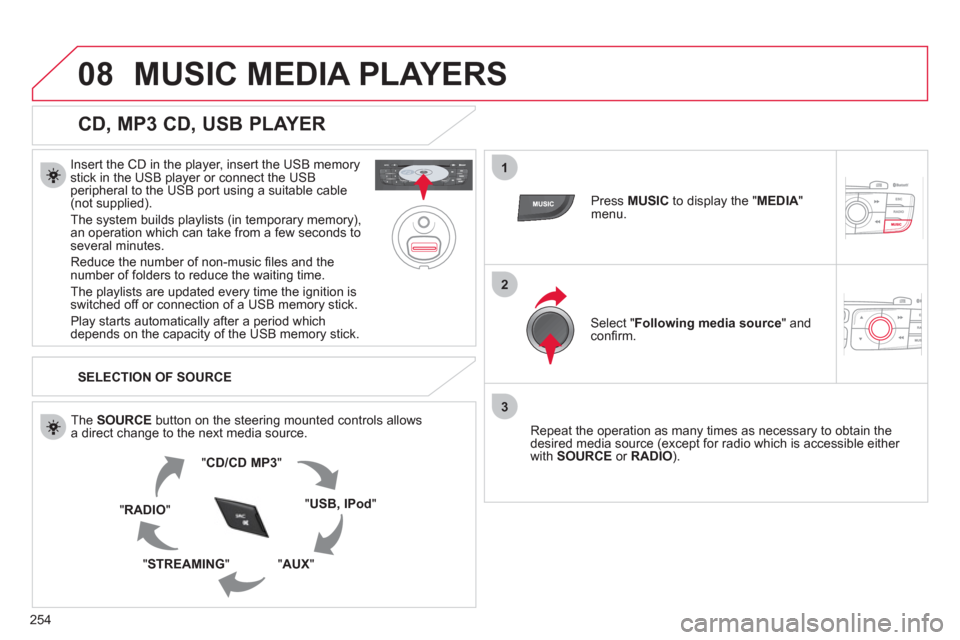
e SOURCE button on the steering mounted controls allows
a direct change to the next media source.
" CD/CD MP
3
"
"
USB, IPod"
"AUX " "STREAMING "
"RADIO "
Press MUSICto display the "MEDIA"menu.
Select "Following media source
" and confi rm.
Repeat the operation as man
y times as necessary to obtain the
desired media source (except for radio which is accessible either
with SOURCE
or RADIO).
Page 280 of 316
278
04
1
3
2
4
5
CD, USB
AUDIO
PLAYING A COMPILATION
Insert an MP3 compilation in the
CD player or connect a memory stick to the USB port, directly or via an extension lead.
The s
ystem creates playlists (temporary memory) the creation time
for which can take from a few seconds to several minutes.
The pla
ylists are updated every time the ignition is switched off or
a USB memory stick is connected.
Pla
y starts automatically after a period which depends on the capacity of the USB memory stick.
At a fi rst connection, the order suggested is by folder.When connecting again, the order previously chosen is retained.
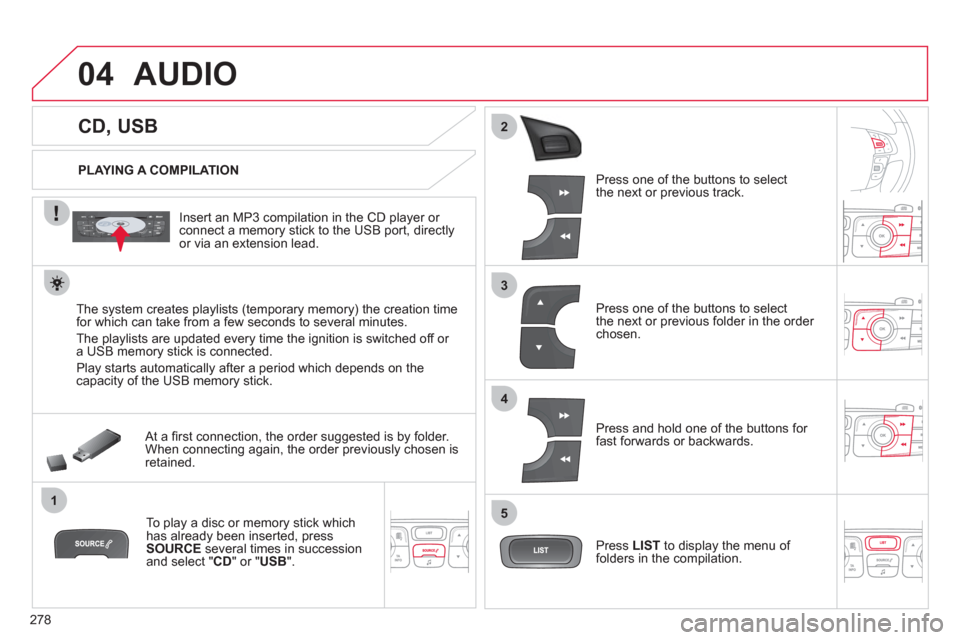
To play a disc or memory stick whichhas already been inserted, press
SOURCE
several times in successionand select " CD" or "USB".
Pr
ess one of the buttons to selectthe next or previous track.
Pr
ess one of the buttons to selectthe next or previous folder in the order chosen.
Pr
ess and hold one of the buttons for
fast forwards or backwards.
Press LISTto display the menu of folders in the compilation.
Page 285 of 316
283
05
1
2
5
3
4
6
PAIRING A TELEPHONE
The services offered depend on the network, the SIM card and the compatibility of the Bluetooth telephone used.
Consult your telephone's manual and your operator to fi nd out which services are available to you.
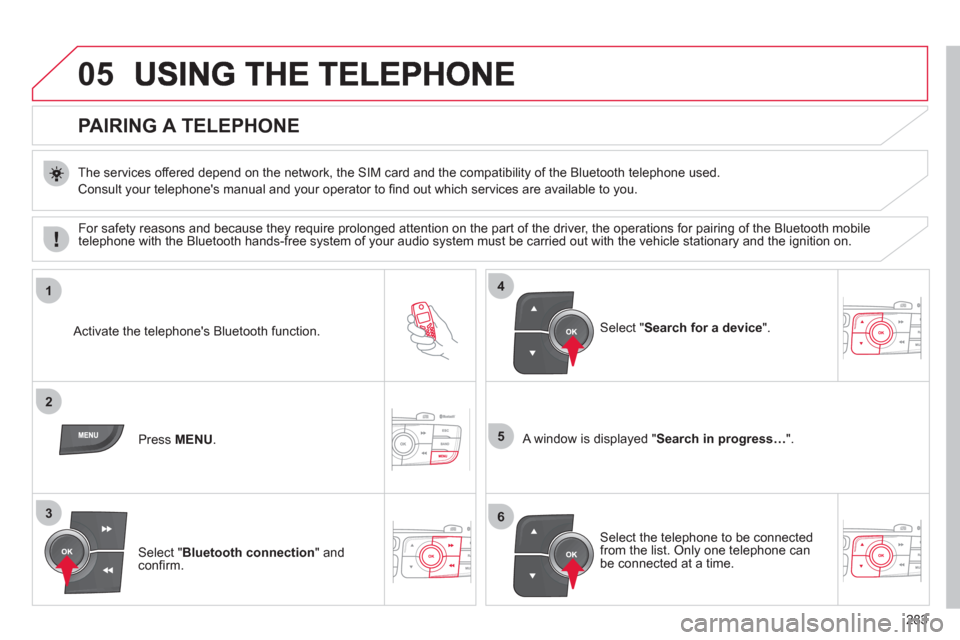
Activate the telephone's Bluetooth function.
Pr
ess MENU . A window is displayed "Search in progress…".
Select the tele
phone to be connected from the list. Only one telephone can be connected at a time.
Select " Search for a device".
For safet
y reasons and because they require prolonged attention on the part of the driver, the operations for pairing of the Bluetooth mobile
telephone with the Bluetooth hands-free system of your audio system must be carried out with the vehicle stationary and the ignition on.
Select " Bluetooth connection" andconfi rm.
Page 297 of 316
295
08TRIP COMPUTER
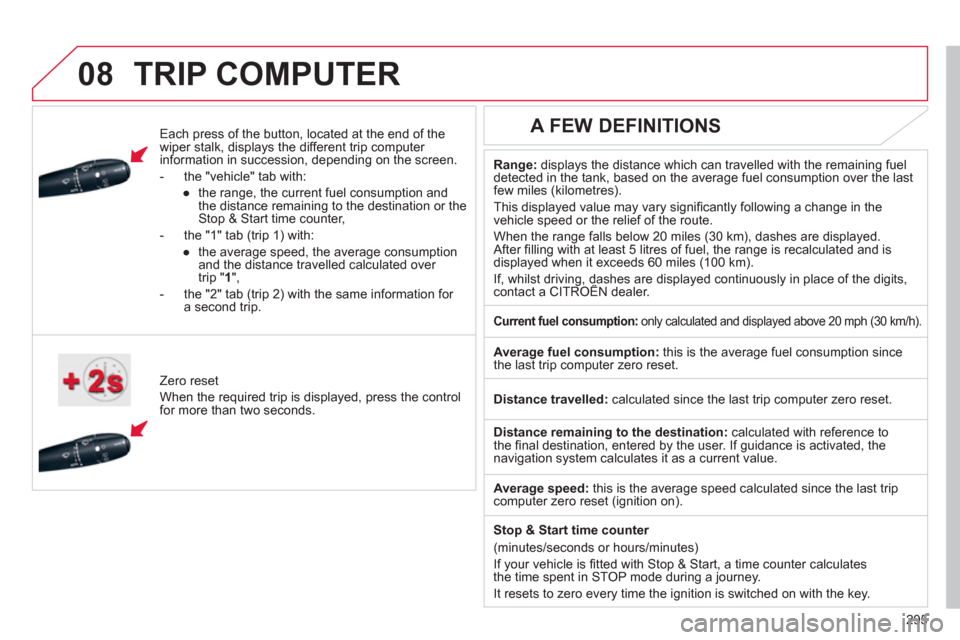
Each press of the button, located at the end of the
wiper stalk, displays the different trip computer
information in succession, depending on the screen.
- th
e "vehicle
" tab with:
●
the ran
ge, the current fuel consumption and
the distance remaining to the destination or the Stop & Start time counter,
- the "1" tab
(trip 1) with:
●
t
he average speed, the average consumptionand the distance travelled calculated over
trip " 1 ",
- the "2" tab
(trip 2) with the same information for a second trip.
Z
ero reset
When the required trip is displa
yed, press the control
for more than two seconds.
Range:displays the distance which can travelled with the remaining fuel
detected in the tank, based on the average fuel consumption over the last few miles (kilometres).
This displa
yed value may vary signifi cantly following a change in the
vehicle speed or the relief of the route.
When the ran
ge falls below 20 miles (30 km), dashes are displayed.After fi lling with at least 5 litres of fuel, the range is recalculated and is
displayed when it exceeds 60 miles (100 km).
If, whilst driving, dashes are displayed continuously in place of the digits, contact a CITROËN dealer. ,g,
A FEW DEFINITIONS
Current fuel consumption:only calculated and displayed above 20 mph (30 km/h).
Average fuel consumption:
this is the average fuel consumption since
the last trip computer zero reset.
Distance travelled:calculated since the last trip computer zero reset.
Distance remaining to the destination: calculated with reference to
the fi nal destination, entered by the user. If guidance is activated, the navigation system calculates it as a current value.
Avera
ge speed: this is the average speed calculated since the last tripcomputer zero reset (ignition on).
Sto
p & Start time counter
(minutes/seconds or hours/minutes)
I
f your vehicle is fi tted with Stop & Start, a time counter calculates
the time spent in STOP mode during a journey.
It resets to zero ever
y time the ignition is switched on with the key.
Page 310 of 316
308
ALPHABETICAL INDEX
E EBA (Emergency braking
assistance) ...............................128
Economy mode ..........................199
Electric parking brake .........138-141
Electric seats ................................71
Electric window controls ...............89
Electronic brake force distribution
(EBFD) .....................................128
Electronic engine
immobiliser ...........................80, 82
Electronic gearbox
system ......................147, 154, 177
Emergency boot release ..............88
Emergency braking system ........128
Emergency call ...................130, 216
Emergency warning lamps .........126
eMyWay .....................................217
Energy economy mode ..............199
Engine compartment ..........172, 173
Engine compartment
fusebox .....................................195
Engine oil level
indicator ........................43, 46, 174
Engines .............................. 207, 211
Environment .....63, 69, 82, 152, 175
ESP/ASR ....................................129
F Filling with fuel ........................92, 93
Fittings, boot ............................... 115
Fitting speakers ..........................204
Flashing
indicators ............97, 126, 188, 190
Front airbags ......................134, 137
Front armrest .......................111, 112
Front foglamps .....95, 100, 187, 190
Front head restraints ....................72
Front parking sensors ................168F Front seats ..............................70-73
Front wash-wipe .........................102
Fuel ..............................................93
Fuel fi ller fl ap ..........................92, 93
Fuel gauge ...................................92
Fuel tank ................................92, 93
Fuses .........................................193
G G.P.S. ..................................223-235
Gear effi ciency indicator .............146
Gear lever, automatic gearbox ...150
Gear lever, electronic gearbox
system ......................................147
Gear lever, manual gearbox .......145
Glove box ...................................108
Grab handles ..............................107
Guidance .............................223-235
H Halogen headlamps ...................187
Hands-free telephone .........240, 283
Hazard warning lamps ...............126
Headlamp adjustment ..................98
Headlamps, directional .........99, 187
Headlamp wash .........................102
Heated seats ................................72
Heating ...................................64, 66
Height and reach adjustment,
steering wheel ............................77
Hill start assist ............................153
Hooks ......................................... 116
I Indicator/warning lamps ..........32-42
Indicators, direction ....126, 188, 191
Infl ating accessories
(using the kit) ............................182
Inputs for
audio system ............108, 257, 281
Installing speakers .....................204I Instrument panel lighting ..............48
Instrument
panels ................. 27-30, 46, 49, 56
Instrument panel
screen .......................... 27-30, 146
Intelligent Traction Control .........129
Interior fi ttings .....................107, 108
Interior mood lighting ..................105
ISOFIX child seats ..............122-124
ISOFIX mountings ......................122
J Jack ............................................183
K Keeping children
safe ..... 90, 118-125, 133, 135, 139
Key in ignition warning .................80
Key with remote control ...........78-82
L Labels, identifi cation ...................214
Lamps, warning and
indicator ..........................32, 39, 42
Lateral airbags ...................136, 137
Level, brake fl uid ........................174
Level, power steering fl uid .........174
Levels and checks ...............172-177
Lighting, guide-me home ........96, 97
Lighting, interior ..................104, 105
Lighting bulbs
(replacement) ....................187-192
Lighting dimmer .................27-30, 48
Lighting stalk ..........................94, 97
Load reduction mode .................199
Locating your vehicle ...................80
Locking from the inside ................83
Locking the boot ...........................88
Long objects, transporting .......... 114
Luggage retaining strap ............. 115