Setting country CITROEN C5 2022 User Guide
[x] Cancel search | Manufacturer: CITROEN, Model Year: 2022, Model line: C5, Model: CITROEN C5 2022Pages: 228, PDF Size: 6.78 MB
Page 189 of 228

187
MYCITROËN DRIVE PLUS - MYCITROËN PLAY PLUS
10necessary for each valid connected service
available.
Personal data required for connected
service use are sent to services
providers.
"Share Data "
This mode allows the vehicle to transmit
outside the vehicle all the data necessary for
each valid connected service available, with the
exception of vehicule position data (e.g. GPS
coordinates).
Some connected services may not be
able to function without vehicule position
data.
"Private Mode"
This mode does not allow the vehicle to
transmit personal data outside the vehicle.
Connected services will only perform
local processing inside the vehicle with
limited functions.
This mode won't be applied on regulation functions (emergency or assistance call)
or specific services with given user's consent
on business contracts (Connected alarm).
When the vehicule is in professional use or
in use under specific contracts subscribed
(connect fleet, public delegation…), some
privacy modes won't be available to the user
depending on services data sharing needs. To change the mode, swipe down from the upper
edge of the touch screen, to display all the quick
settings.
Press this button and select the chosen
mode. The mode is highlighted.
OR
Press the "Settings" application.
In the list, select the "Connectivity" tab.
Select "Privacy Settings".
Choose the mode.
Internet portal
During the first use, upon acquisition of the
vehicle, the user is invited to select the country
of residence for the use of the Internet portal.
If the country is not selected, the notification is
stored in the notification centre and disappears
once the country is selected. Slide a finger on
the touch screen from top to bottom to display all
the notifications.
The selection of a country is necessary to use
the available internet applications.
Press the "Settings" application.
In the list, select the "Connected Services” tab.
Choose the country.
The first time you use it, via a connected mobile device, the system links to your
profile. The connected mobile device serves as
an access key to saved personal information.
First activate the mobile device’s Bluetooth®
function.
Select the desired application, authentication will
be requested if necessary. This authentication
will be saved for future uses via the mobile
device connected to the current profile.
An authentication will be requested at each use if
the mobile device is not connected to the current
profile or if the Guest profile is used.
With the use of the “Guest” profile, an
identification will be requested for each
use.
Updating the system
Remote device management and
remote software and firmware updates
As an integral part of the service related
to the performance of connected service
contract(s), necessary device management
and necessary software and firmware
updates related to the soft- and firmware
for the named connected service will be
performed remotely, in particular by using
"Over the Air"-technology.
For this, a secure radio network connection
between the vehicle and the device
management server of the Manufacturer will
be established after each "ignition on" when
a cellular network is available. Depending
on the equipment of the vehicle, connection
configuration must be set to "Connected
Page 194 of 228
192
MYCITROËN DRIVE PLUS - MYCITROËN PLAY PLUS
Main menu
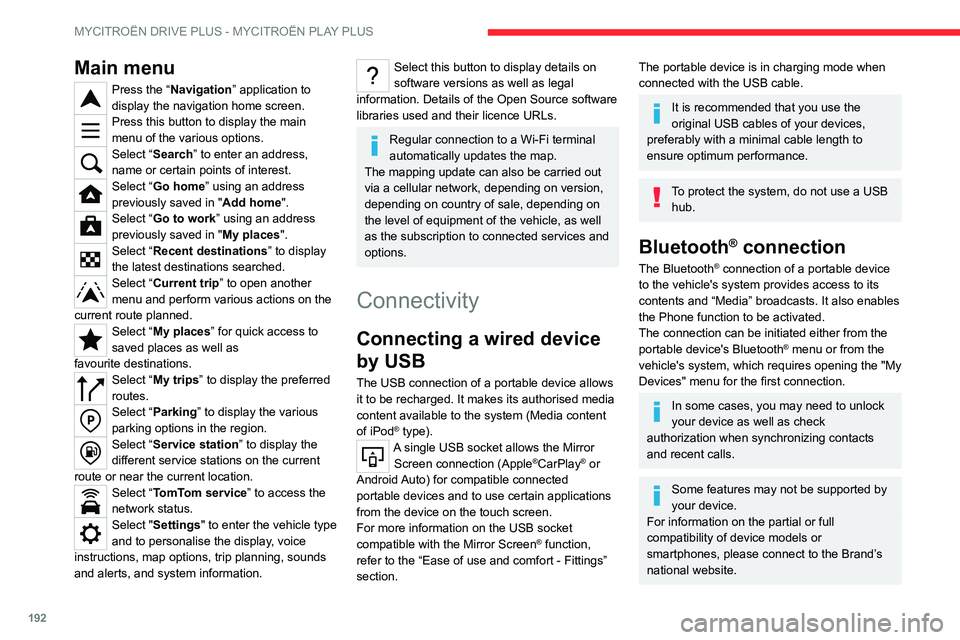
Press the “Navigation” application to
display the navigation home screen.
Press this button to display the main
menu of the various options.
Select “Search” to enter an address,
name or certain points of interest.
Select “Go home” using an address
previously saved in "Add home".
Select “Go to work” using an address
previously saved in " My places
".
Select “Recent destinations” to display
the latest destinations searched.
Select “Current trip” to open another
menu and perform various actions on the
current route planned.
Select “My places” for quick access to
saved places as well as
favourite
destinations.
Select “My trips” to display the preferred
routes.
Select “Parking” to display the various
parking options in the region.
Select “Service station” to display the
different service stations on the current
route or near the current location.
Select “TomTom service ” to access the
network status.
Select "Settings" to enter the vehicle type
and to personalise the display, voice
instructions, map options, trip planning, sounds
and alerts, and system information.
Select this button to display details on
software versions as well as legal
information. Details of the Open Source software
libraries used and their licence URLs.
Regular connection to a Wi-Fi terminal
automatically updates the map.
The mapping update can also be carried out
via a cellular network, depending on version,
depending on country of sale, depending on
the level of equipment of the vehicle, as well
as the subscription to connected services and
options.
Connectivity
Connecting a wired device
by USB
The USB connection of a portable device allows
it to be recharged. It makes its authorised media
content available to the system (Media content
of iPod
® type).A single USB socket allows the Mirror Screen connection (Apple®CarPlay® or
Android Auto) for compatible connected
portable
devices and to use certain applications
from the device
on the touch screen.
For more information on the USB socket
compatible with the Mirror Screen
® function,
refer to the “Ease of use and comfort - Fittings”
section.
The portable device is in charging mode when
connected with the USB cable.
It is recommended that you use the
original USB cables of your devices,
preferably with a minimal cable length to
ensure optimum performance.
To protect the system, do not use a USB hub.
Bluetooth® connection
The Bluetooth® connection of a portable device
to the vehicle's system provides access to its
contents and “Media” broadcasts. It also enables
the Phone function to be activated.
The connection can be initiated either from the
portable device's Bluetooth
® menu or from the
vehicle's system, which requires opening the "My
Devices" menu for the first connection.
In some cases, you may need to unlock
your device as well as check
authorization when synchronizing contacts
and recent calls.
Some features may not be supported by
your device.
For information on the partial or full
compatibility of device models or
smartphones, please connect to the Brand’s
national website.
Page 198 of 228

196
MYCITROËN DRIVE PLUS - MYCITROËN PLAY PLUS
Storing a radio station
preset
Select a station.Press the "Media" application.
In the list, select the "Player" tab.
Press the "Radio Favourites" button.
Storing takes place via a short or long
press on one of these buttons, or a long
press on an existing favourite radio station,
which will be replaced.
Press this button to return to the previous
page.
Automatic search for radio stations
Using the “Media” application.Press the "Media" application.
In the list, select the "Stations” tab.
The search is carried out automatically.
Using the steering-mounted controls,
press this button.
The search is carried out automatically.
Activating radio station tracking
The system changes frequency automatically to
obtain better reception.
Press the "Media" application.
In the list, select the "Settings” tab.
Activate “Radio Station Tracking”.
The lighting of the slider confirms that the
function is activated.
Changing the radio
waveband
Press the "Media" application.
In the list, select the "Player" tab.
Press this button to change the waveband
(FM - AM - DAB) according to the country
of sale.
Activating traffic announcements
This function gives priority to listening to Traffic
announcements alert messages. To be active,
this function needs good reception of a radio
station that transmits this type of message.
While traffic information is being broadcast, the
current radio station is automatically interrupted
so that the message can be heard. Normal radio
listening resumes as soon as the message is
finished.
Press the "Media" application.
In the list, select the "Settings” tab.
Activate “Traffic Announcement (TA)”.
The lighting of the slider confirms that the
function is activated.
Audio streaming
The streaming function allows you to listen to
the audio stream coming from the smartphone(s)
connected via Bluetooth
®, USB (iPod® type) or
Mirror Screen®.
First adjust the volume on the portable device (to
a high level).
Then adjust the volume of the system.
If playback does not start, it may be necessary to
start the audio playback from the smartphone.
Control is from the portable device or by using
the system's touch buttons.
Once connected in streaming mode, the
smartphone is considered to be a media
source.
Playing a track
Press the "Media" application.
If several devices are connected, press
this button to select one.
Once the device is connected, browsing through
the files is possible by pressing the " Playlist" or
"Library" button.
Short press: go to the previous/
next track.
Page 201 of 228
199
MYCITROËN DRIVE PLUS - MYCITROËN PLAY PLUS
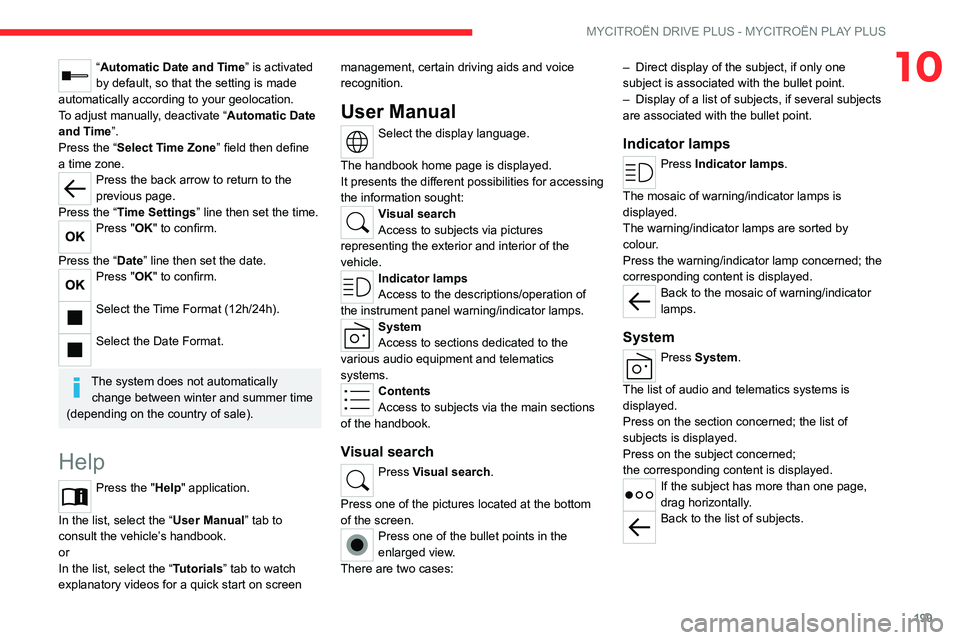
10“Automatic Date and Time” is activated
by default, so that the setting is made
automatically according to your geolocation.
To adjust manually, deactivate “Automatic Date
and Time”.
Press the “Select Time Zone” field then define
a time zone.
Press the back arrow to return to the
previous page.
Press the “Time Settings” line then set the time.
Press "OK" to confirm.
Press the “Date” line then set the date.
Press "OK" to confirm.
Select the Time Format (12h/24h).
Select the Date Format.
The system does not automatically change between winter and summer time
(depending on the country of sale).
Help
Press the "Help" application.
In the list, select the “User Manual” tab to
consult the vehicle’s handbook.
or
In the list, select the “Tutorials” tab to watch
explanatory videos for a quick start on screen management, certain driving aids and voice
recognition.
User Manual
Select the display language.
The handbook home page is displayed.
It presents the different possibilities for accessing
the information sought:
Visual search
Access to subjects via pictures
representing the exterior and interior of the
vehicle.
Indicator lamps
Access to the descriptions/operation of
the instrument panel warning/indicator lamps.
System
Access to sections dedicated to the
various audio equipment and telematics
systems.
Contents
Access to subjects via the main sections
of the handbook.
Visual search
Press Visual search.
Press one of the pictures located at the bottom
of the screen.
Press one of the bullet points in the
enlarged view.
There are two cases: –
Direct display of the subject, if only one
subject is associated with the bullet point.
–
Display of a list of subjects, if several subjects
are associated with the bullet point.
Indicator lamps
Press Indicator lamps.
The mosaic of warning/indicator lamps is
displayed.
The warning/indicator lamps are sorted by
colour.
Press the warning/indicator lamp concerned; the
corresponding content is displayed.
Back to the mosaic of warning/indicator
lamps.
System
Press System.
The list of audio and telematics systems is
displayed.
Press on the section concerned; the list of
subjects is displayed.
Press on the subject concerned;
the
corresponding content is displayed.
If the subject has more than one page,
drag horizontally.
Back to the list of subjects.