Reinitialise CITROEN C5 AIRCROSS 2019 User Guide
[x] Cancel search | Manufacturer: CITROEN, Model Year: 2019, Model line: C5 AIRCROSS, Model: CITROEN C5 AIRCROSS 2019Pages: 292, PDF Size: 8.59 MB
Page 240 of 292
14
Press "Call" to start the call.
Calling a contact
Press Telephone to display the
primary page.
Or make a
long press
on the steering mounted TEL button.
Press " Contacts ".
Select the desired contact from the list offered. Press "Call".
Calling a recently used
n umber
Press Telephone to display the
primary page.
Or Make a
long press
on the steering mounted button.
Press " Recent calls ".
Select the desired contact from the list offered. It is always possible to make a
call directly
from the telephone; as a safety measure,
first park the vehicle.
Setting the ringtone
Press Telephone to display the
primary page.
Press the " OPTIONS" button to go to the
secondary page.
Press "Ring volume " to display the
volume bar.
Press the arrows or move the slider
to set the ring volume.
Settings
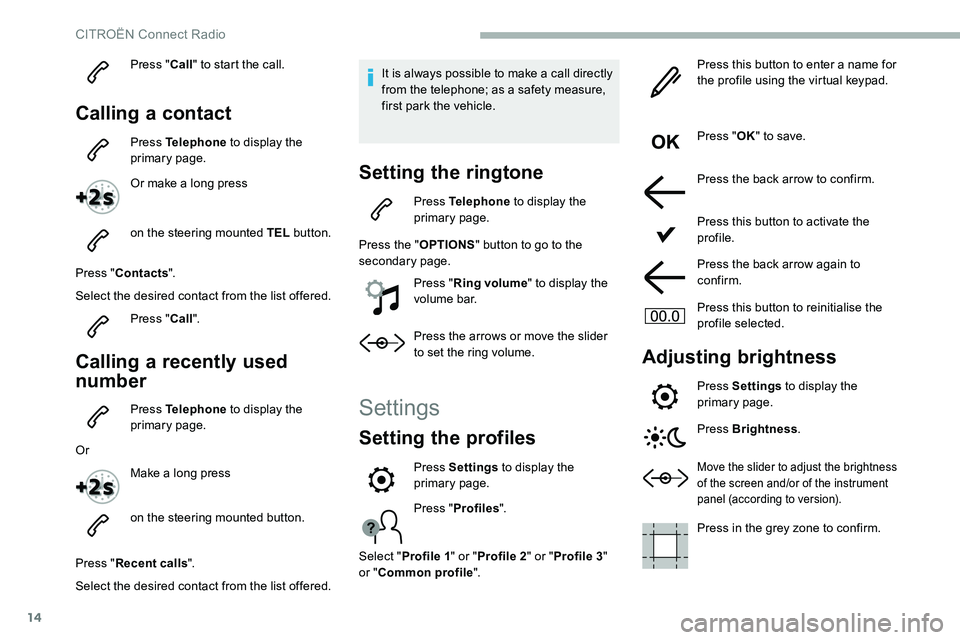
Setting the profiles
Press " Profiles ".
Select " Profile 1 " or "Profile 2 " or "Profile 3 "
or " Common profile ". Press this button to enter a
name for
the profile using the virtual keypad.
Press " OK" to save.
Press the back arrow to confirm.
Press this button to activate the
profile.
Press the back arrow again to
confirm.
Press this button to reinitialise the
profile selected.
Adjusting brightness
Press Settings to display the
primary page.
Press Brightness .
Move the slider to adjust the brightness
of the screen and/or of the instrument
panel (according to version).
Press in the grey zone to confirm.
Press Settings
to display the
primary page.
CITROËN Connect Radio
Page 275 of 292
29
The location for the photograph is
square; the system reshapes the original
photograph if in another format.Press this button to reinitialise the
profile selected.
Reinitialisation of the profile selected
activates the English language by default.
Select " Audio settings ".
Select " Ambiences ".
Or
" Position ".
Or
" Sound ".
Or
" Voice ".
Or
" Ringtone ".
Press " OK" to save the settings.
Select a "
Profile" (1
or 2 or 3) to associate the
" Audio settings " with it.Modifying system settings
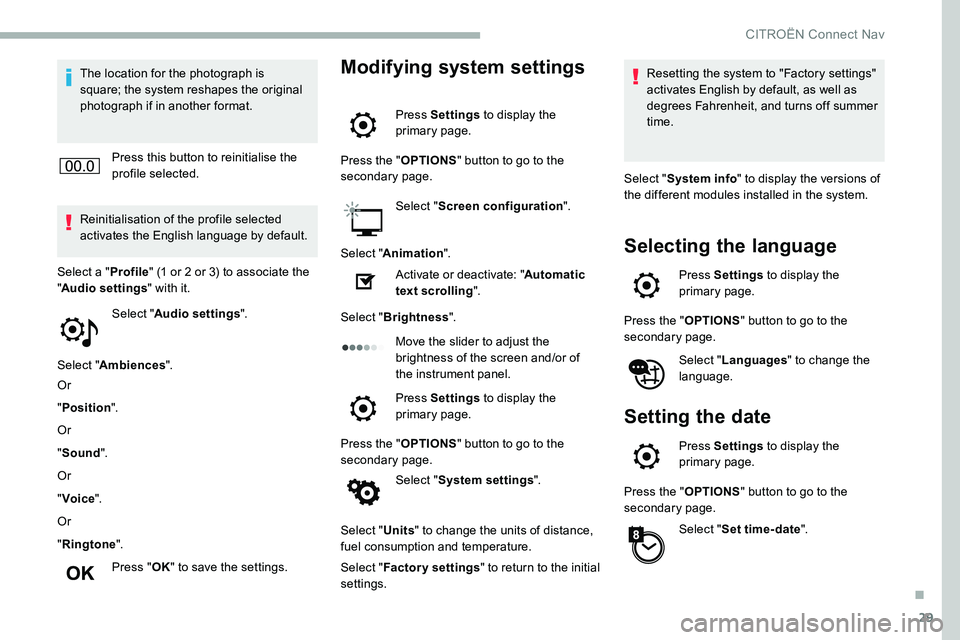
Press Settings to display the
primary page.
Press the " OPTIONS" button to go to the
secondary page.
Select "Screen configuration ".
Select " Animation ".
Activate or deactivate: " Automatic
text scrolling ".
Select " Brightness ".
Move the slider to adjust the
brightness of the screen and/or of
the instrument panel.
Press Settings to display the
primary page.
Press the " OPTIONS" button to go to the
secondary page.
Select "System settings ".
Select " Units" to change the units of distance,
fuel consumption and temperature.
Select " Factory settings " to return to the initial
settings. Resetting the system to "Factory settings"
activates English by default, as well as
degrees Fahrenheit, and turns off summer
time.
Select " System info " to display the versions of
the different modules installed in the system.
Selecting the language
Press Settings to display the
primary page.
Press the " OPTIONS" button to go to the
secondary page.
Select "Languages " to change the
language.
Setting the date
Press Settings to display the
primary page.
Press the " OPTIONS" button to go to the
secondary page.
Select "Set time-date ".
.
CITROËN Connect Nav