buttons CITROEN DS5 2017 Owner's Manual
[x] Cancel search | Manufacturer: CITROEN, Model Year: 2017, Model line: DS5, Model: CITROEN DS5 2017Pages: 403, PDF Size: 15.62 MB
Page 365 of 403
363
DS5_en_Chap11d_RD5_ed01-2015
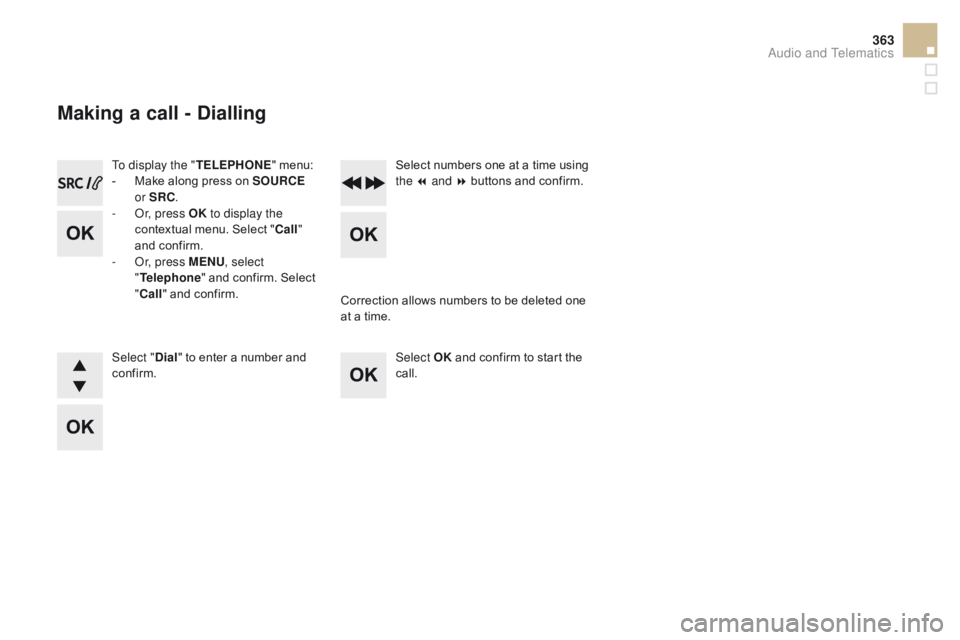
To display the "TELEPHONE" menu:
- M ake along press on SOUR cE
o
r SR c
.
-
O
r, press OK to display the
contextual menu. Select "
c
all"
and confirm.
-
O
r, press MENU , select
" Telephone " and confirm. Select
"
c
all" and confirm.
Select "
di
al" to enter a number and
confirm. Select OK
and confirm to start the
call. Select numbers one at a time using
the 7 and 8 buttons and confirm.
Making a call - di alling
Correction allows numbers to be deleted one
at a time.
Audio and Telematics
Page 367 of 403
365
DS5_en_Chap11d_RD5_ed01-2015
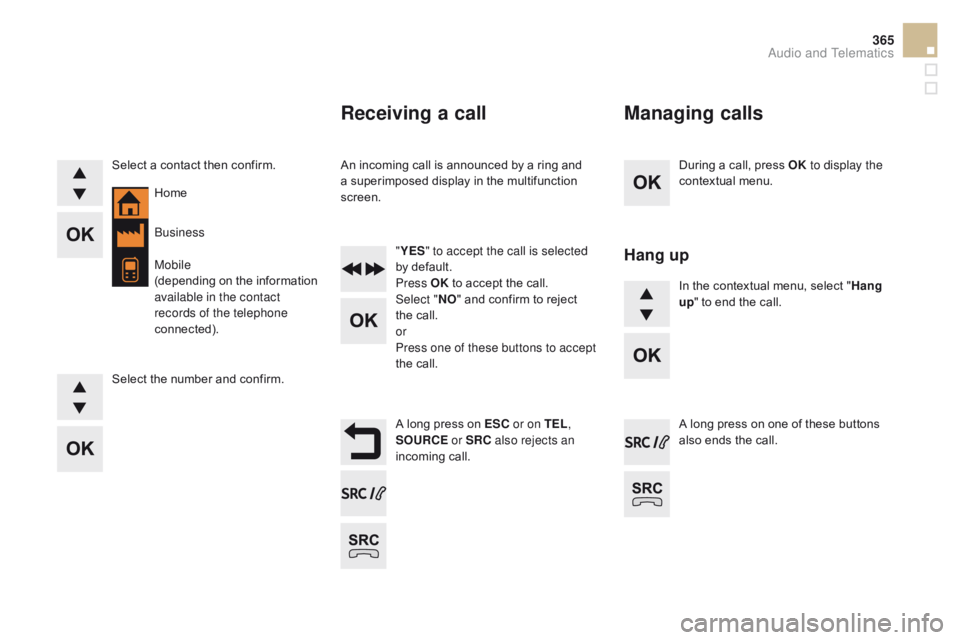
During a call, press OK to display the
contextual menu.
A long press on ES
c o
r on TEL ,
SOUR
c
E
or SR
c
a
lso rejects an
incoming call.
Select a contact then confirm.
Select the number and confirm.
"
YES " to accept the call is selected
by default.
Press OK to accept the call.
Select " NO" and confirm to reject
the call.
or
Press one of these buttons to accept
the call. In the contextual menu, select "
Hang
up " to end the call.
A long press on one of these buttons
also ends the call.
Home
Receiving a call
An incoming call is announced by a ring and
a superimposed display in the multifunction
screen.
Business
Mobile
(depending on the information
available in the contact
records of the telephone
connected).
Managing calls
Hang up
Audio and Telematics
Page 394 of 403
Audio and Telematics 7
As a safety measure and because it
requires sustained attention by the
driver, using a smartphone when
driving is prohibited.
All operations must be done with the
vehicle stationary
.
The synchronisation of a
smartphone allows applications on a
smartphone that are adapted to the
MirrorLink
TM technology to be displayed
in the vehicle's screen.
As the principles and standards are
constantly evolving, it is recommended
that you update the operating system of
your smartphone.
For the list of eligible smar tphones,
connect to the brand's internet website
in your country.
Please note:
- if your smartphone is supported, to
make it "MirrorLink
TM " compatible,
some phone manufacturers
nevertheless invite you to first
download a dedicated application.
- iPhone
®
is not supported yet; an
Apple ® application, "CarPlay ®
",
is being developed.
When connecting a smartphone to
the system, it is recommended that
Bluetooth
® be started on the smartphone.
Start the application on the
smartphone (optional, depending
on the smartphone and operating
system).
Access to the different audio sources remains
accessible in the margin of the MirrorLink
TM
display, using touch buttons in the upper bar.
Access to the menus for the system is possible
at any time using the dedicated buttons
.
If the smartphone is locked,
communication with the system is only
by USB cable.
During the procedure, several screen
pages relating to certain functions
are displayed.
Accept to start and end the
connection.
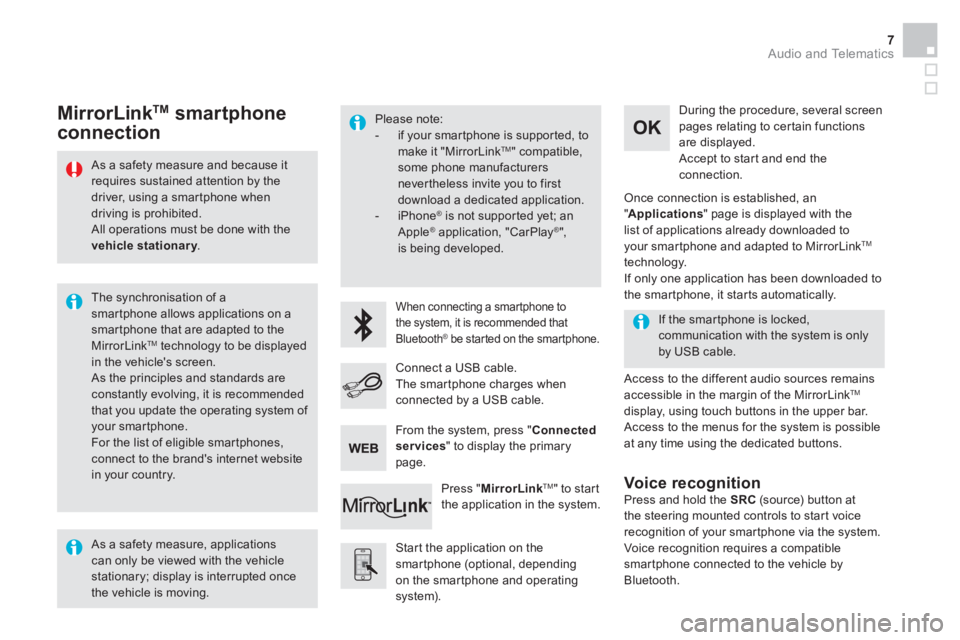
Connect a USB cable.
The smartphone charges when
connected by a USB cable.
Press " MirrorLink
TM
" to start
the application in the system.
Once connection is established, an
" Applications
" page is displayed with the
list of applications already downloaded to
your smartphone and adapted to MirrorLink
TM
technology.
If only one application has been downloaded to
the smartphone, it starts automatically.
MirrorLink TM
smartphone
connection
Press and hold the SRC
(source) button at
the steering mounted controls to start voice
recognition of your smartphone via the system.
Voice recognition requires a compatible
smartphone connected to the vehicle by
Bluetooth.
Voice recognition
As a safety measure, applications
can only be viewed with the vehicle
stationary; display is interrupted once
the vehicle is moving.
From the system, press " Connected
services
" to display the primary
page.