radio CITROEN DS7 CROSSBACK 2021 User Guide
[x] Cancel search | Manufacturer: CITROEN, Model Year: 2021, Model line: DS7 CROSSBACK, Model: CITROEN DS7 CROSSBACK 2021Pages: 244, PDF Size: 6.87 MB
Page 206 of 244
204
DS IRIS SYSTEM - 12" touch screen Infotainment system10
To ensure an optimum wireless connection, we
recommend avoiding placing your smartphone
too close to other Wi-Fi networks to which it
can connect automatically.
The cable connection requires that you deactivate
the Android Auto wireless function, in the
Settings menu of the "Android Auto" application
of your smartphone.
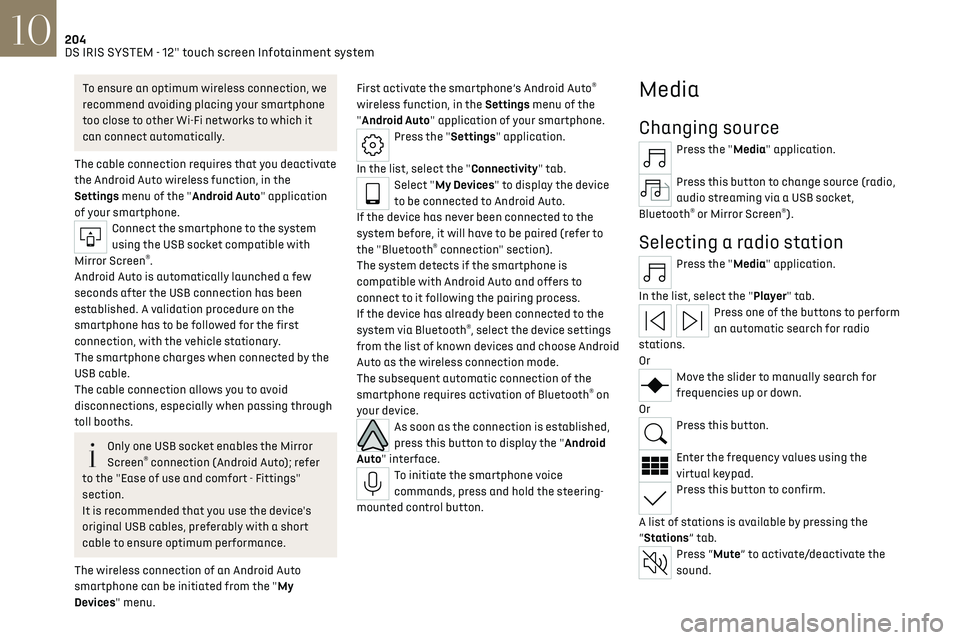
Connect the smartphone to the system
using the USB socket compatible with
Mirror Screen
®.
Android Auto is automatically launched a few
seconds after the USB connection has been
established. A validation procedure on the
smartphone has to be followed for the first
connection, with the vehicle stationary.
The smartphone charges when connected by the
USB cable.
The cable connection allows you to avoid
disconnections, especially when passing through
toll booths.
Only one USB socket enables the Mirror
Screen® connection (Android Auto); refer
to the "Ease of use and comfort - Fittings"
section.
It is recommended that you use the device's
original USB cables, preferably with a short
cable to ensure optimum performance.
The wireless connection of an Android Auto
smartphone can be initiated from the "My
Devices" menu. First activate the smartphone’s Android Auto
®
wireless function, in the Settings menu of the
"Android Auto" application of your smartphone.
Press the "Settings" application.
In the list, select the "Connectivity" tab.
Select "My Devices" to display the device
to be connected to Android Auto.
If the device has never been connected to the
system before, it will have to be paired (refer to
the "Bluetooth
® connection" section).
The system detects if the smartphone is
compatible with Android Auto and offers to
connect to it following the pairing process.
If the device has already been connected to the
system via Bluetooth
®, select the device settings
from the list of known devices and choose Android
Auto as the wireless connection mode.
The subsequent automatic connection of the
smartphone requires activation of Bluetooth
® on
your device.
As soon as the connection is established,
press this button to display the "Android
Auto" interface.
To initiate the smartphone voice
commands, press and hold the steering-
mounted control button.
Media
Changing source
Press the "Media" application.
Press this button to change source (radio,
audio streaming via a USB socket,
Bluetooth
® or Mirror Screen®).
Selecting a radio station
Press the "Media" application.
In the list, select the "Player" tab.
Press one of the buttons to perform
an automatic search for radio
stations.
Or
Move the slider to manually search for
frequencies up or down.
Or
Press this button.
Enter the frequency values using the
virtual keypad.
Press this button to confirm.
A list of stations is available by pressing the
“Stations” tab.
Press “Mute” to activate/deactivate the
sound.
Page 207 of 244
205
DS IRIS SYSTEM - 12" touch screen Infotainment system10
Radio reception may be affected by the
use of electrical equipment not approved
by the Brand, such as a charger with USB
socket connected to the 12 V socket.
The exterior environment (hills, buildings,
tunnels, basement car parks, etc.) may
block reception, including in RDS mode. This
phenomenon is normal in the propagation
of radio waves and does not indicate any
malfunction of the system.
Storing a radio station
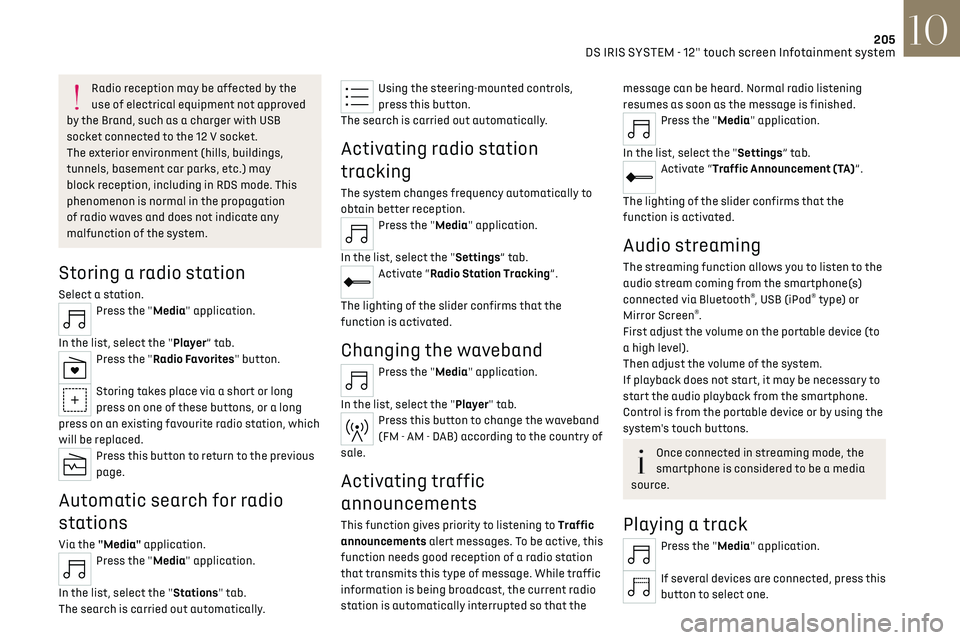
Select a station.Press the "Media" application.
In the list, select the "Player” tab.
Press the "Radio Favorites" button.
Storing takes place via a short or long
press on one of these buttons, or a long
press on an existing favourite radio station, which
will be replaced.
Press this button to return to the previous
page.
Automatic search for radio
stations
Via the "Media" application.Press the "Media" application.
In the list, select the "Stations" tab.
The search is carried out automatically.
Using the steering-mounted controls,
press this button.
The search is carried out automatically.
Activating radio station
tracking
The system changes frequency automatically to
obtain better reception.
Press the "Media" application.
In the list, select the "Settings” tab.
Activate “Radio Station Tracking”.
The lighting of the slider confirms that the
function is activated.
Changing the waveband
Press the "Media" application.
In the list, select the "Player" tab.
Press this button to change the waveband
(FM - AM - DAB) according to the country of
sale.
Activating traffic
announcements
This function gives priority to listening to Traffic
announcements alert messages. To be active, this
function needs good reception of a radio station
that transmits this type of message. While traffic
information is being broadcast, the current radio
station is automatically interrupted so that the
message can be heard. Normal radio listening
resumes as soon as the message is finished.
Press the "Media" application.
In the list, select the "Settings” tab.
Activate “Traffic Announcement (TA)”.
The lighting of the slider confirms that the
function is activated.
Audio streaming
The streaming function allows you to listen to the
audio stream coming from the smartphone(s)
connected via Bluetooth
®, USB (iPod® type) or
Mirror Screen®.
First adjust the volume on the portable device (to
a high level).
Then adjust the volume of the system.
If playback does not start, it may be necessary to
start the audio playback from the smartphone.
Control is from the portable device or by using the
system's touch buttons.
Once connected in streaming mode, the
smartphone is considered to be a media
source.
Playing a track
Press the "Media" application.
If several devices are connected, press this
button to select one.
Page 208 of 244
206
DS IRIS SYSTEM - 12" touch screen Infotainment system10
Once the device is connected, browsing through
the files is possible by pressing the "Playlist" or
"Library" button.
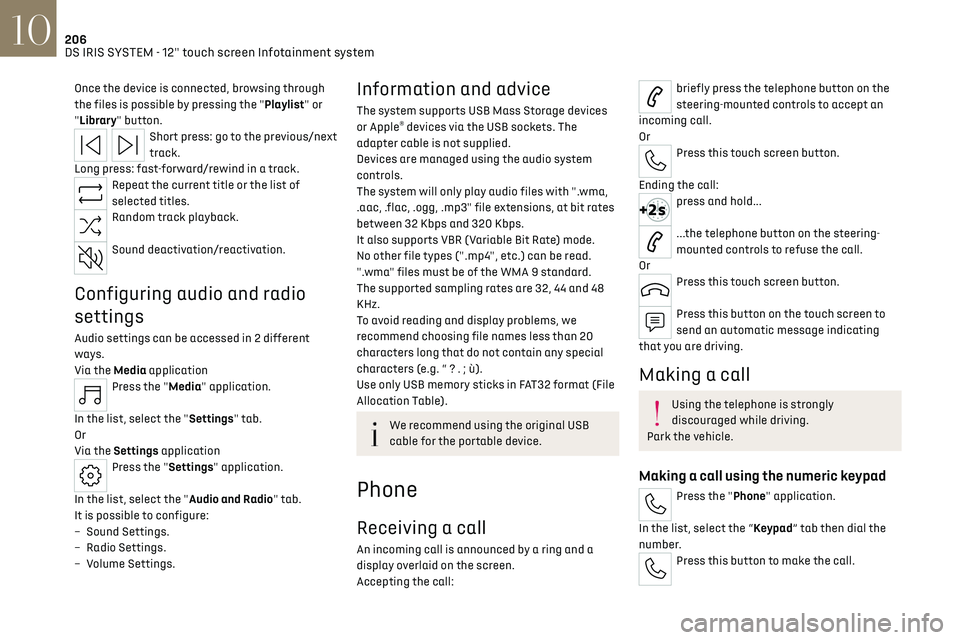
Short press: go to the previous/next
track.
Long press: fast-forward/rewind in a track.
Repeat the current title or the list of
selected titles.
Random track playback.
Sound deactivation/reactivation.
Configuring audio and radio
settings
Audio settings can be accessed in 2 different
ways.
Via the Media application
Press the "Media" application.
In the list, select the "Settings" tab.
Or
Via the Settings application
Press the "Settings" application.
In the list, select the "Audio and Radio" tab.
It is possible to configure:
–
Sound Settings.
–
Radio Settings.
–
V
olume Settings.
Information and advice
The system supports USB Mass Storage devices
or Apple® devices via the USB sockets. The
adapter cable is not supplied.
Devices are managed using the audio system
controls.
The system will only play audio files with ".wma,
.aac, .flac, .ogg, .mp3" file extensions, at bit rates
between 32 Kbps and 320 Kbps.
It also supports VBR (Variable Bit Rate) mode.
No other file types (".mp4", etc.) can be read.
".wma" files must be of the WMA 9 standard.
The supported sampling rates are 32, 44 and 48
KHz.
To avoid reading and display problems, we
recommend choosing file names less than 20
characters long that do not contain any special
characters (e.g. “ ? . ; ù).
Use only USB memory sticks in FAT32 format (File
Allocation Table).
We recommend using the original USB
cable for the portable device.
Phone
Receiving a call
An incoming call is announced by a ring and a
display overlaid on the screen.
Accepting the call:
briefly press the telephone button on the
steering-mounted controls to accept an
incoming call.
Or
Press this touch screen button.
Ending the call:
press and hold...
...the telephone button on the steering-
mounted controls to refuse the call.
Or
Press this touch screen button.
Press this button on the touch screen to
send an automatic message indicating
that you are driving.
Making a call
Using the telephone is strongly
discouraged while driving.
Park the vehicle.
Making a call using the numeric keypad
Press the "Phone" application.
In the list, select the “Keypad” tab then dial the
number.
Press this button to make the call.
Page 217 of 244
215Alphabetical index
Emergency call 77–78
Emergency switching off
99
Emergency warning lamps
76, 170
Emissions control system, SCR
20, 165
Energy economy (mode)
159
Energy economy mode
159
Energy flows
24
Energy recovery
20, 105
Engine
165
Engine compartment
160–161
Engine, Diesel
143, 161, 170, 191
Engine, petrol
107, 161, 190
Engines
189–191
Environment
8, 31
e-Save function (energy reserve)
24
ESC (electronic stability control)
79
Expanded traffic sign recognition
116
Exterior lighting
66
F
Fatigue detection 131–132
Favourite driving functions
113
Filling the AdBlue® tank
163, 166
Filling the fuel tank
143–144
Filter, air
163
Filter, oil
163
Filter, particle
163
Filter, passenger compartment
50, 163
Fitting a wheel
175, 177
Fitting roof bars 157–158
Fittings, boot
60
Fittings, interior
56–57
Fittings, rear
60
Flap, charging
155
Flap, fuel filler
143–144
Flap, ski
60
Flashing indicators
64
Flat bed (towing)
186
Floor, boot, adjustable
62
Fluid, brake
162
Fluid, engine coolant
162
Foglamps, rear
63
Folding the rear seats
48–49
Folding/unfolding the door mirrors
47
Four-wheel drive (4WD)
108, 159
Frequency (radio)
205
Fuel
8, 143
Fuel consumption
8, 20
Fuel level, low
143
Fuel (tank)
143–144
Fuses
180
G
Gauge, fuel 143
Gearbox, automatic
101–104, 108, 164, 181
Gearbox, manual
108
Gear shift indicator
109
Glove box
56
Grab handles 56
H
Hands-free access 35–36
Hands-free tailgate
35–36
Hazard warning lamps
76, 170
Headlamps (adjustment)
65
Headlamps, automatic dipping
66–67
Headlamps, automatic operation
65
Headlamps, dipped beam
179
Headlamps, halogen
65
Headlamps, main beam
66, 179
Head restraints, front
43
Head restraints, rear
48–49
Heated and ventilated seats
45
Heating
49
Heating, programmable
25, 54
Hi-Fi system
58
High voltage
145
Hill start assist
108
Histogramme, fuel consumption
24–25
Horn
77
I
Ignition 99, 207
Ignition on
99
Immobiliser, electronic
97
Page 219 of 244
217Alphabetical index
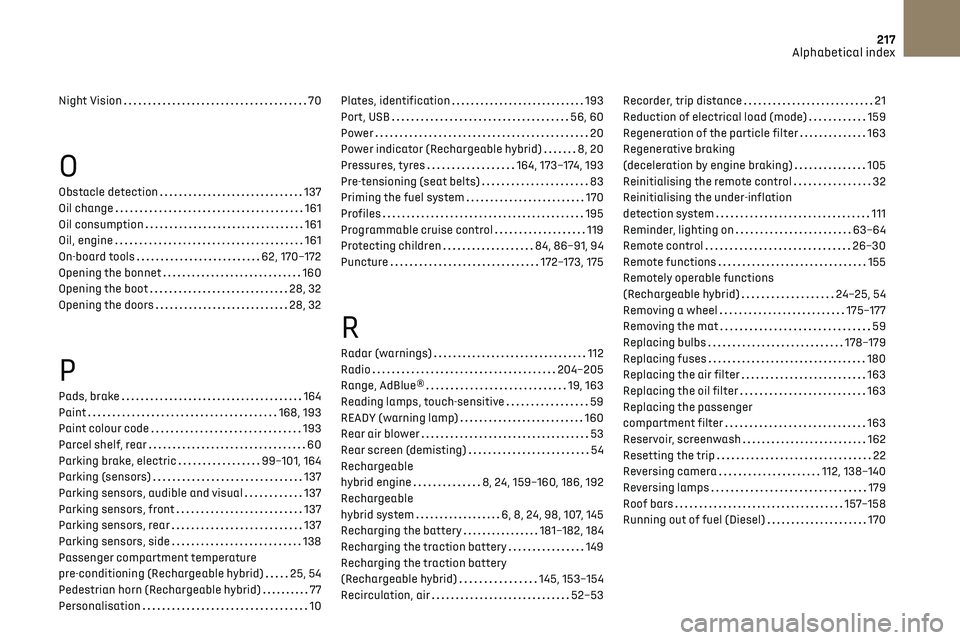
Night Vision 70
O
Obstacle detection 137
Oil change
161
Oil consumption
161
Oil, engine
161
On-board tools
62, 170–172
Opening the bonnet
160
Opening the boot
28, 32
Opening the doors
28, 32
P
Pads, brake 164
Paint
168, 193
Paint colour code
193
Parcel shelf, rear
60
Parking brake, electric
99–101, 164
Parking (sensors)
137
Parking sensors, audible and visual
137
Parking sensors, front
137
Parking sensors, rear
137
Parking sensors, side
138
Passenger compartment temperature
pre-conditioning (Rechargeable hybrid)
25, 54
Pedestrian horn (Rechargeable hybrid)
77
Personalisation
10
Plates, identification 193
Port, USB
56, 60
Power
20
Power indicator (Rechargeable hybrid)
8, 20
Pressures, tyres
164, 173–174, 193
Pre-tensioning (seat belts)
83
Priming the fuel system
170
Profiles
195
Programmable cruise control
119
Protecting children
84, 86–91, 94
Puncture
172–173, 175
R
Radar (warnings) 112
Radio
204–205
Range, AdBlue®
19, 163
Reading lamps, touch-sensitive
59
READY (warning lamp)
160
Rear air blower
53
Rear screen (demisting)
54
Rechargeable
hybrid engine
8, 24, 159–160, 186, 192
Rechargeable
hybrid system
6, 8, 24, 98, 107, 145
Recharging the battery
181–182, 184
Recharging the traction battery
149
Recharging the traction battery
(Rechargeable hybrid)
145, 153–154
Recirculation, air
52–53
Recorder, trip distance 21
Reduction of electrical load (mode)
159
Regeneration of the particle filter
163
Regenerative braking
(deceleration by engine braking)
105
Reinitialising the remote control
32
Reinitialising the under-inflation
detection system
111
Reminder, lighting on
63–64
Remote control
26–30
Remote functions
155
Remotely operable functions
(Rechargeable hybrid)
24–25, 54
Removing a wheel
175–177
Removing the mat
59
Replacing bulbs
178–179
Replacing fuses
180
Replacing the air filter
163
Replacing the oil filter
163
Replacing the passenger
compartment filter
163
Reservoir, screenwash
162
Resetting the trip
22
Reversing camera
112, 138–140
Reversing lamps
179
Roof bars
157–158
Running out of fuel (Diesel)
170
Page 220 of 244
218Alphabetical index
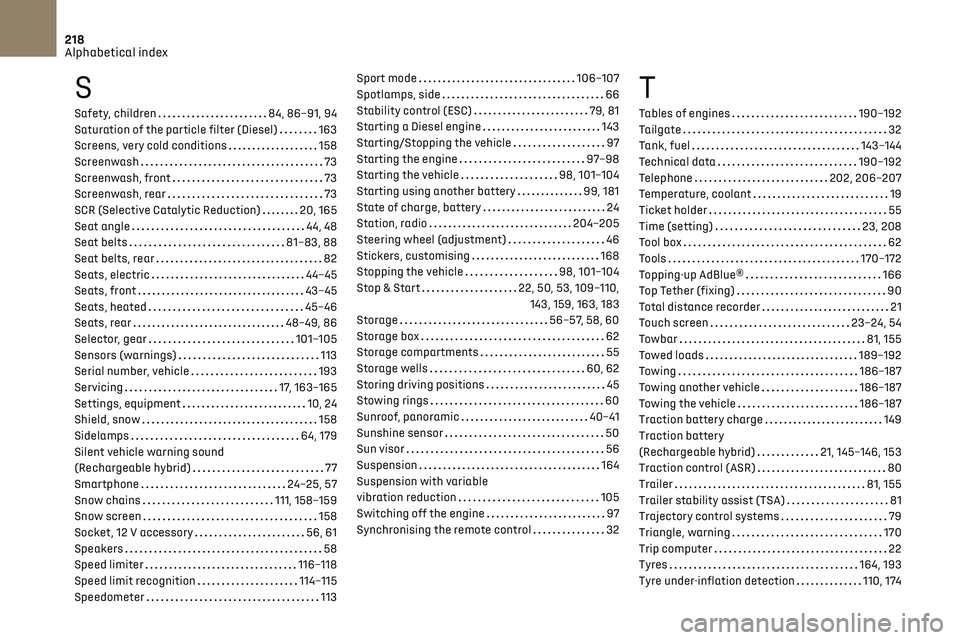
S
Safety, children 84, 86–91, 94
Saturation of the particle filter (Diesel)
163
Screens, very cold conditions
158
Screenwash
73
Screenwash, front
73
Screenwash, rear
73
SCR (Selective Catalytic Reduction)
20, 165
Seat angle
44, 48
Seat belts
81–83, 88
Seat belts, rear
82
Seats, electric
44–45
Seats, front
43–45
Seats, heated
45–46
Seats, rear
48–49, 86
Selector, gear
101–105
Sensors (warnings)
113
Serial number, vehicle
193
Servicing
17, 163–165
Settings, equipment
10, 24
Shield, snow
158
Sidelamps
64, 179
Silent vehicle warning sound
(Rechargeable hybrid)
77
Smartphone
24–25, 57
Snow chains
111, 158–159
Snow screen
158
Socket, 12 V accessory
56, 61
Speakers
58
Speed limiter
116–118
Speed limit recognition
114–115
Speedometer
113
Sport mode 106–107
Spotlamps, side
66
Stability control (ESC)
79, 81
Starting a Diesel engine
143
Starting/Stopping the vehicle
97
Starting the engine
97–98
Starting the vehicle
98, 101–104
Starting using another battery
99, 181
State of charge, battery
24
Station, radio
204–205
Steering wheel (adjustment)
46
Stickers, customising
168
Stopping the vehicle
98, 101–104
Stop & Start
22, 50, 53, 109–110, 143, 159, 163, 183
Storage
56–57, 58, 60
Storage box
62
Storage compartments
55
Storage wells
60, 62
Storing driving positions
45
Stowing rings
60
Sunroof, panoramic
40–41
Sunshine sensor
50
Sun visor
56
Suspension
164
Suspension with variable
vibration reduction
105
Switching off the engine
97
Synchronising the remote control
32T
Tables of engines 190–192
Tailgate
32
Tank, fuel
143–144
Technical data
190–192
Telephone
202, 206–207
Temperature, coolant
19
Ticket holder
55
Time (setting)
23, 208
Tool box
62
Tools
170–172
Topping-up AdBlue®
166
Top Tether (fixing)
90
Total distance recorder
21
Touch screen
23–24, 54
Towbar
81, 155
Towed loads
189–192
Towing
186–187
Towing another vehicle
186–187
Towing the vehicle
186–187
Traction battery charge
149
Traction battery
(Rechargeable hybrid)
21, 145–146, 153
Traction control (ASR)
80
Trailer
81, 155
Trailer stability assist (TSA)
81
Trajectory control systems
79
Triangle, warning
170
Trip computer
22
Tyres
164, 193
Tyre under-inflation detection
110, 174