Personal CITROEN DS7 CROSSBACK 2023 User Guide
[x] Cancel search | Manufacturer: CITROEN, Model Year: 2023, Model line: DS7 CROSSBACK, Model: CITROEN DS7 CROSSBACK 2023Pages: 244, PDF Size: 6.87 MB
Page 200 of 244
198DS IRIS SYSTEM - 12" touch screen Infotainment system10
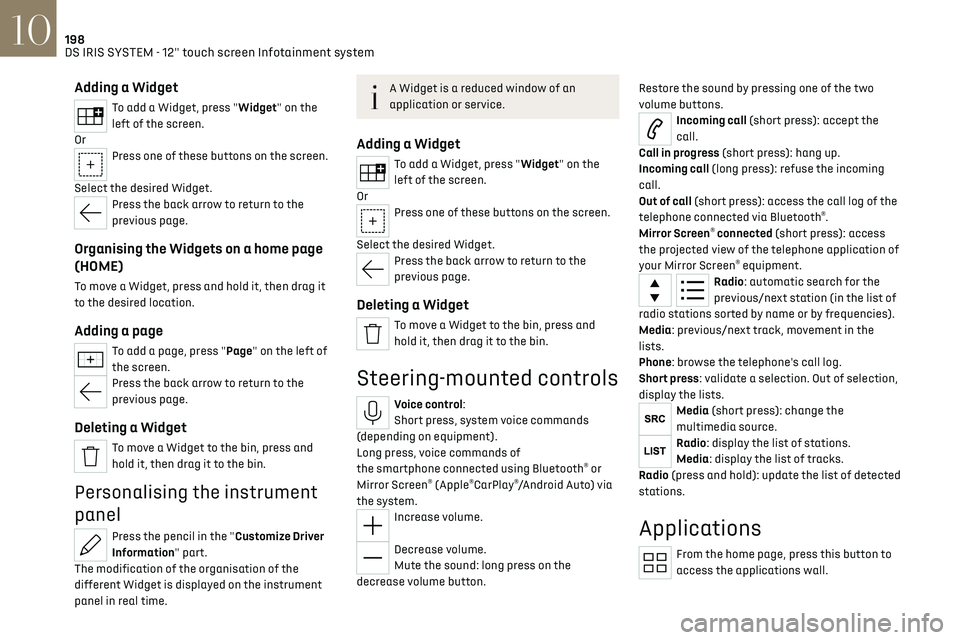
Adding a Widget
To add a Widget, press "Widget" on the
left of the screen.
Or
Press one of these buttons on the screen.
Select the desired Widget.
Press the back arrow to return to the
previous page.
Organising the Widgets on a home page
(HOME)
To move a Widget, press and hold it, then drag it
to the desired location.
Adding a page
To add a page, press "Page" on the left of
the screen.
Press the back arrow to return to the
previous page.
Deleting a Widget
To move a Widget to the bin, press and
hold it, then drag it to the bin.
Personalising the instrument
panel
Press the pencil in the "Customize Driver
Information" part.
The modification of the organisation of the
different Widget is displayed on the instrument
panel in real time.
A Widget is a reduced window of an
application or service.
Adding a Widget
To add a Widget, press "Widget" on the
left of the screen.
Or
Press one of these buttons on the screen.
Select the desired Widget.
Press the back arrow to return to the
previous page.
Deleting a Widget
To move a Widget to the bin, press and
hold it, then drag it to the bin.
Steering-mounted controls
Voice control:
Short press, system voice commands
(depending on equipment).
Long press, voice commands of
the smartphone connected using Bluetooth
® or
Mirror Screen® (Apple®CarPlay®/Android Auto) via
the system.
Increase volume.
Decrease volume.
Mute the sound: long press on the
decrease volume button. Restore the sound by pressing one of the two
volume buttons.
Incoming call (short press): accept the
call.
Call in progress (short press): hang up.
Incoming call (long press): refuse the incoming
call.
Out of call (short press): access the call log of the
telephone connected via Bluetooth
®.
Mirror Screen® connected (short press): access
the projected view of the telephone application of
your Mirror Screen
® equipment.Radio: automatic search for the
previous/next station (in the list of
radio stations sorted by name or by frequencies).
Media: previous/next track, movement in the
lists.
Phone: browse the telephone's call log.
Short press: validate a selection. Out of selection,
display the lists.
Media (short press): change the
multimedia source.
Radio: display the list of stations.
Media: display the list of tracks.
Radio (press and hold): update the list of detected
stations.
Applications
From the home page, press this button to
access the applications wall.
Page 203 of 244
201
DS IRIS SYSTEM - 12" touch screen Infotainment system10
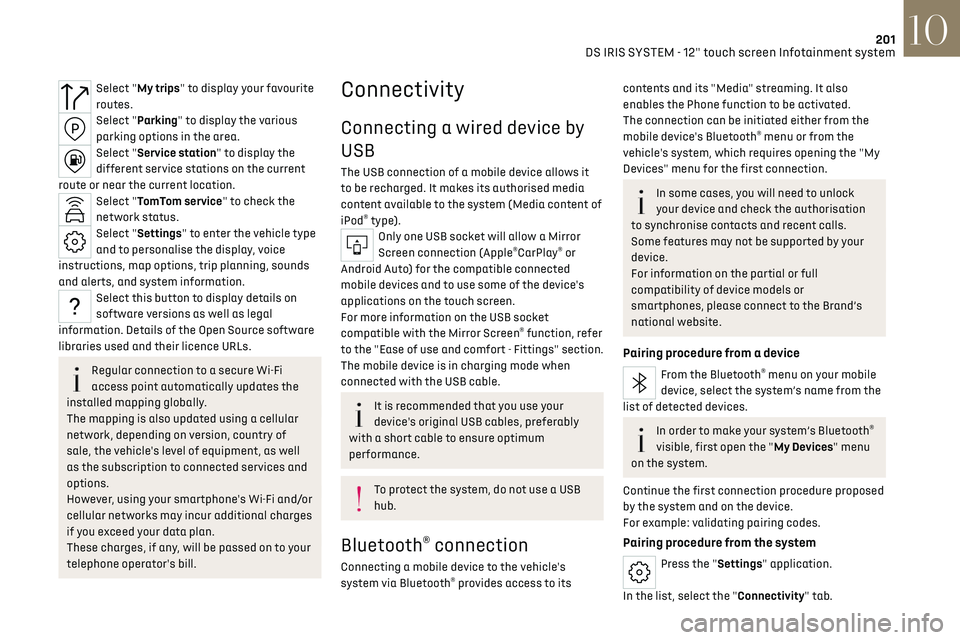
Select "My trips" to display your favourite
routes.
Select "Parking" to display the various
parking options in the area.
Select "Service station" to display the
different service stations on the current
route or near the current location.
Select "TomTom service" to check the
network status.
Select "Settings" to enter the vehicle type
and to personalise the display, voice
instructions, map options, trip planning, sounds
and alerts, and system information.
Select this button to display details on
software versions as well as legal
information. Details of the Open Source software
libraries used and their licence URLs.
Regular connection to a secure Wi-Fi
access point automatically updates the
installed mapping globally.
The mapping is also updated using a cellular
network, depending on version, country of
sale, the vehicle's level of equipment, as well
as the subscription to connected services and
options.
However, using your smartphone's Wi-Fi and/or
cellular networks may incur additional charges
if you exceed your data plan.
These charges, if any, will be passed on to your
telephone operator's bill.
Connectivity
Connecting a wired device by
USB
The USB connection of a mobile device allows it
to be recharged. It makes its authorised media
content available to the system (Media content of
iPod
® type).Only one USB socket will allow a Mirror
Screen connection (Apple®CarPlay® or
Android Auto) for the compatible connected
mobile devices and to use some of the device's
applications on the touch screen.
For more information on the USB socket
compatible with the Mirror Screen
® function, refer
to the "Ease of use and comfort - Fittings" section.
The mobile device is in charging mode when
connected with the USB cable.
It is recommended that you use your
device's original USB cables, preferably
with a short cable to ensure optimum
performance.
To protect the system, do not use a USB
hub.
Bluetooth® connection
Connecting a mobile device to the vehicle's
system via Bluetooth® provides access to its
contents and its "Media" streaming. It also
enables the Phone function to be activated.
The connection can be initiated either from the
mobile device's Bluetooth
® menu or from the
vehicle's system, which requires opening the "My
Devices" menu for the first connection.
In some cases, you will need to unlock
your device and check the authorisation
to synchronise contacts and recent calls.
Some features may not be supported by your
device.
For information on the partial or full
compatibility of device models or
smartphones, please connect to the Brand’s
national website.
Pairing procedure from a device
From the Bluetooth® menu on your mobile
device, select the system’s name from the
list of detected devices.
In order to make your system’s Bluetooth®
visible, first open the "My Devices" menu
on the system.
Continue the first connection procedure proposed
by the system and on the device.
For example: validating pairing codes.
Pairing procedure from the system
Press the "Settings" application.
In the list, select the "Connectivity" tab.
Page 212 of 244
210
Vehicle data recording and privacy11
Vehicle data recording and
privacy
Electronic control units are installed in your
vehicle. These control units process data received
from the vehicle's sensors, for example, or data
they generate themselves or exchange with
each other. Some of these control units are
required for the correct operation of your vehicle,
some others assist you while driving (driving or
manoeuvring aids), while others provide comfort
or infotainment functions.
The following contains general information about
how data is processed within the vehicle.
You will find additional information about the
specific data which is downloaded, stored
and transmitted to third parties and what it
is used for in your vehicle under the keyword
"Data protection". This information is directly
associated with the references for the functions
in question contained in the corresponding
vehicle handbook, or in the general terms and
conditions of sale.
This information is also available online.
Vehicle operating data
The control units process the data used for the
operation of the vehicle.
This data includes, for example:
–
In
formation about the state of the vehicle
(e.g. speed, travel time, lateral acceleration,
wheel rotation rate, fastened seat belts display). –
En
vironmental conditions (e.g. temperature,
rain sensor, distance sensor).
As a general rule, this data is temporary, is
not stored for longer than one operating cycle
and is only used within the vehicle itself. The
control units often record this data (including
the vehicle's key). This function allows either the
temporary or permanent storage of information
about the state of the vehicle, stresses on
components, servicing requirements, as well as
events and technical errors.
Depending on the vehicle's equipment level, the
data stored is as follows:
–
O
perating state of system components
(e.g. filling level, tyre pressures, battery charge
status).
–
Faults and malfunctions in import
ant system
components (e.g. lamps, brakes).
–
Sy
stem reactions in specific driving situations
(e.g. deployment of an airbag, triggering of
stability control and braking systems).
–
In
formation about events which have damaged
the vehicle.
–
For electric and rechargeable h
ybrid vehicles,
the traction battery charge level and the
estimated driving range.
In particular circumstances (e.g. if the vehicle has
detected a malfunction), it may be necessary to
record data which would otherwise simply not be
stored.
When taking your vehicle in for servicing
(e.g. repairs, maintenance), the stored operating
data may be read along with the vehicle's identification number and used if necessary.
The personnel working for the servicing network
(e.g. garages, manufacturers) or third parties
(e.g. roadside assistance agents) may read the
vehicle's data. This also applies to work carried
out under warranty and quality assurance
measures.
This data is generally read via the OBD (On-Board
Diagnostics) port fitted by law to the vehicle. It
is used to report on the technical state of the
vehicle or its components and facilitates the
diagnosis of malfunctions, in compliance with
warranty obligations and for quality improvement.
This data, in particular the information relating
to stress on components, technical events,
operator errors and other malfunctions, is
sent to the Manufacturer, if necessary, along
with the vehicle's identification number. The
Manufacturer's liability may also be engaged. The
Manufacturer may also use the operating data
taken from the vehicle for product recalls. This
data may also be used to check the customer's
warranty and any claims made under warranty.
Any malfunctions stored in the vehicle may be
reset by an after-sales service company during
servicing or repair work, or at your request. Comfort and infotainment
functions
Comfort settings and personalised settings
may be saved in the vehicle and modified or
reinitialised at any time.
Page 213 of 244
211
Vehicle data recording and privacy11
Depending on the vehicle's equipment level, this
may include:
–
Sea
t and steering wheel position settings.
–
C
hassis and air conditioning settings.
–
Personalised settings such as the in
terior
lighting.
You can enter your own data into the functions of
your vehicle's audio and telematic system, as part
of the selected functionalities.
Depending on the vehicle's equipment level, this
may include:
–
Multimedia da
ta such as music, videos or
photos to be read by an integrated multimedia
system.
–
Addre
ss book data to be used with an
integrated hands-free system or with an
integrated navigation system.
–
En
tered destinations.
–
Da
ta regarding the use of online services.
This data for the comfort and infotainment
functions may be stored locally in the vehicle or
saved to a device that you have connected to the
vehicle (e.g. smartphone, USB memory stick or
MP3 player). Data that you have entered yourself
may be deleted at any time.
This data may also be transmitted outside the
vehicle at your request, particularly when using
online services in line with the settings that you
have selected. Smartphone integration
(e.g. Android Auto
® or
Apple
®CarPlay®)
If your vehicle is equipped accordingly, you can
connect your smartphone or another mobile
device to the vehicle in order to operate it using
the vehicle's integrated controls. Images and
sounds from the smartphone can be transmitted
through the audio and telematics system.
Specific information is simultaneously sent
to your smartphone. Depending on the type
of integration, this includes data such as location,
day/night mode and other general information
about the vehicle. For more information, please
refer to the user instructions for the vehicle or the
audio and telematics system.
Integrating a smartphone allows you to use
its applications, such as a navigation app or
music player. No other integration between
the smartphone and the vehicle is possible, in
particular active access to vehicle data. How the
data is processed subsequently is determined
by the supplier of the application being used.
The ability the change settings depends on the
application in question and on the operating
system installed on your smartphone.
Online services
If your vehicle is connected to a wireless network,
data can be exchanged between your vehicle and
other systems. Connection to a wireless network
is made possible via a transmitter located in your vehicle or a mobile device that you have provided
(e.g. smartphone). The online services can be
used via this wireless connection. These include
online services and applications (apps) provided
to you by the Manufacturer or other suppliers.
Exclusive services
As regards the Manufacturer's online services,
the corresponding functions are described by
the Manufacturer in an appropriate medium
(e.g. handbook, Manufacturer's website) and the
information about data protection is provided.
Personal data may be used for online services.
The exchange of data for this purpose takes place
over a secure connection, using for example the
Manufacturer's dedicated computer systems.
The collection, processing and use of personal
data for the development of services are carried
out solely on the basis of a legal authorisation,
for example in the case of a legal emergency call
system or a contractual agreement or else under
a consent agreement.
You can activate or deactivate the services and
functions (some may be chargeable) and, in
some cases, the vehicle's entire connection to
the wireless network. This does not include the
statutory functions and services such as the
emergency or assistance call system.
Third-party services
If you use online services provided by other (third-
party) suppliers, these services are subject to the
responsibility, the data protection and the terms
Page 214 of 244

212
Vehicle data recording and privacy11
and conditions of use of the supplier in question.
The Manufacturer often has no influence over the
content exchanged in this regard.
Please therefore ensure that you are aware of
the nature, extent and purpose of the collection
and use of personal data as part of the third-
party services provided by the service provider in
question.
Page 219 of 244
217Alphabetical index
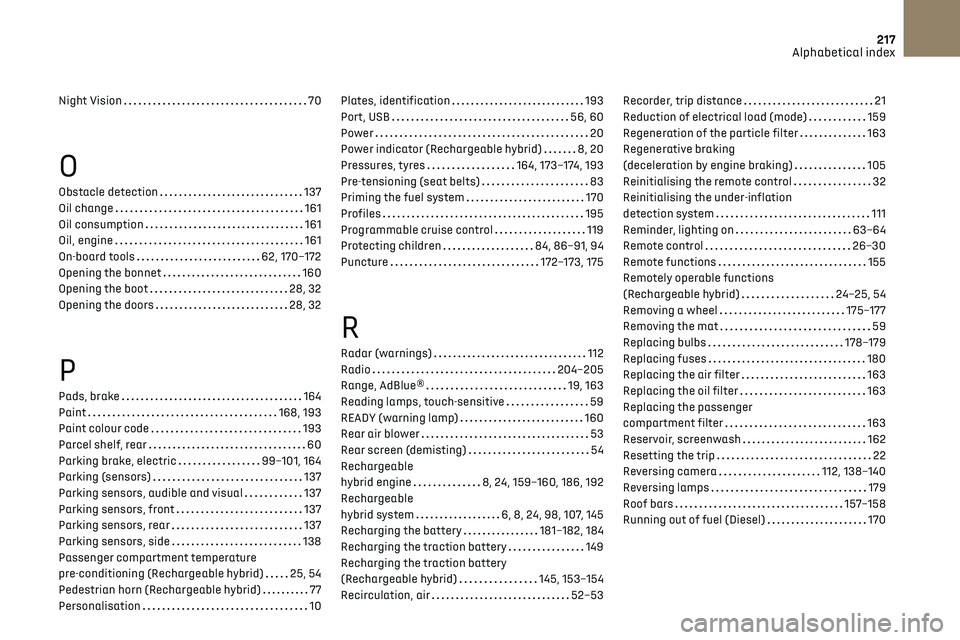
Night Vision 70
O
Obstacle detection 137
Oil change
161
Oil consumption
161
Oil, engine
161
On-board tools
62, 170–172
Opening the bonnet
160
Opening the boot
28, 32
Opening the doors
28, 32
P
Pads, brake 164
Paint
168, 193
Paint colour code
193
Parcel shelf, rear
60
Parking brake, electric
99–101, 164
Parking (sensors)
137
Parking sensors, audible and visual
137
Parking sensors, front
137
Parking sensors, rear
137
Parking sensors, side
138
Passenger compartment temperature
pre-conditioning (Rechargeable hybrid)
25, 54
Pedestrian horn (Rechargeable hybrid)
77
Personalisation
10
Plates, identification 193
Port, USB
56, 60
Power
20
Power indicator (Rechargeable hybrid)
8, 20
Pressures, tyres
164, 173–174, 193
Pre-tensioning (seat belts)
83
Priming the fuel system
170
Profiles
195
Programmable cruise control
119
Protecting children
84, 86–91, 94
Puncture
172–173, 175
R
Radar (warnings) 112
Radio
204–205
Range, AdBlue®
19, 163
Reading lamps, touch-sensitive
59
READY (warning lamp)
160
Rear air blower
53
Rear screen (demisting)
54
Rechargeable
hybrid engine
8, 24, 159–160, 186, 192
Rechargeable
hybrid system
6, 8, 24, 98, 107, 145
Recharging the battery
181–182, 184
Recharging the traction battery
149
Recharging the traction battery
(Rechargeable hybrid)
145, 153–154
Recirculation, air
52–53
Recorder, trip distance 21
Reduction of electrical load (mode)
159
Regeneration of the particle filter
163
Regenerative braking
(deceleration by engine braking)
105
Reinitialising the remote control
32
Reinitialising the under-inflation
detection system
111
Reminder, lighting on
63–64
Remote control
26–30
Remote functions
155
Remotely operable functions
(Rechargeable hybrid)
24–25, 54
Removing a wheel
175–177
Removing the mat
59
Replacing bulbs
178–179
Replacing fuses
180
Replacing the air filter
163
Replacing the oil filter
163
Replacing the passenger
compartment filter
163
Reservoir, screenwash
162
Resetting the trip
22
Reversing camera
112, 138–140
Reversing lamps
179
Roof bars
157–158
Running out of fuel (Diesel)
170