engine DODGE AVENGER 2012 2.G Owner's Manual
[x] Cancel search | Manufacturer: DODGE, Model Year: 2012, Model line: AVENGER, Model: DODGE AVENGER 2012 2.GPages: 514, PDF Size: 2.98 MB
Page 188 of 514
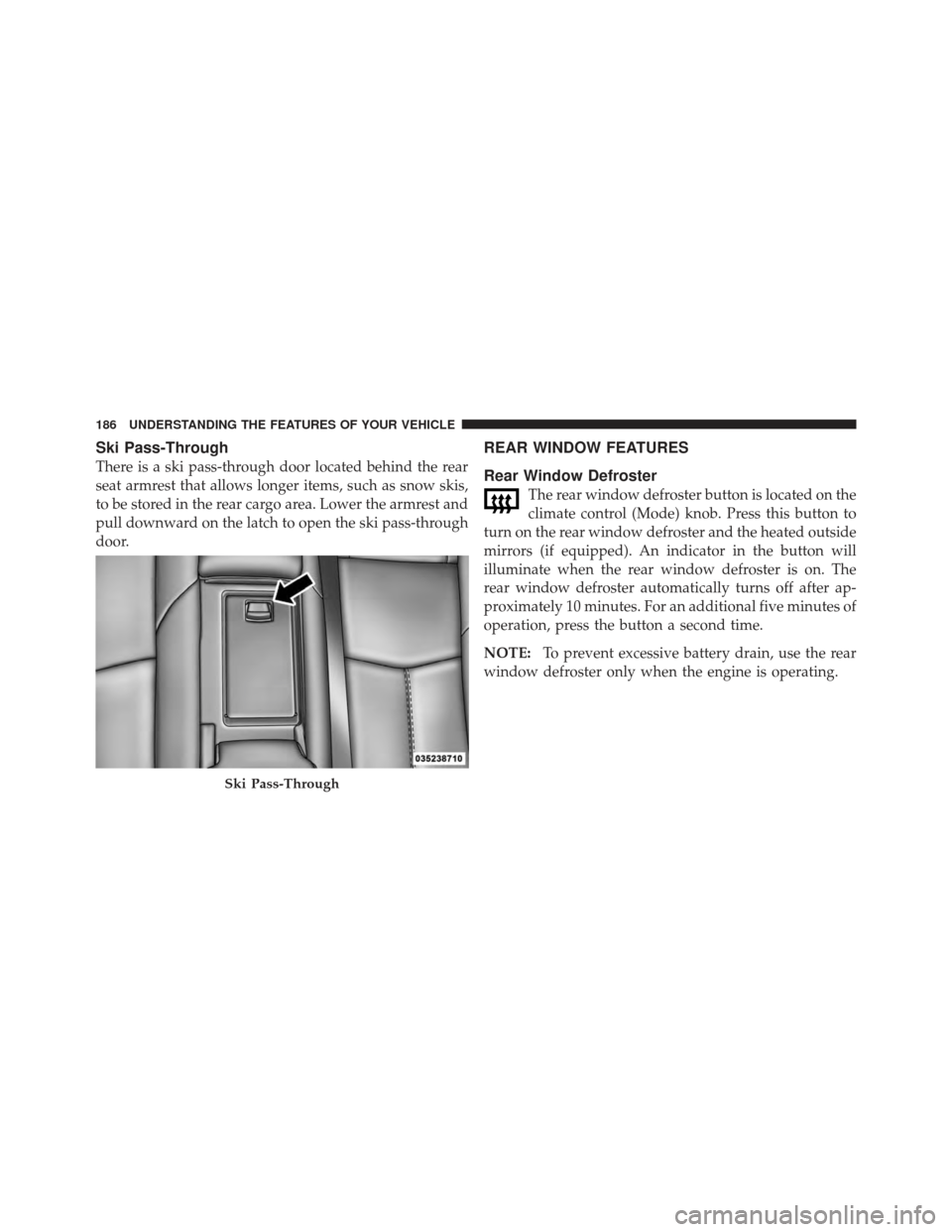
Ski Pass-Through
There is a ski pass-through door located behind the rear
seat armrest that allows longer items, such as snow skis,
to be stored in the rear cargo area. Lower the armrest and
pull downward on the latch to open the ski pass-through
door.
REAR WINDOW FEATURES
Rear Window Defroster
The rear window defroster button is located on the
climate control (Mode) knob. Press this button to
turn on the rear window defroster and the heated outside
mirrors (if equipped). An indicator in the button will
illuminate when the rear window defroster is on. The
rear window defroster automatically turns off after ap-
proximately 10 minutes. For an additional five minutes of
operation, press the button a second time.
NOTE: To prevent excessive battery drain, use the rear
window defroster only when the engine is operating.
Ski Pass-Through
186 UNDERSTANDING THE FEATURES OF YOUR VEHICLE
Page 198 of 514
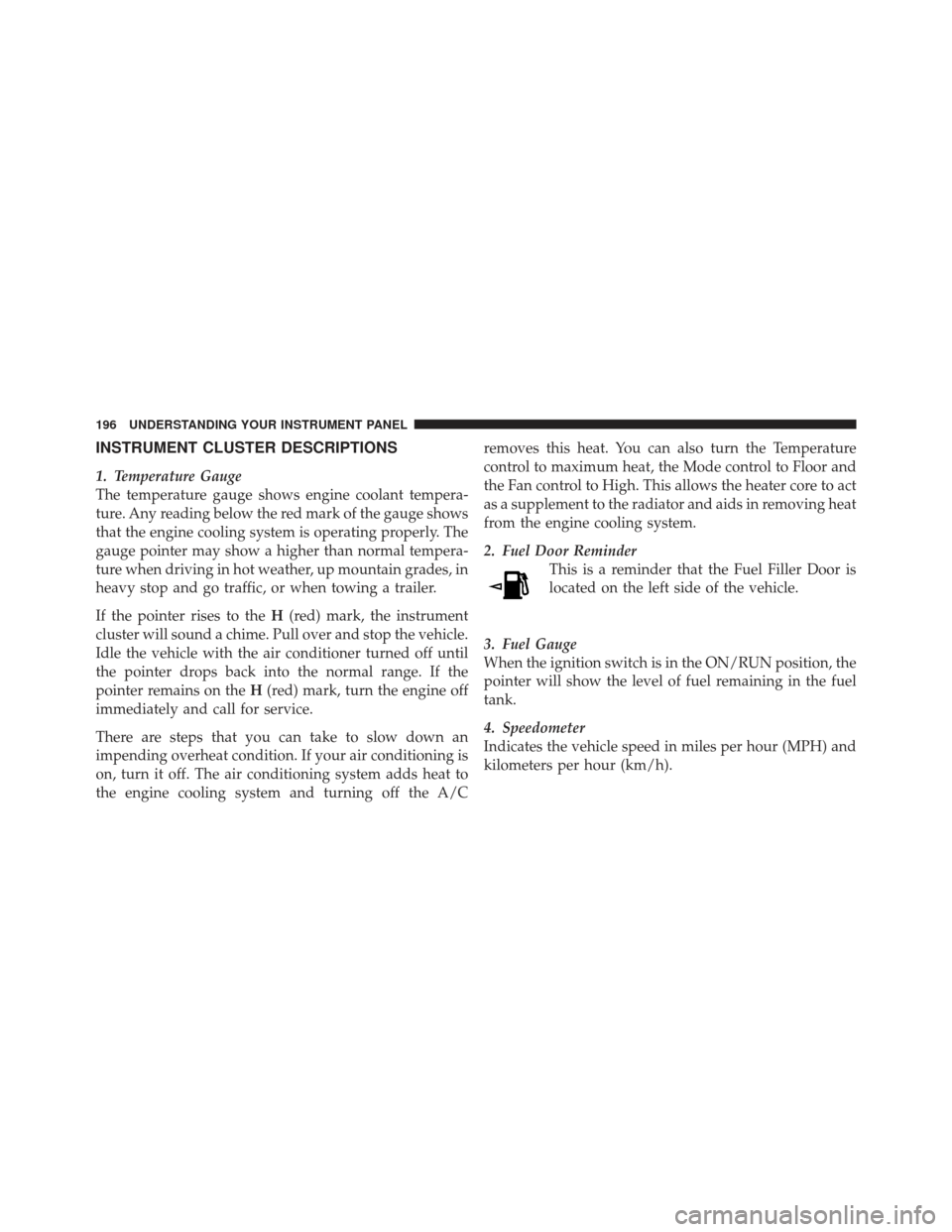
INSTRUMENT CLUSTER DESCRIPTIONS
1. Temperature Gauge
The temperature gauge shows engine coolant tempera-
ture. Any reading below the red mark of the gauge shows
that the engine cooling system is operating properly. The
gauge pointer may show a higher than normal tempera-
ture when driving in hot weather, up mountain grades, in
heavy stop and go traffic, or when towing a trailer.
If the pointer rises to theH(red) mark, the instrument
cluster will sound a chime. Pull over and stop the vehicle.
Idle the vehicle with the air conditioner turned off until
the pointer drops back into the normal range. If the
pointer remains on the H(red) mark, turn the engine off
immediately and call for service.
There are steps that you can take to slow down an
impending overheat condition. If your air conditioning is
on, turn it off. The air conditioning system adds heat to
the engine cooling system and turning off the A/C removes this heat. You can also turn the Temperature
control to maximum heat, the Mode control to Floor and
the Fan control to High. This allows the heater core to act
as a supplement to the radiator and aids in removing heat
from the engine cooling system.
2. Fuel Door Reminder
This is a reminder that the Fuel Filler Door is
located on the left side of the vehicle.
3. Fuel Gauge
When the ignition switch is in the ON/RUN position, the
pointer will show the level of fuel remaining in the fuel
tank.
4. Speedometer
Indicates the vehicle speed in miles per hour (MPH) and
kilometers per hour (km/h).
196 UNDERSTANDING YOUR INSTRUMENT PANEL
Page 200 of 514
flash or remain on continuously. Refer to “Occupant
Restraints” in “Things To Know Before Starting Your
Vehicle” for further information.
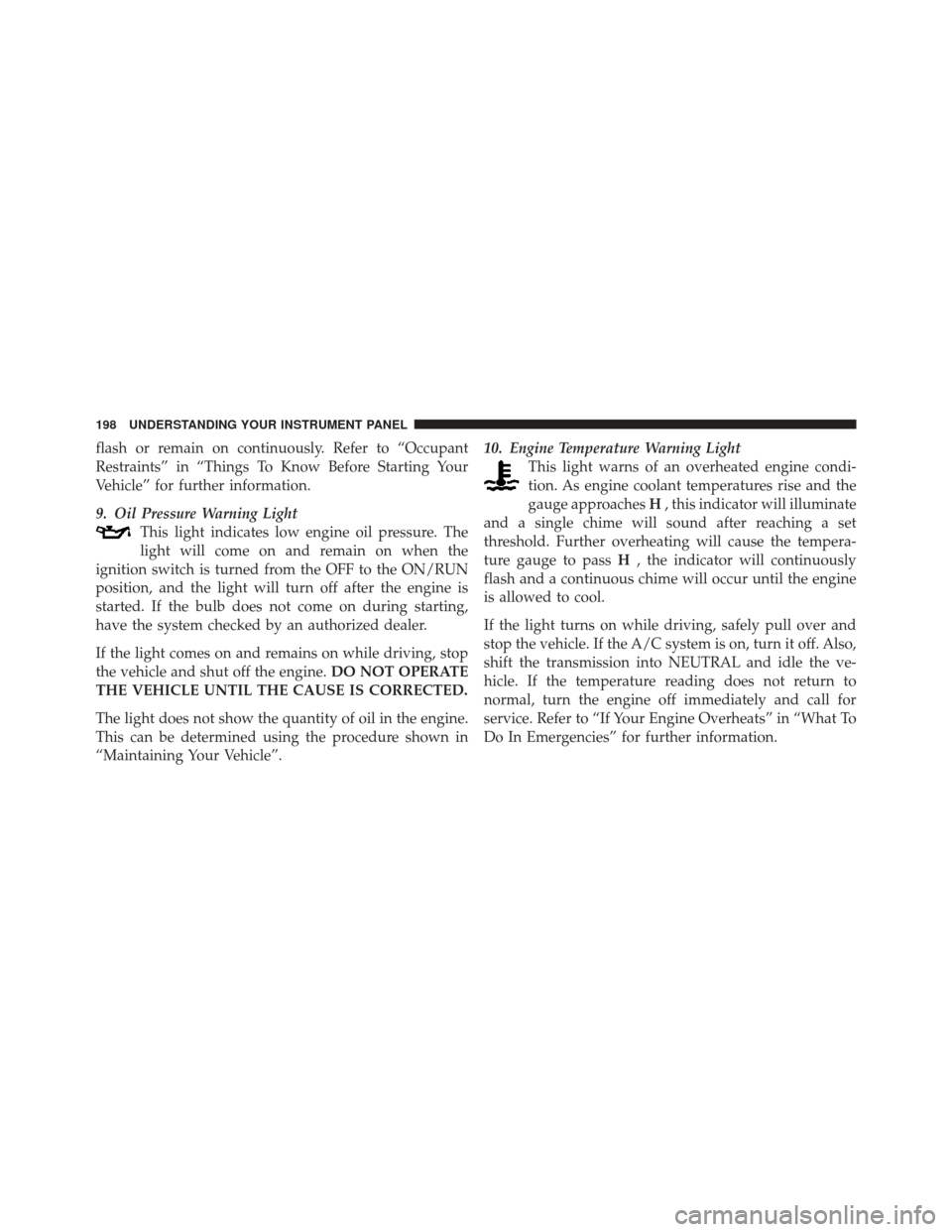
9. Oil Pressure Warning LightThis light indicates low engine oil pressure. The
light will come on and remain on when the
ignition switch is turned from the OFF to the ON/RUN
position, and the light will turn off after the engine is
started. If the bulb does not come on during starting,
have the system checked by an authorized dealer.
If the light comes on and remains on while driving, stop
the vehicle and shut off the engine. DO NOT OPERATE
THE VEHICLE UNTIL THE CAUSE IS CORRECTED.
The light does not show the quantity of oil in the engine.
This can be determined using the procedure shown in
“Maintaining Your Vehicle”. 10. Engine Temperature Warning Light
This light warns of an overheated engine condi-
tion. As engine coolant temperatures rise and the
gauge approaches H, this indicator will illuminate
and a single chime will sound after reaching a set
threshold. Further overheating will cause the tempera-
ture gauge to pass H, the indicator will continuously
flash and a continuous chime will occur until the engine
is allowed to cool.
If the light turns on while driving, safely pull over and
stop the vehicle. If the A/C system is on, turn it off. Also,
shift the transmission into NEUTRAL and idle the ve-
hicle. If the temperature reading does not return to
normal, turn the engine off immediately and call for
service. Refer to “If Your Engine Overheats” in “What To
Do In Emergencies” for further information.
198 UNDERSTANDING YOUR INSTRUMENT PANEL
Page 202 of 514
off unless the parking brake is applied or a brake fault is
detected. If the light does not illuminate, have the light
inspected by an authorized dealer.
The light also will turn on when the parking brake is
applied with the ignition switch in the ON/RUN posi-
tion.
NOTE:This light shows only that the parking brake is
applied. It does not show the degree of brake application.
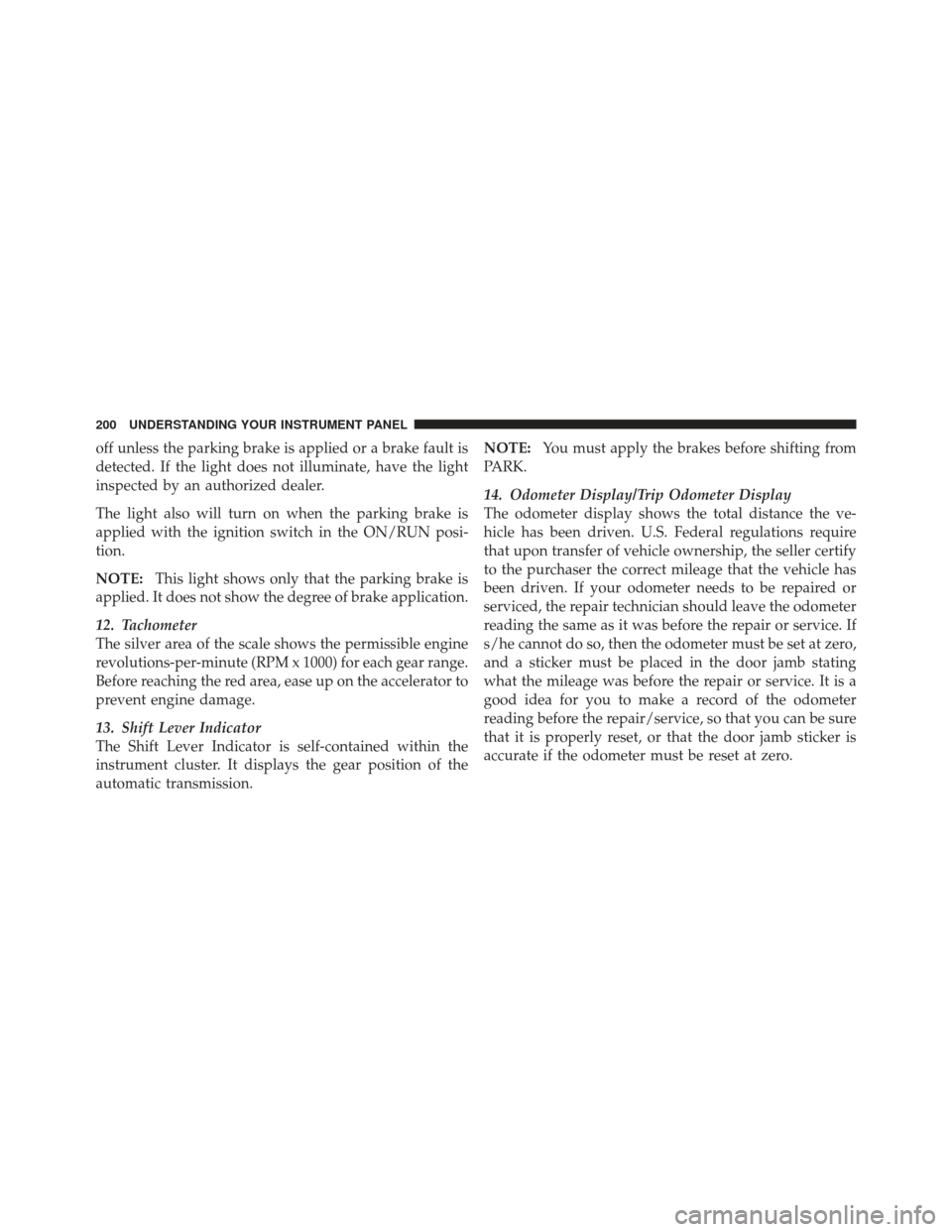
12. Tachometer
The silver area of the scale shows the permissible engine
revolutions-per-minute (RPM x 1000) for each gear range.
Before reaching the red area, ease up on the accelerator to
prevent engine damage.
13. Shift Lever Indicator
The Shift Lever Indicator is self-contained within the
instrument cluster. It displays the gear position of the
automatic transmission. NOTE:
You must apply the brakes before shifting from
PARK.
14. Odometer Display/Trip Odometer Display
The odometer display shows the total distance the ve-
hicle has been driven. U.S. Federal regulations require
that upon transfer of vehicle ownership, the seller certify
to the purchaser the correct mileage that the vehicle has
been driven. If your odometer needs to be repaired or
serviced, the repair technician should leave the odometer
reading the same as it was before the repair or service. If
s/he cannot do so, then the odometer must be set at zero,
and a sticker must be placed in the door jamb stating
what the mileage was before the repair or service. It is a
good idea for you to make a record of the odometer
reading before the repair/service, so that you can be sure
that it is properly reset, or that the door jamb sticker is
accurate if the odometer must be reset at zero.
200 UNDERSTANDING YOUR INSTRUMENT PANEL
Page 203 of 514
The two trip odometers show individual trip mileage. To
switch from odometer to trip odometers, press and
release the Trip Odometer button. To reset a trip odom-
eter, display the desired trip odometer to be reset then
push and hold the button until the display resets (ap-
proximately two seconds). Refer to “Trip Odometer But-
ton” for additional information.
Vehicle Odometer Messages
When the appropriate conditions exist, the odometer will
display the following messages:
door............................. Door Ajar
dECK ............................ T runk Ajar
LoW tirE ..................... LowTirePr essure
CHANgE OIL ............... Oil Change Required
gASCAP ....................... Fuel Cap Fault
HOTOIL .......Engine Oil Temperature Exceeds Safe
ThresholdNOTE:
If the instrument cluster is equipped with the
optional Electronic Vehicle Information Center (EVIC),
then all warnings including ”Low Tire,” “Door Ajar” and
“Trunk Ajar” will only display in the EVIC. (Refer to
“Electronic Vehicle Information Center (EVIC)” for spe-
cific messages).
LoW tirE
When the appropriate condition exists, the odometer
display will toggle between LoW and tirE for three
cycles.
HOTOIL
When this message is displayed there is a engine oil
over-temperature condition. When this condition occurs,
the “HOTOIL” message will be displayed in the odom-
eter along with a chime.
Refer to “If Your Engine Overheats” in “What To Do In
Emergencies”.
4
UNDERSTANDING YOUR INSTRUMENT PANEL 201
Page 204 of 514
gASCAP
If the vehicle diagnostic system detects a leak or change
in the evaporative system, or the fuel filler cap is loose,
improperly installed, or damaged, the words “gASCAP”
will display in the odometer display area. If this occurs,
tighten the fuel filler cap properly and press the odom-
eter reset button to turn off the “gASCAP” message.
(Refer to “Onboard Diagnostic System — OBDII” in
“Maintaining Your Vehicle” for further information). If
the problem continues, the message will appear the next
time the vehicle is started. See your authorized dealer
service center as soon as possible.
CHANgE OIL
Your vehicle is equipped with an engine oil change
indicator system. The “CHANgE OIL” message will flash
in the instrument cluster odometer for approximately
12 seconds after a single chime has sounded to indicate
the next scheduled oil change interval. The engine oil
change indicator system is duty cycle based, whichmeans the engine oil change interval may fluctuate
dependent upon your personal driving style.
Unless reset, this message will continue to display each
time you turn the ignition switch to the “ON” position.
To turn off the message temporarily, press and release the
Trip Odometer button on the instrument cluster. To reset
the oil change indicator system (after performing the
scheduled maintenance) perform the following proce-
dure:
1. Turn the ignition switch to the ON/RUN position
(do not start the engine).
2. Fully depress the accelerator pedal slowly 3 times
within 10 seconds.
3. Turn the ignition switch to the LOCK position.
NOTE: If the indicator message illuminates when you
start the vehicle, the oil change indicator system did not
reset. If necessary, repeat this procedure.
202 UNDERSTANDING YOUR INSTRUMENT PANEL
Page 205 of 514
4. For vehicles equipped with the Electronic Vehicle
Information Center (EVIC), refer to “Electronic Vehicle
Information Center (EVIC)”.
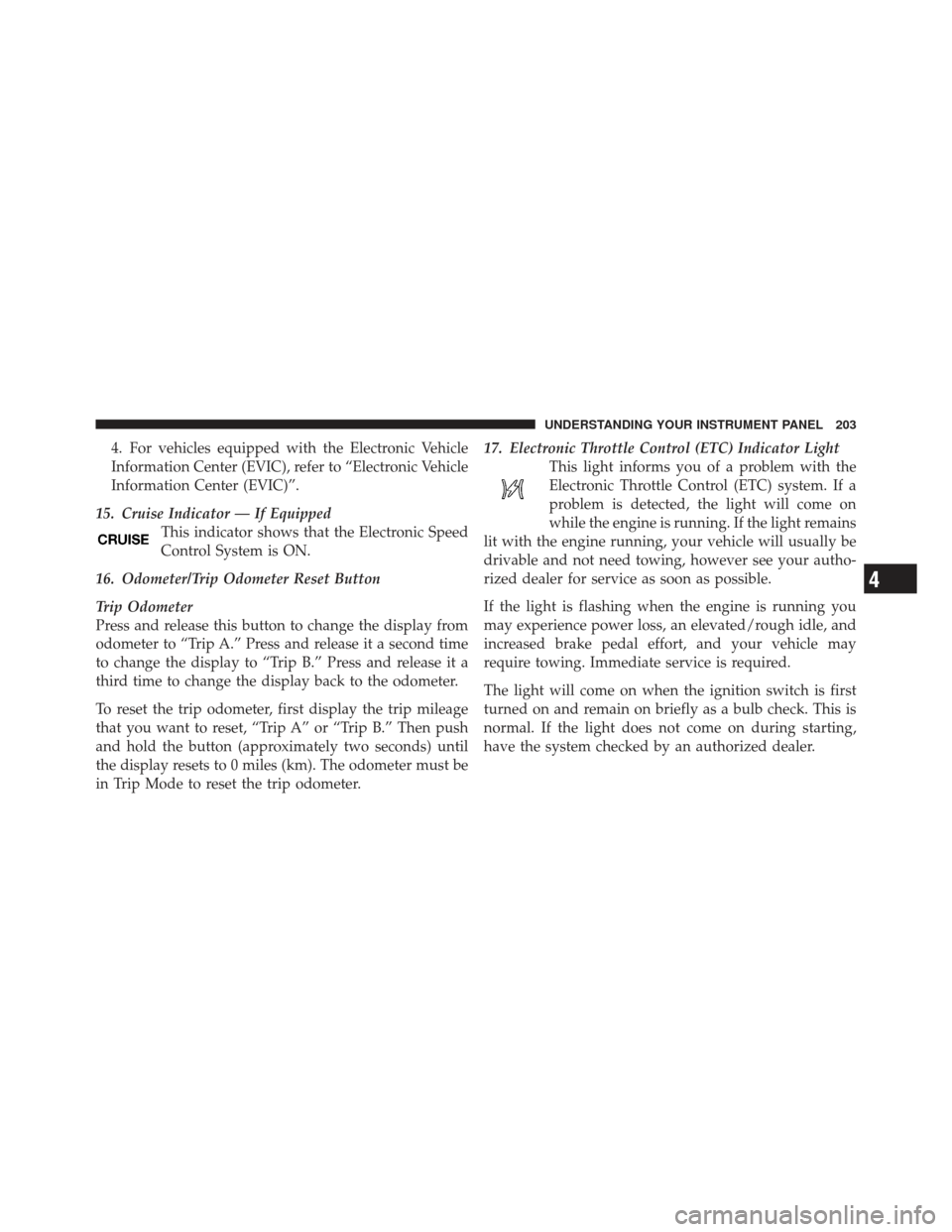
15. Cruise Indicator — If Equipped This indicator shows that the Electronic Speed
Control System is ON.
16. Odometer/Trip Odometer Reset Button
Trip Odometer
Press and release this button to change the display from
odometer to “Trip A.” Press and release it a second time
to change the display to “Trip B.” Press and release it a
third time to change the display back to the odometer.
To reset the trip odometer, first display the trip mileage
that you want to reset, “Trip A” or “Trip B.” Then push
and hold the button (approximately two seconds) until
the display resets to 0 miles (km). The odometer must be
in Trip Mode to reset the trip odometer. 17. Electronic Throttle Control (ETC) Indicator Light
This light informs you of a problem with the
Electronic Throttle Control (ETC) system. If a
problem is detected, the light will come on
while the engine is running. If the light remains
lit with the engine running, your vehicle will usually be
drivable and not need towing, however see your autho-
rized dealer for service as soon as possible.
If the light is flashing when the engine is running you
may experience power loss, an elevated/rough idle, and
increased brake pedal effort, and your vehicle may
require towing. Immediate service is required.
The light will come on when the ignition switch is first
turned on and remain on briefly as a bulb check. This is
normal. If the light does not come on during starting,
have the system checked by an authorized dealer.
4
UNDERSTANDING YOUR INSTRUMENT PANEL 203
Page 206 of 514
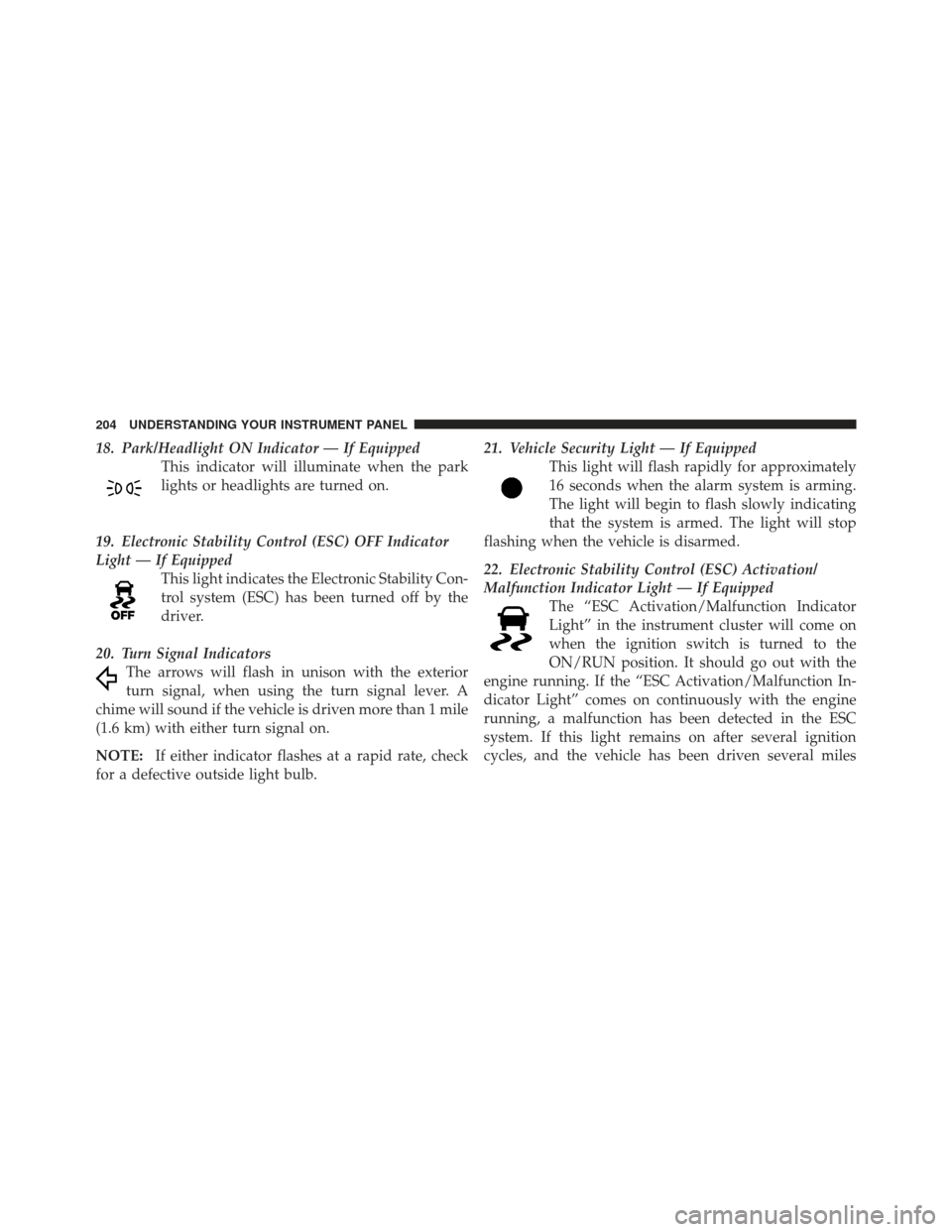
18. Park/Headlight ON Indicator — If EquippedThis indicator will illuminate when the park
lights or headlights are turned on.
19. Electronic Stability Control (ESC) OFF Indicator
Light — If Equipped This light indicates the Electronic Stability Con-
trol system (ESC) has been turned off by the
driver.
20. Turn Signal Indicators The arrows will flash in unison with the exterior
turn signal, when using the turn signal lever. A
chime will sound if the vehicle is driven more than 1 mile
(1.6 km) with either turn signal on.
NOTE: If either indicator flashes at a rapid rate, check
for a defective outside light bulb. 21. Vehicle Security Light — If Equipped
This light will flash rapidly for approximately
16 seconds when the alarm system is arming.
The light will begin to flash slowly indicating
that the system is armed. The light will stop
flashing when the vehicle is disarmed.
22. Electronic Stability Control (ESC) Activation/
Malfunction Indicator Light — If Equipped The “ESC Activation/Malfunction Indicator
Light” in the instrument cluster will come on
when the ignition switch is turned to the
ON/RUN position. It should go out with the
engine running. If the “ESC Activation/Malfunction In-
dicator Light” comes on continuously with the engine
running, a malfunction has been detected in the ESC
system. If this light remains on after several ignition
cycles, and the vehicle has been driven several miles
204 UNDERSTANDING YOUR INSTRUMENT PANEL
Page 209 of 514
CAUTION!
The TPMS has been optimized for the original
equipment tires and wheels. TPMS pressures and
warning have been established for the tire size
equipped on your vehicle. Undesirable system opera-
tion or sensor damage may result when using re-
placement equipment that is not of the same size,
type, and/or style. Aftermarket wheels can cause
sensor damage. Do not use tire sealant from a can or
balance beads if your vehicle is equipped with a
TPMS, as damage to the sensors may result.
25. Malfunction Indicator Light (MIL) The Malfunction Indicator Light (MIL) is part of
an onboard diagnostic system called OBD that
monitors emissions, engine, and automatic trans-
mission control systems. The light will illuminate when
the key is in the ON/RUN position before engine start. If the bulb does not come on when turning the key from
LOCK to ON/RUN, have the condition checked
promptly.
Certain conditions, such as a loose or missing gas cap,
poor fuel quality, etc., may illuminate the light after
engine start. The vehicle should be serviced if the light
stays on through several of your typical driving cycles. In
most situations, the vehicle will drive normally and will
not require towing.
CAUTION!
Prolonged driving with the MIL on could cause
damage to the engine control system. It also could
affect fuel economy and drivability. If the MIL is
flashing, severe catalytic converter damage and
power loss will soon occur. Immediate service is
required.
4
UNDERSTANDING YOUR INSTRUMENT PANEL 207
Page 211 of 514
and stop the vehicle. Then, shift the transmission into
NEUTRAL and run the engine at idle or faster until the
light turns off.
CAUTION!
Continuous driving with the Transmission Tempera-
ture Warning Light illuminated will eventually cause
severe transmission damage or transmission failure.
WARNING!
If the Transmission Temperature Warning Light is
illuminated and you continue operating the vehicle,
in some circumstances you could cause the fluid to
boil over, come in contact with hot engine or exhaust
components and cause a fire.28. High Beam Indicator
This light indicates that the headlights are on high
beam. Pull the turn signal lever toward the steer-
ing wheel to switch the headlights to low beam.
29. Electronic Vehicle Information Center (EVIC)
Display — If Equipped
This display shows the EVIC messages when the appro-
priate conditions exist. Refer to “Electronic Vehicle Infor-
mation Center (EVIC)” for further information.
4
UNDERSTANDING YOUR INSTRUMENT PANEL 209