service DODGE AVENGER 2013 2.G User Guide
[x] Cancel search | Manufacturer: DODGE, Model Year: 2013, Model line: AVENGER, Model: DODGE AVENGER 2013 2.GPages: 519, PDF Size: 3.1 MB
Page 76 of 519
Air Bag Warning Light
You will want to have the air bags ready to
inflate for your protection in a collision. The
Air Bag Warning Light monitors the internal
circuits and interconnecting wiring associated
with air bag system electrical components. While the air
bag system is designed to be maintenance free, if any of
the following occurs, have an authorized dealer service
the air bag system immediately.
• The Air Bag Warning Light does not come on during
the four to eight seconds when the ignition switch is
first turned to the ON/RUN position.
• The Air Bag Warning Light remains on after the four to
eight-second interval.
• The Air Bag Warning Light comes on intermittently or
remains on while driving. NOTE:
If the speedometer, tachometer, or any engine
related gauges are not working, the Occupant Restraint
Controller (ORC) may also be disabled. The air bags may
not be ready to inflate for your protection. Promptly
check the fuse block for blown fuses. Refer to the label
located on the inside of the fuse block cover for the
proper air bag fuses. See your authorized dealer if the
fuse is good.
Event Data Recorder (EDR)
This vehicle is equipped with an event data recorder
(EDR). The main purpose of an EDR is to record, in
certain crash or near crash-like situations, such as an air
bag deployment or hitting a road obstacle, data that will
assist in understanding how a vehicle’s systems per-
formed. The EDR is designed to record data related to
74 THINGS TO KNOW BEFORE STARTING YOUR VEHICLE
Page 101 of 519
Air Bag Warning Light
The light should come on and remain on for
four to eight seconds as a bulb check when the
ignition switch is first turned ON. If the light
is not lit during starting, see your authorized
dealer. If the light stays on, flickers, or comes on while
driving, have the system checked by an authorized
dealer.
Defroster
Check operation by selecting the defrost mode and place
the blower control on high speed. You should be able to
feel the air directed against the windshield. See your
authorized dealer for service if your defroster is inoper-
able.
Floor Mat Safety Information
Always use floor mats designed to fit the footwell of your
vehicle. Use only floor mats that leave the pedal area
unobstructed and that are firmly secured so that they
cannot slip out of position and interfere with the pedals
or impair safe operation of your vehicle in other ways.
WARNING!
Pedals that cannot move freely can cause loss of
vehicle control and increase the risk of serious per-
sonal injury.
• Always make sure that floor mats are properly
attached to the floor mat fasteners.
(Continued)
2
THINGS TO KNOW BEFORE STARTING YOUR VEHICLE 99
Page 115 of 519
WARNING!
Any voice commanded system should be used only
in safe driving conditions following all applicable
laws, including laws regarding phone use. Your at-
tention should be focused on safely operating the
vehicle. Failure to do so may result in a collision
causing serious injury or death.
Uconnect® Phone Button The radio or steering wheel controls (if
equipped) will contain the two control buttons
(Uconnect® Phone
button and Voice Com-
mand
button) that will enable you to
access the system. When you press the button you will
hear the word Uconnect® followed by a BEEP. The beep
is your signal to give a command. Voice Command Button
Actual button location may vary with the radio.
The individual buttons are described in the
“Operation” section.
The Uconnect® Phone can be used with any Hands-Free
Profile certified Bluetooth® mobile phone. See the
Uconnect® website for supported phones. Refer to your
mobile service provider or the phone manufacturer for
details.
The Uconnect® Phone is fully integrated with the vehi-
cle’s audio system. The volume of the Uconnect® Phone
can be adjusted either from the radio volume control
knob or from the steering wheel radio control (right
switch), if so equipped.
The radio display will be used for visual prompts from
the Uconnect® Phone such as “CELL” or caller ID on
certain radios.3
UNDERSTANDING THE FEATURES OF YOUR VEHICLE 113
Page 123 of 519
List All Names In The Uconnect® Phonebook
•Press thebutton to begin.
• After the “Ready” prompt and the following beep, say
“Phonebook List Names”.
• The Uconnect® Phone will play the names of all the
phonebook entries, including the downloaded phone-
book entries, if available.
• To call one of the names in the list, press the
but-
ton during the playing of the desired name, and say
“Call”.
NOTE: The user can also exercise “Edit” or “Delete”
operations at this point.
• The Uconnect® Phone will then prompt you as to the
number designation you wish to call.
• The selected number will be dialed.
Phone Call Features
The following features can be accessed through the
Uconnect® Phone if the feature(s) are available on your
mobile service plan. For example, if your mobile service
plan provides three-way calling, this feature can be
accessed through the Uconnect® Phone. Check with your
mobile service provider for the features that you have.
Answer Or Reject An Incoming Call —
No Call Currently In Progress
When you receive a call on your mobile phone, the
Uconnect® Phone will interrupt the vehicle audio sys-
tem, if on, and will ask if you would like to answer the
call. Press the
button to accept the call. To reject the
call, press and hold the
button until you hear a single
beep, indicating that the incoming call was rejected.
3
UNDERSTANDING THE FEATURES OF YOUR VEHICLE 121
Page 127 of 519
Emergency Assistance
If you are in an emergency and the mobile phone is
reachable:
•Pick up the phone and manually dial the emergency
number for your area.
If the phone is not reachable and the Uconnect® Phone is
operational, you may reach the emergency number as
follows:
• Press the
button to begin.
• After the “Ready” prompt and the following beep, say
“Emergency” and the Uconnect® Phone will instruct
the paired mobile phone to call the emergency number.
This feature is supported in the U.S., Canada, and
Mexico. NOTE:
•
The emergency number dialed is based on the country
where the vehicle is purchased (911 for the U.S. and
Canada and 060 for Mexico). The number dialed may
not be applicable with the available mobile service and
area.
• If supported, this number may be programmable on
some systems. To do this, press the
button and say
“Setup”, followed by “Emergency”.
• The Uconnect® Phone does slightly lower your
chances of successfully making a phone call as to that
for the mobile phone directly.
3
UNDERSTANDING THE FEATURES OF YOUR VEHICLE 125
Page 129 of 519
You can use your Uconnect® Phone to access a voice mail
system or an automated service, such as a paging service
or automated customer service line. Some services re-
quire immediate response selection. In some instances,
that may be too quick for use of the Uconnect® Phone.
When calling a number with your Uconnect® Phone that
normally requires you to enter in a touch-tone sequence
on your mobile phone keypad, you can press the
button and say the sequence you wish to enter,
followed by the word “Send”. For example, if required to
enter your PIN followed with a pound, (3746#),you
can press the
button and say, “3746#Send”.
Saying a number, or sequence of numbers, followed by
“Send”, is also to be used for navigating through an
automated customer service center menu structure, and
to leave a number on a pager. You can also send stored Uconnect® phonebook entries
as tones for fast and easy access to voice mail and pager
entries. To use this feature, dial the number you wish to
call and then press the
button and say, “Send.” The
system will prompt you to enter the name or number and
say the name of the phonebook entry you wish to send.
The Uconnect® Phone will then send the corresponding
phone number associated with the phonebook entry, as
tones over the phone.
NOTE:
• You may not hear all of the tones due to mobile phone
network configurations. This is normal.
• Some paging and voice mail systems have system time
out settings that are too short and may not allow the
use of this feature.
3
UNDERSTANDING THE FEATURES OF YOUR VEHICLE 127
Page 162 of 519
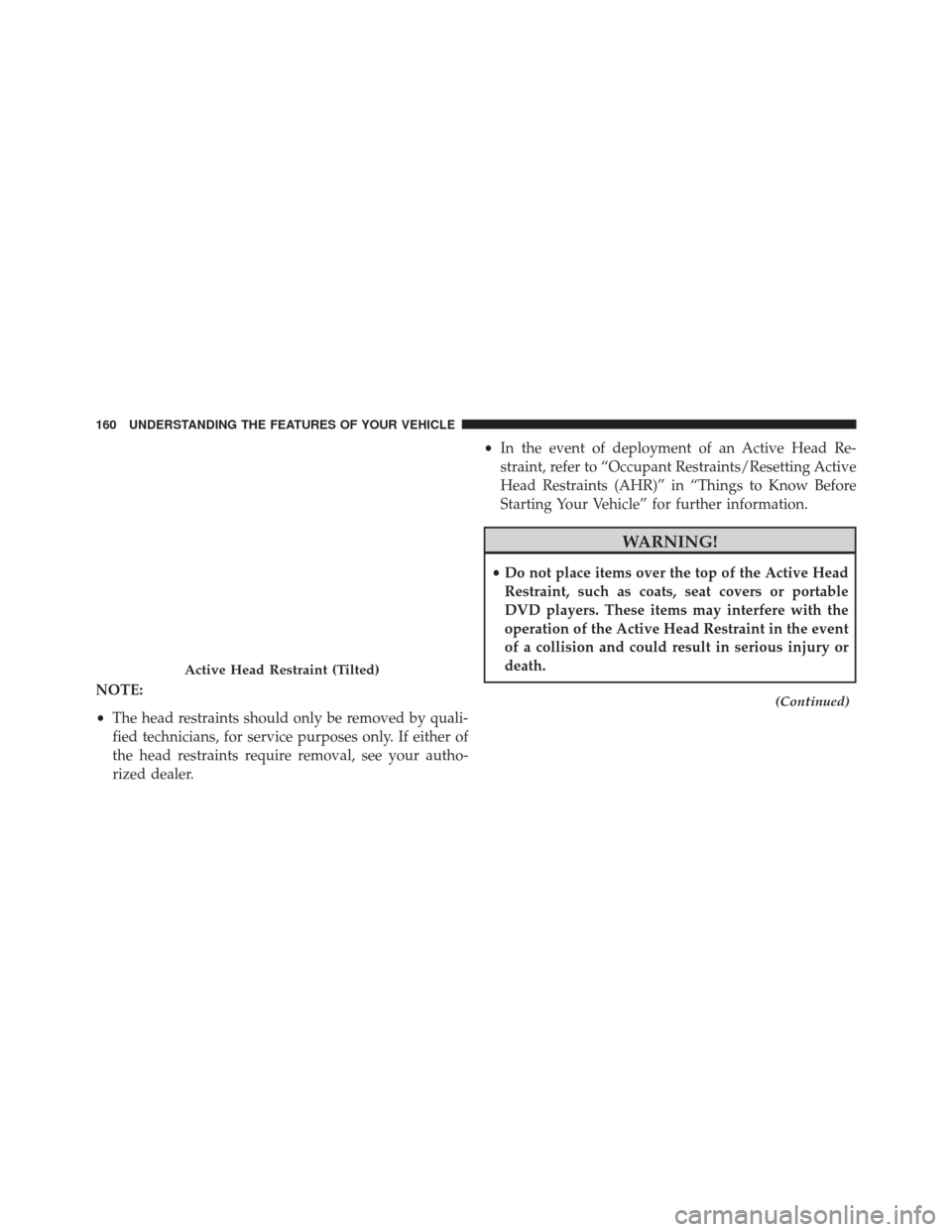
NOTE:
•The head restraints should only be removed by quali-
fied technicians, for service purposes only. If either of
the head restraints require removal, see your autho-
rized dealer. •
In the event of deployment of an Active Head Re-
straint, refer to “Occupant Restraints/Resetting Active
Head Restraints (AHR)” in “Things to Know Before
Starting Your Vehicle” for further information.
WARNING!
• Do not place items over the top of the Active Head
Restraint, such as coats, seat covers or portable
DVD players. These items may interfere with the
operation of the Active Head Restraint in the event
of a collision and could result in serious injury or
death.
(Continued)
Active Head Restraint (Tilted)
160 UNDERSTANDING THE FEATURES OF YOUR VEHICLE
Page 215 of 519
INSTRUMENT CLUSTER DESCRIPTIONS
1. Temperature Gauge
The temperature gauge shows engine coolant tempera-
ture. Any reading below the red mark of the gauge shows
that the engine cooling system is operating properly. The
gauge pointer may show a higher than normal tempera-
ture when driving in hot weather, up mountain grades, in
heavy stop and go traffic, or when towing a trailer.
If the pointer rises to theH(red) mark, the instrument
cluster will sound a chime. Pull over and stop the vehicle.
Idle the vehicle with the air conditioner turned off until
the pointer drops back into the normal range. If the
pointer remains on the H(red) mark, turn the engine off
immediately and call for service.
There are steps that you can take to slow down an
impending overheat condition. If your air conditioning is
on, turn it off. The air conditioning system adds heat to
the engine cooling system and turning off the A/C removes this heat. You can also turn the Temperature
control to maximum heat, the Mode control to Floor and
the Fan control to High. This allows the heater core to act
as a supplement to the radiator and aids in removing heat
from the engine cooling system.
2. Fuel Door Reminder
This is a reminder that the Fuel Filler Door is
located on the left side of the vehicle.
3. Fuel Gauge
When the ignition switch is in the ON/RUN position, the
pointer will show the level of fuel remaining in the fuel
tank.
4. Speedometer
Indicates the vehicle speed in miles per hour (MPH) and
kilometers per hour (km/h).
4
UNDERSTANDING YOUR INSTRUMENT PANEL 213
Page 216 of 519
5. Low Fuel LightWhen the fuel level drops to approximately
2.0 gallons (7.6 Liters), the fuel symbol will light
and a single chime will sound.
NOTE: This light will remain on until a minimum of
approximately 3.0 gallons of fuel is added.
6. Charging System Light
This light shows the status of the electrical charg-
ing system. The light should come on briefly
when the ignition is first turned on and remain on briefly
as a bulb check. If the light stays on or comes on while
driving, turn off some of the vehicle’s electrical devices,
such as the Front Fog Lights or Rear Window Defroster.
If the Charging System Light remains on, it means that
the vehicle is experiencing a problem with the charging
system. Obtain SERVICE IMMEDIATELY. See your local
authorized dealer. If jump starting is required, refer to “Jump Starting
Procedures” in “What To Do In Emergencies”.
7. Air Bag Warning Light
This light will turn on for four to eight seconds
as a bulb check when the ignition switch is first
turned to ON/RUN. If the light is either not
on during starting, stays on, or turns on while
driving, have the system inspected at an authorized
dealer as soon as possible. Refer to “Occupant Restraints”
in “Things To Know Before Starting Your Vehicle” for
further information.
8. Seat Belt Reminder Light
When the ignition switch is first turned to ON/
RUN, this light will turn on for four to eight
seconds as a bulb check. During the bulb check, if
the driver’s seat belt is unbuckled, a chime will sound.
After the bulb check or when driving, if the driver seat
214 UNDERSTANDING YOUR INSTRUMENT PANEL
Page 217 of 519
belt remains unbuckled, the Seat Belt Warning Light will
flash or remain on continuously. Refer to “Occupant
Restraints” in “Things To Know Before Starting Your
Vehicle” for further information.
9. Oil Pressure Warning LightThis light indicates low engine oil pressure. The
light will come on and remain on when the ignition
switch is turned from the OFF to the ON/RUN position,
and the light will turn off after the engine is started. If the
bulb does not come on during starting, have the system
checked by an authorized dealer.
If the light comes on and remains on while driving, stop
the vehicle and shut off the engine. DO NOT OPERATE
THE VEHICLE UNTIL THE CAUSE IS CORRECTED.
The light does not show the quantity of oil in the engine.
This can be determined using the procedure shown in
“Maintaining Your Vehicle”. 10. Engine Temperature Warning Light
This light warns of an overheated engine condi-
tion. As engine coolant temperatures rise and the
gauge approaches H, this indicator will illuminate and a
single chime will sound after reaching a set threshold.
Further overheating will cause the temperature gauge to
pass H, and a continuous chime will occur until the
engine is allowed to cool or the 4 minutes duration is
expired, whichever come first.
If the light turns on while driving, safely pull over and
stop the vehicle. If the A/C system is on, turn it off. Also,
shift the transmission into NEUTRAL and idle the ve-
hicle. If the temperature reading does not return to
normal, turn the engine off immediately and call for
service. Refer to “If Your Engine Overheats” in “What To
Do In Emergencies” for further information.
4
UNDERSTANDING YOUR INSTRUMENT PANEL 215