ignition DODGE AVENGER 2013 2.G Owner's Manual
[x] Cancel search | Manufacturer: DODGE, Model Year: 2013, Model line: AVENGER, Model: DODGE AVENGER 2013 2.GPages: 519, PDF Size: 3.1 MB
Page 38 of 519
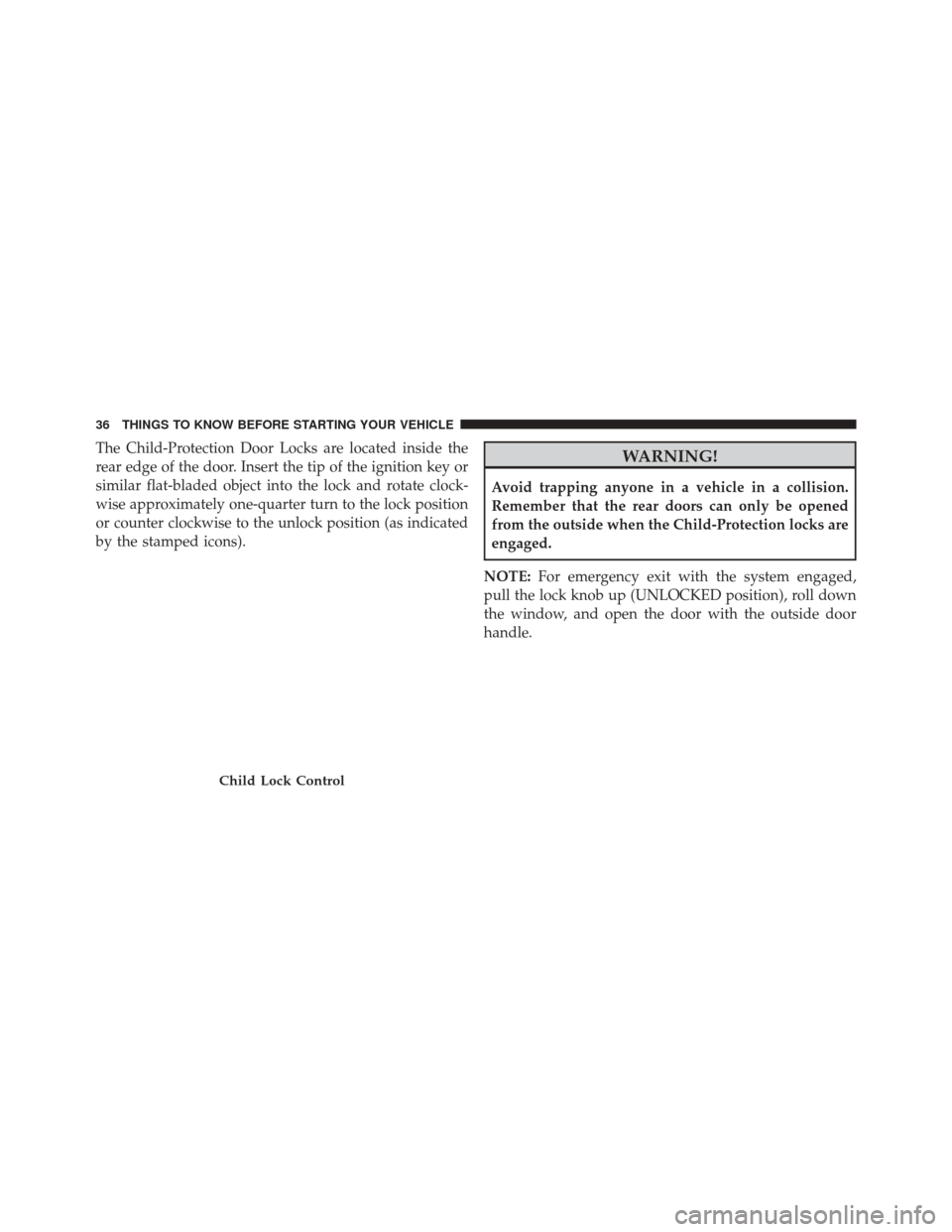
The Child-Protection Door Locks are located inside the
rear edge of the door. Insert the tip of the ignition key or
similar flat-bladed object into the lock and rotate clock-
wise approximately one-quarter turn to the lock position
or counter clockwise to the unlock position (as indicated
by the stamped icons).WARNING!
Avoid trapping anyone in a vehicle in a collision.
Remember that the rear doors can only be opened
from the outside when the Child-Protection locks are
engaged.
NOTE: For emergency exit with the system engaged,
pull the lock knob up (UNLOCKED position), roll down
the window, and open the door with the outside door
handle.
Child Lock Control
36 THINGS TO KNOW BEFORE STARTING YOUR VEHICLE
Page 39 of 519
POWER WINDOWS
Power Window Switches
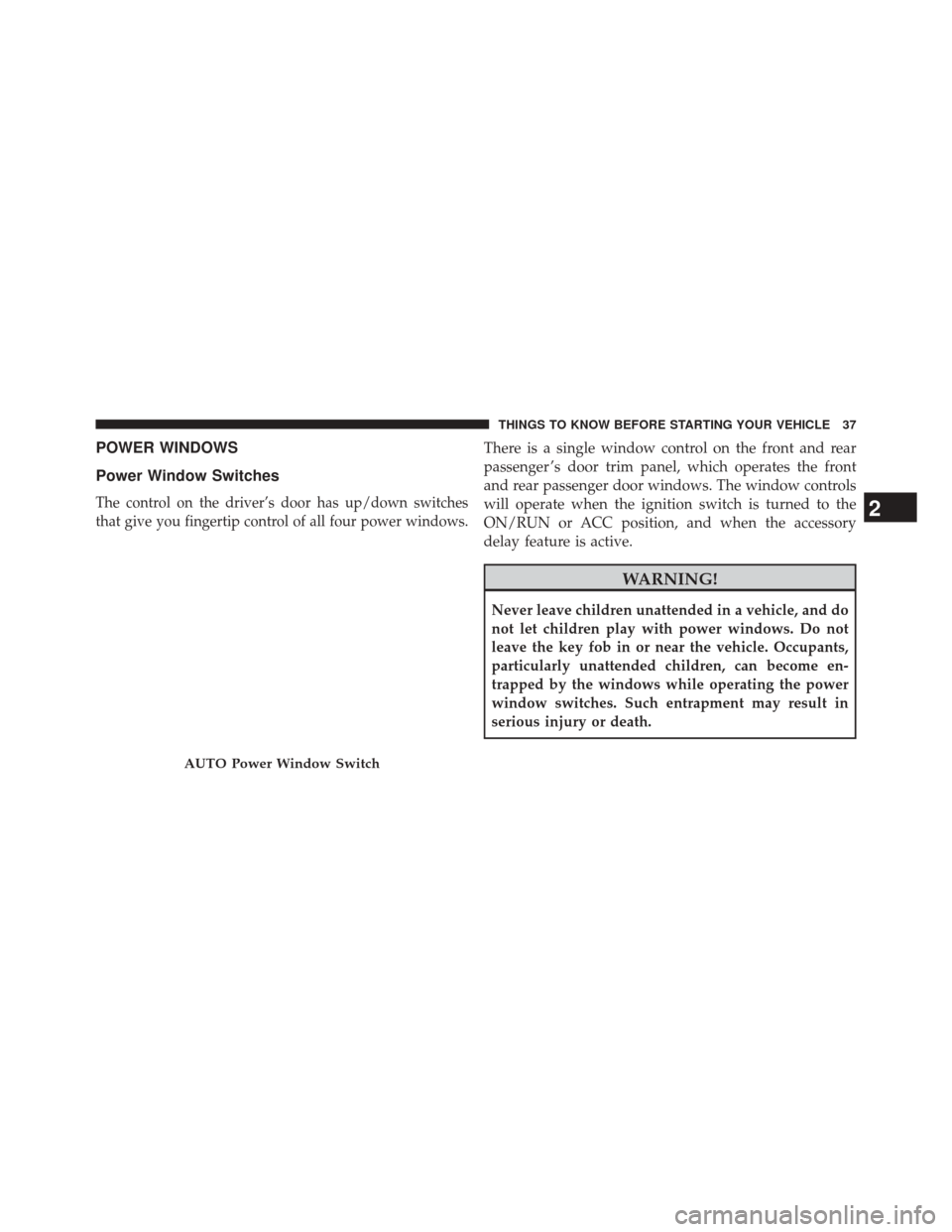
The control on the driver’s door has up/down switches
that give you fingertip control of all four power windows.
There is a single window control on the front and rear
passenger ’s door trim panel, which operates the front
and rear passenger door windows. The window controls
will operate when the ignition switch is turned to the
ON/RUN or ACC position, and when the accessory
delay feature is active.
WARNING!
Never leave children unattended in a vehicle, and do
not let children play with power windows. Do not
leave the key fob in or near the vehicle. Occupants,
particularly unattended children, can become en-
trapped by the windows while operating the power
window switches. Such entrapment may result in
serious injury or death.
AUTO Power Window Switch
2
THINGS TO KNOW BEFORE STARTING YOUR VEHICLE 37
Page 40 of 519

Auto Window Down — If Equipped
The front window controls on the driver and passenger
door trim panels have an Auto-Down feature. These
switches are labeled AUTO to indicate this capability.
Push the window switch past the first detent, release, and
the window will go down automatically.
To open the window part way, push the window switch
to the first detent and release it when you want the
window to stop.
To cancel the Auto-Down movement, operate the switch
either in the up or down direction and release the switch.
For vehicles not equipped with the Electronic Vehicle
Information Center (EVIC), the power window switches
will remain active for 45 seconds after the ignition switch
is turned to the LOCK position. Opening either door will
cancel this feature.For vehicles equipped with EVIC, the power window
switches will remain active for up to 10 minutes after the
ignition switch is turned off. Opening either door will
cancel this feature. The time for this feature is program-
mable. Refer to “Electronic Vehicle Information Center
(EVIC)/Personal Settings (Customer-Programmable Fea-
tures)” in “Understanding Your Instrument Panel” for
further information.
Auto Window Up With Anti-Pinch Protection —
If Equipped
Lift the window switch fully upward to the second
detent, release, and the window will go up automatically.
To cancel the Auto Up movement, operate the switch
either in the up or down direction and release the switch.
38 THINGS TO KNOW BEFORE STARTING YOUR VEHICLE
Page 43 of 519
TRUNK RELEASE
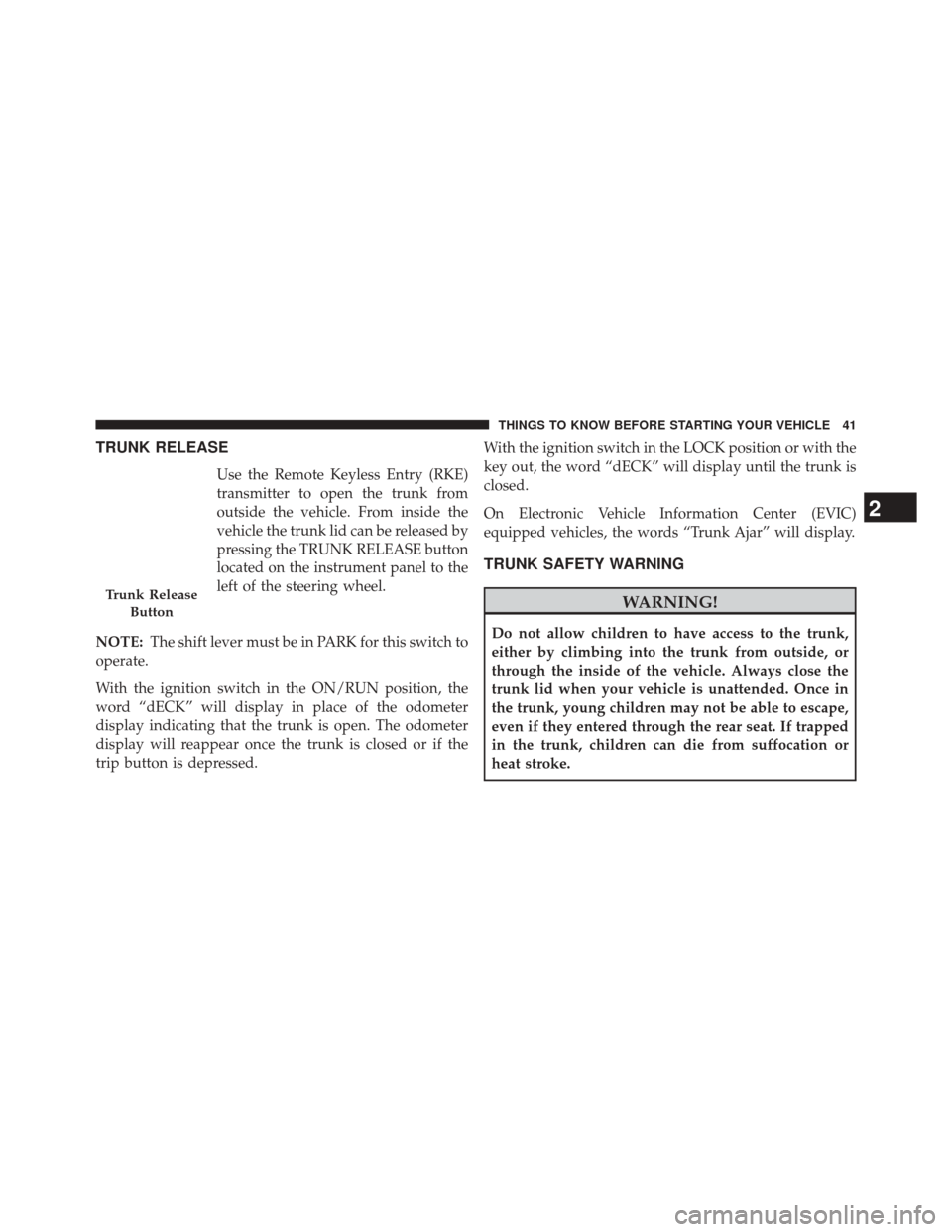
Use the Remote Keyless Entry (RKE)
transmitter to open the trunk from
outside the vehicle. From inside the
vehicle the trunk lid can be released by
pressing the TRUNK RELEASE button
located on the instrument panel to the
left of the steering wheel.
NOTE: The shift lever must be in PARK for this switch to
operate.
With the ignition switch in the ON/RUN position, the
word “dECK” will display in place of the odometer
display indicating that the trunk is open. The odometer
display will reappear once the trunk is closed or if the
trip button is depressed. With the ignition switch in the LOCK position or with the
key out, the word “dECK” will display until the trunk is
closed.
On Electronic Vehicle Information Center (EVIC)
equipped vehicles, the words “Trunk Ajar” will display.
TRUNK SAFETY WARNING
WARNING!
Do not allow children to have access to the trunk,
either by climbing into the trunk from outside, or
through the inside of the vehicle. Always close the
trunk lid when your vehicle is unattended. Once in
the trunk, young children may not be able to escape,
even if they entered through the rear seat. If trapped
in the trunk, children can die from suffocation or
heat stroke.
Trunk Release
Button
2
THINGS TO KNOW BEFORE STARTING YOUR VEHICLE 41
Page 61 of 519
NOTE:
•If you have difficulties or problems resetting the Active
Head Restraints, see an authorized dealer.
•
For safety reasons, have the Active Head Restraints
checked by a qualified specialist at an authorized dealer.
Enhanced Seat Belt Use Reminder System
(BeltAlert®)
BeltAlert® is a feature intended to remind the driver and
front passenger (if equipped with front passenger
BeltAlert®) to fasten their seat belts. The feature is active
whenever the ignition is on. If the driver or front seat
passenger is unbelted, the Seat Belt Reminder Light will
turn on and remain on until both front seat belts are
fastened.
The BeltAlert® warning sequence begins after the vehicle
speed is over 5 mph (8 km/h), by blinking the Seat Belt
Reminder Light and sounding an intermittent chime.
Once the sequence starts, it will continue for the entire
duration or until the respective seatbelts are fastened.
After the sequence completes, the Seat Belt Reminder
Light remains illuminated until the respective seat belts
are fastened. The driver should instruct all other occu-
pants to fasten their seat belts. If a front seat belt is
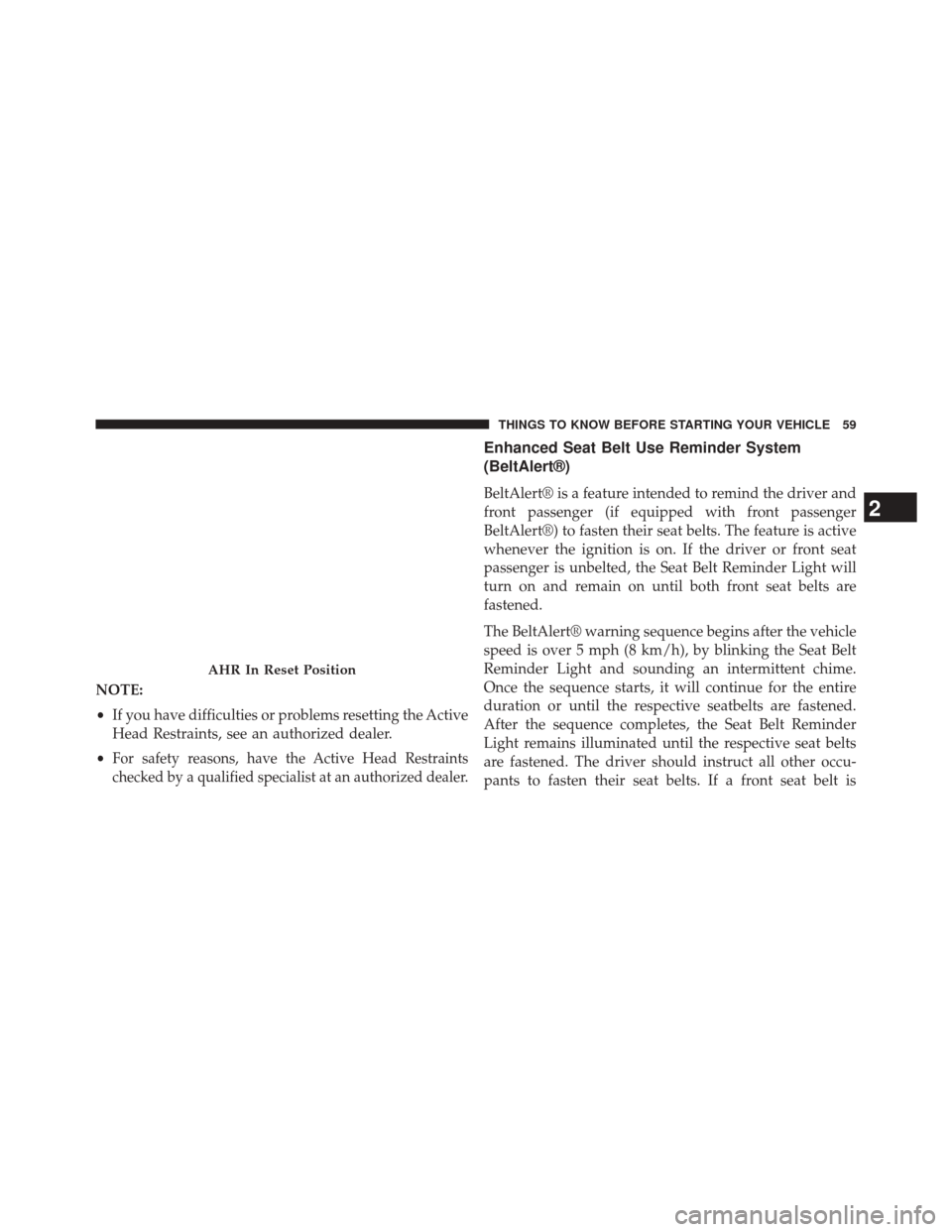
AHR In Reset Position
2
THINGS TO KNOW BEFORE STARTING YOUR VEHICLE 59
Page 70 of 519
On the other hand, depending on the type and location of
impact, Advanced Front Air Bags may deploy in crashes
with little vehicle front-end damage but that produce a
severe initial deceleration.
The side air bags will not deploy in all side collisions.
Side air bag deployment will depend on the severity and
type of collision.
Because air bag sensors measure vehicle deceleration
over time, vehicle speed and damage by themselves are
not good indicators of whether or not an air bag should
have deployed.
Seat belts are necessary for your protection in all colli-
sions, and also are needed to help keep you in position,
away from an inflating air bag.
The ORC monitors the readiness of the electronic parts of
the air bag system whenever the ignition switch is in the
START or ON/RUN position. If the key is in the OFFposition, in the ACC position, or not in the ignition, the
air bag system is not on and the air bags will not inflate.
The ORC contains a backup power supply system that
may deploy the air bags even if the battery loses power or
it becomes disconnected prior to deployment.
Also, the ORC turns on the Air Bag Warning
Light in the instrument panel for approxi-
mately four to eight seconds for a self-check
when the ignition is first turned on. After the
self-check, the Air Bag Warning Light will turn off. If the
ORC detects a malfunction in any part of the system, it
turns on the Air Bag Warning Light, either momentarily
or continuously. A single chime will sound if the light
comes on again after initial startup.
It also includes diagnostics that will illuminate the instru-
ment cluster Air Bag Warning Light if a malfunction is
noted that could affect the air bag system. The diagnos-
tics also record the nature of the malfunction.
68 THINGS TO KNOW BEFORE STARTING YOUR VEHICLE
Page 71 of 519
WARNING!
Ignoring the Air Bag Warning Light in your instru-
ment panel could mean you won’t have the air bags
to protect you in a collision. If the light does not come
on as a bulb check when the ignition is first turned
on, stays on after you start the vehicle, or if it comes
on as you drive, have an authorized dealer service the
air bag system immediately.
Driver And Passenger Advanced Front Air Bag
Inflator Units
The Driver and Passenger Advanced Front Air Bag
Inflator Units are located in the center of the steering
wheel and on the right side of the instrument panel.When the ORC detects a collision requiring the Ad-
vanced Front Air Bags, it signals the inflator units. A large
quantity of non-toxic gas is generated to inflate the
Advanced Front Air Bags. Different air bag inflation rates
are possible, based on several factors, including the
collision type and severity. The steering wheel hub trim
cover and the upper right side of the instrument panel
separate and fold out of the way as the air bags inflate to
their full size. The air bags fully inflate in about 50 to
70 milliseconds. This is about half of the time it takes to
blink your eyes. The air bags then quickly deflate while
helping to restrain the driver and front passenger.
The Advanced Front Air Bag gas is vented through the
vent holes in the sides of the air bag. In this way, the air
bags do not interfere with your control of the vehicle.
2
THINGS TO KNOW BEFORE STARTING YOUR VEHICLE 69
Page 73 of 519
Because air bag sensors estimate deceleration over time,
vehicle speed and damage are not good indicators of
whether or not an air bag should have deployed.
Front And Side Impact Sensors
In front and side impacts, impact sensors can aid the ORC
in determining appropriate response to impact events.
Enhanced Accident Response System
In the event of an impact causing air bag deployment, if the
communication network remains intact, and the power
remains intact, depending on the nature of the event the
ORC will determine whether to have the Enhanced Acci-
dent Response System perform the following functions:
•Cut off fuel to the engine.
• Flash hazard lights as long as the battery has power or
until the ignition key is turned off. •
Turn on the interior lights, which remain on as long as
the battery has power or until the ignition key is
removed.
• Unlock the doors automatically.
In order to reset the Enhanced Accident Response System
functions after an event, the ignition switch must be
changed from IGN ON to IGN OFF.
If A Deployment Occurs
The Advanced Front Air Bags are designed to deflate
immediately after deployment.
NOTE: Front and/or side air bags will not deploy in all
collisions. This does not mean something is wrong with
the air bag system.
2
THINGS TO KNOW BEFORE STARTING YOUR VEHICLE 71
Page 76 of 519

Air Bag Warning Light
You will want to have the air bags ready to
inflate for your protection in a collision. The
Air Bag Warning Light monitors the internal
circuits and interconnecting wiring associated
with air bag system electrical components. While the air
bag system is designed to be maintenance free, if any of
the following occurs, have an authorized dealer service
the air bag system immediately.
• The Air Bag Warning Light does not come on during
the four to eight seconds when the ignition switch is
first turned to the ON/RUN position.
• The Air Bag Warning Light remains on after the four to
eight-second interval.
• The Air Bag Warning Light comes on intermittently or
remains on while driving. NOTE:
If the speedometer, tachometer, or any engine
related gauges are not working, the Occupant Restraint
Controller (ORC) may also be disabled. The air bags may
not be ready to inflate for your protection. Promptly
check the fuse block for blown fuses. Refer to the label
located on the inside of the fuse block cover for the
proper air bag fuses. See your authorized dealer if the
fuse is good.
Event Data Recorder (EDR)
This vehicle is equipped with an event data recorder
(EDR). The main purpose of an EDR is to record, in
certain crash or near crash-like situations, such as an air
bag deployment or hitting a road obstacle, data that will
assist in understanding how a vehicle’s systems per-
formed. The EDR is designed to record data related to
74 THINGS TO KNOW BEFORE STARTING YOUR VEHICLE
Page 101 of 519
Air Bag Warning Light
The light should come on and remain on for
four to eight seconds as a bulb check when the
ignition switch is first turned ON. If the light
is not lit during starting, see your authorized
dealer. If the light stays on, flickers, or comes on while
driving, have the system checked by an authorized
dealer.
Defroster
Check operation by selecting the defrost mode and place
the blower control on high speed. You should be able to
feel the air directed against the windshield. See your
authorized dealer for service if your defroster is inoper-
able.
Floor Mat Safety Information
Always use floor mats designed to fit the footwell of your
vehicle. Use only floor mats that leave the pedal area
unobstructed and that are firmly secured so that they
cannot slip out of position and interfere with the pedals
or impair safe operation of your vehicle in other ways.
WARNING!
Pedals that cannot move freely can cause loss of
vehicle control and increase the risk of serious per-
sonal injury.
• Always make sure that floor mats are properly
attached to the floor mat fasteners.
(Continued)
2
THINGS TO KNOW BEFORE STARTING YOUR VEHICLE 99