radio DODGE AVENGER 2013 2.G Owner's Manual
[x] Cancel search | Manufacturer: DODGE, Model Year: 2013, Model line: AVENGER, Model: DODGE AVENGER 2013 2.GPages: 519, PDF Size: 3.1 MB
Page 231 of 519
ELECTRONIC VEHICLE INFORMATION CENTER
(EVIC) — IF EQUIPPED
The Electronic Vehicle Information Center (EVIC) fea-
tures a driver-interactive display that is located in the
instrument cluster.The EVIC consists of the following:
•
Compass Heading Display (N, S, E, W, NE, NW, SE, SW)
•
Mileage (Avg/MPG)
• Miles To Empty
• Low Tire Information (Tire Pressure Monitor System
(TPMS) Displays) — if equipped
• Timer
• Units
• System Warnings (Door Ajar, etc.)
• Personal Settings (Customer-Programmable Features)
• Outside Temperature Display (°F or °C)
• Audio Mode Displays – 12 preset Radio Stations or CD
Title and Track number when playing
Electronic Vehicle Information Center (EVIC)
4
UNDERSTANDING YOUR INSTRUMENT PANEL 229
Page 232 of 519
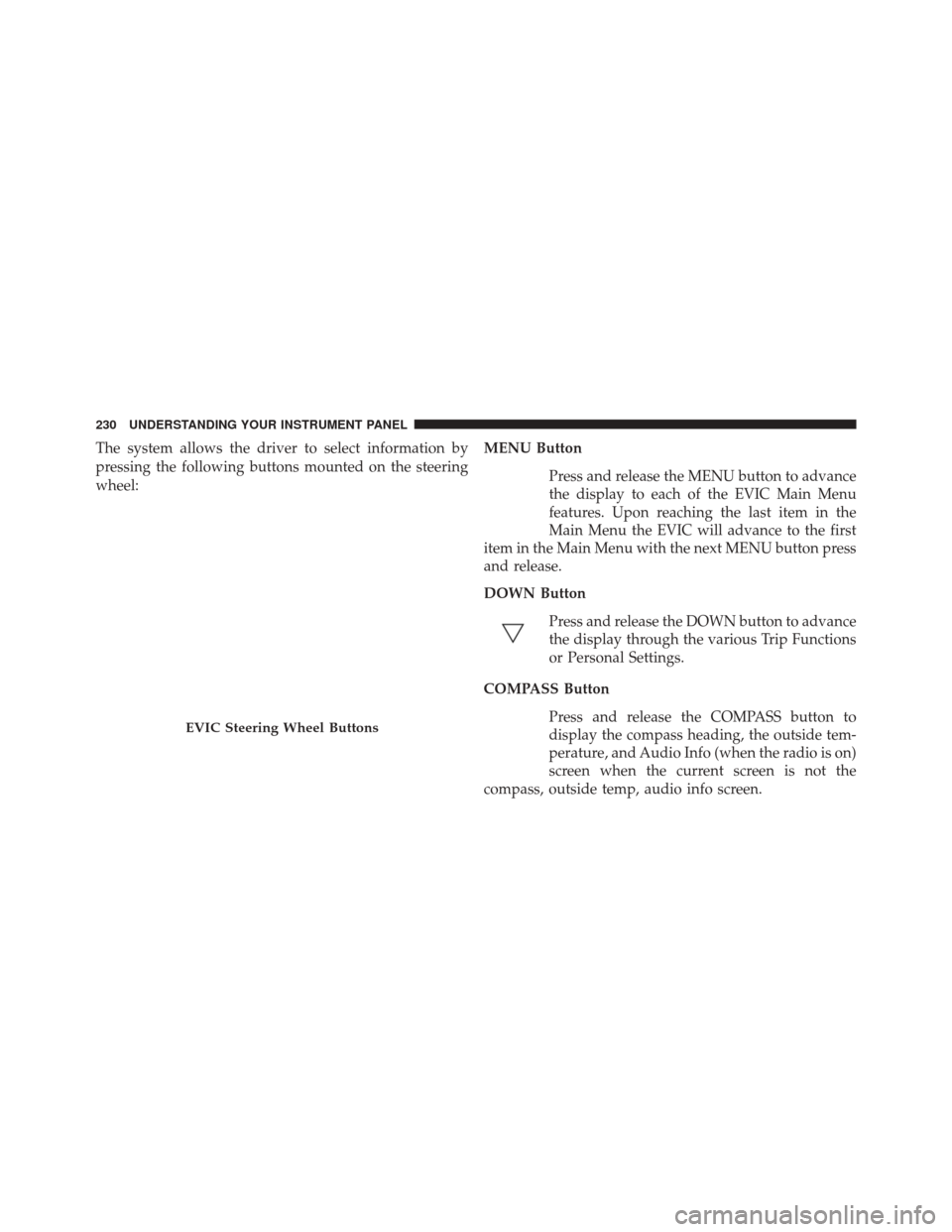
The system allows the driver to select information by
pressing the following buttons mounted on the steering
wheel:MENU Button
Press and release the MENU button to advance
the display to each of the EVIC Main Menu
features. Upon reaching the last item in the
Main Menu the EVIC will advance to the first
item in the Main Menu with the next MENU button press
and release.
DOWN Button
Press and release the DOWN button to advance
the display through the various Trip Functions
or Personal Settings.
COMPASS Button Press and release the COMPASS button to
display the compass heading, the outside tem-
perature, and Audio Info (when the radio is on)
screen when the current screen is not the
compass, outside temp, audio info screen.
EVIC Steering Wheel Buttons
230 UNDERSTANDING YOUR INSTRUMENT PANEL
Page 235 of 519
2. Fully depress the accelerator pedal slowly three timeswithin 10 seconds.
3. Turn the ignition switch to the LOCK position.
NOTE: If the indicator message illuminates when you
start the vehicle, the oil change indicator system did not
reset. If necessary repeat this procedure.
ELECTRONIC VEHICLE INFORMATION CENTER
(EVIC) Main Menu
To step to each main menu feature press and release the
MENU button once for each step. A step from the last
item in the list will cause the first item in the feature list
to be displayed. The following features are in the Main
menu:
• Compass
• Outside Temperature •
Audio Information (if radio is on) display
• Average Fuel Economy
• Distance to Empty
• Tire Pressure Status display
• Elapsed Time
• EVIC Units Selection
• System Status
• Personal Settings
NOTE: For features in the EVIC that can be reset (Aver-
age Fuel Economy and Elapsed Time), the EVIC prompts
a reset with a SELECT button graphic and the word
RESET next to it.
4
UNDERSTANDING YOUR INSTRUMENT PANEL 233
Page 236 of 519
When the SELECT button is pressed, the selected feature
will reset and RESET ALL will display next to the
SELECT button graphic. Pressing SELECT a second time
will reset both Average Fuel Economy and Elapsed Time.
After three seconds without pressing SELECT, RESET
ALL will return to RESET and only the selected feature
will have been reset.
Compass Display
COMPASS ButtonThe compass heading indicates the direction
the vehicle is facing. Press and release the
compass button to display one of eight com-
pass headings, the outside temperature, and
audio information (if the radio is on) if the EVIC display
is not already displaying this screen. NOTE:
The system will display the last known outside
temperature when starting the vehicle and may need to
be driven several minutes before the updated tempera-
ture is displayed. Engine temperature can also affect the
displayed temperature; therefore, temperature readings
are not updated when the vehicle is not moving.
Automatic Compass Calibration
This compass is self-calibrating, which eliminates the
need to calibrate the compass manually. When the ve-
hicle is new, the compass may appear erratic and the
EVIC will flash the “CAL” indicator until the compass is
calibrated. You may calibrate the compass by completing
one or more 360–degree turns (in an area free from large
metal or metallic objects) until the CAL indicator in the
EVIC turns off. The compass will now function normally.
234 UNDERSTANDING YOUR INSTRUMENT PANEL
Page 243 of 519
when exiting the vehicle. To make your selection, press
the SELECT button until 0, 30, 60, or 90 seconds appears.
Headlamps With Wipers (Available with Auto
Headlights Only)
When ON is selected, and the headlight switch is in the
AUTO position, the headlights will turn on approxi-
mately 10 seconds after the wipers are turned on. The
headlights will also turn off when the wipers are turned
off if they were turned on by this feature. To make your
selection, press the SELECT button until ON or OFF
appears.
NOTE:Turning the headlights on during the daytime
causes the instrument panel lights to dim. To increase the
brightness, refer to “Lights” in “Understanding The
Features Of Your Vehicle.”
Key-Off Power Delay
When this feature is selected, the power window
switches, radio, Uconnect® phone (if equipped), and
power outlets will remain active for up to 10 minutes
after the ignition switch is turned to the LOCK position.
Opening either front vehicle door will cancel this feature.
To make your selection, press the SELECT button until
Off, 45 sec., 5 min., or 10 min. appears.
Illumin. Approach
When this feature is selected, the headlights will activate
and remain on for up to 90 seconds when the doors are
unlocked with the remote keyless entry transmitter. To
make your selection, press the SELECT button until
“OFF,” “30 sec,” “60 sec,” or “90 sec” appears.
4
UNDERSTANDING YOUR INSTRUMENT PANEL 241
Page 245 of 519
Uconnect® 130Operating Instructions — Radio Mode
NOTE:The ignition switch must be in the ON or ACC
position to operate the radio.
Power Switch/Volume Control (Rotary)
Push the ON/VOLUME control knob to turn on the
radio. Push the ON/VOLUME control knob a second
time to turn off the radio.
Electronic Volume Control
The electronic volume control turns continuously
(360 degrees) in either direction, without stopping. Turn-
ing the ON/VOLUME control knob to the right increases
the volume, and to the left decreases it.
When the audio system is turned on, the sound will be
set at the same volume level as last played.
Uconnect® 130
4
UNDERSTANDING YOUR INSTRUMENT PANEL 243
Page 246 of 519
SEEK Buttons
Press and release the SEEK buttons to search for the next
listenable station in AM/FM mode. Press the right switch
to seek up and the left switch to seek down. The radio
will remain tuned to the new station until you make
another selection. Holding either button will bypass
stations without stopping, until you release it.
TIME Button
Press the TIME button to alternate display of the time
and radio frequency.
Clock Setting Procedure
1. Press and hold the TIME button until the hours blink.
2. Adjust the hours by turning the right side TUNE/SCROLL control knob. 3. After adjusting the hours, press the right side TUNE/
SCROLL control knob to set the minutes. The minutes
will begin to blink.
4. Adjust the minutes using the right side TUNE/ SCROLL control knob. Press the TUNE/SCROLL con-
trol knob to save time change.
5. To exit, press any button/knob, or wait five seconds.
RW/FF
Pressing the RW (Rewind) or FF (Fast Forward) buttons
causes the tuner to search for the next frequency in the
direction of the arrows. This feature operates in either
AM or FM frequencies.
TUNE Control
Turn the rotary TUNE/SCROLL control knob clockwise
to increase or counterclockwise to decrease the frequency.
244 UNDERSTANDING YOUR INSTRUMENT PANEL
Page 248 of 519
is not selected within five seconds after pressing the
SET/RND button, the station will continue to play but
will not be stored into pushbutton memory.
You may add a second station to each pushbutton by
repeating the above procedure with this exception: Press
the SET/RND button twice and SET 2 will show in the
display window. Each button can be set for SET 1 and
SET 2 in both AM and FM. This allows a total of 12 AM
and 12 FM stations to be stored into pushbutton memory.
The stations stored in SET 2 memory can be selected by
pressing the pushbutton twice.
Every time a preset button is used, a corresponding
button number will display.Buttons1-6
These buttons tune the radio to the stations that you commit
to pushbutton memory (12 AM and 12 FM stations).
DISC Button
Pressing the DISC button will allow you to switch from
AM/FM modes to Disc modes.
Operation Instructions — CD MODE For CD And
MP3 Audio Play
NOTE:
•The ignition switch must be in the ON or ACC position
to operate the radio.
• This radio is capable of playing compact discs (CD),
recordable compact discs (CD-R), rewritable compact
discs (CD-RW), compact discs with MP3 tracks and
multisession compact discs with CD and MP3 tracks.
246 UNDERSTANDING YOUR INSTRUMENT PANEL
Page 249 of 519
Inserting Compact Disc(s)
Gently insert one CD into the CD player with the CD
label facing up. The CD will automatically be pulled into
the CD player and the CD icon will illuminate on the
radio display. If a CD does not go into the slot more than
1.0 in (2.5 cm), a disc may already be loaded and must be
ejected before a new disc can be loaded.
If you insert a disc with the ignition ON and the radio
ON, the unit will switch from radio to CD mode and
begin to play when you insert the disc. The display will
show the track number, and index time in minutes and
seconds. Play will begin at the start of track 1.
CAUTION!
•This CD player will accept 4–3/4 in (12 cm) discs
only. The use of other sized discs may damage the
CD player mechanism.
(Continued)
CAUTION! (Continued)
•Do not use adhesive labels. These labels can peel
away and jam the player mechanism.
• The Uconnect® 130 is a single CD player. Do not
attempt to insert a second CD if one is already
loaded.
• Dual-media disc types (one side is a DVD, the
other side is a CD) should not be used, and they can
cause damage to the player.
EJECT Button - Ejecting a CD
Press the EJECT button to eject the CD.
If you have ejected a disc and have not removed it within
10 seconds, it will be reloaded. If the CD is not removed,
the radio will reinsert the CD but will not play it.
4
UNDERSTANDING YOUR INSTRUMENT PANEL 247
Page 250 of 519
A disc can be ejected with the radio and ignition OFF.
NOTE:Ejecting with the ignition OFF is not allowed on
convertible or soft-top models (if equipped).
SEEK Button
Press the right SEEK button for the next selection on the
CD. Press the left SEEK button to return to the beginning
of the current selection, or return to the beginning of the
previous selection if the CD is within the first second of
the current selection. Pressing and holding the SEEK
button will allow faster scrolling through the tracks in
CD and MP3 modes.
TIME Button
Press this button to change the display from a large CD
playing time display to a small CD playing time display.
RW/FF
Press and hold the FF (Fast Forward) button and the CD
player will begin to fast forward until FF is released, or
RW or another CD button is pressed. The RW (Reverse)
button works in a similar manner.
AM/FM Button
Press the button to select either AM or FM mode.
SET/RND Button (Random Play Button)
Press this button while the CD is playing to activate
Random Play. This feature plays the selections on the
compact disc in random order to provide an interesting
change of pace.
Press the right SEEK button to move to the next ran-
domly selected track.
Press the RND button a second time to stop Random Play.
248 UNDERSTANDING YOUR INSTRUMENT PANEL