phone DODGE CALIBER SRT 2008 1.G Owner's Guide
[x] Cancel search | Manufacturer: DODGE, Model Year: 2008, Model line: CALIBER SRT, Model: DODGE CALIBER SRT 2008 1.GPages: 373, PDF Size: 3 MB
Page 183 of 373
Mode Button (Radio Mode)
Press the Mode button repeatedly to select between the
CD player and Satellite Radio (if equipped).
SEEK Button (Radio Mode)
Press and release the SEEK button to search for the next
listenable station in either AM/FM or Satellite (if
equipped) mode. Press the right side of the button to seek
up and the left side to seek down. The radio will remain
tuned to the new station until you make another selec-
tion. Holding the button will bypass stations without
stopping until you release it.
MUTE Button (Radio Mode)
Press the MUTE button to cancel the sound from the
speakers. MUTE will display. Press the MUTE button a
second time and the sound from the speakers will return.
Rotating the volume control, turning the radio ON/OFF,
or turning ON/OFF the ignition, will cancel the MUTE
feature.NOTE:In Hands Free Phone (if equipped) mode, the
MUTE button mutes the microphone.
SCAN Button (Radio Mode)
Pressing the SCAN button causes the tuner to search for
the next listenable station in either, AM, FM, or Satellite
(if equipped) frequencies, pausing for five seconds at
each listenable station before continuing to the next. To
stop the search, press SCAN a second time.
PSCAN Button (Radio Mode)
Pressing the PSCAN button causes the tuner to scan
through preset stations in either, AM, FM, or Satellite (if
equipped) frequencies, pausing for five seconds at each
preset station before continuing to the next. To stop the
search, press PSCAN a second time.
TIME Button
Press the TIME button and the time of day will display
for five seconds.
182 UNDERSTANDING YOUR INSTRUMENT PANEL
Page 188 of 373
Operation Instructions - Auxiliary Mode
The auxiliary (AUX) jack is an audio input jack, which
allows the user to plug in a portable device such as an
MP3 player, cassette player, or microphone and utilize
the vehicle's audio system to amplify the source and play
through the vehicle speakers.
The auxiliary mode becomes active when an electrical
device is plugged into the AUX jack using a standard 3.5
mm stereo audio cable and the user presses and releases
the MODE button until AUX appears on the display.
NOTE:The radio will return to the last stored mode if
the ignition switch is turned from the OFF/LOCK posi-
tion to the ACC position, the radio is turned on, and the
radio was previously in the AUX mode.
SEEK Button (Auxiliary Mode)
No function.
MUTE Button (Auxiliary Mode)
Press the MUTE button to cancel the sound from the
speakers.9MUTE9will display. Press the MUTE button a
second time and the sound from the speakers will return.
Rotating the volume control or turning off the ignition
will also return the sound from the speakers.
SCAN Button (Auxiliary Mode)
No function.
EJECT Button (Auxiliary Mode)
No function.
PSCAN Button (Auxiliary Mode)
No function.
TIME Button (Auxiliary Mode)
Press this button to change the display from elapsed
playing time to time of day. The time of day will display
for five seconds.
UNDERSTANDING YOUR INSTRUMENT PANEL 187
4
Page 189 of 373
RW/FF (Auxiliary Mode)
No function.
RND/SET Button (Auxiliary Mode)
No function.
Mode Button (Auxiliary Mode)
Press the Mode button repeatedly to select between the
CD player and Satellite Radio (if equipped).
Operating Instructions - Hands Free Phone Ð If
Equipped
Refer to the ªHANDS FREE PHONE (UConnectt)º sec-
tion of the Owner's Manual.
Operating Instructions - Satellite Radio Ð If
Equipped
Refer to the ªSatellite Radioº section of the Owner's
Manual.
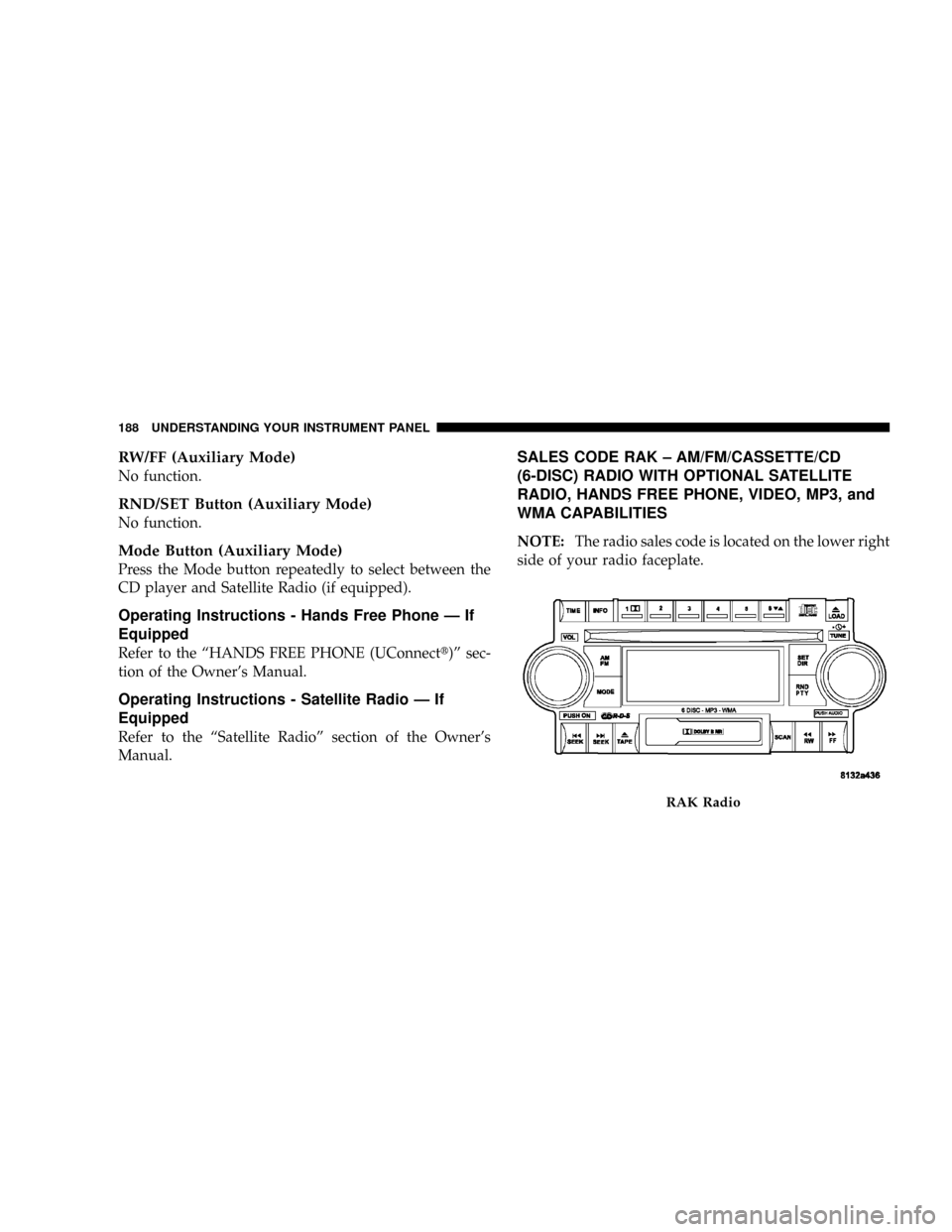
SALES CODE RAK ± AM/FM/CASSETTE/CD
(6-DISC) RADIO WITH OPTIONAL SATELLITE
RADIO, HANDS FREE PHONE, VIDEO, MP3, and
WMA CAPABILITIES
NOTE:The radio sales code is located on the lower right
side of your radio faceplate.
RAK Radio
188 UNDERSTANDING YOUR INSTRUMENT PANEL
Page 203 of 373
Operating Instructions - Hands Free Phone (If
Equipped)
Refer to ªHands-Free Phoneº in Section 3 of the Owner's
Manual.
Operating Instructions - Satellite Radio Mode (If
Equipped)
Refer to the ªSatellite Radioº section of the Owner's
Manual.
Operating Instructions - Video Entertainment
System (VESŸ) (If Equipped)
Refer to separate ªVideo Entertainment System (VESŸ)
Guide.º
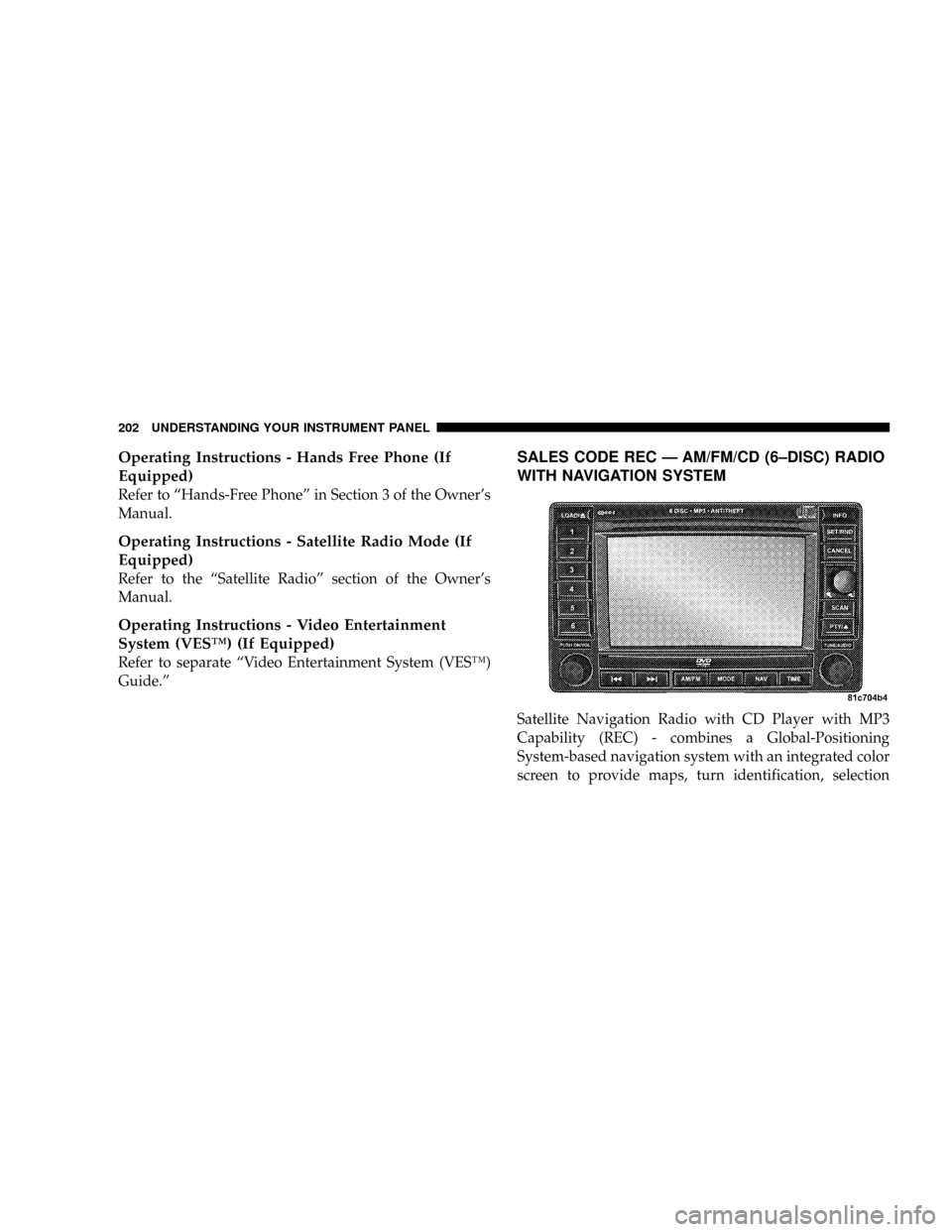
SALES CODE REC Ð AM/FM/CD (6±DISC) RADIO
WITH NAVIGATION SYSTEM
Satellite Navigation Radio with CD Player with MP3
Capability (REC) - combines a Global-Positioning
System-based navigation system with an integrated color
screen to provide maps, turn identification, selection
202 UNDERSTANDING YOUR INSTRUMENT PANEL
Page 212 of 373
CD/DVD DISC MAINTENANCE
To keep the CD/DVD discs in good condition, take the
following precautions:
1. Handle the disc by its edge; avoid touching the
surface.
2. If the disc is stained, clean the surface with a soft cloth,
wiping from center to edge.
3. Do not apply paper, paper CD labels, or tape to the
disc; avoid scratching the disc.
4. Do not use solvents such as benzine, thinner, cleaners,
or antistatic sprays.
5. Store the disc in its case after playing.
6. Do not expose the disc to direct sunlight.7. Do not store the disc where temperatures may become
too high.
8. Do not play discs that are small in size or have
irregular shapes.
RADIO OPERATION AND CELLULAR PHONES
Under certain conditions, the cellular phone being ON in
your vehicle can cause erratic or noisy performance from
your radio. This condition may be lessened or eliminated
by relocating the cellular phone antenna. This condition
is not harmful to the radio. If your radio performance
does not satisfactorily ªclearº by the repositioning of the
antenna, it is recommended that the radio volume be
turned down or off during cellular phone operation.
UNDERSTANDING YOUR INSTRUMENT PANEL 211
4
Page 325 of 373
Cavity Cartridge
FuseMini
FuseDescription
6 10 Amp
RedIOD Sw / Pwr Mir /
Ocm Steering Cntrl
Sdar / Hands Free
Phone
7 30 Amp
GreenIOD Sense1
8 30 Amp
GreenIOD Sense2
9 40 Amp
GreenPower Seats
10 20 Amp
YellowCCN Power Locks
11 15 Amp
Lt BluePower Outlet
12 20 Amp
YellowIgn Run / Acc In-
verterCavity Cartridge
FuseMini
FuseDescription
13 20 Amp
YellowPwr run / Acc Outlet
RR
14 10 Amp
RedIOD CCN / Interior
Lighting
15 40 Amp
GreenRAD Fan Relay Bat-
tery Feed
16 15 Amp
Lt. BlueIGN Run / Acc Cigar
Ltr / Sunroof
17 10 Amp
RedIOD Feed Mod-Wcm
18 40 Amp
GreenASD Relay Contact
PWR Feed
19 20 Amp
YellowPWR Amp 1 & Amp
2 Feed
20 15 Amp
Lt. BlueIOD Feed Radio
324 MAINTAINING YOUR VEHICLE
Page 349 of 373
special tools, and the latest information to assure your
vehicle is fixed correctly and in a timely manner.
This is why you should always talk to your authorized
dealer's service manager first. Most matters can be re-
solved with this process.
²If for some reason you are still not satisfied, talk to the
general manager or owner of the authorized dealer-
ship. They want to know if you need assistance.
²If your authorized dealership is unable to resolve the
concern, you may contact the Manufacturer's Cus-
tomer Center.
Any communication to the Manufacturer's Customer
Center should include the following information:
²Owner's name and address
²Owner's telephone number (home and office)
²Authorized dealership name
²Vehicle Identification Number (VIN)
²Vehicle delivery date and mileage
DaimlerChrysler Motors Corporation Customer
Center
P.O. Box 21±8004
Auburn Hills, MI 48321±8004
Phone: (800) 992-1997
DaimlerChrysler Canada Inc. Customer Center
P.O. Box 1621
Windsor, Ontario N9A 4H6
Phone: (800) 465±2001
In Mexico contact:
Av. Prolongacion Paseo de la Reforma, 1240
Sante Fe C.P. 05109
Mexico, D. F.
In Mexico: (915) 729±1248 or 729±1240
Outside Mexico: (525) 729±1248 or 729±1240
348 IF YOU NEED CONSUMER ASSISTANCE
Page 353 of 373
PUBLICATION ORDER FORMS
To order the following manuals, you may use either the
website or the phone numbers listed below. Visa, Mas-
tercard, American Express, and Discover orders are ac-
cepted. If you prefer mailing your payment, please call
for an order form.
NOTE:A street address is required when ordering
manuals (no P.O. Boxes).
²Service Manuals
These comprehensive Service Manuals provide the
information that students and professional technicians
need in diagnosing/troubleshooting, problem solving,
maintaining, servicing, and repairing DaimlerChrysler
Corporation vehicles. A complete working knowledge
of the vehicle, system, and/or components is written
in straightforward language with illustrations, dia-
grams, and charts.
²Diagnostic Procedure Manuals
Diagnostic Procedure Manuals are filled with dia-
grams, charts and detailed illustrations. These practi-
cal manuals make it easy for students and technicians
to find and fix problems on computer-controlled ve-
hicle systems and features. They show exactly how to
find and correct problems the first time, using step-by-
step troubleshooting and drivability procedures,
proven diagnostic tests and a complete list of all tools
and equipment.
²Owner's Manuals
These Owner's Manuals have been prepared with the
assistance of service and engineering specialists to
acquaint you with specific DaimlerChrysler
Corporation vehicles. Included are starting, operating,
emergency and maintenance procedures as well as
specifications, capabilities and safety tips.
352 IF YOU NEED CONSUMER ASSISTANCE
Page 358 of 373
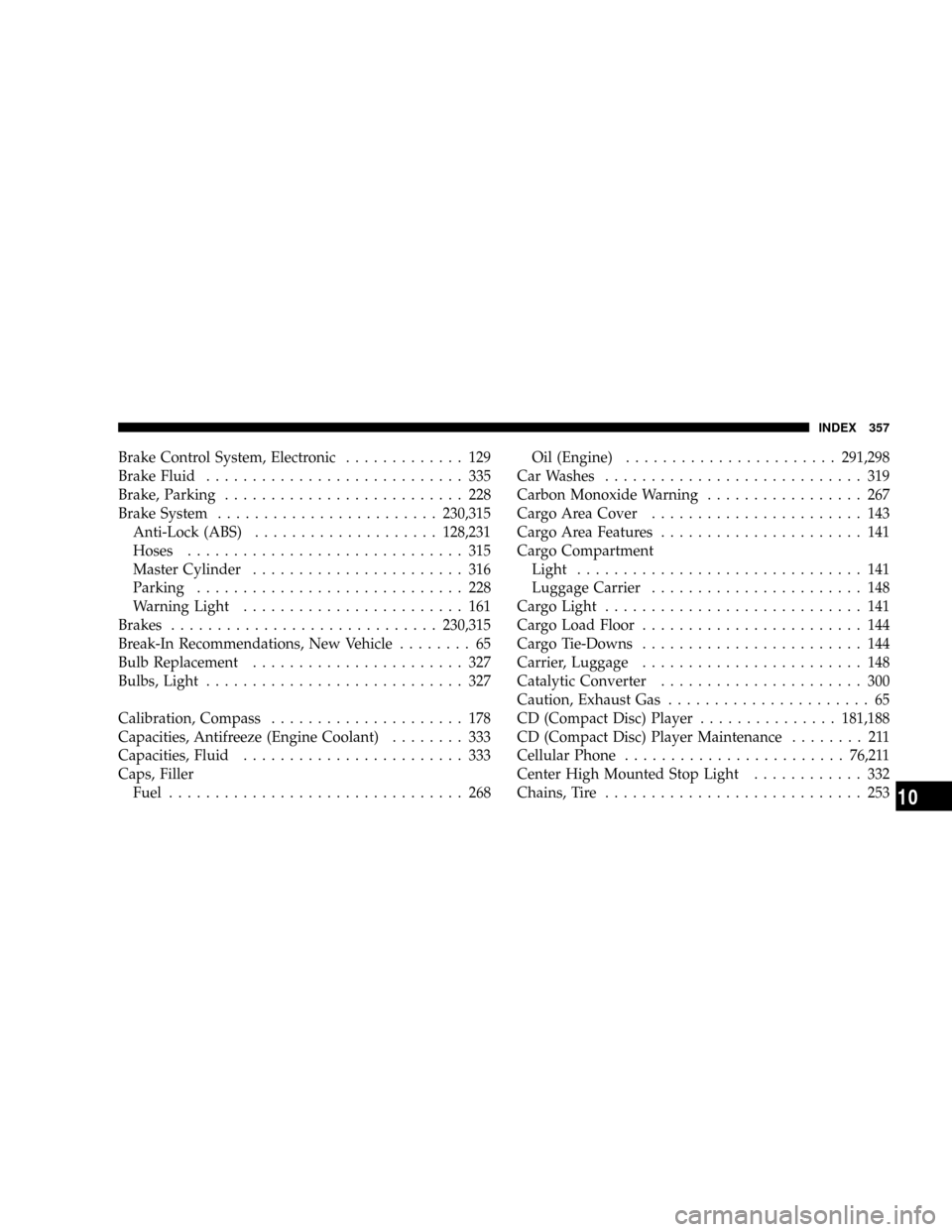
Brake Control System, Electronic............. 129
Brake Fluid............................ 335
Brake, Parking.......................... 228
Brake System........................230,315
Anti-Lock (ABS)....................128,231
Hoses.............................. 315
Master Cylinder....................... 316
Parking............................. 228
Warning Light........................ 161
Brakes.............................230,315
Break-In Recommendations, New Vehicle........ 65
Bulb Replacement....................... 327
Bulbs, Light............................ 327
Calibration, Compass..................... 178
Capacities, Antifreeze (Engine Coolant)........ 333
Capacities, Fluid........................ 333
Caps, Filler
Fuel................................ 268Oil (Engine).......................291,298
Car Washes............................ 319
Carbon Monoxide Warning................. 267
Cargo Area Cover....................... 143
Cargo Area Features...................... 141
Cargo Compartment
Light............................... 141
Luggage Carrier....................... 148
Cargo Light............................ 141
Cargo Load Floor........................ 144
Cargo Tie-Downs........................ 144
Carrier, Luggage........................ 148
Catalytic Converter...................... 300
Caution, Exhaust Gas...................... 65
CD (Compact Disc) Player...............181,188
CD (Compact Disc) Player Maintenance........ 211
Cellular Phone........................76,211
Center High Mounted Stop Light............ 332
Chains, Tire............................ 253
INDEX 357
10
Page 363 of 373
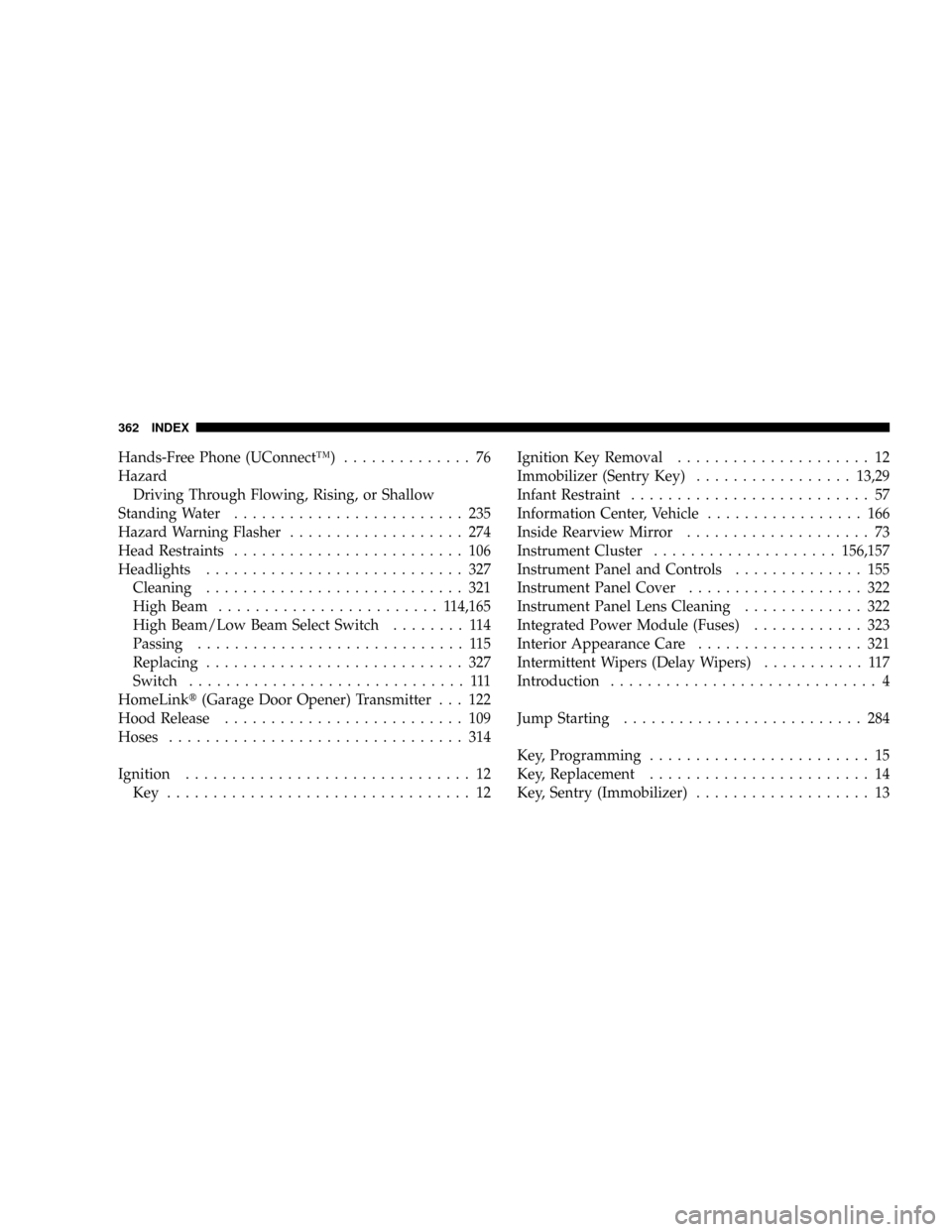
Hands-Free Phone (UConnectŸ).............. 76
Hazard
Driving Through Flowing, Rising, or Shallow
Standing Water......................... 235
Hazard Warning Flasher................... 274
Head Restraints......................... 106
Headlights............................ 327
Cleaning............................ 321
High Beam........................ 114,165
High Beam/Low Beam Select Switch........ 114
Passing............................. 115
Replacing............................ 327
Switch.............................. 111
HomeLinkt(Garage Door Opener) Transmitter . . . 122
Hood Release.......................... 109
Hoses................................ 314
Ignition............................... 12
Key ................................. 12Ignition Key Removal..................... 12
Immobilizer (Sentry Key).................13,29
Infant Restraint.......................... 57
Information Center, Vehicle................. 166
Inside Rearview Mirror.................... 73
Instrument Cluster....................156,157
Instrument Panel and Controls.............. 155
Instrument Panel Cover................... 322
Instrument Panel Lens Cleaning............. 322
Integrated Power Module (Fuses)............ 323
Interior Appearance Care.................. 321
Intermittent Wipers (Delay Wipers)........... 117
Introduction............................. 4
Jump Starting.......................... 284
Key, Programming........................ 15
Key, Replacement........................ 14
Key, Sentry (Immobilizer)................... 13
362 INDEX