steering wheel DODGE CARAVAN 2008 5.G User Guide
[x] Cancel search | Manufacturer: DODGE, Model Year: 2008, Model line: CARAVAN, Model: DODGE CARAVAN 2008 5.GPages: 531, PDF Size: 7.72 MB
Page 229 of 531
WARNING!
A hot engine cooling system is dangerous. You or
others could be badly burned by steam or boiling
coolant. You may want to call an authorized dealer if
your vehicle overheats. If you decide to look under
the hood yourself, see Section 7 of this manual.
Follow the warnings under the Cooling System Pres-
sure Cap paragraph.
4. Speedometer
Indicates vehicle speed.
5. Turn Signal Indicators
The arrow will flash with the exterior turn signal
when the turn signal lever is operated.
If the vehicle electronics sense that the vehicle has
traveled about one mile with the turn signals on, acontinuous chime will sound to alert you to turn the
signals off. If either indicator flashes at a rapid rate, check
for a defective outside light bulb.
6. High Beam Light
This light shows that the headlights are on high
beam. Pull the turn signal lever towards the
steering wheel to switch the headlights from high or low
beam.
7. Anti-Lock Brake System Light
This light monitors the Anti-Lock Brake Sys-
tem. The light will turn on when the ignition
switch is turned to the ON position and may
stay on for as long as four seconds.
If the ABS light remains on or turns on while driving, it
indicates that the Anti-Lock portion of the brake system
is not functioning and that service is required. However,
the conventional brake system will continue to operate
normally if the BRAKE warning light is not on.
UNDERSTANDING YOUR INSTRUMENT PANEL 227
4
Page 243 of 531
2. Press and hold (approximately 10 seconds) the CMTC
reset button until the current variance zone number is
displayed.
3. Release the CMTC reset button, then press and hold
again (approximately 10 seconds), until the direction is
displayed with the CAL indicator on continuously in the
display.
4. To complete the compass calibration, drive the vehicle
in one or more complete 360 degree circles under 5 mph
(8 km/h) in an area free from power lines, large metallic
objects, until the CAL indicator turns off. The compass
will now function normally.ELECTRONIC VEHICLE INFORMATION CENTER
(EVIC) Ð IF EQUIPPED
NOTE:The compass on your vehicle is self-calibrating,
eliminating the need to manually calibrate the compass.
The Electronic Vehicle Information Center (EVIC) fea-
tures a driver-interactive display that is located in the
lower half of the speedometer.
This system conveniently allows the driver to select a
variety of useful information by pressing the switches
mounted on the steering wheel. The EVIC consists of the
following:
²System Status display
²Vehicle information warning message displays
²Tire Pressure Monitor System
²Personal Settings (Customer Programmable Features)
UNDERSTANDING YOUR INSTRUMENT PANEL 241
4
Page 244 of 531
²Compass display
²Outside temperature display
²Trip computer functions
²Audio Modes display
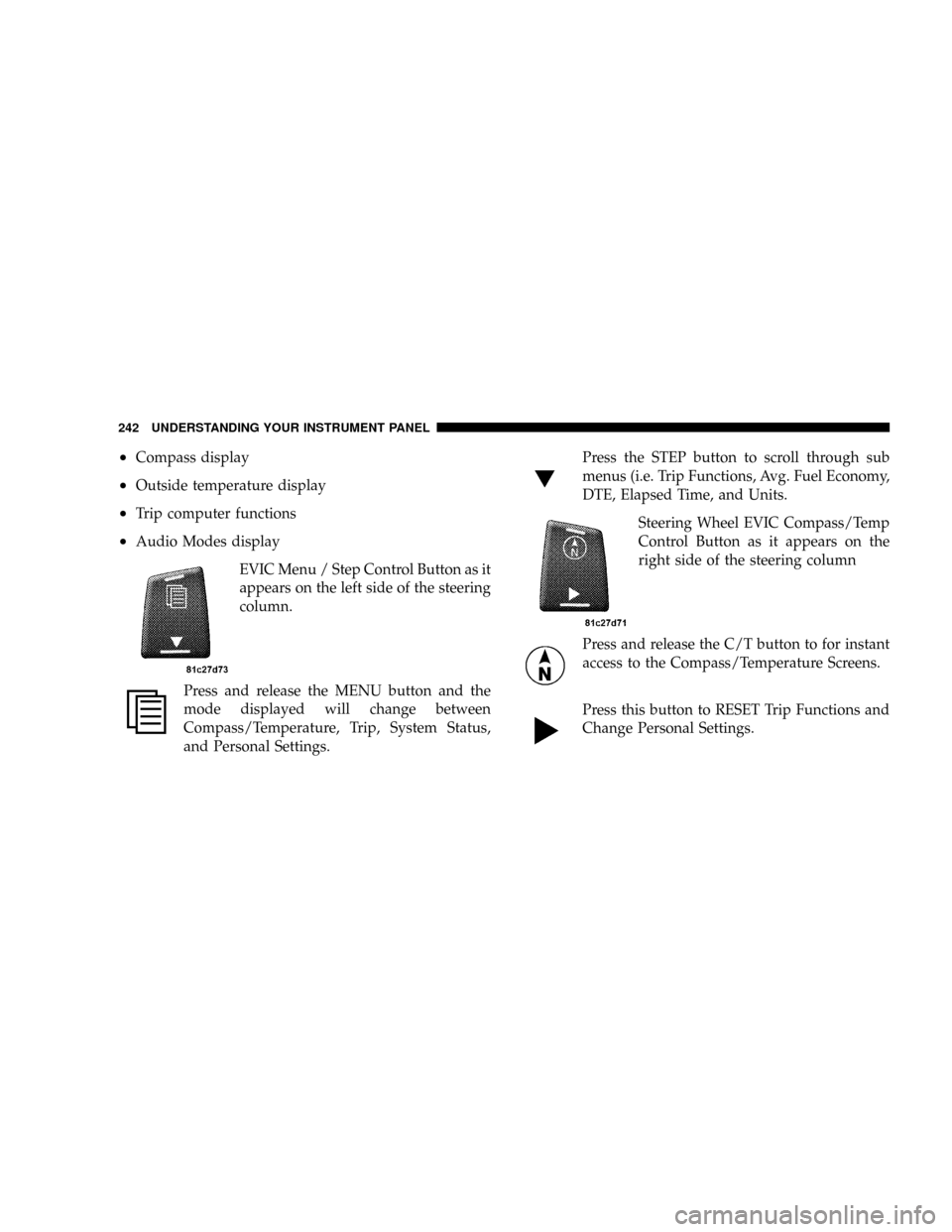
EVIC Menu / Step Control Button as it
appears on the left side of the steering
column.
Press and release the MENU button and the
mode displayed will change between
Compass/Temperature, Trip, System Status,
and Personal Settings.Press the STEP button to scroll through sub
menus (i.e. Trip Functions, Avg. Fuel Economy,
DTE, Elapsed Time, and Units.
Steering Wheel EVIC Compass/Temp
Control Button as it appears on the
right side of the steering column
Press and release the C/T button to for instant
access to the Compass/Temperature Screens.
Press this button to RESET Trip Functions and
Change Personal Settings.
242 UNDERSTANDING YOUR INSTRUMENT PANEL
Page 254 of 531
FM Reception
Because FM transmission is based on frequency varia-
tions, interference that consists of amplitude variations
can be filtered out, leaving the reception relatively clear,
which is the major feature of FM radio.
NOTE:The radio, steering wheel radio controls (if
equipped), and six-disc CD/DVD changer (if equipped)
will remain active for up to 90 seconds after the ignition
switch has been turned OFF, depending upon the EVIC,
Accessory Delay setting. Opening a vehicle front door
will cancel this feature.
Electrical Disturbances
Radio waves may pick up electrical disturbances during
transmission. They mainly affect the wave amplitude,
and thus remain a part of the AM reception. They
interfere very little with the frequency variations that
carry the FM signal.
SALES CODE REQ Ð AM/FM STEREO RADIO
AND 6±DISC CD/DVD CHANGER (MP3/WMA AUX
JACK)
NOTE:The radio sales code is located on the lower right
side of your radio faceplate.
Operating Instructions - Radio Mode
NOTE:The ignition switch must be in the ON or ACC
position to operate the radio.
Power Switch/Volume Control (Rotary)
Push the On/Volume control knob to turn on the radio.
Press the control knob a second time to turn off the radio.
Electronic Volume Control
The electronic volume control turns continuously (360
degrees) in either direction without stopping. Turning the
On/Volume control knob to the right increases the vol-
ume and to the left decreases it.
252 UNDERSTANDING YOUR INSTRUMENT PANEL
Page 301 of 531
RADIO OPERATION AND CELLULAR PHONES
Under certain conditions, the cellular phone being ON in
your vehicle can cause erratic or noisy performance from
your radio. This condition may be lessened or eliminated
by relocating the cellular phone antenna. This condition
is not harmful to the radio. If your radio performance
does not satisfactorily ªclearº by the repositioning of the
antenna, it is recommended that the radio volume be
turned down or off during cellular phone operation.
REMOTE SOUND SYSTEM CONTROLS Ð IF
EQUIPPED
The remote sound system controls are located on the rear
surface of the steering wheel at the 3 and 9 O'clock
positions.
The right-hand rocker switch has a push button in the
center and controls the volume and mode of the sound
system. Pressing the top of the rocker switch will increase
the volume. Pressing the bottom of the rocker switch willdecrease the volume. Pressing the center button changes
the operation of the radio from AM to FM or Tape to CD
mode depending on which radio is in the vehicle.
The left-hand rocker switch has a push button in the
center. The function of the left-hand switch is different
depending on which mode you are in.
The following describes the left hand rocker switch
operation in each mode:
Radio Operation
Pressing the top of the switch will SEEK up for the next
listenable station and pressing the bottom of the switch
will SEEK down for the next listenable station.
The button located in the center of the left hand switch
will tune to the next pre-set station that you have
programmed in the radio pre-set push-button.
UNDERSTANDING YOUR INSTRUMENT PANEL 299
4
Page 333 of 531
WARNING!
Unintended movement of a vehicle could injure
those in and near the vehicle. As with all vehicles,
you should never exit a vehicle while the engine is
running. Before exiting a vehicle, you should always
shift the gear selector lever into PARK, remove the
key from the ignition, and apply the parking brake.
Once the key is removed from the ignition, the
transmission gear selector lever is locked in the
PARK position, securing the vehicle against un-
wanted movement. Furthermore, you should never
leave unattended children or pets inside a vehicle.
The following indicators should be used to ensure that
you have engaged the transmission gear selector lever
into the PARK position:
²When shifting the gear selector lever into PARK,
depress the button on the gear selector lever and
firmly move the lever all the way forward until it
stops.
²Look at the shift indicator window on the console to
ensure gear selector lever is in the PARK position.
²When engaged in PARK, you will not be able to move
the gear selector lever rearward without depressing
the gear selector lever button.
CAUTION!
Before moving the gear selector lever out of PARK,
you must turn the ignition from LOCK/OFF to ON so
the steering wheel and gear selector lever are re-
leased. Otherwise, damage to the steering column or
gear selector lever could result.
STARTING AND OPERATING 331
5
Page 344 of 531
WARNING!
²BAS (Brake Assist System) cannot prevent the
natural laws of physics from acting on the vehicle,
nor can it increase the traction afforded by prevail-
ing road conditions.
²BAS cannot prevent accidents, including those
resulting from excessive speed in turns, driving on
very slippery surfaces, or hydroplaning. Only a
safe, attentive, and skillful driver can prevent
accidents.
²The capabilities of a BAS-equipped vehicle must
never be exploited in a reckless or dangerous
manner which could jeopardize the user's safety
or the safety of others.
Electronic Stability Program (ESP)
This system enhances directional control and stability of
the vehicle under various driving conditions. ESP cor-
rects for over/under steering of the vehicle by applying
the brake of the appropriate wheel to assist in counter-
acting the over/under steer condition. Engine power
may also be reduced to help the vehicle maintain the
desired path.
ESP uses sensors in the vehicle to determine the vehicle
path intended by the driver and compares it to the actual
path of the vehicle. When the actual path does not match
the intended path, ESP applies the brake of the appropri-
ate wheel to assist in counteracting the oversteer or
understeer condition.
²Oversteer - when the vehicle is turning more than
appropriate for the steering wheel position.
²Understeer - when the vehicle is turning less than
appropriate for the steering wheel position.
342 STARTING AND OPERATING
Page 346 of 531
Light comes on continuously with the engine running, a
malfunction has been detected in either the ESP or the
BAS system. If this light remains on after several ignition
cycles, and the vehicle has been driven several miles/
kilometers at speeds greater than 30 mph (48 km/h), see
your authorized dealer as soon as possible to have the
problem diagnosed and corrected.
NOTE:
²The ESP/TCS Indicator Light and the ESP/BAS Warn-
ing Light come on momentarily each time the ignition
switch is turned ON.
²Each time the ignition is turned ON, the ESP System
will be ON even if it was turned off previously.
²The ESP Control System will make buzzing or clicking
sounds when it is active, this is normal. The sounds
will stop when ESP becomes inactive following the
maneuver that caused the ESP activation.
POWER STEERING
The standard power steering system will give you good
vehicle response and increased ease of maneuverability
in tight spaces. The system will provide mechanical
steering capability if power assist is lost.
If for some reason the power assist is interrupted, it will
still be possible to steer your vehicle. Under these condi-
tions, you will observe a substantial increase in steering
effort, especially at very low vehicle speeds and during
parking maneuvers.
NOTE:Increased noise levels at the end of the steering
wheel travel are considered normal and do not indicate
that there is a problem with the power steering system.
Upon initial start-up in cold weather, the power steering
pump may make noise for a short amount of time. This is
due to the cold, thick fluid in the steering system. This
noise should be considered normal, and it does not in any
way damage the steering system.
344 STARTING AND OPERATING
Page 347 of 531
WARNING!
Continued operation with reduced power steering
assist could pose a safety risk to yourself and others.
Service should be obtained as soon as possible.
CAUTION!
Prolonged operation of the steering system at the end
of the steering wheel travel will increase the steering
fluid temperature and it should be avoided when
possible. Damage to the power steering pump may
occur.
DRIVING ON SLIPPERY SURFACES
ACCELERATION
Rapid acceleration on snow covered, wet, or other slip-
pery surfaces may cause the front wheels to pull errati-
cally to the right or left. This phenomenon occurs when
there is a difference in the surface traction under the front
(driving) wheels.
WARNING!
Rapid acceleration on slippery surfaces is dangerous.
Unequal traction can cause sudden pulling of the
front wheels. You could lose control of the vehicle
and possibly have an accident. Accelerate slowly and
carefully whenever there is likely to be poor traction
(ice, snow, wet mud, loose sand, etc.).
STARTING AND OPERATING 345
5
Page 367 of 531
Keep dismounted tires in a cool, dry place with as little
exposure to light as possible. Protect tires from contact
with oil, grease, and gasoline.
Replacement Tires
The tires on your new vehicle provide a balance of many
characteristics. They should be inspected regularly for
wear and correct cold tire inflation pressure. The manu-
facturer strongly recommends that you use tires equiva-
lent to the originals in size, quality and performance
when replacement is needed. Please see ªTread Wear
Indicatorsº and ªTire and Loading Informationº placard
for the size designation of your tire in this section. The
service description and load identification will be found
on the original equipment tire. Failure to use equivalent
replacement tires may adversely affect the safety, han-
dling, and ride of your vehicle. We recommend that you
contact your original equipment manufacturer or an
authorized tire dealer with any questions you may have
on tire specifications or capability.
WARNING!
DO NOT use a tire, wheel size or rating other than
that specified for your vehicle. Some combinations of
unapproved tires and wheels may change suspension
dimensions and performance characteristics, result-
ing in changes to steering, handling, and braking of
your vehicle. This can cause unpredictable handling
and stress to steering and suspension components.
You could lose control and have an accident resulting
in serious injury or death. Use only the tire and
wheel sizes with load ratings approved for your
vehicle.
STARTING AND OPERATING 365
5