buttons DODGE CARAVAN 2008 5.G Owner's Guide
[x] Cancel search | Manufacturer: DODGE, Model Year: 2008, Model line: CARAVAN, Model: DODGE CARAVAN 2008 5.GPages: 531, PDF Size: 7.72 MB
Page 296 of 531
RW (Rewind) Button
Press and hold the RW button to move backward in the
current track. Holding the RW button long enough will
take you back to the beginning of the current track.
Pressing and releasing the RW button will go back five
seconds of the current track.
FF (Fast Forward) Button
Press and hold the FF button to move forward in the
current track.
Pressing and releasing the FF button will go forward five
seconds of the current track.
SEEK Buttons
Use the SEEK buttons to move to the previous or the next
track.If the left (down) button is pressed during the first two
seconds of the current track, it will go back to the
previous track in the list; if you press this button at any
other time in the current track it will go back to the
beginning of the track.
If the right (up) button is pressed during Play mode, it
will go to the next track in the list.
INFO Button
Press the INFO button while a track is playing to see the
information (Track Title, Artist, Album, etc.) for that
track. Each press of the INFO button will take you to the
next screen of data for that track. Once you have seen all
of the screens, the last press of the INFO button will take
you back to the Play mode screen on the radio.
REPEAT Button
Press the REPEAT button to repeat the current playing
track.
294 UNDERSTANDING YOUR INSTRUMENT PANEL
Page 297 of 531
SCAN Button
Pressing the SCAN button will play the first five seconds
of each track in the current list and then forward to the
next song. To stop the SCAN mode and start playing the
desired track, press the SCAN button again.
During the SCAN mode, you can also press the SEEK
button to the left or right to go to the previous or next
tracks.
RND (Random) Button (RES/REL Radios Only)
Pressing the RND button will switch between the shuffle
on and shuffle off modes of the iPodt. If the RND icon is
showing on the radio display then the Shuffle mode is on.
List or Browse Mode
During Play mode, pressing any of the following buttons
will take you to List mode. List mode enables you to
scroll through the list of menus and tracks on the iPodt
device.Tune/Scroll Knob
In the List mode, the Tune/Scroll knob functions in a
similar manner as the scroll wheel on the iPodt.
Turning the Tune/Scroll knob clockwise (forward) and
counterclockwise (backward) scrolls through lists, dis-
playing the track detail on the radio display. Once you
have the track to be played highlighted on the radio
display, press the Tune/Scroll knob to select and start
playing the track. By turning the Tune/Scroll knob fast,
you can jump through the list faster. During fast scroll,
you may notice a slight delay in updating the informa-
tion on the radio display.
During all List modes, the iPodtwill display all lists in
ªwrap-aroundº mode. So if the track you wish to select is
at the bottom of the list, you just turn the Tune/Scroll
knob backward (counterclockwise) to get to the track
faster.
UNDERSTANDING YOUR INSTRUMENT PANEL 295
4
Page 298 of 531
Radio Preset Buttons
In the List mode, the radio preset buttons are used as
shortcuts to the following lists on the iPodtdevice.
²1 ± Playlists
²2 ± Artists
²3 ± Albums
²4 ± Genres
²5 - Audiobooks
²6 ± Podcasts
After pressing a preset button, you will see the list you
are in on the top line and the first item in that list on the
second line.
To exit the List mode without selecting a track, press the
same preset button again to go back to Play mode.LIST Button
Pressing the LIST button will take to the top level menu
of the iPodt. This takes you to the same top level menu
as on your iPodt. Turn the Tune/Scroll knob to list the
top menu item you wish to select and then press the
Tune/Scroll knob. This will take you to the next sub
menu list item of the iPodtand you can follow the same
steps to go to the desired track in that list. Not all iPodt
sub menu levels are available on this system.
MUSIC TYPE Button
The MUSIC TYPE button is another shortcut button to
the genre listing on your iPodt.
296 UNDERSTANDING YOUR INSTRUMENT PANEL
Page 307 of 531
ECONOMY Mode
If ECONOMY mode is desired, press the A/C button to
turn off the indicator light and the A/C compressor.
Rotate the temperature control knob to the desired tem-
perature.
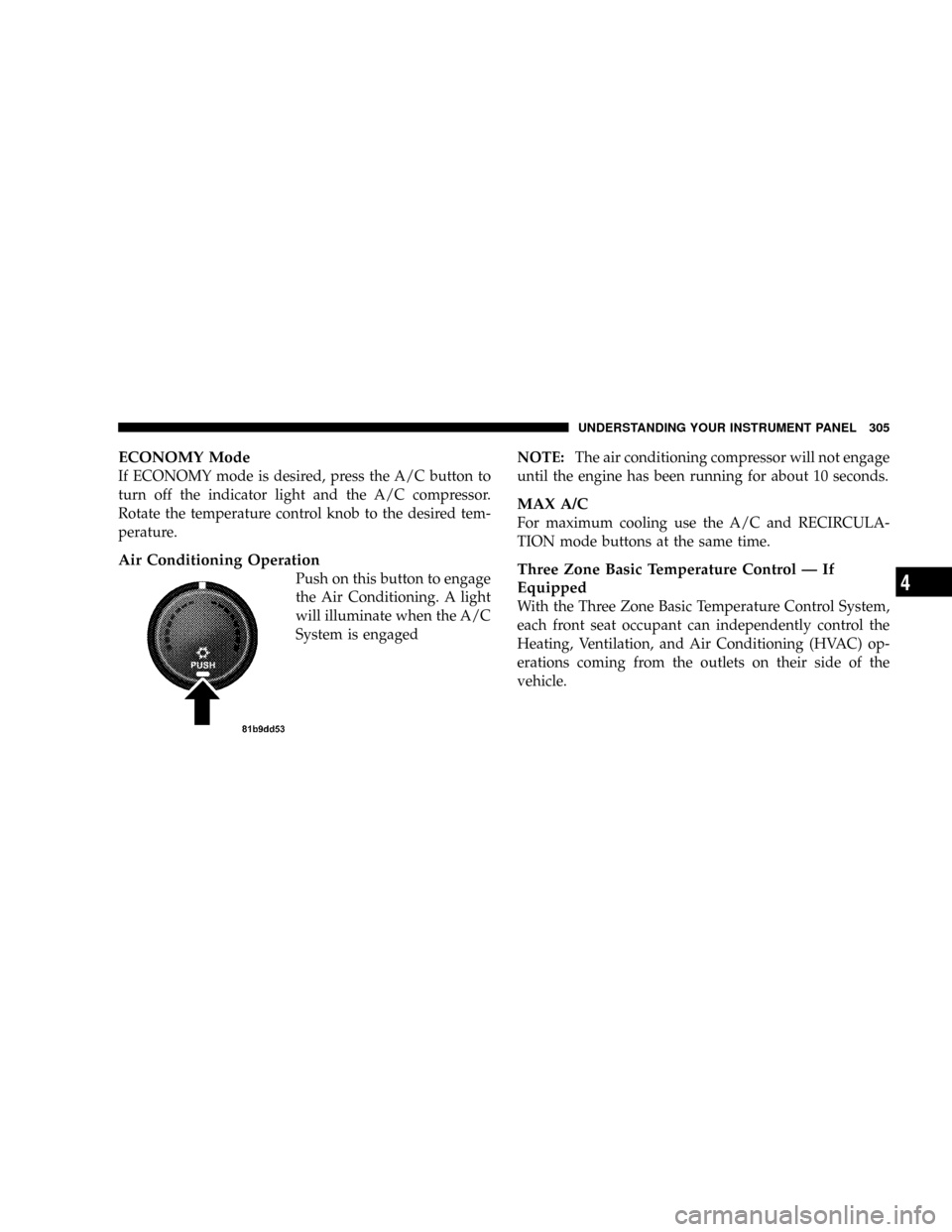
Air Conditioning Operation
Push on this button to engage
the Air Conditioning. A light
will illuminate when the A/C
System is engagedNOTE:The air conditioning compressor will not engage
until the engine has been running for about 10 seconds.
MAX A/C
For maximum cooling use the A/C and RECIRCULA-
TION mode buttons at the same time.
Three Zone Basic Temperature Control Ð If
Equipped
With the Three Zone Basic Temperature Control System,
each front seat occupant can independently control the
Heating, Ventilation, and Air Conditioning (HVAC) op-
erations coming from the outlets on their side of the
vehicle.
UNDERSTANDING YOUR INSTRUMENT PANEL 305
4