warning DODGE CARAVAN 2008 5.G Owners Manual
[x] Cancel search | Manufacturer: DODGE, Model Year: 2008, Model line: CARAVAN, Model: DODGE CARAVAN 2008 5.GPages: 531, PDF Size: 7.72 MB
Page 2 of 531
VEHICLES SOLD IN CANADA
With respect to any Vehicles Sold in Canada, the name
Chrysler LLC shall be deemed to be deleted and the
name Chrysler Canada Inc. used in substitution therefor.
DRIVING AND ALCOHOL
Drunken driving is one of the most frequent causes of
accidents.
Your driving ability can be seriously impaired with blood
alcohol levels far below the legal minimum. If you are
drinking, don't drive. Ride with a designated non-drinking
driver, call a cab, a friend, or use public transportation.
WARNING!
Driving after drinking can lead to an accident. Your
perceptions are less sharp, your reflexes are slower,
and your judgment is impaired when you have been
drinking. Never drink and then drive.
This manual illustrates and describes the operation of
features and equipment that are either standard or op-
tional on this vehicle. This manual may also include a
description of features and equipment that are no longer
available or were not ordered on this vehicle. Please
disregard any features and equipment described in this
manual that are not on this vehicle.
Chrysler LLC reserves the right to make changes in
design and specifications, and/or make additions to or
improvements to its products without imposing any
obligation upon itself to install them on products previ-
ously manufactured.
Copyright 2007 Chrysler LLC
Page 5 of 531
INTRODUCTION
CONTENTS
mIntroduction........................... 4
mHow To Use This Manual.................. 4
mWarnings And Cautions................... 6mVehicle Identification Number............... 6
mVehicle Modifications/Alterations............ 7
1
Page 6 of 531
INTRODUCTION
This Owner's Manual has been prepared with the assis-
tance of service and engineering specialists to acquaint
you with the operation and maintenance of your vehicle.
It is supplemented by a Warranty Information Booklet
and various customer-oriented documents. You are
urged to read these publications carefully. Following the
instructions and recommendations in this manual will
help assure safe and enjoyable operation of your vehicle.
NOTE: After you read the manual, it should be stored
in the vehicle for convenient reference and remain with
the vehicle when sold, so that the new owner will be
aware of all safety warnings.
When it comes to service, remember that your authorized
dealer knows your vehicle best, has the factory-trained
technicians and genuine Mopartparts, and is interested
in your satisfaction.
HOW TO USE THIS MANUAL
Consult the Table of Contents to determine which section
contains the information you desire.
The detailed Index at the back of this manual contains a
complete listing of all subjects.
Consult the following table for a description of the
symbols that may be used on your vehicle or throughout
this Owner's Manual.
4 INTRODUCTION
Page 8 of 531
WARNINGS AND CAUTIONS
This manual containsWARNINGSagainst operating
procedures that could result in an accident or bodily
injury. It also containsCAUTIONSagainst procedures
that could result in damage to your vehicle. If you do not
read this entire manual you may miss important infor-
mation. Observe all Warnings and Cautions.
VEHICLE IDENTIFICATION NUMBER
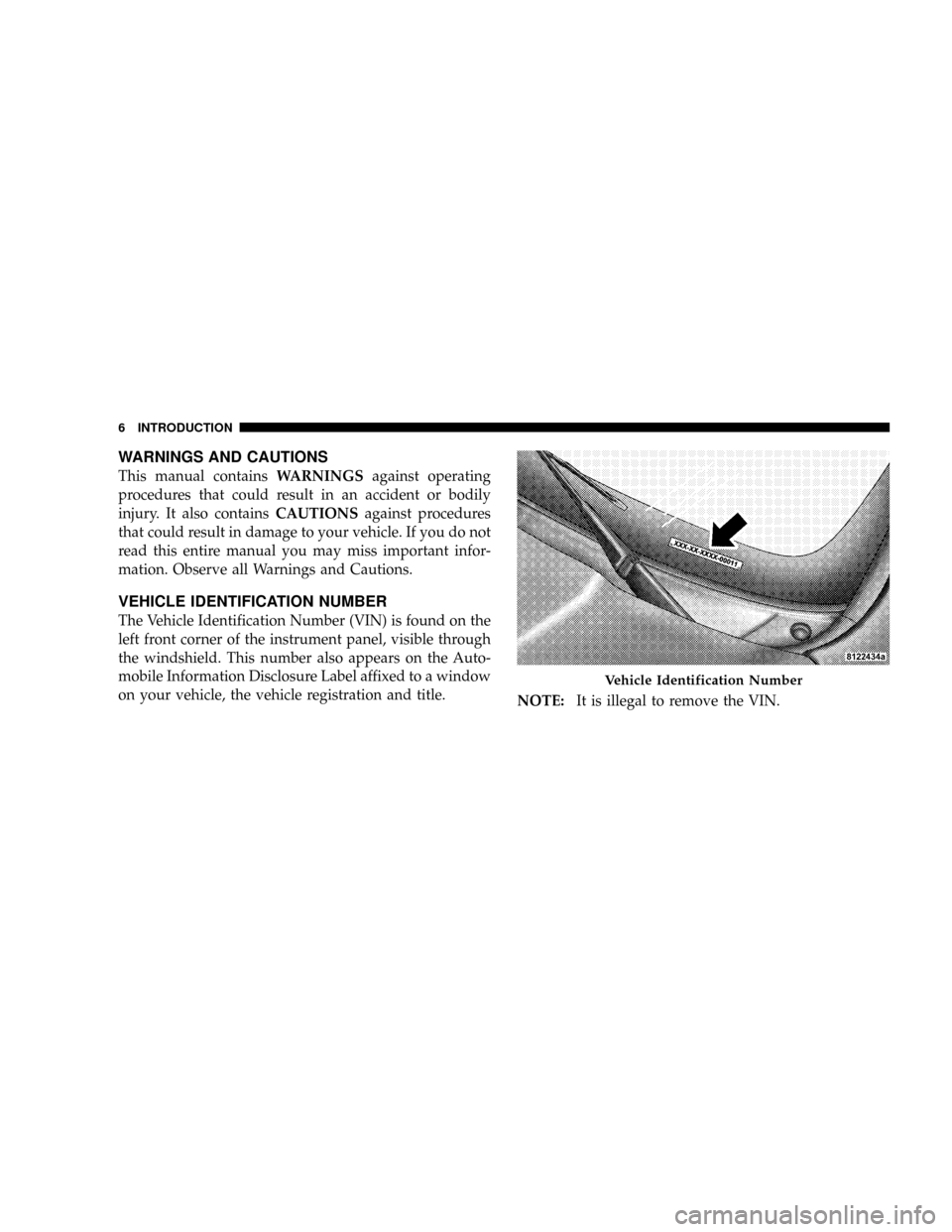
The Vehicle Identification Number (VIN) is found on the
left front corner of the instrument panel, visible through
the windshield. This number also appears on the Auto-
mobile Information Disclosure Label affixed to a window
on your vehicle, the vehicle registration and title.
NOTE:It is illegal to remove the VIN.
Vehicle Identification Number
6 INTRODUCTION
Page 9 of 531
VEHICLE MODIFICATIONS/ALTERATIONS
WARNING!
Any modifications or alterations to this vehicle could
seriously affect its roadworthiness and safety and
may lead to an accident resulting in serious injury or
death.
INTRODUCTION 7
1
Page 12 of 531
NPower Sliding Side Door Ð If Equipped......42
NSliding Side Door Child Protection Lock......46
mLiftgate...............................48
NPower Liftgate Ð If Equipped.............49
mStorage Bin Safety Warning.................52
NSafety Warnings.......................52
NStorage Bin Cover Emergency Release Strap Ð
If Equipped..........................54
NReinstalling Storage Bin Cover Emergency
Release Strap.........................54
mOccupant Restraints......................55
NLap/Shoulder Belts.....................57
NAutomatic Locking Retractors (ALR) Mode ±
If Equipped..........................63NSeat Belt Pretensioners...................64
NEnhanced Seat Belt Use Reminder System
(BeltAlertt) ..........................64
NSeat Belts And Pregnant Women............65
NSeat Belt Extender......................66
NSupplemental Restraint System (SRS) - Airbag . .66
NAirbag System Components...............67
NFront Seat Airbag Features................67
NAirbag Deployment Sensors And Controls.....72
NEvent Data Recorder (EDR)...............78
NIntegrated Child Seat Ð If Equipped........80
NChild Restraints.......................81
mRear Seat Delete Feature (Commercial Vehicles Only)
Ð If Equipped..........................89
10 THINGS TO KNOW BEFORE STARTING YOUR VEHICLE
Page 16 of 531
2. Insert the integrated ignition key into the ignition
switch.
3. Turn the ignition switch to the START position and
release it as soon as the starter engages.
The starter motor will continue to run and will disengage
automatically when the engine begins running.
Ignition Key Removal
Place the gear selector lever in PARK. Turn the ignition
key to the OFF position and then remove the key.
NOTE:Power Window switches will also remain active
for up to 90 seconds after the ignition switch has been
turned OFF, depending upon the accessory delay setting.
Opening the front door will cancel this feature.
WARNING!
NEVER leave children alone in a vehicle. Leaving
unattended children in a vehicle is dangerous for a
number of reasons. A child or others could be seri-
ously or fatally injured. Don't leave the key in the
ignition. A child could operate power windows,
other controls, or move the vehicle
CAUTION!
An unlocked car is an invitation to thieves. Always
remove the key from the ignition and lock all doors
when leaving the vehicle unattended.
14 THINGS TO KNOW BEFORE STARTING YOUR VEHICLE
Page 32 of 531
To Enter the Vehicle After Remote Start
To enter the vehicle while the engine is running during a
Remote Start, you must first unlock the vehicle using the
UNLOCK button on the transmitter. After the vehicle is
unlocked, you have 60 seconds to enter the vehicle, insert
the key into the ignition switch and move it to the RUN
position, otherwise the engine will cancel Remote Start-
ing and automatically turn off.
To Exit Remote Start Mode and Drive the Vehicle
Before the end of the 15 minute cycle, press and release
the UNLOCK button on the RKE transmitter to unlock
the doors and disarm the Vehicle Security Alarm (if
equipped). Then, prior to the end of the 15 minute cycle,
insert the key into the ignition switch and turn the switch
to the ON position.
NOTE:
²The ignition switch must be in the ON position in
order to drive the vehicle.
²For vehicles equipped with the Electronic Vehicle
Information Center (EVIC), the message ªInsert Key/
Turn To Runº will flash in the EVIC until you insert
the key. Once inserted, the message ªTurn To Runº
will flash in the EVIC until you turn the key to run.
Cancel Remote Start
Remote Starting will also cancel if any of the following
occur:
²The engine stalls or RPM exceeds 2500.
²Any engine warning telltale lights come on.
²The hood is opened.
²The Hazard Switch is pressed.
²The transmission gear selector lever is moved out of
PARK.
²Pressing the brake pedal.
²Allow the engine to run for the entire 15 minute cycle.
30 THINGS TO KNOW BEFORE STARTING YOUR VEHICLE
Page 34 of 531
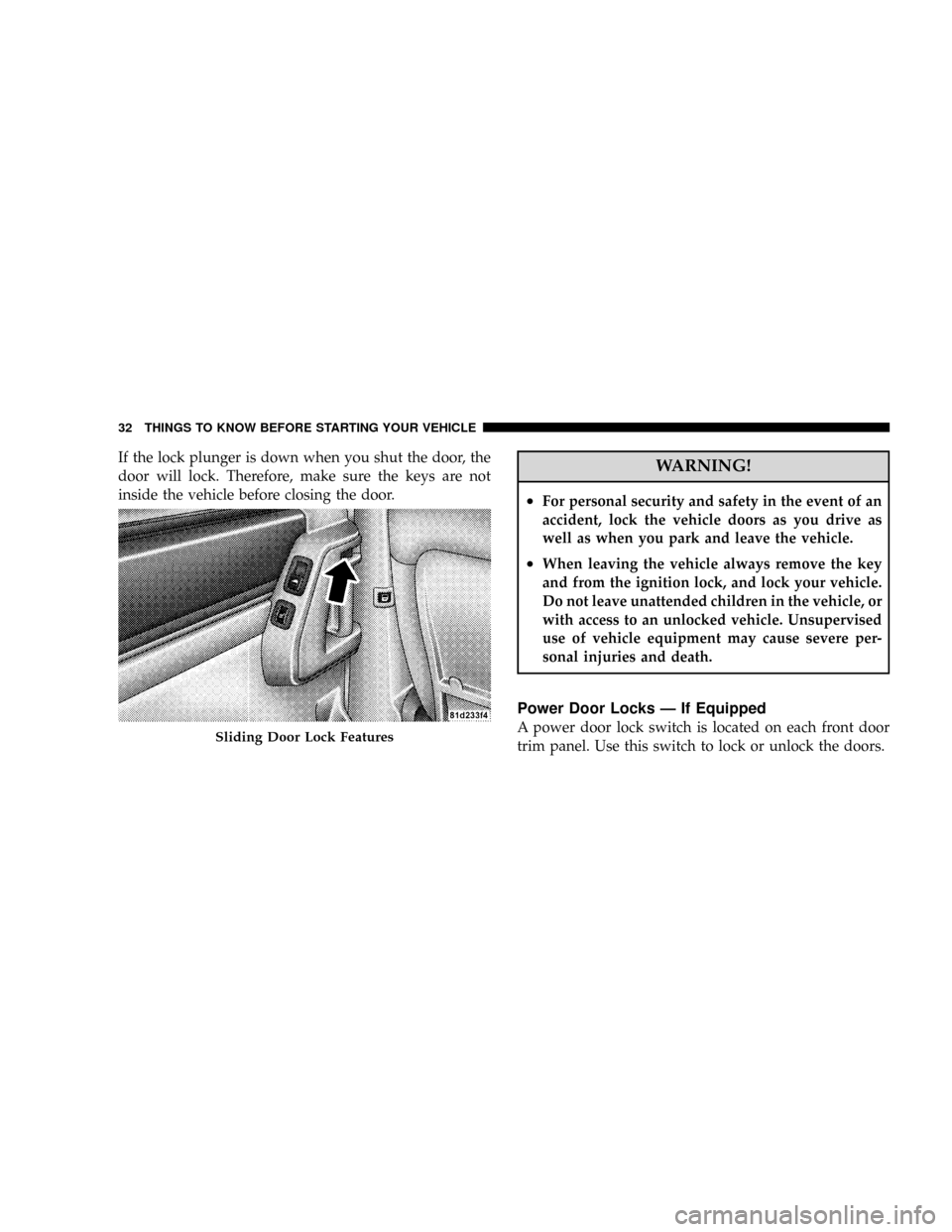
If the lock plunger is down when you shut the door, the
door will lock. Therefore, make sure the keys are not
inside the vehicle before closing the door.WARNING!
²For personal security and safety in the event of an
accident, lock the vehicle doors as you drive as
well as when you park and leave the vehicle.
²When leaving the vehicle always remove the key
and from the ignition lock, and lock your vehicle.
Do not leave unattended children in the vehicle, or
with access to an unlocked vehicle. Unsupervised
use of vehicle equipment may cause severe per-
sonal injuries and death.
Power Door Locks Ð If Equipped
A power door lock switch is located on each front door
trim panel. Use this switch to lock or unlock the doors.Sliding Door Lock Features
32 THINGS TO KNOW BEFORE STARTING YOUR VEHICLE
Page 42 of 531
Auto Up Feature With Anti±Pinch Protection Ð If
Equipped
The left front window switch may be equipped with an
Auto Up feature. Lift the window switch to the second
detent, release, and the window will go up automatically.
To stop the window from going all the way up during the
Auto Up operation, push down on the switch briefly.
To close the window part way, lift the window switch to
the first detent and release when you want the window to
stop.
NOTE:
²If the window runs into any obstacle during auto-
close, it will reverse direction and then stop. Remove
the obstacle and use the window switch again to close
the window.
²Any impact due to rough road conditions may trigger
the auto reverse function unexpectedly during auto-
close. If this happens, pull the switch lightly to the first
detent and hold to close window manually.
WARNING!
There is no anti-pinch protection when the window
is almost closed. To avoid personal injury be sure to
clear your arms, hands, fingers and all objects from
the window path before closing.
Auto Up Reset Ð If Equipped
To reactivate the Auto Up feature, perform the following
steps after vehicle power is restored:
1. Pull the window switch up to close the window
completely and continue to hold the switch up for an
additional two seconds after the window is closed.
40 THINGS TO KNOW BEFORE STARTING YOUR VEHICLE