steering wheel DODGE CHALLENGER 2009 3.G User Guide
[x] Cancel search | Manufacturer: DODGE, Model Year: 2009, Model line: CHALLENGER, Model: DODGE CHALLENGER 2009 3.GPages: 469, PDF Size: 3.25 MB
Page 162 of 469
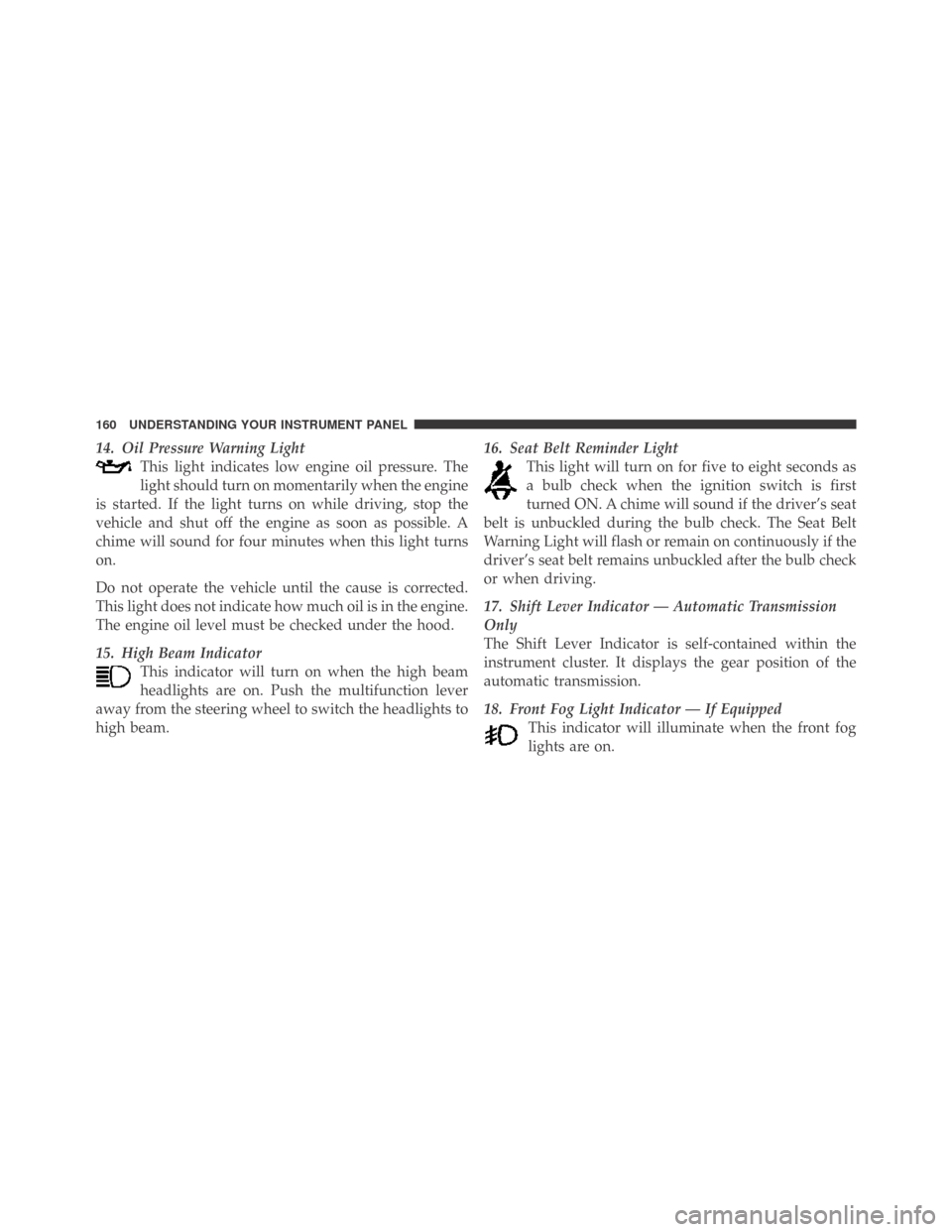
14. Oil Pressure Warning Light
This light indicates low engine oil pressure. The
light should turn on momentarily when the engine
is started. If the light turns on while driving, stop the
vehicle and shut off the engine as soon as possible. A
chime will sound for four minutes when this light turns
on.
Do not operate the vehicle until the cause is corrected.
This light does not indicate how much oil is in the engine.
The engine oil level must be checked under the hood.
15. High Beam Indicator
This indicator will turn on when the high beam
headlights are on. Push the multifunction lever
away from the steering wheel to switch the headlights to
high beam.16. Seat Belt Reminder Light
This light will turn on for five to eight seconds as
a bulb check when the ignition switch is first
turned ON. A chime will sound if the driver’s seat
belt is unbuckled during the bulb check. The Seat Belt
Warning Light will flash or remain on continuously if the
driver’s seat belt remains unbuckled after the bulb check
or when driving.
17. Shift Lever Indicator — Automatic Transmission
Only
The Shift Lever Indicator is self-contained within the
instrument cluster. It displays the gear position of the
automatic transmission.
18. Front Fog Light Indicator — If Equipped
This indicator will illuminate when the front fog
lights are on.
160 UNDERSTANDING YOUR INSTRUMENT PANEL
Page 170 of 469
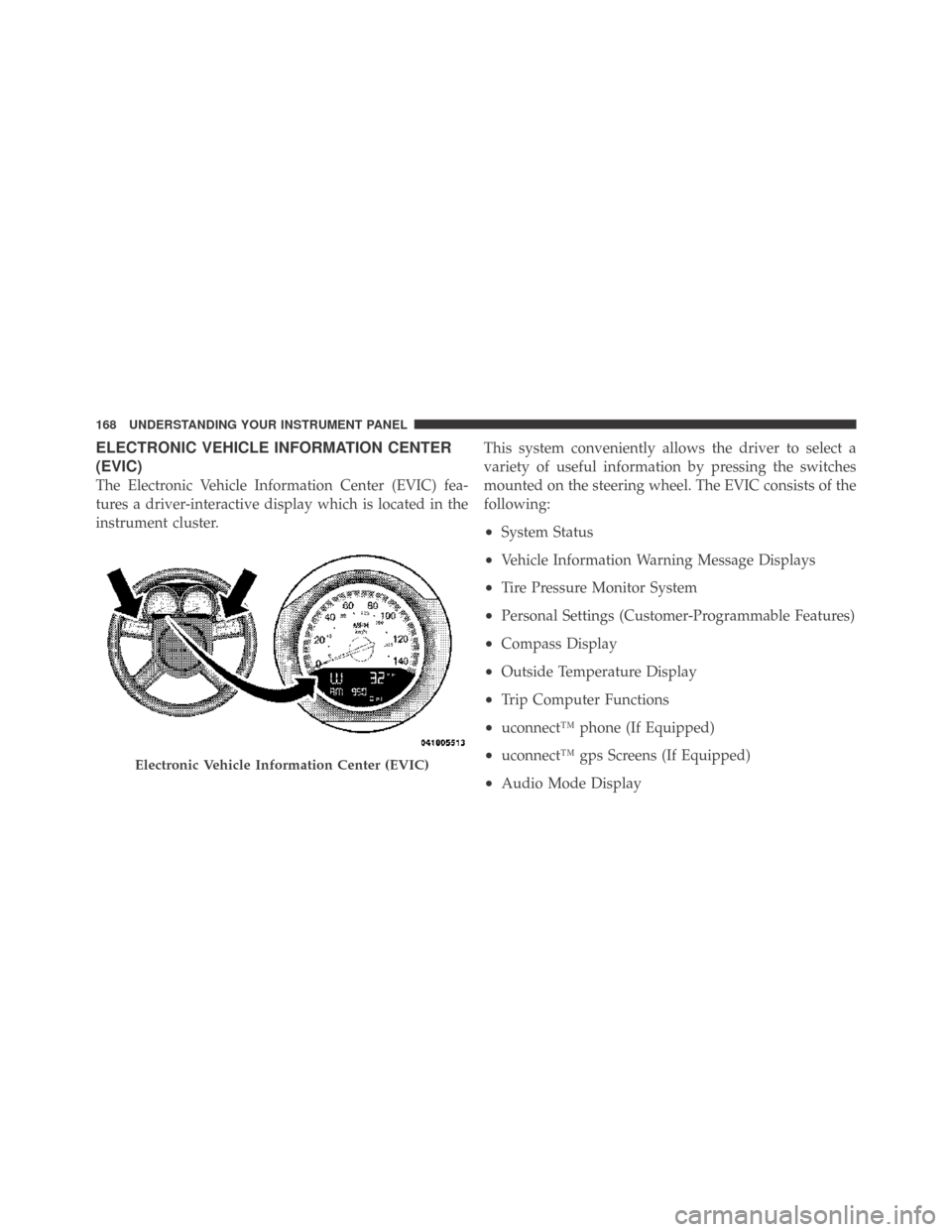
ELECTRONIC VEHICLE INFORMATION CENTER
(EVIC)
The Electronic Vehicle Information Center (EVIC) fea-
tures a driver-interactive display which is located in the
instrument cluster.This system conveniently allows the driver to select a
variety of useful information by pressing the switches
mounted on the steering wheel. The EVIC consists of the
following:
•System Status
•Vehicle Information Warning Message Displays
•Tire Pressure Monitor System
•Personal Settings (Customer-Programmable Features)
•Compass Display
•Outside Temperature Display
•Trip Computer Functions
•uconnect™ phone (If Equipped)
•uconnect™ gps Screens (If Equipped)
•Audio Mode Display
Electronic Vehicle Information Center (EVIC)
168 UNDERSTANDING YOUR INSTRUMENT PANEL
Page 171 of 469
![DODGE CHALLENGER 2009 3.G User Guide •Surround Sound Modes (If Equipped with Driver-
Selectable Surround [DSS])
The system allows the driver to select information by
pressing the following buttons mounted on the steering
wheel.
MENU Bu](/img/12/5533/w960_5533-170.png "DODGE CHALLENGER 2009 3.G User Guide •Surround Sound Modes (If Equipped with Driver-
Selectable Surround [DSS])
The system allows the driver to select information by
pressing the following buttons mounted on the steering
wheel.
MENU Bu")
•Surround Sound Modes (If Equipped with Driver-
Selectable Surround [DSS])
The system allows the driver to select information by
pressing the following buttons mounted on the steering
wheel.
MENU Button
Press and release the MENU button and the
mode displayed will change between Trip
Functions, Performance Pages, uconnect™ gps
(If Equipped), System Warnings, System Sta-
tus, Personal Settings, and Surround Sound (If
Equipped).
FUNCTION SELECT Button
Press the FUNCTION SELECT button to accept
a selection. The FUNCTION SELECT button
also functions as a remote sound system con-
trol. Refer to “Remote Sound System Controls”
in this section.SCROLL Button
Press the SCROLL button to scroll through Trip
Functions, Performance Pages, uconnect™ gps
(If Equipped), System Status Messages, and
Personal Settings (Customer-Programmable
Features). The SCROLL button also functions as a remote
sound system control. Refer to “Remote Sound System
Controls” in this section.
AUDIO MODE Button
Press the AUDIO MODE button to select the
Compass/Temp/Audio screen. Along with
compass reading and outside temperature, this
screen will display radio and media mode
information depending on which radio is in the vehicle.
Refer to “Remote Sound System Controls” in this section.
4
UNDERSTANDING YOUR INSTRUMENT PANEL 169
Page 230 of 469
When in “Audio Surround” mode, balance is set auto-
matically. Fader control is available to add more sur-
round audio if desired.
REMOTE SOUND SYSTEM CONTROLS — IF
EQUIPPED
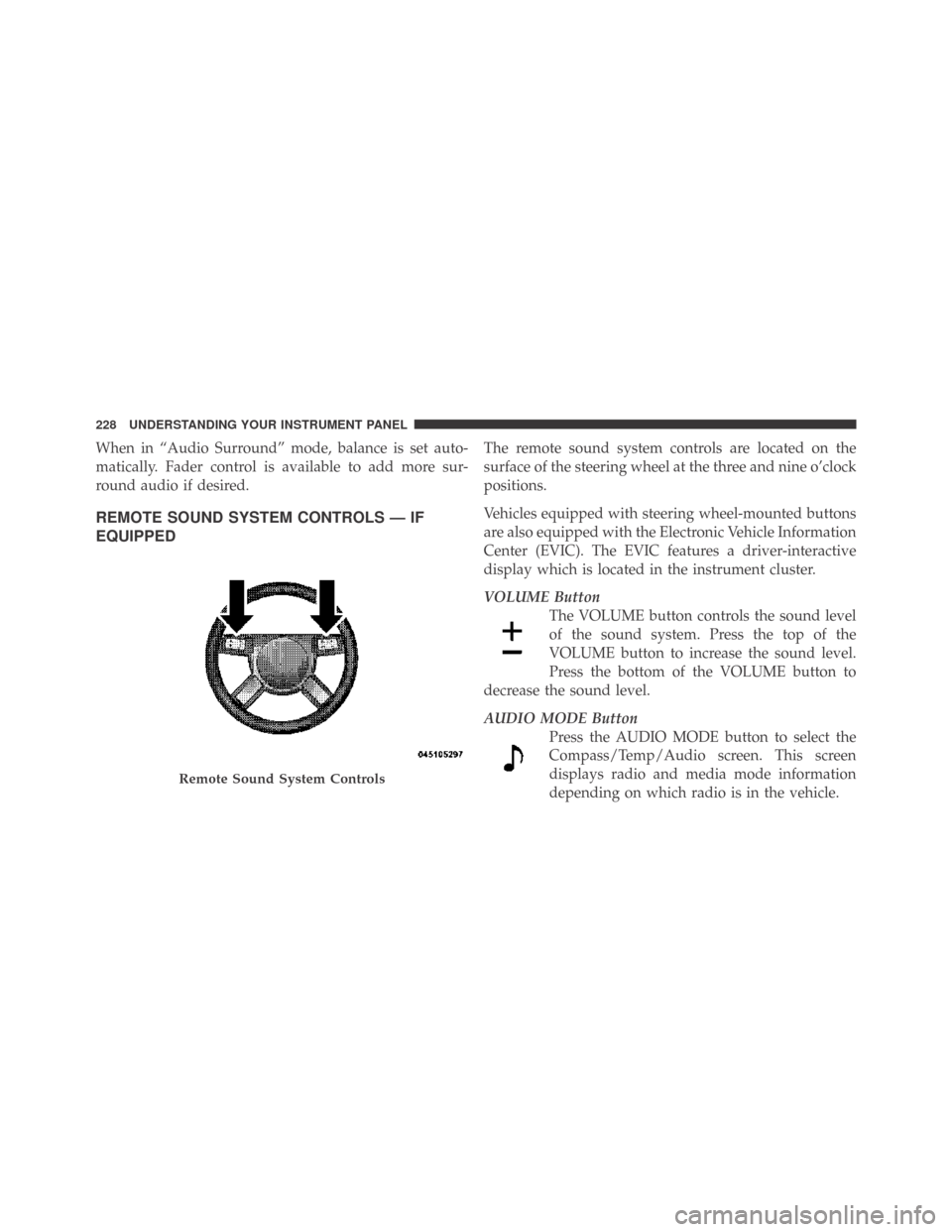
The remote sound system controls are located on the
surface of the steering wheel at the three and nine o’clock
positions.
Vehicles equipped with steering wheel-mounted buttons
are also equipped with the Electronic Vehicle Information
Center (EVIC). The EVIC features a driver-interactive
display which is located in the instrument cluster.
VOLUME Button
The VOLUME button controls the sound level
of the sound system. Press the top of the
VOLUME button to increase the sound level.
Press the bottom of the VOLUME button to
decrease the sound level.
AUDIO MODE Button
Press the AUDIO MODE button to select the
Compass/Temp/Audio screen. This screen
displays radio and media mode information
depending on which radio is in the vehicle.
Remote Sound System Controls
228 UNDERSTANDING YOUR INSTRUMENT PANEL
Page 275 of 469
POWER STEERING
The standard power steering system will give you good
vehicle response and increased ease of maneuverability
in tight spaces. The system will provide mechanical
steering capability if power assist is lost.
If for some reason the power assist is interrupted, it will
still be possible to steer your vehicle. Under these condi-
tions, you will observe a substantial increase in steering
effort, especially at very low vehicle speeds and during
parking maneuvers.
NOTE:Increased noise levels at the end of the steering
wheel travel are considered normal and do not indicate
that there is a problem with the power steering system.
Upon initial start-up in cold weather, the power steering
pump may make noise for a short amount of time. This is
due to the cold, thick fluid in the steering system. This
noise should be considered normal, and it does not in any
way damage the steering system.WARNING!
Continued operation with reduced power steering
assist could pose a safety risk to yourself and others.
Service should be obtained as soon as possible.
CAUTION!
Prolonged operation of the steering system at the end
of the steering wheel travel will increase the steering
fluid temperature and it should be avoided when
possible. Damage to the power steering pump may
occur.
Power Steering Fluid Check
Checking the power steering fluid level at a defined
service interval is not required. The fluid should only be
checked if a leak is suspected, abnormal noises are
5
STARTING AND OPERATING 273
Page 281 of 469
WARNING! (Continued)
•Pumping of the anti-lock brakes will diminish
their effectiveness and may lead to an accident.
Pumping makes the stopping distance longer. Just
press firmly on your brake pedal when you need
to slow down or stop.
•The Anti-Lock Brake System (ABS) cannot prevent
the natural laws of physics from acting on the
vehicle, nor can it increase braking or steering
efficiency beyond that afforded by the condition
of the vehicle brakes and tires or the traction
afforded.
•The Anti-Lock Brake System (ABS) cannot prevent
accidents, including those resulting from excessive
speed in turns, following another vehicle too
closely, or hydroplaning. Only a safe, attentive,
and skillful driver can prevent accidents.
(Continued)
WARNING! (Continued)
•The capabilities of an Anti-Lock Brake System
(ABS) equipped vehicle must never be exploited
in a reckless or dangerous manner, that could
jeopardize the user’s safety or the safety of others.
All vehicle wheels and tires must be the same size and
type and tires must be properly inflated to produce
accurate signals for the computer.
Anti-Lock Brake Warning Light
The “Anti-Lock Brake System (ABS) Warning Light”
monitors the Anti-Lock Brake System. The light will
come on when the ignition switch is turned to the ON
position and may stay on for as long as four seconds.
If the “ABS Warning Light” remains on or comes on
while driving, it indicates that the anti-lock portion of the
brake system is not functioning and that service is
5
STARTING AND OPERATING 279
Page 286 of 469
For vehicles not equipped with the EVIC, perform the
following steps:
NOTE:You must complete Steps 1 through 8 within
90 seconds.
1. Center the steering wheel (front wheels pointing
straight forward).
2. Shift the transmission into NEUTRAL.
3. Apply the parking brake.
4. Start the engine.
5. Release the clutch pedal.
6. Rotate the steering wheel one-half turn to the left.
7. Press the “ESP OFF” switch (located in the lower
switch bank below the climate controls) four times within
20 seconds. The “ESP/TCS Indicator Light” should turn
on and turn off two times.8. Rotate the steering wheel back to center and then an
additional half-turn to the right.
9. Turn the ignition switch to the OFF position and then
back to the ON position. If the sequence was completed
properly, the “ESP/TCS Indicator Light” will blink sev-
eral times to confirm HSA is disabled.
10. Repeat these steps if you want to return this feature
to it’s previous setting.
ESP (Electronic Stability Program) — If Equipped
This system enhances directional control and stability of
the vehicle under various driving conditions. The ESP
corrects for oversteering and understeering the vehicle
by applying the brake of the appropriate wheel. Engine
power may also be reduced to assist in counteracting the
condition of oversteer or understeer and help the vehicle
maintain the desired path.
284 STARTING AND OPERATING
Page 287 of 469
The ESP uses sensors in the vehicle to determine the path
that the driver intends to steer the vehicle and compares
it to the actual path of the vehicle. When the actual path
does not match the intended path, the ESP applies the
brake of the appropriate wheel to assist in counteracting
the condition of oversteer or understeer.
•Oversteer - when the vehicle is turning more than
appropriate for the steering wheel position.
•Understeer - when the vehicle is turning less than
appropriate for the steering wheel position.
The “ESP/TCS Indicator Light” located in the
instrument cluster, starts to flash as soon as the
tires lose traction and the ESP system becomes
active. The “ESP/TCS Indicator Light” also
flashes when TCS is active. If the “ESP/TCS Indicator
Light” begins to flash during acceleration, ease up on theaccelerator and apply as little throttle as possible. Be sure
to adapt your speed and driving to the prevailing road
conditions.
WARNING!
The ESP cannot prevent the natural laws of physics
from acting on the vehicle, nor can it increase the
traction afforded by prevailing road conditions. The
ESP cannot prevent accidents, including those result-
ing from excessive speed in turns, driving on very
slippery surfaces, or hydroplaning. Only a safe, at-
tentive, and skillful driver can prevent accidents. The
capabilities of an ESP-equipped vehicle must never
be exploited in a reckless or dangerous manner that
could jeopardize the user’s safety or the safety of
others.
5
STARTING AND OPERATING 285
Page 289 of 469
NOTE:To improve the vehicle’s traction when driving
with snow chains, or when starting off in deep snow,
sand, or gravel, it may be desirable to switch to the
“Partial Off” mode by momentarily pressing the “ESP
OFF” switch. Once the situation requiring “Partial Off”
mode is overcome, turn the ESP ON again by momen-
tarily pressing the “ESP OFF” switch. This may be done
while the vehicle is in motion.
Synchronizing ESP
The Malfunction Indicator Light for the ESP is
combined with BAS indicator. If the power
supply is interrupted (battery disconnected or
discharged), the “ESP/BAS Malfunction Indi-
cator Light” may illuminate with the engine running. If
this should occur, turn the steering wheel completely to
the left and then to the right. The “ESP/BAS Malfunction
Indicator Light” should go out. However, if the light
remains on, have the ESP and BAS checked at your
authorized dealer as soon as possible.
ESP/BAS Malfunction Indicator Light and
ESP/TCS Indicator Light
The Malfunction Indicator Light for the ESP is
combined with the BAS indicator. The “ESP/
BAS Malfunction Indicator Light” and the
“ESP/TCS Indicator Light” in the instrument
cluster both come on when the ignition switch is turned
to the ON position. They should go out with the engine
running.
The system will turn the “ESP/BAS Malfunction Indica-
tor Light” on continuously while the engine is running if
it detects a malfunction in either the ESP or the BAS or
both. If the light remains on after several ignition cycles
and you have driven the vehicle several miles (kilome-
ters) at speeds greater than 30 mph (48 km/h), and the
ESP is synchronized (refer to Synchronizing ESP), see
your authorized dealer as soon as possible to have the
problem diagnosed and corrected.
5
STARTING AND OPERATING 287
Page 306 of 469
WARNING!
•Do not use a tire, wheel size or rating other than
that specified for your vehicle. Some combinations
of unapproved tires and wheels may change sus-
pension dimensions and performance characteris-
tics, resulting in changes to steering, handling, and
braking of your vehicle. This can cause unpredict-
able handling and stress to steering and suspen-
sion components. You could lose control and have
an accident resulting in serious injury or death.
Use only the tire and wheel sizes with load ratings
approved for your vehicle.
•Never use a tire with a smaller load index or
capacity, other than what was originally equipped
on your vehicle. Using a tire with a smaller load
index could result in tire overloading and failure.
You could lose control and have an accident.
(Continued)
WARNING! (Continued)
•Failure to equip your vehicle with tires having
adequate speed capability can result in sudden tire
failure and loss of vehicle control.
CAUTION!
Replacing original tires with tires of a different size may
result in false speedometer and odometer readings.
TIRE CHAINS
Use only compact chains or other traction aids that meet
SAE type “Class S” specifications. Chains must be the
proper size for the vehicle, as recommended by the chain
manufacturer. In addition, only install tire chains on
P215/65 R17, P225/60 R18, and P235/55 R18 size tires.
The 245/45 R20 size tires do not provide adequate
clearance for tire chains.
304 STARTING AND OPERATING