keyless entry DODGE CHALLENGER 2015 3.G Owner's Manual
[x] Cancel search | Manufacturer: DODGE, Model Year: 2015, Model line: CHALLENGER, Model: DODGE CHALLENGER 2015 3.GPages: 603, PDF Size: 14.97 MB
Page 261 of 603
touchscreen. Press the “Parkview Backup camera Delay”
button on the touchscreen and select from “ON” or
“OFF.”
•Rain Sensing Auto Wipers
When this feature is selected, the system will automati-
cally activate the windshield wipers if it senses moisture
on the windshield. To enable or disable, press the “Rain
Sensing” button on the touchscreen, and select “On” or
“Off.” Press the back arrow/Done button on the touch-
screen to return to the previous menu.
•Hill Start Assist — If Equipped
When this feature is selected, the Hill Start Assist (HSA)
system is active. Refer to “Electronic Brake Control
System” in “Starting And Operating” for system function
and operating information. To enable or disable, press the
“Hill Start Assist” button on the touchscreen, and select
“On” or “Off.” Press the back arrow/Done button on the
touchscreen to return to the previous menu.
Lights
After pressing the “Lights” button on the touchscreen,
the following settings will be available:
•Headlight Off Delay
When this feature is selected, it allows the adjustment of
the amount of time the headlights remain on after the
engine is shut off. To change the Headlight Off Delay
setting, press the “Headlight Off Delay” button on the
touchscreen and choose either “0,” “30,” “60,” or “90”
buttons on the touchscreen to select your desired time
interval. Press the back arrow/Done button on the touch-
screen to return to the previous menu.
•Headlight Illumination On Approach
When this feature is selected, it allows the adjustment of
the amount of time the headlights remain on when the
doors are unlocked with the Remote Keyless Entry (RKE)
transmitter. To change the Illuminated Approach status,
4
UNDERSTANDING YOUR INSTRUMENT PANEL 259
Page 263 of 603
•Flash Lights With Lock
When this feature is selected, the exterior lights will flash
when the doors are locked or unlocked with the Remote
Keyless Entry (RKE) transmitter. This feature may be
selected with or without the sound horn on lock feature
selected. To make your selection, press the “Flash Lights
w/Lock” button on the touchscreen, and select from
“On” or “Off.” Press the back arrow/Done button on the
touchscreen to return to the previous menu.
Doors & Locks
After pressing the “Doors & Locks” button on the touch-
screen, the following settings will be available:
•Auto Unlock On Exit
When this feature is selected, all doors will unlock when
the vehicle is stopped, the transmission is in the PARK or
NEUTRAL position and the driver’s door is opened. To
make your selection, press the “Auto Unlock On Exit”
button on the touchscreen and select from “On” or “Off.”
Press the back arrow/Done button on the touchscreen to
return to the previous menu.
•Sound Horn With Lock
When this feature is selected, the horn will sound when
the door locks are activated. To make your selection,
press the “Horn w/Lock” Button and choose “Off,” “1st
Press” or “2nd Press.” Press the back arrow/Done button
on the touchscreen to return to the previous menu.
•Sound Horn With Remote Start
When this feature is selected, the horn will sound when
the remote start is activated. To make your selection,
press the “Horn w/Remote Start” button on the touch-
screen and select from “On” or “Off.” Press the back
arrow/Done button on the touchscreen to return to the
previous menu.
4
UNDERSTANDING YOUR INSTRUMENT PANEL 261
Page 264 of 603
•Remote Door Unlock
This feature will allow you to program your remote door
locks to open “All doors” or only the “Driver door” with
the first push of the Remote Keyless Entry (RKE) trans-
mitter or grabbing the Passive Entry door handle. To
make your selection, press the “Remote Door Unlock”
button on the touchscreen and choose from “All” or
“Driver.” Press the back arrow/Done button on the
touchscreen to return to the previous menu.
NOTE:If “Driver Door” is selected, the (RKE) transmitter
will have to be pushed two times in order to unlock all
doors.
•Passive Entry
This feature allows you to lock and unlock the vehicle’s
door(s) without having to push the Remote Keyless Entry
(RKE) transmitter lock or unlock buttons. It automatically
unlocks the doors when the outside door handle is
grabbed. To make your selection, press the “Passive
Entry” button on the touchscreen and select from “On” or
“Off.” Press the back arrow/Done button on the touch-
screen to return to the previous menu. Refer to “Keyless
Enter-N-Go™” in “Things To Know Before Starting Your
Vehicle” for further information.
•Flash Lights With Lock
When this feature is selected, the exterior lights will flash
when the doors are locked or unlocked with the Remote
Keyless Entry (RKE) transmitter. This feature may be
selected with or without the sound horn on lock feature
selected. To make your selection, press the “Flash Lights
w/Lock” button on the touchscreen, and select from
“On” or “Off.” Press the back arrow/Done button on the
touchscreen to return to the previous menu.
262 UNDERSTANDING YOUR INSTRUMENT PANEL
Page 280 of 603
are unlocked with the Remote Keyless Entry (RKE)
transmitter. To change the Illuminated Approach status,
press the “+” or “-” button on the touchscreen to select
your desired time interval. Press the back arrow button
on the touchscreen to return to the previous menu, or
push the back button on the faceplate.
•Headlights With Wipers — If Equipped
When this feature is selected, and the headlight switch is
in the AUTO position, the headlights will turn on ap-
proximately 10 seconds after the wipers are turned on.
The headlights will also turn off when the wipers are
turned off if they were turned on by this feature. To make
your selection, press the “Headlights With Wipers” but-
ton on the touchscreen, until a check-mark appears next
to setting, indicating that the setting has been selected.
Press the back arrow button on the touchscreen to return
to the previous menu, or push the back button on the
faceplate.
•Auto Dim High Beams — If Equipped
When this feature is selected, the high beam headlights
will activate/deactivate automatically under certain con-
ditions. To make your selection, press the “Auto High
Beams” button on the touchscreen, until a check-mark
appears next to setting, indicating that the setting has
been selected. Press the back arrow button on the touch-
screen to return to the previous menu, or push the back
button on the faceplate. Refer to “Lights — If Equipped”
in “Understanding The Features Of Your Vehicle” for
further information.
•Daytime Running Lights — If Equipped
When this feature is selected, the headlights will turn on
whenever the engine is running. To make your selection,
press the “Daytime Running Lights” button on the touch-
screen, until a check-mark appears next to setting, indi-
cating that the setting has been selected. Press the back
278 UNDERSTANDING YOUR INSTRUMENT PANEL
Page 281 of 603
arrow button on the touchscreen to return to the previous
menu, or push the back button on the faceplate.
•Flash Lights With Lock
When this feature is selected, the hazard lights will flash
when the doors are locked or unlocked with the Remote
Keyless Entry (RKE) transmitter, or when using the
passive entry feature. This feature may be selected with
or without the sound horn on lock feature selected. To
make your selection, press the “Flash Lights with Lock”
button on the touchscreen, until a check-mark appears
next to setting, indicating that the setting has been
selected. Press the back arrow button on the touchscreen
to return to the previous menu, or push the back button
on the faceplate.
Doors & Locks
After pressing the “Doors & Locks” button on the touch-
screen the following settings will be available:
•Auto Unlock On Exit
When this feature is selected, all doors will unlock when
the vehicle is stopped, the transmission is in the PARK or
NEUTRAL position and the driver’s door is opened. To
make your selection, press the “Auto Unlock On Exit”
button on the touchscreen, until a check-mark appears
next to the setting, showing that the setting has been
selected. Press the back arrow button on the touchscreen
to return to the previous menu.
•Flash Lights With Lock
When this feature is selected, the exterior lights will flash
when the doors are locked or unlocked with the Remote
Keyless Entry (RKE) transmitter, or when using the
passive entry feature. This feature may be selected with
or without the sound horn on lock feature selected. To
make your selection, press the “Flash Lights with Lock”
button on the touchscreen, until a check-mark appears
4
UNDERSTANDING YOUR INSTRUMENT PANEL 279
Page 282 of 603
next to setting, indicating that the setting has been
selected. Press the back arrow button on the touchscreen
to return to the previous menu.
•Sound Horn With Lock
When this feature is selected, the horn will sound when
the door locks are activated. To make your selection,
press either the “Off,” “1st Press,” or “2nd Press” button
on the touchscreen, until a check-mark appears next to
setting, showing that setting has been selected. Press the
back arrow button on the touchscreen to return to the
previous menu.
•Sound Horn With Remote Start
When this feature is selected, the horn will sound when
the remote start is activated. To make your selection,
press the “Sound Horn with Remote Start” button on the
touchscreen until a check-mark appears next to setting,
showing that setting has been selected. Press the back
arrow button on the touchscreen to return to the previous
menu.
•1st Press Of Key Fob Unlocks
When#Driver Door#is selected with 1st Press Of Key Fob
Unlocks, only the driver’s door will unlock with the first
press of the Remote Keyless Entry (RKE) transmitter
UNLOCK button. You must press the RKE transmitter
UNLOCK button twice to unlock the passenger’s doors.
When#All Doors#is selected for 1st Press Of Key Fob
Unlocks, all doors will unlock on the first press of the
RKE transmitter UNLOCK button.
280 UNDERSTANDING YOUR INSTRUMENT PANEL
Page 283 of 603
NOTE:If the vehicle is programmed 1st Press Of Key Fob
Unlocks “All Doors,” all doors will unlock no matter
which Passive Entry equipped door handle is grasped. If
1st Press Of Key Fob Unlocks “Driver Door” is pro-
grammed, only the driver ’s door will unlock when the
driver ’s door is grasped. With Passive Entry, if 1st Press
Of Key Fob Unlocks “Driver Door” is programmed,
touching the handle more than once will only result in
the driver ’s door opening. If “Driver Door” is selected,
once the driver door is opened, the interior door lock/
unlock switch can be used to unlock all doors (or use
RKE transmitter).
•Passive Entry
This feature allows you to lock and unlock the vehicles
door(s) without having to push the Remote Keyless Entry
(RKE) transmitter LOCK or UNLOCK buttons. To make
your selection, press the “Passive Entry” button on the
touchscreen, until a check-mark appears next to the
setting, showing that the setting has been selected. Press
the back arrow button on the touchscreen to return to the
previous menu. Refer to “Keyless Enter-N-Go™” in
“Things To Know Before Starting Your Vehicle”.
Auto Comfort Systems — If Equipped
After pressing the “Auto-On Comfort & Remote Start”
button on the touchscreen the following settings will be
available:
•Auto-On Driver Heated/Ventilated Seat & Steering
Wheel With Vehicle Start — If Equipped
When this feature is selected the driver’s heated seat and
heated steering wheel will automatically turn ON when
temperatures are below 40° F (4.4° C). When tempera-
tures are above 80° F (26.7° C) the driver vented seat will
turn ON. To make your selection, press the “Auto Heated
Seats” button on the touchscreen, then select either “Off,”
4
UNDERSTANDING YOUR INSTRUMENT PANEL 281
Page 586 of 603
Deck Lid, Power Release.....................39
Defroster, Rear Window.....................218
Defroster, Windshield.......................95
Delay (Intermittent) Wipers..................148
Diagnostic System, Onboard.................492
Dimmer Switch, Headlight...................144
Dipsticks
Oil (Engine)...........................496
Disabled Vehicle Towing....................484
Disposal
Antifreeze (Engine Coolant)................516
Door Locks
Door Locks............................22
Key Fob . . . . . . . . . . . . . . . . . . . . . . . . . . . . . . .29
Remote...............................29
Remote Keyless Entry (RKE)................29
Door Locks, Automatic......................31
Door Opener, Garage.......................199
Driver Information Display
DID . . . . . . . . . . . . . . . . . . . . . . . . . . . . . . . ..236
Instrument Cluster Display................236
Driving
Through Flowing, Rising, or Shallow Standing
Water................................373
Electrical Power Outlets.....................211
Electric Remote Mirrors.....................113
Electronic Brake Control System...............381
Electronic Power Distribution Center (Fuses)......530
Electronic Speed Control (Cruise Control)........154
Electronic Stability Control (ESC)..............386
Emergency Deck Lid Release..................41
Emergency, In Case of
Freeing Vehicle When Stuck................479
Jacking...............................466
Jump Starting..........................475
Overheating...........................453
584 INDEX
Page 590 of 603
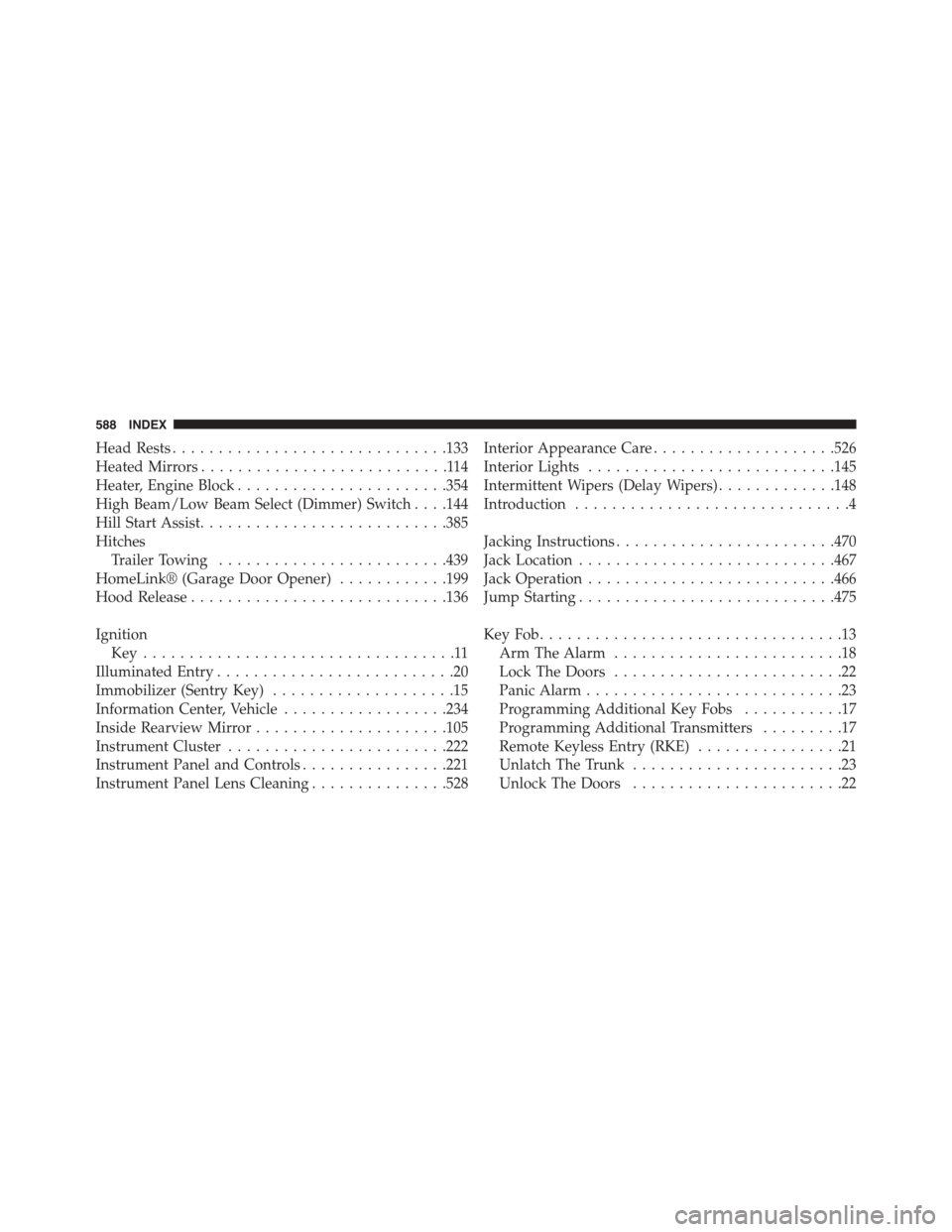
Head Rests..............................133
Heated Mirrors...........................114
Heater, Engine Block.......................354
High Beam/Low Beam Select (Dimmer) Switch . . . .144
Hill Start Assist...........................385
Hitches
Trailer Towing.........................439
HomeLink® (Garage Door Opener)............199
Hood Release............................136
Ignition
Key . . . . . . . . . . . . . . . . . . . . . . . . . . . . . . . . . .11
Illuminated Entry..........................20
Immobilizer (Sentry Key)....................15
Information Center, Vehicle..................234
Inside Rearview Mirror.....................105
Instrument Cluster........................222
Instrument Panel and Controls................221
Instrument Panel Lens Cleaning...............528
Interior Appearance Care....................526
Interior Lights...........................145
Intermittent Wipers (Delay Wipers).............148
Introduction..............................4
Jacking Instructions........................470
Jack Location............................467
Jack Operation...........................466
Jump Starting............................475
Key Fob . . . . . . . . . . . . . . . . . . . . . . . . . . . . . . . . .13
Arm The Alarm.........................18
Lock The Doors.........................22
Panic Alarm............................23
Programming Additional Key Fobs...........17
Programming Additional Transmitters.........17
Remote Keyless Entry (RKE)................21
Unlatch The Trunk.......................23
Unlock The Doors.......................22
588 INDEX
Page 591 of 603
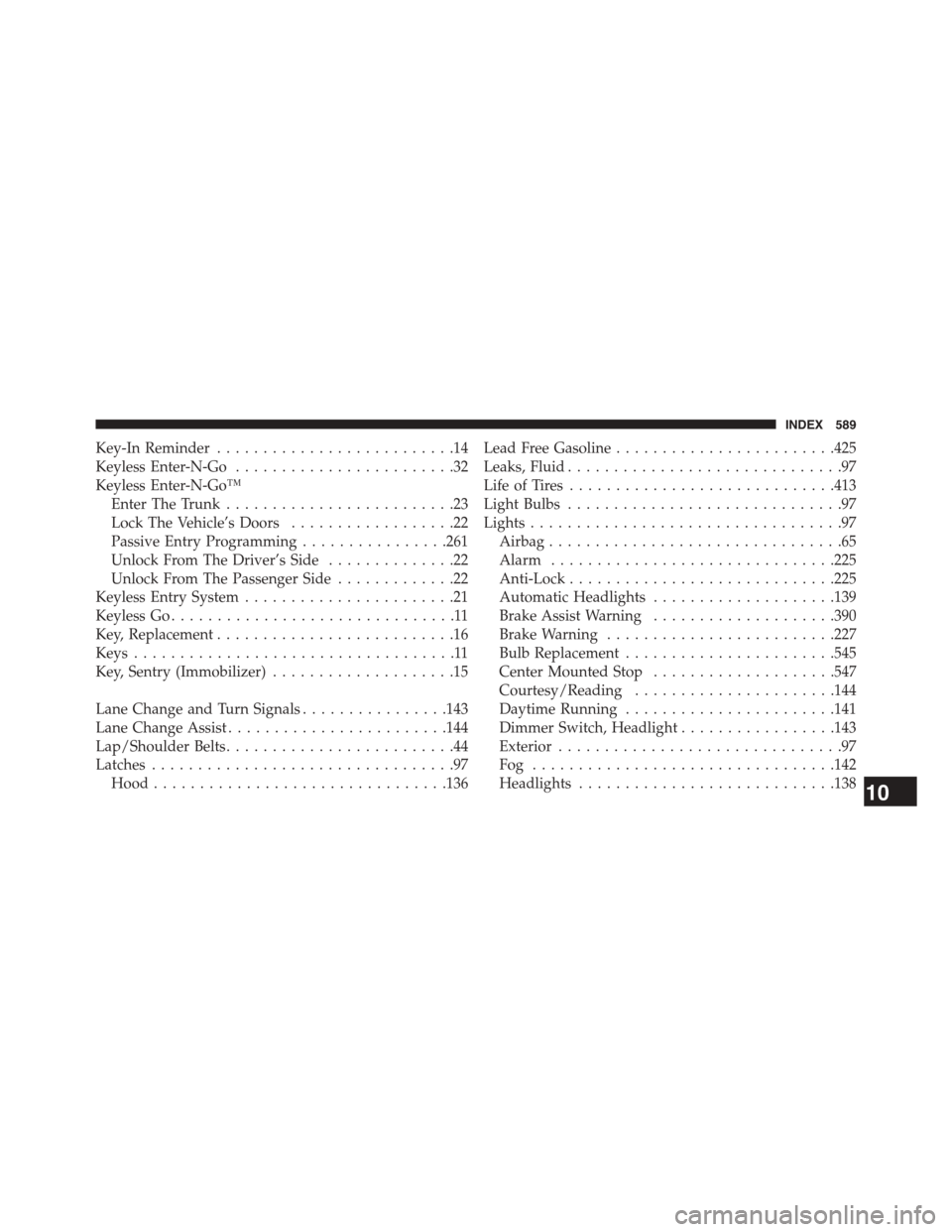
Key-In Reminder..........................14
Keyless Enter-N-Go........................32
Keyless Enter-N-Go™
Enter The Trunk.........................23
Lock The Vehicle’s Doors..................22
Passive Entry Programming................261
Unlock From The Driver’s Side..............22
Unlock From The Passenger Side.............22
Keyless Entry System.......................21
Keyless Go...............................11
Key, Replacement..........................16
Keys...................................11
Key, Sentry (Immobilizer)....................15
Lane Change and Turn Signals................143
Lane Change Assist........................144
Lap/Shoulder Belts.........................44
Latches.................................97
Hood................................136
Lead Free Gasoline........................425
Leaks, Fluid..............................97
Life of Tires.............................413
Light Bulbs..............................97
Lights..................................97
Airbag................................65
Alarm...............................225
Anti-Lock.............................225
Automatic Headlights....................139
Brake Assist Warning....................390
Brake Warning.........................227
Bulb Replacement.......................545
Center Mounted Stop....................547
Courtesy/Reading......................144
Daytime Running.......................141
Dimmer Switch, Headlight.................143
Exterior...............................97
Fog . . . . . . . . . . . . . . . . . . . . . . . . . . . . . . . ..142
Headlights............................13810
INDEX 589