cruise control DODGE CHALLENGER 2016 3.G Owner's Manual
[x] Cancel search | Manufacturer: DODGE, Model Year: 2016, Model line: CHALLENGER, Model: DODGE CHALLENGER 2016 3.GPages: 651, PDF Size: 4.47 MB
Page 264 of 651
the shift up indicator is shown on the display, the PSI is
advising the driver to engage a higher gear.
The PSI indicator in the DID display remains illuminated
until the driver changes gear, or the driving conditions
return to a situation where changing gear is not required,
corresponding to the configured RPMs in the head unit.
NOTE:Refer to “Uconnect Settings” in “Understanding
Your Instrument Panel” for further information on en-
abling, disabling, and configuring the Performance Shift
Indicator.
Cruise Control
This area will show reconfigurable white caution tell-
tales. These telltales include:
• Cruise Ready
This telltale will illuminate white to indicate
that the Cruise Control system is activated. •
Electronic Speed Control SET
This telltale will illuminate green when the
electronic speed control is SET. Refer to “Elec-
tronic Speed Control” in “Understanding The
Features Of Your Vehicle” for further
information.
DID Selectable Menu Items
Push and release the UPorDOWNarrow but-
tons until the desired Selectable Menu item is dis-
played in the DID.
Follow the Menu or submenu prompts as desired.
Speedometer
Push and release the UPorDOWN arrow button until
the Speedometer menu is displayed in the DID. Push and
release the OKbutton to toggle units (km/h or mph) of
the digital speedometer
262 UNDERSTANDING YOUR INSTRUMENT PANEL
Page 271 of 651
Top Speed
When selected, this screen displays the Top Speed since
last reset:
•Populates a top speed from first drive cycle and every
time that speed is exceeded that number is stored here
unless/until the driver resets the screen.
• Latching over ignition cycles.
• Units will change with the global change in units.
Driver Assist — If Equipped
Adaptive Cruise Control (ACC) Menu
The DID displays the current ACC system settings. The
information displayed depends on ACC system status.
Push the ADAPTIVE CRUISE CONTROL (ACC) ON/
OFF button (located on the steering wheel) until one of
the following displays in the DID: Adaptive Cruise Control Off
When ACC is deactivated, the display will read “Adap-
tive Cruise Control Off.”
Adaptive Cruise Control Ready
When ACC is activated but the vehicle speed setting has
not been selected, the display will read “Adaptive Cruise
Control Ready.”
Push the SET + or the SET- button (located on the steering
wheel) and the following will display in the DID:
ACC SET
When ACC is set, the set speed will display in the
instrument cluster.
The ACC screen may display once again if any ACC
activity occurs, which may include any of the following:
•
Distance Setting Change
4
UNDERSTANDING YOUR INSTRUMENT PANEL 269
Page 286 of 651
collisions. The feature can be can be set to Far, or set to
Near. The default status of FCW is the Far setting. This
means the system will warn you of a possible collision
with the vehicle in front of you when you are farther
away. This gives you the most reaction time. To change
the setting for more dynamic driving, select the Near
setting. This warns you of a possible collision when you
are much closer to the vehicle in front of you. To change
the FCW status, press and release the “Near” or “Far”
button. Press the back arrow/Done button on the touch-
screen to return to the previous menu.
For further information, refer to “Adaptive Cruise Con-
trol (ACC)” in “Understanding The Features Of Your
Vehicle.”
•Steering Feel Options — If Equipped
When your vehicle is not equipped with Performance
Control, the Steering Feel Options feature will allow you
to adjust the steering effort and feel. Press the “Sport” button on the touchscreen to provide the greatest amount
of steering feel, requiring the highest amount of steering
effort. Press the “Normal” button on the touchscreen to
provide greater steering feel, requiring greater steering
effort. Press the “Comfort” button on the touchscreen to
provide a balance of steering feel and steering effort.
•
ParkSense
The ParkSense system will scan for objects behind the
vehicle when the transmission shift lever/gear selector is
in REVERSE and the vehicle speed is less than 11 mph (18
km/h). It will provide an alert (audible and/or visual) to
indicate the proximity to other objects. The system can be
enabled with Sound Only, or Sound and Display. To
change the ParkSense status, press and release the
“Sound Only” or “Sound and Display” button. Refer to
“ParkSense” in “Understanding The Features Of Your
Vehicle” for system function and operating information.
284 UNDERSTANDING YOUR INSTRUMENT PANEL
Page 302 of 651
Safety & Driving Assistance
After pressing the “Safety & Driving Assistance” button
on the touchscreen the following settings will be avail-
able:
•Forward Collision Warning — If Equipped
The Front Collision Warning (FCW) feature provides an
audible and/or visual warning to potential forward
collisions. The feature can be can be set to Far, or set to
Near. The default status of FCW is the Far setting. This
means the system will warn you of a possible collision
with the vehicle in front of you when you are farther
away. This gives you the most reaction time. To change
the setting for more dynamic driving, select the Near
setting. This warns you of a possible collision when you
are much closer to the vehicle in front of you. To change
the FCW status, press and release the “Near” or “Far” button. For further information, refer to “Adaptive
Cruise Control (ACC)” in “Understanding The Features
Of Your Vehicle”.
•
Steering Feel Options — If Equipped
The Steering Feel Options feature will allow you to adjust
the steering effort and feel. Press the “Sport” button on
the touchscreen to provide the greatest amount of steer-
ing feel, requiring the highest amount of steering effort.
Press the “Normal” button on the touchscreen to provide
greater steering feel, requiring greater steering effort.
Press the “Comfort” button on the touchscreen to provide
a balance of steering feel and steering effort.
• Paddle Shifters — If Equipped
When this feature is selected, the paddle shifters can be
enabled or disabled. Select the “Enable” or “Disable”
button on the touchscreen.
300 UNDERSTANDING YOUR INSTRUMENT PANEL
Page 628 of 651
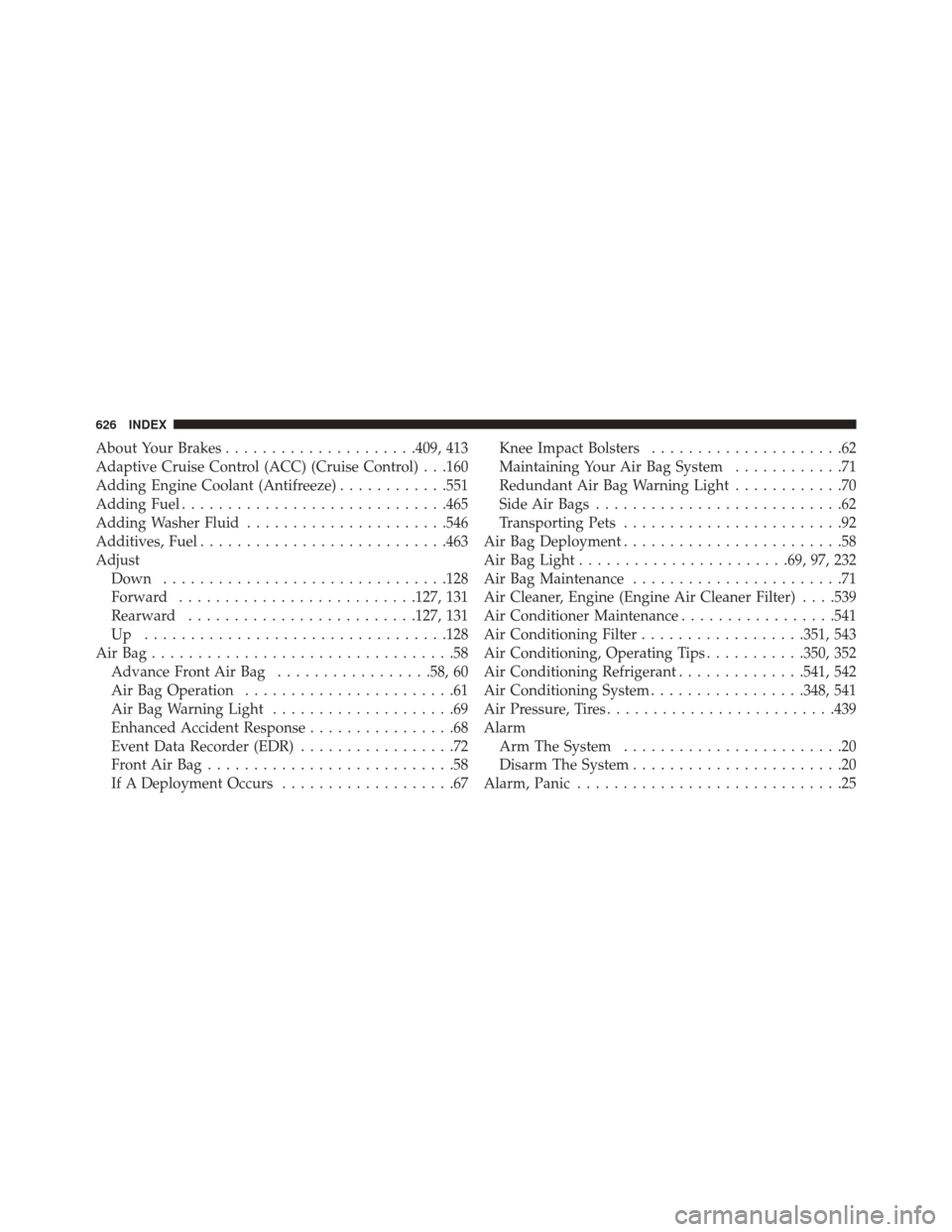
About Your Brakes.....................409, 413
Adaptive Cruise Control (ACC) (Cruise Control) . . .160
Adding Engine Coolant (Antifreeze) ............551
Adding Fuel ............................ .465
Adding Washer Fluid ..................... .546
Additives, Fuel .......................... .463
Adjust Down .............................. .128
Forward ......................... .127, 131
Rearward ........................ .127, 131
Up ................................ .128
AirBag.................................58 Advance Front Air Bag .................58, 60
Air Bag Operation .......................61
Air Bag Warning Light ....................69
Enhanced Accident Response ................68
Event Data Recorder (EDR) .................72
FrontAirBag...........................58
If A Deployment Occurs ...................67 Knee Impact Bolsters
.....................62
Maintaining Your Air Bag System ............71
Redundant Air Bag Warning Light ............70
Side Air Bags ...........................62
Transporting Pets ........................92
Air Bag Deployment ........................58
Air Bag Light ...................... .69, 97, 232
Air Bag Maintenance .......................71
Air Cleaner, Engine (Engine Air Cleaner Filter) . . . .539
Air Conditioner Maintenance .................541
Air Conditioning Filter ..................351, 543
Air Conditioning, Operating Tips ...........350, 352
Air Conditioning Refrigerant ..............541, 542
Air Conditioning System .................348, 541
Air Pressure, Tires ........................ .439
Alarm Arm The System ........................20
Disarm The System .......................20
Alarm, Panic .............................25
626 INDEX
Page 631 of 651
Child Restraints.........................73
Child Seat Installation .....................89
How To Stow An Unused ALR Seat Belt ........86
Infants And Child Restraints ................75
Install A LATCH-Compatible Child Restraint ....84
Installing Child Restraints Using The Vehicle Seat
Belt ..................................87
Lower Anchors And Tethers For Children .......79
Older Children And Child Restraints ..........75
Seating Positions ........................78
Using The Top Tether Anchorage .............90
Clean Air Gasoline ....................... .461
Cleaning Wheels .............................. .562
Climate Control ......................... .340
Automatic ........................... .340
Cold Weather Operation ....................386
Compact Spare Tire ....................... .445
Console, Overhead ....................... .198Contract, Service
......................... .619
Coolant Pressure Cap (Radiator Cap) ...........552
Cooling System .......................... .549
Adding Coolant (Antifreeze) ...............551
Coolant Capacity .............585, 586, 587, 588
Coolant Level ..................... .549, 553
Disposal Of Used Coolant .................553
Drain, Flush, And Refill ...................550
Inspection ........................... .553
Points To Remember .....................554
Pressure Cap ......................... .552
Radiator Cap ......................... .552
Selection Of Coolant (Anti-
freeze) .....550, 585, 586, 587, 588, 589, 590, 592, 595
Corrosion Protection ...................... .560
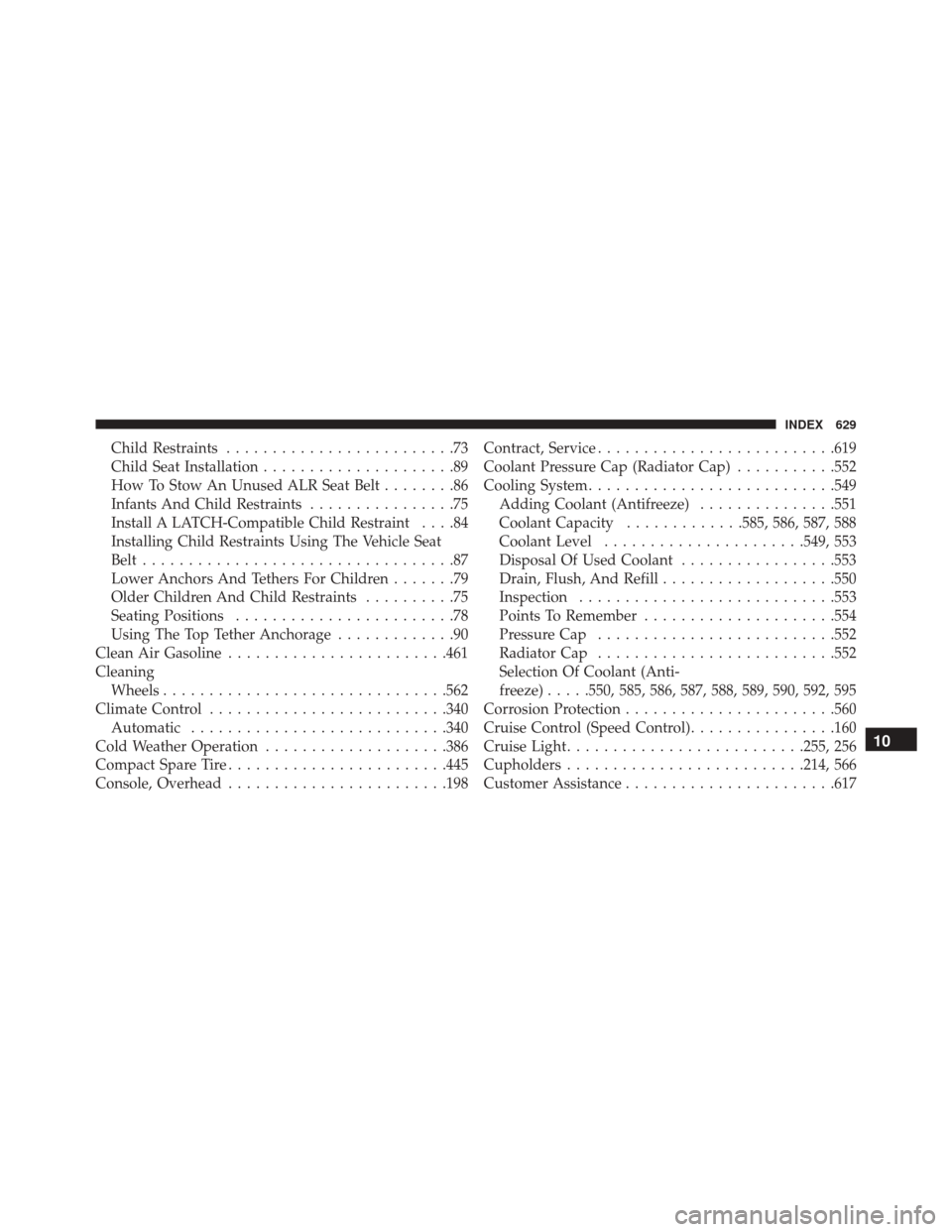
Cruise Control (Speed Control) ................160
Cruise Light ......................... .255, 256
Cupholders ......................... .214, 566
Customer Assistance ...................... .617
10
INDEX 629
Page 633 of 651
Electronic Roll Mitigation.................426
Traction Control System ...................420
Electronic Power Distribution Center (Fuses) ......567
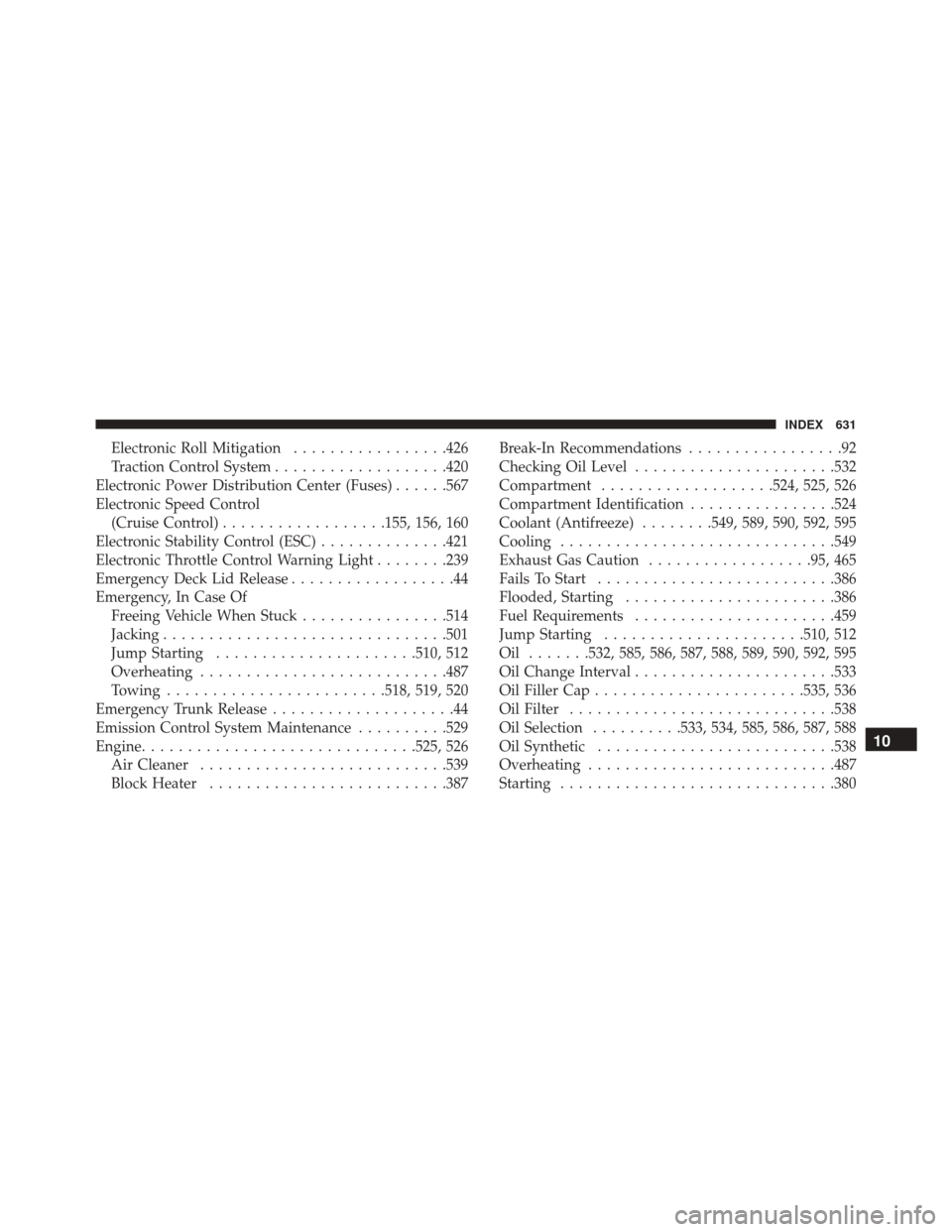
Electronic Speed Control (Cruise Control) ..................155, 156, 160
Electronic Stability Control (ESC) ..............421
Electronic Throttle Control Warning Light ........239
Emergency Deck Lid Release ..................44
Emergency, In Case Of Freeing Vehicle When Stuck ................514
Jacking .............................. .501
Jump Starting ..................... .510, 512
Overheating .......................... .487
Towing ....................... .518, 519, 520
Emergency Trunk Release ....................44
Emission Control System Maintenance ..........529
Engine ............................. .525, 526
Air Cleaner .......................... .539
Block Heater ......................... .387Break-In Recommendations
.................92
Checking Oil Level ..................... .532
Compartment ...................524, 525, 526
Compartment Identification ................524
Coolant (Antifreeze) ........549, 589, 590, 592, 595
Cooling ............................. .549
Exhaust Gas Caution ..................95, 465
Fails To Start ......................... .386
Flooded, Starting ...................... .386
Fuel Requirements ..................... .459
Jump Starting ..................... .510, 512
Oil .......532, 585, 586, 587, 588, 589, 590, 592, 595
Oil Change Interval ..................... .533
Oil Filler Cap ...................... .535, 536
Oil Filter ............................ .538
Oil Selection ..........533, 534, 585, 586, 587, 588
Oil Synthetic ......................... .538
Overheating .......................... .487
Starting ............................. .380
10
INDEX 631
Page 638 of 651
Bulb Replacement...................... .582
Center Mounted Stop ....................584
Courtesy/Reading ...................145, 198
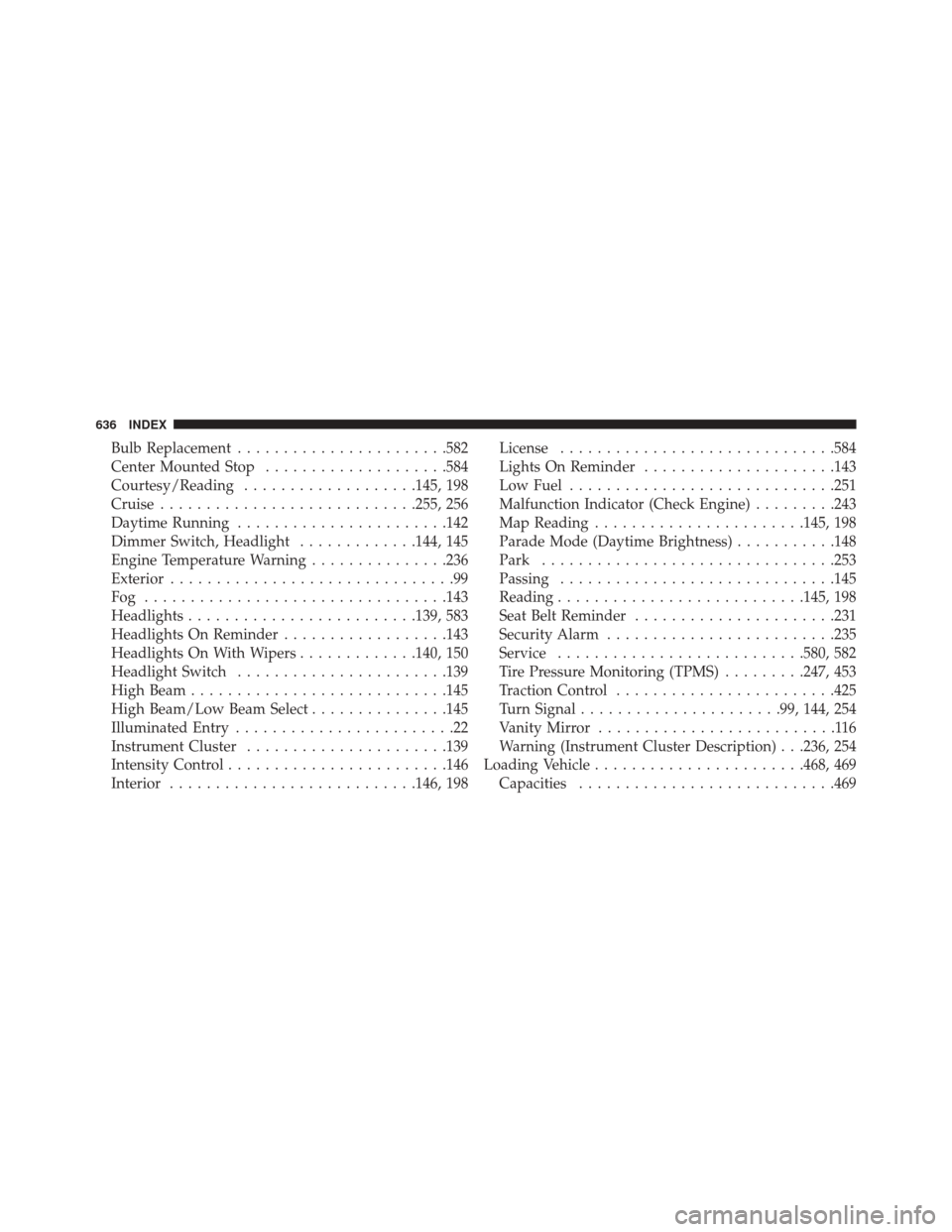
Cruise ........................... .255, 256
Daytime Running ...................... .142
Dimmer Switch, Headlight .............144, 145
Engine Temperature Warning ...............236
Exterior ...............................99
Fog ................................ .143
Headlights ........................ .139, 583
Headlights On Reminder ..................143
Headlights On With Wipers .............140, 150
Headlight Switch ...................... .139
High Beam ........................... .145
High Beam/Low Beam Select ...............145
Illuminated Entry ........................22
Instrument Cluster ..................... .139
Intensity Control ....................... .146
Interior .......................... .146, 198License
............................. .584
Lights On Reminder .....................143
Low Fuel ............................ .251
Malfunction Indicator (Check Engine) .........243
Map Reading ...................... .145, 198
Parade Mode (Daytime Brightness) ...........148
Park ............................... .253
Passing ............................. .145
Reading .......................... .145, 198
Seat Belt Reminder ..................... .231
Security Alarm ........................ .235
Service .......................... .580, 582
Tire Pressure Monitoring (TPMS) .........247, 453
Traction Control ....................... .425
Turn Signal ..................... .99, 144, 254
Vanity Mirror ..........................116
Warning (Instrument Cluster Description) . . .236, 254
Loading
Vehicle ...................... .468, 469
Capacities ........................... .469
636 INDEX
Page 645 of 651
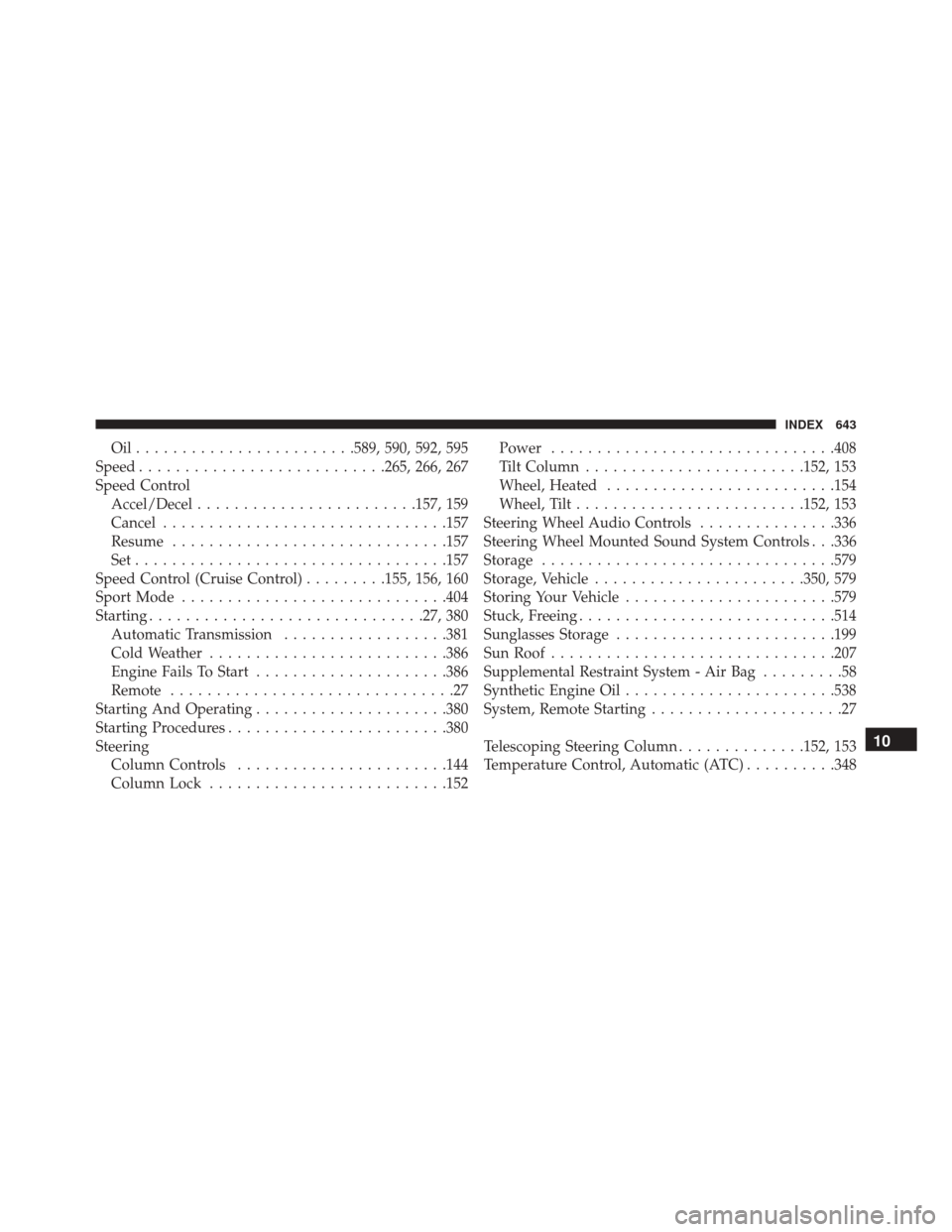
Oil........................589, 590, 592, 595
Speed .......................... .265, 266, 267
Speed Control Accel/Decel ....................... .157, 159
Cancel .............................. .157
Resume ............................. .157
Set................................. .157
Speed Control (Cruise Control) .........155, 156, 160
Sport Mode ............................ .404
Starting ............................. .27, 380
Automatic Transmission ..................381
Cold Weather ......................... .386
Engine Fails To Start .....................386
Remote ...............................27
Starting And Operating .....................380
Starting Procedures ....................... .380
Steering Column Controls ...................... .144
Column Lock ......................... .152Power
.............................. .408
Tilt Column ....................... .152, 153
Wheel, Heated ........................ .154
Wheel, Tilt ........................ .152, 153
Steering Wheel Audio Controls ...............336
Steering Wheel Mounted Sound System Controls . . .336
Storage ............................... .579
Storage, Vehicle ...................... .350, 579
Storing Your Vehicle ...................... .579
Stuck, Freeing ........................... .514
Sunglasses Storage ....................... .199
Sun Roof .............................. .207
Supplemental Restraint System - Air Bag .........58
Synthetic Engine Oil ...................... .538
System, Remote Starting .....................27
Telescoping Steering Column ..............152, 153
Temperature Control, Automatic (ATC) ..........348
10
INDEX 643