center console DODGE CHALLENGER 2017 3.G Owners Manual
[x] Cancel search | Manufacturer: DODGE, Model Year: 2017, Model line: CHALLENGER, Model: DODGE CHALLENGER 2017 3.GPages: 506, PDF Size: 4.44 MB
Page 163 of 506
NOTE:All accessories connected to these powered outlets
should be removed or turned off when the vehicle is not in
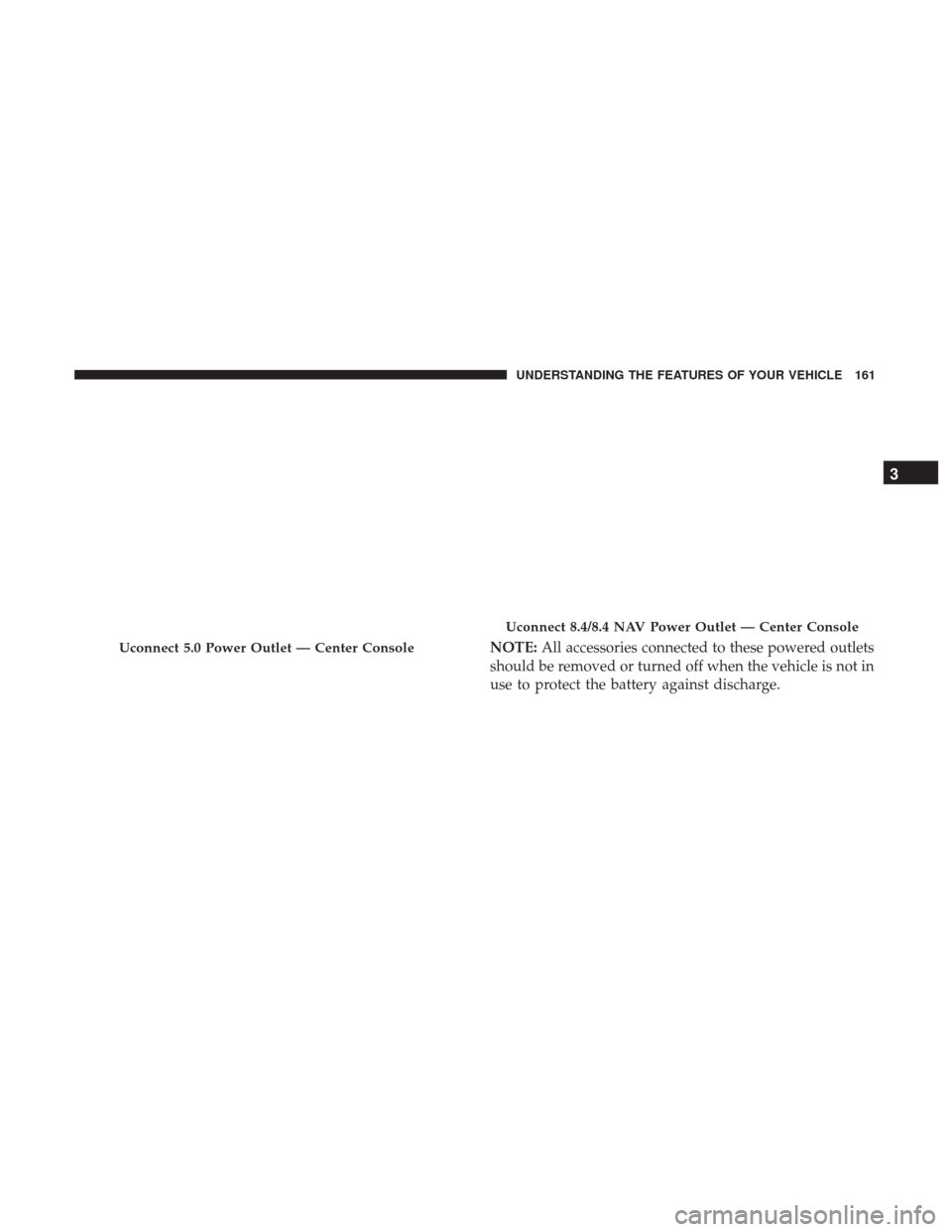
use to protect the battery against discharge.Uconnect 5.0 Power Outlet — Center Console
Uconnect 8.4/8.4 NAV Power Outlet — Center Console
3
UNDERSTANDING THE FEATURES OF YOUR VEHICLE 161
Page 164 of 506
WARNING!
To avoid serious injury or death:
•Only devices designed for use in this type of outlet
should be inserted into any 12 Volt outlet.
• Do not touch with wet hands.
• Close the lid when not in use and while driving the
vehicle.
• If this outlet is mishandled, it may cause an electric
shock and failure.
CAUTION!
• Do not exceed the maximum power of 160 Watts (13
Amps) at 12 Volts. If the 160 Watt (13 Amp) power
rating is exceeded the fuse protecting the system will
need to be replaced.
• Power outlets are designed for accessory plugs only.
Do not insert any other object in the power outlets as
this will damage the outlet and blow the fuse.
Improper use of the power outlet can cause damage
not covered by your New Vehicle Limited Warranty.
CAUTION!
• Many accessories that can be plugged in draw power
from the vehicle’s battery, even when not in use (i.e.,
cellular phones, etc.). Eventually, if plugged in long
enough, the vehicle’s battery will discharge suffi-
ciently to degrade battery life and/or prevent the
engine from starting.
(Continued)
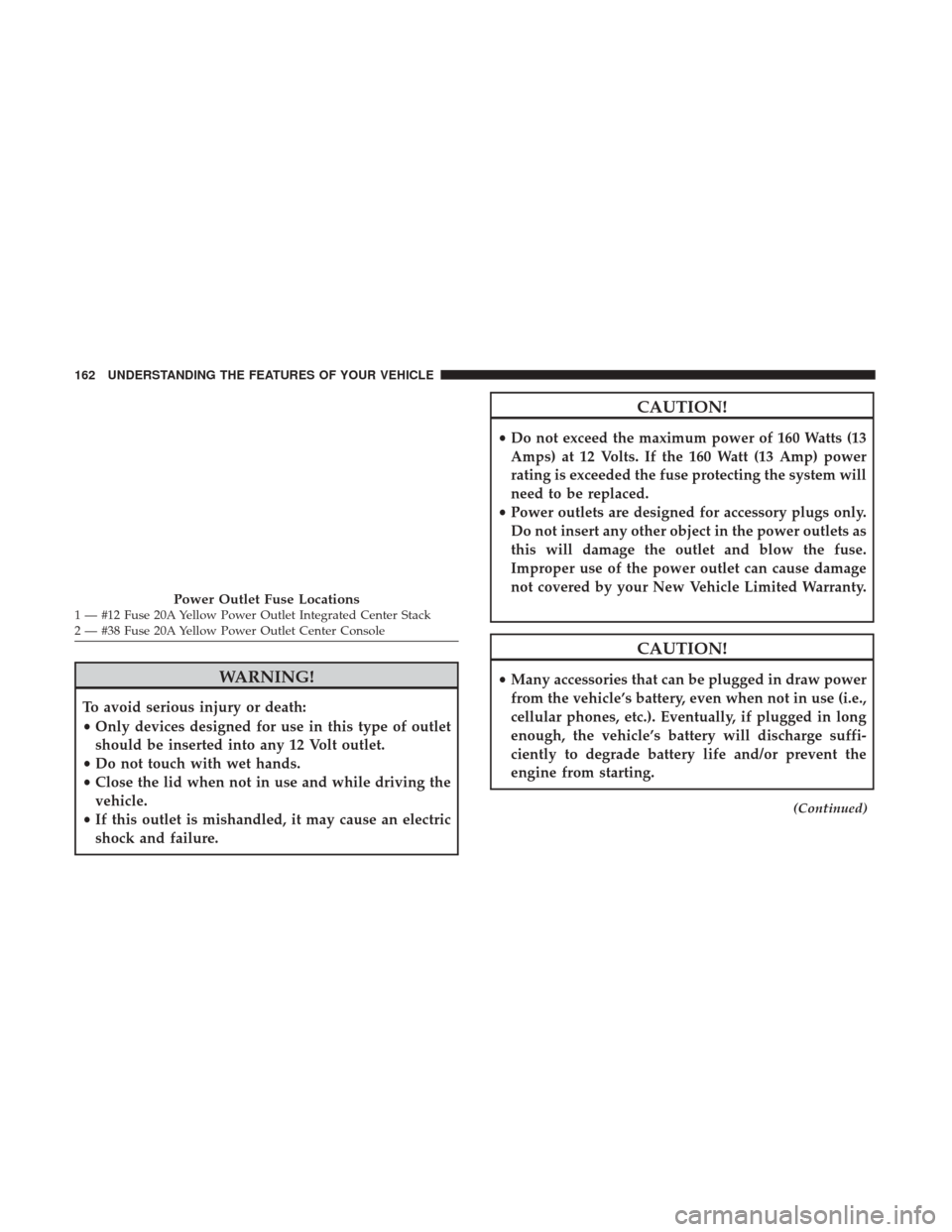
Power Outlet Fuse Locations1 — #12 Fuse 20A Yellow Power Outlet Integrated Center Stack
2 — #38 Fuse 20A Yellow Power Outlet Center Console 162 UNDERSTANDING THE FEATURES OF YOUR VEHICLE
Page 165 of 506
CAUTION!(Continued)
•Accessories that draw higher power (i.e., coolers,
vacuum cleaners, lights, etc.), will degrade the bat-
tery even more quickly. Only use these intermit-
tently and with greater caution.
• After the use of high power draw accessories, or long
periods of the vehicle not being started (with acces-
sories still plugged in), the vehicle must be driven a
sufficient length of time to allow the alternator to
recharge the vehicle’s battery.
• Power outlets are designed for accessory plugs only.
Do not hang any type of accessory or accessory
bracket from the plug. Improper use of the power
outlet can cause damage.
CUPHOLDERS
Front Cupholders
The front cupholders are located in the center console and
in the door panels.
Front Cupholders
3
UNDERSTANDING THE FEATURES OF YOUR VEHICLE 163
Page 167 of 506
STORAGE
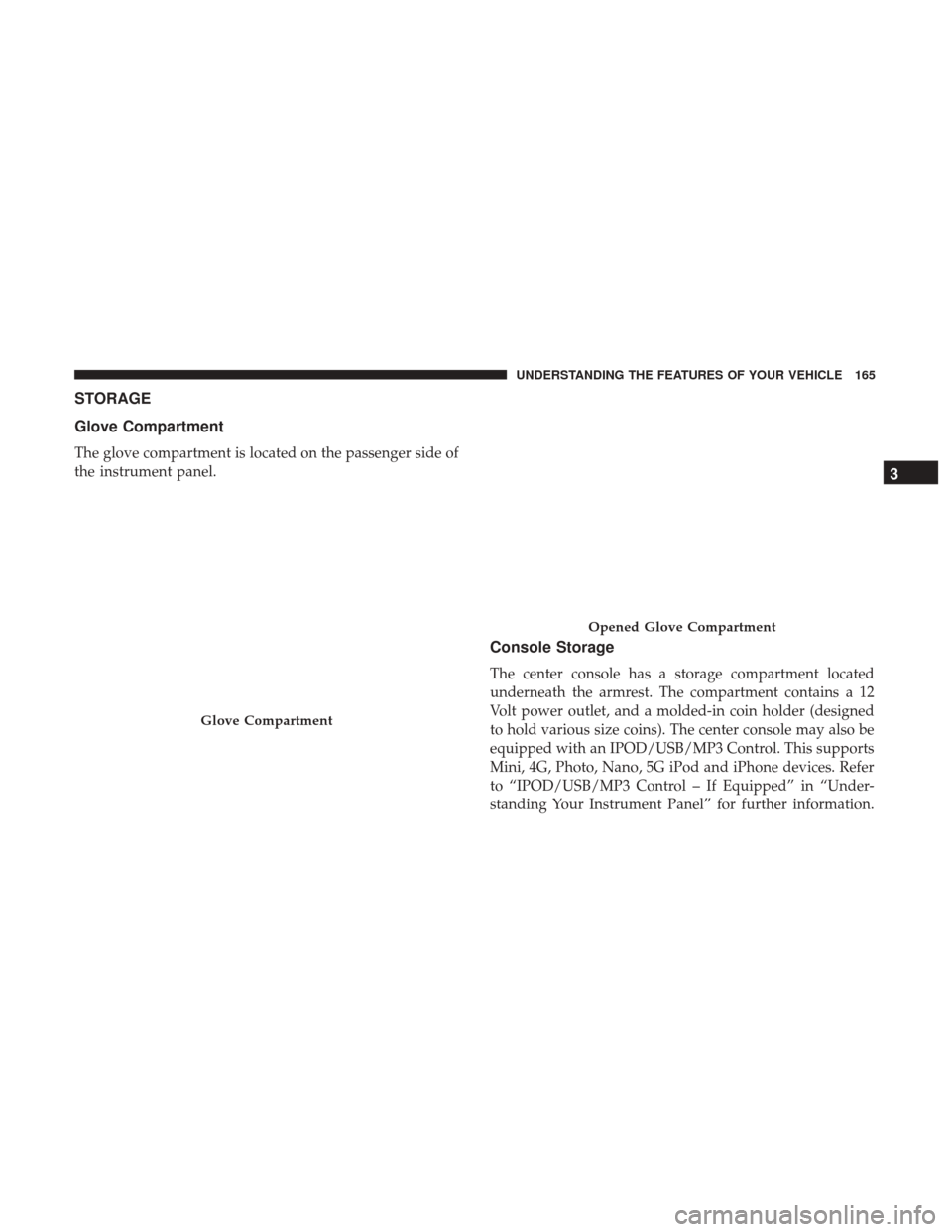
Glove Compartment
The glove compartment is located on the passenger side of
the instrument panel.
Console Storage
The center console has a storage compartment located
underneath the armrest. The compartment contains a 12
Volt power outlet, and a molded-in coin holder (designed
to hold various size coins). The center console may also be
equipped with an IPOD/USB/MP3 Control. This supports
Mini, 4G, Photo, Nano, 5G iPod and iPhone devices. Refer
to “IPOD/USB/MP3 Control – If Equipped” in “Under-
standing Your Instrument Panel” for further information.
Glove Compartment
Opened Glove Compartment
3
UNDERSTANDING THE FEATURES OF YOUR VEHICLE 165
Page 168 of 506
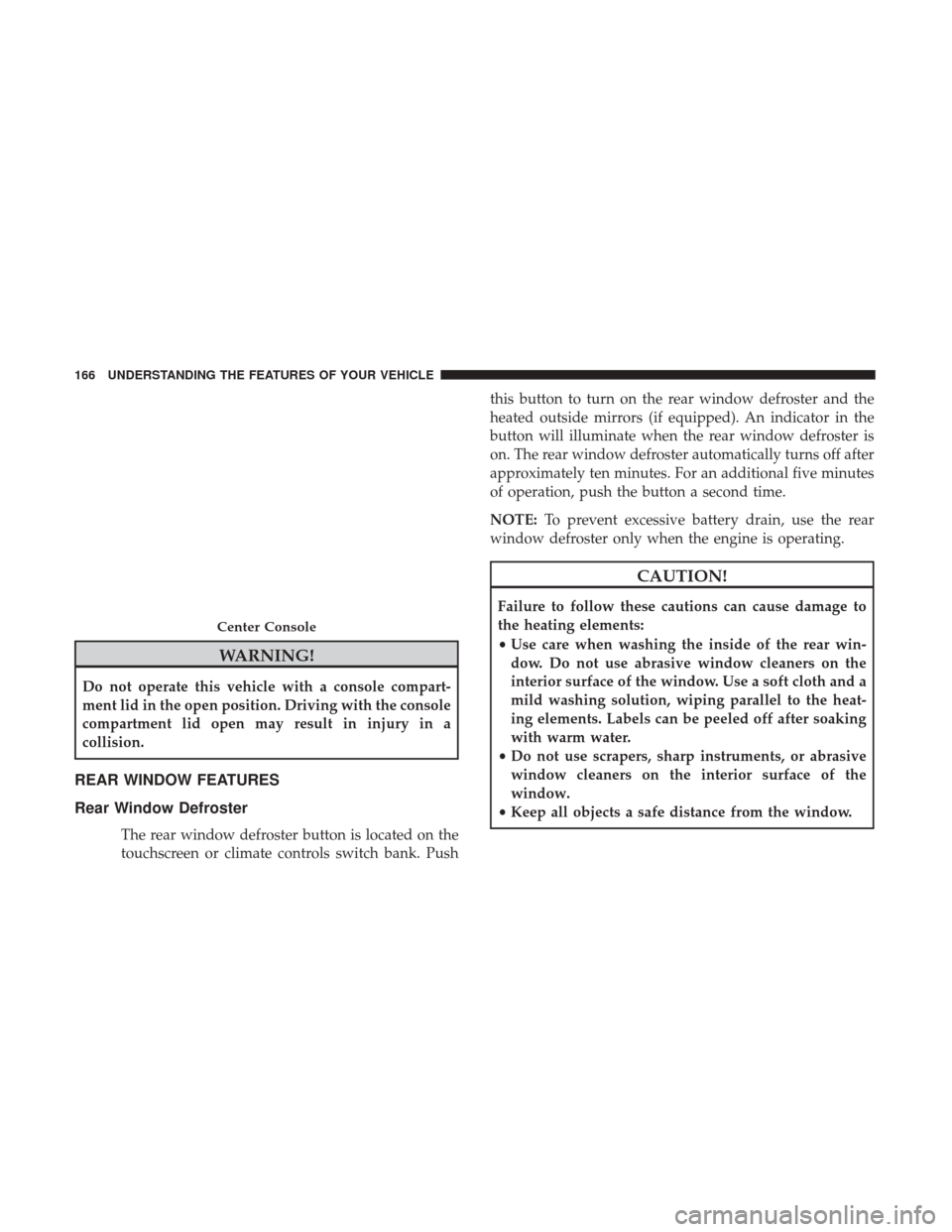
WARNING!
Do not operate this vehicle with a console compart-
ment lid in the open position. Driving with the console
compartment lid open may result in injury in a
collision.
REAR WINDOW FEATURES
Rear Window Defroster
The rear window defroster button is located on the
touchscreen or climate controls switch bank. Pushthis button to turn on the rear window defroster and the
heated outside mirrors (if equipped). An indicator in the
button will illuminate when the rear window defroster is
on. The rear window defroster automatically turns off after
approximately ten minutes. For an additional five minutes
of operation, push the button a second time.
NOTE:
To prevent excessive battery drain, use the rear
window defroster only when the engine is operating.
CAUTION!
Failure to follow these cautions can cause damage to
the heating elements:
• Use care when washing the inside of the rear win-
dow. Do not use abrasive window cleaners on the
interior surface of the window. Use a soft cloth and a
mild washing solution, wiping parallel to the heat-
ing elements. Labels can be peeled off after soaking
with warm water.
• Do not use scrapers, sharp instruments, or abrasive
window cleaners on the interior surface of the
window.
• Keep all objects a safe distance from the window.
Center Console
166 UNDERSTANDING THE FEATURES OF YOUR VEHICLE
Page 267 of 506
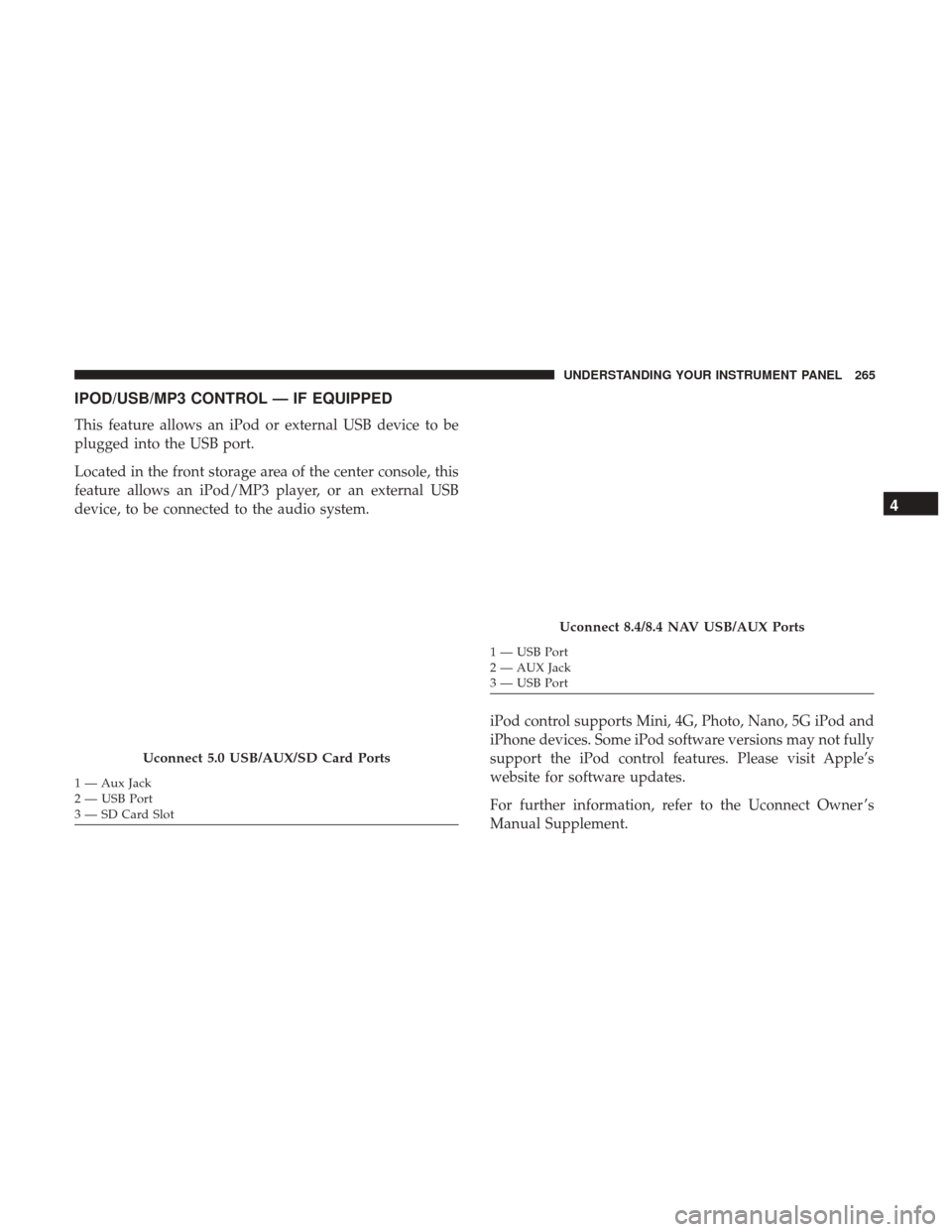
IPOD/USB/MP3 CONTROL — IF EQUIPPED
This feature allows an iPod or external USB device to be
plugged into the USB port.
Located in the front storage area of the center console, this
feature allows an iPod/MP3 player, or an external USB
device, to be connected to the audio system.iPod control supports Mini, 4G, Photo, Nano, 5G iPod and
iPhone devices. Some iPod software versions may not fully
support the iPod control features. Please visit Apple’s
website for software updates.
For further information, refer to the Uconnect Owner ’s
Manual Supplement.
Uconnect 5.0 USB/AUX/SD Card Ports
1 — Aux Jack
2 — USB Port
3 — SD Card Slot
Uconnect 8.4/8.4 NAV USB/AUX Ports
1 — USB Port
2 — AUX Jack
3 — USB Port
4
UNDERSTANDING YOUR INSTRUMENT PANEL 265
Page 406 of 506
MANUAL PARK RELEASE — 8 SPEED
TRANSMISSION
WARNING!
Always secure your vehicle by fully applying the
parking brake, before activating the Manual Park
Release. Activating the Manual Park Release will al-
low your vehicle to roll away if it is not secured by the
parking brake or by proper connection to a tow vehicle.
Activating the Manual Park Release on an unsecured
vehicle could lead to serious injury or death for those
in or around the vehicle.
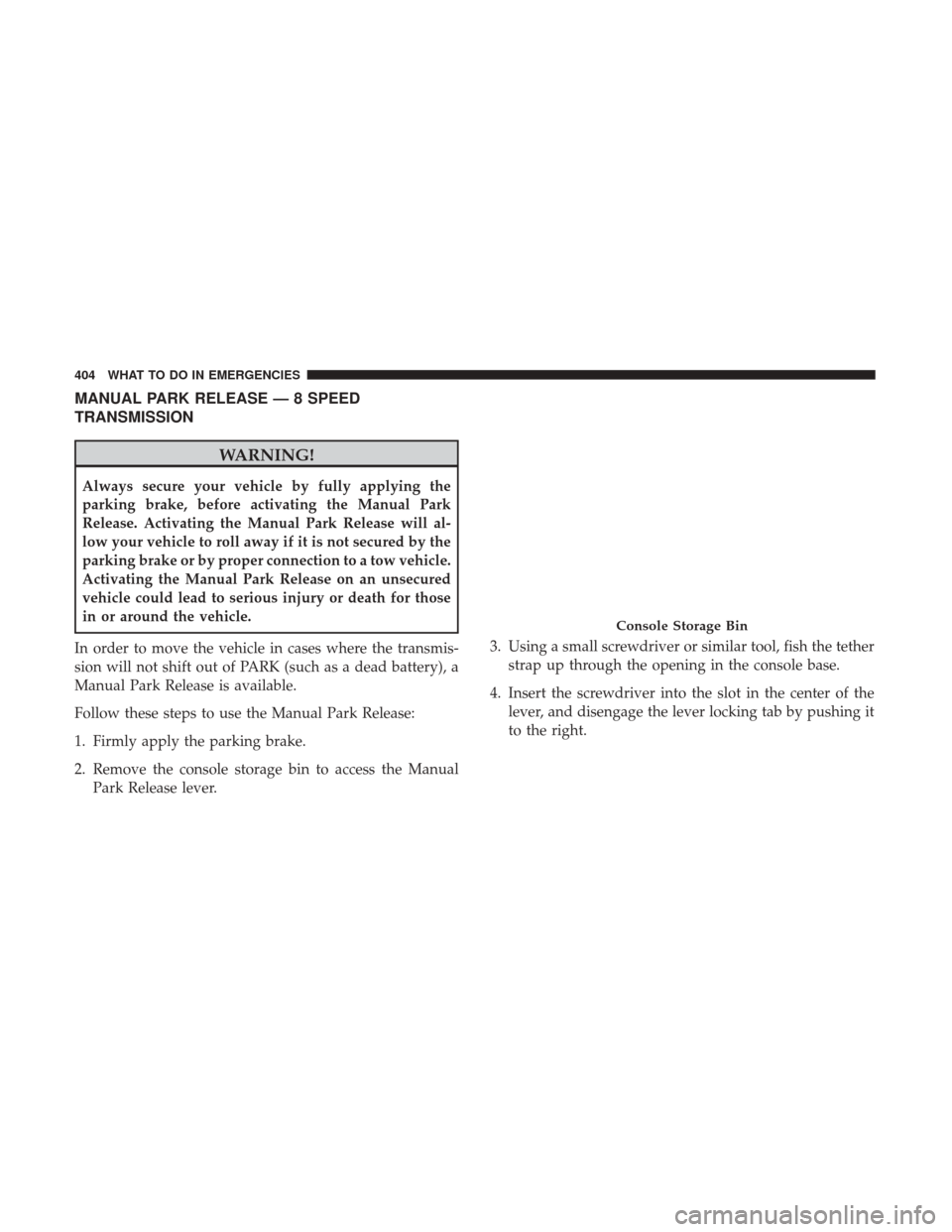
In order to move the vehicle in cases where the transmis-
sion will not shift out of PARK (such as a dead battery), a
Manual Park Release is available.
Follow these steps to use the Manual Park Release:
1. Firmly apply the parking brake.
2. Remove the console storage bin to access the Manual Park Release lever. 3. Using a small screwdriver or similar tool, fish the tether
strap up through the opening in the console base.
4. Insert the screwdriver into the slot in the center of the lever, and disengage the lever locking tab by pushing it
to the right.
Console Storage Bin
404 WHAT TO DO IN EMERGENCIES
Page 446 of 506
Seat Belt Maintenance
Do not bleach, dye, or clean the belts with chemical
solvents or abrasive cleaners. This will weaken the fabric.
Sun damage can also weaken the fabric.
If the belts need cleaning, use Mopar Total Clean, a mild
soap solution, or lukewarm water. Do not remove the belts
from the vehicle to wash them. Dry with a soft cloth.
Replace the belts if they appear frayed or worn or if the
buckles do not work properly.
WARNING!
A frayed or torn belt could rip apart in a collision and
leave you with no protection. Inspect the belt system
periodically, checking for cuts, frays, or loose parts.
Damaged parts must be replaced immediately. Do not
disassemble or modify the system. Seat belt assemblies
must be replaced after a collision if they have been
damaged (i.e., bent retractor, torn webbing, etc.).
Cleaning The Center Console Cupholders
Clean with a damp cloth or towel using a mild detergent
with the cupholder in the center console.
NOTE:The cupholder cannot be removed.
FUSES
WARNING!
•When replacing a blown fuse, always use an appro-
priate replacement fuse with the same amp rating as
the original fuse. Never replace a fuse with another
fuse of higher amp rating. Never replace a blown
fuse with metal wires or any other material. Failure
to use proper fuses may result in serious personal
injury, fire and/or property damage.
• Before replacing a fuse, make sure that the ignition is
off and that all the other services are switched off
and/or disengaged.
• If the replaced fuse blows again, contact an autho-
rized dealer.
• If a general protection fuse for safety systems (air
bag system, braking system), power unit systems
(engine system, gearbox system) or steering system
blows, contact an authorized dealer.
444 MAINTAINING YOUR VEHICLE
Page 452 of 506
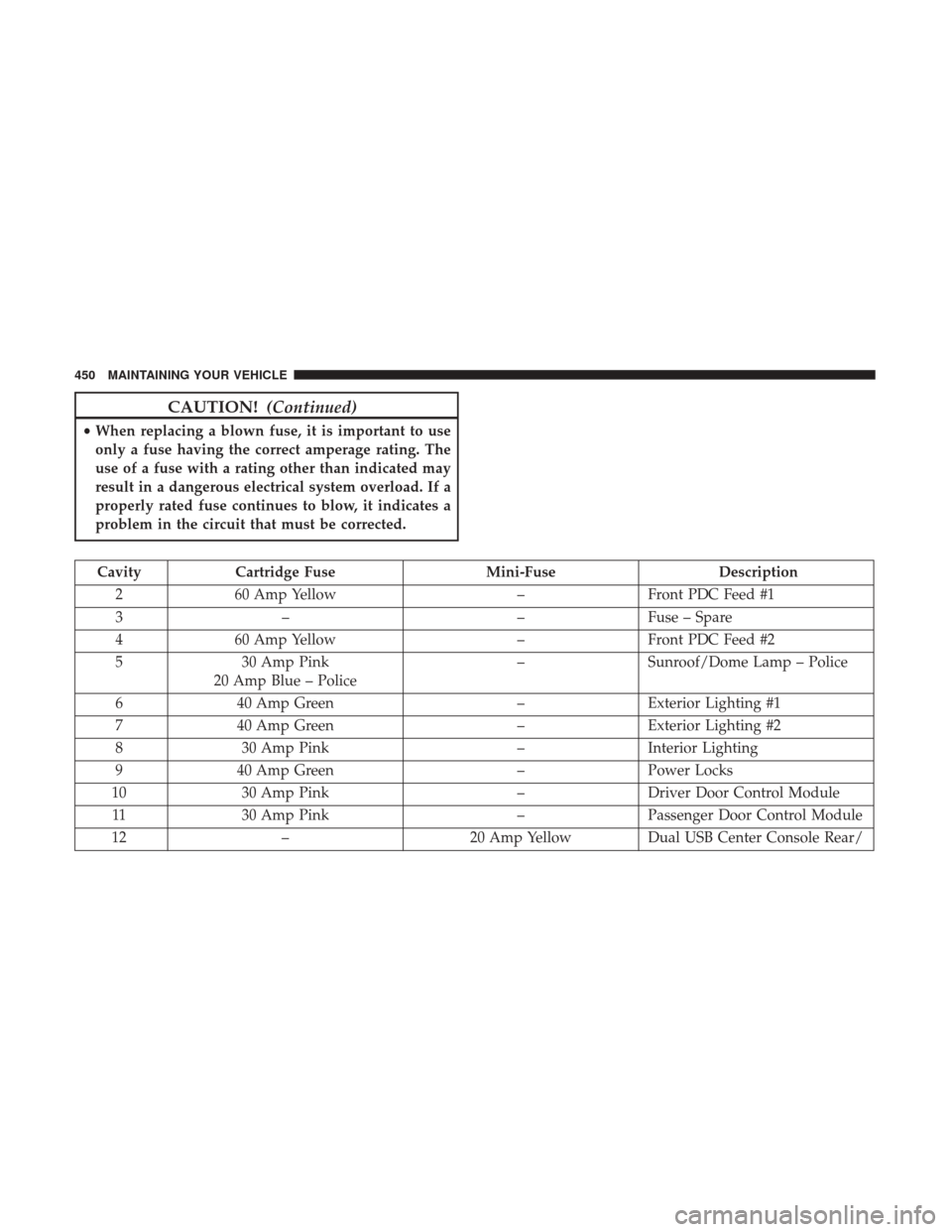
CAUTION!(Continued)
•When replacing a blown fuse, it is important to use
only a fuse having the correct amperage rating. The
use of a fuse with a rating other than indicated may
result in a dangerous electrical system overload. If a
properly rated fuse continues to blow, it indicates a
problem in the circuit that must be corrected.
Cavity Cartridge Fuse Mini-FuseDescription
2 60 Amp Yellow –Front PDC Feed #1
3 – –Fuse – Spare
4 60 Amp Yellow –Front PDC Feed #2
5 30 Amp Pink
20 Amp Blue – Police –
Sunroof/Dome Lamp – Police
6 40 Amp Green –Exterior Lighting #1
7 40 Amp Green –Exterior Lighting #2
8 30 Amp Pink –Interior Lighting
9 40 Amp Green –Power Locks
10 30 Amp Pink –Driver Door Control Module
11 30 Amp Pink –Passenger Door Control Module
12 – 20 Amp YellowDual USB Center Console Rear/
450 MAINTAINING YOUR VEHICLE
Page 490 of 506
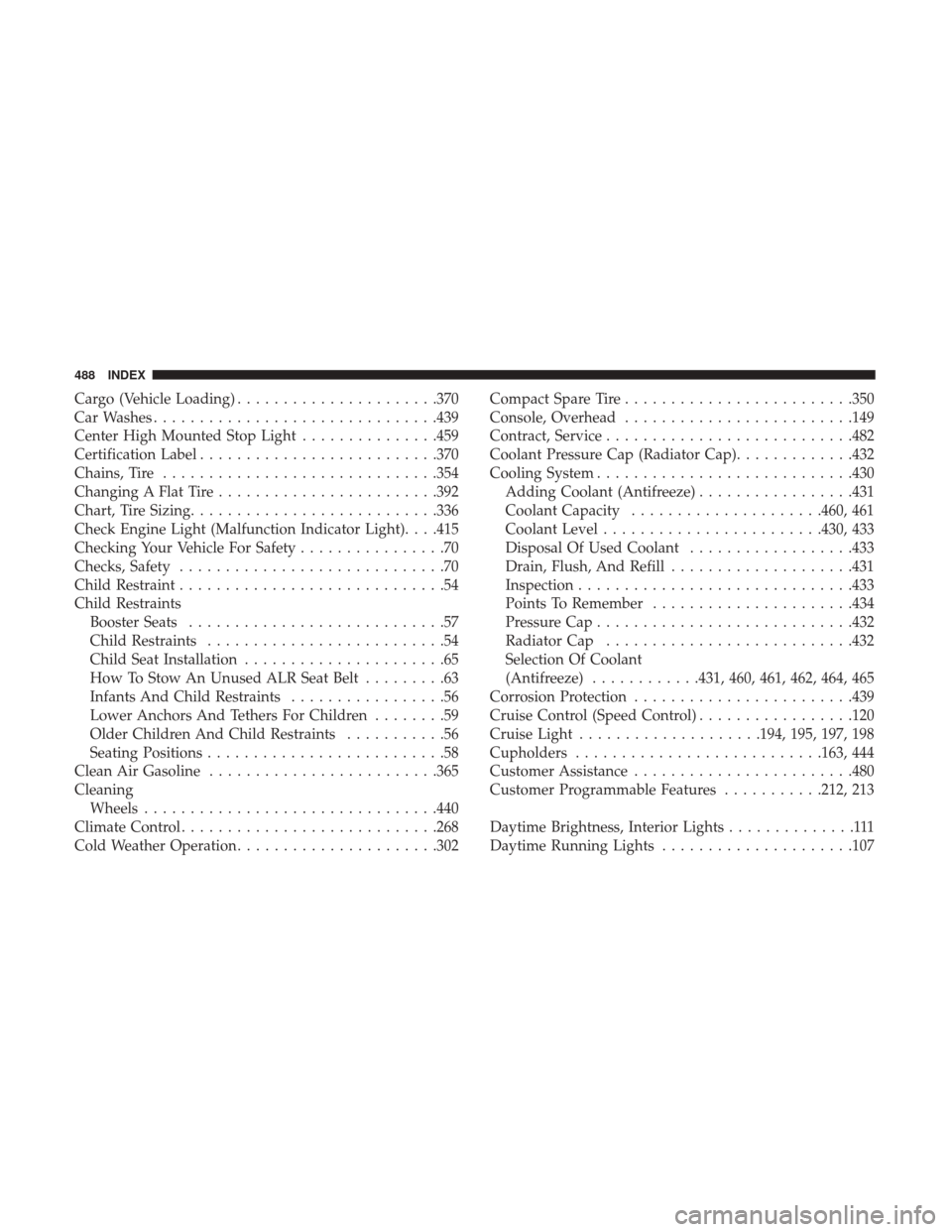
Cargo (Vehicle Loading)..................... .370
Car Washes .............................. .439
Center High Mounted Stop Light ...............459
Certification Label ......................... .370
Chains, Tire ............................. .354
Changing A Flat Tire ....................... .392
Chart, Tire Sizing .......................... .336
Check Engine Light (Malfunction Indicator Light). . . .415
Checking Your Vehicle For Safety ................70
Checks, Safety .............................70
Child Restraint .............................54
Child Restraints Booster Seats ............................57
Child Restraints ..........................54
Child Seat Installation ......................65
How To Stow An Unused ALR Seat Belt .........63
Infants And Child Restraints .................56
Lower Anchors And Tethers For Children ........59
Older Children And Child Restraints ...........56
Seating Positions ..........................58
Clean Air Gasoline ........................ .365
Cleaning Wheels ............................... .440
Climate Control ........................... .268
Cold Weather Operation ..................... .302Compact Spare Tire
........................ .350
Console, Overhead ........................ .149
Contract, Service .......................... .482
Coolant Pressure Cap (Radiator Cap) .............432
Cooling System ........................... .430
Adding Coolant (Antifreeze) .................431
Coolant Capacity .....................460, 461
Coolant Level ....................... .430, 433
Disposal Of Used Coolant ..................433
Drain, Flush, And Refill ....................431
Inspection ............................. .433
Points To Remember ..................... .434
Pressure Cap ........................... .432
Radiator Cap .......................... .432
Selection Of Coolant
(Antifr
eeze)............431, 460, 461, 462, 464, 465
Corrosion Protection ....................... .439
Cruise Control (Speed Control) .................120
Cruise Light ....................194, 195, 197, 198
Cupholders .......................... .163, 444
Customer Assistance ....................... .480
Customer Programmable Features ...........212, 213
Daytime Brightness, Interior Lights ..............111
Daytime Running Lights .....................107
488 INDEX