rear view mirror DODGE CHALLENGER 2018 User Guide
[x] Cancel search | Manufacturer: DODGE, Model Year: 2018, Model line: CHALLENGER, Model: DODGE CHALLENGER 2018Pages: 516, PDF Size: 5.17 MB
Page 388 of 516
Cleaning Plastic Instrument Cluster Lenses
The lenses in front of the instruments in this vehicle are
molded in clear plastic. When cleaning the lenses, care
must be taken to avoid scratching the plastic.
1. Clean with a wet soft cloth. A mild soap solution may beused, but do not use high alcohol content or abrasive
cleaners. If soap is used, wipe clean with a clean damp
cloth.
2. Dry with a soft cloth.
Leather Parts
Mopar Total Clean is specifically recommended for leather
upholstery.
Your leather upholstery can be best preserved by regular
cleaning with a damp soft cloth. Small particles of dirt can
act as an abrasive and damage the leather upholstery and
should be removed promptly with a damp cloth. Stubborn
soils can be removed easily with a soft cloth and Mopar
Total Clean. Care should be taken to avoid soaking your
leather upholstery with any liquid. Please do not use
polishes, oils, cleaning fluids, solvents, detergents, or
ammonia-based cleaners to clean your leather upholstery.
Application of a leather conditioner is not required to
maintain the original condition. NOTE:
If equipped with light colored leather, it tends to
show any foreign material, dirt, and fabric dye transfer
more so than darker colors. The leather is designed for easy
cleaning, and FCA recommends Mopar total care leather
cleaner applied on a cloth to clean the leather seats as
needed.
CAUTION!
Do not use Alcohol and Alcohol-based and/or Ketone
based cleaning products to clean leather seats, as
damage to the seat may result.
Glass Surfaces
All glass surfaces should be cleaned on a regular basis with
Mopar Glass Cleaner, or any commercial household-type
glass cleaner. Never use an abrasive type cleaner. Use
caution when cleaning the inside rear window equipped
with electric defrosters or windows equipped with radio
antennas. Do not use scrapers or other sharp instruments
that may scratch the elements.
When cleaning the rear view mirror, spray cleaner on the
towel or cloth that you are using. Do not spray cleaner
directly on the mirror.
386 SERVICING AND MAINTENANCE
Page 423 of 516
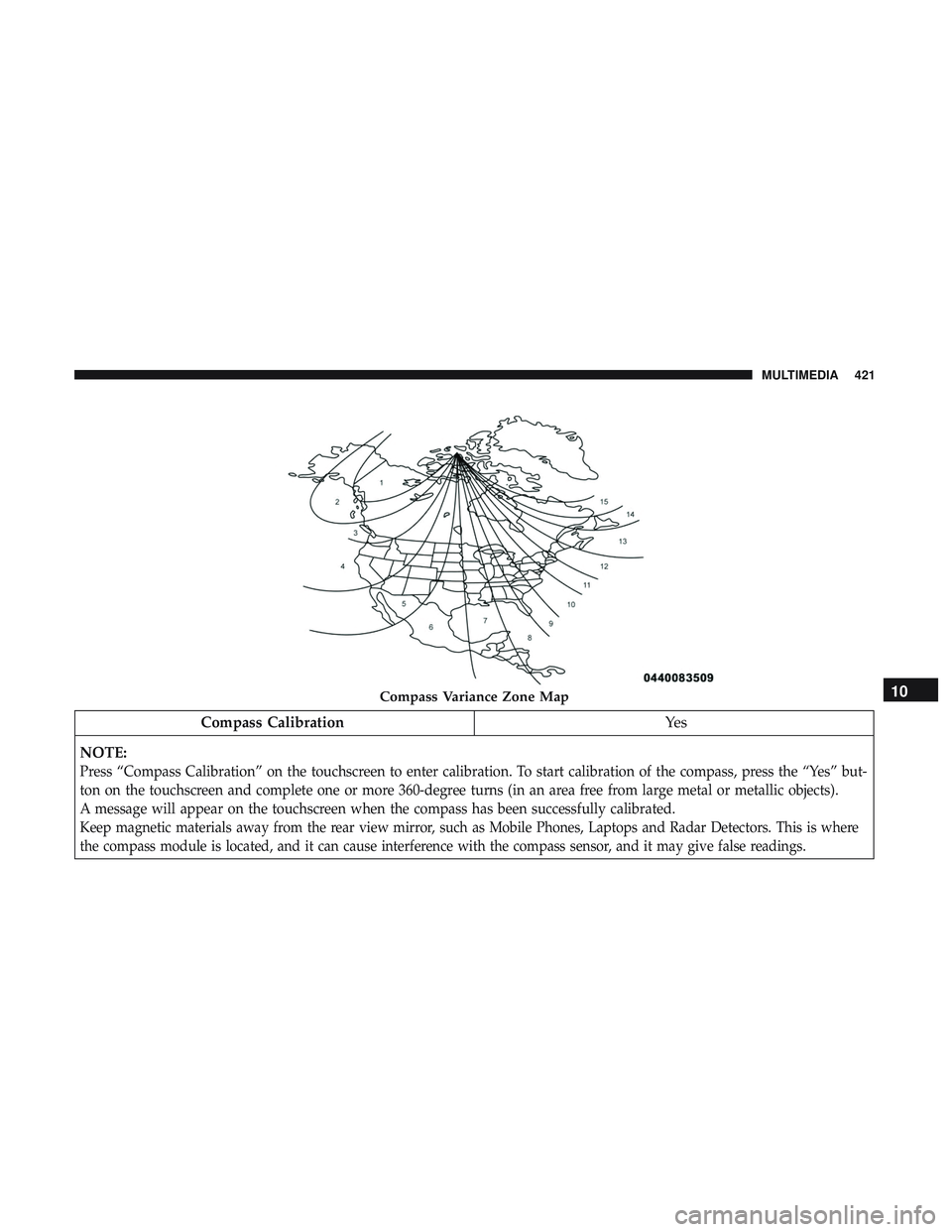
Compass CalibrationYe s
NOTE:
Press “Compass Calibration” on the touchscreen to enter calibration. To start calibration of the compass, press the “Yes” but-
ton on the touchscreen and complete one or more 360-degree turns (in an area free from large metal or metallic objects).
A message will appear on the touchscreen when the compass has been successfully calibrated.
Keep magnetic materials away from the rear view mirror, such as Mobile Phones, Laptops and Radar Detectors. This is where
the compass module is located, and it can cause interference with the compass sensor, and it may give false readings.
Compass Variance Zone Map10
MULTIMEDIA 421
Page 474 of 516
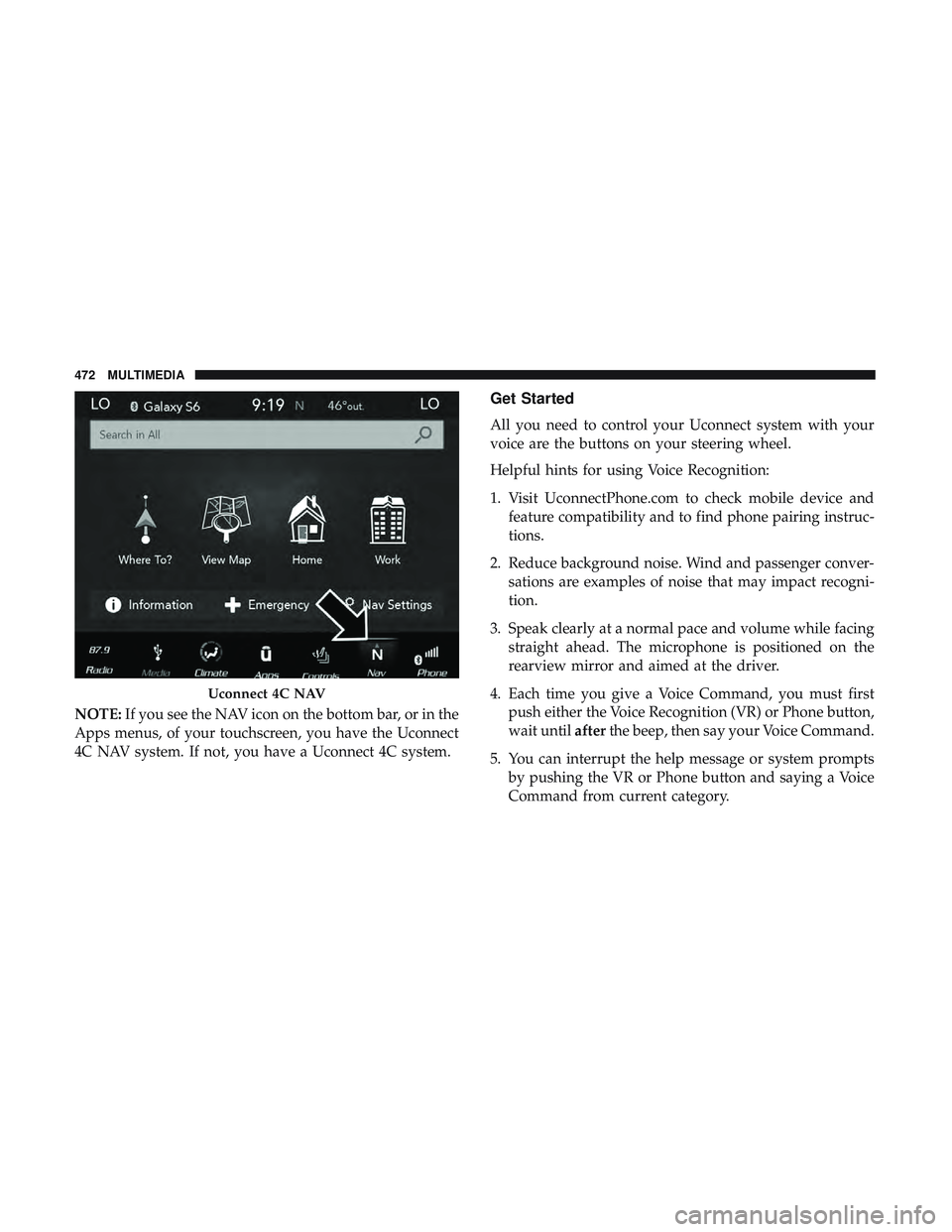
NOTE:If you see the NAV icon on the bottom bar, or in the
Apps menus, of your touchscreen, you have the Uconnect
4C NAV system. If not, you have a Uconnect 4C system.
Get Started
All you need to control your Uconnect system with your
voice are the buttons on your steering wheel.
Helpful hints for using Voice Recognition:
1. Visit UconnectPhone.com to check mobile device and feature compatibility and to find phone pairing instruc-
tions.
2. Reduce background noise. Wind and passenger conver- sations are examples of noise that may impact recogni-
tion.
3. Speak clearly at a normal pace and volume while facing straight ahead. The microphone is positioned on the
rearview mirror and aimed at the driver.
4. Each time you give a Voice Command, you must first push either the Voice Recognition (VR) or Phone button,
wait until afterthe beep, then say your Voice Command.
5. You can interrupt the help message or system prompts by pushing the VR or Phone button and saying a Voice
Command from current category.
Uconnect 4C NAV
472 MULTIMEDIA
Page 506 of 516
Hood Release..............................78
Ignition ..................................23
Switch .................................23
Information Center, Vehicle ....................99
Inside Rearview Mirror ....................50, 269
Instrument Cluster Descriptions ......................... .96, 117
Display .............................. .102
Instrument Panel Lens Cleaning ................386
Interior Appearance Care .....................385
Interior Lights ..............................58
Intermittent Wipers (Delay Wipers) ...............61
Introduction ................................4
iPod/USB/MP3 Control ..................... .469
Bluetooth Streaming Audio .................469
Jacking Instructions ........................ .293
Jack Location ............................ .291
Jack Operation ........................ .293, 358
Jump Starting ..................... .305, 306, 307
Key Fob Arm The System ..........................31
Panic Alarm .............................19 Programming Additional Key Fobs
..........22, 30
Unlatch The Trunk ........................19
Key Fob Battery Service (Remote Keyless Entry) .....20
Key Fob Programming (Remote Keyless Entry) ......22
Key-In Reminder ............................25
Keyless Enter-N-Go ..........................34
Enter The Trunk ..........................19
Keys ....................................17
Replacement ......................... .22, 30
Lane Change And Turn Signals .................58
Lane Change Assist ..........................58
Lap/Shoulder Belts ........................ .150
Latches ................................. .191
Hood ..................................78
Lead Free Gasoline ........................ .391
Leaks, Fluid ............................. .191
Life Of Tires ............................. .372
Light Bulbs .......................... .191, 275
Lights .................................. .191
AirBag ........................ .108, 158, 188
Automatic
Headlights ......................56
Brake Assist Warning ..................... .128
Brake Warning ...................... .109, 389
Bulb Replacement ....................... .275
504 INDEX
Page 508 of 516
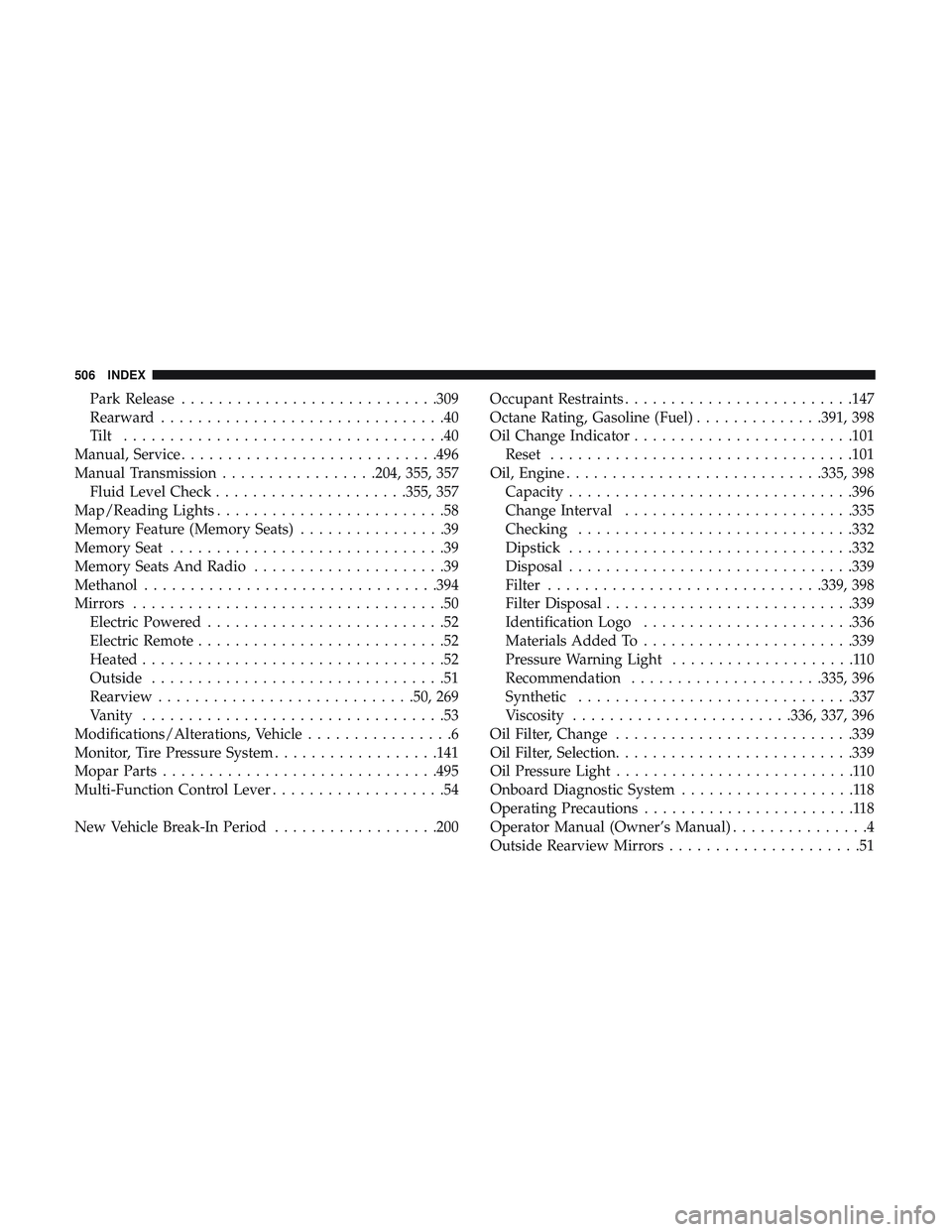
Park Release........................... .309
Rearward ...............................40
Tilt ...................................40
Manual, Service ........................... .496
Manual Transmission .................204, 355, 357
Fluid Level Check .....................355, 357
Map/Reading Lights .........................58
Memory Feature (Memory Seats) ................39
Memory Seat ..............................39
Memory Seats And Radio .....................39
Methanol ............................... .394
Mirrors ..................................50
Electric Powered ..........................52
Electric Remote ...........................52
Heated .................................52
Outside ................................51
Rearview ........................... .50, 269
Vanity .................................53
Modifications/Alterations, Vehicle ................6
Monitor, Tire Pressure System ..................141
Mopar Parts ............................. .495
Multi-Function Control Lever ...................54
New Vehicle Break-In Period ..................200 Occupant Restraints
........................ .147
Octane Rating, Gasoline (Fuel) ..............391, 398
Oil Change Indicator ....................... .101
Reset ................................ .101
Oil, Engine ........................... .335, 398
Capacity .............................. .396
Change Interval ........................ .335
Checking ............................. .332
Dipstick .............................. .332
Disposal .............................. .339
Filter ............................. .339, 398
Filter Disposal .......................... .339
Identification Logo ...................... .336
Materials Added To ...................... .339
Pressure Warning Light ....................110
Recommendation .....................335, 396
Synthetic ............................. .337
V
iscosity ....................... .336, 337, 396
Oil Filter, Change ......................... .339
Oil Filter, Selection ......................... .339
Oil Pressure Light ..........................110
Onboard Diagnostic System ...................118
Operating Precautions .......................118
Operator Manual (Owner’s Manual) ...............4
Outside Rearview Mirrors .....................51
506 INDEX
Page 511 of 516
Seats............................ .39, 41, 42, 44
Adjustment .......................... .39, 41
Head Restraints ....................... .46, 47
Heated .................................42
Height Adjustment ........................41
Power .................................41
Rear Folding ......................... .39, 45
Seatback Release ...................... .39, 45
Tilting ........................... .39, 41, 44
Vented .................................43
Ventilated ...............................43
Security Alarm ......................... .31, 110
Arm The System ..........................31
Selection Of Coolant (Antifreeze) ...............398
Sentry Key Key Programming .........................30
Sentry Key (Immobilizer) ......................29
Sentry Key Replacement ....................22, 30
Service Assistance ......................... .492
Service Contract .......................... .494
Service Manuals .......................... .496
Shift Indicator Light ........................ .207
Shifting ................................ .207
Automatic Transmission ................207, 209
Shoulder Belts ............................ .150Side View Mirror Adjustment
...................51
Signals, Turn ....................... .58, 117, 191
Siri .................................... .483
SiriusXM Guardian Vehicle Health Alert ...................... .481
Snow Chains (Tire Chains) ....................379
Snow Tires .............................. .375
Spare Tires .....................291, 375, 376, 377
Spark Plugs ............................. .398
Specifications Fuel (Gasoline) ......................... .398
Oil.................................. .398
Speed Control Accel/Decel ........................ .220, 221
Cancel ............................... .222
Resume .............................. .222
S
et .................................. .220
Speed Control (Cruise Control) ..........219, 220, 222
Sport Mode .............................. .218
Starting ............................. .196, 197
Automatic Transmission ....................196
Button .................................23
Cold Weather .......................... .199
Engine Fails To Start ..................... .199
Starting And Operating ...................196, 197
12
INDEX 509