headlights DODGE CHALLENGER SRT 2013 3.G User Guide
[x] Cancel search | Manufacturer: DODGE, Model Year: 2013, Model line: CHALLENGER SRT, Model: DODGE CHALLENGER SRT 2013 3.GPages: 520, PDF Size: 3.22 MB
Page 167 of 520
Interior Lights
The interior lights come on when a door is opened.
To protect the battery, the interior lights will turn off
automatically 10 minutes after the ignition is placed in
the OFF position. This will occur if the interior lights
were switched on manually or are on because a door isopen. This includes the glove box light, but not the trunk
light. To restore interior light operation, either place the
ignition in the RUN position or cycle the light switch.
Dimmer Control
The dimmer control is located to the right of the head-
light switch. With the parking lights or headlights on,
rotating the dimmer control upward will increase the
brightness of the instrument panel lights and, if
equipped, the lighting in the door map pockets, door
handles and cupholders.
Dome Light Position
Rotate the left dimmer control completely upward to the
second detent to turn on the interior lights. The interior
lights will remain on when the dimmer control is in this
position.
Overhead Console
3
UNDERSTANDING THE FEATURES OF YOUR VEHICLE 165
Page 168 of 520
Interior Light Defeat (OFF)
Rotate the dimmer control to the extreme bottom off
position. The interior lights will remain off when the
doors are open.
Parade Mode (Daytime Brightness Feature)
Rotate the dimmer control upward to the first detent.
This feature brightens all text displays such as the
odometer, Electronic Vehicle Information Center (EVIC),
and radio when the parking lights or headlights are on.
WINDSHIELD WIPERS AND WASHERS
The multifunction lever operates the windshield
wipers and washer when the ignition is placed in
the ON/RUN or ACC position. The multifunction
lever is located on the left side of the steering column. Rotate the end of the multifunction lever to the first
detent past the intermittent settings for low-speed wiper
operation, or to the second detent past the intermittent
settings for high-speed wiper operation.
Windshield Wiper/Washer Lever
166 UNDERSTANDING THE FEATURES OF YOUR VEHICLE
Page 170 of 520
three wipe cycles after releasing the multifunction lever
and then resume the intermittent interval previously
selected.
If you activate the washer while the windshield wiper is
turned off, the wipers will operate for three wipe cycles
and then turn off.
WARNING!
Sudden loss of visibility through the windshield
could lead to a collision. You might not see other
vehicles or other obstacles. To avoid sudden icing of
the windshield during freezing weather, warm the
windshield with the defroster before and during
windshield washer use.
Headlights On With Wipers (Available With
Automatic Headlights Only)
When this feature is active, the headlights will turn on
approximately 10 seconds after the wipers are turned on
if the headlight switch is placed in the A (AUTO)
position. In addition, the headlights will turn off when
the wipers are turned off if they were turned on by this
feature.
The Headlights On with Wipers feature can be enabled or
disabled. Refer to “Electronic Vehicle Information Center
(EVIC)/Personal Settings (Customer-Programmable Fea-
tures)” in “Understanding Your Instrument Panel” for
further information.
168 UNDERSTANDING THE FEATURES OF YOUR VEHICLE
Page 202 of 520
CAUTION!(Continued)
•Power outlets are designed for accessory plugs
only. Do not insert any other object in the power
outlet as this will damage the outlet and blow the
fuse. Improper use of the power outlet can cause
damage not covered by your warranty.
CUPHOLDERS
Front Cupholders
The front cupholders are located in the center console.
Illuminated Front Cupholders — If Equipped
The front cupholders are illuminated with LEDs. They
are turned on with the headlights or parking lights. Refer
to “Lights” in “Understanding The Features Of Your
Vehicle” for further information.
Front Cupholders
200 UNDERSTANDING THE FEATURES OF YOUR VEHICLE
Page 216 of 520
NOTE:•The “ESC Off Indicator Light” and the “ESC
Activation/Malfunction Indicator Light” come on
momentarily each time the ignition switch is turned
to ON/RUN.
• Each time the ignition is turned to ON/RUN, the
ESC system will be ON, even if it was turned off
previously.
• The ESC system will make buzzing or clicking
sounds when it is active. This is normal; the sounds
will stop when ESC becomes inactive following the
maneuver that caused the ESC activation.
13. Electronic Stability Control (ESC) OFF Indicator
Light — If Equipped
This light indicates the Electronic Stability Con-
trol (ESC) is off. 14. Oil Pressure Warning Light
This light indicates low engine oil pressure. The
light should turn on momentarily when the engine is
started. If the light turns on while driving, stop the
vehicle and shut off the engine as soon as possible. A
chime will sound when this light turns on.
Do not operate the vehicle until the cause is corrected.
This light does not indicate how much oil is in the engine.
The engine oil level must be checked under the hood.
15. High Beam Indicator
This indicator will turn on when the high beam
headlights are on. Push the multifunction lever
away from the steering wheel to switch the headlights to
high beam.
214 UNDERSTANDING YOUR INSTRUMENT PANEL
Page 240 of 520
system has been activated or the check-mark is removed
showing the system has been deactivated.
Sound Horn with Remote Key Lock
When ON is selected, a short horn sound will occur when
the RKE transmitter LOCK button is pressed. This feature
may be selected with or without the flash lights on
lock/unlock feature. To make your selection, press and
release the SELECT button until “ON” or “OFF” appears.
Flash Lights with Remote Key Lock
When ON is selected, the front and rear turn signals will
flash when the doors are locked or unlocked with the
RKE transmitter. This feature may be selected with or
without the sound horn on lock feature selected. To make
your selection, press and release the SELECT button until
“ON” or “OFF” appears.
Headlamps On with Wipers (Available with Auto
Headlights Only)
When ON is selected, and the headlight switch is in the
AUTO (A) position, the headlights will turn on approxi-
mately 10 seconds after the wipers are turned on. The
headlights will also turn off when the wipers are turned
off if they were turned on by this feature. To make your
selection, press and release the SELECT button until
“ON” or “OFF” appears.
NOTE:Turning the headlights on during the daytime
causes the instrument panel lights to dim. To increase the
brightness, refer to “Lights” in “Understanding The
Features Of Your Vehicle.”
Delay Turning Headlights Off
When this feature is selected, the driver can choose to
have the headlights remain on for 0, 30, 60, or 90 seconds
238 UNDERSTANDING YOUR INSTRUMENT PANEL
Page 241 of 520
when exiting the vehicle. To make your selection, press
and release the SELECT button until “0,” “30,” “60,” or
“90” appears.
Hill Start Assist (HSA) — If Equipped
When on is selected, the HSA system is active. Refer to
“Electronic Brake Control System” in “Starting And
Operating” for system function and operating informa-
tion. To make your selection, press and release the
SELECT button until “ON” or “OFF” appears.
Turn Headlights On with Remote Key Unlock
When this feature is selected, the headlights will activate
and remain on for up to 90 seconds when the doors are
unlocked with the RKE transmitter. To make your selec-
tion, press and release the SELECT button until “OFF,”
“30 sec.,” “60 sec.,” or “90 sec.” appears.
Delay Power Off to Accessories Until Exit
When this feature is selected, the power window
switches, radio, Uconnect® phone (if equipped), power
sunroof (if equipped), and ignition-powered power out-
lets will remain active for up to 60 minutes after the
ignition switch is turned OFF. Opening either front
vehicle door will cancel this feature. To make your
selection, press and release the SELECT button until
“Off,” “45 sec.,” “5 min.,” “10 min.,” “30 min.,” or “60
min.” appears.
Turn-by-Turn Navigation — If Equipped
When ON is selected, the Turn-by-Turn directions will
appear in the display as the vehicle approaches a desig-
nated turn within a programmed route. To make your
selection, press and release the SELECT button until
“ON” or “OFF” appears.
4
UNDERSTANDING YOUR INSTRUMENT PANEL 239
Page 448 of 520
WARNING!
Do not use volatile solvents for cleaning purposes.
Many are potentially flammable, and if used in
closed areas they may cause respiratory harm.
Cleaning Headlights
Your vehicle has plastic headlights that are lighter and
less susceptible to stone breakage than glass headlights.
Plastic is not as scratch resistant as glass and therefore
different lens cleaning procedures must be followed.
To minimize the possibility of scratching the lenses and
reducing light output, avoid wiping with a dry cloth. To
remove road dirt, wash with a mild soap solution fol-
lowed by rinsing.
Do not use abrasive cleaning components, solvents, steel
wool or other aggressive material to clean the lenses.
Glass Surfaces
All glass surfaces should be cleaned on a regular basis
with MOPAR® Glass Cleaner or any commercial
household-type glass cleaner. Never use an abrasive type
cleaner. Use caution when cleaning the inside rear win-
dow equipped with electric defrosters or the right rear
quarter window equipped with the radio antenna. Do
not use scrapers or other sharp instruments that may
scratch the elements.
When cleaning the rear view mirror, spray cleaner on the
towel or rag that you are using. Do not spray cleaner
directly on the mirror.
446 MAINTAINING YOUR VEHICLE
Page 500 of 520
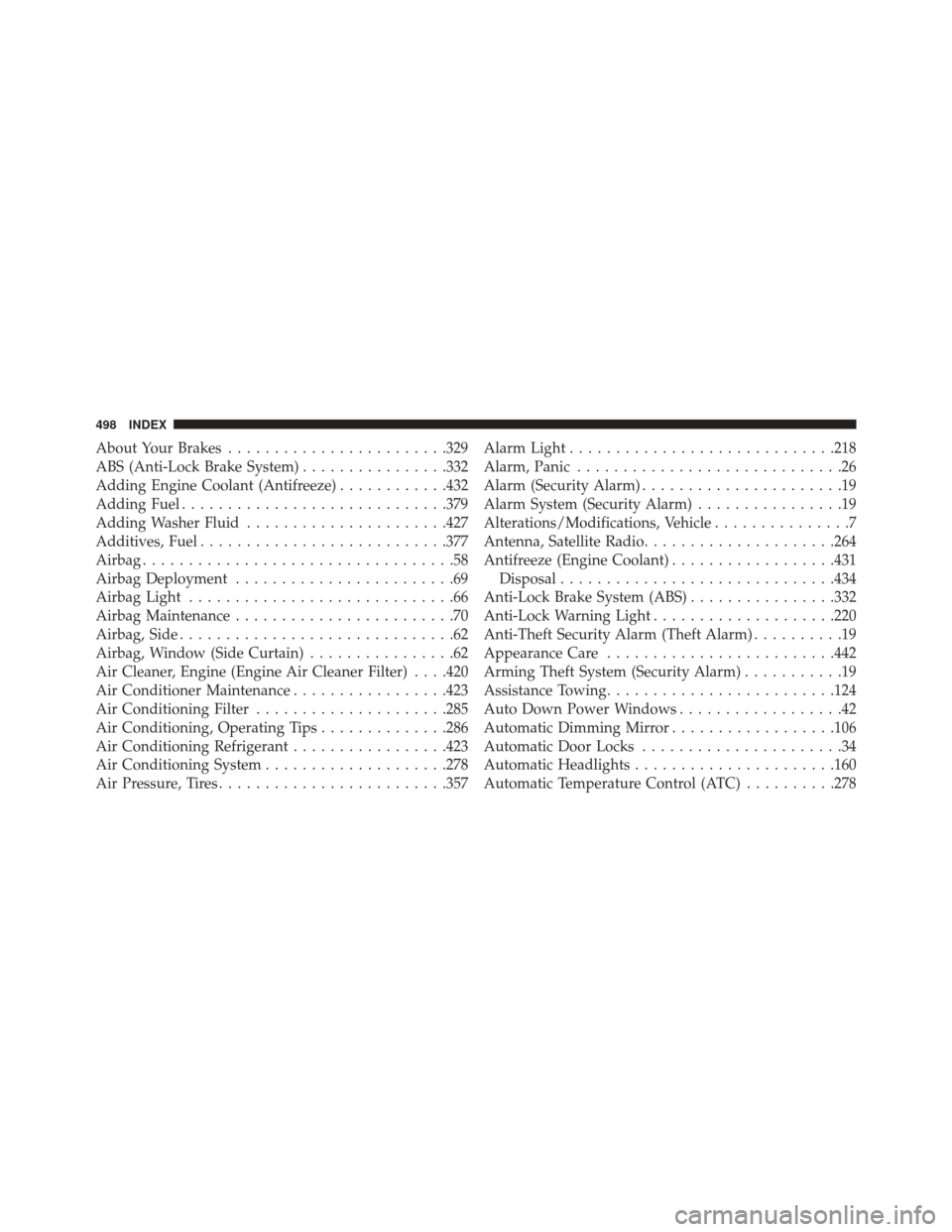
About Your Brakes....................... .329
ABS (Anti-Lock Brake System) ................332
Adding Engine Coolant (Antifreeze) ............432
Adding Fuel ............................ .379
Adding Washer Fluid ..................... .427
Additives, Fuel .......................... .377
Airbag ..................................58
Airbag Deployment ........................69
Airbag Light .............................66
Airbag Maintenance ........................70
Airbag, Side ..............................62
Airbag, Window (Side Curtain) ................62
Air Cleaner, Engine (Engine Air Cleaner Filter) . . . .420
Air Conditioner Maintenance .................423
Air Conditioning Filter .....................285
Air Conditioning, Operating Tips ..............286
Air Conditioning Refrigerant .................423
Air Conditioning System ....................278
Air Pressure, Tires ........................ .357Alarm Light
............................ .218
Alarm, Panic .............................26
Alarm (Security Alarm) ......................19
Alarm System (Security Alarm) ................19
Alterations/Modifications, Vehicle ...............7
Antenna, Satellite Radio .....................264
Antifreeze (Engine Coolant) ..................431
Disposal ............................. .434
Anti-Lock Brake System (ABS) ................332
Anti-Lock Warning Light ....................220
Anti-Theft Security Alarm (Theft Alarm) ..........19
Appearance Care ........................ .442
Arming Theft System (Security Alarm) ...........19
Assistance Towing ........................ .124
Auto Down Power Windows ..................42
Automatic Dimming Mirror ..................106
Automatic Door Locks ......................34
Automatic Headlights ..................... .160
Automatic Temperature Control (ATC) ..........278
498 INDEX
Page 506 of 520
Gasoline............................. .375
Gauge .............................. .210
Materials Added ....................... .377
Methanol ............................ .376
Octane Rating ......................... .375
Requirements ......................... .375
Specifications ......................... .464
Tank Capacity ......................... .463
Fueling ............................... .379
Fuel System Caution ...................... .380
Fuses ................................. .448
Gas Cap (Fuel Filler Cap) ...................379
Gasoline, Clean Air ....................... .375
Gasoline (Fuel) .......................... .375
Gasoline, Reformulated .....................375
Gauges Coolant Temperature .....................211
Fuel ................................ .210Speedometer
......................... .210
Tachometer ........................... .210
Gear Ranges ............................ .308
Gear Select Lever Override ..................405
General Information ........................18
Glass Cleaning .......................... .446
Gross Axle Weight Rating ...................383
Gross Vehicle Weight Rating ..................383
GVWR ................................ .383
Hazard Driving Through Flowing, Rising, or Shallow Stand-
ing Water ............................ .325
Hazard Warning Flasher ....................388
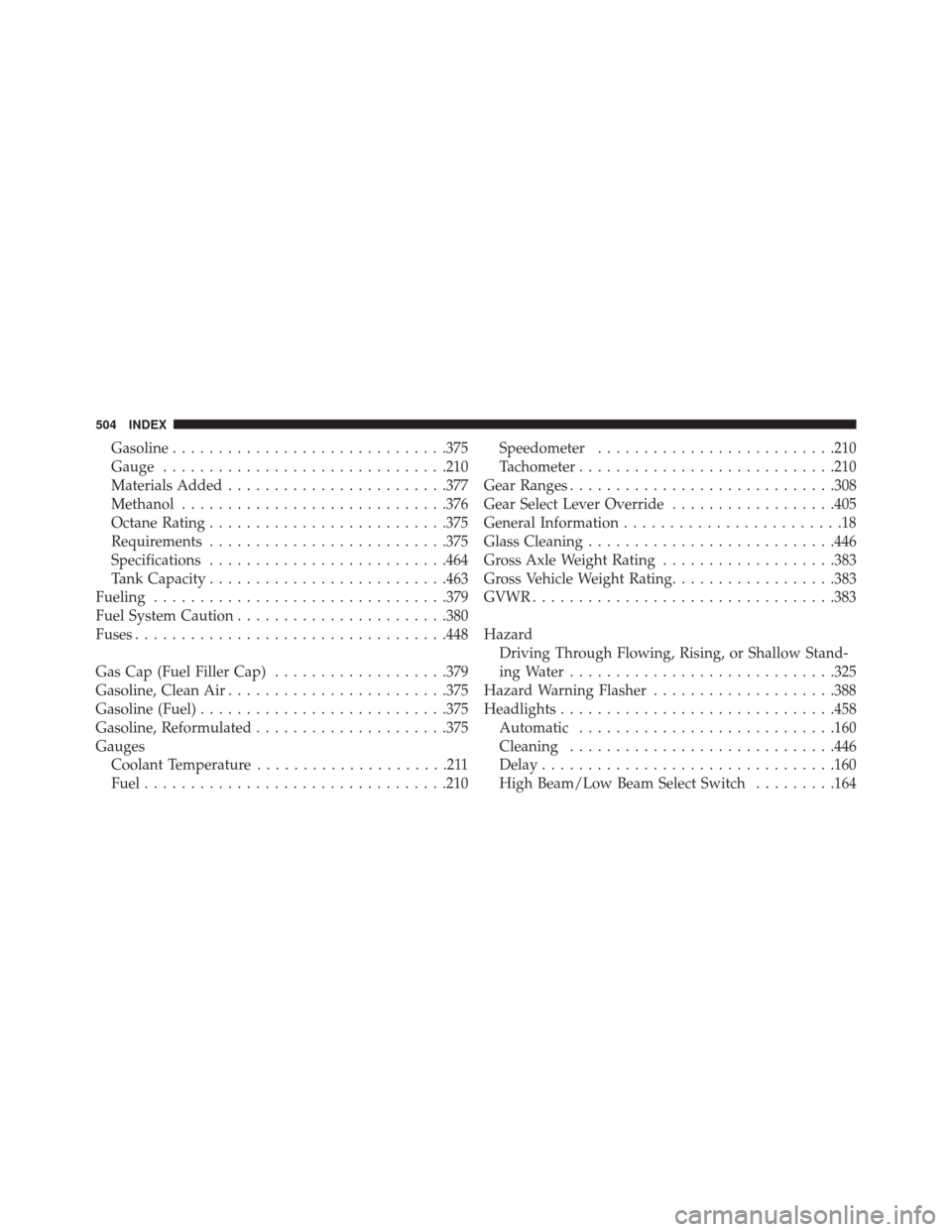
Headlights ............................. .458
Automatic ........................... .160
Cleaning ............................ .446
Delay ............................... .160
High Beam/Low Beam Select Switch .........164
504 INDEX