remote start DODGE CHALLENGER SRT 2013 3.G Owner's Manual
[x] Cancel search | Manufacturer: DODGE, Model Year: 2013, Model line: CHALLENGER SRT, Model: DODGE CHALLENGER SRT 2013 3.GPages: 520, PDF Size: 3.22 MB
Page 226 of 520
•Door(s) Ajar (with a single chime if vehicle is in
motion)
• Trunk Ajar (with a single chime)
• Oil Change Required
• Low Washer Fluid (with a single chime)
• Channel # Transmit
• Channel # Training
• Channel # Trained
• Clearing Channels
• Channels Cleared
• Did Not Train
• Low Tire Pressure (with a single chime)
• Service TPM System (with a single chime) •
Tire Pressure Display Screen With Low Tire(s) “Inflate
Tire to XX”
• ESC Off – Electronic Stability Control is deactivated
• Check Gascap
• Key Fob Battery Low
• Service Keyless System
• Wrong Key
• Damaged Key
• Key not Programmed
• Push Button or Insert Key/Turn To Run (refer to
“Remote Starting System” in “Things To Know Before
Starting Your Vehicle”)
• 1–4 SKIPSHIFT
• UPSHIFT
224 UNDERSTANDING YOUR INSTRUMENT PANEL
Page 239 of 520
SELECT button while in this display to select English,
Espanol, or Francais. Then, as you continue, the informa-
tion will display in the selected language.
NOTE:The EVIC will not change the Uconnect® lan-
guage selection. Refer to “Uconnect® phone” in “Under-
standing The Features Of Your Vehicle” for further infor-
mation.
Unlock Doors Automatically on Exit
When ON is selected, both doors will unlock when the
vehicle is stopped and the transmission is in the PARK or
NEUTRAL position and the driver’s door is opened. To
make your selection, press and release the SELECT
button until “ON” or “OFF” appears.
Remote Key Unlock
When Driver Door 1st Press is selected, only the driver’s
door will unlock on the first press of the Remote Keyless
Entry (RKE) transmitter UNLOCK button. When Driver Door 1st Press is selected, you must press the RKE
transmitter UNLOCK button twice to unlock the passen-
ger door. When
All Doors 1st Press is selected, both of
the doors will unlock on the first press of the RKE
transmitter UNLOCK button. To make your selection,
press and release the SELECT button until “Driver Door
1st Press” or “All Doors 1st Press” appears.
Remote Start Comfort Sys. — If Equipped
When this feature is selected and the remote start is
activated, the heated steering wheel and driver heated
seat features will automatically turn on in cold weather.
In warm weather, the driver vented seat feature will
automatically turn on when the remote start is activated.
These features will stay on through the duration of
remote start or until the key is turned to RUN. To make
your selection, press and release the SELECT button until
a check-mark appears next to the feature showing the
4
UNDERSTANDING YOUR INSTRUMENT PANEL 237
Page 241 of 520
when exiting the vehicle. To make your selection, press
and release the SELECT button until “0,” “30,” “60,” or
“90” appears.
Hill Start Assist (HSA) — If Equipped
When on is selected, the HSA system is active. Refer to
“Electronic Brake Control System” in “Starting And
Operating” for system function and operating informa-
tion. To make your selection, press and release the
SELECT button until “ON” or “OFF” appears.
Turn Headlights On with Remote Key Unlock
When this feature is selected, the headlights will activate
and remain on for up to 90 seconds when the doors are
unlocked with the RKE transmitter. To make your selec-
tion, press and release the SELECT button until “OFF,”
“30 sec.,” “60 sec.,” or “90 sec.” appears.
Delay Power Off to Accessories Until Exit
When this feature is selected, the power window
switches, radio, Uconnect® phone (if equipped), power
sunroof (if equipped), and ignition-powered power out-
lets will remain active for up to 60 minutes after the
ignition switch is turned OFF. Opening either front
vehicle door will cancel this feature. To make your
selection, press and release the SELECT button until
“Off,” “45 sec.,” “5 min.,” “10 min.,” “30 min.,” or “60
min.” appears.
Turn-by-Turn Navigation — If Equipped
When ON is selected, the Turn-by-Turn directions will
appear in the display as the vehicle approaches a desig-
nated turn within a programmed route. To make your
selection, press and release the SELECT button until
“ON” or “OFF” appears.
4
UNDERSTANDING YOUR INSTRUMENT PANEL 239
Page 295 of 520
CAUTION!(Continued)
•Do not shift from REVERSE, PARK, or NEUTRAL
into any forward gear when the engine is above
idle speed.
• Shift into PARK only after the vehicle has come to
a complete stop.
• Shift into or out of REVERSE only after the vehicle
has come to a complete stop and the engine is at
idle speed.
• Before shifting into any gear, make sure your foot
is firmly on the brake pedal.
Using Fob With Integrated Key (Tip Start)
NOTE: Normal starting of either a cold or a warm
engine is obtained without pumping or pressing the
accelerator pedal. Do not
press the accelerator. Use the Fob with Integrated
Key to briefly turn the ignition switch to the START
position and release it as soon as the starter engages. The
starter motor will continue to run, and it will disengage
automatically when the engine is running. If the engine
fails to start, the starter will disengage automatically in 10
seconds. If this occurs, turn the ignition switch to the
LOCK position, wait 10 to 15 seconds, then repeat the
“Normal Starting” procedure.
Keyless Enter-N-Go™ – If Equipped
This feature allows the driver to oper-
ate the ignition switch with the push
of a button, as long as the ENGINE
START/STOP button is installed and
the Remote Start/Keyless Enter-N-
Go™ FOBIK is in the passenger com-
partment.
5
STARTING AND OPERATING 293
Page 402 of 520
CAUTION!
Do not use a portable battery booster pack or any
other booster source with a system voltage greater
than 12 Volts or damage to the battery, starter motor,
alternator or electrical system may occur.
WARNING!
Do not attempt jump-starting if the battery is frozen.
It could rupture or explode and cause personal injury.
Preparations For Jump-Start
The battery is stored under an access cover in the trunk.
Remote battery posts are located on the right side of the
engine compartment for jump-starting.
Remote Battery Posts
1 — Remote Positive(+)Post
2 — Remote Negative (-)Post
400 WHAT TO DO IN EMERGENCIES
Page 404 of 520
CAUTION!
Failure to follow these procedures could result in
damage to the charging system of the booster vehicle
or the discharged vehicle.
1. Connect the positive (+)end of the jumper cable to the
remote positive (+)post of the discharged vehicle.
2. Connect the opposite end of the positive (+)jumper
cable to the positive (+)post of the booster battery.
3. Connect the negative end (-)of the jumper cable to the
negative (-)post of the booster battery.
4. Connect the opposite end of the negative (-)jumper
cable to the remote negative (-)post of the vehicle with
the discharged battery.
WARNING!
Do not connect the cable to the negative post (-) of the
discharged battery. The resulting electrical spark
could cause the battery to explode and could result in
personal injury.
5. Start the engine in the vehicle that has the booster battery, let the engine idle a few minutes, and then
start the engine in the vehicle with the discharged
battery.
Once the engine is started, remove the jumper cables in
the reverse sequence:
6. Disconnect the negative (-)jumper cable from the
remote negative (-)post of the vehicle with the dis-
charged battery.
7. Disconnect the negative end (-)of the jumper cable
from the negative (-)post of the booster battery.
402 WHAT TO DO IN EMERGENCIES
Page 405 of 520
8. Disconnect the opposite end of the positive(+)jumper
cable from the positive (+)post of the booster battery.
9. Disconnect the positive (+)end of the jumper cable
from the remote positive (+)post of the discharged
vehicle.
If frequent jump-starting is required to start your vehicle
you should have the battery and charging system in-
spected at your authorized dealer.
CAUTION!
Accessories plugged into the vehicle power outlets
draw power from the vehicle’s battery, even when not
in use (i.e., cellular phones, etc.). Eventually, if
plugged in long enough without engine operation,
the vehicle’s battery will discharge sufficiently to
degrade battery life and/or prevent the engine from
starting.
FREEING A STUCK VEHICLE
If your vehicle becomes stuck in mud, sand, or snow, it
can often be moved using a rocking motion. Turn the
steering wheel right and left to clear the area around the
front wheels. Then shift back and forth between DRIVE
and REVERSE (with automatic transmission) or 2nd gear
and REVERSE (with manual transmission), while gently
pressing the accelerator. Use the least amount of accel-
erator pedal pressure that will maintain the rocking
motion, without spinning the wheels or racing the en-
gine.
CAUTION!
Racing the engine or spinning the wheels may lead to
transmission overheating and failure. Allow the en-
gine to idle with the transmission in NEUTRAL for at
least one minute after every five rocking-motion
(Continued)
6
WHAT TO DO IN EMERGENCIES 403
Page 415 of 520
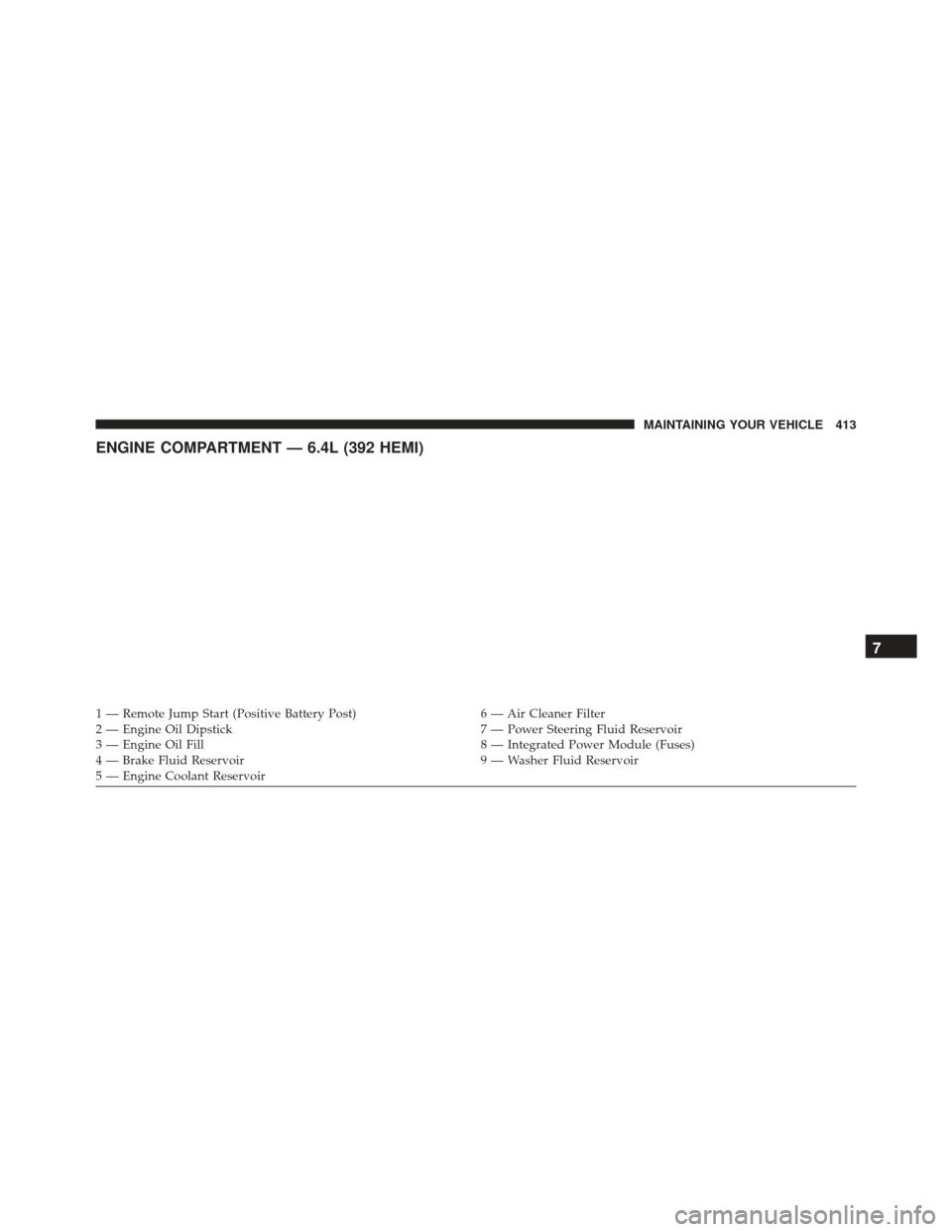
ENGINE COMPARTMENT — 6.4L (392 HEMI)
1 — Remote Jump Start (Positive Battery Post)6 — Air Cleaner Filter
2 — Engine Oil Dipstick 7 — Power Steering Fluid Reservoir
3 — Engine Oil Fill 8 — Integrated Power Module (Fuses)
4 — Brake Fluid Reservoir 9 — Washer Fluid Reservoir
5 — Engine Coolant Reservoir
7
MAINTAINING YOUR VEHICLE 413
Page 423 of 520
WARNING!(Continued)
for repair or maintenance. Make sure that no one is
near the engine compartment before starting the
vehicle with the air induction system (air cleaner,
hoses, etc.) removed. Failure to do so can result in
serious personal injury.
Engine Air Cleaner Filter Selection
The quality of replacement engine air cleaner filters
varies considerably. Only high quality filters should be
used to assure most efficient service. MOPAR® engine air
cleaner filters are a high quality filter and are recom-
mended.
Maintenance-Free Battery
Your vehicle is equipped with a maintenance-free battery.
You will never have to add water, nor is periodic main-
tenance required. NOTE:
The battery is stored under an access cover in the
trunk. Remote battery terminals are located in the engine
compartment for jump-starting. Refer to “Jump-Starting
Procedures” in “What To Do In Emergencies” for further
information.
Battery Location
7
MAINTAINING YOUR VEHICLE 421
Page 512 of 520
Seats............................... .148
Steering ............................. .327
Sunroof ............................. .193
Windows ..............................41
Power Steering Fluid ...................... .465
Pregnant Women and Seat Belts ................58
Pretensioners Seat Belts ..............................56
Programmable Electronic Features .............236
Programming Transmitters (Remote Keyless Entry) . .22
Radial Ply Tires ......................... .359
Radiator Cap (Coolant Pressure Cap) ...........433
Radio Operation ......................... .277
Radio Remote Controls .....................275
Rear Cupholder ......................... .201
Rear Park Sense System .....................175
Rear Seat, Folding ........................ .156
Rear Window Defroster .....................203 Rear Window Features
.....................203
Recorder, Event Data .......................72
Recreational Towing ...................... .385
Reformulated Gasoline .....................375
Refrigerant ............................. .424
Release, Hood ........................... .157
Reminder, Lights On ...................... .161
Reminder, Seat Belt .........................57
Remote Control Starting System .........................28
Remote Keyless Entry (RKE) ..................22
Remote Sound System (Radio) Controls .........275
Remote Starting System ......................28
Remote Trunk Release .......................43
Replacement Bulbs ....................... .456
Replacement Keys .........................17
Replacement Parts ........................ .416
Replacement Tires ........................ .363
Reporting Safety Defects ....................493
510 INDEX