alarm DODGE CHALLENGER SRT 2014 3.G User Guide
[x] Cancel search | Manufacturer: DODGE, Model Year: 2014, Model line: CHALLENGER SRT, Model: DODGE CHALLENGER SRT 2014 3.GPages: 529, PDF Size: 3.28 MB
Page 29 of 529
NOTE:
•The interior lights will turn off if you turn the ignition
switch to the ACC or ON/RUN position while the
Panic Alarm is activated. However, the exterior lights
and horn will remain on.
• You may need to be less than 35 ft (11 m) from the
vehicle when using the RKE transmitter to turn off the
Panic Alarm due to the radio frequency noises emitted
by the system.
Programming Additional Transmitters
Programming Key Fobs or RKE transmitters may be
performed at an authorized dealer.
Transmitter Battery Replacement
The recommended replacement battery is CR2032.
NOTE:
Perchlorate Material – special handling may apply.
See www.dtsc.ca.gov/hazardouswaste/perchlorate
1. If the RKE transmitter is equipped with a screw, remove the screw. With the RKE ransmitter buttons
facing down, use a flat blade to pry the two halves of
the RKE transmitter apart. Make sure not to damage
the elastomer seal during removal.
2. Remove and replace the battery. When replacing the battery, match the + sign on the battery to the + sign on
the inside of the battery clip, located on the back cover.
Avoid touching the new battery with your fingers.
Skin oils may cause battery deterioration. If you touch
a battery, clean it with rubbing alcohol.
28 THINGS TO KNOW BEFORE STARTING YOUR VEHICLE
Page 31 of 529
NOTE:
•The vehicle must be equipped with an automatic
transmission to be equipped with Remote Start.
• Obstructions between the vehicle and the Key Fob may
reduce this range.
How To Use Remote Start
All of the following conditions must be met before the
engine will remote start:
• Shift lever in PARK
• Doors closed
• Hood closed
• Hazard switch off
• Brake switch inactive (brake pedal not pressed)
• Ignition key removed from ignition switch •
Battery at an acceptable charge level
• RKE PANIC button not pressed
• System not disabled from previous remote start event
• Vehicle theft alarm not active
• Ignition in Off position (Keyless Enter-N-Go™)WARNING!
•Do not start or run an engine in a closed garage or
confined area. Exhaust gas contains Carbon Mon-
oxide (CO) which is odorless and colorless. Carbon
Monoxide is poisonous and can cause serious in-
jury or death when inhaled.
(Continued)
30 THINGS TO KNOW BEFORE STARTING YOUR VEHICLE
Page 33 of 529
To Exit Remote Start Mode Without Driving The
Vehicle
Press and release the REMOTE START button one time or
allow the engine to run for the entire 15-minute cycle.
NOTE:To avoid unintentional shut downs, the system
will disable the one time press of the REMOTE START
button for two seconds after receiving a valid Remote
Start request.
To Exit Remote Start Mode And Drive The Vehicle
Before the end of 15 minute cycle, press and release the
UNLOCK button on the RKE transmitter to unlock the
doors and disarm the Vehicle Security Alarm (if
equipped). Then, prior to the end of the 15 minute cycle,
press and release the START/STOP button. If the
START/STOP button is not present, insert the Key Fob
into the ignition switch and turn the switch to the
ON/RUN position. NOTE:
•
For vehicles not equipped with the Keyless Enter-N-
Go™ feature, the ignition switch must be in the
ON/RUN position in order to drive the vehicle.
• For vehicles not equipped with the Keyless Enter-N-
Go™ feature, the message “Insert Key/Turn To On”
will display in the EVIC until you insert the Key Fob.
Once inserted, the message “Turn To On” will display
in the EVIC until you turn the Key Fob to ON/RUN.
• For vehicles equipped with the Keyless Enter-N-Go™
feature, the message “Push Button/Insert Key” will
display in the EVIC until you push the START button.
32 THINGS TO KNOW BEFORE STARTING YOUR VEHICLE
Page 38 of 529
NOTE:
•Passive Entry may be programmed ON/OFF; refer to
“Electronic Vehicle Information Center (EVIC)/
Personal Settings (Customer-Programmable Fea-
tures)” in “Understanding Your Instrument Panel” for
further information.
• If wearing gloves on your hands, or if it has been
raining on the Passive Entry door handle, the unlock
sensitivity can be affected, resulting in a slower re-
sponse time.
• If the vehicle is unlocked by Passive Entry door handle
and no door goes ajar within 60 seconds, the vehicle
will re-lock and if equipped will arm the security
alarm. To Unlock From The Driver’s Side:
With a Passive Entry RKE transmitter within 5 ft (1.5 m)
of the driver door handle, grab the front driver door
handle to unlock the driver’s door automatically. The
interior door panel lock knob will raise when the door is
unlocked.
Grab The Door Handle To Unlock
2
THINGS TO KNOW BEFORE STARTING YOUR VEHICLE 37
Page 63 of 529
Advanced Front Air Bag Features
The Advanced Front Air Bag system has multistage
driver and front passenger air bags. This system provides
output appropriate to the severity and type of collision as
determined by the Occupant Restraint Controller (ORC),
which may receive information from the front impact
sensors.
The first stage inflator is triggered immediately during an
impact that requires air bag deployment. This low output
is used in less severe collisions. A higher energy output is
used for more severe collisions.
WARNING!
•No objects should be placed over or near the air
bag on the instrument panel, because any such
objects could cause harm if the vehicle is in a
collision severe enough to cause the air bag to
inflate.
• Do not put anything on or around the air bag
covers or attempt to open them manually. You may
damage the air bags and you could be injured
because the air bags may no longer be functional.
The protective covers for the air bag cushions are
designed to open only when the air bags are
inflating.
• Do not drill, cut or tamper with the knee bolster in
any way.
• Do not mount any accessories to the knee bolster
such as alarm lights, stereos, citizen band radios,
etc.
62 THINGS TO KNOW BEFORE STARTING YOUR VEHICLE
Page 188 of 529
NOTE:HomeLink® is disabled when the Vehicle Secu-
rity Alarm is active.
Before You Begin Programming HomeLink®
Ensure your vehicle is parked outside of the garage
before you begin programming.
For efficient programming and accurate transmission of the
radio-frequency signal it is recommended that a new
battery be placed in the hand-held transmitter of the device
that is being programmed to the HomeLink® system.
Erase all channels before you begin programming. To
erase the channels place the ignition in the ON/RUN
position and press and hold the two outside HomeLink®
buttons (I and III) for up to 20 seconds. The Electronic
Vehicle Information Center (EVIC) will display “CLEAR-
ING CHANNELS.” Release the buttons when the EVIC
displays “CHANNELS CLEARED.”
NOTE:
• Erasing all channels should only be performed when
programming HomeLink® for the first time. Do not
erase channels when programming additional buttons.
• If you have any problems, or require assistance, please
call toll-free 1-800-355-3515 or, on the Internet at
www.HomeLink.com for information or assistance.
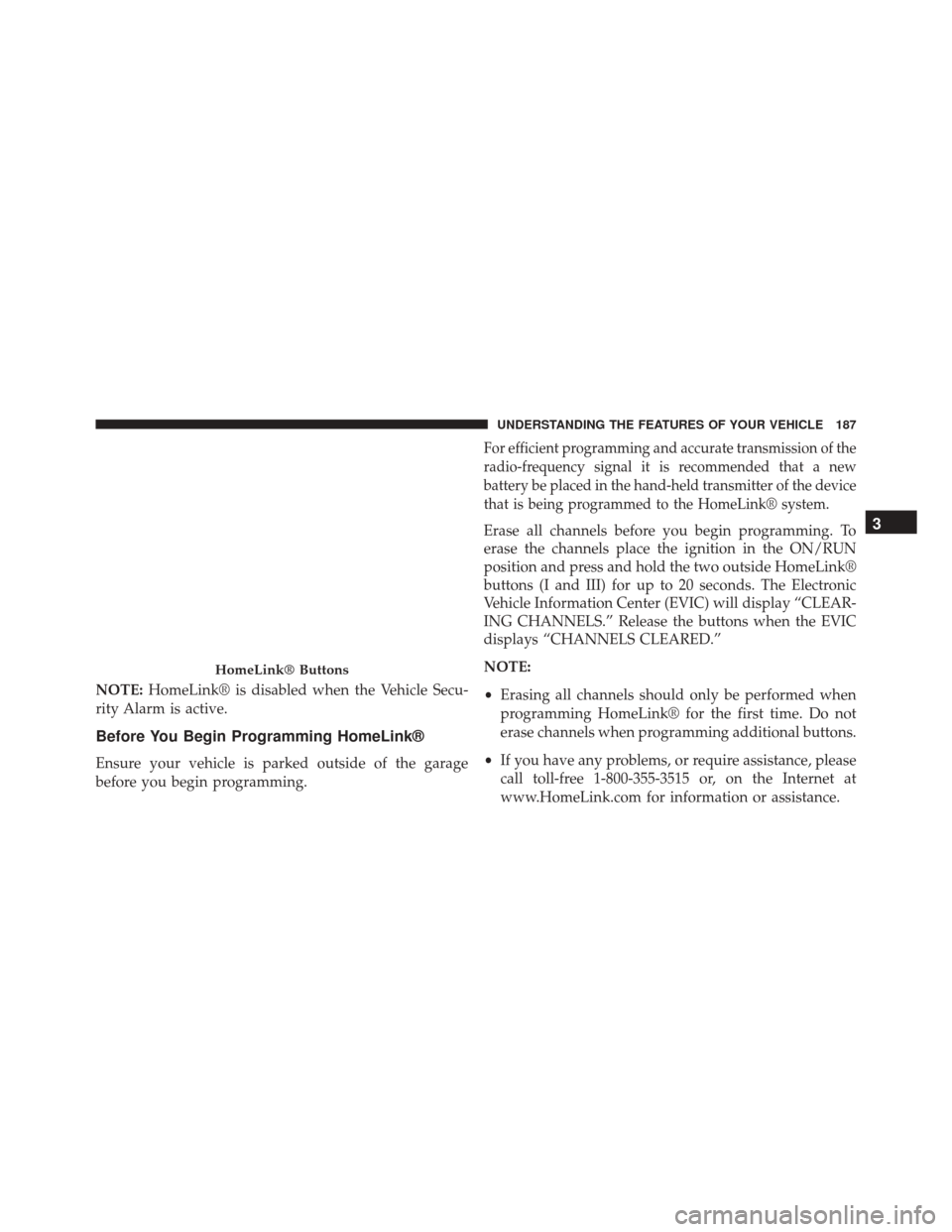
HomeLink® Buttons
3
UNDERSTANDING THE FEATURES OF YOUR VEHICLE 187
Page 194 of 529
Security
It is advised to erase all channels before you sell or turn
in your vehicle.
To erase the channels press and hold the two outside
HomeLink® buttons (I and III) for up 20 seconds. The
Electronic Vehicle Information Center (EVIC) will display
“CLEARING CHANNELS.” Release the buttons when
the EVIC displays “CHANNELS CLEARED.”
The HomeLink® Universal Transceiver is disabled when
the Vehicle Security Alarm is active.
Troubleshooting Tips
If you are having trouble programming HomeLink®,
here are some of the most common solutions:
•
Replace the battery in the original hand-held transmitter.
•Press the LEARN button on the Garage Door Opener
to complete the training for a Rolling Code. •
Did you unplug the device for programming and
remember to plug it back in?
If you have any problems, or require assistance, please
call toll-free 1-800-355-3515 or, on the Internet at
www.HomeLink.com for information or assistance.
WARNING!
Vehicle exhaust contains carbon monoxide, a danger-
ous gas. Do not run your vehicle in the garage while
programming the transceiver. Exhaust gas can cause
serious injury or death.
WARNING!
Your motorized door or gate will open and close
while you are programming the universal trans-
ceiver. Do not program the transceiver if people, pets
(Continued)
3
UNDERSTANDING THE FEATURES OF YOUR VEHICLE 193
Page 221 of 529
NOTE:This light shows only that the parking brake is
applied. It does not show the degree of brake application.
21. Vehicle Security Light — If Equipped
This light will flash at a fast rate for approxi-
mately 15 seconds, when the vehicle security
alarm is arming, and then will flash slowly
until the vehicle is disarmed.
22. Tire Pressure Monitoring Telltale Light
Each tire, including the spare (if provided),
should be checked monthly when cold and
inflated to the inflation pressure recommended
by the vehicle manufacturer on the vehicle
placard or tire inflation pressure label. (If your vehicle
has tires of a different size than the size indicated on the
vehicle placard or tire inflation pressure label, you should
determine the proper tire inflation pressure for those
tires.) As an added safety feature, your vehicle has been
equipped with a Tire Pressure Monitoring System
(TPMS) that illuminates a low tire pressure telltale when
one or more of your tires is significantly under-inflated.
Accordingly, when the low tire pressure telltale illumi-
nates, you should stop and check your tires as soon as
possible, and inflate them to the proper pressure. Driving
on a significantly under-inflated tire causes the tire to
overheat and can lead to tire failure. Under-inflation also
reduces fuel efficiency and tire tread life, and may affect
the vehicle’s handling and stopping ability.
Please note that the TPMS is not a substitute for proper
tire maintenance, and it is the driver ’s responsibility to
maintain correct tire pressure, even if under-inflation has
not reached the level to trigger illumination of the TPMS
low tire pressure telltale.
220 UNDERSTANDING YOUR INSTRUMENT PANEL
Page 507 of 529
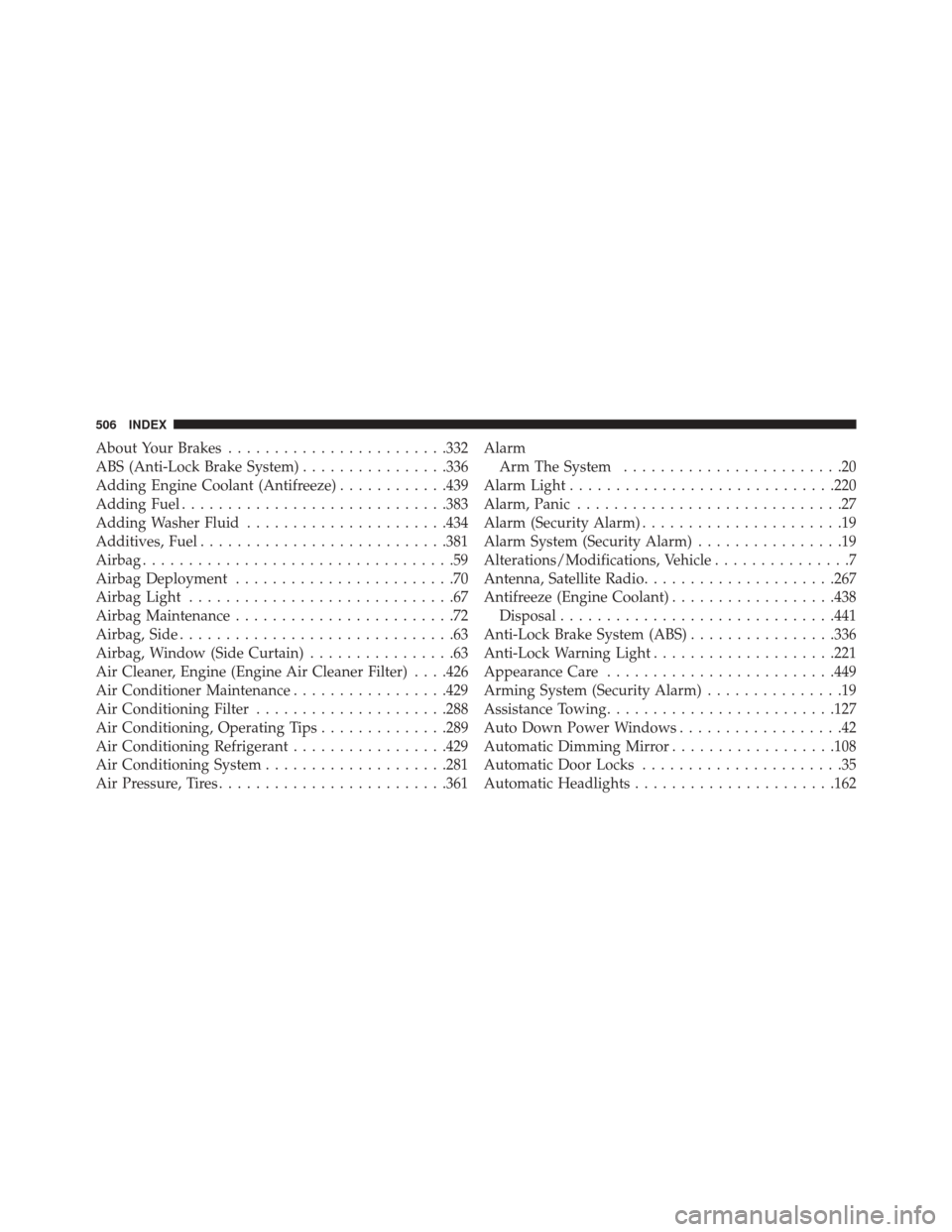
About Your Brakes....................... .332
ABS (Anti-Lock Brake System) ................336
Adding Engine Coolant (Antifreeze) ............439
Adding Fuel ............................ .383
Adding Washer Fluid ..................... .434
Additives, Fuel .......................... .381
Airbag ..................................59
Airbag Deployment ........................70
Airbag Light .............................67
Airbag Maintenance ........................72
Airbag, Side ..............................63
Airbag, Window (Side Curtain) ................63
Air Cleaner, Engine (Engine Air Cleaner Filter) . . . .426
Air Conditioner Maintenance .................429
Air Conditioning Filter .....................288
Air Conditioning, Operating Tips ..............289
Air Conditioning Refrigerant .................429
Air Conditioning System ....................281
Air Pressure, Tires ........................ .361Alarm
Arm The System ........................20
Alarm Light ............................ .220
Alarm, Panic .............................27
Alarm (Security Alarm) ......................19
Alarm System (Security Alarm) ................19
Alterations/Modifications, Vehicle ...............7
Antenna, Satellite Radio .....................267
Antifreeze (Engine Coolant) ..................438
Disposal ............................. .441
Anti-Lock Brake System (ABS) ................336
Anti-Lock Warning Light ....................221
Appearance Care ........................ .449
Arming System (Security Alarm) ...............19
Assistance Towing ........................ .127
Auto Down Power Windows ..................42
Automatic Dimming Mirror ..................108
Automatic Door Locks ......................35
Automatic Headlights ..................... .162
506 INDEX
Page 515 of 529
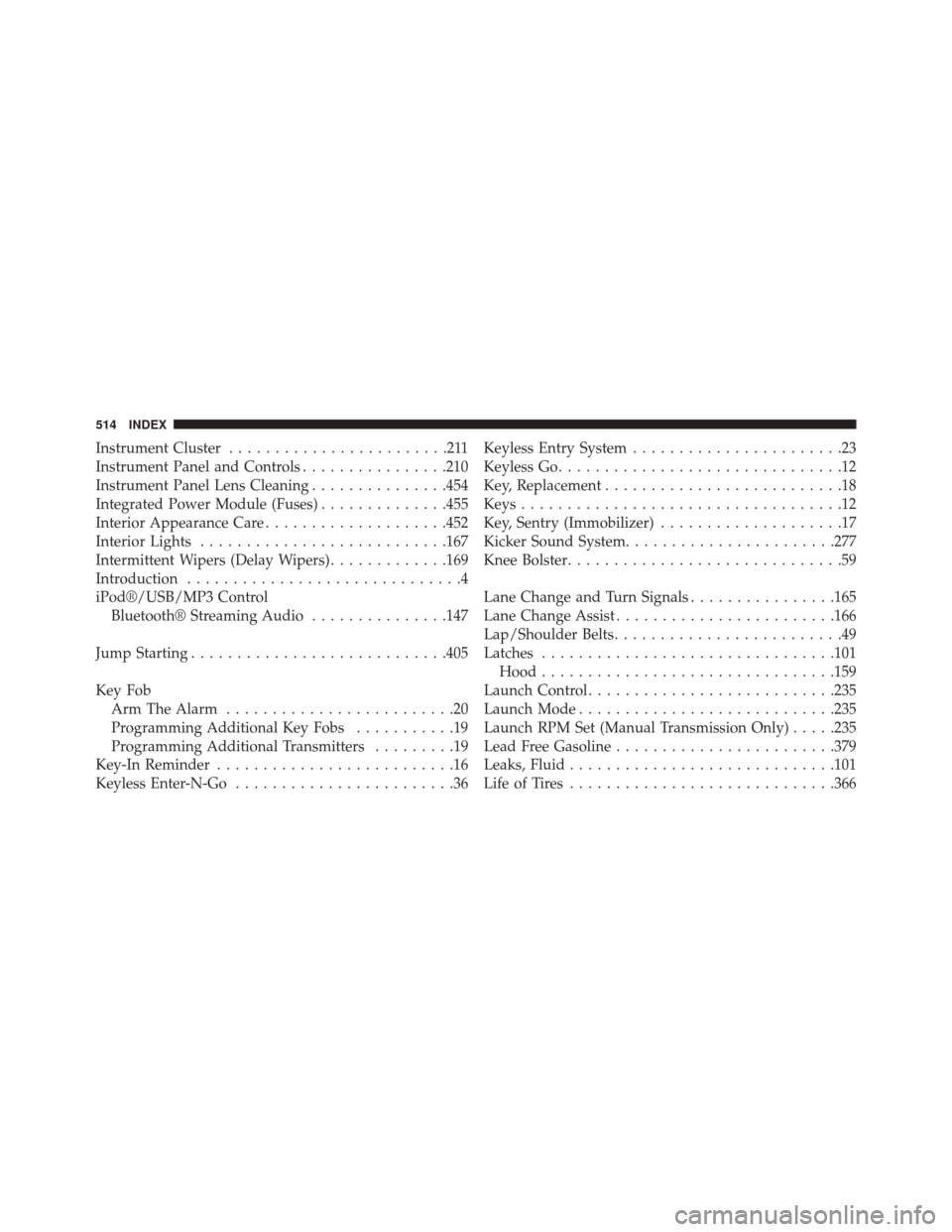
Instrument Cluster........................211
Instrument Panel and Controls ................210
Instrument Panel Lens Cleaning ...............454
Integrated Power Module (Fuses) ..............455
Interior Appearance Care ....................452
Interior Lights .......................... .167
Intermittent Wipers (Delay Wipers) .............169
Introduction ..............................4
iPod®/USB/MP3 Control Bluetooth® Streaming Audio ...............147
Jump Starting ........................... .405
Key Fob Arm The Alarm .........................20
Programming Additional Key Fobs ...........19
Programming Additional Transmitters .........19
Key-In Reminder ..........................16
Keyless Enter-N-Go ........................36 Keyless Entry System
.......................23
Keyless Go ...............................12
Key, Replacement ..........................18
Keys ...................................12
Key, Sentry (Immobilizer) ....................17
Kicker Sound System ...................... .277
Knee Bolster ..............................59
Lane Change and Turn Signals ................165
Lane Change Assist ....................... .166
Lap/Shoulder Belts .........................49
Latches ............................... .101
Hood ............................... .159
Launch Control .......................... .235
Launch Mode ........................... .235
Launch RPM Set (Manual Transmission Only) .....235
Lead Free Gasoline ....................... .379
Leaks, Fluid ............................ .101
Life of Tires ............................ .366
514 INDEX