headlights DODGE CHALLENGER SRT 2014 3.G User Guide
[x] Cancel search | Manufacturer: DODGE, Model Year: 2014, Model line: CHALLENGER SRT, Model: DODGE CHALLENGER SRT 2014 3.GPages: 529, PDF Size: 3.28 MB
Page 168 of 529
Interior Lights
The interior lights come on when a door is opened.
To protect the battery, the interior lights will turn off
automatically 10 minutes after the ignition is placed in
the OFF position. This will occur if the interior lights
were switched on manually or are on because a door isopen. This includes the glove box light, but not the trunk
light. To restore interior light operation, either place the
ignition in the RUN position or cycle the light switch.
Dimmer Control
The dimmer control is located to the right of the head-
light switch. With the parking lights or headlights on,
rotating the dimmer control upward will increase the
brightness of the instrument panel lights and, if
equipped, the lighting in the door map pockets, door
handles and cupholders.
Dome Light Position
Rotate the left dimmer control completely upward to the
second detent to turn on the interior lights. The interior
lights will remain on when the dimmer control is in this
position.
Overhead Console
3
UNDERSTANDING THE FEATURES OF YOUR VEHICLE 167
Page 169 of 529
Interior Light Defeat (OFF)
Rotate the dimmer control to the extreme bottom off
position. The interior lights will remain off when the
doors are open.
Parade Mode (Daytime Brightness Feature)
Rotate the dimmer control upward to the first detent.
This feature brightens all text displays such as the
odometer, Electronic Vehicle Information Center (EVIC),
and radio when the parking lights or headlights are on.
WINDSHIELD WIPERS AND WASHERS
The multifunction lever operates the windshield
wipers and washer when the ignition is placed in
the ON/RUN or ACC position. The multifunction
lever is located on the left side of the steering column. Rotate the end of the multifunction lever to the first
detent past the intermittent settings for low-speed wiper
operation, or to the second detent past the intermittent
settings for high-speed wiper operation.
Windshield Wiper/Washer Lever
168 UNDERSTANDING THE FEATURES OF YOUR VEHICLE
Page 171 of 529
three wipe cycles after releasing the multifunction lever
and then resume the intermittent interval previously
selected.
If you activate the washer while the windshield wiper is
turned off, the wipers will operate for three wipe cycles
and then turn off.
WARNING!
Sudden loss of visibility through the windshield
could lead to a collision. You might not see other
vehicles or other obstacles. To avoid sudden icing of
the windshield during freezing weather, warm the
windshield with the defroster before and during
windshield washer use.
Headlights On With Wipers (Available With
Automatic Headlights Only)
When this feature is active, the headlights will turn on
approximately 10 seconds after the wipers are turned on
if the headlight switch is placed in the A (AUTO)
position. In addition, the headlights will turn off when
the wipers are turned off if they were turned on by this
feature.
The Headlights On with Wipers feature can be enabled or
disabled. Refer to “Electronic Vehicle Information Center
(EVIC)/Personal Settings (Customer-Programmable Fea-
tures)” in “Understanding Your Instrument Panel” for
further information.
170 UNDERSTANDING THE FEATURES OF YOUR VEHICLE
Page 204 of 529
Illuminated Front Cupholders — If Equipped
The front cupholders are illuminated with LEDs. They
are turned on with the headlights or parking lights. Refer
to “Lights” in “Understanding The Features Of Your
Vehicle” for further information.
Rear Cupholders
The rear seat cupholders are located in the center armrest
between the rear seats. The cupholders are positioned
forward in the armrest and side-by-side to provide
convenient access to beverage cans or bottles while
maintaining a resting place for the rear occupant’s el-
bows.
Rear Cupholders
3
UNDERSTANDING THE FEATURES OF YOUR VEHICLE 203
Page 217 of 529
NOTE:•The “ESC Off Indicator Light” and the “ESC
Activation/Malfunction Indicator Light” come on
momentarily each time the ignition switch is turned
to ON/RUN.
• Each time the ignition is turned to ON/RUN, the
ESC system will be ON, even if it was turned off
previously.
• The ESC system will make buzzing or clicking
sounds when it is active. This is normal; the sounds
will stop when ESC becomes inactive following the
maneuver that caused the ESC activation.
13. Electronic Stability Control (ESC) OFF Indicator
Light — If Equipped
This light indicates the Electronic Stability Con-
trol (ESC) is off. 14. Oil Pressure Warning Light
This light indicates low engine oil pressure. The
light should turn on momentarily when the engine is
started. If the light turns on while driving, stop the
vehicle and shut off the engine as soon as possible. A
chime will sound when this light turns on.
Do not operate the vehicle until the cause is corrected.
This light does not indicate how much oil is in the engine.
The engine oil level must be checked under the hood.
15. High Beam Indicator
This indicator will turn on when the high beam
headlights are on. Push the multifunction lever
away from the steering wheel to switch the headlights to
high beam.
216 UNDERSTANDING YOUR INSTRUMENT PANEL
Page 242 of 529
press and release the SELECT button until “Driver Door
1st Press” or “All Doors 1st Press” appears.
Remote Start Comfort Sys. — If Equipped
When this feature is selected and the remote start is
activated, the heated steering wheel and driver heated
seat features will automatically turn on in cold weather.
In warm weather, the driver vented seat feature will
automatically turn on when the remote start is activated.
These features will stay on through the duration of
remote start or until the key is turned to RUN. To make
your selection, press and release the SELECT button until
a check-mark appears next to the feature showing the
system has been activated or the check-mark is removed
showing the system has been deactivated.
Sound Horn with Remote Key Lock
When ON is selected, a short horn sound will occur when
the RKE transmitter LOCK button is pressed. This feature
may be selected with or without the flash lights onlock/unlock feature. To make your selection, press and
release the SELECT button until “ON” or “OFF” appears.
Flash Lights With Remote Key Lock
When ON is selected, the front and rear turn signals will
flash when the doors are locked or unlocked with the
RKE transmitter. This feature may be selected with or
without the sound horn on lock feature selected. To make
your selection, press and release the SELECT button until
“ON” or “OFF” appears.
Headlamps On with Wipers (Available with Auto
Headlights Only)
When ON is selected, and the headlight switch is in the
AUTO (A) position, the headlights will turn on approxi-
mately 10 seconds after the wipers are turned on. The
headlights will also turn off when the wipers are turned
off if they were turned on by this feature. To make your
selection, press and release the SELECT button until
“ON” or “OFF” appears.
4
UNDERSTANDING YOUR INSTRUMENT PANEL 241
Page 243 of 529
NOTE:Turning the headlights on during the daytime
causes the instrument panel lights to dim. To increase the
brightness, refer to “Lights” in “Understanding The
Features Of Your Vehicle.”
Delay Turning Headlights Off
When this feature is selected, the driver can choose to
have the headlights remain on for 0, 30, 60, or 90 seconds
when exiting the vehicle. To make your selection, press
and release the SELECT button until “0,” “30,” “60,” or
“90” appears.
Hill Start Assist (HSA) — If Equipped
When on is selected, the HSA system is active. Refer to
“Electronic Brake Control System” in “Starting And
Operating” for system function and operating informa-
tion. To make your selection, press and release the
SELECT button until “ON” or “OFF” appears.
Turn Headlights On With Remote Key Unlock
When this feature is selected, the headlights will activate
and remain on for up to 90 seconds when the doors are
unlocked with the RKE transmitter. To make your selec-
tion, press and release the SELECT button until “OFF,”
“30 sec.,” “60 sec.,” or “90 sec.” appears.
Delay Power Off To Accessories Until Exit
When this feature is selected, the power window
switches, radio, Uconnect® phone (if equipped), power
sunroof (if equipped), and ignition-powered power out-
lets will remain active for up to 60 minutes after the
ignition switch is turned OFF. Opening either front
vehicle door will cancel this feature. To make your
selection, press and release the SELECT button until
“Off,” “45 sec.,” “5 min.,” “10 min.,” “30 min.,” or “60
min.” appears.
242 UNDERSTANDING YOUR INSTRUMENT PANEL
Page 454 of 529
liquid. Please do not use polishes, oils, cleaning fluids,
solvents, detergents, or ammonia-based cleaners to clean
your leather upholstery. Application of a leather condi-
tioner is not required to maintain the original condition.
WARNING!
Do not use volatile solvents for cleaning purposes.
Many are potentially flammable, and if used in
closed areas they may cause respiratory harm.
Cleaning Headlights
Your vehicle has plastic headlights that are lighter and
less susceptible to stone breakage than glass headlights.
Plastic is not as scratch resistant as glass and therefore
different lens cleaning procedures must be followed.To minimize the possibility of scratching the lenses and
reducing light output, avoid wiping with a dry cloth. To
remove road dirt, wash with a mild soap solution fol-
lowed by rinsing.
Do not use abrasive cleaning components, solvents, steel
wool or other aggressive material to clean the lenses.
Glass Surfaces
All glass surfaces should be cleaned on a regular basis
with MOPAR® Glass Cleaner or any commercial
household-type glass cleaner. Never use an abrasive type
cleaner. Use caution when cleaning the inside rear win-
dow equipped with electric defrosters or the right rear
quarter window equipped with the radio antenna. Do
not use scrapers or other sharp instruments that may
scratch the elements.
7
MAINTAINING YOUR VEHICLE 453
Page 507 of 529
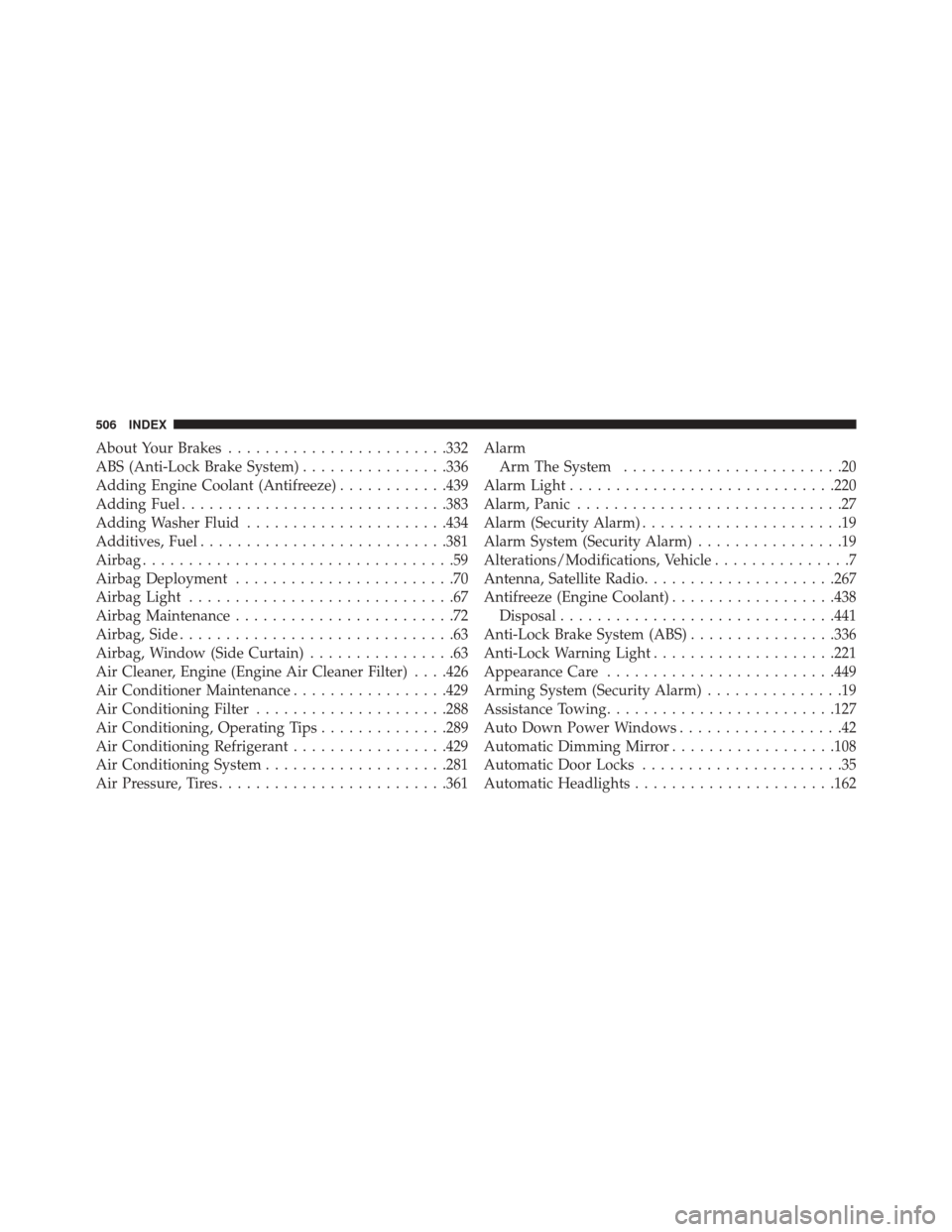
About Your Brakes....................... .332
ABS (Anti-Lock Brake System) ................336
Adding Engine Coolant (Antifreeze) ............439
Adding Fuel ............................ .383
Adding Washer Fluid ..................... .434
Additives, Fuel .......................... .381
Airbag ..................................59
Airbag Deployment ........................70
Airbag Light .............................67
Airbag Maintenance ........................72
Airbag, Side ..............................63
Airbag, Window (Side Curtain) ................63
Air Cleaner, Engine (Engine Air Cleaner Filter) . . . .426
Air Conditioner Maintenance .................429
Air Conditioning Filter .....................288
Air Conditioning, Operating Tips ..............289
Air Conditioning Refrigerant .................429
Air Conditioning System ....................281
Air Pressure, Tires ........................ .361Alarm
Arm The System ........................20
Alarm Light ............................ .220
Alarm, Panic .............................27
Alarm (Security Alarm) ......................19
Alarm System (Security Alarm) ................19
Alterations/Modifications, Vehicle ...............7
Antenna, Satellite Radio .....................267
Antifreeze (Engine Coolant) ..................438
Disposal ............................. .441
Anti-Lock Brake System (ABS) ................336
Anti-Lock Warning Light ....................221
Appearance Care ........................ .449
Arming System (Security Alarm) ...............19
Assistance Towing ........................ .127
Auto Down Power Windows ..................42
Automatic Dimming Mirror ..................108
Automatic Door Locks ......................35
Automatic Headlights ..................... .162
506 INDEX
Page 514 of 529
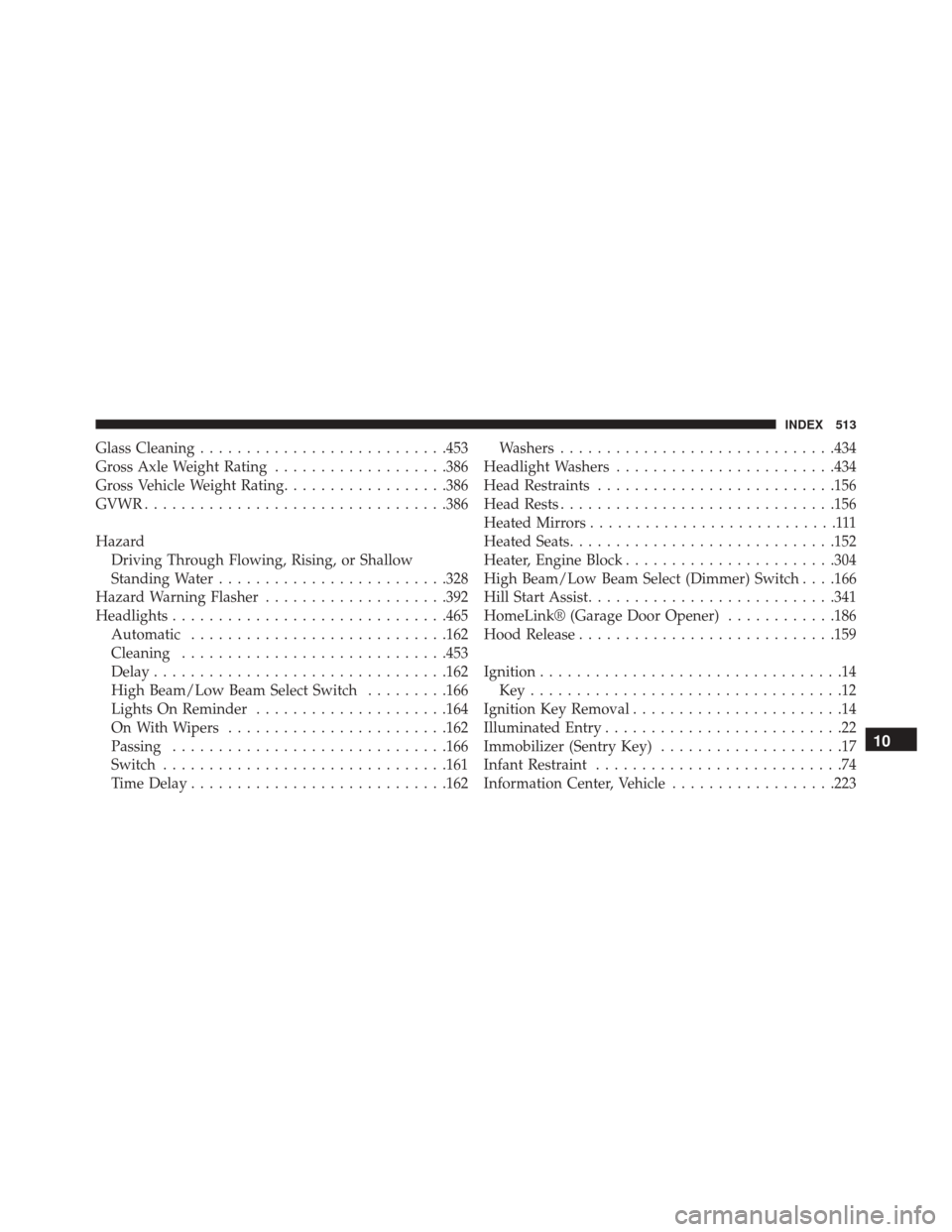
Glass Cleaning.......................... .453
Gross Axle Weight Rating ...................386
Gross Vehicle Weight Rating ..................386
GVWR ................................ .386
Hazard Driving Through Flowing, Rising, or Shallow
Standing Water ........................ .328
Hazard Warning Flasher ....................392
Headlights ............................. .465
Automatic ........................... .162
Cleaning ............................ .453
Delay ............................... .162
High Beam/Low Beam Select Switch .........166
Lights On Reminder .....................164
On With Wipers ....................... .162
Passing ............................. .166
Switch .............................. .161
Time Delay ........................... .162Washers
............................. .434
Headlight Washers ....................... .434
Head Restraints ......................... .156
Head Rests ............................. .156
Heated Mirrors ...........................111
Heated Seats ............................ .152
Heater, Engine Block ...................... .304
High Beam/Low Beam Select (Dimmer) Switch . . . .166
Hill Start Assist .......................... .341
HomeLink® (Garage Door Opener) ............186
Hood Release ........................... .159
Ignition .................................14
Key..................................12
Ignition Key Removal .......................14
Illuminated Entry ..........................22
Immobilizer (Sentry Key) ....................17
Infant Restraint ...........................74
Information Center, Vehicle ..................223
10
INDEX 513