stop start DODGE CHALLENGER SRT 2015 3.G User Guide
[x] Cancel search | Manufacturer: DODGE, Model Year: 2015, Model line: CHALLENGER SRT, Model: DODGE CHALLENGER SRT 2015 3.GPages: 575, PDF Size: 4.37 MB
Page 239 of 575
NOTE:
•Even if power steering assistance is no longer opera-
tional, it is still possible to steer the vehicle. Under
these conditions there will be a substantial increase in
steering effort, especially at very low vehicle speeds
and during parking maneuvers.
• If the condition persists, see your authorized dealer for
service.
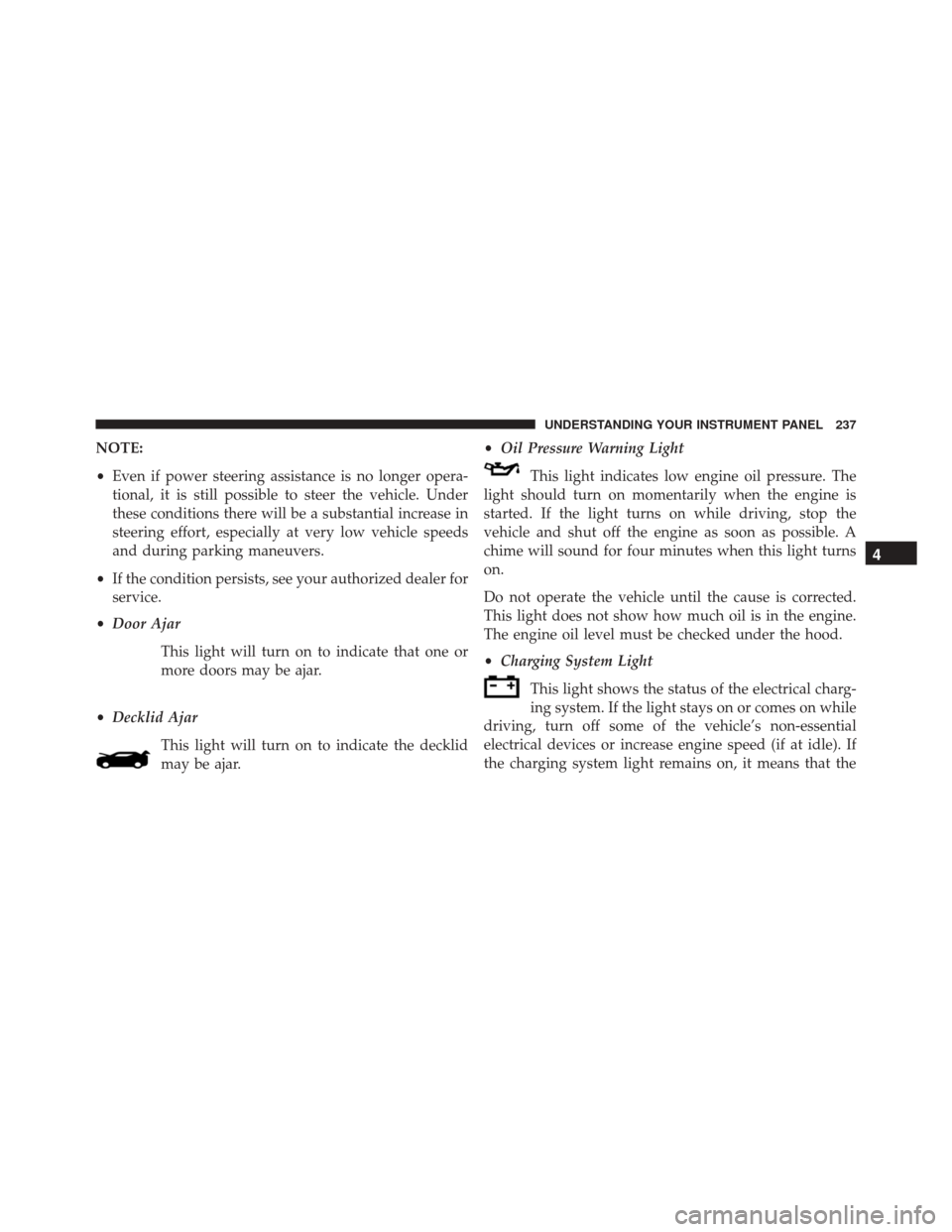
• Door Ajar
This light will turn on to indicate that one or
more doors may be ajar.
• Decklid Ajar
This light will turn on to indicate the decklid
may be ajar. •
Oil Pressure Warning Light
This light indicates low engine oil pressure. The
light should turn on momentarily when the engine is
started. If the light turns on while driving, stop the
vehicle and shut off the engine as soon as possible. A
chime will sound for four minutes when this light turns
on.
Do not operate the vehicle until the cause is corrected.
This light does not show how much oil is in the engine.
The engine oil level must be checked under the hood.
• Charging System Light
This light shows the status of the electrical charg-
ing system. If the light stays on or comes on while
driving, turn off some of the vehicle’s non-essential
electrical devices or increase engine speed (if at idle). If
the charging system light remains on, it means that the
4
UNDERSTANDING YOUR INSTRUMENT PANEL 237
Page 240 of 575
vehicle is experiencing a problem with the charging
system. OBTAIN SERVICE IMMEDIATELY. See an au-
thorized dealer.
Refer to “Jump Starting Procedures” in “What To Do In
Emergencies” if jump starting is required.
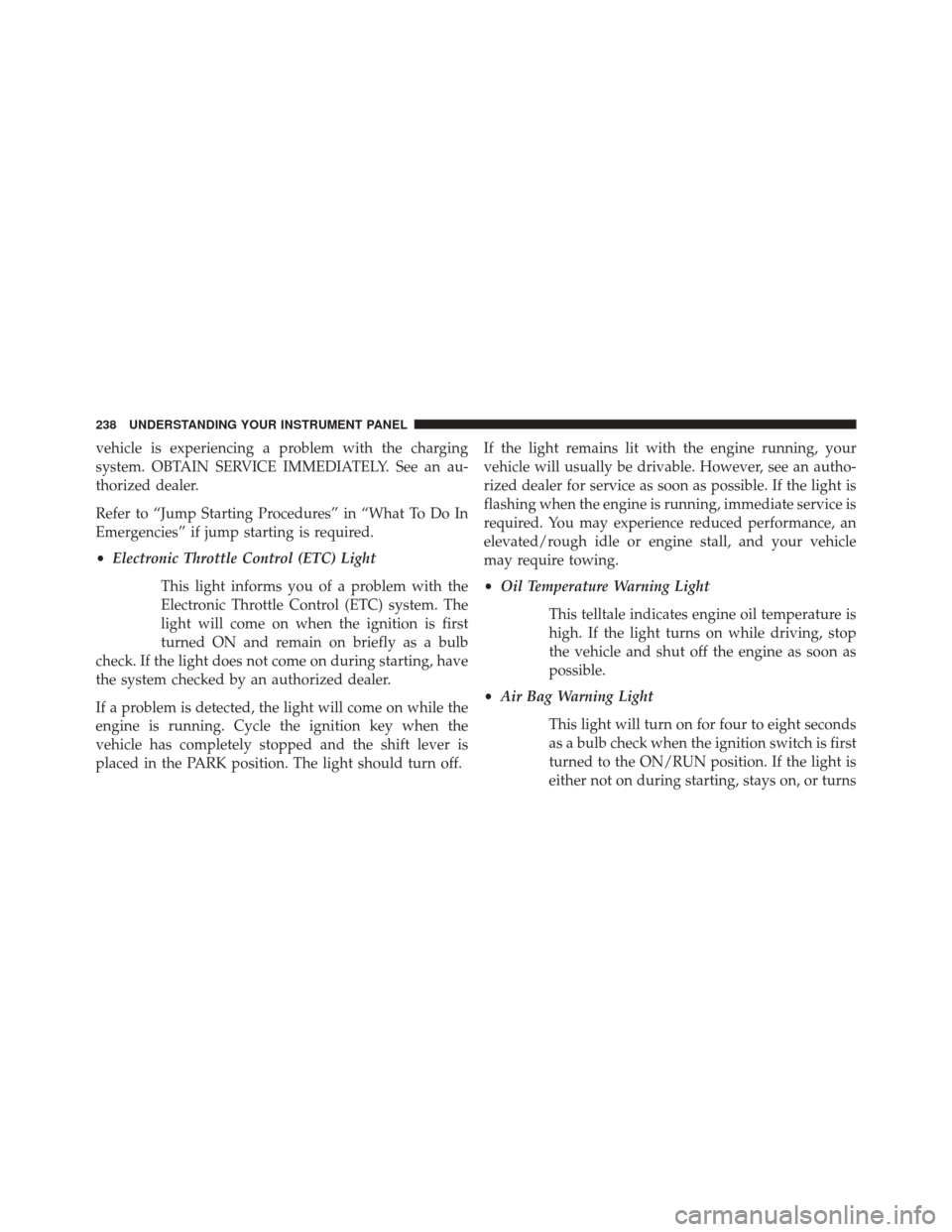
•Electronic Throttle Control (ETC) Light
This light informs you of a problem with the
Electronic Throttle Control (ETC) system. The
light will come on when the ignition is first
turned ON and remain on briefly as a bulb
check. If the light does not come on during starting, have
the system checked by an authorized dealer.
If a problem is detected, the light will come on while the
engine is running. Cycle the ignition key when the
vehicle has completely stopped and the shift lever is
placed in the PARK position. The light should turn off. If the light remains lit with the engine running, your
vehicle will usually be drivable. However, see an autho-
rized dealer for service as soon as possible. If the light is
flashing when the engine is running, immediate service is
required. You may experience reduced performance, an
elevated/rough idle or engine stall, and your vehicle
may require towing.
•
Oil Temperature Warning Light
This telltale indicates engine oil temperature is
high. If the light turns on while driving, stop
the vehicle and shut off the engine as soon as
possible.
• Air Bag Warning Light
This light will turn on for four to eight seconds
as a bulb check when the ignition switch is first
turned to the ON/RUN position. If the light is
either not on during starting, stays on, or turns
238 UNDERSTANDING YOUR INSTRUMENT PANEL
Page 241 of 575
on while driving, have the system inspected at an autho-
rized dealer as soon as possible. Refer to “Occupant
Restraints” in “Things To Know Before Starting Your
Vehicle” for further information.
•Transmission Temperature Warning Light
This light indicates that there is excessive trans-
mission fluid temperature that might occur
with severe usage such as trailer towing. It may
also occur when operating the vehicle in a high
torque converter slip condition. If this light comes on,
stop the vehicle and run the engine at idle or faster with
the transmission in NEUTRAL until the light goes off.
CAUTION!
Continuous driving with the Transmission Tempera-
ture Warning Light illuminated will eventually cause
severe transmission damage or transmission failure.
WARNING!
If you continue operating the vehicle when the
Transmission Temperature Warning Light is illumi-
nated you could cause the fluid to boil over, come in
contact with hot engine or exhaust components and
cause a fire.
DID Selectable Menu Items
Push and release the UP or DOWN arrow buttons until
the desired Selectable Menu item is displayed in the DID.
Follow the Menu or submenu prompts as desired.
Speedometer
Push and release the LEFT or RIGHT arrow button to
toggle between the Speedometer display type.
4
UNDERSTANDING YOUR INSTRUMENT PANEL 239
Page 246 of 575
•This feature will only function when applying the
brakes at speeds above 30 mph (48 km/h).
• Engaging the parking brake will disable this feature.
• The word “READY” will display when conditions are
met for the event to begin.
• The distance and speed measurements display while
the event is taking place.
• The distance measurement will be aborted if the brake
pedal is released before the vehicle comes to a com-
plete stop.
• Pushing and holding the OKbutton will clear the
current and last run values.
Current G-Force
When selected, this screen displays the current G-Force
(lateral and longitudinal) that displays the directions of
the forces. Peak G-Force
When selected, this screen displays all four G-Force
values (two lateral and two longitudinal).
•
When a force greater than zero is measured, the
display will update the value as it climbs. As the
G-Force falls, the peak forces will continue to display.
• Push and hold the OKbutton to clear the peak force
values.
Lap Timer
When selected, the Lap Timer page will show the timer
always at 0:00.00 with the previous Best and Last time
data (unless the driver has cleared it via hold to Reset).
• Pushing OKwill start “current” timer from 0:00.0.
• When OKis pushed, the times are updated accord-
ingly.
244 UNDERSTANDING YOUR INSTRUMENT PANEL
Page 280 of 575
•Press the “Uconnect” button to save the runs to the
Owner web page.
• Press the “Cancel” button to view the last timer
“Ticket.”
The “Tickets” contain the timers listed below:
• Reaction Time
Measures the driver’s reaction time for launching the
vehicle against a simulated drag strip timing light (be-
havior modeled after 500 Sportsman Tree) displayed in
the Driver Information Display (DID).
NOTE: The Reaction Time, MPH, ⅛, and ¼ Mile timers
will be “ready” when the vehicle is at 0 MPH (0 km/h).
• 0-60 MPH (0-100 km/h)
Displays the time it takes for the vehicle to go from 0 to
60 mph (0 to 100 km/h). •
0-100 MPH (0-160 km/h)
Displays the time it takes for the vehicle to go from 0 to
100 mph (0 to 160 km/h).
• ⅛ Mile (200 meter)
Displays the time it takes for the vehicle to go an ⅛Mile
(200 meters).
• ¼ mile (400 meter)
Displays the time it takes for the vehicle to go an ¼ mile
(400 meters).
• Brake Distance
Displays the distance it takes the vehicle to make a full
stop. Contains current and last data for distance and start
– from speed.
NOTE: The distance measurement will be aborted if the
brake pedal is released before the vehicle comes to a
complete stop.
278 UNDERSTANDING YOUR INSTRUMENT PANEL
Page 344 of 575
Press the clutch pedal fully to the floor, and cycle the
ignition switch to the START position and release when
the engine starts. If the engine fails to start within 15
seconds, place the ignition in the OFF position, wait 10 to
15 seconds, then repeat the “Normal Starting” procedure.
WARNING!
Do not attempt to push or tow your vehicle to get it
started. Unburned fuel could enter the catalytic con-
verter and once the engine has started, ignite and
damage the converter and vehicle. If the vehicle has
a discharged battery, booster cables may be used to
obtain a start from another vehicle. This type of start
can be dangerous if done improperly, so follow the
procedure carefully. Refer to “Jump-Starting” in
“What To Do In Emergencies” for further informa-
tion.
Automatic Transmission — If Equipped
The shift lever must be in the NEUTRAL or PARK
position before you can start the engine. Apply the brakes
before shifting into any driving gear.
CAUTION!
Damage to the transmission may occur if the follow-
ing precautions are not observed:
•Do not shift from REVERSE, PARK, or NEUTRAL
into any forward gear when the engine is above
idle speed.
• Shift into PARK only after the vehicle has come to
a complete stop.
• Shift into or out of REVERSE only after the vehicle
has come to a complete stop and the engine is at
idle speed.
• Before shifting into any gear, make sure your foot
is firmly on the brake pedal.
342 STARTING AND OPERATING
Page 345 of 575
Using Fob With Integrated Key (Tip Start)
NOTE:Normal starting of either a cold or a warm
engine is obtained without pumping or pressing the
accelerator pedal.
Do not press the accelerator. Use the Fob with Integrated
Key to briefly place the ignition in the START position
and release it as soon as the starter engages. The starter
motor will continue to run, and it will disengage auto-
matically when the engine is running. If the engine fails
to start, the starter will disengage automatically in 10
seconds. If this occurs, place the ignition in the LOCK/
OFF position, wait 10 to 15 seconds, then repeat the
“Normal Starting” procedure.
Keyless Enter-N-Go™
This feature allows the driver to oper-
ate the ignition switch with the push
of a button, as long as the ENGINE
START/STOP button is installed and
the Remote Start/Keyless Enter-N-
Go™ Key Fob is in the passenger
compartment.
Normal Starting
Using The ENGINE START/STOP Button —
Automatic Transmission Only
1. The transmission must be in PARK or NEUTRAL.
2. Press and hold the brake pedal while pushing the ENGINE START/STOP button once.
5
STARTING AND OPERATING 343
Page 346 of 575
3. The system takes over and attempts to start thevehicle. If the vehicle fails to start, the starter will
disengage automatically after 10 seconds.
4. If you wish to stop the cranking of the engine prior to the engine starting, push the button again.
NOTE: Normal starting of either a cold or a warm engine
is obtained without pumping or pressing the accelerator
pedal.
Using The ENGINE START/STOP Button —
Manual Transmission Only
1. Press and hold the clutch pedal while pushing and holding the ENGINE START/STOP button.
2. Release the button when the engine starts. If the vehicle fails to start within 15 seconds, release the
button, wait 10 to 15 seconds, then repeat the “Normal
Starting” procedure. 3. If you wish to stop the cranking of the engine prior to
the engine starting, release the button.
NOTE: Normal starting of either a cold or a warm engine
is obtained without pumping or pressing the accelerator
pedal.
To Turn Off The Engine Using ENGINE
START/STOP Button — Automatic Transmission
Only
1. Place the shift lever in PARK, then push and release the ENGINE START/STOP button.
2. The ignition switch will return to the OFF position.
3. If the shift lever is not in PARK, the ENGINE START/ STOP button must be held for two seconds and vehicle
speed must be above 5 mph (8 km/h) before the
engine will shut off. The ignition switch position will
remain in the ACC position until the shift lever is in
PARK and the button is pushed twice to the OFF
344 STARTING AND OPERATING
Page 347 of 575
position. If the shift lever is not in PARK and the
ENGINE START/STOP button is pushed once, the
Driver Information Display (DID) will display a “VE-
HICLE NOT IN PARK” message and the engine will
remain running. Never leave a vehicle out of the
PARK position, or it could roll.
NOTE: If the ignition switch is left in the ACC or RUN
(engine not running) position and the transmission is in
PARK, the system will automatically time out after 30
minutes of inactivity and the ignition will switch to the
OFF position.
To Turn Off The Engine Using ENGINE
START/STOP Button — Manual Transmission
Only
1. With the vehicle stopped, place the shift lever in NEUTRAL, then push and release the ENGINE
START/STOP button. 2. The ignition switch will return to the OFF position.
3. Place the shift lever in first gear or REVERSE and then
apply the parking brake.
NOTE:
• If the ignition switch is left in the ACC position, the
system will automatically time out after 30 minutes of
inactivity and the ignition will switch to the OFF
position.
• If the ignition switch is left in the RUN position, the
system will automatically time out after 30 minutes of
inactivity if the vehicle speed is 0 mph (0 km/h) and
the engine is not running.
• If the vehicle speed is above 5 mph (8 km/h), the
ENGINE START/STOP button must be held for two
seconds before the engine will shut off. The ignition
5
STARTING AND OPERATING 345
Page 348 of 575
switch position will remain in the ACC position until
the vehicle is stopped and the button is pushed twice
to the OFF position.
Keyless Enter-N-Go™ Functions — With Driver ’s
Foot OFF The Brake Pedal/Clutch Pedal (In PARK
Or NEUTRAL Position)
The Keyless Enter-N-Go™ feature operates similar to an
ignition switch. It has three positions, OFF, ACC and
RUN. To change the ignition switch positions without
starting the vehicle and use the accessories follow these
steps starting with the ignition switch in the OFF posi-
tion:
1. Push the ENGINE START/STOP button once tochange the ignition switch to the ACC position,
2. Push the ENGINE START/STOP button a second time to change the ignition switch to the RUN position, 3. Push the ENGINE START/STOP button a third time to
return the ignition switch to the OFF position.
Extreme Cold Weather (Below –20°F Or 29°C)
To ensure reliable starting at these temperatures, use of
an externally powered electric engine block heater (avail-
able from your authorized dealer) is recommended.
If Engine Fails To Start
WARNING!
•Never pour fuel or other flammable liquids into
the throttle body air inlet opening in an attempt to
start the vehicle. This could result in a flash fire
causing serious personal injury.
• Do not attempt to push or tow your vehicle to get it
started. Vehicles equipped with an automatic trans-
mission cannot be started this way. Unburned fuel
(Continued)
346 STARTING AND OPERATING