brakes DODGE CHALLENGER SRT 2016 3.G Owners Manual
[x] Cancel search | Manufacturer: DODGE, Model Year: 2016, Model line: CHALLENGER SRT, Model: DODGE CHALLENGER SRT 2016 3.GPages: 616, PDF Size: 4.45 MB
Page 164 of 616
NOTE:You cannot engage ACC under the following
conditions:
• When you apply the brakes.
• When the parking brake is set.
• When the automatic transmission is in PARK, RE-
VERSE or NEUTRAL.
• When the Vehicle speed is outside of the speed range.
• When the brakes are overheated.
• When the ESC is in Full-off mode.
To Activate/Deactivate
Push and release the Adaptive Cruise Control (ACC)
ON/OFF button. The ACC menu in the DID displays
“ACC Ready.” To turn the system OFF, push and release the Adaptive
Cruise Control (ACC) ON/OFF button again. At this
time, the system will turn off and the DID will display
“Adaptive Cruise Control (ACC) Off.”
Adaptive Cruise Control Ready
162 UNDERSTANDING THE FEATURES OF YOUR VEHICLE
Page 172 of 616
•The system disengages. (Refer to the information on
ACC Activation).
The maximum braking applied by ACC is limited; how-
ever, the driver can always apply the brakes manually, if
necessary.
NOTE: The brake lights will illuminate whenever the
ACC system applies the brakes.
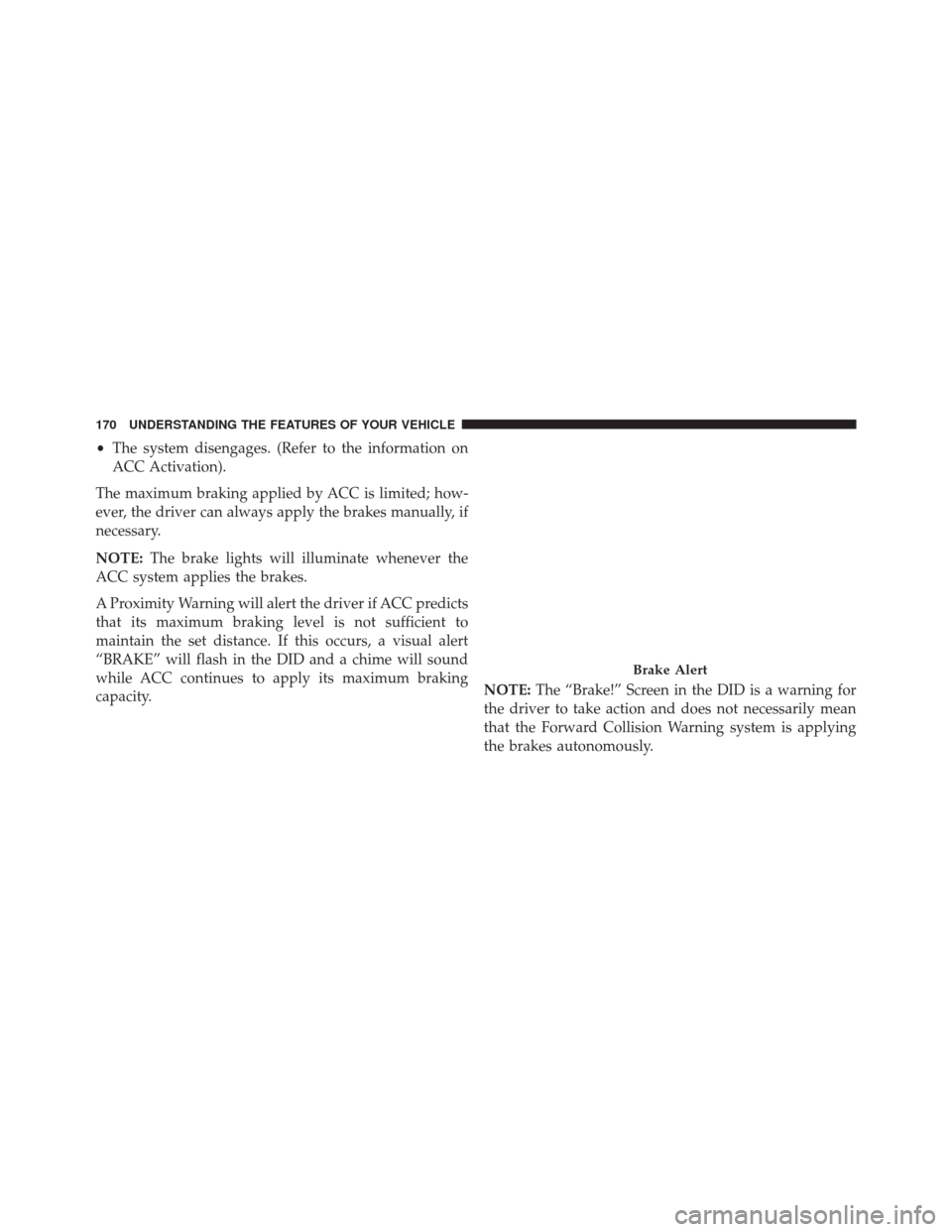
A Proximity Warning will alert the driver if ACC predicts
that its maximum braking level is not sufficient to
maintain the set distance. If this occurs, a visual alert
“BRAKE” will flash in the DID and a chime will sound
while ACC continues to apply its maximum braking
capacity. NOTE:
The “Brake!” Screen in the DID is a warning for
the driver to take action and does not necessarily mean
that the Forward Collision Warning system is applying
the brakes autonomously.
Brake Alert
170 UNDERSTANDING THE FEATURES OF YOUR VEHICLE
Page 178 of 616
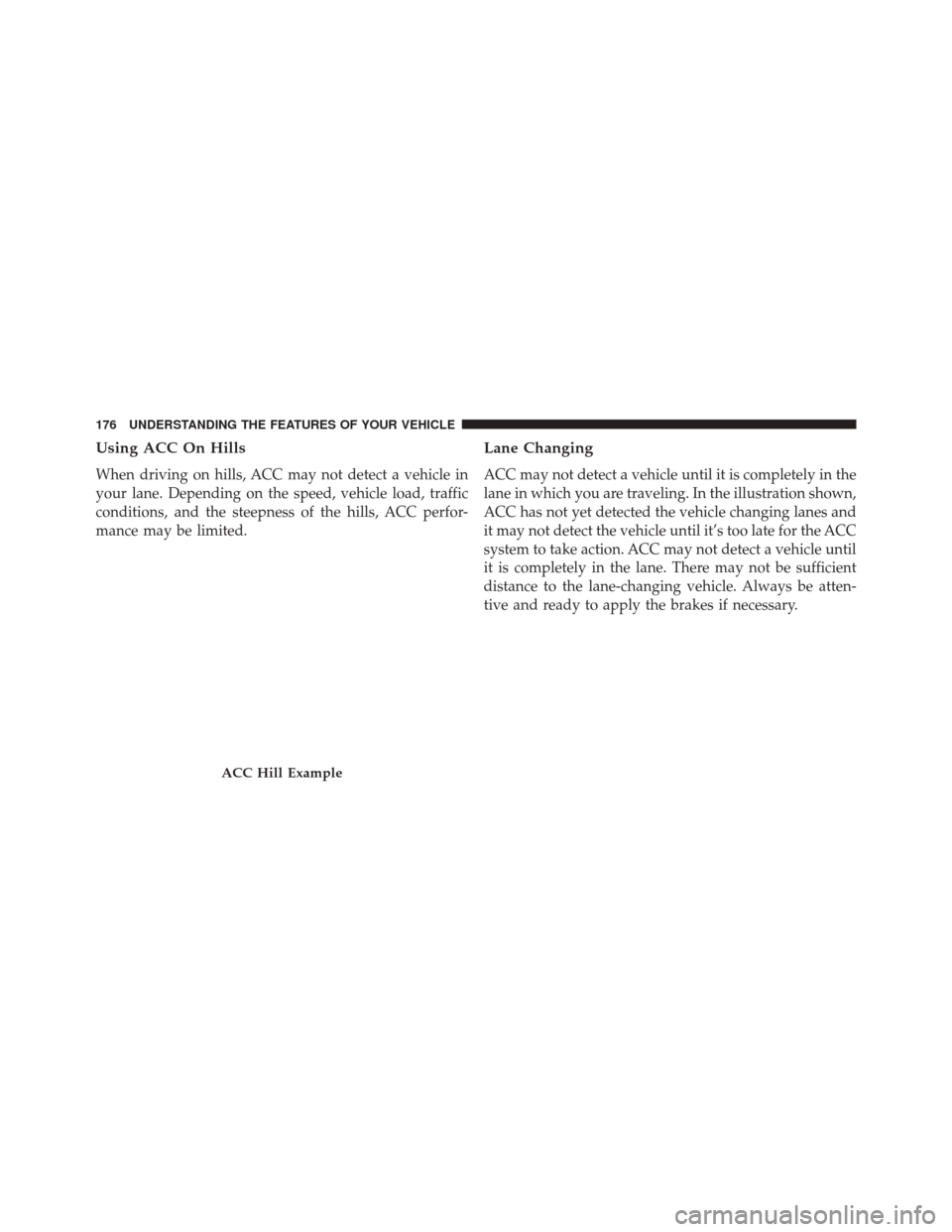
Using ACC On Hills
When driving on hills, ACC may not detect a vehicle in
your lane. Depending on the speed, vehicle load, traffic
conditions, and the steepness of the hills, ACC perfor-
mance may be limited.
Lane Changing
ACC may not detect a vehicle until it is completely in the
lane in which you are traveling. In the illustration shown,
ACC has not yet detected the vehicle changing lanes and
it may not detect the vehicle until it’s too late for the ACC
system to take action. ACC may not detect a vehicle until
it is completely in the lane. There may not be sufficient
distance to the lane-changing vehicle. Always be atten-
tive and ready to apply the brakes if necessary.
ACC Hill Example
176 UNDERSTANDING THE FEATURES OF YOUR VEHICLE
Page 179 of 616
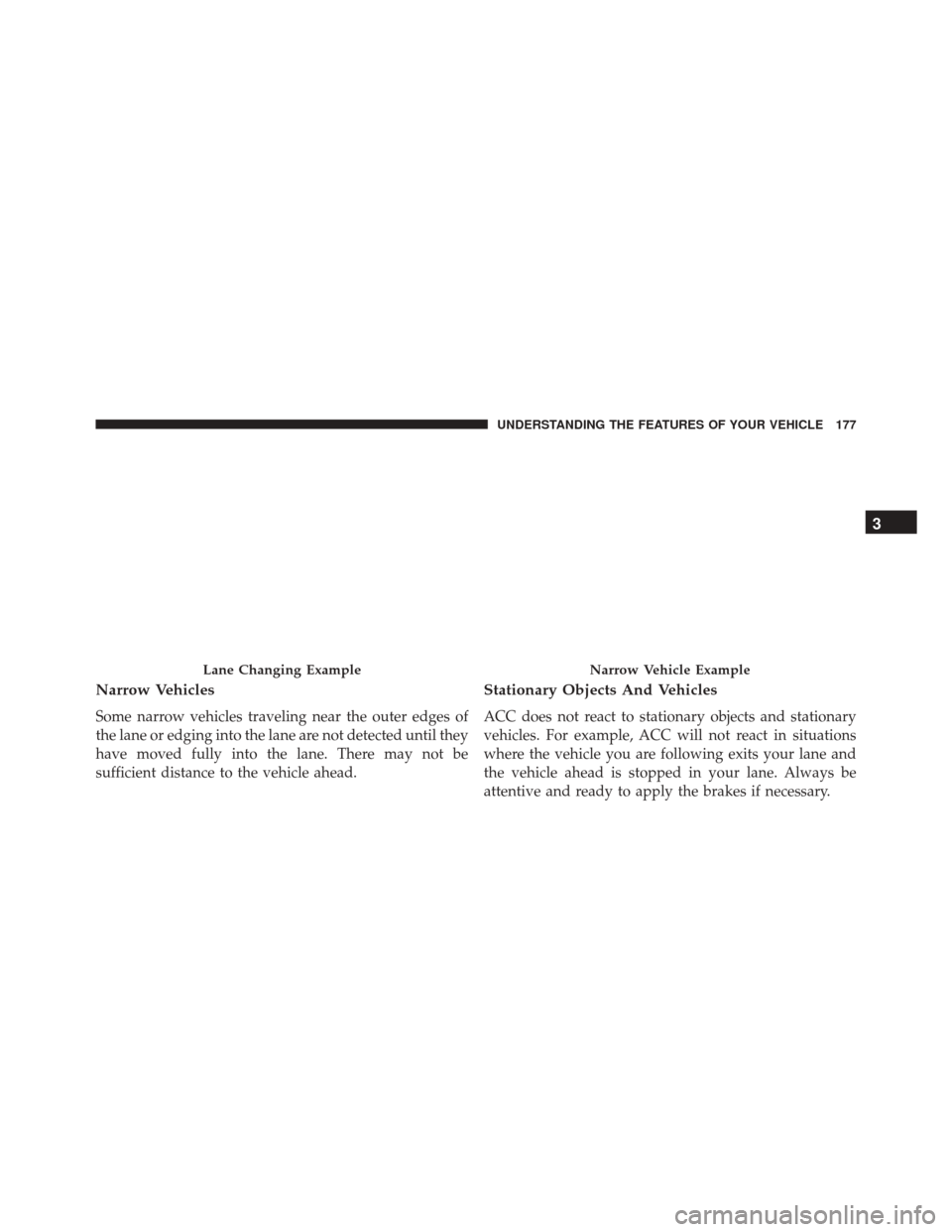
Narrow Vehicles
Some narrow vehicles traveling near the outer edges of
the lane or edging into the lane are not detected until they
have moved fully into the lane. There may not be
sufficient distance to the vehicle ahead.
Stationary Objects And Vehicles
ACC does not react to stationary objects and stationary
vehicles. For example, ACC will not react in situations
where the vehicle you are following exits your lane and
the vehicle ahead is stopped in your lane. Always be
attentive and ready to apply the brakes if necessary.
Lane Changing ExampleNarrow Vehicle Example
3
UNDERSTANDING THE FEATURES OF YOUR VEHICLE 177
Page 252 of 616
Anti-Lock Brake (ABS) Indicator Light
Yellow TelltaleLight What It Means
Anti-Lock Brake (ABS) Indicator Light
This light monitors the Anti-Lock Brake System (ABS). The light will turn on when the igni-
tion switch is placed in the ON/RUN position and may stay on for as long as four seconds.
If the ABS light remains on or turns on while driving, then the Anti-Lock portion of the
brake system is not functioning and service is required. However, the conventional brake
system will continue to operate normally if the brake warning light is not on.
If the ABS light is on, the brake system should be serviced as soon as possible to restore the
benefits of Anti-Lock Brakes. If the ABS light does not turn on when the ignition switch is
placed in the ON/RUN position, have the light inspected by an authorized dealer.
250 UNDERSTANDING YOUR INSTRUMENT PANEL
Page 269 of 616
•This feature will only function when applying the
brakes at speeds above 30 MPH (48 km/h).
• Engaging the parking brake will disable this feature.
• The word “READY” will display when conditions are
met for the event to begin.
• The distance and speed measurements display while
the event is taking place.
• The distance measurement will be aborted if the brake
pedal is released before the vehicle comes to a com-
plete stop.
• Pushing and holding the OKbutton will clear the
current and last run values.
Current G-Force
When selected, this screen displays the current G-Force
(lateral and longitudinal) that displays the directions of
the forces. Peak G-Force
When selected, this screen displays all four G-Force
values (two lateral and two longitudinal).
•
When a force greater than zero is measured, the
display will update the value as it climbs. As the
G-Force falls, the peak forces will continue to display.
• Push and hold the OKbutton to clear the peak force
values.
Lap Timer
When selected, the Lap Timer page will show the timer
always at 0:00.00 with the previous Best and Last time
data (unless the driver has cleared it via hold to Reset).
• Pushing OKwill start “current” timer from 0:00.0.
• When OKis pushed, the times are updated accord-
ingly.
4
UNDERSTANDING YOUR INSTRUMENT PANEL 267
Page 299 of 616
situations. It is recommended that your vehicle operates
in SPORT or TRACK modes during the track event.
Prior to each track event/day:
•Verify allfluids are at the correct levels. Refer to
“Maintaining Your Vehicle” for fluid levels & specifi-
cations.
• Verify the front and rear brake pads have more than ½
the original pad thickness remaining. If the brake pads
require changing, please burnish prior to track outing
at full pace. Refer to “Track Burnishing Your Brakes.”
At the conclusion of each track event, it is recommended
that a brake bleed procedure be performed to maintain
the pedal feel and stopping capability of your Brembo
High Performance brake system.
It is recommended that each track outing end with a
minimum of one cool down lap using minimal braking. Change the differential and manual transmission fluid
after every five hours of track use. Refer to “Maintaining
Your Vehicle” for fluid levels & specifications.
If equipped with a removable lower front fascia grille, it
is recommended to remove it for track use during
warm/hot weather to improve cooling airflow to critical
powertrain and cooling system components.
All SRT vehicles are track tested for 24 hours of endur-
ance, however, it is recommended that the suspension
system, brake system, prop shaft, and half shaft boots
should be inspected for wear or damage after every track
event.
Track usage results in increased operating temperatures
of the engine, transmission, clutch, driveline and brake
system. This increased operating temperature may affect
4
UNDERSTANDING YOUR INSTRUMENT PANEL 297
Page 300 of 616
Noise Vibration Harshness (NVH) countermeasures de-
signed into your vehicle. New components may need to
be installed to return the system to the original NVH
performance.
Recommended tire pressure for track use:
•Challenger/Charger: 40 psi hot, 32 psi front, 30 psi rear
cold
Track Burnishing Your Brakes
To avoid “green lining fade” during track use, the brake
pads and rotors must have a thermal burnish for factory
installed components or when new brake friction com-
ponents are installed:
1. Utilize one track session to burnish brakes by driving at 75% speed. Brake at approximately 0.60 – 0.80g Max
without ABS intervention. 2. Lap the track in this manner until you start smelling
the brakes. Continue for another ½ lap at speed, then
do a two lap cool down with minimal brake applica-
tion. Make sure the brakes are not smoking. If they are,
do another cool down lap.
3. Do not continue for more than one full burnishing lap after you start smelling the brakes. Do not get them
smoking heavily. This will get them too hot and will
negatively affect their life in future track use.
4. Allow the vehicle to sit and cool in the paddock for at least 30 minutes. If an infrared thermal gun is avail-
able, allow the rotors to cool to 200° F (93.3° C) before
going back out.
5. There should be a thin, ashy layer when inspecting the pads installed in the caliper. If the ash layer is more
than ½ the thickness of the brake pad material, this is
an indication of too aggressive of a burnish.
298 UNDERSTANDING YOUR INSTRUMENT PANEL
Page 378 of 616
Manual Transmission — If Equipped
Apply the parking brake, place the shift lever in NEU-
TRAL and press the clutch pedal before starting vehicle.
This vehicle is equipped with a clutch interlocking igni-
tion system. It will not start unless the clutch pedal is
pressed to the floor.
Normal Starting With Integrated Key — Manual
Transmission
Normal starting of either a cold or a warm engine does
not require pumping or pressing the accelerator pedal.
Press the clutch pedal fully to the floor, and cycle the
ignition switch to the START position and release when
the engine starts. If the engine fails to start within 15
seconds, place the ignition in the OFF position, wait 10 to
15 seconds, then repeat the “Normal Starting” procedure.
WARNING!
Do not attempt to push or tow your vehicle to get it
started. Unburned fuel could enter the catalytic con-
verter and once the engine has started, ignite and
damage the converter and vehicle. If the vehicle has
a discharged battery, booster cables may be used to
obtain a start from another vehicle. This type of start
can be dangerous if done improperly, so follow the
procedure carefully. Refer to “Jump-Starting” in
“What To Do In Emergencies” for further informa-
tion.
Automatic Transmission — If Equipped
The shift lever must be in the NEUTRAL or PARK
position before you can start the engine. Apply the brakes
before shifting into any driving gear.
376 STARTING AND OPERATING
Page 391 of 616
CAUTION!
Damage to the transmission may occur if the follow-
ing precautions are not observed:
•Shift into or out of PARK or REVERSE only after
the vehicle has come to a complete stop.
• Do not shift between PARK, REVERSE, NEU-
TRAL, or DRIVE when the engine is above idle
speed.
• Before shifting into any gear, make sure your foot
is firmly pressing the brake pedal.
NOTE: You must press and hold the brake pedal while
shifting out of PARK.
Key Ignition Park Interlock
This vehicle is equipped with a Key Ignition Park Inter-
lock which requires the transmission to be in PARK
before the engine can be turned off. This helps the driver
avoid inadvertently leaving the vehicle without placing
the transmission in PARK. This system also locks the
transmission in PARK whenever the ignition switch is in
the OFF position.
Brake/Transmission Shift Interlock System
This vehicle is equipped with a Brake Transmission Shift
Interlock system (BTSI) that holds the gear selector in
PARK unless the brakes are applied. To shift the trans-
mission out of PARK, the engine must be running and the
brake pedal must be pressed.
The brake pedal must also be pressed to shift from
NEUTRAL into DRIVE or REVERSE when the vehicle is
stopped or moving at low speeds.
5
STARTING AND OPERATING 389