check engine light DODGE CHALLENGER SRT 2018 User Guide
[x] Cancel search | Manufacturer: DODGE, Model Year: 2018, Model line: CHALLENGER SRT, Model: DODGE CHALLENGER SRT 2018Pages: 486, PDF Size: 4.56 MB
Page 205 of 486
WARNING!(Continued)
•It is recommended to only use mild soap and water
to clean your floor mats. After cleaning, always check
your floor mat has been properly installed and is
secured to your vehicle using the floor mat fasteners
by lightly pulling mat.
Periodic Safety Checks You Should Make Outside
The Vehicle
Tires
Examine tires for excessive tread wear and uneven wear
patterns. Check for stones, nails, glass, or other objects
lodged in the tread or sidewall. Inspect the tread for cuts
and cracks. Inspect sidewalls for cuts, cracks, and bulges.
Check the wheel nuts for tightness. Check the tires (includ-
ing spare) for proper cold inflation pressure.
Lights
Have someone observe the operation of brake lights and
exterior lights while you work the controls. Check turn
signal and high beam indicator lights on the instrument
panel.
Door Latches
Check for proper closing, latching, and locking.
Fluid Leaks
Check area under the vehicle after overnight parking for
fuel, coolant, oil, or other fluid leaks. Also, if gasoline
fumes are detected or if fuel, or brake fluid leaks are
suspected. The cause should be located and corrected
immediately.
WARNING!
To prevent SERIOUS INJURY or DEATH when using
“Track-Use” parts and equipment:
• NEVER use any “Track-Use” equipment on public
roads. FCA US LLC does not authorize the use of
“Track-Use” equipment on public roads.
• The intended use of “Track-Use” parts is for race
vehicles on race tracks. To help ensure the safety of
the race driver, engineers should supervise the instal-
lation of “Track-Use” parts.
• FCA US LLC does not authorize the installation or
use of any part noted as “Track-Use” on any new
vehicle prior to its first retail sale.
5
SAFETY 203
Page 215 of 486
For the first 1500 miles (2414 km):
•Do not participate in track events, sport driving schools,
or similar activities during the first 1500 miles (2414 km).
NOTE: Check engine oil with every refueling and add if
necessary. Oil and fuel consumption may be higher
through the first oil change interval. Running the engine
with an oil level below the add mark can cause severe
engine damage.
PARKING BRAKE
Before leaving the vehicle, make sure that the parking
brake is fully applied and place the gear selector in the
PARK or REVERSE (manual transmission only) position.
When the parking brake is applied and the ignition switch
is in the ON/RUN position, the “Brake Warning Light” in
the instrument cluster will illuminate. NOTE:
•
When the parking brake is applied and the transmission
is placed in gear, the “Brake Warning Light” will flash. If
vehicle speed is detected, a chime will sound to alert the
driver. Fully release the parking brake before attempting
to move the vehicle.
• This light only shows that the parking brake is applied.
It does not show the degree of brake application.
When parking on a hill, it is important to turn the front
wheels toward the curb on a downhill grade and away
from the curb on an uphill grade. For vehicles equipped
with an automatic transmission, apply the parking brake
before placing the gear selector in PARK, otherwise the
load on the transmission locking mechanism may make it
difficult to move the gear selector out of PARK. The
parking brake should always be applied whenever the
driver is not in the vehicle.
6
STARTING AND OPERATING 213
Page 238 of 486
CAUTION!
Prolonged operation of the steering system at the end
of the steering wheel travel will increase the steering
fluid temperature and it should be avoided when
possible. Damage to the power steering pump may
occur.
Power Steering Fluid Check
Checking the power steering fluid level at a defined service
interval is not required. The fluid should be checked at
every oil change if a leak is suspected, abnormal noises are
apparent, and/or the system is not functioning as antici-
pated. Coordinate inspection efforts through an authorized
dealer.
WARNING!
Fluid level should be checked on a level surface and
with the engine off to prevent injury from moving
parts and to ensure accurate fluid level reading. Do not
overfill. Use only manufacturer’s recommended power
steering fluid.
CAUTION!
Do not use chemical flushes in your power steering
system as the chemicals can damage your power steer-
ing components. Such damage is not covered by the
New Vehicle Limited Warranty.
If necessary, add fluid to restore to the proper indicated
level. With a clean cloth, wipe any spilled fluid from all
surfaces. Refer to “Fluids And Lubricants” in “Technical
Specifications” for further information.
ELECTRIC POWER STEERING — IF EQUIPPED
The electric power steering system will give you good
vehicle response and increased ease of maneuverability in
tight spaces. The system will vary its assist to provide light
efforts while parking and good feel while driving. If the
electric steering system experiences a fault that prevents it
from providing assist, you will still have the ability to steer
the vehicle manually.
Alternate electric power steering efforts can be selected
through the Uconnect System. Refer to “Drive Modes” in
this section for further information.
236 STARTING AND OPERATING
Page 274 of 486
Shallow Standing Water
Although your vehicle is capable of driving through shal-
low standing water, consider the following Cautions and
Warnings before doing so.
WARNING!
•Driving through standing water limits your vehicle’s
traction capabilities. Do not exceed 5 mph (8 km/h)
when driving through standing water.
• Driving through standing water limits your vehicle’s
braking capabilities, which increases stopping dis-
tances. Therefore, after driving through standing
water, drive slowly and lightly press on the brake
pedal several times to dry the brakes.
• Failure to follow these warnings may result in inju-
ries that are serious or fatal to you, your passengers,
and others around you.
CAUTION!
• Always check the depth of the standing water before
driving through it. Never drive through standing
(Continued)
CAUTION! (Continued)
water that is deeper than the bottom of the tire rims
mounted on the vehicle.
• Determine the condition of the road or the path that
is under water and if there are any obstacles in the
way before driving through the standing water.
• Do not exceed 5 mph (8 km/h) when driving through
standing water. This will minimize wave effects.
• Driving through standing water may cause damage
to your vehicle’s drivetrain components. Always in-
spect your vehicle’s fluids (i.e., engine oil, transmis-
sion, axle, etc.) for signs of contamination (i.e., fluid
that is milky or foamy in appearance) after driving
through standing water. Do not continue to operate
the vehicle if any fluid appears contaminated, as this
may result in further damage. Such damage is not
covered by the New Vehicle Limited Warranty.
• Getting water inside your vehicle’s engine can cause
it to lock up and stall out, and cause serious internal
damage to the engine. Such damage is not covered by
the New Vehicle Limited Warranty.
272 STARTING AND OPERATING
Page 318 of 486
At Each Stop For Fuel
•Check the engine oil level. Refer to “Engine Compart-
ment” in this chapter for further information.
• Check the windshield washer solvent and add if re-
quired.
Once A Month
• Check tire pressure and look for unusual wear or
damage.
• Inspect the battery, and clean and tighten the terminals
as required.
• Check the fluid levels of the coolant reservoir, brake
master cylinder, and power steering (6.2L only), and add
as needed.
• Check all lights and other electrical items for correct
operation. At Each Oil Change
•
Change the engine oil filter.
• Inspect the brake hoses and lines.
CAUTION!
Failure to perform the required maintenance items
may result in damage to the vehicle.
316 SERVICING AND MAINTENANCE
Page 342 of 486
If an examination of your engine compartment shows no
evidence of radiator or hose leaks, the vehicle may be
safely driven. The vapor will soon dissipate.
•Do not overfill the coolant expansion bottle.
• Check the coolant freeze point in the radiator and in the
coolant expansion bottle. If engine coolant (antifreeze)
needs to be added, the contents of the coolant expansion
bottle must also be protected against freezing.
• If frequent engine coolant (antifreeze) additions are
required, the cooling system should be pressure tested
for leaks.
• Maintain engine coolant (antifreeze) concentration at a
minimum of 50% OAT coolant (conforming to
MS.90032) and distilled water for proper corrosion pro-
tection of your engine which contains aluminum com-
ponents.
• Make sure that the coolant expansion bottle overflow
hoses are not kinked or obstructed.
• Keep the front of the radiator clean. If your vehicle is
equipped with air conditioning, keep the front of the
condenser clean.
• Do not change the thermostat for Summer or Winter
operation. If replacement is ever necessary, install ONLY the correct type thermostat. Other designs may result in
unsatisfactory engine coolant (antifreeze) performance,
poor gas mileage, and increased emissions.
Brake System
In order to assure brake system performance, all brake
system components should be inspected periodically. Refer
to the “Maintenance Plan” in this section for the proper
maintenance intervals.
WARNING!
Riding the brakes can lead to brake failure and possi-
bly a collision. Driving with your foot resting or riding
on the brake pedal can result in abnormally high brake
temperatures, excessive lining wear, and possible
brake damage. You would not have your full braking
capacity in an emergency.
Fluid Level Check — Brake Master Cylinder
Check the fluid level in the master cylinder immediately if
the brake system warning light indicates system failure.
Check the fluid level in the master cylinder when perform-
ing underhood services.
340 SERVICING AND MAINTENANCE
Page 378 of 486
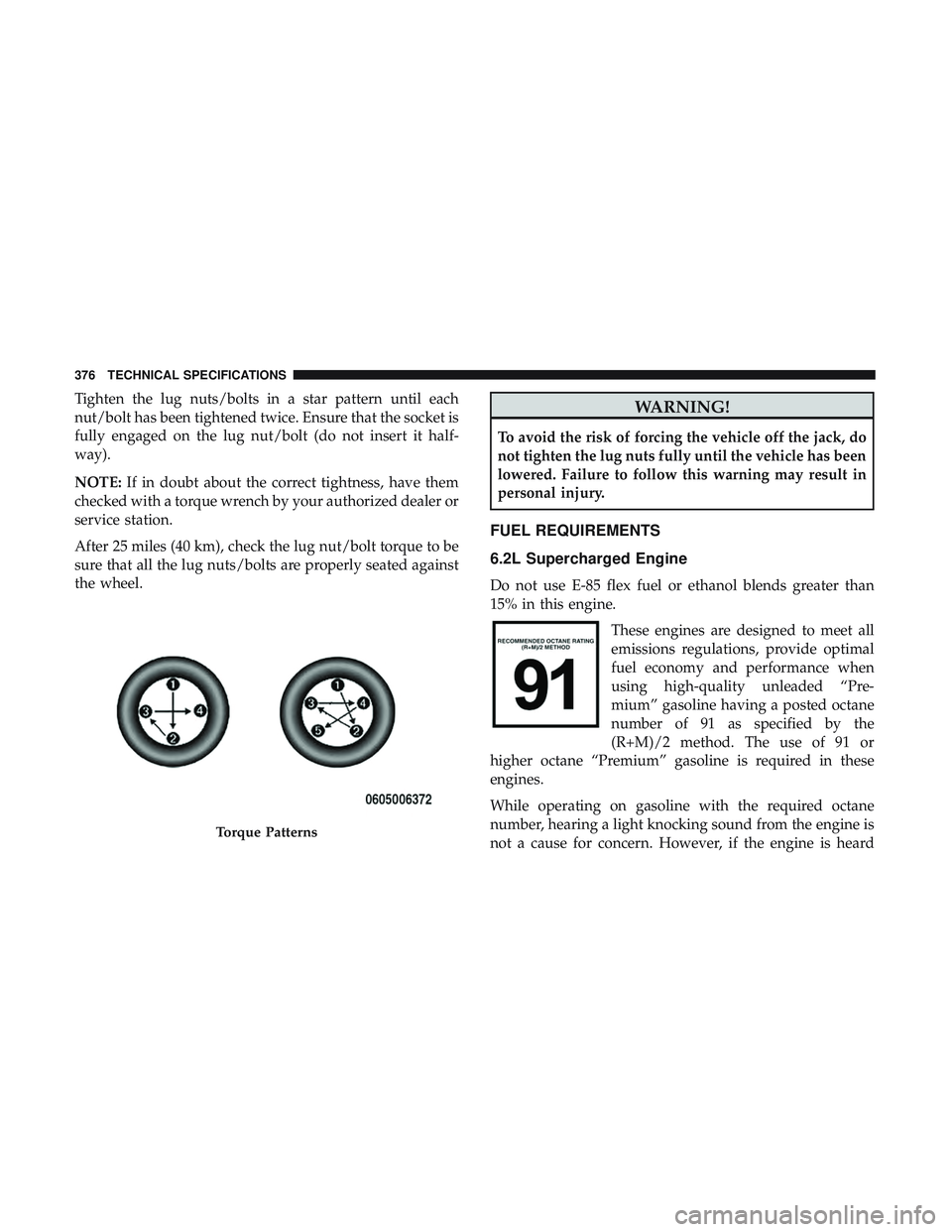
Tighten the lug nuts/bolts in a star pattern until each
nut/bolt has been tightened twice. Ensure that the socket is
fully engaged on the lug nut/bolt (do not insert it half-
way).
NOTE:If in doubt about the correct tightness, have them
checked with a torque wrench by your authorized dealer or
service station.
After 25 miles (40 km), check the lug nut/bolt torque to be
sure that all the lug nuts/bolts are properly seated against
the wheel.WARNING!
To avoid the risk of forcing the vehicle off the jack, do
not tighten the lug nuts fully until the vehicle has been
lowered. Failure to follow this warning may result in
personal injury.
FUEL REQUIREMENTS
6.2L Supercharged Engine
Do not use E-85 flex fuel or ethanol blends greater than
15% in this engine.
These engines are designed to meet all
emissions regulations, provide optimal
fuel economy and performance when
using high-quality unleaded “Pre-
mium” gasoline having a posted octane
number of 91 as specified by the
(R+M)/2 method. The use of 91 or
higher octane “Premium” gasoline is required in these
engines.
While operating on gasoline with the required octane
number, hearing a light knocking sound from the engine is
not a cause for concern. However, if the engine is heard
Torque Patterns
376 TECHNICAL SPECIFICATIONS
Page 392 of 486
Customer Programmable Features — Uconnect
4C/4C NAV Settings
Press the “Apps” button (If Equipped), and then
press the “Settings” button on the touchscreen to dis-
play the menu setting screen. In this mode, the
Uconnect system allows you to access programmable
features that may be equipped such as Language, Dis-
play, Units, Voice, Clock, Safety & Driving Assistance,
Lights, Doors & Locks, Auto-On Comfort, Engine Off
Options, Audio, Phone, SiriusXM Setup, Restore Set-
tings, Clear Personal Data and System Information.
NOTE: Depending on the vehicles options, feature settings
may vary. When making a selection, press the button on the touch-
screen to enter the desired mode. Once in the desired
mode, press and release the preferred setting “option” until
a check-mark appears next to the setting, showing that
setting has been selected. Once the setting is complete,
either press the back arrow button on the touchscreen to
return to the previous menu, or press the “X” button on the
touchscreen to close out of the settings screen. Pressing the
up or down arrow button on the right side of the screen
will allow you to toggle up or down through the available
settings.
Language
After pressing the “Language” button on the touchscreen,
the following settings will be available:
Setting Name
Selectable Options
Set Language EnglishFrançais Español
390 MULTIMEDIA
Page 471 of 486
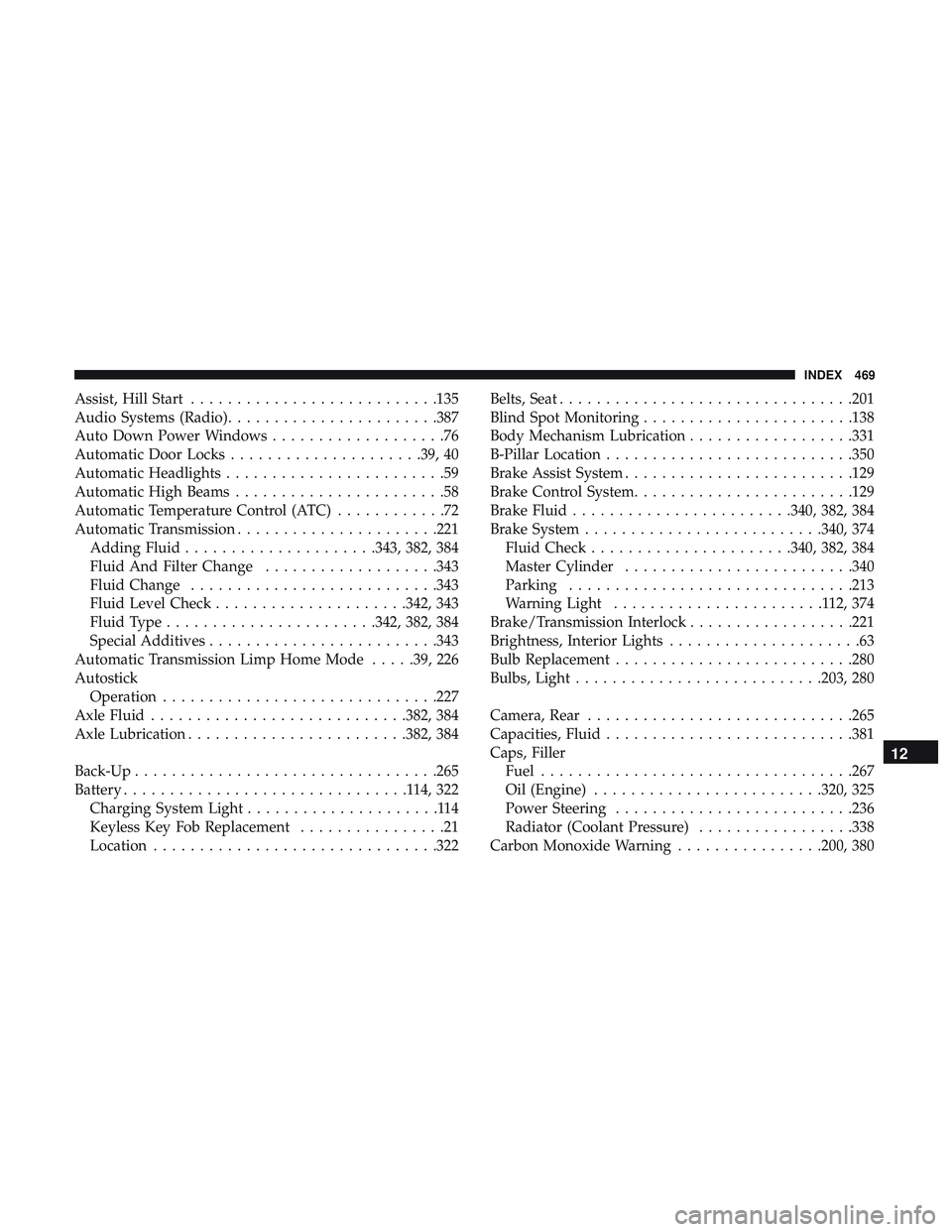
Assist, Hill Start.......................... .135
Audio Systems (Radio) ...................... .387
Auto Down Power Windows ...................76
Automatic Door Locks .....................39, 40
Automatic Headlights ........................59
Automatic High Beams .......................58
Automatic Temperature Control (ATC) ............72
Automatic Transmission ..................... .221
Adding Fluid .....................343, 382, 384
Fluid And Filter Change ...................343
Fluid Change .......................... .343
Fluid Level Check .....................342, 343
Fluid Type ...................... .342, 382, 384
Special Additives ........................ .343
Automatic Transmission Limp Home Mode .....39, 226
Autostick Operation ............................. .227
Axle Fluid ........................... .382, 384
Axle Lubrication ....................... .382, 384
Back-Up ................................ .265
Battery ...............................114,322
Charging System Light .....................114
Keyless Key Fob Replacement ................21
Location .............................. .322Belts, Seat
............................... .201
Blind Spot Monitoring ...................... .138
Body Mechanism Lubrication ..................331
B-Pillar Location .......................... .350
Brake Assist System ........................ .129
Brake Control System ....................... .129
Brake Fluid ....................... .340, 382, 384
Brake System ......................... .340, 374
Fluid Check ..................... .340, 382, 384
Master Cylinder ........................ .340
Parking .............................. .213
Warning Light .......................112,374
Brake/Transmission Interlock ..................221
Brightness, Interior Lights .....................
63
Bulb Replacement ......................... .280
Bulbs, Light .......................... .203, 280
Camera, Rear ............................ .265
Capacities, Fluid .......................... .381
Caps, Filler Fuel ................................. .267
Oil (Engine) ........................ .320, 325
Power Steering ......................... .236
Radiator (Coolant Pressure) .................338
Carbon Monoxide Warning ................200, 380
12
INDEX 469
Page 472 of 486
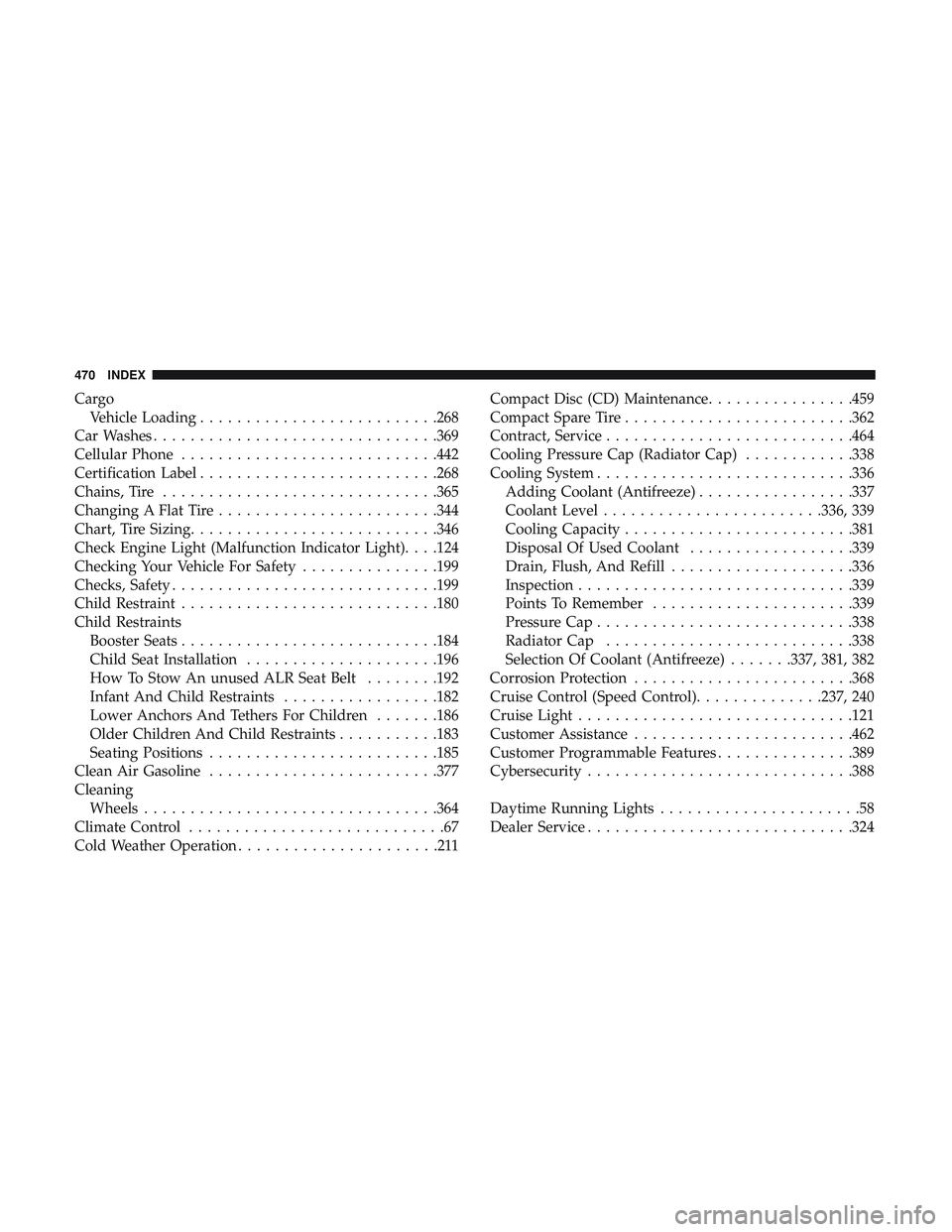
CargoVehicle Loading ......................... .268
Car Washes .............................. .369
Cellular Phone ........................... .442
Certification Label ......................... .268
Chains, Tire ............................. .365
Changing A Flat Tire ....................... .344
Chart, Tire Sizing .......................... .346
Check Engine Light (Malfunction Indicator Light). . . .124
Checking Your Vehicle For Safety ...............199
Checks, Safety ............................ .199
Child Restraint ........................... .180
Child Restraints Booster Seats ........................... .184
Child Seat Installation .....................196
How To Stow An unused ALR Seat Belt ........192
Infant And Child Restraints .................182
Lower Anchors And Tethers For Children .......186
Older Children And Child Restraints ...........183
Seating Positions ........................ .185
Clean Air Gasoline ........................ .377
Cleaning Wheels ............................... .364
Climate Control ............................67
Cold Weather Operation ......................211 Compact Disc (CD) Maintenance
................459
Compact Spare Tire ........................ .362
Contract, Service .......................... .464
Cooling Pressure Cap (Radiator Cap) ............338
Cooling System ........................... .336
Adding Coolant (Antifreeze) .................337
Coolant Level ....................... .336, 339
Cooling Capacity ........................ .381
Disposal Of Used Coolant ..................339
Drain, Flush, And Refill ....................336
Inspection ............................. .339
Points To Remember ..................... .339
Pr
essure Cap ........................... .338
Radiator Cap .......................... .338
Selection Of Coolant (Antifreeze) .......337, 381, 382
Corrosion Protection ....................... .368
Cruise Control (Speed Control) ..............237, 240
Cruise Light ............................. .121
Customer Assistance ....................... .462
Customer Programmable Features ...............389
Cybersecurity ............................ .388
Daytime Running Lights ......................58
Dealer Service ............................ .324
470 INDEX