homelink DODGE CHARGER 2011 7.G Owners Manual
[x] Cancel search | Manufacturer: DODGE, Model Year: 2011, Model line: CHARGER, Model: DODGE CHARGER 2011 7.GPages: 104, PDF Size: 4.53 MB
Page 3 of 104
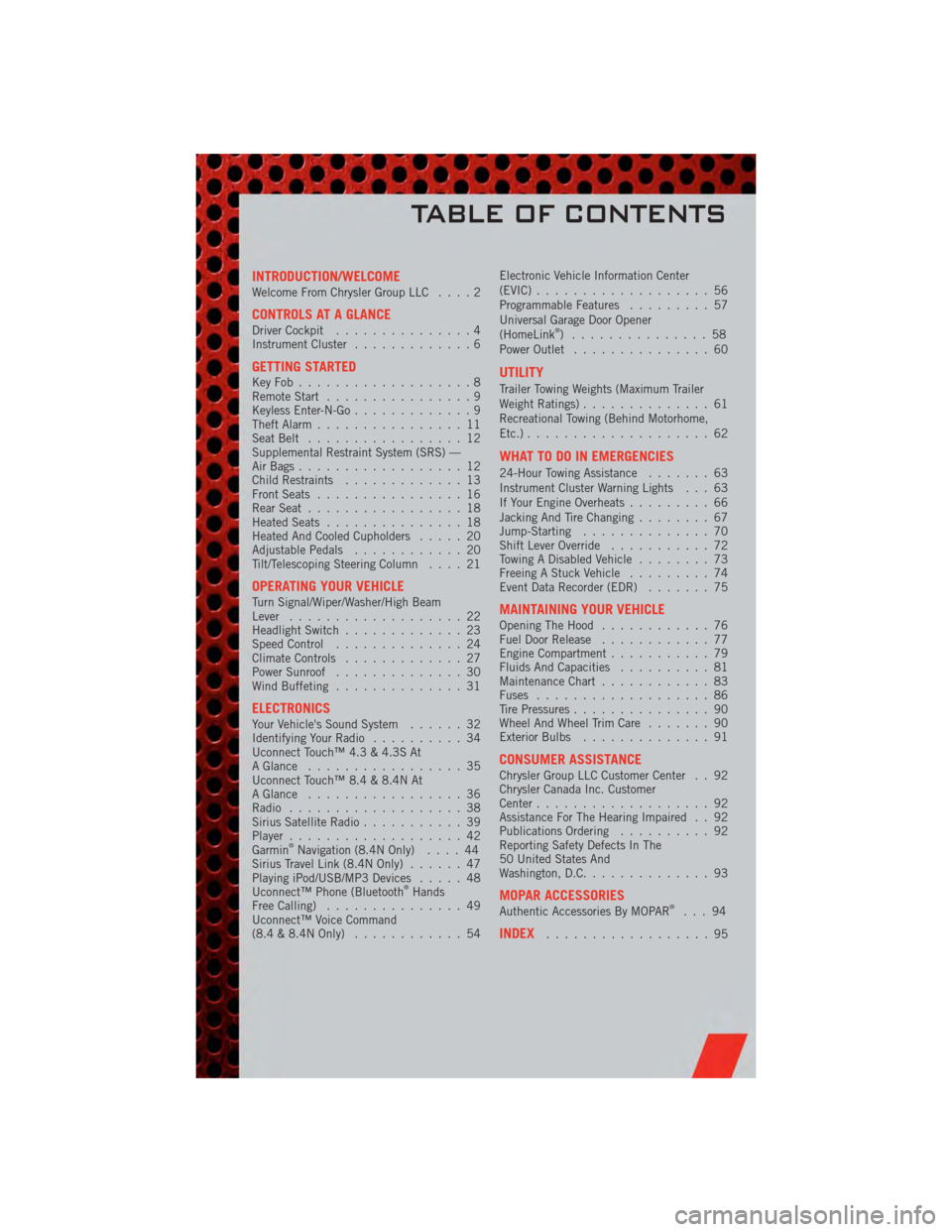
INTRODUCTION/WELCOMEWelcome From Chrysler Group LLC....2
CONTROLS AT A GLANCEDriver Cockpit...............4
Instrument Cluster .............6
GETTING STARTEDKeyFob...................8
Remote Start................9
Keyless Enter-N-Go .............9
Theft Alarm ................11
Seat Belt .................12
Supplemental Restraint System (SRS) —
Air Bags ..................12
Child Restraints .............13
Front Seats ................16
Rear Seat .................18
Heated Seats ...............18
Heated And Cooled Cupholders .....20
Adjustable Pedals ............20
Tilt/Telescoping Steering Column ....21
OPERATING YOUR VEHICLETurn Signal/Wiper/Washer/High Beam
Lever...................22
Headlight Switch .............23
Speed Control ..............24
Climate Controls .............27
Power Sunroof ..............30
Wind Buffeting ..............31
ELECTRONICSYour Vehicle's Sound System ......32
Identifying Your Radio ..........34
Uconnect Touch™ 4.3 & 4.3S At
A Glance .................35
Uconnect Touch™ 8.4 & 8.4N At
A Glance .................36
Radio ...................38
Sirius Satellite Radio ...........39
Player ...................42
Garmin
®Navigation (8.4N Only) ....44
Sirius Travel Link (8.4N Only) ......47
Playing iPod/USB/MP3 Devices .....48
Uconnect™ Phone (Bluetooth
®Hands
Free Calling) ...............49
Uconnect™ Voice Command
(8.4 & 8.4N Only) ............54 Electronic Vehicle Information Center
(EVIC)
...................56
Programmable Features .........57
Universal Garage Door Opener
(HomeLink
®) ...............58
Power Outlet ...............60
UTILITY
Trailer Towing Weights (Maximum Trailer
Weight Ratings) ..............61
Recreational Towing (Behind Motorhome,
Etc.) ....................62
WHAT TO DO IN EMERGENCIES
24-Hour Towing Assistance .......63
Instrument Cluster Warning Lights . . . 63
If Your Engine Overheats .........66
Jacking And Tire Changing ........67
Jump-Starting ..............70
Shift Lever Override ...........72
Towing A Disabled Vehicle ........73
Freeing A Stuck Vehicle .........74
Event Data Recorder (EDR) .......75
MAINTAINING YOUR VEHICLEOpening The Hood............76
Fuel Door Release ............77
Engine Compartment ...........79
Fluids And Capacities ..........81
Maintenance Chart ............83
Fuses ...................86
Tire Pressures ...............90
Wheel And Wheel Trim Care .......90
Exterior Bulbs ..............91
CONSUMER ASSISTANCEChrysler Group LLC Customer Center . . 92
Chrysler Canada Inc. Customer
Center...................92
Assistance For The Hearing Impaired . . 92
Publications Ordering ..........92
Reporting Safety Defects In The
50 United States And
Washington, D.C. .............93
MOPAR ACCESSORIESAuthentic Accessories By MOPAR®...94
INDEX..................95
TABLE OF CONTENTS
Page 60 of 104
Uconnect Touch™ 8.4 Customer Programmable Features
• The Uconnect Touch™ 8.4 system allows you to access Customer Programmablefeature settings such as Display, Clock, Safety/Assistance, Lights, Doors & Locks,
Heated Seats, Engine Off Operation, Compass Settings, Audio, Phone/ Bluetooth
and SIRIUS Setup through soft-keys.
• Touch the More soft-key to on the bottom of the screen, then touch the Settings soft-key to access the Settings screen. When making a selection, scroll up or down
until the preferred setting is highlighted, then press and release the preferred
setting until a check-mark appears next to the setting, showing that setting has
been selected. The following feature settings are available:
• Display • Clock
• Safety / Assistance • Doors & Locks
• Auto-On Comfort & Remote Start • Engine Off Options
• Compass Settings • Audio
• Phone / Bluetooth • SIRIUS Setup
UNIVERSAL GARAGE DOOR OPENER
(HomeLink®)
Programming HomeLink®
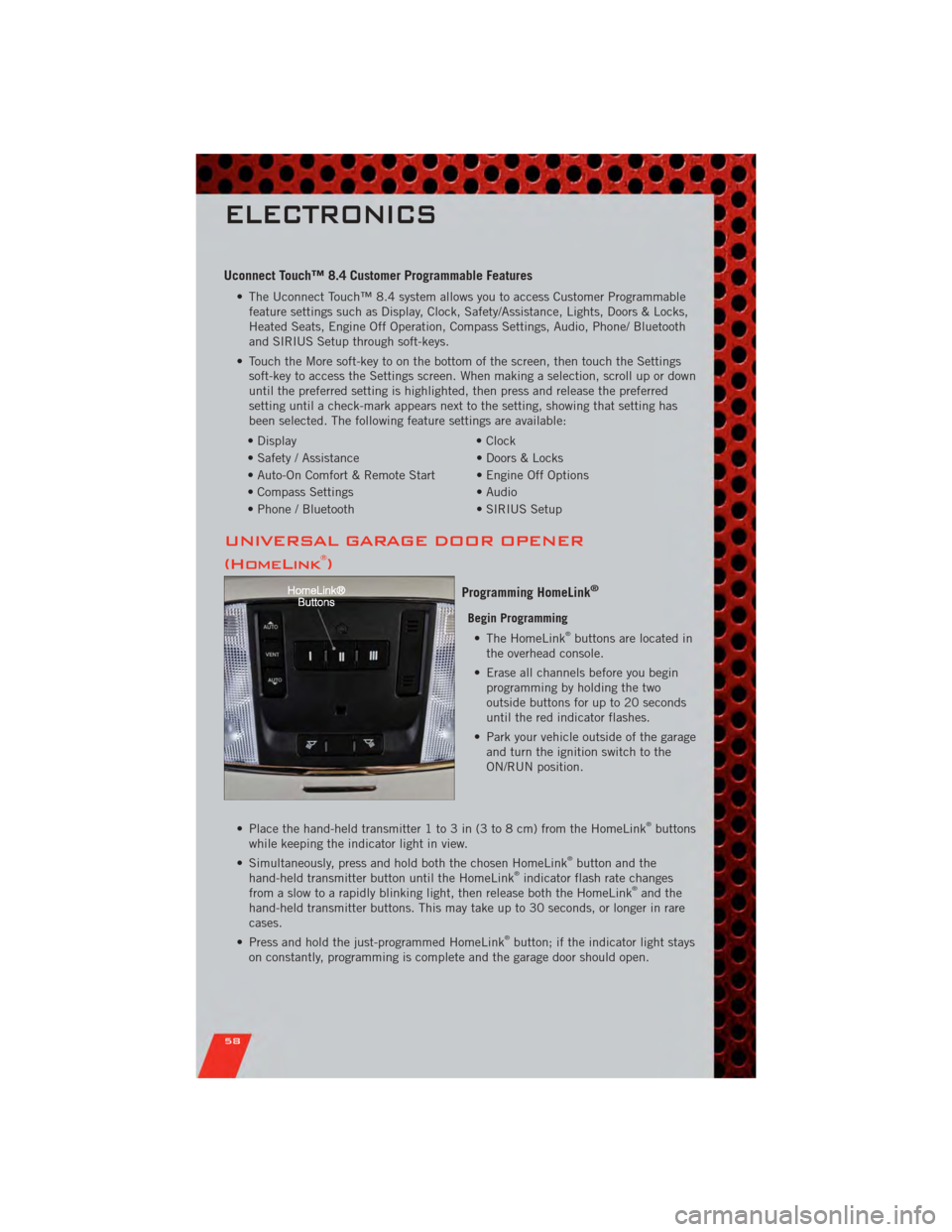
Begin Programming • The HomeLink®buttons are located in
the overhead console.
• Erase all channels before you begin programming by holding the two
outside buttons for up to 20 seconds
until the red indicator flashes.
• Park your vehicle outside of the garage and turn the ignition switch to the
ON/RUN position.
• Place the hand-held transmitter 1 to 3 in (3 to 8 cm) from the HomeLink
®buttons
while keeping the indicator light in view.
• Simultaneously, press and hold both the chosen HomeLink
®button and the
hand-held transmitter button until the HomeLink®indicator flash rate changes
from a slow to a rapidly blinking light, then release both the HomeLink®and the
hand-held transmitter buttons. This may take up to 30 seconds, or longer in rare
cases.
• Press and hold the just-programmed HomeLink
®button; if the indicator light stays
on constantly, programming is complete and the garage door should open.
ELECTRONICS
58
Page 61 of 104
NOTE:
• Only use this transceiver with a garage door opener that has a “stop and reverse”feature as required by Federal safety standards. This includes most garage door
opener models manufactured after 1982. Do not use a garage door opener without
these safety features. Call toll-free 1–800–355–3515 or, on the Internet, at
www.HomeLink.com for safety information or assistance.
• If you are having difficulty programming your HomeLink
®and your garage door
opener was manufactured after 1995, you may have a rolling code. Follow the steps
below for Programming A Rolling Code System.
Programming A Rolling Code System • At the garage door opener motor (in the garage), locate the “learn” or “programming” button. This can usually be found where the hanging antenna wire
is attached to the garage door opener motor (it is NOT the button normally used to
open and close the door).
• Firmly press and release the “learn” or “programming” button. The name and color of the button may vary by manufacturer. Within 30 seconds, return to the vehicle
and press the programmed HomeLink
®button twice (holding the button for two
seconds each time). If the device is plugged in and activates, programming is
complete.
• If the device does not activate, press the button a third time (for two seconds) to complete the programming.
Using HomeLink
®
• To operate, simply press and release the programmed HomeLink®button and the
programmed device will operate.
• Refer to your Owner’s Manual on the DVD for further details. If you have any problems programming HomeLink
®, or require assistance, please call toll-free
1–800–355–3515 or, on the Internet, at www.HomeLink.com.
WARNING!
• Your motorized door or gate will open and close while you are programming the universal transceiver. Do not program the transceiver if people or pets are
in the path of the door or gate.
• Do not run your vehicle in a closed garage or confined area while programming the transceiver. Exhaust gas from your vehicle contains Carbon
Monoxide (CO) which is odorless and colorless. Carbon Monoxide is
poisonous when inhaled and can cause you and others to be severely injured
or killed.
ELECTRONICS
59
Page 97 of 104
Adaptive Cruise Control (ACC) (Cruise
Control)................. 24
AdjustablePedals ........... 20
Airbag .................. 12
Alarm,Panic ............... 8
Arming Theft System
(Security Alarm) ............ 11
Audio Settings ........... 35,37
Automatic Headlights ......... 23
Automatic Temperature Control
(ATC) ................... 27
Automatic Transmission FluidType .............. 81
AxleFluid ................ 81
Belts, Seat ............... 12
Brake Fluid ............... 81
BulbReplacement ........... 91
Calibration,Compass ......... 56
ChangeOilIndicator .......... 66
Child Restraint ............. 13
Child Restraint Tether Anchors .... 13
Clock Setting ............ 35,37
Compass Calibration .......... 56
Cooling System Coolant Capacity ........... 81
Cruise Control (Speed Control) .... 24
CruiseLight ............... 24
Cupholders
Heated/Cooled (Beverage
Holder) ................ 20
Customer Assistance .......... 92
Customer Programmable
Features ............... 57,58
Defects, Reporting ........... 93
Dimmer Control ............. 23
Dimmer Switch, Headlight ...... 23
Disarming, Theft System ....... 11
Driver Cockpit .............. 4
ECO ................... 56
Electronic Speed Control
(Cruise Control) ............. 24
Electronic Vehicle Information Center
(EVIC) ................ 56,57 Electronics
Your Vehicle's Sound System .... 32
Emergency Key .............. 8
Emergency, In Case of Overheating ............. 66
Engine Compartment ............. 79
Oil Selection ............. 81
Overheating ............. 66
Starting ................ 10
Stopping ............... 10
Event Data Recorder .......... 75
Exterior Lights ............. 91
Fluid Capacities ............ 81
Fluids .................. 81
FogLights ................ 23
FoldingRearSeat ........... 18
Freeing A Stuck Vehicle ........ 74
Front Heated Seats ........... 18
Fuel Filler Door (Gas Cap) ........ 77
Filler Door Emergency Release . . . 77
Specifications ............ 81
Garage Door Opener (HomeLink
®)..58
Headlights Automatic .............. 23
Dimmer Switch ........... 23
HighBeam .............. 22
Heated Seats .............. 18
High Beam/Low Beam Select
(Dimmer) Switch ............ 22
HomeLink
®(Garage Door Opener)
Transmitter ............... 58
Hood Release .............. 76
Instrument Cluster ............ 6
Indicators ............... 7
Instrument Cluster Warning
Lights ................. 6,63
Intermittent Wipers (Delay Wipers) . . 22
Introduction ............... 2
iPod
®/USB/MP3 Control ........ 48
Bluetooth Streaming Audio ..... 49
INDEX
95
Page 99 of 104
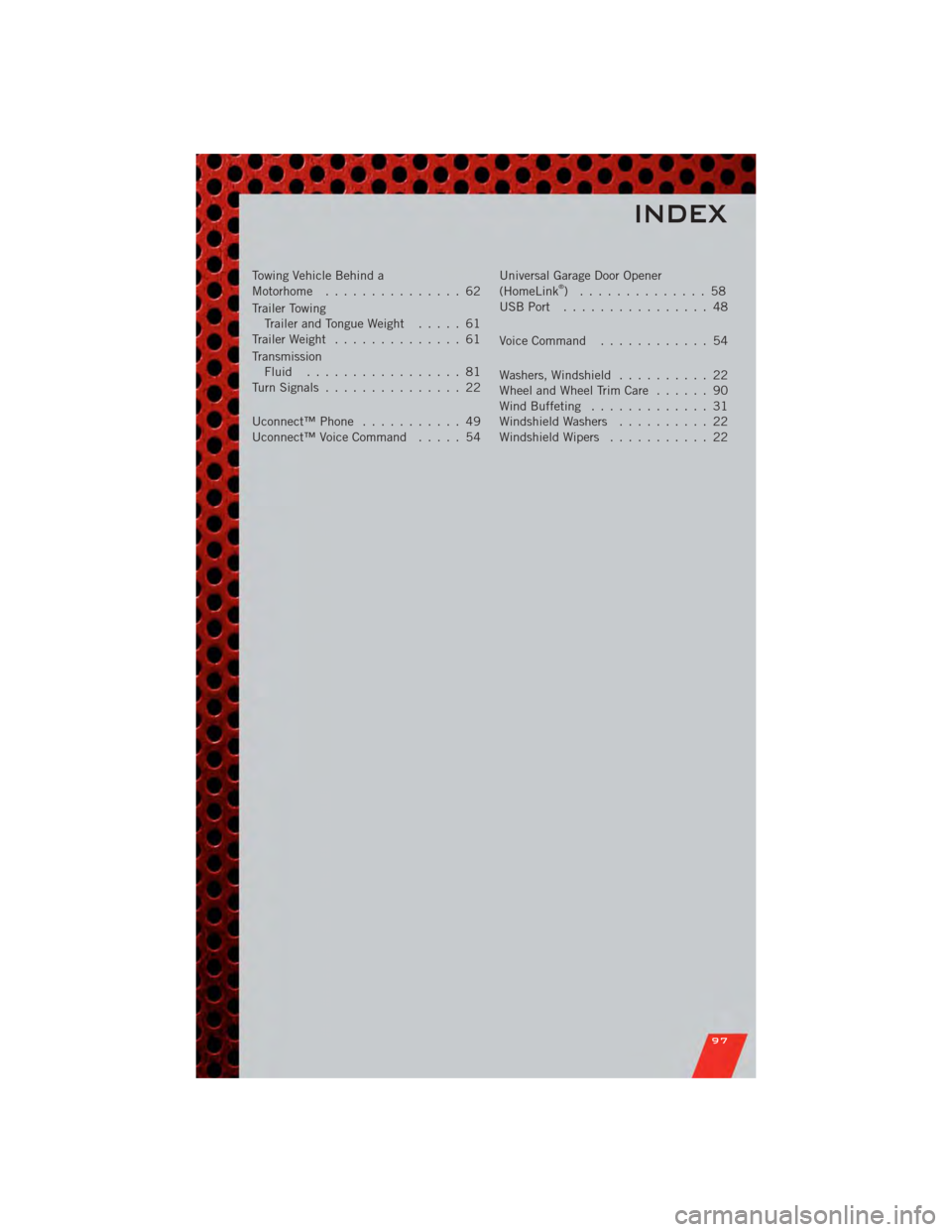
Towing Vehicle Behind a
Motorhome............... 62
Trailer Towing Trailer and Tongue Weight ..... 61
Trailer Weight .............. 61
Transmission Fluid ................. 81
TurnSignals ............... 22
Uconnect™Phone ........... 49
Uconnect™VoiceCommand ..... 54 Universal Garage Door Opener
(HomeLink®) .............. 58
USBPort ................ 48
Voice Command ............ 54
Washers, Windshield .......... 22
WheelandWheelTrimCare ...... 90
Wind Buffeting ............. 31
Windshield Washers .......... 22
Windshield Wipers ........... 22
INDEX
97