heating DODGE CHARGER 2011 7.G User Guide
[x] Cancel search | Manufacturer: DODGE, Model Year: 2011, Model line: CHARGER, Model: DODGE CHARGER 2011 7.GPages: 566, PDF Size: 11.25 MB
Page 336 of 566
CAUTION! (Continued)
•Use care when washing the inside of the rear
window. Do not use abrasive window cleaners on
the interior surface of the window. Use a soft cloth
and a mild washing solution, wiping parallel to
the heating elements. Labels can be peeled off
after soaking with warm water.
•Do not use scrapers, sharp instruments, or abra-
sive window cleaners on the interior surface of the
window.
•Keep all objects a safe distance from the window.
6. Passenger Temperature Control Up Button
Provides the passenger with independent temperature
control. Push the button for warmer temperature set-
tings.
NOTE: Pressing this button while in Sync mode will
automatically exit Sync. 7. Passenger Temperature Control Down Button
Provides the passenger with independent temperature
control. Push the button for cooler temperature settings.
NOTE:
Pressing this button while in Sync mode will
automatically exit Sync.
8. Climate Control OFF Button
Press and release this button to turn the Climate Control
ON/OFF.
9. AUTO Operation Button — If Equipped
Automatically controls the interior cabin temperature by
adjusting airflow distribution and amount. Performing
this function will cause the ATC to switch between
manual mode and automatic modes. Refer to “Automatic
Operation” for more information.
10. Driver Temperature Control Down Button
Provides the driver with independent temperature con-
trol. Push the button for cooler temperature settings.
334 UNDERSTANDING YOUR INSTRUMENT PANEL
Page 341 of 566
Manual Operation
The system allows for manual selection of blower speed,
air distribution mode, A/C status and recirculation con-
trol.
The blower fan speed can be set to any fixed speed by
adjusting the blower control. The fan will now operate at
a fixed speed until additional speeds are selected. This
allows the front occupants to control the volume of air
circulated in the vehicle and cancel the Auto mode.
The operator can also select the direction of the airflow
by selecting one of the available mode settings. A/C
operation and Recirculation control can also be manually
selected in Manual operation.
Operating Tips
NOTE:Refer to the chart at the end of this section for
suggested control settings for various weather condi-
tions.
Summer Operation
The engine cooling system in air-conditioned vehicles
must be protected with a high-quality antifreeze coolant
to provide proper corrosion protection and to protect
against engine overheating. A solution of 50% ethylene
glycol antifreeze coolant and 50% water is recommended.
Refer to “Maintenance Procedures” in “Maintaining Your
Vehicle” for proper coolant selection.
Winter Operation
Use of the air Recirculation mode during Winter months
is not recommended because it may cause window
fogging.
Vacation Storage
Any time you store your vehicle or keep it out of service
(i.e., vacation) for two weeks or more, run the air
conditioning system at idle for about five minutes in the
fresh air and high blower setting. This will ensure
4
UNDERSTANDING YOUR INSTRUMENT PANEL 339
Page 342 of 566
adequate system lubrication to minimize the possibility
of compressor damage when the system is started again.
Window Fogging
Interior fogging on the windshield can be quickly re-
moved by turning the mode selector to Defrost. The
Defrost/Floor mode can be used to maintain a clear
windshield and provide sufficient heating. If side win-
dow fogging becomes a problem increase blower speed.
Vehicle windows tend to fog on the inside in mild but
rainy or humid weather.
NOTE:
•Recirculate without A/C should not be used for long
periods, as fogging may occur.
•Automatic Temperature Controls (ATC) will automati-
cally adjust the climate control settings to reduce or
eliminate window fogging on the front windshield.
Outside Air Intake
Make sure the air intake, located directly in front of the
windshield, is free of obstructions such as leaves. Leaves
collected in the air intake may reduce airflow, and if they
enter the plenum, they could plug the water drains. In
Winter months, make sure the air intake is clear of ice,
slush, and snow.
A/C Air Filter
The climate control system filters outside air containing
dust, pollen and some odors. Strong odors cannot be
totally filtered out. Refer to “Maintenance Procedures” in
“Maintaining Your Vehicle” for filter replacement
instructions.
340 UNDERSTANDING YOUR INSTRUMENT PANEL
Page 390 of 566
WARNING!
Overloading of your tires is dangerous. Overloading
can cause tire failure, affect vehicle handling, and
increase your stopping distance. Use tires of the
recommended load capacity for your vehicle. Never
overload them.
TIRES — GENERAL INFORMATION
Tire Pressure
Proper tire inflation pressure is essential to the safe and
satisfactory operation of your vehicle. Three primary
areas are affected by improper tire pressure:
Safety
WARNING!
•Improperly inflated tires are dangerous and can
cause collisions.
•Under-inflation increases tire flexing and can re-
sult in tire over-heating and failure.
•Over-inflation reduces a tire’s ability to cushion
shock. Objects on the road and chuckholes can
cause damage that result in tire failure.
•Unequal tire pressures can cause steering prob-
lems. You could lose control of your vehicle.
•Over-inflated or under-inflated tires can affect
vehicle handling and can fail suddenly, resulting
in loss of vehicle control.(Continued)
388 STARTING AND OPERATING
Page 438 of 566
Cooling System
To reduce potential for engine and transmission over-
heating, take the following actions:
City Driving
When stopped for short periods of time, shift the trans-
mission into NEUTRAL and increase engine idle speed.
Highway Driving
Reduce speed.
Air Conditioning
Turn off temporarily.
RECREATIONAL TOWING
(BEHIND MOTORHOME, ETC.)
Two-Wheel Drive and All-Wheel Drive
Recreational towing (with all four wheels on the ground,
or using a tow dolly) is NOT ALLOWED. The only
acceptable method for towing this vehicle (behind an-
other vehicle) is on a vehicle trailer with all four wheels
OFF the ground.
CAUTION!
Towing this vehicle in violation of the above require-
ments can cause severe transmission and/or transfer
case damage. Such damage is not covered by the New
Vehicle Limited Warranty.
436 STARTING AND OPERATING
Page 440 of 566
HAZARD WARNING FLASHERS
The Hazard Warning flasher switch is located in the
switch bank near the top center of the instrument panel.Press the switch to turn on the Hazard Warning
flasher. When the switch is activated, all directional
turn signals will flash on and off to warn oncoming
traffic of an emergency. Press the switch a second time to
turn off the Hazard Warning flashers.
This is an emergency warning system and it should not
be used when the vehicle is in motion. Use it when your
vehicle is disabled and it is creating a safety hazard for
other motorists.
When you must leave the vehicle to seek assistance, the
Hazard Warning flashers will continue to operate even
though the ignition is placed in the OFF position.
NOTE: With extended use the Hazard Warning flashers
may wear down your battery.
IF YOUR ENGINE OVERHEATS
In any of the following situations, you can reduce the
potential for overheating by taking the appropriate action.
•On the highways — slow down.
•In city traffic — while stopped, place the transmission
in NEUTRAL, but do not increase the engine idle
speed.
NOTE: There are steps that you can take to slow down
an impending overheat condition:
•If your air conditioner (A/C) is on, turn it off. The A/C
system adds heat to the engine cooling system and
turning the A/C off can help remove this heat.
•You can also turn the temperature control to maximum
heat, the mode control to floor and the blower control
to high. This allows the heater core to act as a
supplement to the radiator and aids in removing heat
from the engine cooling system.
438 WHAT TO DO IN EMERGENCIES
Page 454 of 566
FREEING A STUCK VEHICLE
If your vehicle becomes stuck in mud, sand, or snow, it
can often be moved by a rocking motion. Turn your
steering wheel right and left to clear the area around the
front wheels. Then shift back and forth between DRIVE
and REVERSE. Using minimal accelerator pedal pressure
to maintain the rocking motion, without spinning the
wheels, is most effective.
CAUTION!
Racing the engine or spinning the wheels may lead to
transmission overheating and failure. Allow the en-
gine to idle with the shift lever in NEUTRAL for at
least one minute after every five rocking-motion
cycles. This will minimize overheating and reduce
the risk of transmission failure during prolonged
efforts to free a stuck vehicle.NOTE:
Turn off the Electronic Stability Program (ESP)
— if equipped, or Traction Control System (TCS) — if
equipped before rocking the vehicle. Refer to “Electronic
Brake Control” in “Starting And Operating” for further
information.
CAUTION!
•When “rocking” a stuck vehicle by moving be-
tween DRIVE and REVERSE, do not spin the
wheels faster than 15 mph (24 km/h), or drivetrain
damage may result.
•Revving the engine or spinning the wheels too fast
may lead to transmission overheating and failure.
It can also damage the tires. Do not spin the
wheels above 30 mph (48 km/h) while in gear (no
transmission shifting occurring).
452 WHAT TO DO IN EMERGENCIES
Page 481 of 566
CAUTION!
•The catalytic converter requires the use of un-
leaded fuel only. Leaded gasoline will destroy the
effectiveness of the catalyst as an emissions con-
trol device and may seriously reduce engine per-
formance and cause serious damage to the engine.
•Damage to the catalytic converter can result if your
vehicle is not kept in proper operating condition.
In the event of engine malfunction, particularly
involving engine misfire or other apparent loss of
performance, have your vehicle serviced promptly.
Continued operation of your vehicle with a severe
malfunction could cause the converter to overheat,
resulting in possible damage to the converter and
vehicle.Under normal operating conditions, the catalytic con-
verter will not require maintenance. However, it is im-
portant to keep the engine properly tuned to assure
proper catalyst operation and prevent possible catalyst
damage.
NOTE:
Intentional tampering with emissions control
systems can result in civil penalties being assessed
against you.
In unusual situations involving grossly malfunctioning
engine operation, a scorching odor may suggest severe
and abnormal catalyst overheating. If this occurs, stop
the vehicle, turn off the engine and allow it to cool.
Service, including a tune-up to manufacturer’s specifica-
tions, should be obtained immediately.
7
MAINTAINING YOUR VEHICLE 479
Page 548 of 566
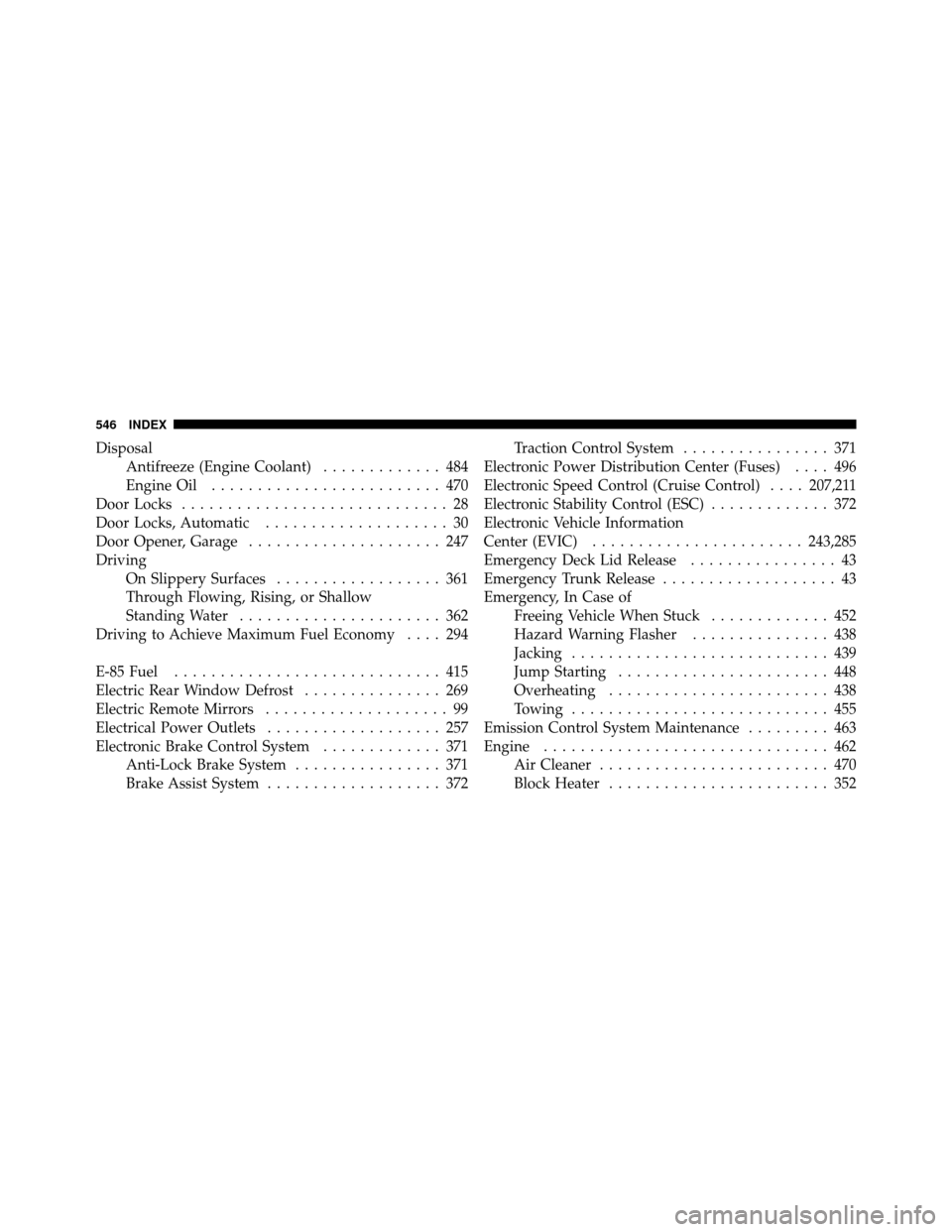
DisposalAntifreeze (Engine Coolant) ............. 484
Engine Oil ......................... 470
Door Locks ............................. 28
Door Locks, Automatic .................... 30
Door Opener, Garage ..................... 247
Driving On Slippery Surfaces .................. 361
Through Flowing, Rising, or Shallow
Standing Water ...................... 362
Driving to Achieve Maximum Fuel Economy .... 294
E-85 Fuel ............................. 415
Electric Rear Window Defrost ............... 269
Electric Remote Mirrors .................... 99
Electrical Power Outlets ................... 257
Electronic Brake Control System ............. 371
Anti-Lock Brake System ................ 371
Brake Assist System ................... 372 Traction Control System
................ 371
Electronic Power Distribution Center (Fuses) .... 496
Electronic Speed Control (Cruise Control) ....207,211
Electronic Stability Control (ESC) ............. 372
Electronic Vehicle Information
Center (EVIC) ....................... 243,285
Emergency Deck Lid Release ................ 43
Emergency Trunk Release ................... 43
Emergency, In Case of Freeing Vehicle When Stuck ............. 452
Hazard Warning Flasher ............... 438
Jacking ............................ 439
Jump Starting ....................... 448
Overheating ........................ 438
Towing ............................ 455
Emission Control System Maintenance ......... 463
Engine ............................... 462
Air Cleaner ......................... 470
Block Heater ........................ 352
546 INDEX
Page 549 of 566
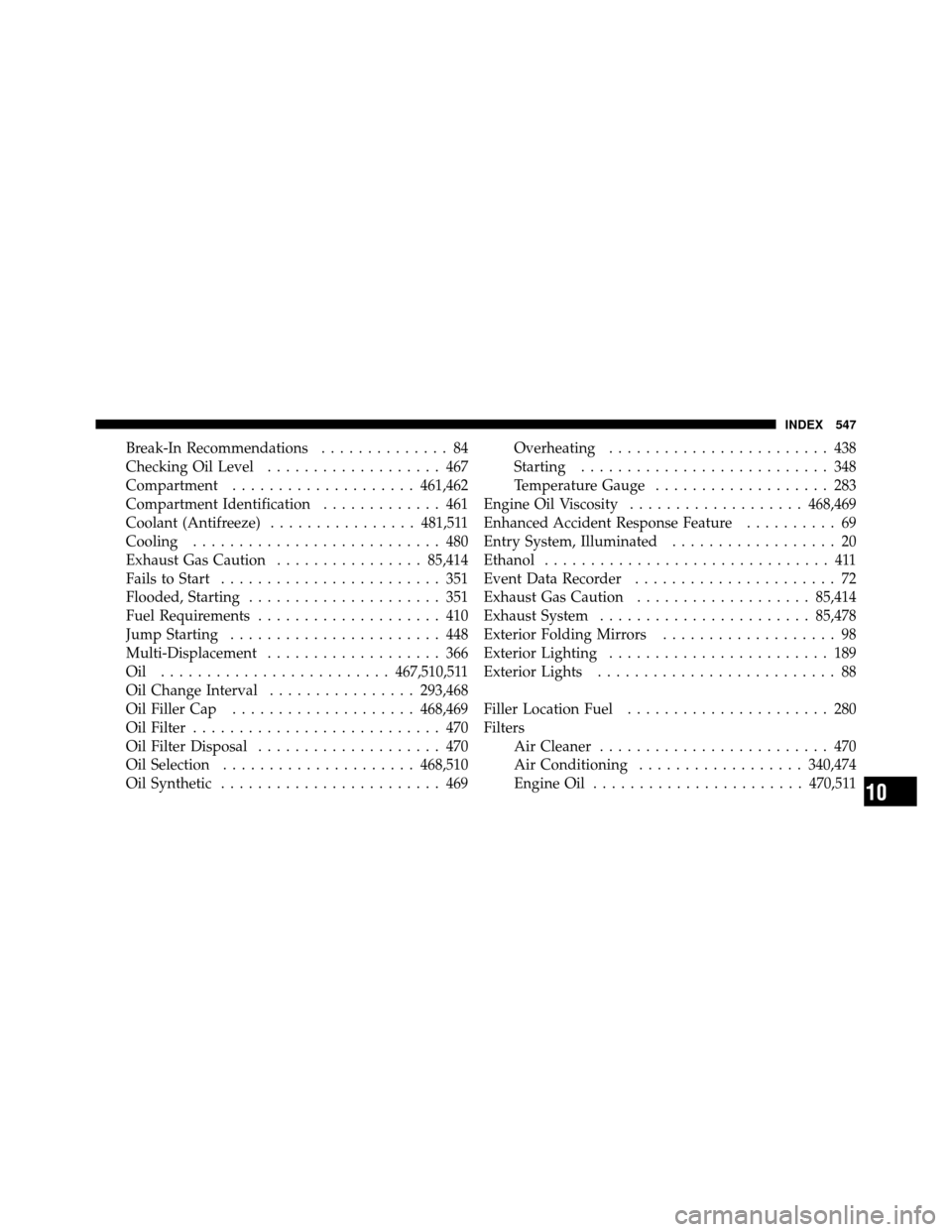
Break-In Recommendations.............. 84
Checking Oil Level ................... 467
Compartment .................... 461,462
Compartment Identification ............. 461
Coolant (Antifreeze) ................ 481,511
Cooling ........................... 480
Exhaust Gas Caution ................85,414
Fails to Start ........................ 351
Flooded, Starting ..................... 351
Fuel Requirements .................... 410
Jump Starting ....................... 448
Multi-Displacement ................... 366
Oil ......................... 467,510,511
Oil Change Interval ................ 293,468
Oil Filler Cap .................... 468,469
Oil Filter ........................... 470
Oil Filter Disposal .................... 470
Oil Selection ..................... 468,510
Oil Synthetic ........................ 469 Overheating
........................ 438
Starting ........................... 348
Temperature Gauge ................... 283
Engine Oil Viscosity ................... 468,469
Enhanced Accident Response Feature .......... 69
Entry System, Illuminated .................. 20
Ethanol ............................... 411
Event Data Recorder ...................... 72
Exhaust Gas Caution ................... 85,414
Exhaust System ....................... 85,478
Exterior Folding Mirrors ................... 98
Exterior Lighting ........................ 189
Exterior Lights .......................... 88
Filler Location Fuel ...................... 280
Filters Air Cleaner ......................... 470
Air Conditioning .................. 340,474
Engine Oil ....................... 470,511
10
INDEX 547