check engine light DODGE CHARGER 2013 7.G User Guide
[x] Cancel search | Manufacturer: DODGE, Model Year: 2013, Model line: CHARGER, Model: DODGE CHARGER 2013 7.GPages: 631, PDF Size: 4.58 MB
Page 369 of 631
Engine Off Options
After pressing the Engine Off Options soft-key the fol-
lowing settings will be available.
•Easy Exit Seat
This feature provides automatic driver seat positioning to
enhance driver mobility when entering and exiting the
vehicle. To make your selection, touch the Easy Exit Seats
soft-key, until a check-mark appears next to setting,
showing that setting has been selected. Touch the back
arrow soft-key to return to the previous menu.
• Engine Off Power Delay
When this feature is selected, the power window
switches, radio, Uconnect® phone system (if equipped),
DVD video system (if equipped), power sunroof (if
equipped), and power outlets will remain active for up to 10 minutes after the ignition is cycled to OFF. Opening
either front door will cancel this feature. To change the
Engine Off Power Delay status touch the 0 seconds,
45 seconds, 5 minutes or 10 minutes soft-key. Then touch
the arrow back soft-key.
•
Headlight Off Delay
When this feature is selected, the driver can choose to
have the headlights remain on for 0, 30, 60, or 90 seconds
when exiting the vehicle. To change the Headlight Off
Delay status touch the + or - soft-key to select your
desired time interval. Touch the back arrow soft-key to
return to the previous menu.
Compass Settings
After pressing the Compass Settings soft-key the follow-
ing settings will be available.
4
UNDERSTANDING YOUR INSTRUMENT PANEL 367
Page 443 of 631
Synchronizing ESC
If the power supply is interrupted (battery dis-
connected or discharged), the “ESC Activation/
Malfunction Indicator Light” may illuminate
with the engine running. If this should occur,
turn the steering wheel completely to the left and then to
the right. The “ESC Activation/Malfunction Indicator
Light” should go out. However, if the light remains on,
have the ESC and BAS checked at your authorized dealer
as soon as possible.
TIRE SAFETY INFORMATION
Tire Markings
1 — U.S. DOT Safety Standards
Code (TIN) 4 — Maximum Load
2 — Size Designation 5 — Maximum Pressure
3 — Service Description 6 — Treadwear, Traction and
Temperature Grades
5
STARTING AND OPERATING 441
Page 538 of 631
EMISSIONS INSPECTION AND MAINTENANCE
PROGRAMS
In some localities, it may be a legal requirement to pass
an inspection of your vehicle’s emissions control system.
Failure to pass could prevent vehicle registration.For states that require an Inspection and Mainte-
nance (I/M), this check verifies the “Malfunction
Indicator Light (MIL)” is functioning and is not
on when the engine is running, and that the OBD II
system is ready for testing.
Normally, the OBD II system will be ready. The OBD II
system may notbe ready if your vehicle was recently
serviced, recently had a dead battery or a battery replace-
ment. If the OBD II system should be determined not
ready for the I/M test, your vehicle may fail the test. Your vehicle has a simple ignition key-actuated test,
which you can use prior to going to the test station. To
check if your vehicle’s OBD II system is ready, you must
do the following:
1. Turn the ignition switch to the ON position, but do not
crank or start the engine.
2. If you crank or start the engine, you will have to start this test over.
3. As soon as you turn the ignition switch to the ON position, you will see the MIL symbol come on as part
of a normal bulb check.
536 MAINTAINING YOUR VEHICLE
Page 591 of 631
NOTE:Under no circumstances should oil change inter-
vals exceed 10,000 miles (16,000 km) or twelve months,
whichever comes first.
Once A Month Or Before A Long Trip:
• Check engine oil level
• Check windshield washer fluid level
• Check the tire inflation pressures and look for unusual
wear or damage
• Check the fluid levels of the coolant reservoir, brake
master cylinder, power steering and transmission as
needed
• Check function of all interior and exterior lights
Required Maintenance Intervals.
Refer to the maintenance schedules on the following
page for the required maintenance intervals.At Every Oil Change Interval As Indicated By Oil Change Indicator System:
•Change oil and filter
• Rotate the tires. Rotate at the first sign of
irregular wear, even if it occurs before the
oil indicator system turns on.
• Inspect battery and clean and tighten terminals as
required
• Inspect automatic transmission fluid if equipped
with dipstick
• Inspect brake pads, shoes, rotors, drums, hoses
and park brake
• Inspect engine cooling system protection and
hoses
• Inspect exhaust system
• Inspect engine air cleaner if using in dusty or
off-road conditions
8
M
A I
N T
E
N
A
N
C E
S
C
H E
D
U L
E
SMAINTENANCE SCHEDULES 589
Page 612 of 631
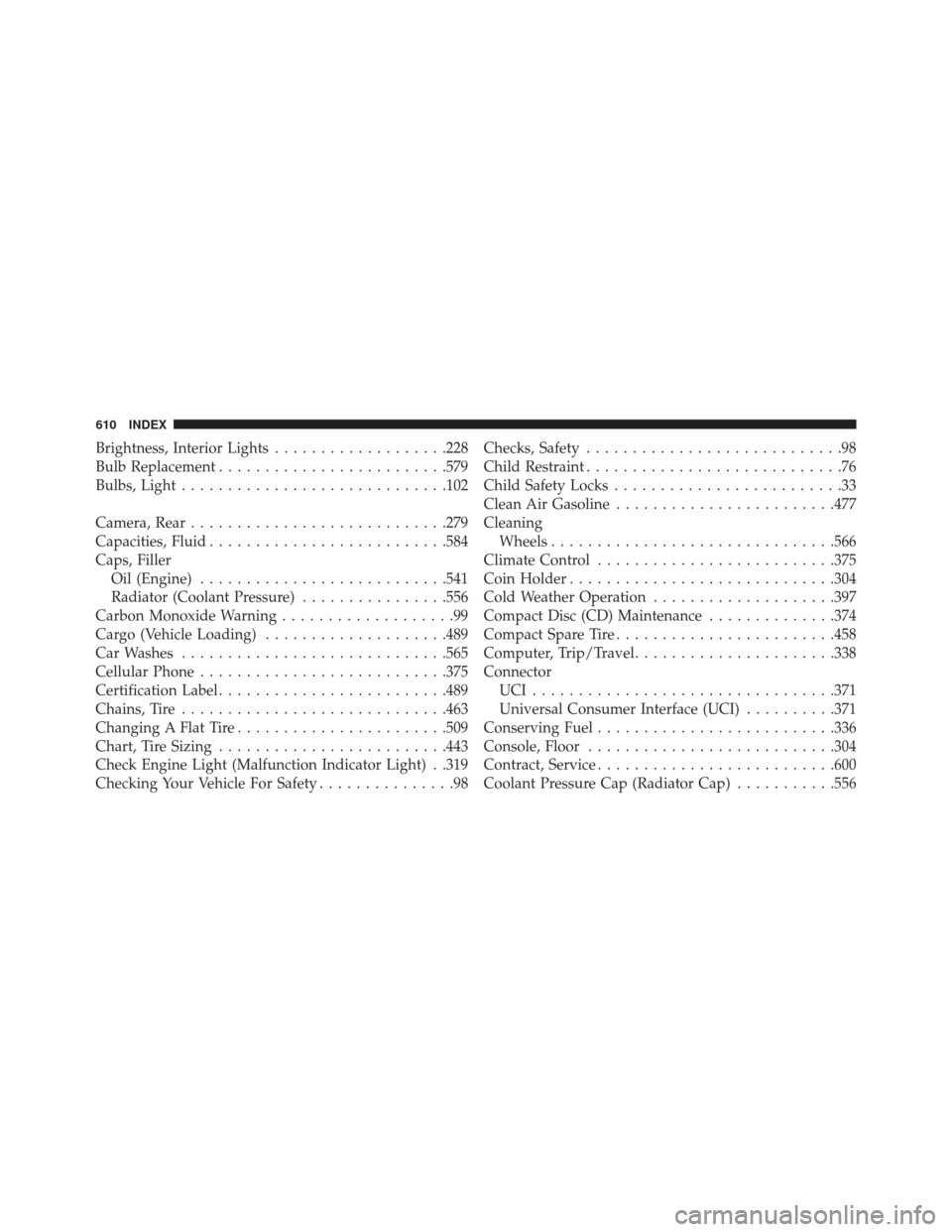
Brightness, Interior Lights...................228
Bulb Replacement ........................ .579
Bulbs, Light ............................ .102
Camera, Rear ........................... .279
Capacities, Fluid ......................... .584
Caps, Filler Oil (Engine) .......................... .541
Radiator (Coolant Pressure) ................556
Carbon Monoxide Warning ...................99
Cargo (Vehicle Loading) ....................489
Car Washes ............................ .565
Cellular Phone .......................... .375
Certification Label ........................ .489
Chains, Tire ............................ .463
Changing A Flat Tire ...................... .509
Chart, Tire Sizing ........................ .443
Check Engine Light (Malfunction Indicator Light) . .319
Checking Your Vehicle For Safety ...............98Checks, Safety
............................98
Child Restraint ............................76
Child Safety Locks .........................33
Clean Air Gasoline ....................... .477
Cleaning Wheels .............................. .566
Climate Control ......................... .375
Coin Holder ............................ .304
Cold Weather Operation ....................397
Compact Disc (CD) Maintenance ..............374
Compact Spare Tire ....................... .458
Computer, Trip/Travel ..................... .338
Connector UCI................................ .371
Universal Consumer Interface (UCI) ..........371
Conserving Fuel ......................... .336
Console, Floor .......................... .304
Contract, Service ......................... .600
Coolant Pressure Cap (Radiator Cap) ...........556
610 INDEX
Page 616 of 631
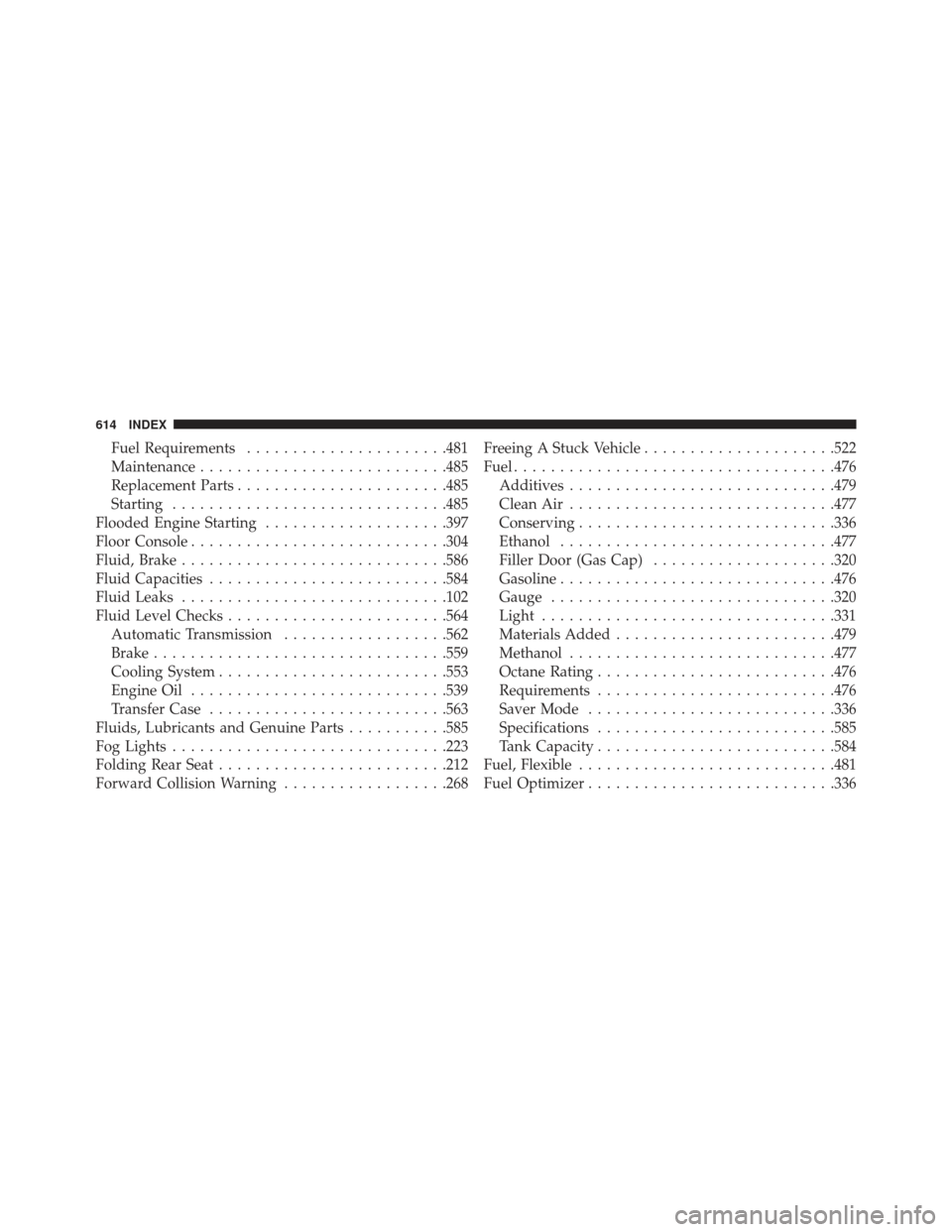
Fuel Requirements..................... .481
Maintenance .......................... .485
Replacement Parts ...................... .485
Starting ............................. .485
Flooded Engine Starting ....................397
Floor Console ........................... .304
Fluid, Brake ............................ .586
Fluid Capacities ......................... .584
Fluid Leaks ............................ .102
Fluid Level Checks ....................... .564
Automatic Transmission ..................562
Brake ............................... .559
Cooling System ........................ .553
Engine Oil ........................... .539
Transfer Case ......................... .563
Fluids, Lubricants and Genuine Parts ...........585
Fog Lights ............................. .223
Folding Rear Seat ........................ .212
Forward Collision Warning ..................268 Freeing A Stuck Vehicle
.....................522
Fuel .................................. .476
Additives ............................ .479
Clean Air ............................ .477
Conserving ........................... .336
Ethanol ............................. .477
Filler Door (Gas Cap) ....................320
Gasoline ............................. .476
Gauge .............................. .320
Light ............................... .331
Materials Added ....................... .479
Methanol ............................ .477
Octane Rating ......................... .476
Requirements ......................... .476
Saver Mode .......................... .336
Specifications ......................... .585
T
ank Capacity ......................... .584
Fuel, Flexible ........................... .481
Fuel Optimizer .......................... .336
614 INDEX
Page 620 of 631
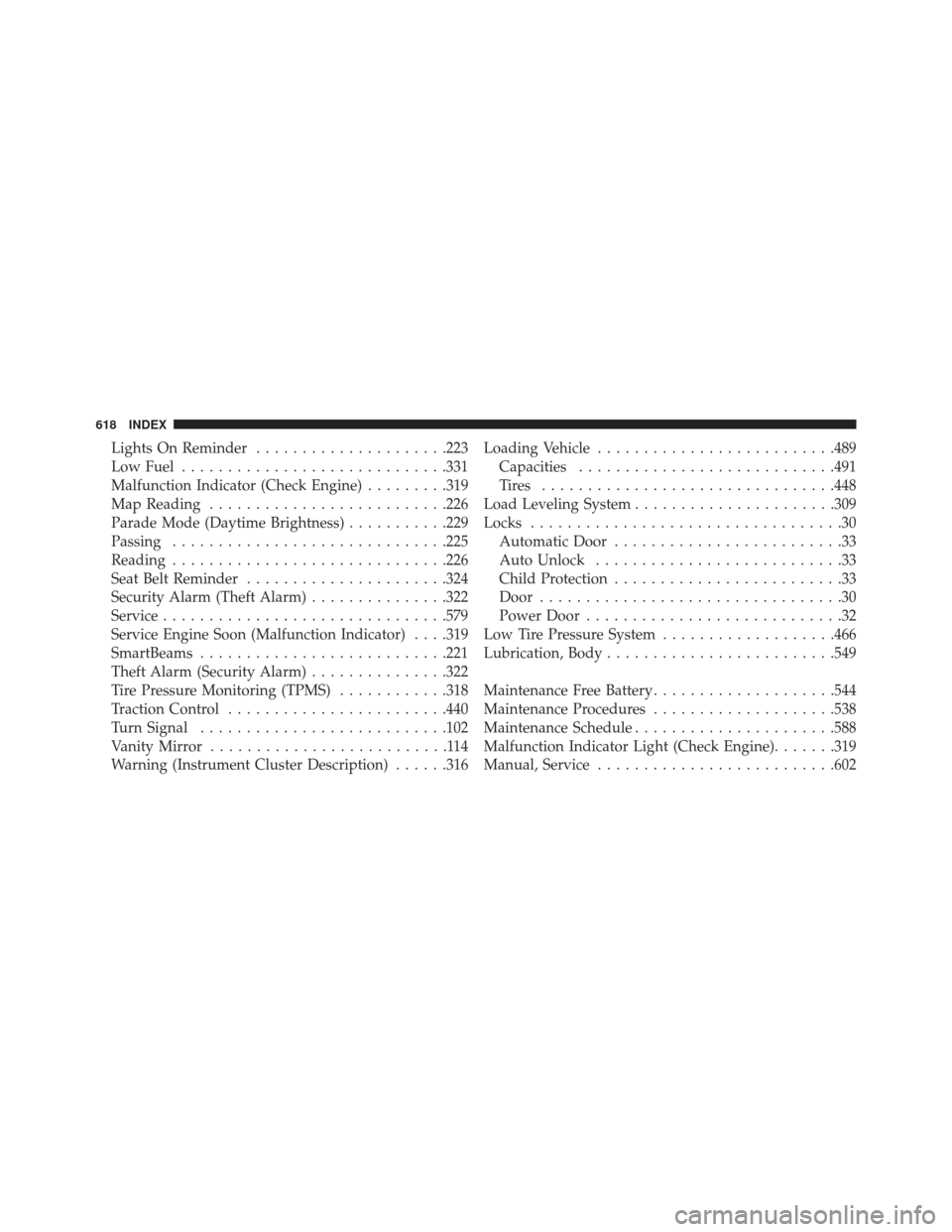
Lights On Reminder.....................223
Low Fuel ............................ .331
Malfunction Indicator (Check Engine) .........319
Map Reading ......................... .226
Parade Mode (Daytime Brightness) ...........229
Passing ............................. .225
Reading ............................. .226
Seat Belt Reminder ..................... .324
Security Alarm (Theft Alarm) ...............322
Service .............................. .579
Service Engine Soon (Malfunction Indicator) . . . .319
SmartBeams .......................... .221
Theft Alarm (Security Alarm) ...............322
Tire Pressure Monitoring (TPMS) ............318
Traction Control ....................... .440
Turn Signal .......................... .102
Vanity Mirror ..........................114
Warning (Instrument Cluster Description) ......316Loading Vehicle
......................... .489
Capacities ........................... .491
Tires ............................... .448
Load Leveling System ..................... .309
Locks ..................................30
Automatic Door .........................33
Auto Unlock ...........................33
Child Protection .........................33
Door .................................30
Power Door ............................32
Low Tire Pressure System ...................466
Lubrication, Body ........................ .549
Maintenance Free Battery ....................544
Maintenance Procedures ....................538
Maintenance Schedule ..................... .588
Malfunction Indicator Light (Check Engine) .......319
Manual, Service ......................... .602
618 INDEX