roof DODGE CHARGER 2013 7.G User Guide
[x] Cancel search | Manufacturer: DODGE, Model Year: 2013, Model line: CHARGER, Model: DODGE CHARGER 2013 7.GPages: 631, PDF Size: 4.58 MB
Page 298 of 631
Sunroof Maintenance
Use only a non-abrasive cleaner and a soft cloth to clean
the glass panel.
Ignition Off Operation
For vehicles not equipped with the Electronic Vehicle
Information Center (EVIC), the power sunroof switch
will remain active for 45 seconds after the ignition switch
is turned to the LOCK position. Opening either front
door will cancel this feature.
NOTE:
•For vehicles equipped with the EVIC, the power
sunroof switch will remain active for up to approxi-
mately ten minutes after the ignition switch is turned
to the LOCK position. Opening either front door will
cancel this feature. •
The Ignition Off time is programmable using the
Uconnect® System. Refer to “Uconnect® Settings” in
“Understanding Your Instrument Panel” for further
information.Sunroof Fully Closed
Press the switch forward and release to ensure that the
sunroof is fully closed.
ELECTRICAL POWER OUTLETS
There are three 12 Volt (13 Amps) electrical power outlets
on this vehicle. The power outlets are protected by a fuse.
Insert a cigar lighter or accessory plug into the power
outlets for use to ensure proper operation.
NOTE: To ensure proper operation, a MOPAR® knob
and element must be used.
296 UNDERSTANDING THE FEATURES OF YOUR VEHICLE
Page 353 of 631
•Headlight Off Delay
Touch the Headlight Off Delay soft-key to change this
display. When this feature is selected, the driver can
choose to have the headlights remain on for 0, 30, 60, or
90 seconds when exiting the vehicle. To change the
Headlight Off Delay status, touch the 0, 30, 60 or 90
soft-key. Then touch the arrow back soft-key.
• Engine Off Power Delay
Touch the Engine Off Power Delay soft-key to change this
display. When this feature is selected, the power window
switches, radio, Uconnect® phone system (if equipped),
DVD video system (if equipped), power sunroof (if
equipped), and power outlets will remain active for up to
10 minutes after the ignition is cycled to OFF. Opening either front door will cancel this feature. To change the
Engine Off Power Delay status, touch the 0 seconds,
45 seconds, 5 minutes or 10 minutes soft-key. Then touch
the arrow back soft-key.
Compass Settings
•
Variance
Touch the Variance soft-key to change this display. Com-
pass Variance is the difference between Magnetic North
and Geographic North. To compensate for the differences,
the variance should be set for the zone where the vehicle is
driven, per the zone map. Once properly set, the compass
will automatically compensate for the differences, and
provide the most accurate compass heading.4
UNDERSTANDING YOUR INSTRUMENT PANEL 351
Page 369 of 631
Engine Off Options
After pressing the Engine Off Options soft-key the fol-
lowing settings will be available.
•Easy Exit Seat
This feature provides automatic driver seat positioning to
enhance driver mobility when entering and exiting the
vehicle. To make your selection, touch the Easy Exit Seats
soft-key, until a check-mark appears next to setting,
showing that setting has been selected. Touch the back
arrow soft-key to return to the previous menu.
• Engine Off Power Delay
When this feature is selected, the power window
switches, radio, Uconnect® phone system (if equipped),
DVD video system (if equipped), power sunroof (if
equipped), and power outlets will remain active for up to 10 minutes after the ignition is cycled to OFF. Opening
either front door will cancel this feature. To change the
Engine Off Power Delay status touch the 0 seconds,
45 seconds, 5 minutes or 10 minutes soft-key. Then touch
the arrow back soft-key.
•
Headlight Off Delay
When this feature is selected, the driver can choose to
have the headlights remain on for 0, 30, 60, or 90 seconds
when exiting the vehicle. To change the Headlight Off
Delay status touch the + or - soft-key to select your
desired time interval. Touch the back arrow soft-key to
return to the previous menu.
Compass Settings
After pressing the Compass Settings soft-key the follow-
ing settings will be available.
4
UNDERSTANDING YOUR INSTRUMENT PANEL 367
Page 577 of 631
CAUTION!
•When installing the power distribution center
cover, it is important to ensure the cover is properly
positioned and fully latched. Failure to do so may
allow water to get into the power distribution
center and possibly result in an electrical system
failure.
• When replacing a blown fuse, it is important to use
only a fuse having the correct amperage rating. The
use of a fuse with a rating other than indicated may
result in a dangerous electrical system overload. If
a properly rated fuse continues to blow, it indicates
a problem in the circuit that must be corrected.
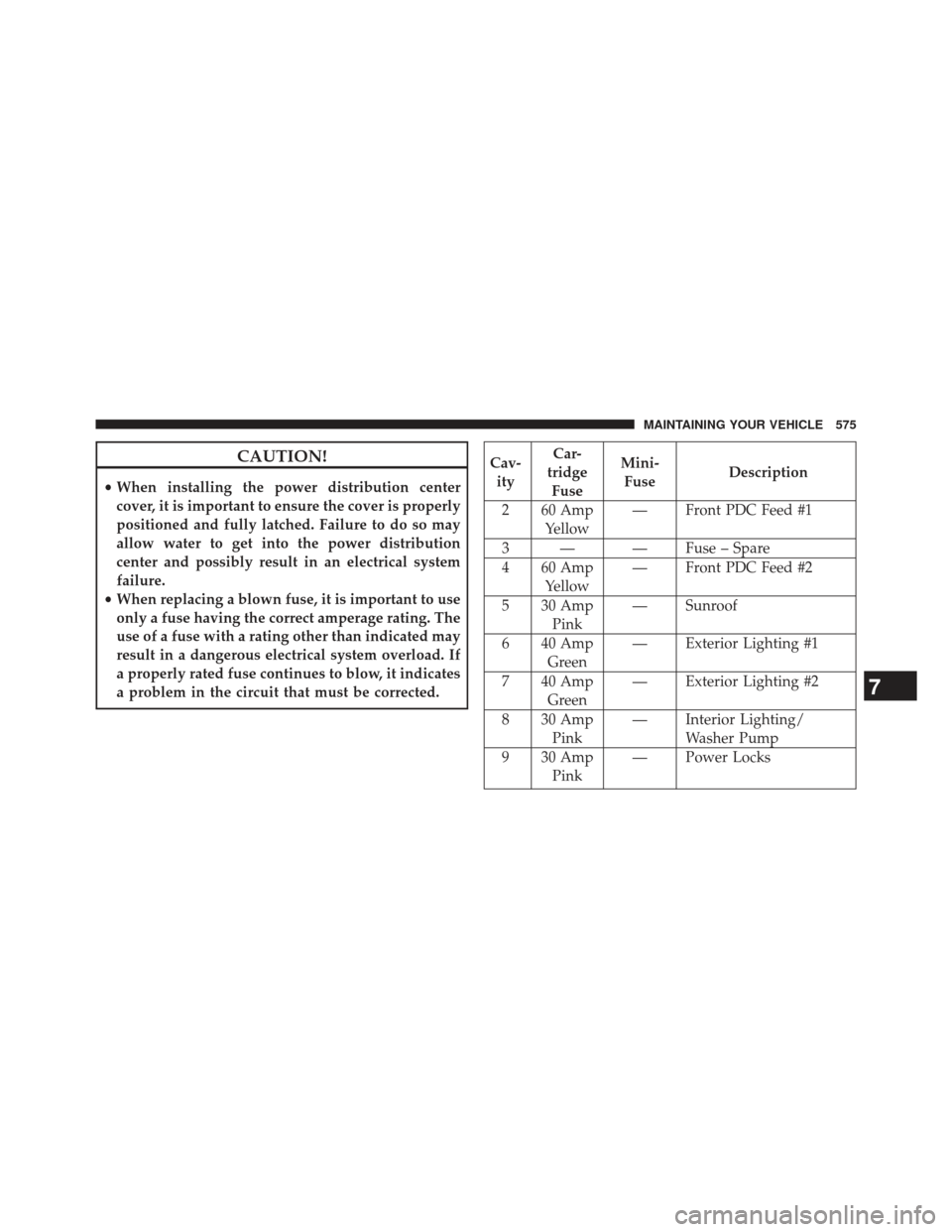
Cav- ity Car-
tridge Fuse Mini-
Fuse Description
2 60 Amp Yellow — Front PDC Feed #1
3 — — Fuse – Spare
4 60 Amp Yellow — Front PDC Feed #2
5 30 Amp Pink — Sunroof
6 40 Amp Green — Exterior Lighting #1
7 40 Amp Green — Exterior Lighting #2
8 30 Amp Pink — Interior Lighting/
Washer Pump
9 30 Amp Pink — Power Locks
7
MAINTAINING YOUR VEHICLE 575
Page 622 of 631
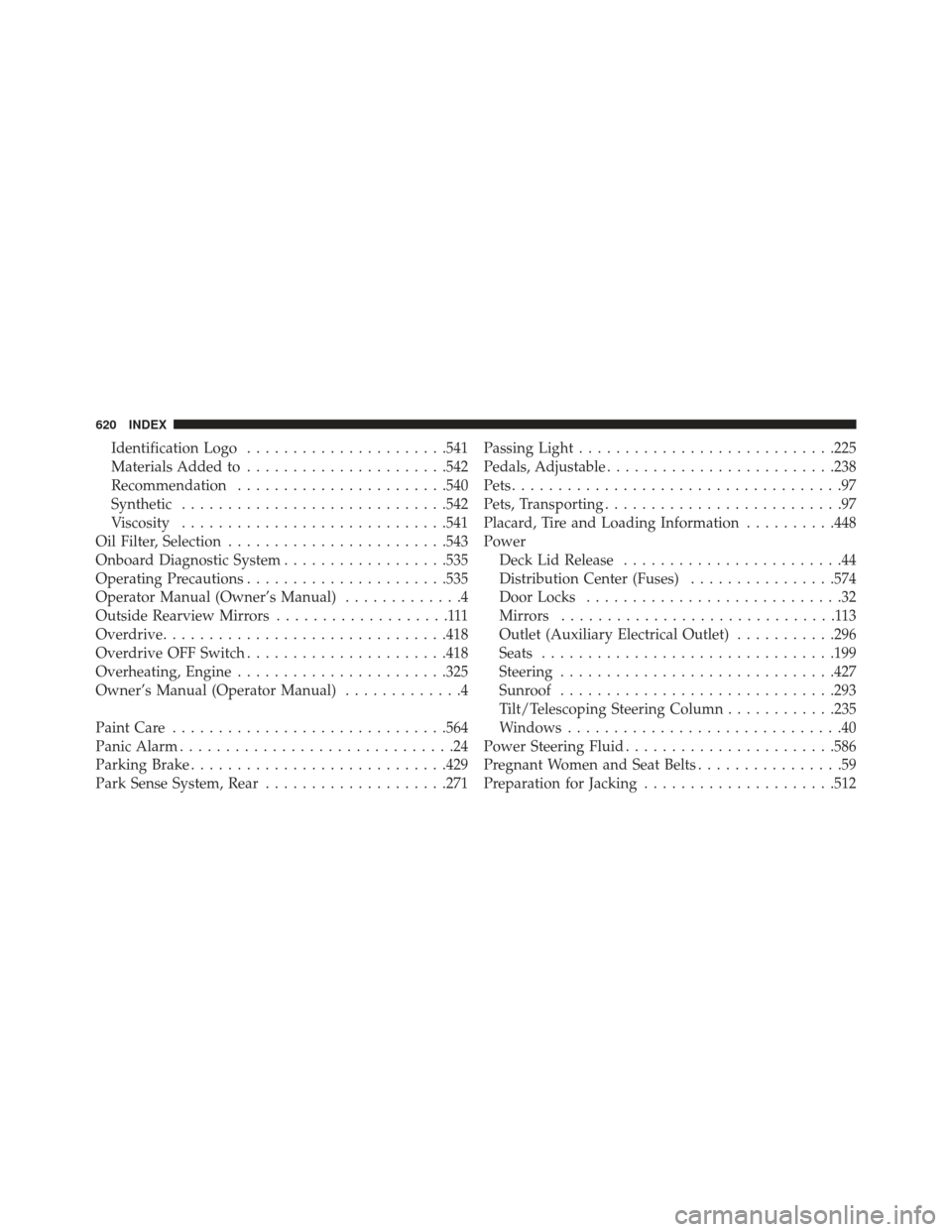
Identification Logo..................... .541
Materials Added to ..................... .542
Recommendation ...................... .540
Synthetic ............................ .542
Viscosity ............................ .541
Oil Filter, Selection ....................... .543
Onboard Diagnostic System ..................535
Operating Precautions ..................... .535
Operator Manual (Owner’s Manual) .............4
Outside Rearview Mirrors ...................111
Overdrive .............................. .418
Overdrive OFF Switch ..................... .418
Overheating, Engine ...................... .325
Owner’s Manual (Operator Manual) .............4
Paint Care ............................. .564
Panic Alarm ..............................24
Parking Brake ........................... .429
Park Sense System, Rear ....................271 Passing Light
........................... .225
Pedals, Adjustable ........................ .238
Pets ....................................97
Pets, Transporting ..........................97
Placard, Tire and Loading Information ..........448
Power Deck Lid Release ........................44
Distribution Center (Fuses) ................574
Door Locks ............................32
Mirrors ..............................113
Outlet (Auxiliary Electrical Outlet) ...........296
Seats ............................... .199
Steering ............................. .427
Sunroof ............................. .293
Tilt/Telescoping Steering Column ............235
Windows ..............................40
Power Steering Fluid ...................... .586
Pregnant Women and Seat Belts ................59
Preparation for Jacking .....................512
620 INDEX
Page 626 of 631
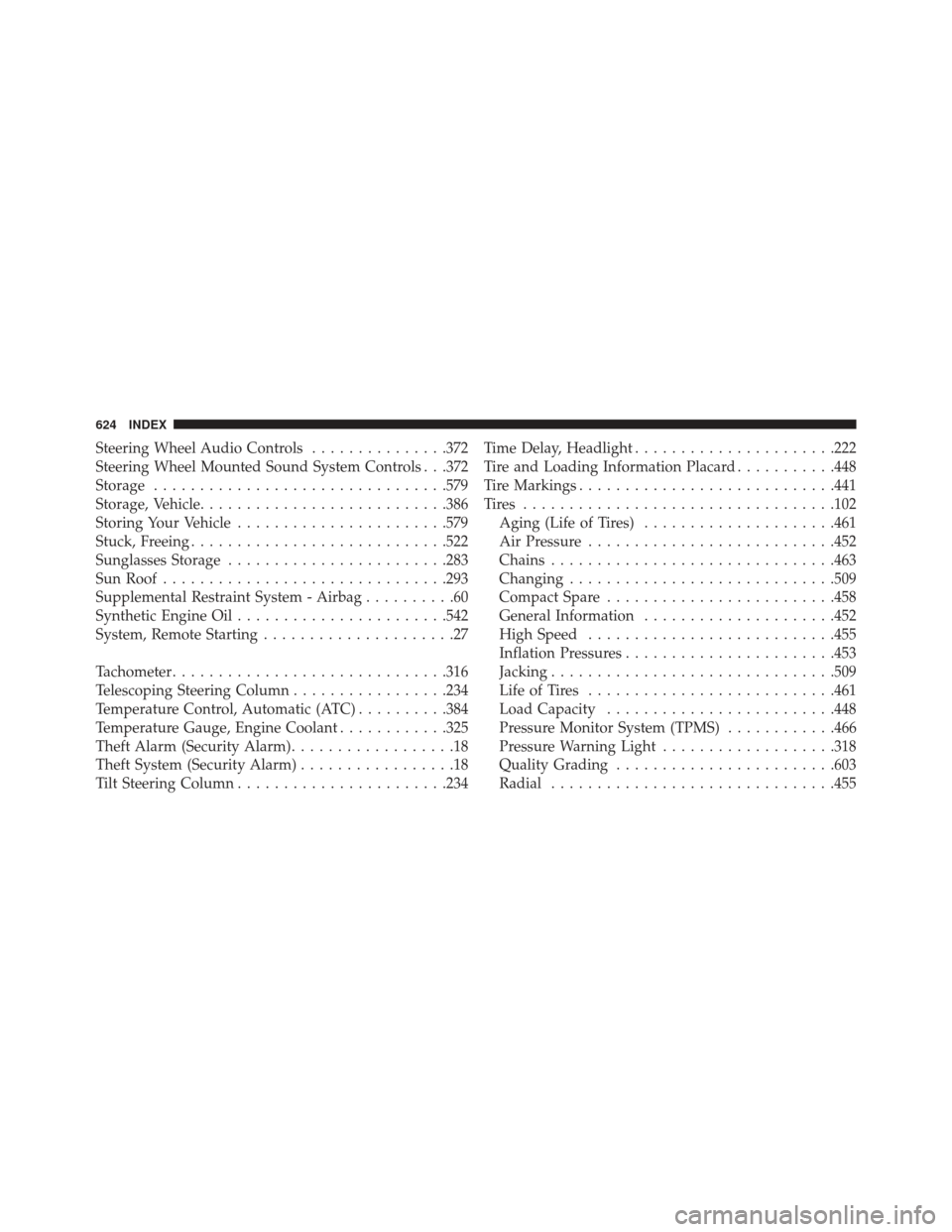
Steering Wheel Audio Controls...............372
Steering Wheel Mounted Sound System Controls . . .372
Storage ............................... .579
Storage, Vehicle .......................... .386
Storing Your Vehicle ...................... .579
Stuck, Freeing ........................... .522
Sunglasses Storage ....................... .283
Sun Roof .............................. .293
Supplemental Restraint System - Airbag ..........60
Synthetic Engine Oil ...................... .542
System, Remote Starting .....................27
Tachometer ............................. .316
Telescoping Steering Column .................234
Temperature Control, Automatic (ATC) ..........384
Temperature Gauge, Engine Coolant ............325
Theft Alarm (Security Alarm) ..................18
Theft System (Security Alarm) .................18
Tilt Steering Column ...................... .234Time Delay, Headlight
..................... .222
Tire and Loading Information Placard ...........448
Tire Markings ........................... .441
Tires ................................. .102
Aging (Life of Tires) .....................461
Air Pressure .......................... .452
Chains .............................. .463
Changing ............................ .509
Compact Spare ........................ .458
General Information .....................452
High Speed .......................... .455
Inflation Pressures ...................... .453
Jacking .............................. .509
Life of Tires .......................... .461
Load Capacity ........................ .448
Pressure Monitor System (TPMS) ............466
Pressure Warning Light ...................318
Quality Grading ....................... .603
Radial .............................. .455
624 INDEX
Page 630 of 631
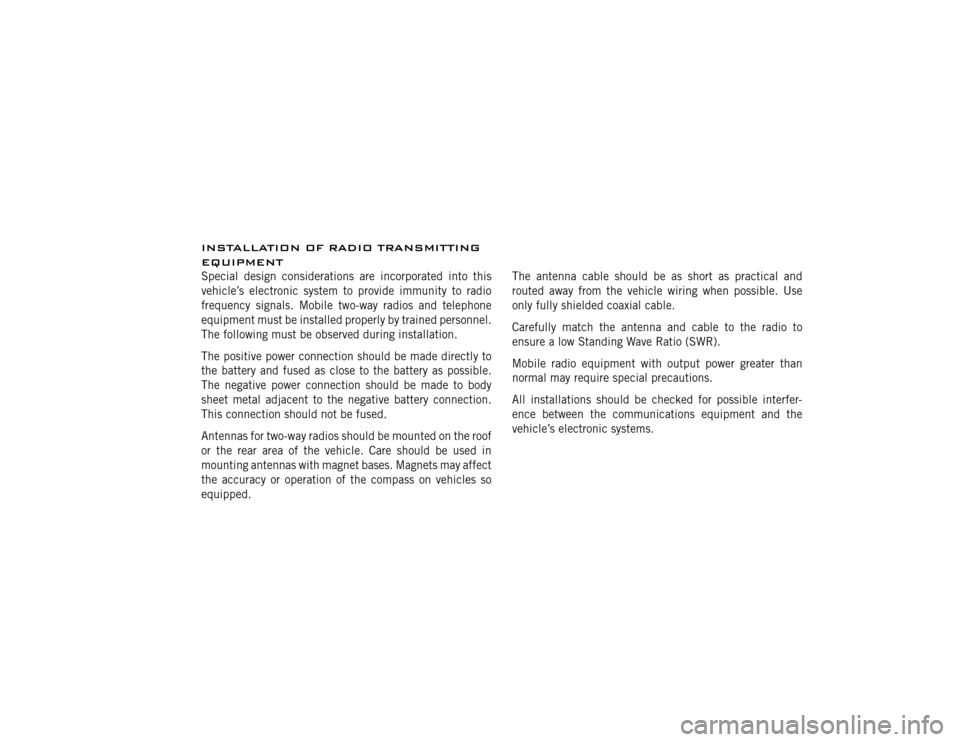
INSTALLATION OF RADIO TRANSMITTING
EQUIPMENTSpecial design considerations are incorporated into this
vehicle’s electronic system to provide immunity to radio
frequency signals. Mobile two-way radios and telephone
equipment must be installed properly by trained personnel.
The following must be observed during installation.
The positive power connection should be made directly to
the battery and fused as close to the battery as possible.
The negative power connection should be made to body
sheet metal adjacent to the negative battery connection.
This connection should not be fused.
Antennas for two-way radios should be mounted on the roof
or the rear area of the vehicle. Care should be used in
mounting antennas with magnet bases. Magnets may affect
the accuracy or operation of the compass on vehicles so
equipped.The antenna cable should be as short as practical and
routed away from the vehicle wiring when possible. Use
only fully shielded coaxial cable.
Carefully match the antenna and cable to the radio to
ensure a low Standing Wave Ratio (SWR).
Mobile radio equipment with output power greater than
normal may require special precautions.
All installations should be checked for possible interfer-
ence between the communications equipment and the
vehicle’s electronic systems.