alarm DODGE CHARGER 2014 7.G User Guide
[x] Cancel search | Manufacturer: DODGE, Model Year: 2014, Model line: CHARGER, Model: DODGE CHARGER 2014 7.GPages: 635, PDF Size: 4.72 MB
Page 37 of 635
•If the vehicle is unlocked by the Passive Entry Door
Handle and no door goes ajar within 60 seconds, the
vehicle will re-lock and if equipped will arm the
security alarm.
To Unlock From The Driver’s Side:
With a valid Passive Entry RKE transmitter within 5 ft
(1.5 m) of the driver door handle, grab the front driver
door handle to unlock the driver’s door automatically.
The interior door panel lock knob will raise when the
door is unlocked.
NOTE:If “Unlock All Doors 1st Press” is programmed
all doors will unlock when you grab hold of the front
driver ’s door handle. To select between “Unlock Driver
Door 1st Press” and “Unlock All Doors 1st Press”, refer to
“Uconnect® Settings” in “Understanding Your Instru-
ment Panel” for further information.
Grab The Door Handle To Unlock
2
THINGS TO KNOW BEFORE STARTING YOUR VEHICLE 35
Page 63 of 635
Advanced Front Air Bag Features
The Advanced Front Air Bag system has multistage
driver and front passenger air bags. This system provides
output appropriate to the severity and type of collision as
determined by the Occupant Restraint Controller (ORC),
which may receive information from the front impact
sensors.
The first stage inflator is triggered immediately during an
impact that requires air bag deployment. This low output
is used in less severe collisions. A higher energy output is
used for more severe collisions.
WARNING!
•No objects should be placed over or near the air
bag on the instrument panel, because any such
objects could cause harm if the vehicle is in a
collision severe enough to cause the air bag to
inflate.
• Do not put anything on or around the air bag
covers or attempt to open them manually. You may
damage the air bags and you could be injured
because the air bags may no longer be functional.
The protective covers for the air bag cushions are
designed to open only when the air bags are
inflating.
• Do not drill, cut or tamper with the knee bolster in
any way.
• Do not mount any accessories to the knee bolster
such as alarm lights, stereos, citizen band radios,
etc.
2
THINGS TO KNOW BEFORE STARTING YOUR VEHICLE 61
Page 123 of 635
RCP monitors the rear detection zones on both sides of
the vehicle, for objects that are moving toward the side of
the vehicle with a minimum speed of approximately
3 mph (5 km/h), to objects moving a maximum of
approximately 20 mph (32 km/h), such as in parking lot
situations.NOTE:
In a parking lot situation, oncoming vehicles can
be obscured by vehicles parked on either side. If the
sensors are blocked by other structures or vehicles, the
system will not be able to alert the driver.
When RCP is on and the vehicle is in REVERSE, the
driver is alerted using both the visual and audible
alarms, including reducing the radio volume.
WARNING!
RCP is not a Back Up Aid system. It is intended to be
used to help a driver detect an oncoming vehicle in a
parking lot situation. Drivers must be careful when
backing up, even when using RCP. Always check
carefully behind your vehicle, look behind you, and
be sure to check for pedestrians, animals, other
vehicles, obstructions, and blind spots before back-
ing up. Failure to do so can result in serious injury or
death.
RCP Detection Zones
3
UNDERSTANDING THE FEATURES OF YOUR VEHICLE 121
Page 266 of 635
General Information
FCC Requirements For Vehicular Radar SystemsClassification Specifications:47 C.F.R. Part 15
47 C.F.R Part 15.515
Normal (Fixed Speed) Cruise Control Mode
In addition to Adaptive Cruise Control mode, a normal
(fixed speed) Cruise Control mode is available for cruis-
ing at fixed speeds. The normal Cruise Control mode is
designed to maintain a set cruising speed without requir-
ing the driver to operate the accelerator. Cruise Control
can only be operated if the vehicle speed is above 20 mph
(32 km/h).
To change modes, press the MODE button when the
system is in either the OFF, READY, or SET position.
While pressing the mode button, a chime alerts the driver to the change of state from Adaptive Cruise Control to
normal Cruise Control. “Cruise Ready” will be displayed
if the system was in ACC READY or ACC SET position.
“Cruise Off” will be displayed if the system was in the
ACC OFF position. To switch back to Adaptive Cruise
Control mode, press the MODE button a second time.
WARNING!
In the normal Cruise Control mode, the system will
not react to vehicles ahead. In addition, the proximity
warning does not activate and no alarm will sound
even if you are too close to the vehicle ahead since
neither the presence of the vehicle ahead nor the
vehicle-to vehicle distance is detected. Be sure to
maintain a safe distance between your vehicle and
the vehicle ahead. Always be aware which mode is
selected.
264 UNDERSTANDING THE FEATURES OF YOUR VEHICLE
Page 285 of 635
NOTE:HomeLink® is disabled when the Vehicle Secu-
rity Alarm is active.
Before You Begin Programming HomeLink®
Ensure your vehicle is parked outside of the garage
before you begin programming.
HomeLink® Buttons/Overhead ConsolesHomeLink® Buttons/Sunvisor/Headliner
3
UNDERSTANDING THE FEATURES OF YOUR VEHICLE 283
Page 292 of 635
The HomeLink® Universal Transceiver is disabled when
the Vehicle Security Alarm is active.
Troubleshooting Tips
If you are having trouble programming HomeLink®,
here are some of the most common solutions:
•Replace the battery in the original hand-held transmit-
ter.
• Press the LEARN button on the Garage Door Opener
to complete the training for a Rolling Code.
• Did you unplug the device for programming and
remember to plug it back in?
If you have any problems, or require assistance, please
call toll-free 1-800-355-3515 or, on the Internet at
www.HomeLink.com for information or assistance.
WARNING!
Vehicle exhaust contains carbon monoxide, a danger-
ous gas. Do not run your vehicle in the garage while
programming the transceiver. Exhaust gas can cause
serious injury or death.
WARNING!
Your motorized door or gate will open and close
while you are programming the universal trans-
ceiver. Do not program the transceiver if people, pets
or other objects are in the path of the door or gate.
Only use this transceiver with a garage door opener
that has a “stop and reverse” feature as required by
Federal safety standards. This includes most garage
door opener models manufactured after 1982. Do not
(Continued)
290 UNDERSTANDING THE FEATURES OF YOUR VEHICLE
Page 322 of 635
16. Vehicle Security Light — If EquippedThis light will flash at a fast rate for approxi-
mately 15 seconds, when the vehicle security
alarm is arming, and then will flash slowly
until the vehicle is disarmed.
17. Electronic Stability Control (ESC) OFF Indicator
Light — If Equipped
This light indicates the Electronic Stability Con-
trol (ESC) is off.
18. Brake Warning Light This light monitors various brake functions,
including brake fluid level and parking brake
application. If the brake light turns on it may
indicate that the parking brake is applied, that
the brake fluid level is low, or that there is a problem with
the anti-lock brake system reservoir. If the light remains on when the parking brake has been
disengaged, and the fluid level is at the full mark on the
master cylinder reservoir, it indicates a possible brake
hydraulic system malfunction or that a problem with the
Brake Booster has been detected by the Anti-Lock Brake
System (ABS)/Electronic Stability Control (ESC) system.
In this case, the light will remain on until the condition
has been corrected. If the problem is related to the brake
booster, the ABS pump will run when applying the brake
and a brake pedal pulsation may be felt during each stop.
The dual brake system provides a reserve braking capac-
ity in the event of a failure to a portion of the hydraulic
system. A leak in either half of the dual brake system is
indicated by the Brake Warning Light, which will turn on
when the brake fluid level in the master cylinder has
dropped below a specified level.
The light will remain on until the cause is corrected.
320 UNDERSTANDING YOUR INSTRUMENT PANEL
Page 612 of 635
About Your Brakes....................... .426
ABS (Anti-Lock Brake System) ................429
Adaptive Cruise Control (ACC) (Cruise Control) . . .241
Adding Engine Coolant (Antifreeze) ............555
Adding Fuel ............................ .485
Adding Washer Fluid ..................... .549
Additives, Fuel .......................... .480
Adjustable Pedals ........................ .235
Airbag ..................................58
Airbag Deployment ........................69
Airbag Light .............................66
Airbag Maintenance ........................71
Airbag, Side ..............................62
Airbag, Window (Side Curtain) ................62
Air Cleaner, Engine (Engine Air Cleaner Filter) . . . .543
Air Conditioner Maintenance .................545
Air Conditioning Filter .....................385
Air Conditioning, Operating Tips ..............386
Air Conditioning Refrigerant .................545Air Conditioning System
....................382
Air Pressure, Tires ........................ .453
Alarm Arm The System ........................19
Alarm Light ............................ .320
Alarm, Panic .............................24
Alarm (Security Alarm) ......................18
Alarm System (Security Alarm) ................18
All Wheel Drive (AWD) .....................421
Alterations/Modifications, Vehicle ...............7
Antifreeze (Engine Coolant) ..................554
Disposal ............................. .557
Anti-Lock Brake System (ABS) ................429
Anti-Lock Warning Light ....................319
Appearance Care ........................ .564
Arming System (Security Alarm) ...............18
Assist, Hill Start ......................... .436
Auto Down Power Windows ..................40
Automatic Dimming Mirror ..................108
610 INDEX
Page 621 of 635
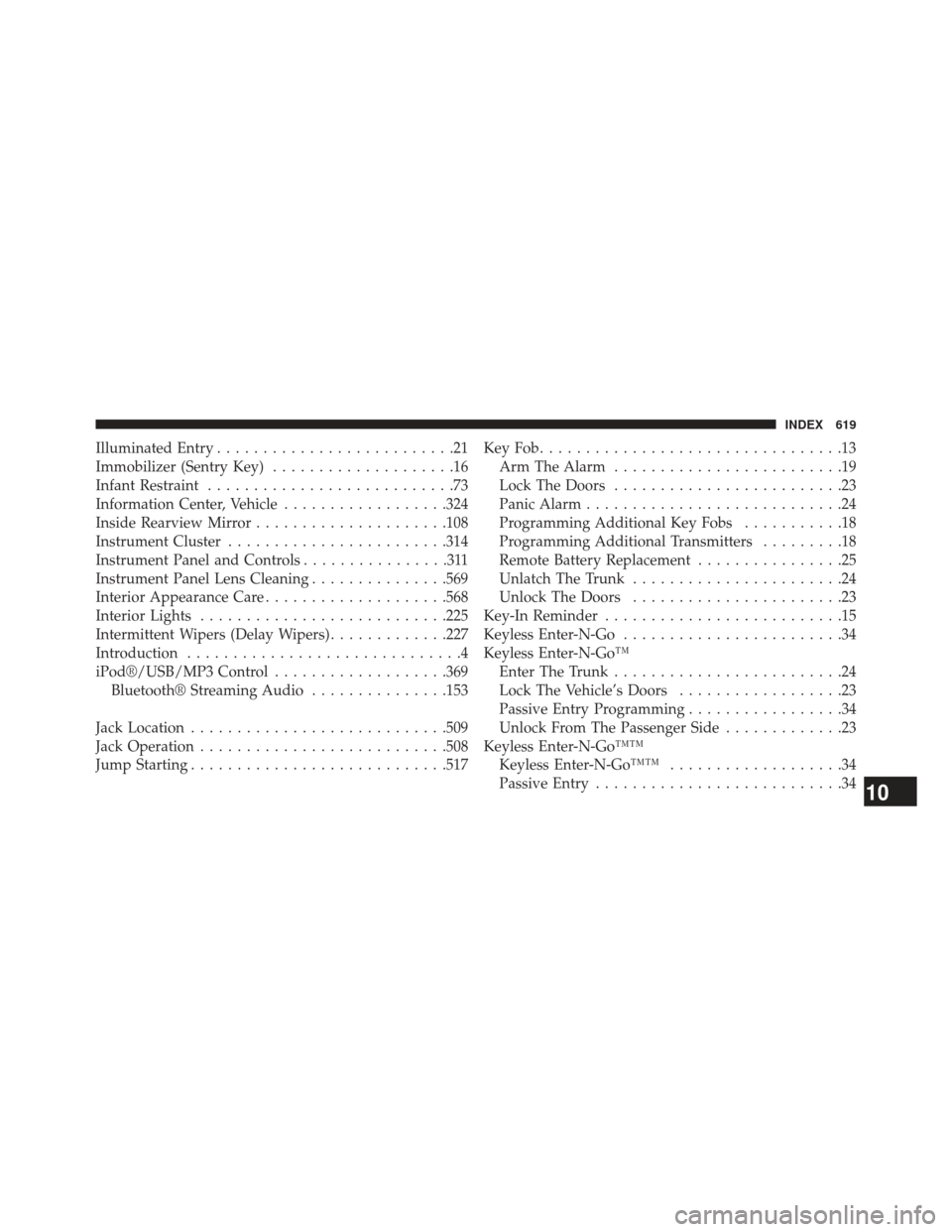
Illuminated Entry..........................21
Immobilizer (Sentry Key) ....................16
Infant Restraint ...........................73
Information Center, Vehicle ..................324
Inside Rearview Mirror .....................108
Instrument Cluster ....................... .314
Instrument Panel and Controls ................311
Instrument Panel Lens Cleaning ...............569
Interior Appearance Care ....................568
Interior Lights .......................... .225
Intermittent Wipers (Delay Wipers) .............227
Introduction ..............................4
iPod®/USB/MP3 Control ...................369
Bluetooth® Streaming Audio ...............153
Jack Location ........................... .509
Jack Operation .......................... .508
Jump Starting ........................... .517KeyFob.................................13
Arm The Alarm .........................19
Lock The Doors .........................23
Panic Alarm ............................24
Programming Additional Key Fobs ...........18
Programming Additional Transmitters .........18
Remote Battery Replacement ................25
Unlatch The Trunk .......................24
Unlock The Doors .......................23
Key-In Reminder ..........................15
Keyless Enter-N-Go ........................34
Keyless Enter-N-Go™ Enter The Trunk .........................24
Lock The Vehicle’s Doors ..................23
Passive Entry Programming .................34
Unlock From The Passenger Side .............23
Keyless Enter-N-Go™™ Keyless Enter-N-Go™™ ...................34
Passive Entry ...........................34
10
INDEX 619
Page 622 of 635
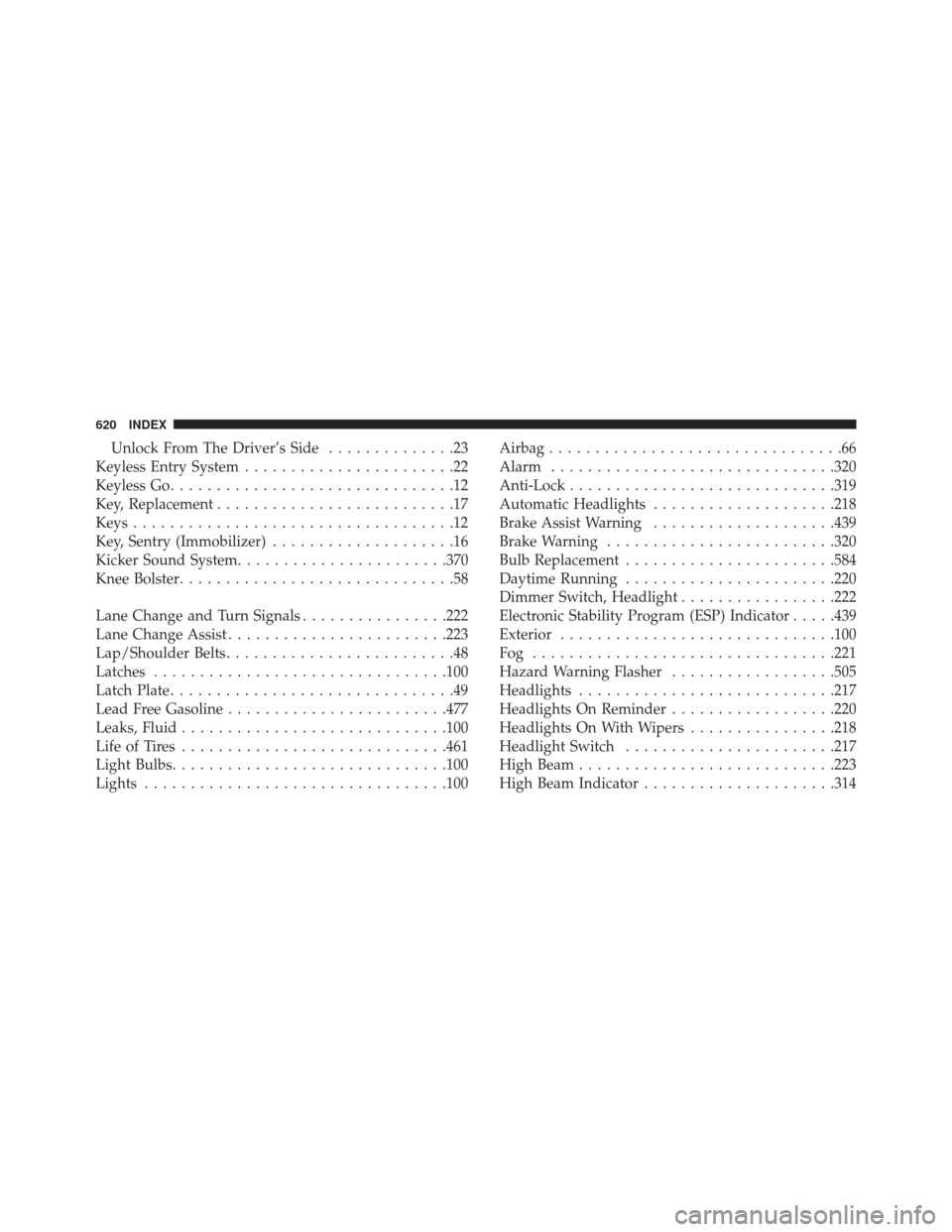
Unlock From The Driver’s Side..............23
Keyless Entry System .......................22
Keyless Go ...............................12
Key, Replacement ..........................17
Keys ...................................12
Key, Sentry (Immobilizer) ....................16
Kicker Sound System ...................... .370
Knee Bolster ..............................58
Lane Change and Turn Signals ................222
Lane Change Assist ....................... .223
Lap/Shoulder Belts .........................48
Latches ............................... .100
Latch Plate ...............................49
Lead Free Gasoline ....................... .477
Leaks, Fluid ............................ .100
Life of Tires ............................ .461
Light Bulbs ............................. .100
Lights ................................ .100Airbag
................................66
Alarm .............................. .320
Anti-Lock ............................ .319
Automatic Headlights ....................218
Brake Assist Warning ....................439
Brake Warning ........................ .320
Bulb Replacement ...................... .584
Daytime Running ...................... .220
Dimmer Switch, Headlight .................222
Electronic Stability Program (ESP) Indicator .....439
Exterior ............................. .100
Fog ................................ .221
Hazard Warning Flasher ..................505
Headlights ........................... .217
Headlights On Reminder ..................220
Headlights On With Wipers ................218
Headlight Switch ...................... .217
High Beam ........................... .223
High Beam Indicator .....................314
620 INDEX