warning DODGE CHARGER 2014 7.G Manual Online
[x] Cancel search | Manufacturer: DODGE, Model Year: 2014, Model line: CHARGER, Model: DODGE CHARGER 2014 7.GPages: 635, PDF Size: 4.72 MB
Page 259 of 635
Press and release the UP or DOWN button until “ACC”
or “Cruise” is highlighted in the EVIC. Status of the ACC
or Cruise is also displayed in the menu line.
Press and release the SELECT (right arrow) button to
display the following information:
Adaptive Cruise Control Off
•When ACC is deactivated, the display will read
“Adaptive Cruise Control Off.”
Adaptive Cruise Control Ready
• When ACC is activated but the vehicle speed setting
has not been selected, the display will read “Adaptive
Cruise Control Ready.”
ACC SET
• When ACC is set, the set speed will display. •
The set speed will continue to display in place of the
odometer reading when changing the EVIC display
while ACC is set.
The ACC screen will display once again if any ACC
activity occurs, which may include any of the following:
• Set Speed Change
• Distance Setting Change
• System Cancel
• Driver Override
• System Off
• ACC Proximity Warning
• ACC Unavailable Warning
• The EVIC will return to the last display selected after
five seconds of no ACC display activity.
3
UNDERSTANDING THE FEATURES OF YOUR VEHICLE 257
Page 260 of 635
Display Warnings And Maintenance
“Clean Radar Sensor In Front Of Vehicle” Warning
The ACC “Clean Radar Sensor In Front Of Vehicle”
warning will display when conditions temporarily limit
system performance. This most often occurs at times of
poor visibility, such as in snow or heavy rain. The ACC
system may also become temporarily blinded due to
obstructions, such as mud, dirt or ice. In these cases, the
EVIC will display “Clean Radar Sensor In Front Of
Vehicle” and the system will deactivate.
The “Clean Radar Sensor In Front Of Vehicle” message
can sometimes be displayed while driving in highly
reflective areas (i.e. tunnels with reflective tiles, or ice and
snow). The ACC system will recover after the vehicle has
left these areas. Under rare conditions, when the radar is
not tracking any vehicles or objects in its path this
warning may temporarily occur.NOTE:
If the ACC “Clean Radar Sensor In Front Of
Vehicle” warning is active Normal (Fixed Speed) Cruise
Control is still available. For additional information refer
to “Normal (Fixed Speed) Cruise Control Mode” in this
section.
If weather conditions are not a factor, the driver should
examine the sensor. It may require cleaning or removal of
an obstruction. The sensor is located in the center of the
vehicle behind the lower grille.
To keep the ACC System operating properly, it is impor-
tant to note the following maintenance items:
• Always keep the sensor clean. Carefully wipe the
sensor lens with a soft cloth. Be cautious not to damage
the sensor lens.
• Do not remove any screws from the sensor. Doing so
could cause an ACC system malfunction or failure and
require a sensor realignment.
258 UNDERSTANDING THE FEATURES OF YOUR VEHICLE
Page 261 of 635
•If the sensor is damaged due to a collision, see your
authorized dealer for service.
• Do not attach or install any accessories near the sensor,
including transparent material or aftermarket grilles.
Doing so could cause an ACC system failure or
malfunction.
When the condition that deactivated the system is no
longer present, the system will return to the “Adaptive
Cruise Control Off” state and will resume function by
simply reactivating it.
NOTE: Installing a vehicle front-end protector or an
aftermarket grille or modifying the grille is not recom-
mended. Doing so may block the sensor and inhibit ACC
operation.
ACC Unavailable Warning
If the system turns off, and the EVIC displays “Adaptive
Cruise Control (ACC) Unavailable”, there may be a temporary malfunction that limits ACC functionality.
Although the vehicle is still drivable under normal
conditions, ACC will be temporarily unavailable. If this
occurs, try activating ACC again later, following a key
cycle. If the problem persists, see your authorized dealer.Adaptive Cruise Control (ACC) Unavailable Warning
3
UNDERSTANDING THE FEATURES OF YOUR VEHICLE 259
Page 266 of 635
General Information
FCC Requirements For Vehicular Radar SystemsClassification Specifications:47 C.F.R. Part 15
47 C.F.R Part 15.515
Normal (Fixed Speed) Cruise Control Mode
In addition to Adaptive Cruise Control mode, a normal
(fixed speed) Cruise Control mode is available for cruis-
ing at fixed speeds. The normal Cruise Control mode is
designed to maintain a set cruising speed without requir-
ing the driver to operate the accelerator. Cruise Control
can only be operated if the vehicle speed is above 20 mph
(32 km/h).
To change modes, press the MODE button when the
system is in either the OFF, READY, or SET position.
While pressing the mode button, a chime alerts the driver to the change of state from Adaptive Cruise Control to
normal Cruise Control. “Cruise Ready” will be displayed
if the system was in ACC READY or ACC SET position.
“Cruise Off” will be displayed if the system was in the
ACC OFF position. To switch back to Adaptive Cruise
Control mode, press the MODE button a second time.
WARNING!
In the normal Cruise Control mode, the system will
not react to vehicles ahead. In addition, the proximity
warning does not activate and no alarm will sound
even if you are too close to the vehicle ahead since
neither the presence of the vehicle ahead nor the
vehicle-to vehicle distance is detected. Be sure to
maintain a safe distance between your vehicle and
the vehicle ahead. Always be aware which mode is
selected.
264 UNDERSTANDING THE FEATURES OF YOUR VEHICLE
Page 269 of 635
•You turn off the ignition.
• You switch off ESC.
If the Cruise Control system is turned off and reactivated,
the system will return to the last driver setting (ACC or
Normal Cruise Control).
Forward Collision Warning — If Equipped
The Forward Collision Warning (FCW) system provides
the driver with audible and visual warnings (within the
EVIC) when it detects a potential frontal collision. The
warnings are intended to provide the driver with enough
time to react and avoid the potential collision.
FCW monitors the information from the forward looking
sensor as well as the Electronic Brake Controller (EBC),
wheel speed sensors, i.e., to calculate a probable rear-end
collision. When the system determines that a rear-end
collision is probable a warning message (both audible
and visual) will be displayed on the EVIC. When the system determines a collision with the vehicle in front of
you is no longer probable, the warning message will be
deactivated.
NOTE:
The minimum speed for FCW activation is
10 mph (16 km/h).
WARNING!
Forward Collision Warning (FCW) is not intended to
avoid a collision on its own, nor can FCW detect
every type of potential collision. The driver has the
responsibility to avoid a collision by controlling the
vehicle via braking and steering. Failure to follow
this warning could lead to serious injury or death.
3
UNDERSTANDING THE FEATURES OF YOUR VEHICLE 267
Page 270 of 635
Changing FCW Status
The FCW feature can be set to far, set to near or turned off
using the Uconnect® System, refer to “Uconnect® Set-
tings” in “Understanding Your Instrument Panel” for
further information. The FCW Status Off, Near or Far will
be displayed in the Uconnect® display.
The default status of FCW is the “Far” setting, this allows
the system to warn you of a possible collision with the
vehicle in front of you when you are farther away. This
gives you the most reaction time.
Changing the FCW status to the “Near” setting, allows
the system to warn you of a possible collision with the
vehicle in front of you when you are much closer. This
setting provides less reaction time than the “Far” setting,
which allows for a more dynamic driving experience.Changing the FCW status to “Off” prevents the system
from warning you of a possible collision with the vehicle
in front of you.
NOTE:
•
In the “Off” setting FCW OFF will be displayed on the
Uconnect® display.
• The system will retain the last setting selected by the
driver after ignition shut down.
• FCW will not react to irrelevant objects such as over-
head objects, ground reflections, objects not in the path
of the car, stationary objects that are far away, oncom-
ing traffic, or leading vehicles with the same or higher
rate of speed.
• If the FCW becomes disabled then a warning will
display on the EVIC screen.
268 UNDERSTANDING THE FEATURES OF YOUR VEHICLE
Page 271 of 635
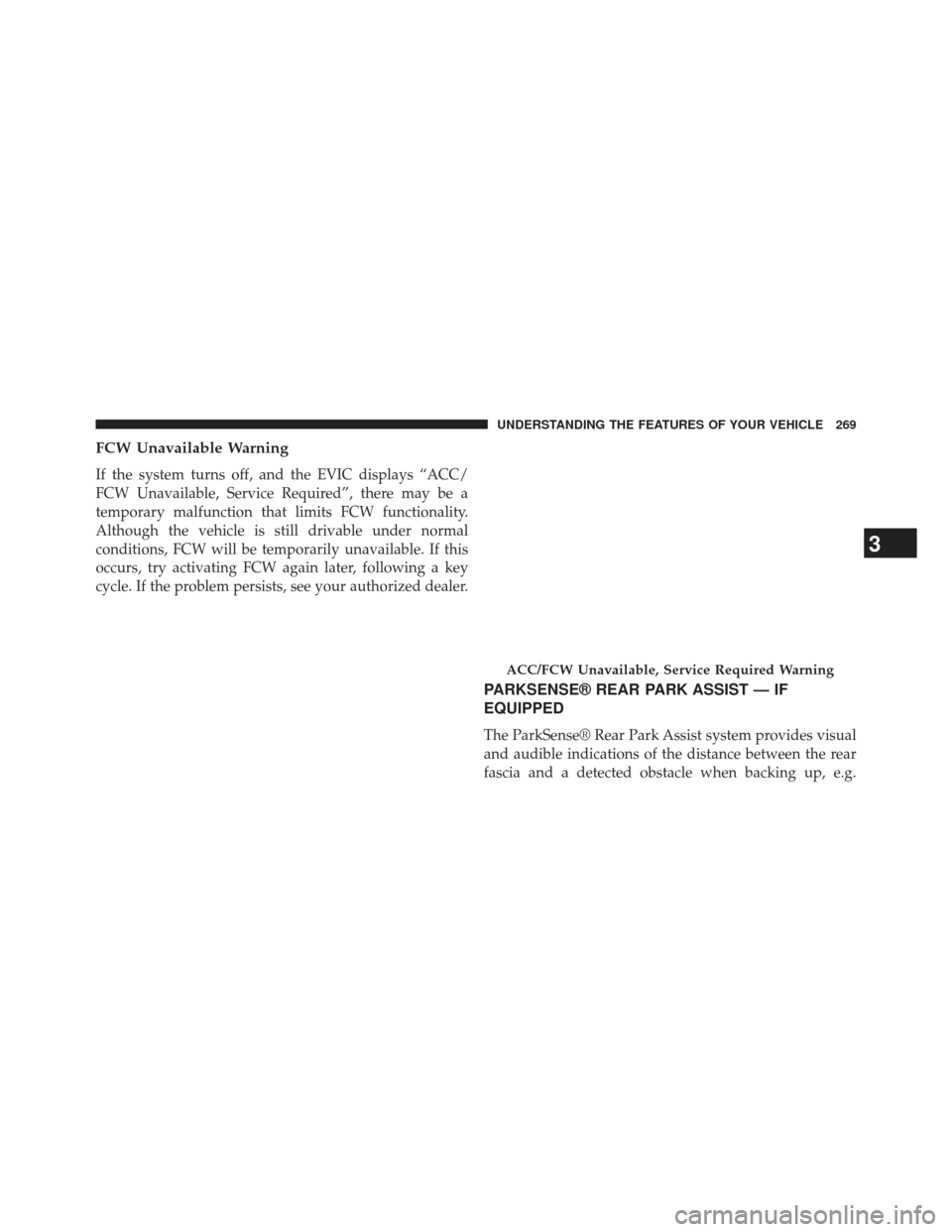
FCW Unavailable Warning
If the system turns off, and the EVIC displays “ACC/
FCW Unavailable, Service Required”, there may be a
temporary malfunction that limits FCW functionality.
Although the vehicle is still drivable under normal
conditions, FCW will be temporarily unavailable. If this
occurs, try activating FCW again later, following a key
cycle. If the problem persists, see your authorized dealer.
PARKSENSE® REAR PARK ASSIST — IF
EQUIPPED
The ParkSense® Rear Park Assist system provides visual
and audible indications of the distance between the rear
fascia and a detected obstacle when backing up, e.g.
ACC/FCW Unavailable, Service Required Warning
3
UNDERSTANDING THE FEATURES OF YOUR VEHICLE 269
Page 272 of 635
during a parking maneuver. Refer to “ParkSense® Sys-
tem Usage Precautions” for limitations of this system and
recommendations.
ParkSense® will retain the last system state (enabled or
disabled) from the last ignition cycle when the ignition is
changed to the ON/RUN position.
ParkSense® can be active only when the shift lever is in
REVERSE. If ParkSense® is enabled at this shift lever
position, the system will remain active until the vehicle
speed is increased to approximately 7 mph (11 km/h) or
above. The system will become active again if the vehicle
speed is decreased to speeds less than approximately
6 mph (9 km/h).
ParkSense® Sensors
The four ParkSense® sensors, located in the rear fascia/
bumper, monitor the area behind the vehicle that is
within the sensors’ field of view. The sensors can detectobstacles from approximately 12 in (30 cm) up to 59 in
(150 cm) from the rear fascia/bumper in the horizontal
direction, depending on the location, type and orienta-
tion of the obstacle.
ParkSense® Warning Display
The ParkSense® Warning screen will only be displayed if
Sound and Display is selected from the Uconnect®
System. Refer to “Uconnect® Settings” in “Understand-
ing Your Instrument Panel” for further information.
The ParkSense® Warning screen is located within the
Electronic Vehicle Information Center (EVIC). It provides
visual warnings to indicate the distance between the rear
fascia/bumper and the detected obstacle. Refer to “Elec-
tronic Vehicle Information Center (EVIC)/Settings” in
“Understanding Your Instrument Panel” for further in-
formation.
270 UNDERSTANDING THE FEATURES OF YOUR VEHICLE
Page 273 of 635
ParkSense® Display
When the vehicle is in REVERSE, the warning display
will turn ON indicating the system status.The system will indicate a detected obstacle by showing
three solid arcs and will produce a one-half second tone.
As the vehicle moves closer to the obstacle, the EVIC
display will show fewer arcs and the sound tone will
change from slow, to fast, to continuous.
Park Assist Ready
Park Assist System Off
3
UNDERSTANDING THE FEATURES OF YOUR VEHICLE 271
Page 275 of 635
The vehicle is close to the obstacle when the warning
display shows one flashing arc and sounds a continuous
tone. The following chart shows the warning alert opera-
tion when the system is detecting an obstacle:
WARNING ALERTS
Rear Distance (in/cm) Greater than
79 in (200 cm) 79-39 in
(200-100 cm) 39-25 in
(100-65 cm) 25-12 in
(65-30 cm) Less than
12 in (30 cm)
Audible Alert Chime None Single 1/2-
Second Tone Slow
FastContinuous
Arcs None3 Solid
(Continuous) 3 Slow
Flashing 2 Slow
Flashing 1 Slow
Flashing
Continuous Tone
3
UNDERSTANDING THE FEATURES OF YOUR VEHICLE 273