alarm DODGE CHARGER 2015 7.G User Guide
[x] Cancel search | Manufacturer: DODGE, Model Year: 2015, Model line: CHARGER, Model: DODGE CHARGER 2015 7.GPages: 638, PDF Size: 16.56 MB
Page 65 of 638
On the other hand, depending on the type and location of
impact, Advanced Front Air Bags may deploy in crashes
with little vehicle front-end damage but that produce a
severe initial deceleration.
Because air bag sensors measure vehicle deceleration
over time, vehicle speed and damage by themselves are
not good indicators of whether or not an air bag should
have deployed.
Seat belts are necessary for your protection in all colli-
sions, and also are needed to help keep you in position,
away from an inflating air bag.
When the ORC detects a collision requiring the Ad-
vanced Front Air Bags, it signals the inflator units. A large
quantity of non-toxic gas is generated to inflate the
Advanced Front Air Bags.
The steering wheel hub trim cover and the upper right
side of the instrument panel separate and fold out of the
way as the air bags inflate to their full size. The Advanced
Front Air Bags fully inflate in less time than it takes to
blink your eyes. The air bags then quickly deflate while
helping to restrain the driver and front passenger.
Knee Impact Bolsters
The Knee Impact Bolsters help protect the knees of the
driver and front passenger, and position the front occu-
pants for improved interaction with the Advanced Front
Air Bags.
WARNING!
•Do not drill, cut, or tamper with the knee impact
bolsters in any way.
•Do not mount any accessories to the knee impact
bolsters such as alarm lights, stereos, citizen band
radios, etc.
2
THINGS TO KNOW BEFORE STARTING YOUR VEHICLE 63
Page 131 of 638
NOTE:In a parking lot situation, oncoming vehicles can
be obscured by vehicles parked on either side. If the
sensors are blocked by other structures or vehicles, the
system will not be able to alert the driver.
When RCP is on and the vehicle is in REVERSE, the
driver is alerted using both the visual and audible
alarms, including reducing the radio volume.
WARNING!
RCP is not a Back Up Aid system. It is intended to be
used to help a driver detect an oncoming vehicle in a
parking lot situation. Drivers must be careful when
backing up, even when using RCP. Always check
carefully behind your vehicle, look behind you, and
be sure to check for pedestrians, animals, other
vehicles, obstructions, and blind spots before back-
ing up. Failure to do so can result in serious injury or
death.
Modes Of Operation
Three selectable modes of operation are available in the
Uconnect® System. Refer to “Uconnect® Settings/
Customer Programmable Features” in “Understanding
Your Instrument Panel” for further information.
Blind Spot Alert Lights Only
When operating in Blind Spot Alert mode, the BSM
system will provide a visual alert in the appropriate side
view mirror based on a detected object. However, when
the system is operating in Rear Cross Path mode, the
system will respond with both visual and audible alerts
when a detected object is present. Whenever an audible
alert is requested, the radio volume is reduced.
Blind Spot Alert Lights/Chime
When operating in Blind Spot Alert Lights/Chime mode,
the BSM system will provide a visual alert in the appro-
priate side view mirror based on a detected object. If the
3
UNDERSTANDING THE FEATURES OF YOUR VEHICLE 129
Page 205 of 638
WARNING!
In the normal Cruise Control mode, the system will not
react to vehicles ahead. In addition, the proximity warn-
ing does not activate and no alarm will sound even if
you are too close to the vehicle ahead since neither the
presence of the vehicle ahead nor the vehicle-to vehicle
distance is detected. Be sure to maintain a safe distance
between your vehicle and the vehicle ahead. Always be
aware which mode is selected.
To Set A Desired Speed
Turn the Normal (Fixed Speed) Electronic
Speed Control ON. When the vehicle has
reached the desired speed, push the SET (+) or
SET (-) button and release. Release the accel-
erator and the vehicle will operate at the selected speed.
Once a speed has been set a message (CRUISE CON-
TROL SET TO MPH/KM) will appear indicating what
speed was set. This light will turn on when the electronic
speed control is SET.
To Vary The Speed Setting
To Increase Speed
When the Normal (Fixed Speed) Electronic Speed Control
is set, you can increase speed by pushing the SET+button.
The drivers preferred units can be selected through the
instrument panel settings if equipped. Refer to “Under-
standing Your Instrument Panel” for more information.
The speed increment shown is dependant on the speed of
U.S. (mph) or Metric (km/h) units:
U.S. Speed (mph)
•Pushing the SET+button once will result in a 1 mph
increase in set speed. Each subsequent tap of the
button results in an increase of 1 mph.
3
UNDERSTANDING THE FEATURES OF YOUR VEHICLE 203
Page 235 of 638
NOTE:HomeLink® is disabled when the Vehicle Secu-
rity Alarm is active.
Before You Begin Programming HomeLink®
Be sure that your vehicle is parked outside of the garage
before you begin programming.
For more efficient programming and accurate transmis-
sion of the radio-frequency signal it is recommended that
a new battery be placed in the hand-held transmitter of
the device that is being programmed to the HomeLink®
system.
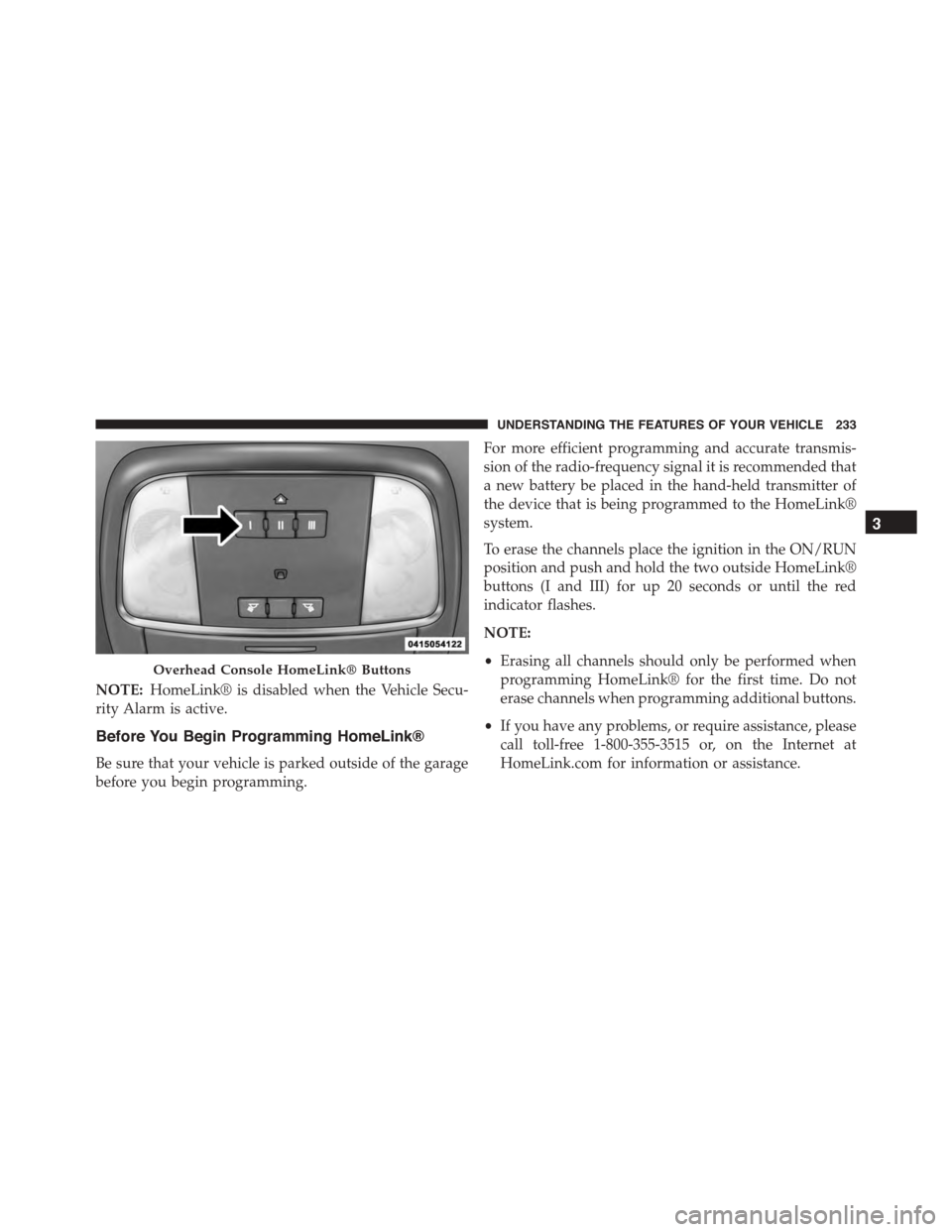
To erase the channels place the ignition in the ON/RUN
position and push and hold the two outside HomeLink®
buttons (I and III) for up 20 seconds or until the red
indicator flashes.
NOTE:
•Erasing all channels should only be performed when
programming HomeLink® for the first time. Do not
erase channels when programming additional buttons.
•If you have any problems, or require assistance, please
call toll-free 1-800-355-3515 or, on the Internet at
HomeLink.com for information or assistance.
Overhead Console HomeLink® Buttons
3
UNDERSTANDING THE FEATURES OF YOUR VEHICLE 233
Page 241 of 638
Using HomeLink®
To operate, push and release the programmed
HomeLink® button. Activation will now occur for the
programmed device (i.e., garage door opener, gate opera-
tor, security system, entry door lock, home/office light-
ing, etc.,). The hand-held transmitter of the device may
also be used at any time.
Security
It is advised to erase all channels before you sell or turn
in your vehicle.
To do this, push and hold the two outside buttons for 20
seconds until the red indicator flashes. Note that all
channels will be erased. Individual channels cannot be
erased.
The HomeLink® Universal Transceiver is disabled when
the Vehicle Security Alarm is active.
Troubleshooting Tips
If you are having trouble programming HomeLink®,
here are some of the most common solutions:
•Replace the battery in the original hand-held transmit-
ter.
•Push the LEARN button on the Garage Door Opener
to complete the training for a Rolling Code.
•Did you unplug the device for programming and
remember to plug it back in?
If you have any problems, or require assistance, please
call toll-free 1-800-355-3515 or, on the Internet at
HomeLink.com for information or assistance.
3
UNDERSTANDING THE FEATURES OF YOUR VEHICLE 239
Page 273 of 638
bulb check or when driving. Refer to “Occupant Re-
straints” in “Things To Know Before Starting Your Ve-
hicle” for further information.
17. Vehicle Security Light — If Equipped
This light will flash at a fast rate for approxi-
mately 15 seconds when the vehicle security
alarm is arming, and then will flash slowly
until the vehicle is disarmed.
18. Malfunction Indicator Light (MIL)
The Malfunction Indicator Light (MIL) is part of
an onboard diagnostic system called OBD. The
OBD system monitors engine and automatic
transmission control systems. The MIL will turn on when
the ignition is in the ON/RUN position before engine
start. If the MIL does not come on when turning the key
from OFF to ON/RUN, have the condition checked
promptly.
Certain conditions, such as a loose or missing gas cap,
poor fuel quality, etc., may illuminate the MIL after
engine start. The vehicle should be serviced if the MIL
stays on through several of your typical driving cycles. In
most situations, the vehicle will drive normally and will
not require towing.
CAUTION!
Prolonged driving with the Malfunction Indicator
Light (MIL) on could cause damage to the engine
control system. It also could affect fuel economy and
driveability. If the MIL is flashing, severe catalytic
converter damage and power loss will soon occur.
Immediate service is required.
4
UNDERSTANDING YOUR INSTRUMENT PANEL 271
Page 384 of 638
Uconnect® Access* (8.4A/8.4AN)
An included trial and/or subscription is required to take
advantage of the Uconnect® Access services in the next
section of this guide. To register with Uconnect® Access,
press the Apps button on the 8.4-inch touchscreen to get
started. Detailed registration instructions can be found
on the next page.
*Uconnect® Access is available only on equipped ve-
hicles purchased within the continental United States and
Alaska. Services can only be used where coverage is
available; see coverage map for details.
9-1-1 Call
Theft Alarm Notification
Remote Door Lock/Unlock
Stolen Vehicle Assistance
Remote Vehicle Start**
Remote Horn and Lights
Yelp® Search
Voice Texting
Roadside Assistance Call
Wi-Fi Hotspot***
**If vehicle is equipped.
***Extra charges apply.
382 UNDERSTANDING YOUR INSTRUMENT PANEL
Page 616 of 638
About Your Brakes........................418
ABS (Anti-Lock Brake System)................421
Adaptive Cruise Control (ACC) (Cruise Control) . . .178
Adding Engine Coolant (Antifreeze)............555
Adding Fuel.............................473
Adding Washer Fluid......................549
Additives, Fuel...........................468
Adjustable Pedals.........................172
Air bag . . . . . . . . . . . . . . . . . . . . . . . . . . . . . . . . .59
Air Bag
Advance Front Air Bag....................60
Air Bag Components.....................59
Air bag Operation.......................62
Air Bag Warning Light....................71
Driver Knee Air Bag......................64
Enhanced Accident Response................70
Event Data Recorder (EDR).................74
Front Air Bag . . . . . . . . . . . . . . . . . . . . . . . . . . .59
If A Deployment Occurs...................69
Knee Impact Bolsters.....................63
Maintaining Your Air Bag System............73
Side Air Bags...........................64
Transporting Pets........................96
Air bag Deployment........................59
Air bag Light.............................71
Air bag Maintenance........................73
Air Cleaner, Engine (Engine Air Cleaner Filter) . . . .543
Air Conditioner Maintenance.................545
Air Conditioning..........................352
Air Conditioning Controls...................352
Air Conditioning Filter.....................369
Air Conditioning, Operating Tips..............368
Air Conditioning Refrigerant.................545
Air Conditioning System....................352
Air Pressure, Tires.........................446
Alarm
Arm The System........................19
Alarm Light.............................263
614 INDEX
Page 617 of 638
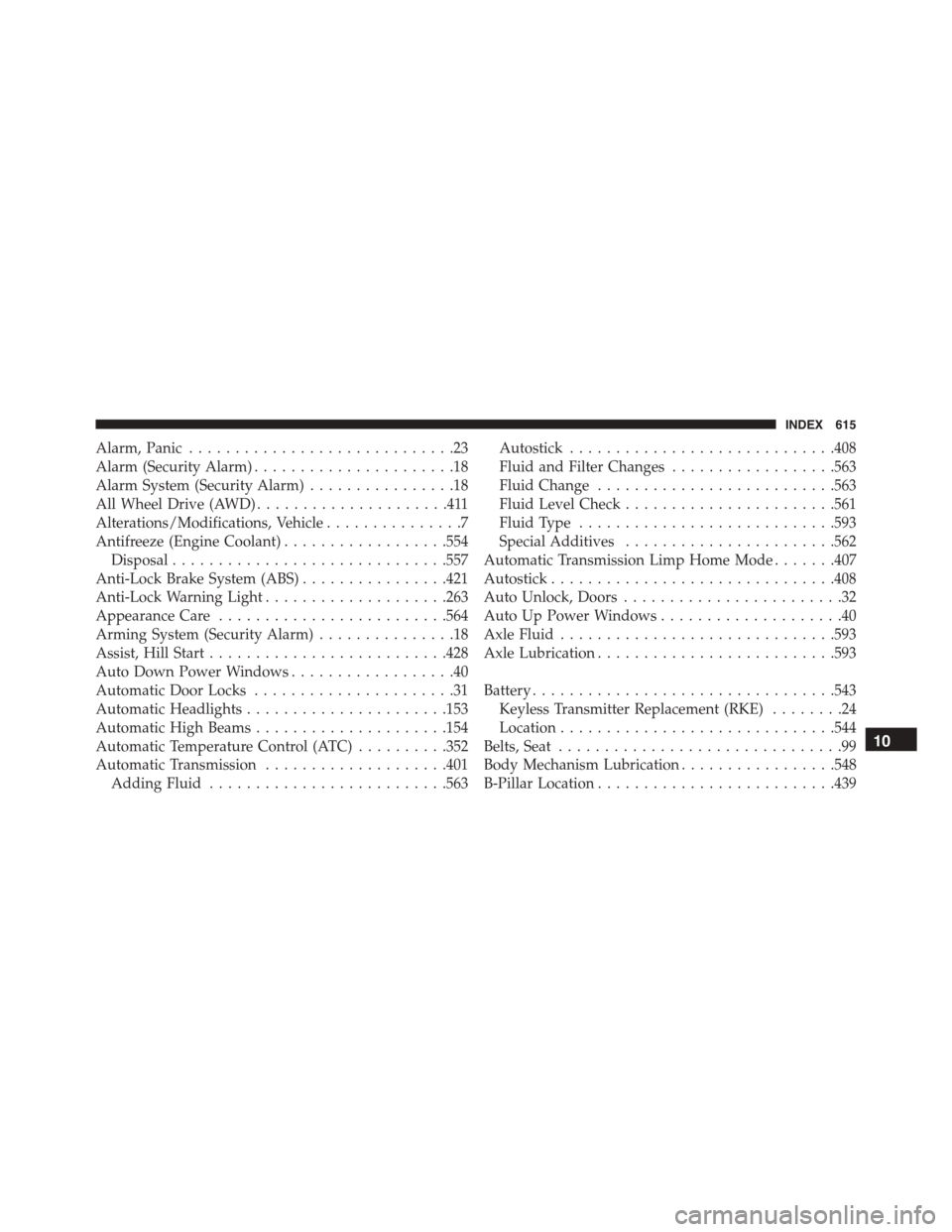
Alarm, Panic.............................23
Alarm (Security Alarm)......................18
Alarm System (Security Alarm)................18
All Wheel Drive (AWD).....................411
Alterations/Modifications, Vehicle...............7
Antifreeze (Engine Coolant)..................554
Disposal..............................557
Anti-Lock Brake System (ABS)................421
Anti-Lock Warning Light....................263
Appearance Care.........................564
Arming System (Security Alarm)...............18
Assist, Hill Start..........................428
Auto Down Power Windows..................40
Automatic Door Locks......................31
Automatic Headlights......................153
Automatic High Beams.....................154
Automatic Temperature Control (ATC)..........352
Automatic Transmission....................401
Adding Fluid..........................563
Autostick.............................408
Fluid and Filter Changes..................563
Fluid Change..........................563
Fluid Level Check.......................561
Fluid Type............................593
Special Additives.......................562
Automatic Transmission Limp Home Mode.......407
Autostick...............................408
Auto Unlock, Doors........................32
Auto Up Power Windows....................40
Axle Fluid..............................593
Axle Lubrication..........................593
Battery.................................543
Keyless Transmitter Replacement (RKE)........24
Location..............................544
Belts, Seat...............................99
Body Mechanism Lubrication.................548
B-Pillar Location..........................439
10
INDEX 615
Page 625 of 638
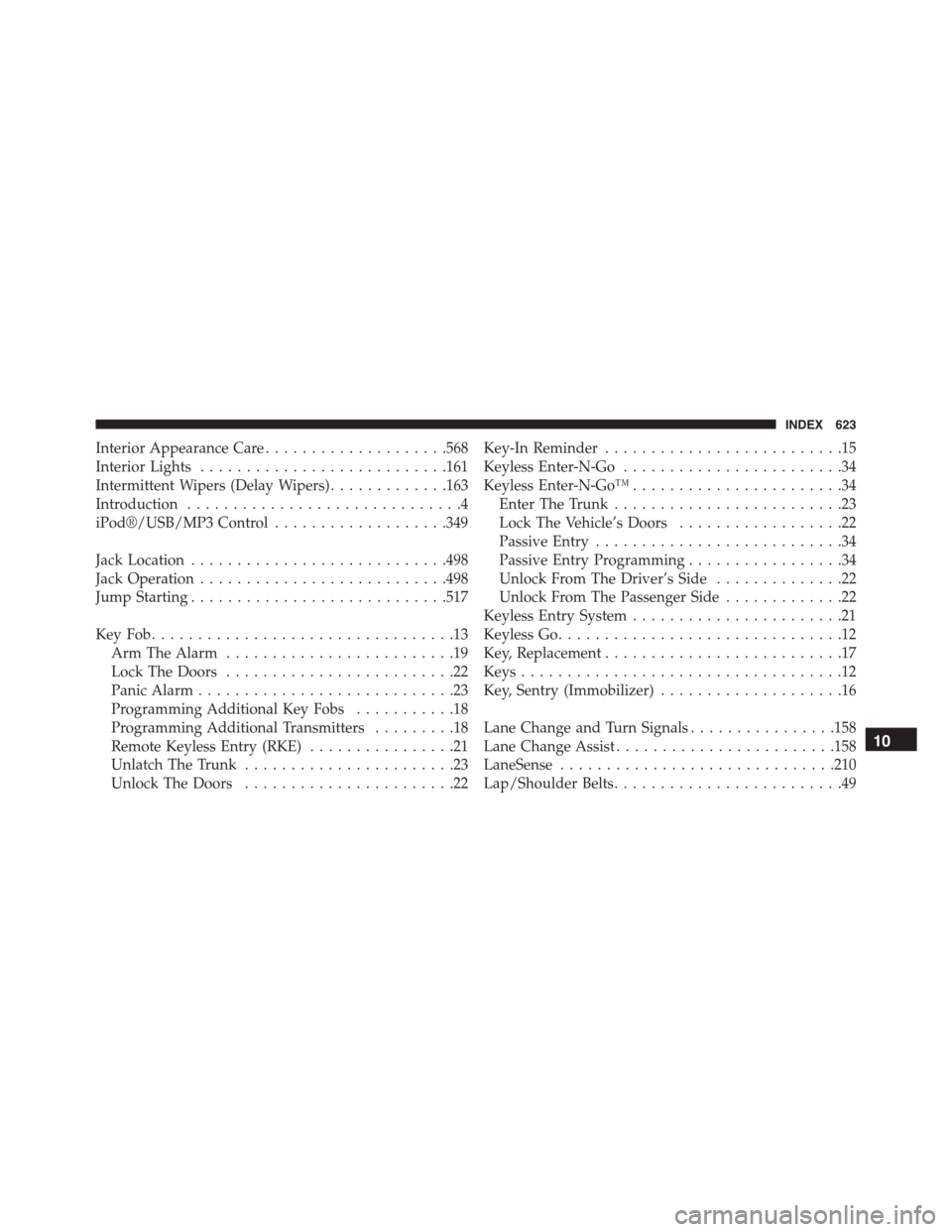
Interior Appearance Care....................568
Interior Lights...........................161
Intermittent Wipers (Delay Wipers).............163
Introduction..............................4
iPod®/USB/MP3 Control...................349
Jack Location............................498
Jack Operation...........................498
Jump Starting............................517
Key Fob . . . . . . . . . . . . . . . . . . . . . . . . . . . . . . . . .13
Arm The Alarm.........................19
Lock The Doors.........................22
Panic Alarm............................23
Programming Additional Key Fobs...........18
Programming Additional Transmitters.........18
Remote Keyless Entry (RKE)................21
Unlatch The Trunk.......................23
Unlock The Doors.......................22
Key-In Reminder..........................15
Keyless Enter-N-Go........................34
Keyless Enter-N-Go™.......................34
Enter The Trunk.........................23
Lock The Vehicle’s Doors..................22
Passive Entry...........................34
Passive Entry Programming.................34
Unlock From The Driver’s Side..............22
Unlock From The Passenger Side.............22
Keyless Entry System.......................21
Keyless Go...............................12
Key, Replacement..........................17
Keys...................................12
Key, Sentry (Immobilizer)....................16
Lane Change and Turn Signals................158
Lane Change Assist........................158
LaneSense..............................210
Lap/Shoulder Belts.........................49
10
INDEX 623