spare tire DODGE CHARGER 2015 7.G Owner's Manual
[x] Cancel search | Manufacturer: DODGE, Model Year: 2015, Model line: CHARGER, Model: DODGE CHARGER 2015 7.GPages: 236, PDF Size: 35.67 MB
Page 215 of 236
TIRE PRESSURES
Check the inflation pressure of each tire, including the spare tire (if equipped), at least
monthly and inflate to the recommended pressure for your vehicle.
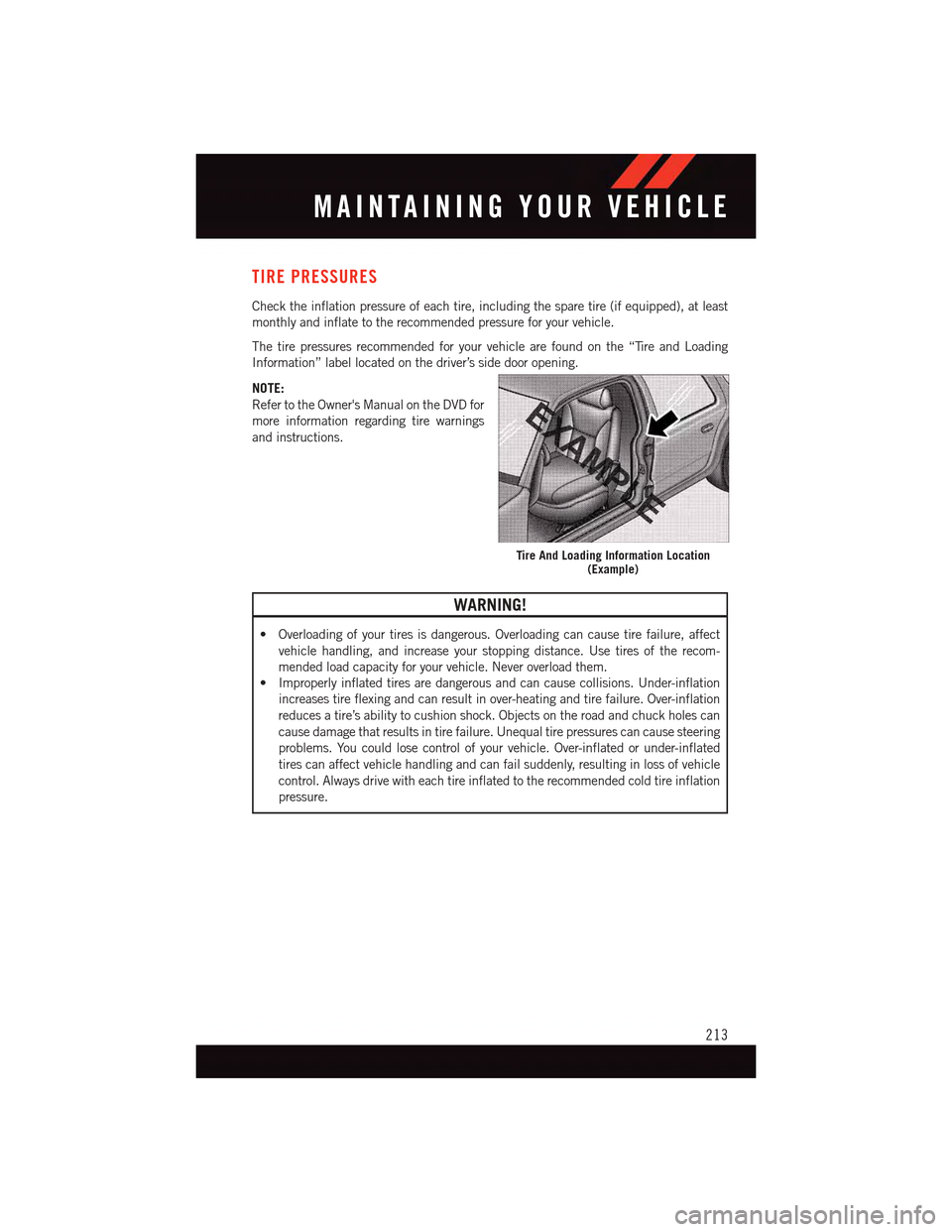
The tire pressures recommended for your vehicle are found on the “Tire and Loading
Information” label located on the driver’s side door opening.
NOTE:
Refer to the Owner's Manual on the DVD for
more information regarding tire warnings
and instructions.
WARNING!
•Overloadingofyourtiresisdangerous.Overloadingcancausetirefailure,affect
vehicle handling, and increase your stopping distance. Use tires of the recom-
mended load capacity for your vehicle. Never overload them.
•Improperlyinflatedtiresaredangerousandcancausecollisions.Under-inflation
increases tire flexing and can result in over-heating and tire failure. Over-inflation
reduces a tire’s ability to cushion shock. Objects on the road and chuck holes can
cause damage that results in tire failure. Unequal tire pressures can cause steering
problems. You could lose control of your vehicle. Over-inflated or under-inflated
tires can affect vehicle handling and can fail suddenly, resulting in loss of vehicle
control. Always drive with each tire inflated to the recommended cold tire inflation
pressure.
Tire And Loading Information Location(Example)
MAINTAINING YOUR VEHICLE
213
Page 216 of 236
SPARE TIRES — IF EQUIPPED
NOTE:
For vehicles equipped with Tire Service Kit instead of a spare tire, please refer to “Tire
Service Kit” in “What To Do In Emergencies” on your DVD for further information.
CAUTION!
Because of the reduced ground clearance, do not take your vehicle through an
automatic car wash with a compact or limited-use temporary spare installed. Damage
to the vehicle may result.
Spare Tire Matching Original Equipped Tire And Wheel — If Equipped
Yo u r v e h i c l e m a y b e e q u i p p e d w i t h a s p a r e t i r e a n d w h e e l e q u i v a l e n t i n l o o k a n d f u n c t i o n
to the original equipment tire and wheel found on the front or rear axle of your vehicle. This
spare tire may be used in the tire rotation for your vehicle. If your vehicle has this option,
refer to an authorized tire dealer for the recommended tire rotation pattern.
Compact Spare Tire — If Equipped
The compact spare is for temporary emergency use only. You can identify if your vehicle
is equipped with a compact spare by looking at the spare tire description on the Tire and
Loading Information Placard located on the driver’s side door opening or on the sidewall
of the tire. Compact spare tire descriptions begin with the letter “T” or “S” preceding the
size designation. Example: T145/80D18 103M.
T, S = Temporary Spare Tire
Since this tire has limited tread life, the original equipment tire should be repaired (or
replaced) and reinstalled on your vehicle at the first opportunity.
Do not install a wheel cover or attempt to mount a conventional tire on the compact spare
wheel, since the wheel is designed specifically for the compact spare tire. Do not install
more than one compact spare tire and wheel on the vehicle at any given time.
WARNING!
Compact spares are for temporary emergency use only. With these spares, do not drive
more than 50 mph (80 km/h). Temporary use spares have limited tread life. When the
tread is worn to the tread wear indicators, the temporary use spare tire needs to be
replaced. Be sure to follow the warnings, which apply to your spare. Failure to do so
could result in spare tire failure and loss of vehicle control.
MAINTAINING YOUR VEHICLE
214
Page 217 of 236
Full Size Spare — If Equipped
The full size spare is for temporary emergency use only. This tire may look like the
originally equipped tire on the front or rear axle of your vehicle, but it is not. This spare tire
may have limited tread life. When the tread is worn to the tread wear indicators, the
temporary use full size spare tire needs to be replaced. Since it is not the same as your
original equipment tire, replace (or repair) the original equipment tire and reinstall on the
vehicle at the first opportunity.
Limited-Use Spare — If Equipped
The limited-use spare tire is for temporary emergency use only. This tire is identified by a
label located on the limited-use spare wheel. This label contains the driving limitations for
this spare. This tire may look like the original equipped tire on the front or rear axle of your
vehicle, but it is not. Installation of this limited-use spare tire affects vehicle handling.
Since it is not the same as your original equipment tire, replace (or repair) the original
equipment tire and reinstall on the vehicle at the first opportunity.
WARNING!
Limited-use spares are for emergency use only. Installation of this limited-use spare
tire affects vehicle handling. With this tire, do not drive more than the speed listed on
the limit-use spare wheel. Keep inflated to the cold tire inflation pressures listed on
your Tire and Loading Information Placard located on the driver’s side B-Pillar or the
rear edge of the driver’s side door. Replace (or repair) the original equipment tire at the
first opportunity and reinstall it on your vehicle. Failure to do so could result in loss of
vehicle control.
FUEL DOOR RELEASE
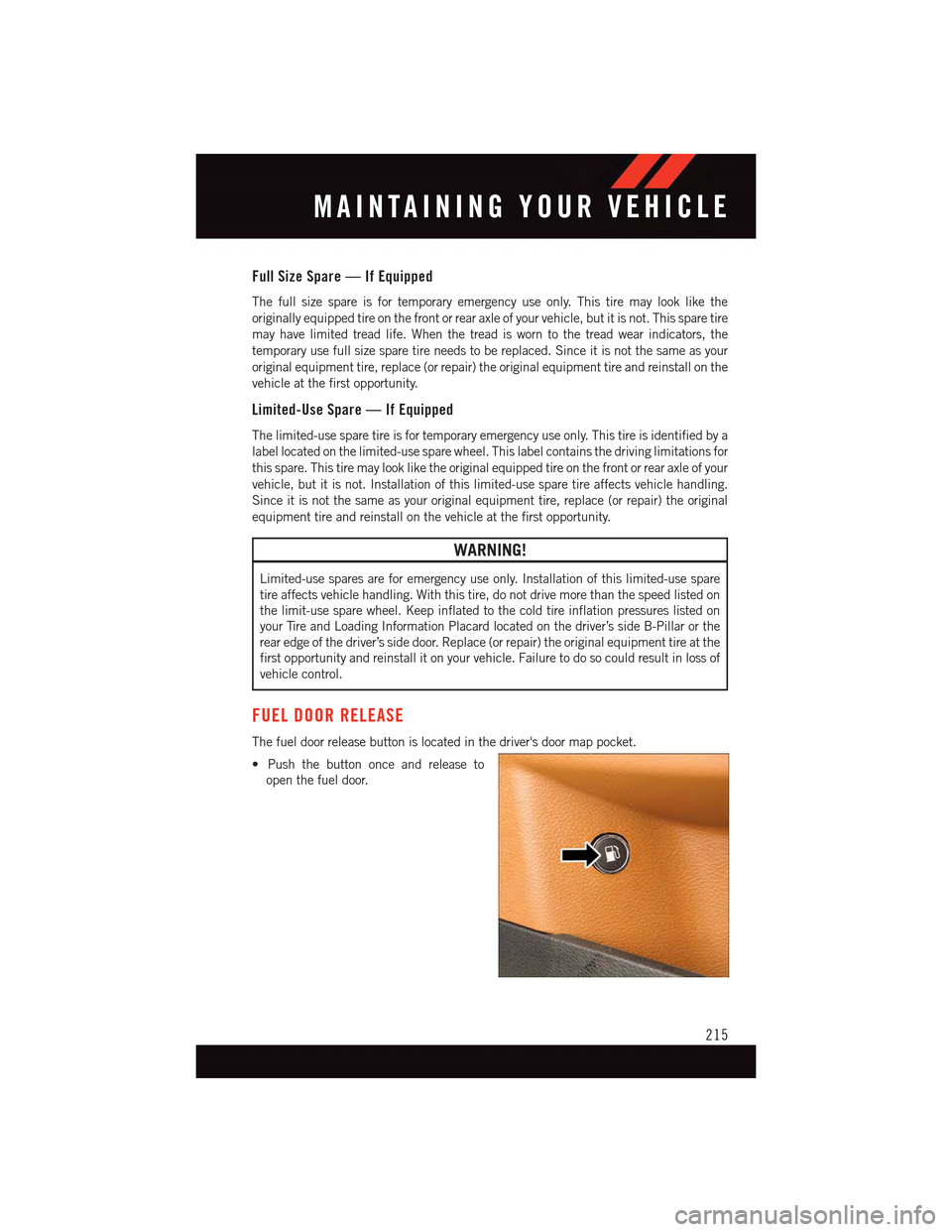
The fuel door release button is located in the driver's door map pocket.
•Pushthebuttononceandreleaseto
open the fuel door.
MAINTAINING YOUR VEHICLE
215
Page 218 of 236
Fuel Door Emergency Release
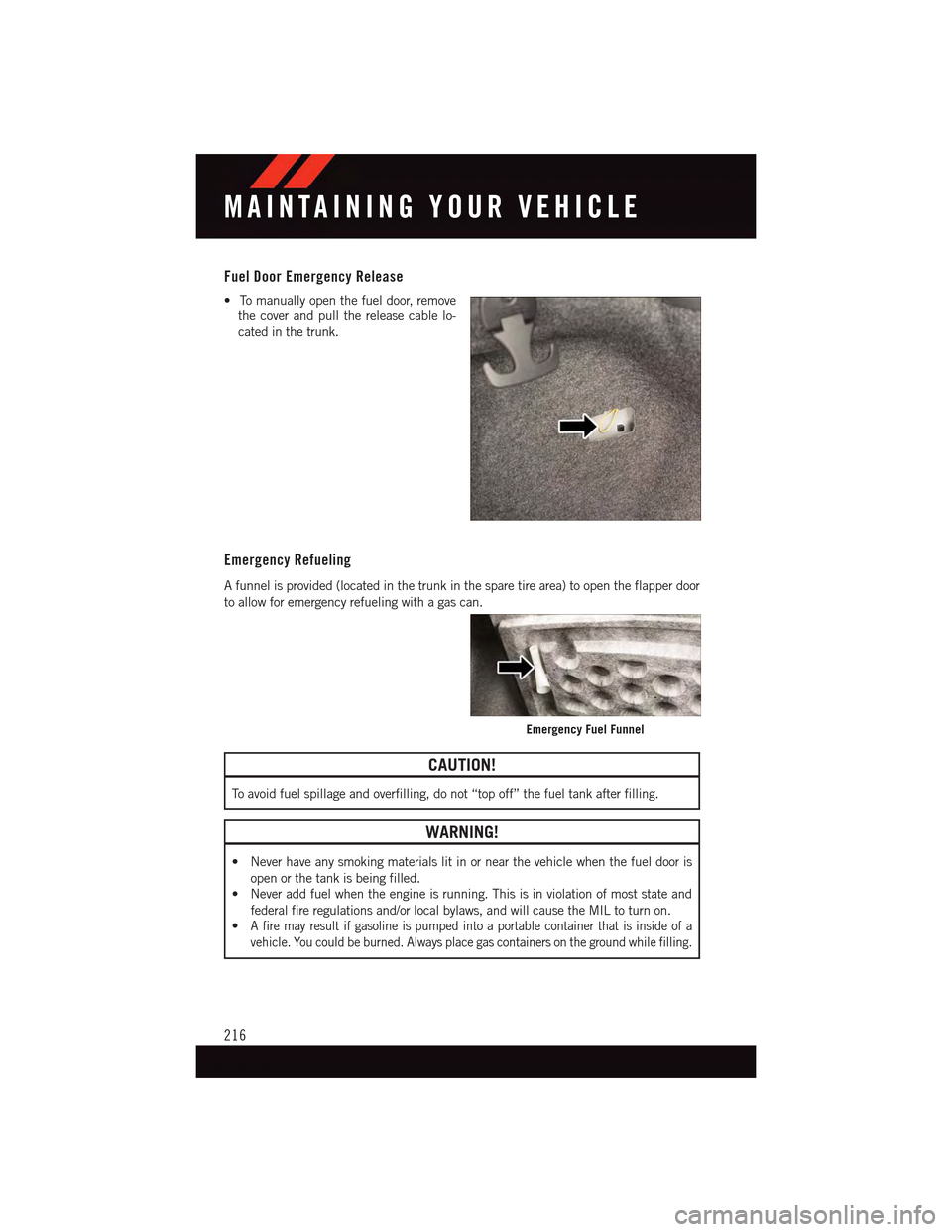
•Tomanuallyopenthefueldoor,remove
the cover and pull the release cable lo-
cated in the trunk.
Emergency Refueling
Afunnelisprovided(locatedinthetrunkinthesparetirearea)toopentheflapperdoor
to allow for emergency refueling with a gas can.
CAUTION!
To a v o i d f u e l s p i l l a g e a n d o v e r f i l l i n g , d o n o t “ t o p o f f ” t h e f u e l t a n k a f t e r f i l l i n g .
WARNING!
•Neverhaveanysmokingmaterialslitinornearthevehiclewhenthefueldooris
open or the tank is being filled.
•Neveraddfuelwhentheengineisrunning.Thisisinviolationofmoststateand
federal fire regulations and/or local bylaws, and will cause the MIL to turn on.
•Afiremayresultifgasolineispumpedintoaportablecontainerthatisinsideofa
vehicle. You could be burned. Always place gas containers on the ground while filling.
Emergency Fuel Funnel
MAINTAINING YOUR VEHICLE
216
Page 225 of 236
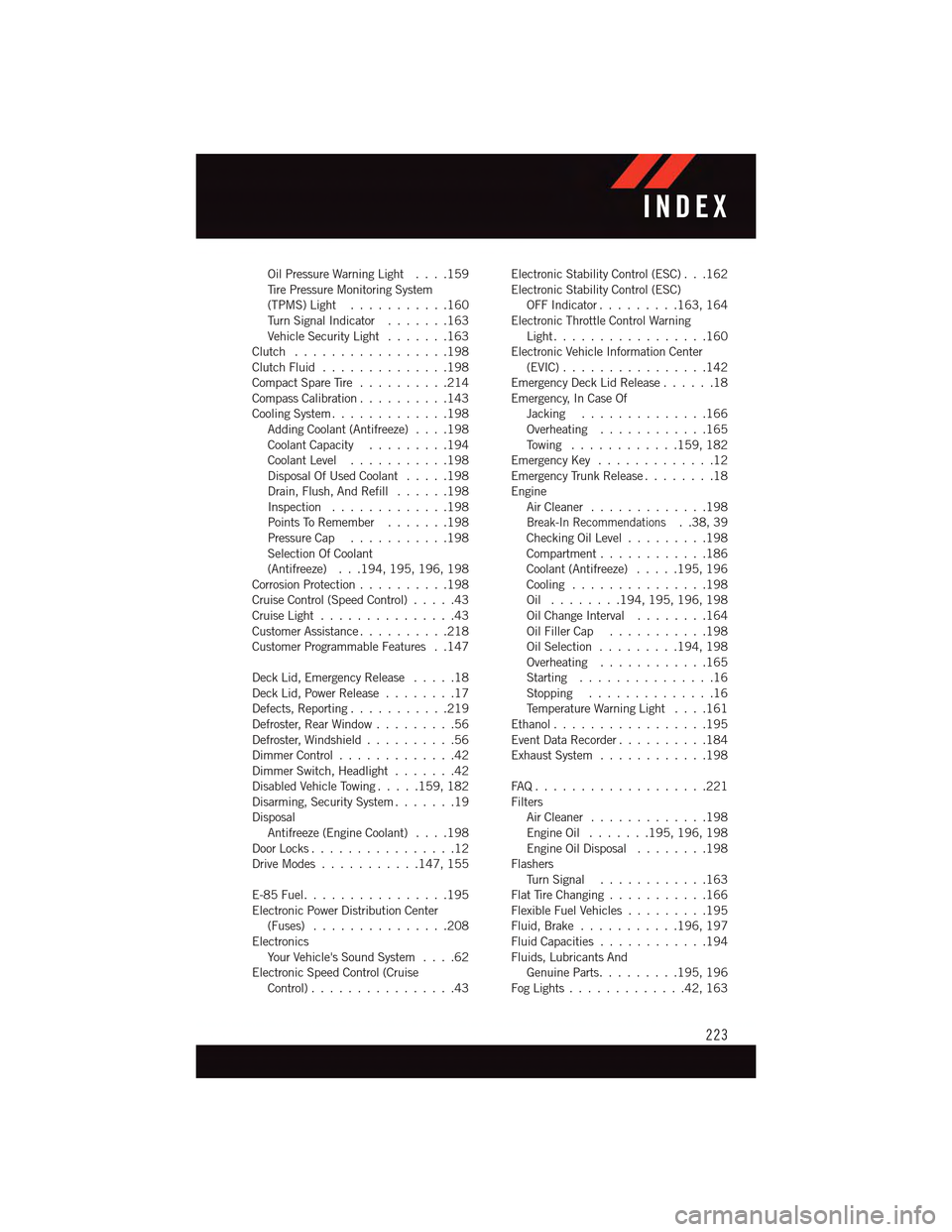
Oil Pressure Warning Light . . . .159Ti r e P r e s s u r e M o n i t o r i n g S y s t e m(TPMS) Light...........160Tu r n S i g n a l I n d i c a t o r.......163Vehicle Security Light.......163Clutch . . . . . . . . . . . . . . . . .198Clutch Fluid . . . . . . . . . . . . . .198Compact Spare Tire..........214Compass Calibration..........143Cooling System.............198Adding Coolant (Antifreeze)....198Coolant Capacity.........194Coolant Level...........198Disposal Of Used Coolant.....198Drain, Flush, And Refill......198Inspection . . . . . . . . . . . . .198Points To Remember.......198Pressure Cap . . . . . . . . . . .198Selection Of Coolant(Antifreeze) . . .194, 195, 196, 198Corrosion Protection..........198Cruise Control (Speed Control).....43Cruise Light . . . . . . . . . . . . . . .43Customer Assistance..........218Customer Programmable Features . .147
Deck Lid, Emergency Release.....18Deck Lid, Power Release........17Defects, Reporting...........219Defroster, Rear Window.........56Defroster, Windshield . . . . . . . . . .56Dimmer Control.............42Dimmer Switch, Headlight.......42Disabled Vehicle Towing . . . . .159, 182Disarming, Security System.......19DisposalAntifreeze (Engine Coolant)....198Door Locks................12Drive Modes...........147, 155
E-85 Fuel................195Electronic Power Distribution Center(Fuses) . . . . . . . . . . . . . . .208ElectronicsYo u r Ve h i c l e ' s S o u n d S y s t e m....62Electronic Speed Control (CruiseControl) . . . . . . . . . . . . . . . .43
Electronic Stability Control (ESC) . . .162Electronic Stability Control (ESC)OFF Indicator . . . . . . . . .163, 164Electronic Throttle Control WarningLight . . . . . . . . . . . . . . . . .160Electronic Vehicle Information Center(EVIC) . . . . . . . . . . . . . . . .142Emergency Deck Lid Release......18Emergency, In Case OfJacking..............166Overheating............165To w i n g . . . . . . . . . . . .159, 182Emergency Key.............12Emergency Trunk Release........18EngineAir Cleaner . . . . . . . . . . . . .198Break-In Recommendations..38,39Checking Oil Level.........198Compartment............186Coolant (Antifreeze).....195, 196Cooling . . . . . . . . . . . . . . .198Oil . . . . . . . .194, 195, 196, 198Oil Change Interval........164Oil Filler Cap...........198Oil Selection . . . . . . . . .194, 198Overheating............165Starting...............16Stopping..............16Te m p e r a t u r e W a r n i n g L i g h t....161Ethanol.................195Event Data Recorder..........184Exhaust System............198
FA Q . . . . . . . . . . . . . . . . . . . 2 2 1FiltersAir Cleaner . . . . . . . . . . . . .198Engine Oil.......195, 196, 198Engine Oil Disposal........198FlashersTu r n S i g n a l............163Flat Tire Changing...........166Flexible Fuel Vehicles.........195Fluid, Brake . . . . . . . . . . .196, 197Fluid Capacities............194Fluids, Lubricants AndGenuine Parts.........195, 196Fog Lights . . . . . . . . . . . . .42, 163
INDEX
223
Page 228 of 236
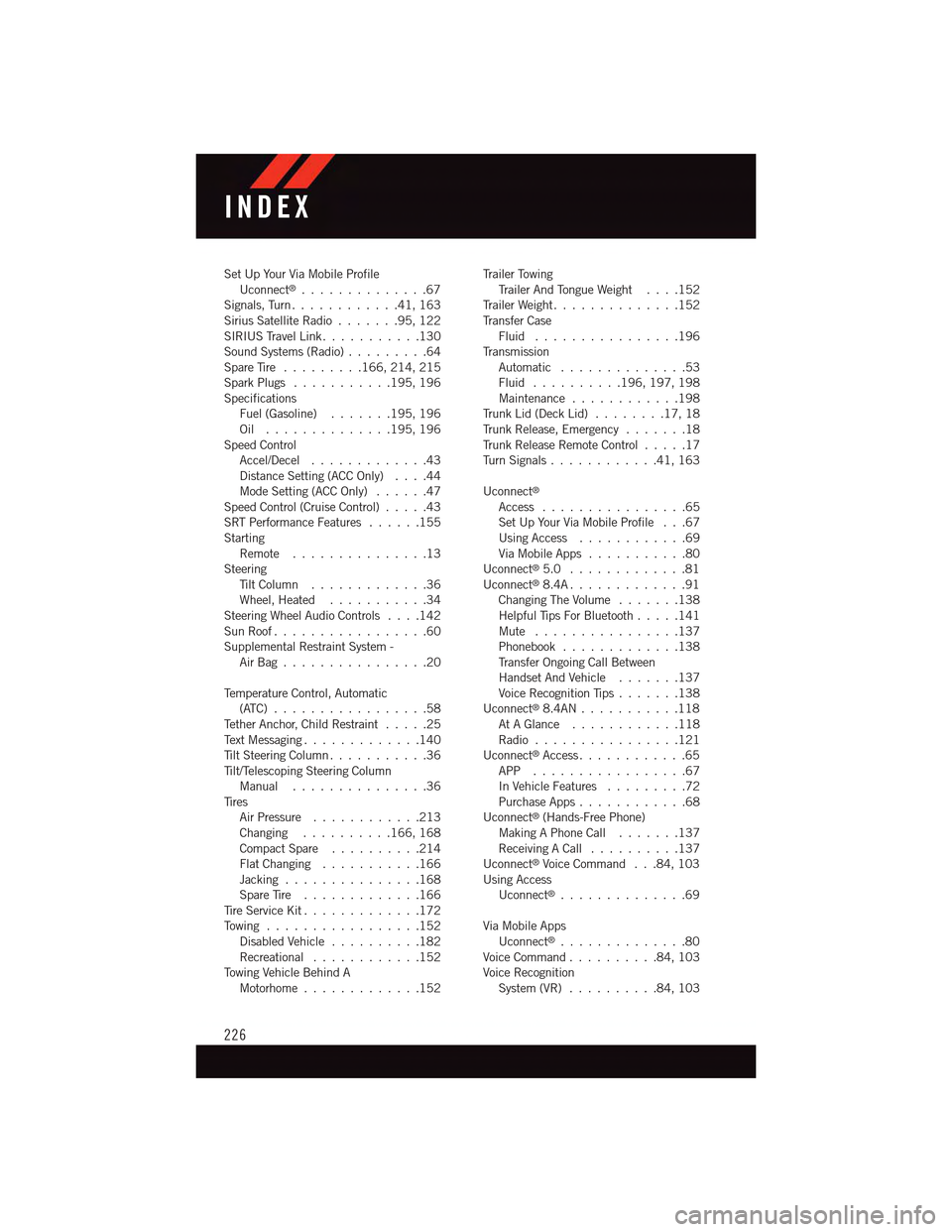
Set Up Your Via Mobile ProfileUconnect®..............67Signals, Turn............41,163Sirius Satellite Radio.......95,122SIRIUS Travel Link . . . . . . . . . . .130Sound Systems (Radio).........64Spare Tire.........166, 214, 215Spark Plugs...........195, 196SpecificationsFuel (Gasoline) . . . . . . .195, 196Oil . . . . . . . . . . . . . .195, 196Speed ControlAccel/Decel.............43Distance Setting (ACC Only)....44Mode Setting (ACC Only)......47Speed Control (Cruise Control).....43SRT Performance Features......155StartingRemote...............13SteeringTi l t C o l u m n . . . . . . . . . . . . . 3 6Wheel, Heated...........34Steering Wheel Audio Controls....142Sun Roof . . . . . . . . . . . . . . . . .60Supplemental Restraint System -Air Bag . . . . . . . . . . . . . . . .20
Te m p e r a t u r e C o n t r o l , A u t o m a t i c(ATC) . . . . . . . . . . . . . . . . .58Te t h e r A n c h o r, C h i l d R e s t r a i n t.....25Te x t M e s s a g i n g.............140Ti l t S t e e r i n g C o l u m n . . . . . . . . . . . 3 6Ti l t / Te l e s c o p i n g S t e e r i n g C o l u m nManual...............36Ti r e sAir Pressure............213Changing..........166, 168Compact Spare..........214Flat Changing . . . . . . . . . . .166Jacking . . . . . . . . . . . . . . .168Spare Tire.............166Ti r e S e r v i c e K i t.............172To w i n g . . . . . . . . . . . . . . . . . 1 5 2Disabled Vehicle..........182Recreational............152To w i n g V e h i c l e B e h i n d AMotorhome.............152
Tr a i l e r To w i n gTr a i l e r A n d To n g u e W e i g h t....152Tr a i l e r W e i g h t . . . . . . . . . . . . . . 1 5 2Tr a n s f e r C a s eFluid . . . . . . . . . . . . . . . .196Tr a n s m i s s i o nAutomatic . . . . . . . . . . . . . .53Fluid . . . . . . . . . .196, 197, 198Maintenance............198Tr u n k L i d ( D e c k L i d )........17,18Tr u n k R e l e a s e , E m e r g e n c y.......18Tr u n k R e l e a s e R e m o t e C o n t r o l.....17Tu r n S i g n a l s............41,163
Uconnect®
Access................65Set Up Your Via Mobile Profile . . .67Using Access............69Via Mobile Apps...........80Uconnect®5.0 . . . . . . . . . . . . .81Uconnect®8.4A . . . . . . . . . . . . .91Changing The Volume.......138Helpful Tips For Bluetooth . . . . .141Mute . . . . . . . . . . . . . . . .137Phonebook.............138Tr a n s f e r O n g o i n g C a l l B e t w e e nHandset And Vehicle.......137Voice Recognition Tips.......138Uconnect®8.4AN . . . . . . . . . . .118At A Glance............118Radio................121Uconnect®Access............65APP . . . . . . . . . . . . . . . . .67In Vehicle Features.........72Purchase Apps............68Uconnect®(Hands-Free Phone)Making A Phone Call.......137Receiving A Call..........137Uconnect®Voice Command . . .84, 103Using AccessUconnect®..............69
Via Mobile AppsUconnect®..............80Voice Command..........84,103Voice RecognitionSystem (VR)..........84,103
INDEX
226