light DODGE CHARGER 2016 7.G Workshop Manual
[x] Cancel search | Manufacturer: DODGE, Model Year: 2016, Model line: CHARGER, Model: DODGE CHARGER 2016 7.GPages: 661, PDF Size: 4.7 MB
Page 164 of 661
Courtesy Lights
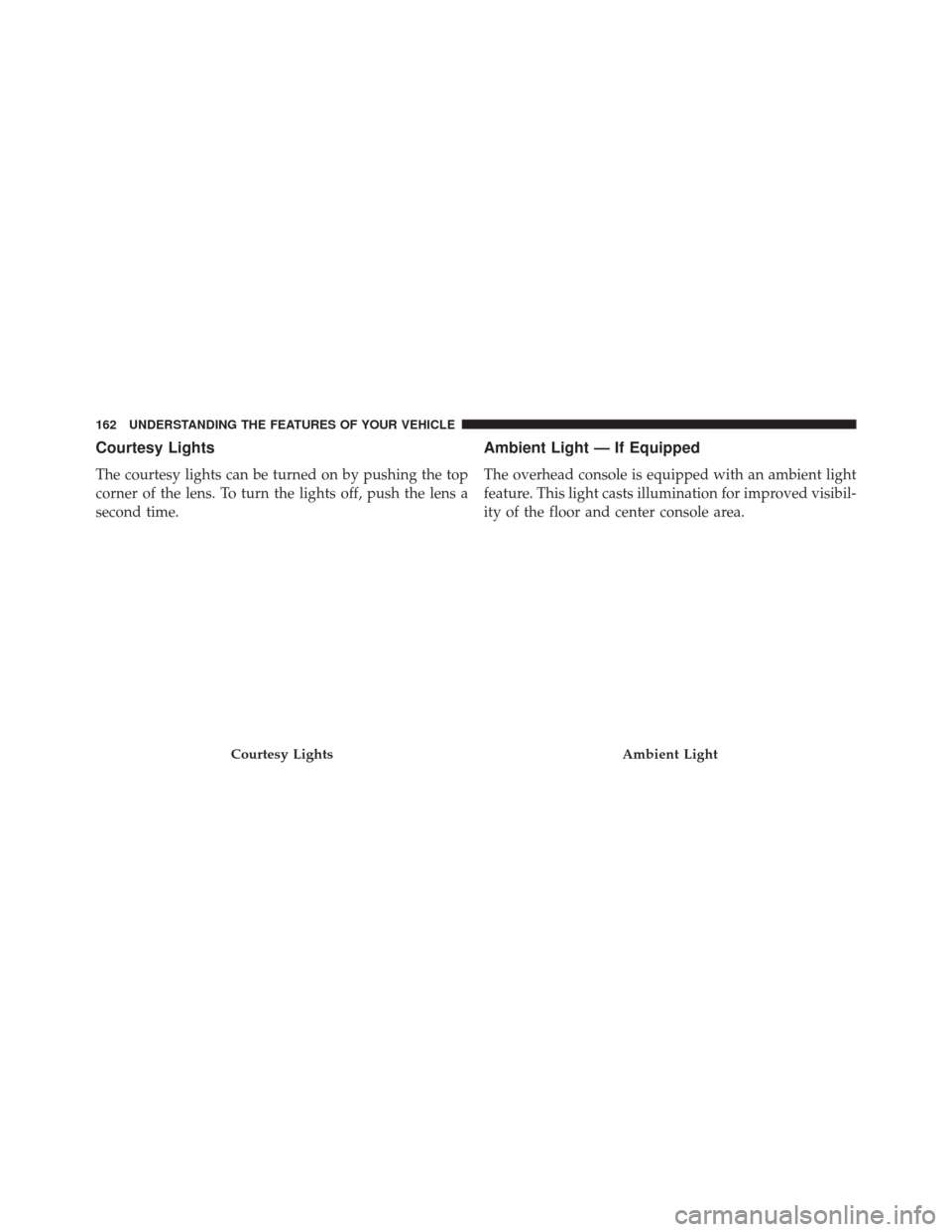
The courtesy lights can be turned on by pushing the top
corner of the lens. To turn the lights off, push the lens a
second time.
Ambient Light — If Equipped
The overhead console is equipped with an ambient light
feature. This light casts illumination for improved visibil-
ity of the floor and center console area.
Courtesy LightsAmbient Light
162 UNDERSTANDING THE FEATURES OF YOUR VEHICLE
Page 165 of 661
Interior Lights
The interior lights come on when a door is opened.
To protect the battery, the interior lights will turn off
automatically 10 minutes after the ignition is moved to
the LOCK position. This will occur if the interior lights
were switched on manually or are on because a door is
open. This includes the glove box light and the trunk
light. To restore interior light operation, either place the
ignition in the ON/RUN position or cycle the light
switch.
Dimmer Controls
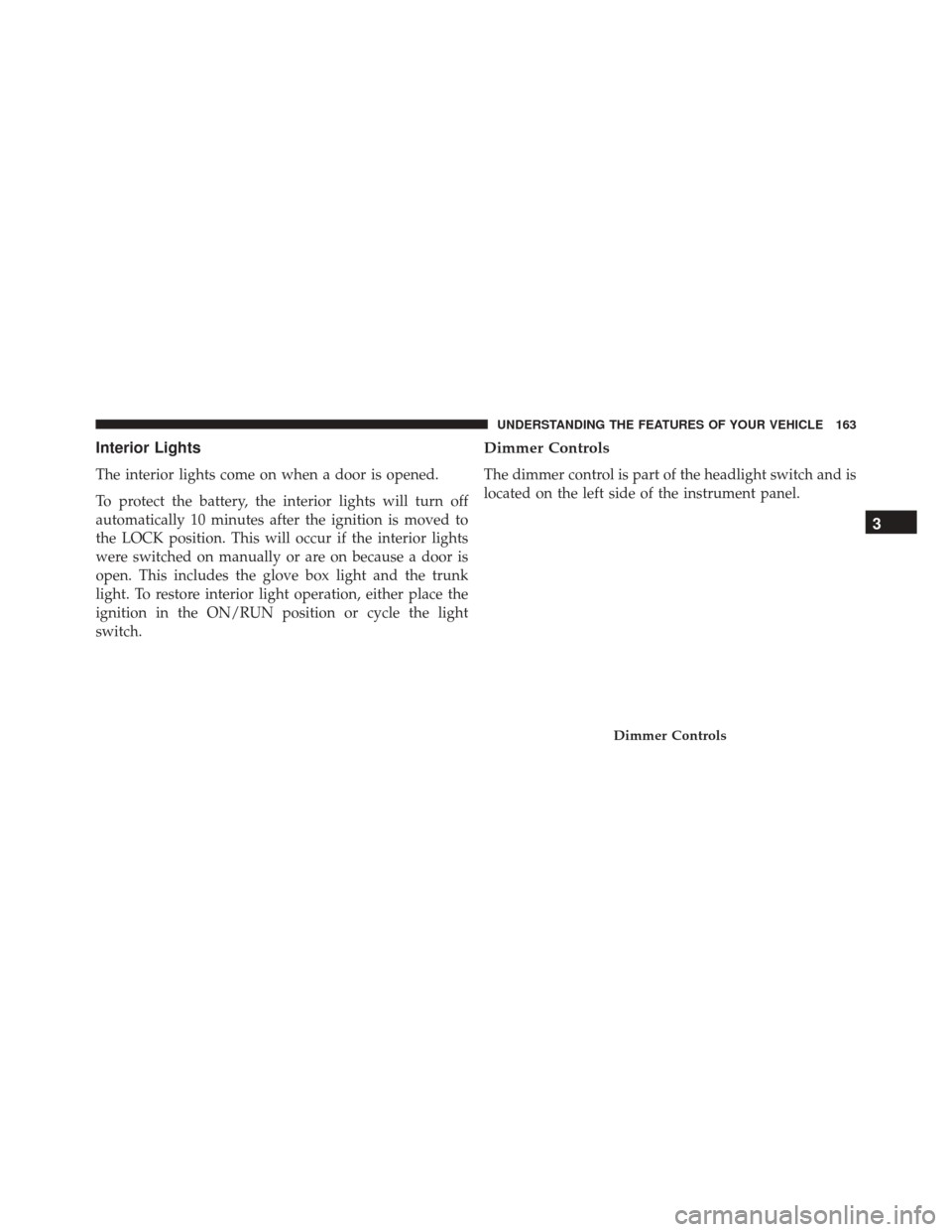
The dimmer control is part of the headlight switch and is
located on the left side of the instrument panel.
Dimmer Controls
3
UNDERSTANDING THE FEATURES OF YOUR VEHICLE 163
Page 166 of 661
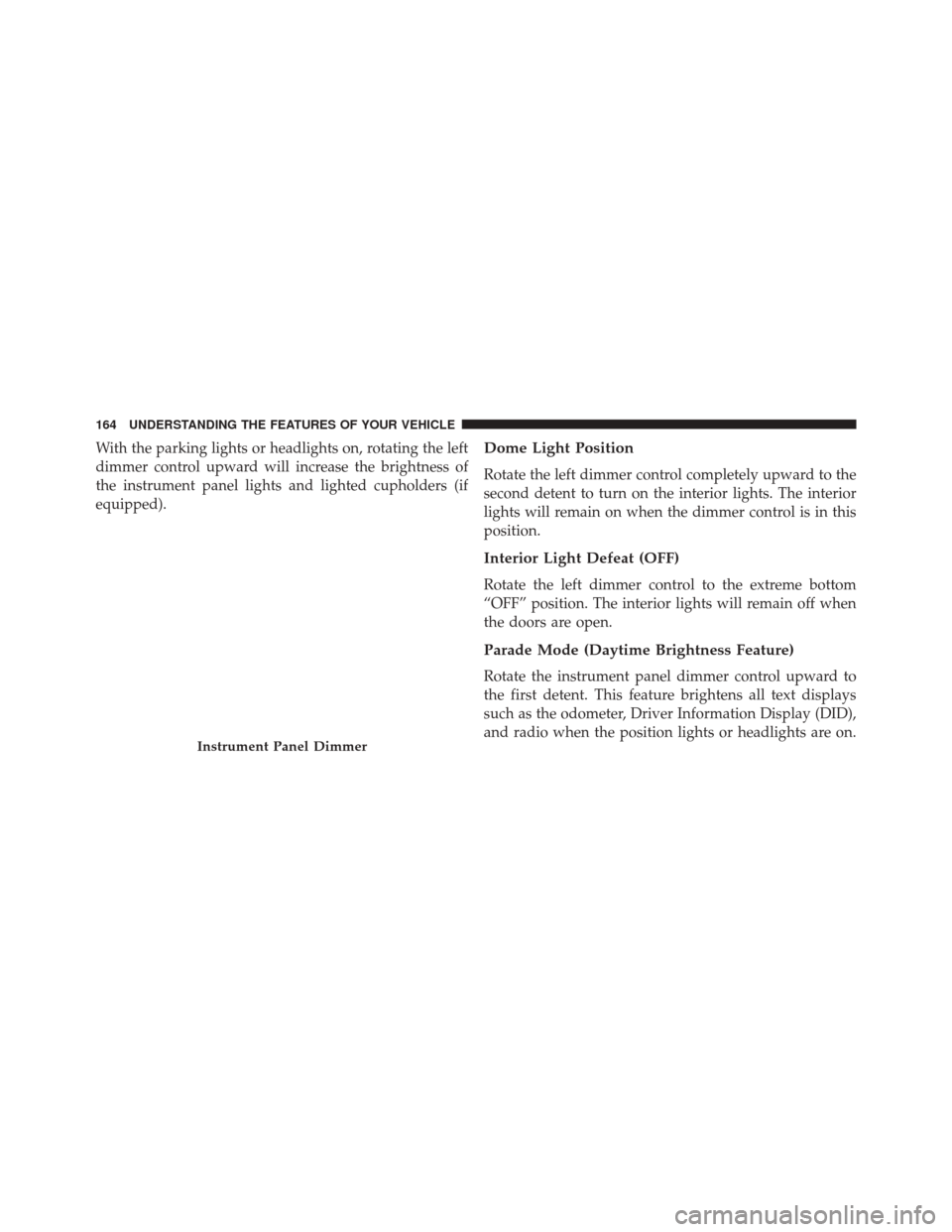
With the parking lights or headlights on, rotating the left
dimmer control upward will increase the brightness of
the instrument panel lights and lighted cupholders (if
equipped).Dome Light Position
Rotate the left dimmer control completely upward to the
second detent to turn on the interior lights. The interior
lights will remain on when the dimmer control is in this
position.
Interior Light Defeat (OFF)
Rotate the left dimmer control to the extreme bottom
“OFF” position. The interior lights will remain off when
the doors are open.
Parade Mode (Daytime Brightness Feature)
Rotate the instrument panel dimmer control upward to
the first detent. This feature brightens all text displays
such as the odometer, Driver Information Display (DID),
and radio when the position lights or headlights are on.
Instrument Panel Dimmer
164 UNDERSTANDING THE FEATURES OF YOUR VEHICLE
Page 170 of 661
Headlights On With Wipers (Available With
Automatic Headlights Only)
When this feature is active, the headlights will turn on
after the wipers are turned on if the headlight switch is
placed in the AUTO position and programmable feature
is set to ON. In addition, the headlights will turn off
when the wipers are turned off if they were turned on by
this feature.
NOTE:The Headlights On with Wipers feature can be
turned on or off using the Uconnect System. Refer to
“Uconnect Settings/Customer Programmable Features”
in “Understanding Your Instrument Panel” for further
information.
Rain Sensing Wipers — If Equipped
This feature senses moisture on the windshield and
automatically activates the wipers for the driver. The
feature is especially useful for road splash or overspray
from the windshield washers of the vehicle ahead. Rotate
the end of the multifunction lever to one of four settings
to activate this feature.
The sensitivity of the system can be adjusted with the
multifunction lever. Wiper delay position 1 is the least
sensitive, and wiper delay position 4 is the most sensi-
tive. Setting 3 should be used for normal rain conditions.
Settings 1 and 2 can be used if the driver desires less
wiper sensitivity. Setting 4 can be used if the driver
desires more sensitivity. Place the wiper switch in the
OFF position when not using the system.
168 UNDERSTANDING THE FEATURES OF YOUR VEHICLE
Page 182 of 661
NOTE:The Electronic Speed Control system maintains
speed up and down hills. A slight speed change on
moderate hills is normal.
On steep hills, a greater speed loss or gain may occur so
it may be preferable to drive without Electronic Speed
Control.
WARNING!
Electronic Speed Control can be dangerous where the
system cannot maintain a constant speed. Your ve-
hicle could go too fast for the conditions, and you
could lose control and have an accident. Do not use
Electronic Speed Control in heavy traffic or on roads
that are winding, icy, snow-covered or slippery.
ADAPTIVE CRUISE CONTROL (ACC) — IF
EQUIPPED
Adaptive Cruise Control (ACC) increases the driving
convenience provided by cruise control while traveling
on highways and major roadways. However, it is not a
safety system and not designed to prevent collisions.
Electronic Speed Control function performs differently.
Please refer to the proper section within this chapter.
ACC will allow you to keep cruise control engaged in
light to moderate traffic conditions without the constant
need to reset your cruise control. ACC utilizes a radar
sensor and a forward facing camera designed to detect a
vehicle directly ahead of you.
NOTE:
• If the sensor does not detect a vehicle ahead of you,
ACC will maintain a fixed set speed.
180 UNDERSTANDING THE FEATURES OF YOUR VEHICLE
Page 193 of 661
•The system disengages. (Refer to the information on
ACC Activation).
The maximum braking applied by ACC is limited; how-
ever, the driver can always apply the brakes manually, if
necessary.
NOTE: The brake lights will illuminate whenever the
ACC system applies the brakes.
A Proximity Warning will alert the driver if ACC predicts
that its maximum braking level is not sufficient to
maintain the set distance. If this occurs, a visual alert
“BRAKE” will flash in the DID and a chime will sound
while ACC continues to apply its maximum braking
capacity. NOTE:
The “Brake!” Screen in the DID is a warning for
the driver to take action and does not necessarily mean
that the Forward Collision Warning system is applying
the brakes autonomously.
Brake Alert
3
UNDERSTANDING THE FEATURES OF YOUR VEHICLE 191
Page 196 of 661
•The ACC system applies the brake down to a full stop
when following a target vehicle. If an ACC host vehicle
follows a target vehicle to a standstill, the host vehicle
will release the vehicle brakes two seconds after com-
ing to a full stop.
• The ACC system maintains set speed when driving up
hill and down hill. However, a slight speed change on
moderate hills is normal. In addition, downshifting
may occur while climbing uphill or descending down-
hill. This is normal operation and necessary to main-
tain set speed. When driving up hill and down hill, the
ACC system will cancel if the braking temperature
exceeds normal range (overheated).
ACC Operation At Stop
If the ACC system brings your vehicle to a standstill
while following a target vehicle, if the target vehicle starts moving within two seconds of your vehicle coming to a
standstill, your vehicle will resume motion without the
need for any driver action.
If the target vehicle does not start moving within two
seconds of your vehicle coming to a standstill, the ACC
with Stop system will cancel and the brakes will release.
A cancel message will display on the DID and produce a
warning chime. Driver intervention will be required at
this moment.
While ACC with Stop is holding your vehicle at a
standstill, if the driver seatbelt is unbuckled or the driver
door is opened, the ACC with Stop system will cancel
and the brakes will release. A cancel message will display
on the DID and produce a warning chime. Driver inter-
vention will be required at this moment.
194 UNDERSTANDING THE FEATURES OF YOUR VEHICLE
Page 206 of 661
WARNING!
In the normal Cruise Control mode, the system will not
react to vehicles ahead. In addition, the proximity warn-
ing does not activate and no alarm will sound even if
you are too close to the vehicle ahead since neither the
presence of the vehicle ahead nor the vehicle-to vehicle
distance is detected. Be sure to maintain a safe distance
between your vehicle and the vehicle ahead. Always be
aware which mode is selected.
To Set A Desired Speed
Turn the Normal (Fixed Speed) Electronic Speed
Control ON. When the vehicle has reached the
desired speed, push the SET (+) or SET (-) button
and release. Release the accelerator and the
vehicle will operate at the selected speed. Once a speed has
been set a message (CRUISE CONTROL SET TO MPH/ KM) will appear indicating what speed was set. This light
will turn on when the electronic speed control is SET.
To Vary The Speed Setting
To Increase Speed
When the Normal (Fixed Speed) Electronic Speed Con-
trol is set, you can increase speed by pushing the SET
+
button.
The drivers preferred units can be selected through the
instrument panel settings if equipped. Refer to “Under-
standing Your Instrument Panel” for more information.
The speed increment shown is dependant on the speed of
U.S. (mph) or Metric (km/h) units:
U.S. Speed (mph)
• Pushing the SET +button once will result ina1mph
increase in set speed. Each subsequent tap of the
button results in an increase of 1 mph.
204 UNDERSTANDING THE FEATURES OF YOUR VEHICLE
Page 231 of 661
NOTE:If snow, ice, mud, or any foreign substance builds
up on the camera lens, clean the lens, rinse with water,
and dry with a soft cloth. Do not cover the lens.
OVERHEAD CONSOLE
The overhead console contains courtesy/reading lights
and storage for sunglasses. Universal Garage Door
Opener (HomeLink) and power sunroof switches may
also be included, if equipped.
Overhead Console
3
UNDERSTANDING THE FEATURES OF YOUR VEHICLE 229
Page 232 of 661
Front Map/Reading Lights — If Equipped
Lights are mounted in the overhead console. Each light
can be turned on by pushing the switch on either side of
the console. These buttons are backlit for night time
visibility.To turn the lights off, push the switch a second time. The
lights also turn on when a door is opened. The lights will
also turn on when the UNLOCK button on the RKE is
pushed.
Front Map/Reading Lights
Front Map/Reading Light Switches
230 UNDERSTANDING THE FEATURES OF YOUR VEHICLE