display DODGE CHARGER 2020 Owners Manual
[x] Cancel search | Manufacturer: DODGE, Model Year: 2020, Model line: CHARGER, Model: DODGE CHARGER 2020Pages: 412, PDF Size: 18.96 MB
Page 381 of 412
MULTIMEDIA379
Touch-Tone Number Entry
1. Press the Phone button on the
touchscreen.
2. Press the Dial button on the touchscreen.
3. The Touch-Tone screen will be displayed.
4. Use the numbered buttons on the touchscreens to enter the number and
press Call.
If your vehicle has two or three buttons on the
steering wheel (VR, Phone Send, and Phone
End) press the VR button to send a touch-tone
and say “Send 1234#” or you can say “Send
Voicemail Password” if Voicemail password is
stored in your mobile phonebook.
Recent Calls
You may browse a list of the most recent of each
of the following call types:
All Calls
Incoming Calls
Outgoing Calls
Missed Calls These can be accessed by pressing the Recent
Calls button on the Phone main screen.
You can also push the VR button on your
steering wheel and say “Show my incoming
calls” from any screen and the incoming calls
will be displayed.
NOTE:
Incoming can also be replaced with “Outgoing,”
“Recent”, or “Missed.”
Answer Or Ignore An Incoming Call — No Call
Currently In Progress
When you receive a call on your mobile phone,
the Uconnect Phone will interrupt the vehicle
audio system. Push the Phone button on the
steering wheel to accept the call. You can also
press the Answer button on the touchscreen or
press the caller ID box.
Answer Or Ignore An Incoming Call — Call
Currently In Progress
If a call is currently in progress and you have
another incoming call, you will hear the same
network tones for call waiting that you normally
hear when using your mobile phone. Press the
Uconnect Phone button on the steering wheel,
answer button on the touchscreen or caller ID box to place the current call on hold and answer
the incoming call.
NOTE:
The Uconnect Phone compatible phones in the
market today do not support rejecting an
incoming call when another call is in progress.
Therefore, the user can only answer an
incoming call or ignore it.
Do Not Disturb
With Do Not Disturb, you can disable
notifications from incoming calls and texts,
allowing you to keep your eyes on the road and
hands on the wheel. For your convenience,
there is a counter display to keep track of your
missed calls and text messages while you were
using Do Not Disturb.
Do Not Disturb can automatically reply with a
text message, a call, or both when declining an
incoming call and send it to voicemail.
Automatic reply messages can be:
“I am driving right now, I will get back to you
shortly.”
Create a custom auto reply message up to
160 characters.
9
20_LD_OM_EN_USC_t.book Page 379
Page 382 of 412
380MULTIMEDIA
NOTE:
Only the first 25 characters can be seen on the
touchscreen while typing a custom message.
While in Do Not Disturb, Conference Call can be
selected so you can still place a second call
without being interrupted by incoming calls.
NOTE:
Reply with text message is not compatible
with iPhones®.
Auto reply with text message is only available
on phones that support Bluetooth® MAP.
Place/Retrieve A Call From Hold
During an active call, press the Hold button on
the Phone main screen.
Making A Second Call While Current Call Is In
Progress
You can place a call on hold by pressing the
Hold button on the Phone main screen, then
dial a number from the dialpad, recent calls,
SMS Inbox or from the phonebooks. To go back
to the first call, refer to “Toggling Between Calls”
in this section. To combine two calls, refer to
“Join Calls” in this section. Toggling Between Calls
If two calls are in progress (one active and one
on hold), press the Swap button on the Phone
main screen. Only one call can be placed on
hold at a time.
You can also push the Phone button to toggle
between the active and held phone call.
Join Calls
When two calls are in progress (one active and
one on hold), press the Join Calls button on the
Phone main screen to combine all calls into a
Conference Call.
Call Termination
To end a call in progress, momentarily press the
Phone End button on the touchscreen or the
Phone End button on the steering wheel. Only
the active call(s) will be terminated and if there
is a call on hold, it will become the new active
call.
Redial
Press the Redial button on the touchscreen, or
push the VR button and after the “Listening”
prompt and the following beep, say “Redial.”
The Uconnect Phone will call the last number
that was dialed from your mobile phone.
Call Continuation
Call continuation is the progression of a phone
call on the Uconnect Phone after the vehicle
ignition has been switched to OFF.
NOTE:
The call will remain within the vehicle audio
system until the phone becomes out of range
for the Bluetooth® connection. It is recom
-
mended to press the Transfer button on the
touchscreen when leaving the vehicle.
Browsing SMS
Using the steering wheel commands, you can
view and manage the last 10 SMS messages
received on the instrument panel. To use this
function, the mobile phone must support the
SMS exchange function through Bluetooth®.
Select the PHONE button on the instrument
panel menu, and then select “SMS Reader”
using the arrow keys on the steering wheel
controls.
The “SMS Reader” submenu allows the last 10
SMS messages to be displayed.
20_LD_OM_EN_USC_t.book Page 380
Page 389 of 412
MULTIMEDIA387
TIP:
Press the Browse button on the touchscreen to
see all of the music on your USB device. Your Voice
Command must match exactly how the artist,
album, song and genre information is displayed.
PHONE
Making and answering hands-free phone calls
is easy with Uconnect. When the Phonebook
button is illuminated on your touchscreen, your
system is ready. Check UconnectPhone.com for
mobile phone compatibility and pairing
instructions.
Push the Phone button . After the beep, say
one of the following commands:
“ Call John Smith”
“Dial 123-456-7890 and follow the system
prompts”
“ Redial (call previous outgoing phone
number)”
“ Call back (call previous incoming phone
number)”
TIP:
When providing a Voice Command, push the
Phone button and say “ Call,” then pronounce the name
exactly as it appears in
your phone book. When a contact has multiple
phone numbers, you can say “ Call John Smith
work.”
VOICE TEXT REPLY — IF EQUIPPED
Uconnect announces incoming text messages.
Push the VR button or Phone button (if
enabled) and say “ Listen.” (Must have
compatible mobile phone paired to Uconnect
system.)
1. Once an incoming text message is read to
you, push the VR button
or Phone button
(if enabled). After the beep, say: “ Reply
.”
2. Listen to the Uconnect prompts. After the beep, repeat one of the pre-defined
messages and follow the system prompts. NOTE:
Only use the numbering listed, otherwise the
system does not transpose the message.
TIP:
Your mobile phone must have the full imple
-
mentation of the Message Access Profile (MAP)
to take advantage of this feature. For details
about MAP, visit UconnectPhone.com.
PRE-DEFINED VOICE TEXT REPLY RESPONSES
Yes. Stuck in
traffic. See you later.
No. Start without
me. I’ll be late.
Okay. Where are
you? I will be 5
25, 30, 45,
60> minutes late.
Call me.
Are you there
yet?
I’ll call you later. I need
directions. See you in 5
minutes.
I’m on my
way. Can’t talk
right now.
I’m lost. Thanks.
PRE-DEFINED VOICE TEXT REPLY
RESPONSES
9
20_LD_OM_EN_USC_t.book Page 387
Page 390 of 412
388MULTIMEDIA
Apple® iPhone® iOS 6 or later supports reading
incoming text messages only. For further
information on how to enable this feature on
your Apple® iPhone®, refer to your iPhone’s®
“User Manual”.
TIP:
Voice Text Reply is not compatible with
iPhone®, but if your vehicle is equipped with
Siri® Eyes Free, you can use your voice to send
a text message.
CLIMATE
Adjust vehicle temperatures hands-free and
keep everyone comfortable while you keep
moving ahead. (If vehicle is equipped with
climate control.)
Push the VR button. After the beep, say one of
the following commands:
“ Set driver temperature to 70 degrees ”
“Set passenger temperature to 70 degrees ”
TIP:
Voice Command for Climate may only be used
to adjust the interior temperature of your
vehicle. Voice Command will not work to adjust
the heated seats or steering wheel if equipped.
NAVIGATION (4C NAV)
The Uconnect navigation feature helps you save
time and become more productive when you
know exactly how to get to where you want to go.
1. To enter a destination, push the VR button
. After the beep, say: “ Find address
800
Chrysler Drive Auburn Hills, Michigan.”
2. Then follow the system prompts.
TIP:
To start a POI search, push the VR button .
After the beep, say: “ Find nearest coffee shop.”
SIRI® EYES FREE — IF EQUIPPED
Siri lets you use your voice to send text
messages, select media, place phone calls and
much more. Siri uses your natural language to
understand what you mean and responds back
to confirm your requests. The system is
designed to keep your eyes on the road and
your hands on the wheel by letting Siri help you
perform useful tasks.
To enable Siri, push and hold, then release the
Uconnect Voice Recognition (VR) button on the
steering wheel. After you hear a double beep
you can ask Siri to play podcasts and music, get directions, read text messages, and many other
useful requests.
DO NOT DISTURB
With Do Not Disturb, you can disable
notifications from incoming calls and texts,
allowing you to keep your eyes on the road and
hands on the wheel. For your convenience,
there is a counter display to keep track of your
missed calls and text messages while you were
using Do Not Disturb.
Do Not Disturb can automatically reply with a
text message, a call or both, when declining an
incoming call and send it to voicemail.
Automatic reply messages can be:
“I am driving right now, I will get back to you
shortly”.
Create a custom auto reply message up to
160 characters.
NOTE:
Only the first 25 characters can be seen on the
touchscreen while typing a custom message.
While in Do Not Disturb, Conference Call can be
selected so you can still place a second call
without being interrupted by incoming calls.
20_LD_OM_EN_USC_t.book Page 388
Page 401 of 412
399
I
Ignition
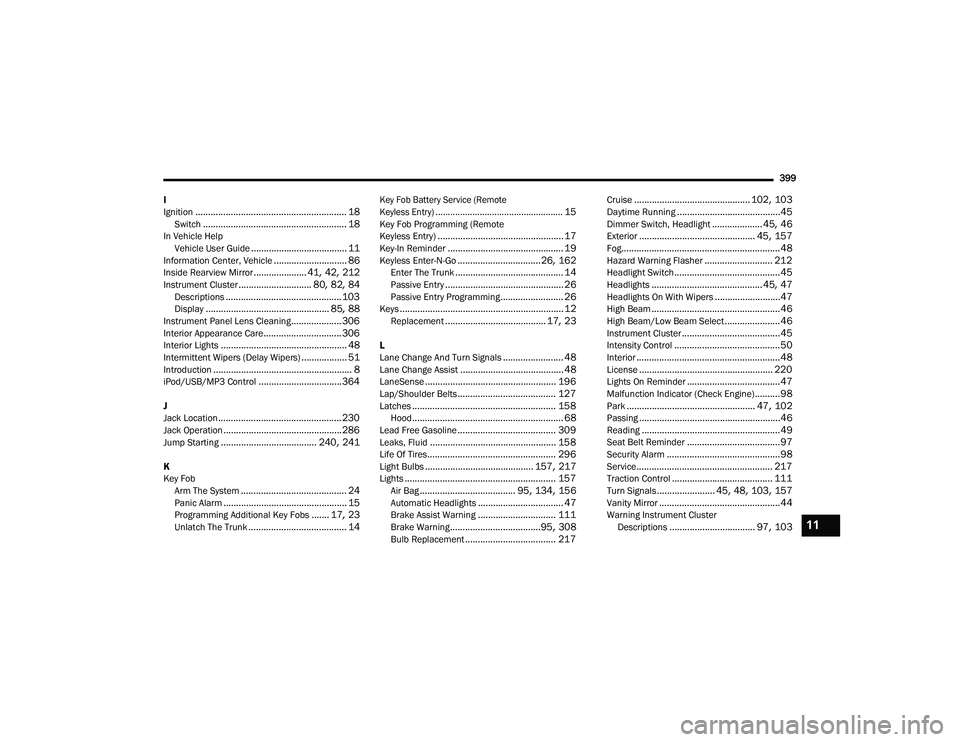
............................................................ 18Switch......................................................... 18In Vehicle Help Vehicle User Guide...................................... 11Information Center, Vehicle............................. 86Inside Rearview Mirror..................... 41, 42, 212Instrument Cluster............................. 80, 82, 84Descriptions.............................................. 103Display................................................. 85, 88Instrument Panel Lens Cleaning.................... 306Interior Appearance Care............................... 306Interior Lights.................................................. 48Intermittent Wipers (Delay Wipers).................. 51Introduction....................................................... 8iPod/USB/MP3 Control................................. 364
J
Jack Location................................................. 230Jack Operation............................................... 286Jump Starting...................................... 240, 241
K
Key FobArm The System
.......................................... 24Panic Alarm................................................. 15Programming Additional Key Fobs....... 17, 23Unlatch The Trunk....................................... 14
Key Fob Battery Service (Remote
Keyless Entry).................................................... 15
Key Fob Programming (Remote
Keyless Entry).................................................. 17Key-In Reminder.............................................. 19Keyless Enter-N-Go.................................26, 162Enter The Trunk........................................... 14Passive Entry............................................... 26Passive Entry Programming......................... 26Keys................................................................. 12Replacement........................................ 17, 23
L
Lane Change And Turn Signals........................ 48Lane Change Assist......................................... 48LaneSense.................................................... 196Lap/Shoulder Belts....................................... 127Latches......................................................... 158Hood............................................................ 68Lead Free Gasoline....................................... 309Leaks, Fluid.................................................. 158Life Of Tires................................................... 296Light Bulbs........................................... 157, 217Lights............................................................ 157Air Bag...................................... 95, 134, 156Automatic Headlights.................................. 47Brake Assist Warning............................... 111Brake Warning....................................95, 308Bulb Replacement.................................... 217
Cruise.............................................. 102, 103Daytime Running.........................................45Dimmer Switch, Headlight.................... 45, 46Exterior.............................................. 45, 157Fog...............................................................48Hazard Warning Flasher........................... 212Headlight Switch..........................................45Headlights............................................ 45, 47Headlights On With Wipers..........................47High Beam...................................................46High Beam/Low Beam Select......................46Instrument Cluster.......................................45Intensity Control..........................................50Interior.........................................................48License..................................................... 220Lights On Reminder.....................................47Malfunction Indicator (Check Engine)..........98Park................................................... 47, 102Passing........................................................46Reading.......................................................49Seat Belt Reminder.....................................97Security Alarm.............................................98Service...................................................... 217Traction Control........................................ 111Turn Signals....................... 45, 48, 103, 157Vanity Mirror................................................44Warning Instrument Cluster Descriptions.................................. 97, 10311
20_LD_OM_EN_USC_t.book Page 399
Page 406 of 412
404 U
Uconnect Advanced Phone Connectivity
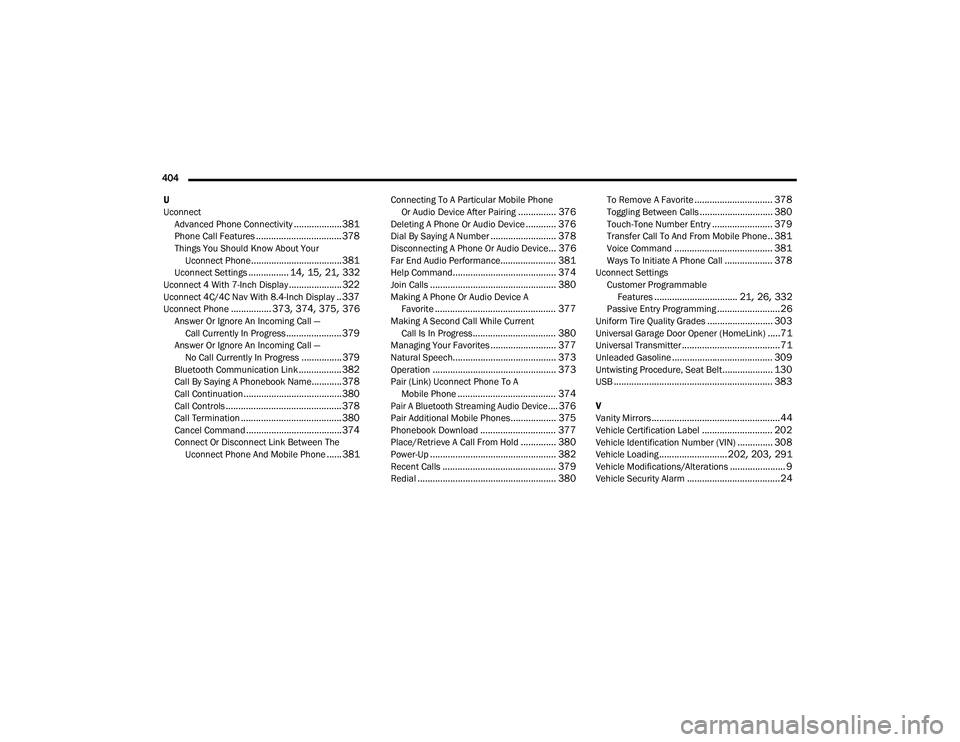
...................381Phone Call Features.................................. 378Things You Should Know About Your Uconnect Phone.................................... 381Uconnect Settings................ 14, 15, 21, 332Uconnect 4 With 7-Inch Display..................... 322Uconnect 4C/4C Nav With 8.4-Inch Display.. 337Uconnect Phone................ 373, 374, 375, 376Answer Or Ignore An Incoming Call — Call Currently In Progress...................... 379Answer Or Ignore An Incoming Call — No Call Currently In Progress................379Bluetooth Communication Link................. 382Call By Saying A Phonebook Name............ 378Call Continuation....................................... 380Call Controls.............................................. 378Call Termination........................................ 380Cancel Command...................................... 374Connect Or Disconnect Link Between The Uconnect Phone And Mobile Phone...... 381
Connecting To A Particular Mobile Phone Or Audio Device After Pairing............... 376Deleting A Phone Or Audio Device............ 376Dial By Saying A Number.......................... 378Disconnecting A Phone Or Audio Device... 376Far End Audio Performance...................... 381Help Command......................................... 374Join Calls.................................................. 380Making A Phone Or Audio Device A Favorite................................................ 377Making A Second Call While Current Call Is In Progress................................. 380Managing Your Favorites.......................... 377Natural Speech......................................... 373Operation................................................. 373Pair (Link) Uconnect Phone To A Mobile Phone....................................... 374
Pair A Bluetooth Streaming Audio Device.... 376
Pair Additional Mobile Phones.................. 375Phonebook Download.............................. 377Place/Retrieve A Call From Hold.............. 380Power-Up.................................................. 382Recent Calls............................................. 379Redial....................................................... 380
To Remove A Favorite............................... 378Toggling Between Calls............................. 380Touch-Tone Number Entry........................ 379Transfer Call To And From Mobile Phone.. 381Voice Command....................................... 381Ways To Initiate A Phone Call................... 378Uconnect SettingsCustomer Programmable Features
................................. 21, 26, 332Passive Entry Programming.........................26Uniform Tire Quality Grades.......................... 303Universal Garage Door Opener (HomeLink).....71Universal Transmitter.......................................71Unleaded Gasoline........................................ 309Untwisting Procedure, Seat Belt.................... 130USB............................................................... 383
V
Vanity Mirrors...................................................44Vehicle Certification Label............................ 202Vehicle Identification Number (VIN).............. 308Vehicle Loading........................... 202, 203, 291Vehicle Modifications/Alterations...................... 9Vehicle Security Alarm.....................................24
20_LD_OM_EN_USC_t.book Page 404