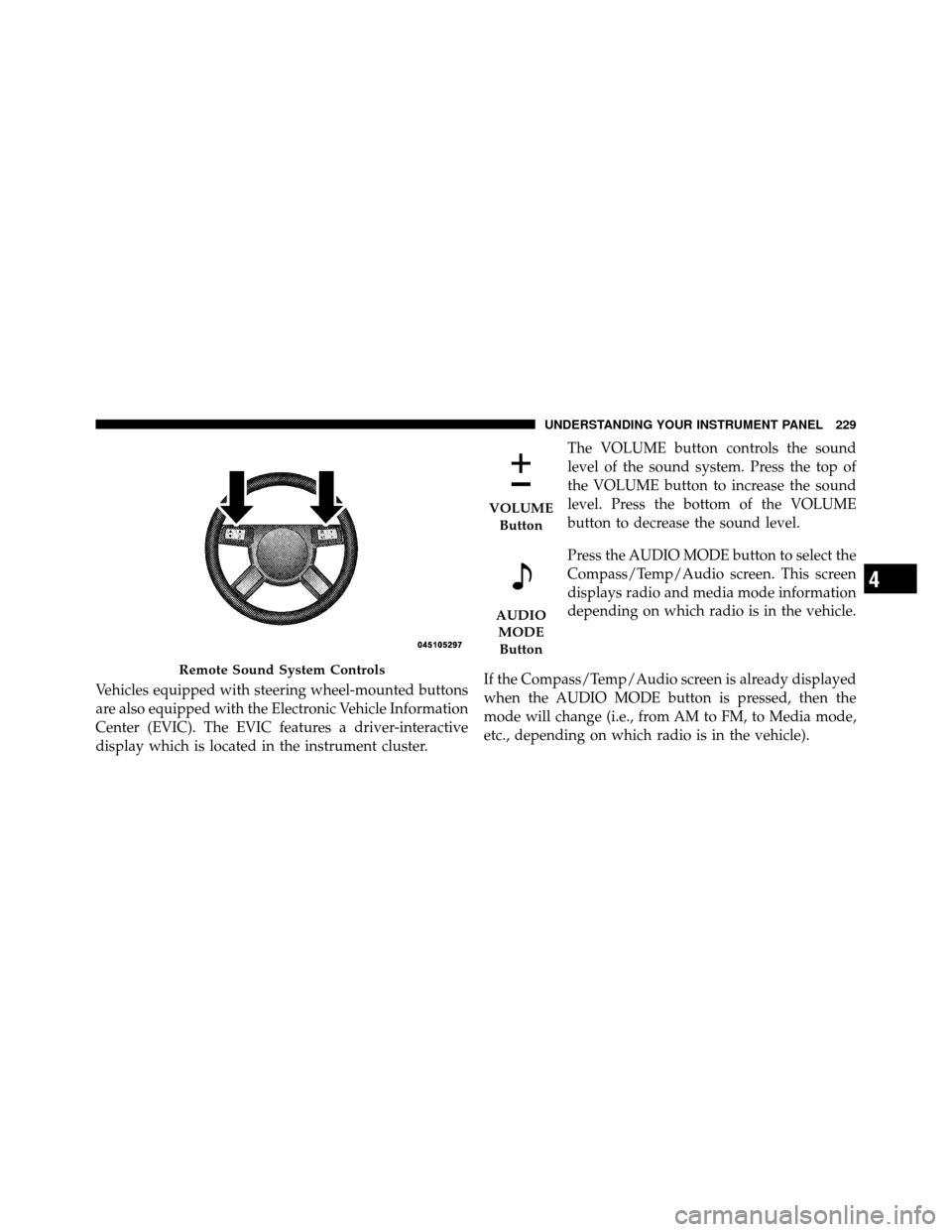
Vehicles equipped with steering wheel-mounted buttons
are also equipped with the Electronic Vehicle Information
Center (EVIC). The EVIC features a driver-interactive
display which is located in the instrument cluster.The VOLUME button controls the sound
level of the sound system. Press the top of
the VOLUME button to increase the sound
level. Press the bottom of the VOLUME
button to decrease the sound level.
Press the AUDIO MODE button to select the
Compass/Temp/Audio screen. This screen
displays radio and media mode information
depending on which radio is in the vehicle.
If the Compass/Temp/Audio screen is already displayed
when the AUDIO MODE button is pressed, then the
mode will change (i.e., from AM to FM, to Media mode,
etc., depending on which radio is in the vehicle).
Remote Sound System Controls
VOLUME Button
AUDIOMODEButton
4
UNDERSTANDING YOUR INSTRUMENT PANEL 229
When the EVIC is in the Compass/Temp/
Audio screen, press the FUNCTION SE-
LECT button to operate various radio, me-
dia, and Universal Customer Interface
(UCI) functions (i.e., advance presets, select
next folder, jump to or start playing songs
in playlists, etc., depending on which radio
is in the vehicle and if equipped with UCI).
When the EVIC is in the Compass/Temp/
Audio screen, press the SCROLL button to
seek up and down radio stations, tracks,
chapters, files, etc., depending on which
radio is in the vehicle.
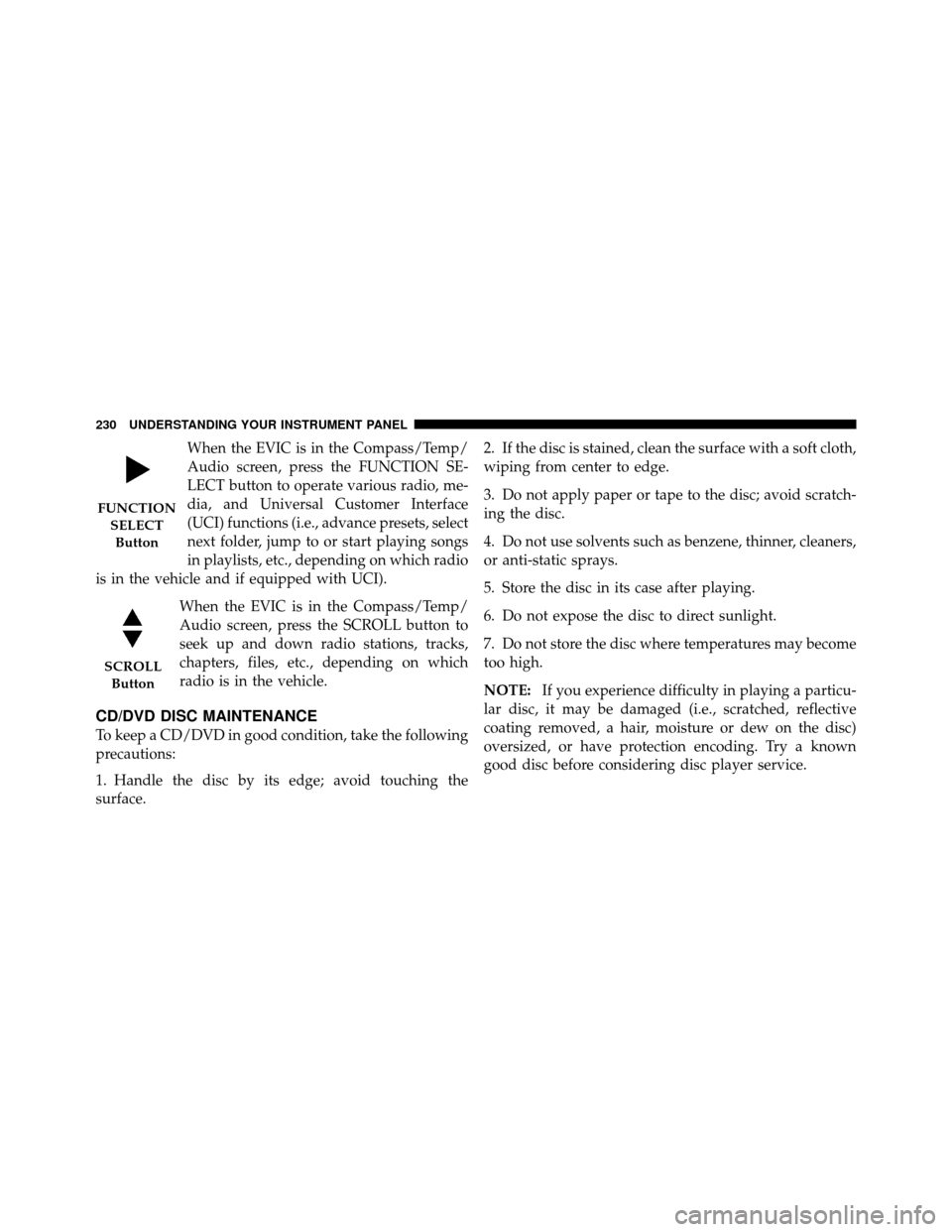
CD/DVD DISC MAINTENANCE
To keep a CD/DVD in good condition, take the following
precautions:
1. Handle the disc by its edge; avoid touching the
surface. 2. If the disc is stained, clean the surface with a soft cloth,
wiping from center to edge.
3. Do not apply paper or tape to the disc; avoid scratch-
ing the disc.
4. Do not use solvents such as benzene, thinner, cleaners,
or anti-static sprays.
5. Store the disc in its case after playing.
6. Do not expose the disc to direct sunlight.
7. Do not store the disc where temperatures may become
too high.
NOTE:
If you experience difficulty in playing a particu-
lar disc, it may be damaged (i.e., scratched, reflective
coating removed, a hair, moisture or dew on the disc)
oversized, or have protection encoding. Try a known
good disc before considering disc player service.
FUNCTION
SELECTButton
SCROLL Button
230 UNDERSTANDING YOUR INSTRUMENT PANEL