reset DODGE CHARGER SRT 2014 7.G Owner's Manual
[x] Cancel search | Manufacturer: DODGE, Model Year: 2014, Model line: CHARGER SRT, Model: DODGE CHARGER SRT 2014 7.GPages: 614, PDF Size: 4.37 MB
Page 354 of 614
•Memory Linked To FOB
Touch the “Memory Linked to FOB” soft-key to change
this display. This feature provides automatic driver seat
positioning to enhance driver mobility when entering
and exiting the vehicle, driver 1 and driver 2 last mode,
settings and presets. To make your selection, touch the
“Memory Linked to FOB” soft-key and select “ON” or
“OFF.” Then touch the arrow back soft-key.
NOTE: The seat will return to the memorized seat
location (if Recall Memory with Remote Key Unlock is set
to ON) when the RKE transmitter is used to unlock the
door. Refer to “Driver Memory Seat” in “Understanding
The Features Of Your Vehicle” for further information.
• Passive Entry (Keyless Enter-N-Go™)
Touch the “Passive Entry” soft-key to change this display.
This feature allows you to lock and unlock the vehicle’s
door(s) without having to press the RKE transmitter lock or unlock buttons. To make your selection, touch the
“Passive Entry” soft-key and select “ON” or “OFF.” Then
touch the arrow back soft-key. Refer to “Keyless Enter-
N-Go™” in “Things To Know Before Starting Your Ve-
hicle.”
Heated Seats
•
Auto Heated Seats — If Equipped
Touch the “Auto Heated Seats” soft-key to change this
display. When the temperatures are below 40° F (4.4° C)
the Driver ’s heated seat will turn on. To make your
selection, touch the “Auto Heated Seats” soft-key and
select “ON” or “OFF.” Then touch the back arrow soft-
key.
352 UNDERSTANDING YOUR INSTRUMENT PANEL
Page 356 of 614
the compass will automatically compensate for the dif-
ferences, and provide the most accurate compass head-
ing.
NOTE:Keep magnetic materials away from the top of the
instrument panel, such as iPod’s, Mobile Phones, Lap-
tops and Radar Detectors. This is where the compass
module is located, and it can cause interference with the
compass sensor, and it may give false readings.
•Calibration
Touch the “Calibration” soft-key to change this setting.
This compass is self-calibrating, which eliminates the
need to manually reset the compass. When the vehicle is
new, the compass may appear erratic and the EVIC will
display CAL until the compass is calibrated. You may
Compass Variance Map
354 UNDERSTANDING YOUR INSTRUMENT PANEL
Page 372 of 614
•Perform Compass Calibration
Touch the “Calibration” soft-key to change this setting.
This compass is self-calibrating, which eliminates the
need to manually reset the compass. When the vehicle is
new, the compass may appear erratic and it may need to
be calibrated. You may also calibrate the compass by pressing the “ON” soft-key and completing one or more
360-degree turns (in an area free from large metal or
metallic objects) until the CAL indicator displayed in the
EVIC turns off. The compass will now function normally.
Audio
After pressing the Audio soft-key the following settings
will be available.
•
Balance/Fade
When in this display you may adjust the Balance and
Fade settings.
• Equalizer
When in this display you may adjust the Bass, Mid and
Treble settings. Adjust the settings with the + and –
setting soft-keys or by selecting any point on the scale
between the + and – soft-keys. Then touch the back arrow
soft-key.
Compass Variance Map
370 UNDERSTANDING YOUR INSTRUMENT PANEL
Page 380 of 614
The right-hand control is a rocker-type switch with a
pushbutton in the center and controls the volume and
mode of the sound system. Pressing the top of the rocker
switch will increase the volume, and pressing the bottom
of the rocker switch will decrease the volume.Pressing the center button will make the radio switch
between the various modes available (AM/FM/SAT/
CD/AUX/VES, etc.).
The left-hand control is a rocker-type switch with a
pushbutton in the center. The function of the left-hand
control is different depending on which mode you are in.
The following describes the left-hand control operation in
each mode.
Radio Operation
Pushing the top of the switch will “Seek” up for the next
listenable station and pushing the bottom of the switch
will “Seek” down for the next listenable station.
The button located in the center of the left-hand control
will tune to the next preset station that you have pro-
grammed in the radio preset button.
Remote Sound Controls (Back View Of Steering Wheel)
378 UNDERSTANDING YOUR INSTRUMENT PANEL
Page 412 of 614
may be illuminated. Limp Home Mode allows the vehicle
to be driven to an authorized dealer for service without
damaging the transmission.
In the event of a momentary problem, the transmission
can be reset to regain all forward gears by performing the
following steps:
1. Stop the vehicle.
2. Shift the transmission into PARK.
3. Turn the ignition switch to the LOCK/OFF position.
4. Wait approximately 10 seconds.
5. Restart the engine.
6. Shift into the desired gear range. If the problem is nolonger detected, the transmission will return to normal
operation. NOTE:
Even if the transmission can be reset, we recom-
mend that you visit your authorized dealer at your
earliest possible convenience. Your authorized dealer has
diagnostic equipment to determine if the problem could
recur. If the transmission cannot be reset, authorized
dealer service is required.
Overdrive Operation
The automatic transmission includes an electronically
controlled Overdrive (fifth gear). The transmission will
automatically shift into Overdrive if the following con-
ditions are present:
• The shift lever is in the DRIVE position.
• Vehicle speed is sufficiently high.
• The driver is not heavily pressing the accelerator.
410 STARTING AND OPERATING
Page 472 of 614
CAUTION!(Continued)
blends may result in starting and drivability prob-
lems, damage critical fuel system components, cause
emissions to exceed the applicable standard, and/or
cause the “Malfunction Indicator Light” to illumi-
nate. Pump labels should clearly communicate if a
fuel contains greater than 10% Ethanol.
Problems that result from using gasoline containing
Methanol or gasoline containing more than 10% Ethanol
are not the responsibility of the manufacturer and may
not be covered under New Vehicle Limited Warranty.
E-85 Usage In Non-Flex Fuel Vehicles
Non-Flex Fuel Vehicles (FFV) are compatible with gaso-
line containing 10% ethanol (E10). Gasoline with higher
ethanol content may void the New Vehicle Limited
Warranty. If a Non-FFV vehicle is inadvertently fueled with E-85
fuel, the engine will have some or all of these symptoms:
•
Operate in a lean mode.
• OBD II “Malfunction Indicator Light” on.
• Poor engine performance.
• Poor cold start and cold drivability.
• Increased risk for fuel system component corrosion.
To fix a Non-FFV vehicle inadvertently fueled once with
E-85 perform the following:
• Drain the fuel tank (see your authorized dealer).
• Change the engine oil and oil filter.
• Disconnect and reconnect the battery to reset the
engine controller memory.
More extensive repairs will be required for prolonged
exposure to E-85 fuel.
470 STARTING AND OPERATING
Page 534 of 614
recommended fluid. No chemical flushes should be used
in any transmission; only the approved lubricant should
be used.
CAUTION!
Using a transmission fluid other than the manufac-
turer ’s recommended fluid may cause deterioration
in transmission shift quality and/or torque converter
shudder, and will require more frequent fluid and
filter changes. Refer to “Fluids, Lubricants, and
Genuine Parts” in this section for fluid specifica-
tions.
Special Additives
The manufacturer strongly recommends against using
any special additives in the transmission.Automatic Transmission Fluid (ATF) is an engineered
product and its performance may be impaired by supple-
mental additives. Therefore, do not add any fluid addi-
tives to the transmission. The only exception to this
policy is the use of special dyes for diagnosing fluid
leaks. Avoid using transmission sealers as they may
adversely affect seals.
CAUTION!
Do not use chemical flushes in your transmission as
the chemicals can damage your transmission compo-
nents. Such damage is not covered by the New
Vehicle Limited Warranty.
Fluid Level Check
The fluid level is preset at the factory and does not
require adjustment under normal operating conditions.
Routine fluid level checks are not required, therefore the
532 MAINTAINING YOUR VEHICLE
Page 565 of 614
Your authorized dealer will reset the oil change indicator
message after completing the scheduled oil change. If a
scheduled oil change is performed by someone other
than your authorized dealer, the message can be reset by
referring to the steps described under “Electronic Vehicle
Information Center (EVIC)” in “Understanding Your
Instrument Panel” for further information.
At Each Stop For Fuel
•Check the engine oil level. Refer to “Maintenance
Procedures/Engine Oil” in “Maintaining Your Ve-
hicle” for further information.
• Check the windshield washer solvent and add if
required. Once A Month
•
Check tire pressure and look for unusual wear or
damage.
• Inspect the battery, and clean and tighten the terminals
as required.
• Check the fluid levels of the coolant reservoir, brake
master cylinder, and power steering, and add as
needed.
• Check all lights and other electrical items for correct
operation.
8
MAINTENANCE SCHEDULES 563
Page 604 of 614
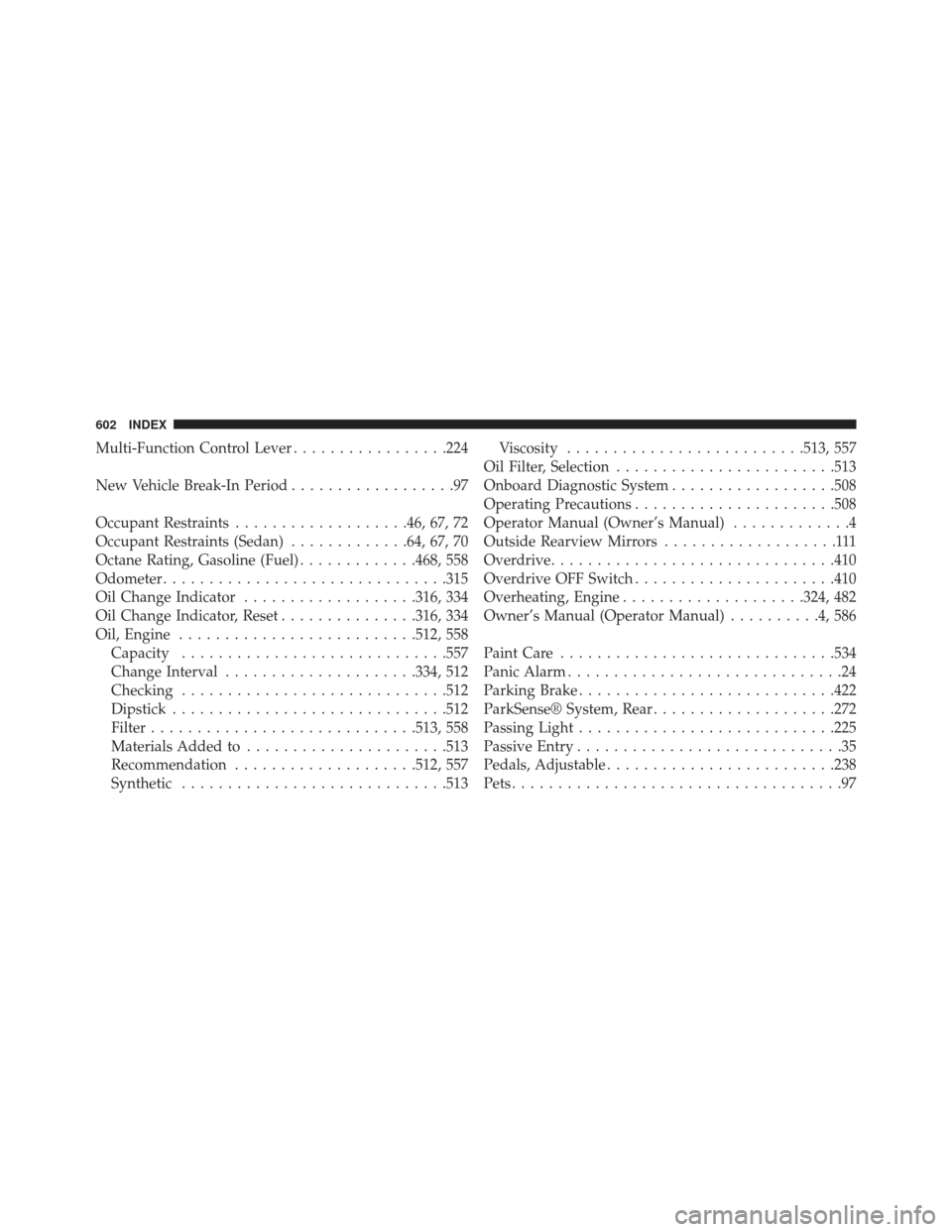
Multi-Function Control Lever.................224
New Vehicle Break-In Period ..................97
Occupant Restraints ...................46, 67, 72
Occupant Restraints (Sedan) .............64, 67, 70
Octane Rating, Gasoline (Fuel) .............468, 558
Odometer .............................. .315
Oil Change Indicator ...................316, 334
Oil Change Indicator, Reset ...............316, 334
Oil, Engine ......................... .512, 558
Capacity ............................ .557
Change Interval .....................334, 512
Checking ............................ .512
Dipstick ............................. .512
Filter ............................ .513, 558
Materials Added to ..................... .513
Recommendation ....................512, 557
Synthetic ............................ .513Viscosity
......................... .513, 557
Oil Filter, Selection ....................... .513
Onboard Diagnostic System ..................508
Operating Precautions ..................... .508
Operator Manual (Owner’s Manual) .............4
Outside Rearview Mirrors ...................111
Overdrive .............................. .410
Overdrive OFF Switch ..................... .410
Overheating, Engine ....................324, 482
Owner’s Manual (Operator Manual) ..........4,586
Paint Care ............................. .534
Panic Alarm ..............................24
Parking Brake ........................... .422
ParkSense® System, Rear ....................272
Passing Light ........................... .225
Passive Entry .............................35
Pedals, Adjustable ........................ .238
Pets ....................................97
602 INDEX
Page 606 of 614
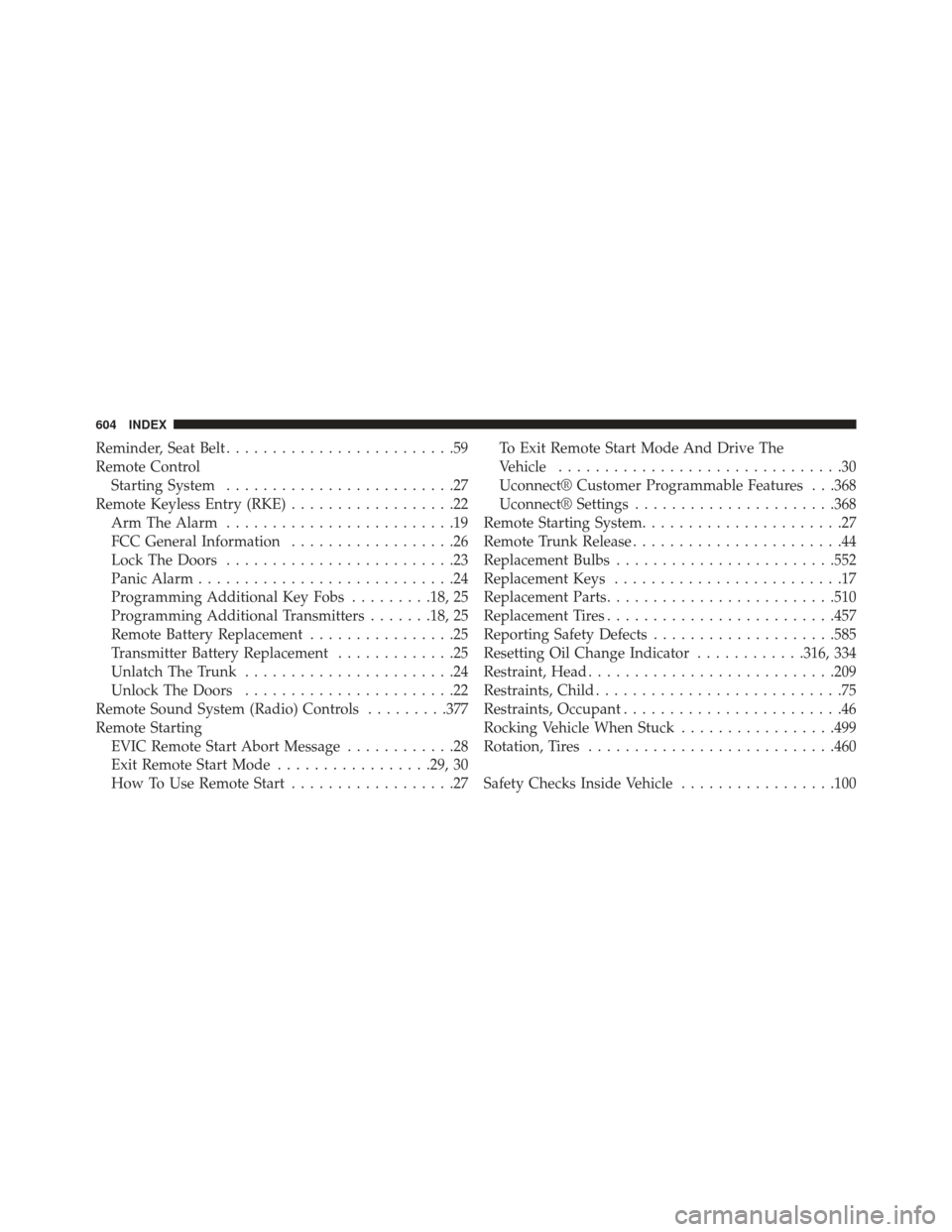
Reminder, Seat Belt.........................59
Remote Control Starting System .........................27
Remote Keyless Entry (RKE) ..................22
Arm The Alarm .........................19
FCC General Information ..................26
Lock The Doors .........................23
Panic Alarm ............................24
Programming Additional Key Fobs .........18, 25
Programming Additional Transmitters .......18, 25
Remote Battery Replacement ................25
Transmitter Battery Replacement .............25
Unlatch The Trunk .......................24
Unlock The Doors .......................22
Remote Sound System (Radio) Controls .........377
Remote Starting EVIC Remote Start Abort Message ............28
Exit Remote Start Mode .................29, 30
How To Use Remote Start ..................27 To Exit Remote Start Mode And Drive The
Vehicle
...............................30
Uconnect® Customer Programmable Features . . .368
Uconnect® Settings ..................... .368
Remote Starting System ......................27
Remote Trunk Release .......................44
Replacement Bulbs ....................... .552
Replacement Keys .........................17
Replacement Parts ........................ .510
Replacement Tires ........................ .457
Reporting Safety Defects ....................585
Resetting Oil Change Indicator ............316, 334
Restraint, Head .......................... .209
Restraints, Child ...........................75
Restraints, Occupant ........................46
Rocking Vehicle When Stuck .................499
Rotation, Tires .......................... .460
Safety Checks Inside Vehicle .................100
604 INDEX