check engine light DODGE CHARGER SRT 2016 7.G User Guide
[x] Cancel search | Manufacturer: DODGE, Model Year: 2016, Model line: CHARGER SRT, Model: DODGE CHARGER SRT 2016 7.GPages: 634, PDF Size: 4.6 MB
Page 320 of 634
•Daytime Running Lights — If Equipped
When this feature is selected, the headlights will turn on
whenever the engine is running. To make your selection,
press the “Daytime Running Lights” button on the touch-
screen, until a check-mark appears next to setting, show-
ing that the setting has been selected.
• Flash Lights With Lock
When this feature is selected, the hazard lights will flash
when the doors are locked or unlocked with the Remote
Keyless Entry (RKE) transmitter, or when using the
passive entry feature. This feature may be selected with
or without the “Sound Horn on Lock” feature selected. To
make your selection, press the “Flash Lights with Lock”
button on the touchscreen, until a check-mark appears
next to setting, showing that the setting has been se-
lected.Doors & Locks
After pressing the “Doors & Locks” button on the touch-
screen the following settings will be available:
• Auto Unlock On Exit
When this feature is selected, all doors will unlock when
the vehicle is stopped, the transmission is in the PARK or
NEUTRAL position and the driver’s door is opened. To
make your selection, press the “Auto Unlock On Exit”
button on the touchscreen, until a check-mark appears
next to the setting, showing that the setting has been
selected.
• Flash Lights With Lock
When this feature is selected, the exterior lights will flash
when the doors are locked or unlocked with the Remote
Keyless Entry (RKE) transmitter, or when using the
passive entry feature. This feature may be selected with
or without the “Sound Horn on Lock” feature selected. To
318 UNDERSTANDING YOUR INSTRUMENT PANEL
Page 323 of 634
temperatures are below 40° F (4.4° C). When tempera-
tures are above 80° F (26.7° C) the driver vented seat will
turn ON. To make your selection, press the “Auto-On
Driver Heated/Ventilated Seat & Steering Wheel With
Vehicle Start” button to select from “Off,” “Remote Start”
or “All Starts” until a check-mark appears next to setting,
showing that setting has been selected.
Engine Off Options
After pressing the “Engine Off Options” button on the
touchscreen the following settings will be available:
•Easy Exit Seat — If Equipped
When this feature is selected, the Driver ’s seat will
automatically move rearward once the engine is shut off.
To make your selection, press the “Easy Exit Seat” button
on the touchscreen, until a check-mark appears next to
setting, showing that setting has been selected. •
Engine Off Power Delay
When this feature is selected, the power window
switches, radio, Uconnect Phone system (if equipped),
DVD video system (if equipped), power sunroof (if
equipped), and power outlets will remain active for up to
10 minutes after the ignition is cycled to OFF. Opening
either front door will cancel this feature. To change the
Engine Off Power Delay setting, press the “+” or “-”
button on the touchscreen to select your desired time
interval, and choose from “0 seconds,” “45 seconds,” “5
minutes” or “10 minutes.”
• Headlight Off Delay
When this feature is selected, the driver can choose to
have the headlights remain on for 0, 30, 60, or 90 seconds
when exiting the vehicle. To change the Headlight Off
Delay status press the “+” or “–” button on the touch-
screen to select your desired time interval.
4
UNDERSTANDING YOUR INSTRUMENT PANEL 321
Page 431 of 634
WARNING!
•Driving through standing water limits your vehi-
cle’s traction capabilities. Do not exceed 5 mph
(8 km/h) when driving through standing water.
• Driving through standing water limits your vehi-
cle’s braking capabilities, which increases stopping
distances. Therefore, after driving through stand-
ing water, drive slowly and lightly press on the
brake pedal several times to dry the brakes.
• Failure to follow these warnings may result in
injuries that are serious or fatal to you, your pas-
sengers, and others around you.
CAUTION!
• Always check the depth of the standing water
before driving through it. Never drive through
(Continued)
CAUTION! (Continued)
standing water that is deeper than the bottom of
the tire rims mounted on the vehicle.
• Determine the condition of the road or the path
that is under water and if there are any obstacles in
the way before driving through the standing water.
• Do not exceed 5 mph (8 km/h) when driving
through standing water. This will minimize wave
effects.
• Driving through standing water may cause damage
to your vehicle’s drivetrain components. Always
inspect your vehicle’s fluids (i.e., engine oil, trans-
mission, axle, etc.) for signs of contamination (i.e.,
fluid that is milky or foamy in appearance) after
driving through standing water. Do not continue to
operate the vehicle if any fluid appears contami-
nated, as this may result in further damage. Such
(Continued)
5
STARTING AND OPERATING 429
Page 529 of 634
access this information to assist with the diagnosis and
service of your vehicle and emissions system.
WARNING!
•ONLY an authorized service technician should con-
nect equipment to the OBD II connection port in
order to diagnose or service your vehicle.
• If unauthorized equipment is connected to the
OBD II connection port, such as a driver-behavior
tracking device, it may:
• Be possible that vehicle systems, including
safety related systems, could be impaired or a
loss of vehicle control could occur that may result
in an accident involving serious injury or death.
• Access, or allow others to access, information
stored in your vehicle systems, including per-
sonal information. For further information, refer to “Privacy Practices — If
Equipped With Uconnect 8.4 Radio” and “Uconnect
CyberSecurity” in “All About Uconnect Access” in your
Owner ’s Manual Radio Supplement and “Cybersecurity”
in “Understanding Your Instrument Panel” in your Own-
er ’s Manual on the DVD.
EMISSIONS INSPECTION AND MAINTENANCE
PROGRAMS
In some localities, it may be a legal requirement to pass
an inspection of your vehicle’s emissions control system.
Failure to pass could prevent vehicle registration.
For states that require an Inspection and Mainte-
nance (I/M), this check verifies the “Malfunction
Indicator Light (MIL)” is functioning and is not
on when the engine is running, and that the OBD II
system is ready for testing.
7
MAINTAINING YOUR VEHICLE 527
Page 530 of 634
Normally, the OBD II system will be ready. The OBD II
system maynotbe ready if your vehicle was recently
serviced, recently had a dead battery or a battery replace-
ment. If the OBD II system should be determined not
ready for the I/M test, your vehicle may fail the test.
Your vehicle has a simple ignition actuated test, which
you can use prior to going to the test station. To check if
your vehicle’s OBD II system is ready, you must do the
following:
1. Cycle the ignition switch to the ON position, but do not crank or start the engine.
NOTE: If you crank or start the engine, you will have to
start this test over.
2. As soon as you cycle the ignition switch to the ON position, you will see the “Malfunction Indicator Light
(MIL)” symbol come on as part of a normal bulb
check. 3. Approximately 15 seconds later, one of two things will
happen:
• The MIL will flash for about 10 seconds and then
return to being fully illuminated until you turn OFF
the ignition or start the engine. This means that your
vehicle’s OBD II system is not readyand you should
not proceed to the I/M station.
• The MIL will not flash at all and will remain fully
illuminated until you place the ignition in the off
position or start the engine. This means that your
vehicle’s OBD II system is readyand you can proceed
to the I/M station.
If your OBD II system is not ready,you should see your
authorized dealer or repair facility. If your vehicle was
recently serviced or had a battery failure or replacement,
you may need to do nothing more than drive your
vehicle as you normally would in order for your OBD II
528 MAINTAINING YOUR VEHICLE
Page 552 of 634
•Make sure that the coolant expansion bottle overflow
hoses are not kinked or obstructed.
• Keep the front of the radiator clean. If your vehicle is
equipped with air conditioning, keep the front of the
condenser clean.
• Do not change the thermostat for Summer or Winter
operation. If replacement is ever necessary, install
ONLY the correct type thermostat. Other designs may
result in unsatisfactory engine coolant (antifreeze)
performance, poor gas mileage, and increased emis-
sions.
Brake System
In order to assure brake system performance, all brake
system components should be inspected periodically.
Refer to the “Maintenance Schedule” for the proper
maintenance intervals.
WARNING!
Riding the brakes can lead to brake failure and
possibly a collision. Driving with your foot resting or
riding on the brake pedal can result in abnormally
high brake temperatures, excessive lining wear, and
possible brake damage. You would not have your full
braking capacity in an emergency.
Master Cylinder — Brake Fluid Level Check
Check the fluid level in the master cylinder immediately
if the brake system warning light indicates system fail-
ure.
Check the fluid level in the master cylinder when per-
forming underhood services.
Clean the top of the master cylinder area before removing
the cap. Add fluid to bring the level up to the top of the
“FULL” mark on the side of the master cylinder reservoir.
550 MAINTAINING YOUR VEHICLE
Page 591 of 634
Your authorized dealer will reset the oil change indicator
message after completing the scheduled oil change. If a
scheduled oil change is performed by someone other
than your authorized dealer, the message can be reset by
referring to the steps described under “Driver Informa-
tion Display (DID)” in “Understanding Your Instrument
Panel” for further information.
At Each Stop For Fuel
•Check the engine oil level. Refer to “Maintenance
Procedures/Engine Oil” in “Maintaining Your Ve-
hicle” for further information.
• Check the windshield washer solvent and add if
required.
Once A Month
• Check tire pressure and look for unusual wear or
damage. •
Inspect the battery, and clean and tighten the terminals
as required.
• Check the fluid levels of the coolant reservoir, brake
master cylinder, and power steering (6.2L Only), and
add as needed.
• Check all lights and other electrical items for correct
operation.
At Each Oil Change
• Change the engine oil filter.
• Inspect the brake hoses and lines.
CAUTION!
Failure to perform the required maintenance items
may result in damage to the vehicle.
8
MAINTENANCE SCHEDULES 589
Page 613 of 634
Alarm, Panic.............................24
Alarm (Security Alarm) ..................19, 261
Alarm System (Security Alarm) ................19
Alterations/Modifications, Vehicle ...............7
Antifreeze (Engine Coolant) ...............545, 581
Disposal ............................. .548
Anti-Lock Brake System (ABS) ................436
Anti-Lock Warning Light ....................277
Appearance Care ........................ .554
Arming System (Security Alarm) ...............19
Assist, Hill Start ......................... .439
Auto Down Power Windows ..................42
Automatic Door Locks ......................33
Automatic Headlights ..................... .153
Automatic High Beams .....................153
Automatic Temperature Control (ATC) .......362, 369
Automatic Transmission .................406, 553
Adding Fluid ...................553, 583, 585
Autostick ............................ .413Fluid And Filter Changes
..................553
Fluid Change ......................... .553
Fluid Level Check ...................552, 553
Fluid Type ........................ .583, 585
Special Additives ...................... .552
Automatic Transmission Limp Home Mode .......412
Autostick .............................. .413
Auto Unlock, Doors ........................33
Auto Up Power Windows ....................42
Axle Fluid .......................... .583, 585
Axle Lubrication ..................... .583, 585
Battery ............................ .263, 535
Charging System Light ...................263
Keyless Transmitter Replacement (RKE) ........24
Location ............................. .535
Belts, Seat .............................. .101
Body Mechanism Lubrication .................540
B-Pillar Location ......................... .456
10
INDEX 611
Page 614 of 634
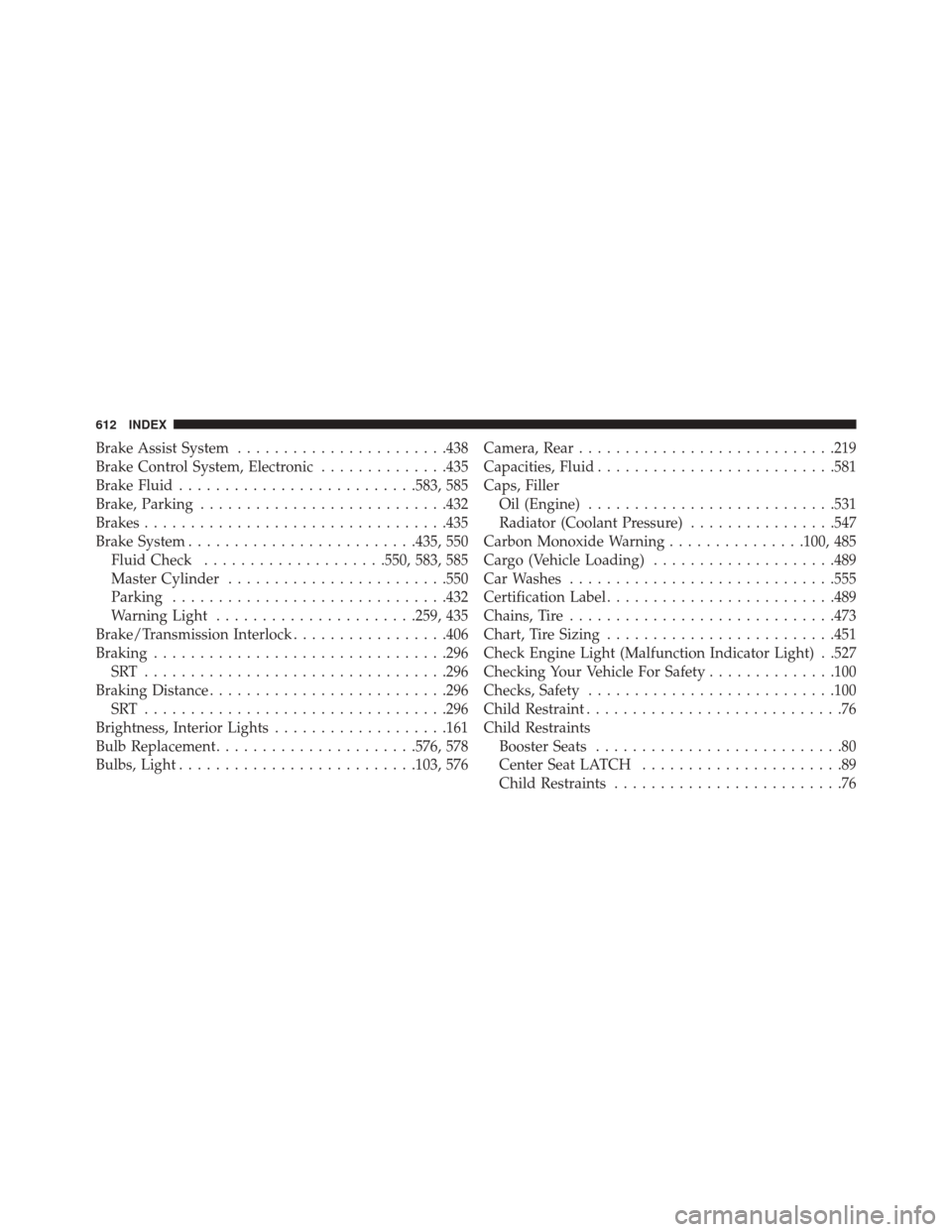
Brake Assist System...................... .438
Brake Control System, Electronic ..............435
Brake Fluid ......................... .583, 585
Brake, Parking .......................... .432
Brakes ................................ .435
Brake System ........................ .435, 550
Fluid Check ....................550, 583, 585
Master Cylinder ....................... .550
Parking ............................. .432
Warning Light ..................... .259, 435
Brake/Transmission Interlock .................406
Braking ............................... .296
SRT ................................ .296
Braking Distance ......................... .296
SRT ................................ .296
Brightness, Interior Lights ...................161
Bulb Replacement ..................... .576, 578
Bulbs, Light ......................... .103, 576Camera, Rear
........................... .219
Capacities, Fluid ......................... .581
Caps, Filler Oil (Engine) .......................... .531
Radiator (Coolant Pressure) ................547
Carbon Monoxide Warning ...............100, 485
Cargo (Vehicle Loading) ....................489
Car Washes ............................ .555
Certification Label ........................ .489
Chains, Tire ............................ .473
Chart, Tire Sizing ........................ .451
Check Engine Light (Malfunction Indicator Light) . .527
Checking Your Vehicle For Safety ..............100
Checks, Safety .......................... .100
Child Restraint ............................76
Child Restraints Booster Seats ...........................80
Center Seat LATCH ......................89
Child Restraints .........................76
612 INDEX
Page 617 of 634
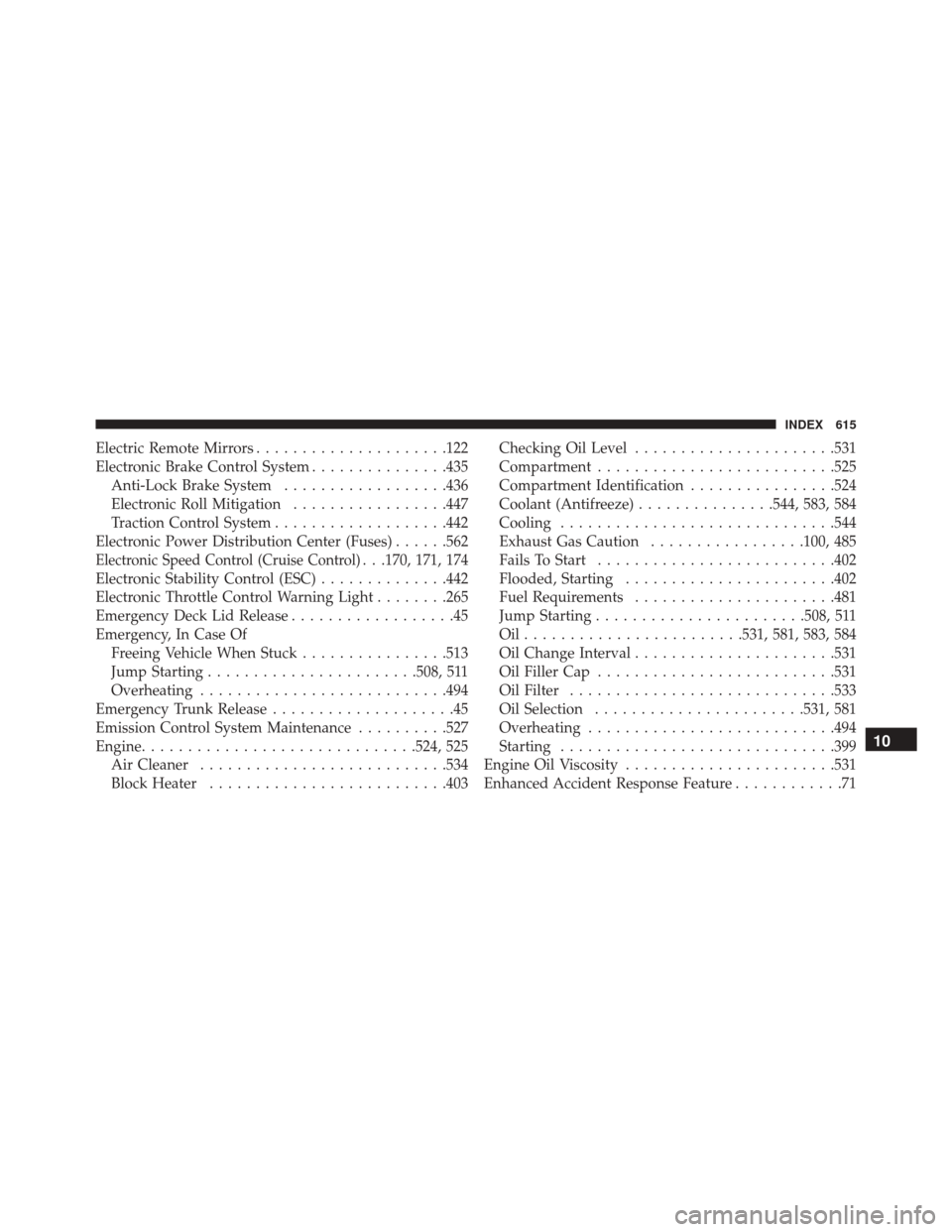
Electric Remote Mirrors.....................122
Electronic Brake Control System ...............435
Anti-Lock Brake System ..................436
Electronic Roll Mitigation .................447
Traction Control System ...................442
Electronic Power Distribution Center (Fuses) ......562
Electronic Speed Control (Cruise Control). . .170, 171, 174
Electronic Stability Control (ESC) ..............442
Electronic Throttle Control Warning Light ........265
Emergency Deck Lid Release ..................45
Emergency, In Case Of Freeing Vehicle When Stuck ................513
Jump Starting ...................... .508, 511
Overheating .......................... .494
Emergency Trunk Release ....................45
Emission Control System Maintenance ..........527
Engine ............................. .524, 525
Air Cleaner .......................... .534
Block Heater ......................... .403Checking Oil Level
..................... .531
Compartment ......................... .525
Compartment Identification ................524
Coolant (Antifreeze) ...............544, 583, 584
Cooling ............................. .544
Exhaust Gas Caution .................100, 485
Fails To Start ......................... .402
Flooded, Starting ...................... .402
Fuel Requirements ..................... .481
Jump Starting ...................... .508, 511
Oil....................... .531, 581, 583, 584
Oil Change Interval ..................... .531
Oil Filler Cap ......................... .531
Oil Filter ............................ .533
Oil Selection ...................... .531, 581
Overheating .......................... .494
Starting ............................. .399
Engine Oil Viscosity ...................... .531
Enhanced Accident Response Feature ............71
10
INDEX 615